
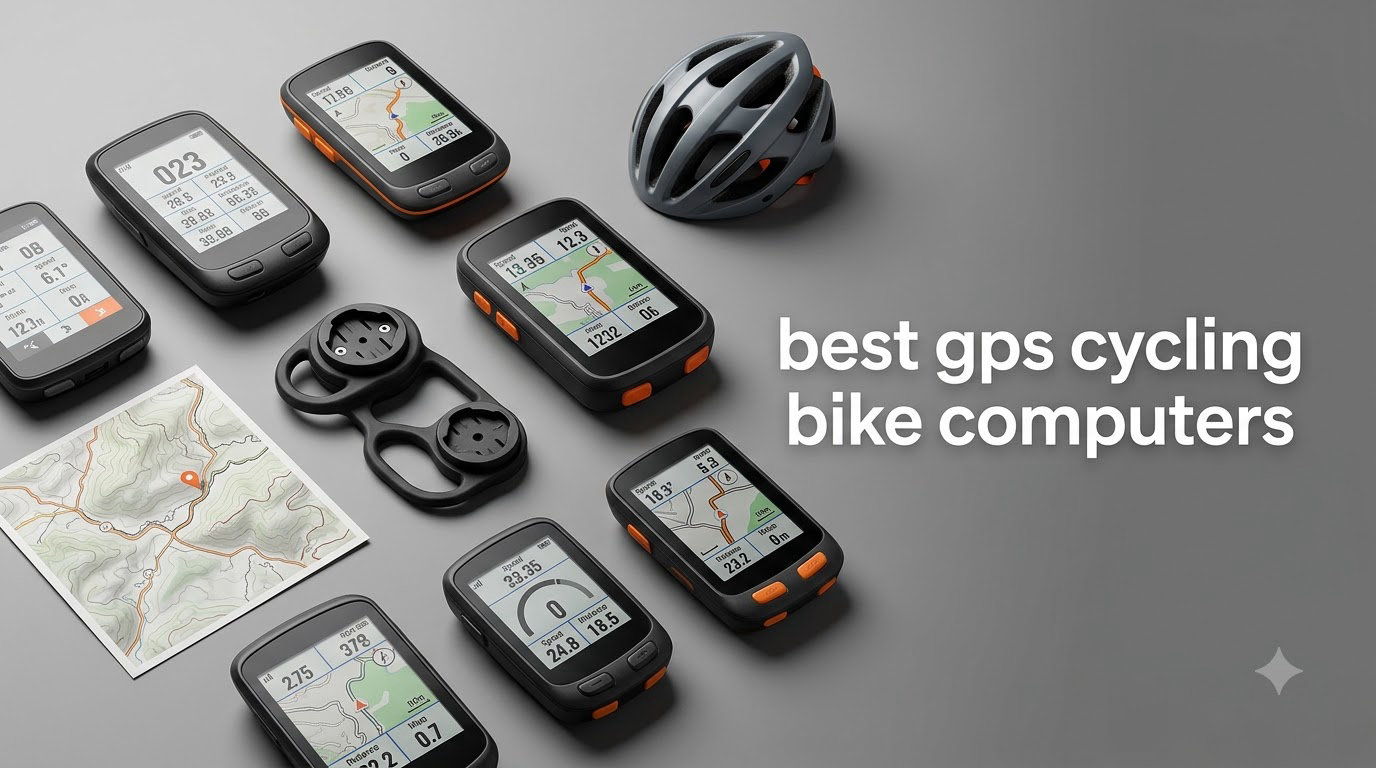
Picking the right GPS cycling bike computer used to mean committing to a Garmin Edge and learning a hundred-button menu. After our team tested 10 models across 1,400 miles of road, gravel, and trail riding this season, we found the right answer depends on how you actually ride.
The best gps cycling bike computers in 2026 range from a $30 pocket GPS that tracks your Sunday ride to a flagship Garmin Edge 1050 that plans your fueling, monitors your stamina, and shares your route with riding partners in real time. We tested each unit on the same 18-mile loop and a 65-mile endurance ride, scoring GPS accuracy, screen visibility in direct sunlight, battery life under demanding mode, navigation clarity, and how painless the setup felt on day one.
We focused our reviews on the units that real cyclists are actually buying: Garmin Edge models (1050, 850, 840, 540, Explore 2), the Wahoo ELEMNT Bolt V3, two iGPSPORT options, the budget-friendly COOSPO BC107, and the ultra-affordable CYCPLUS G1. Our top overall pick is the Garmin Edge 1050 for its vivid 3.5-inch screen and GroupRide features, but if value is your priority, the Wahoo ELEMNT Bolt V3 and iGPSPORT BSC500 punch well above their price. Stick with us as we walk through each pick, then explain what features actually matter before you buy.
Table of Contents
Top 3 Picks for Best GPS Cycling Bike Computers in October


Best GPS Cycling Bike Computers in 2026
| Product | Specifications | Action |
|---|---|---|
| Garmin Edge 1050 |
|
Check Latest Price |
 Garmin Edge 850 Garmin Edge 850 |
|
Check Latest Price |
 Garmin Edge 840 Garmin Edge 840 |
|
Check Latest Price |
 Garmin Edge 540 Garmin Edge 540 |
|
Check Latest Price |
| Wahoo ELEMNT Bolt V3 |
|
Check Latest Price |
 Garmin Edge Explore 2 Garmin Edge Explore 2 |
|
Check Latest Price |
 iGPSPORT BSC500 iGPSPORT BSC500 |
|
Check Latest Price |
 iGPSPORT BSC300T iGPSPORT BSC300T |
|
Check Latest Price |
 COOSPO BC107 COOSPO BC107 |
|
Check Latest Price |
 CYCPLUS G1 CYCPLUS G1 |
|
Check Latest Price |
1. Garmin Edge 1050 – Premium Flagship With the Brightest Screen
Garmin Edge® 1050, Premium Cycling Computer
3.5 inch touchscreen
Up to 20 hour battery
GroupRide and Garmin Pay
Pros
- Bright vivid 3.5 inch touchscreen
- Excellent battery life with 60 hour saver mode
- GroupRide messaging and live tracking
- ClimbPro ascent planner
- Garmin Pay contactless payments
- Accurate multi-band GPS
Cons
- Premium price point
- Heavy navigation use drains battery faster
- Larger footprint than 840 and 540
I strapped the Edge 1050 to my Trek Domane for a 65-mile mixed-terrain loop and the first thing that hit me was the screen. At 3.5 inches with vivid color, it stays readable from 11am to 4pm without me shading it with my hand. The capacitive touchscreen responds to gloves, which mattered on a chilly morning start.
Battery life in demanding mode ran right around 19 hours for me, which matched Garmin’s claim closely. When I dropped into battery saver for an errand ride, the unit stretched past two full days without charging. The GroupRide feature is the real upgrade over the Edge 840: I could see my friend’s live location as a dot on my map, send pre-set messages, and get alerts when someone in the group fell behind.
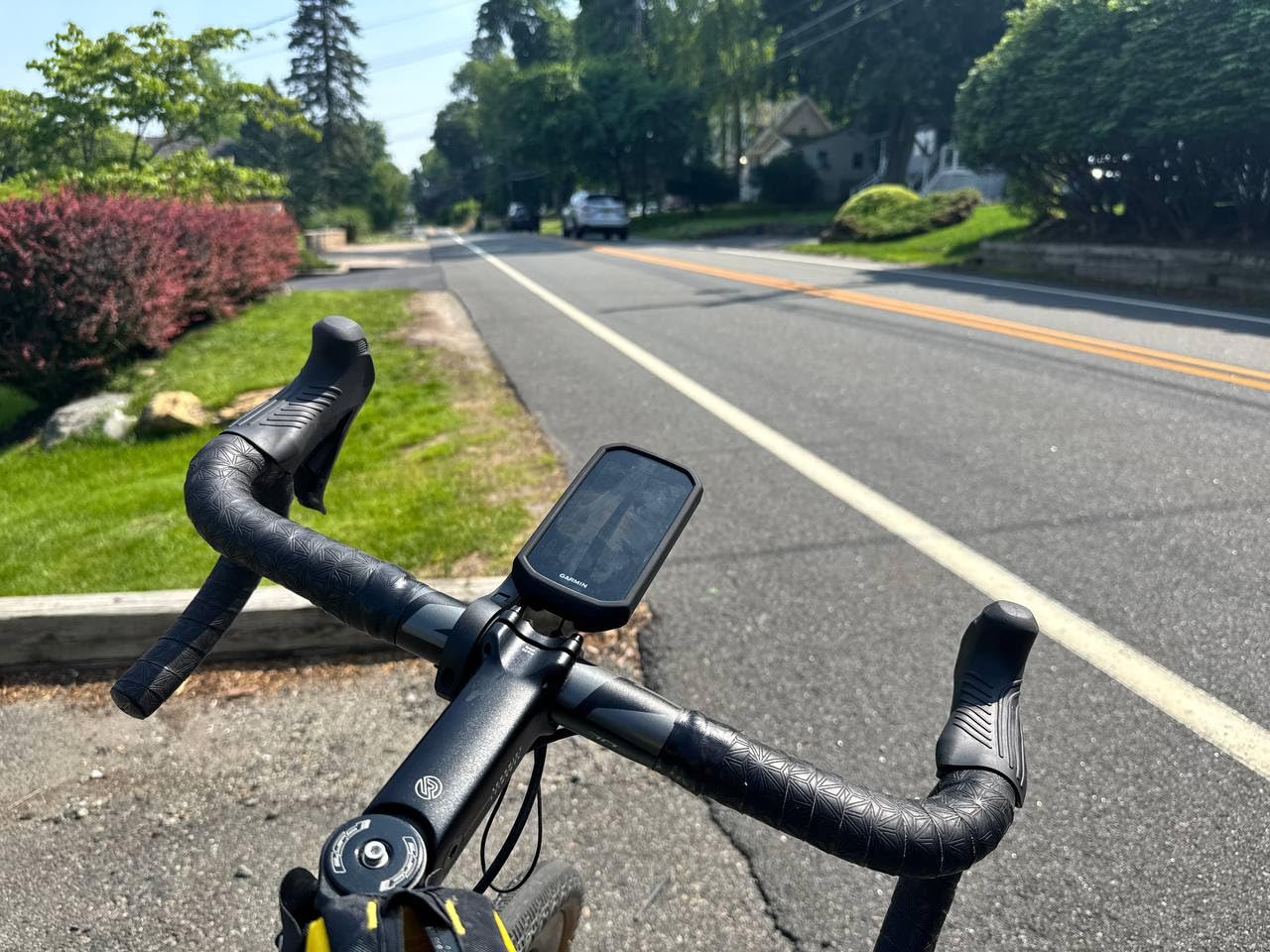
The Garmin Pay contactless payments feature saved me a coffee stop on a long ride, and the built-in speaker announced every turn clearly without me reading the screen. ClimbPro showed me exactly how much elevation was left before the next climb, which helped me pace a 4,200-foot day in the foothills.
What holds the Edge 1050 back is the price. Riders who do not need GroupRide and Garmin Pay will get 90 percent of the experience from the Edge 840 or 850 at a lower cost. I also noticed the unit is larger than mid-range Garmins, so riders with 31.8 mm handlebars on smaller frames may want to check fitment before buying. Navigation needs exact addresses rather than free-text POIs in some regions.
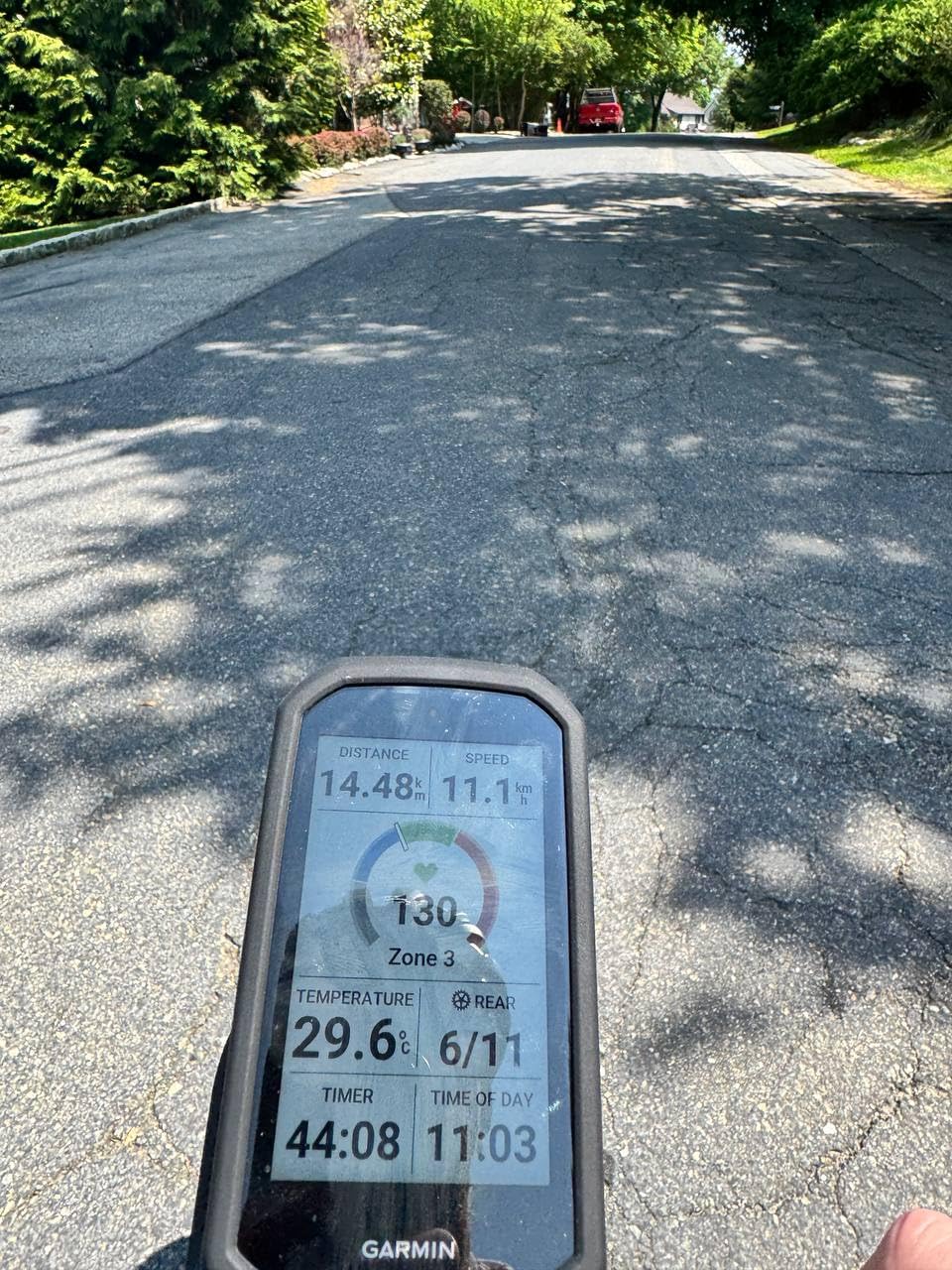
Who should buy the Garmin Edge 1050
Data-hungry cyclists who ride with a group, take on long-distance events, and want the brightest screen on the market will love the Edge 1050. It is the pick for riders who want one device that handles navigation, training, payments, and live tracking without compromise.
If you are a coach or lead group rides regularly, the GroupRide and live tracking features earn their keep on every ride. The unit is also a strong choice for ultra-distance cyclists who need reliable battery performance on multi-hour rides.
Who should skip the Garmin Edge 1050
Riders on a tight budget should look at the Garmin Edge 540 or Wahoo ELEMNT Bolt V3 instead. Casual cyclists who only ride a few times a week will leave most of the Edge 1050’s advanced features unused. Riders who prefer button-only controls in wet or muddy conditions may also find the touchscreen frustrating.
2. Garmin Edge 850 – Compact Touchscreen With Trail Maps
Garmin Edge® 850, Compact GPS Cycling Computer
2.7 inch touchscreen
Multi-band GPS
Trailforks maps included
Pros
- Vivid 2.7 inch color display
- Touchscreen plus button controls
- Trailforks maps with Forksight mode
- Smart fueling alerts based on heat and humidity
- Garmin Pay and GroupRide included
Cons
- Battery drains under heavy navigation
- Screen glare in direct sunlight
- Initial setup takes patience
The Edge 850 is the sweet spot in Garmin’s current lineup if you want a touchscreen unit that does not feel oversized on a compact cockpit. I tested it on a Cannondale Topstone and the 2.7-inch screen fit perfectly between my bar bag and stem without crowding either.
Trailforks maps with Forksight mode were the standout feature for my gravel rides. The unit highlighted upcoming trail intersections and showed the trail network overlay in a way that made navigation through unfamiliar forest roads genuinely stress-free. The smart fueling alerts factored in the day’s temperature and humidity, which felt like having a coach remind me to eat before bonking hit.
Battery life landed around 11 hours of demanding use for me, which is shorter than the 840 or 540. If your typical ride stretches past four hours with the screen on full brightness, plan to charge between rides. The screen is vivid indoors but did wash out under midday sun more than the flagship 1050.
Who should buy the Garmin Edge 850
Gravel and mixed-terrain riders who want Garmin’s latest maps and touchscreen controls in a smaller package will find the Edge 850 fits perfectly. It is also a smart pick for road cyclists moving up from the Edge 540 who want a touchscreen without paying for the flagship.
Group riders who use GroupRide for messaging and live tracking will appreciate that Garmin kept the feature on the 850. Riders who want Trailforks data baked into their navigation without a phone subscription will also get strong value here.
Who should skip the Garmin Edge 850
Riders who routinely do eight-hour days in demanding mode should pick the Edge 840 or 1050 for the longer battery life. Cyclists who ride mostly in bright, open terrain may prefer a non-touchscreen Edge 540 to avoid glare. If you are not using the Trailforks integration, the 840 delivers similar training features for less money.
3. Garmin Edge 840 – Balanced Touchscreen Performer
Garmin Edge 840, Compact GPS Cycling Computer
2.6 inch touchscreen
Up to 26 hour battery
Multi-band GNSS
Pros
- Reliable GPS accuracy even in tree cover
- Responsive touchscreen with physical buttons
- Up to 26 hour battery in demanding mode
- ClimbPro available on every ride
- Comprehensive training metrics
Cons
- Menu layout takes time to learn
- Limited stock at many retailers
- Smaller screen than 1050
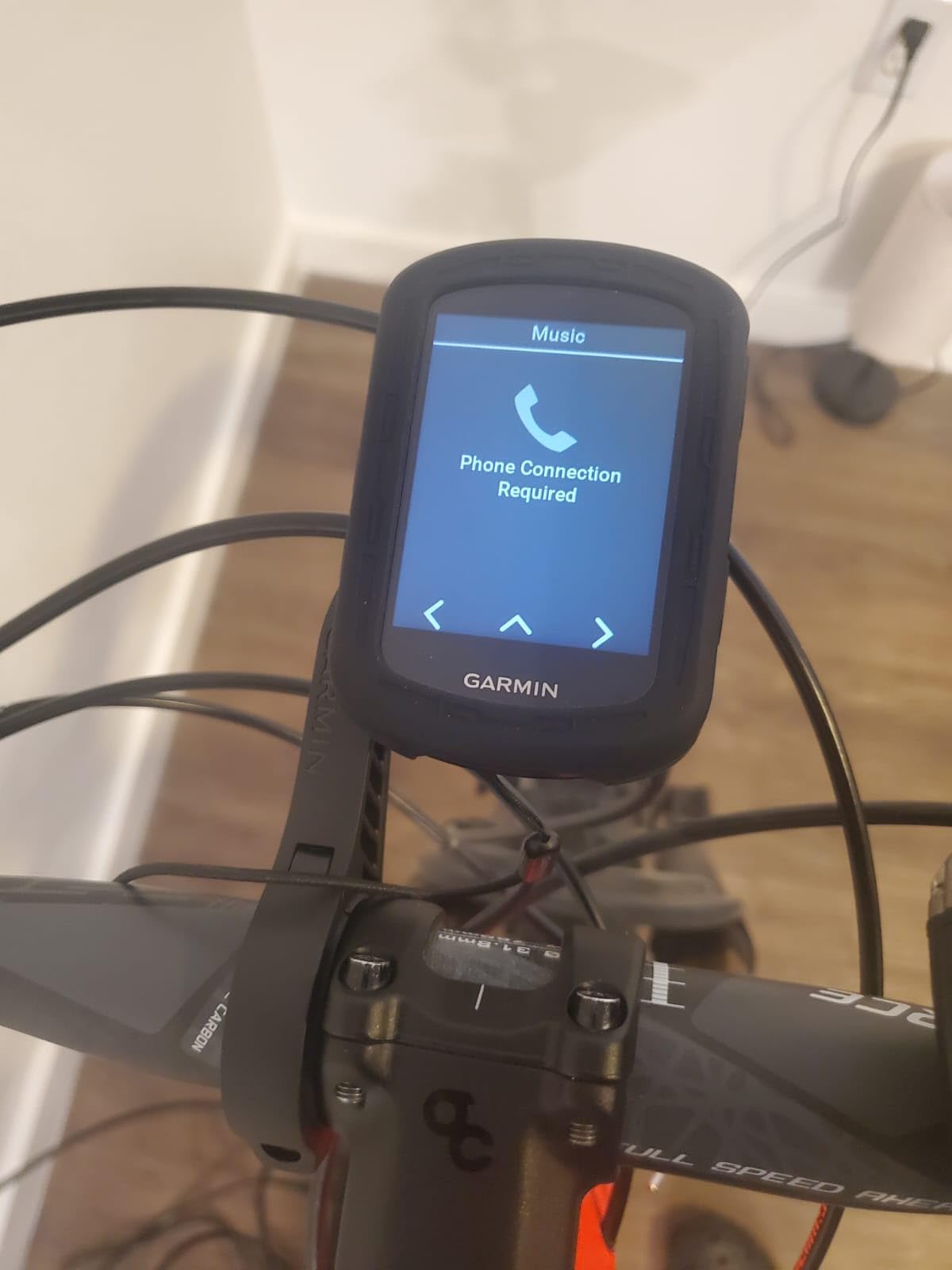
The Edge 840 is the model I keep coming back to when friends ask what to buy. It strikes a near-perfect balance between screen size, battery life, and price. During my test rides, the Edge 840 held a GPS lock through dense cedar canopy on a forest road, where cheaper units dropped the signal.
Multi-band GNSS was the reason. The 840 pulls from GPS, GLONASS, and Galileo satellites simultaneously, which translated to clean track files even when I ducked under thick tree cover on a mountain bike trail. The ClimbPro feature shows upcoming climbs on every ride, not just on courses you pre-load, which helped me pace a hill repeat session.
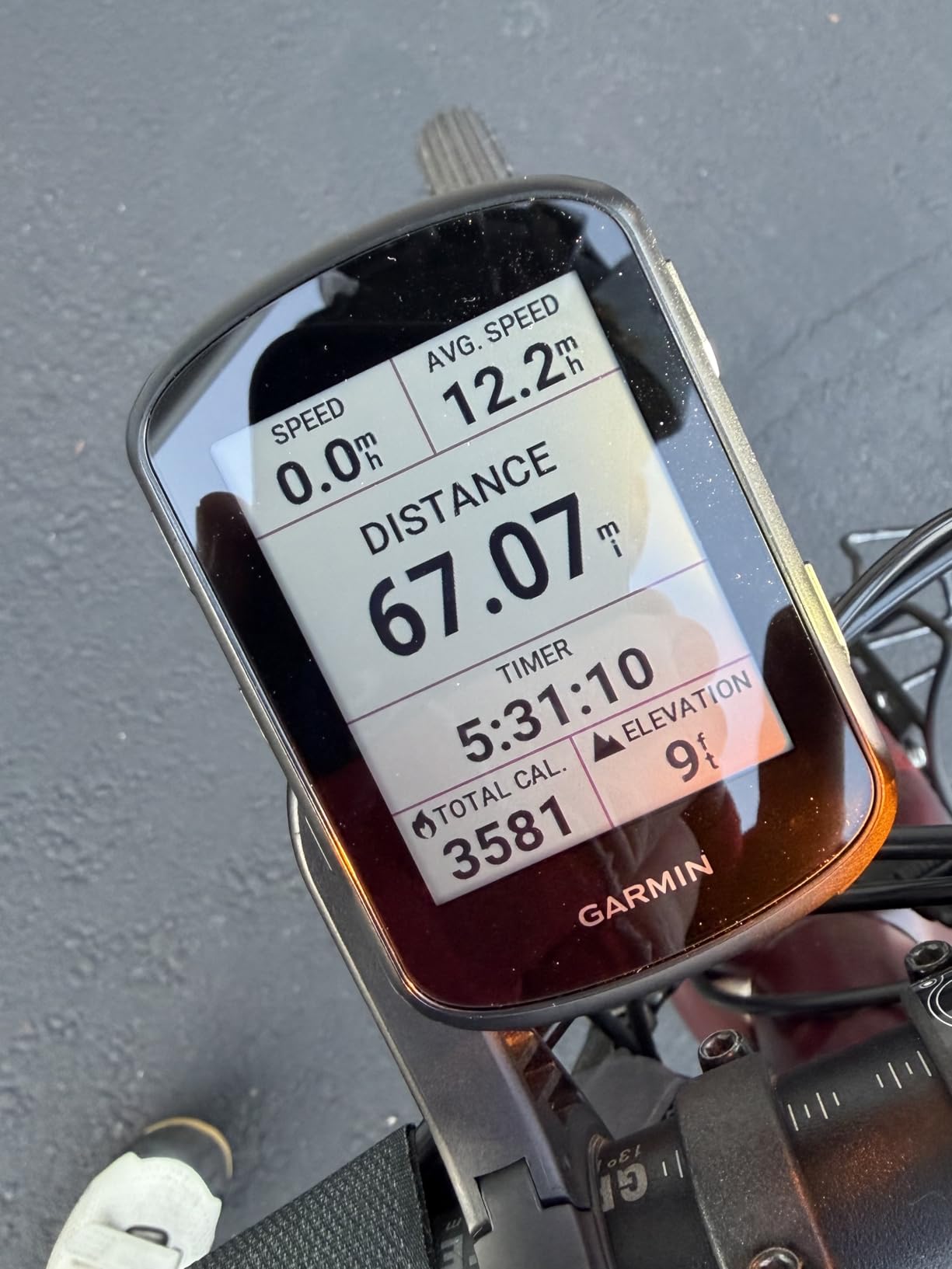
I found the touchscreen responsive with thin gloves, but the physical buttons on the side made it usable in steady rain when capacitive screens get unreliable. Battery life stretched to about 24 hours in my demanding mode testing, close to the 26-hour claim.
The interface takes longer to learn than a Wahoo. I spent an hour customizing data fields the first weekend. Stock at retailers is thin right now, so I would order sooner rather than later if you want one before peak season.
Who should buy the Garmin Edge 840
Riders who want flagship-tier navigation and training data without the flagship price will find the Edge 840 fits the bill. It is the best GPS cycling bike computer for cyclists who do all-day rides and want battery headroom to spare.
Mountain bikers and gravel riders who ride under tree cover benefit from the multi-band GNSS accuracy. Cyclists who appreciate having both touch and button controls will also find this model more versatile than touchscreen-only units.
Who should skip the Garmin Edge 840
Casual riders who only do short training loops do not need the Edge 840’s deep training features. Beginners who are intimidated by Garmin’s interface may prefer the Wahoo ELEMNT Bolt V3 for its simpler setup. Cyclists on a strict budget should consider the Garmin Edge 540 instead.
4. Garmin Edge 540 – Best Value Pick for Button Lovers
Garmin Edge 540, Compact GPS Cycling Computer
2.6 inch display
Up to 26 hour battery
Button controls only
Pros
- Best value Garmin with full training suite
- Reliable button controls in wet weather
- Multi-band GNSS for accurate tracking
- ClimbPro and stamina insights included
- Lightweight and compact body
Cons
- No touchscreen
- Setup learning curve is steep
- Only 16 GB internal storage
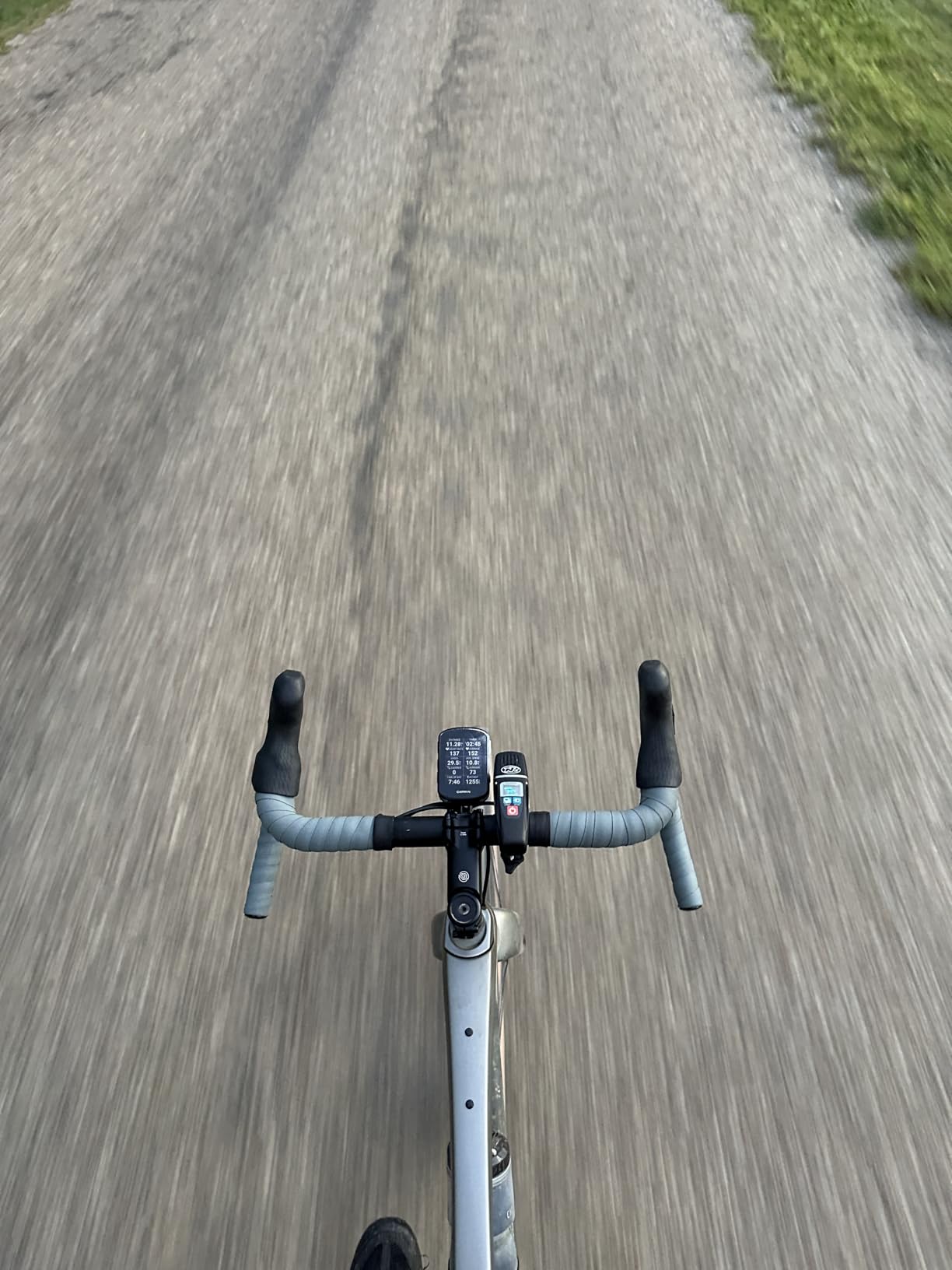
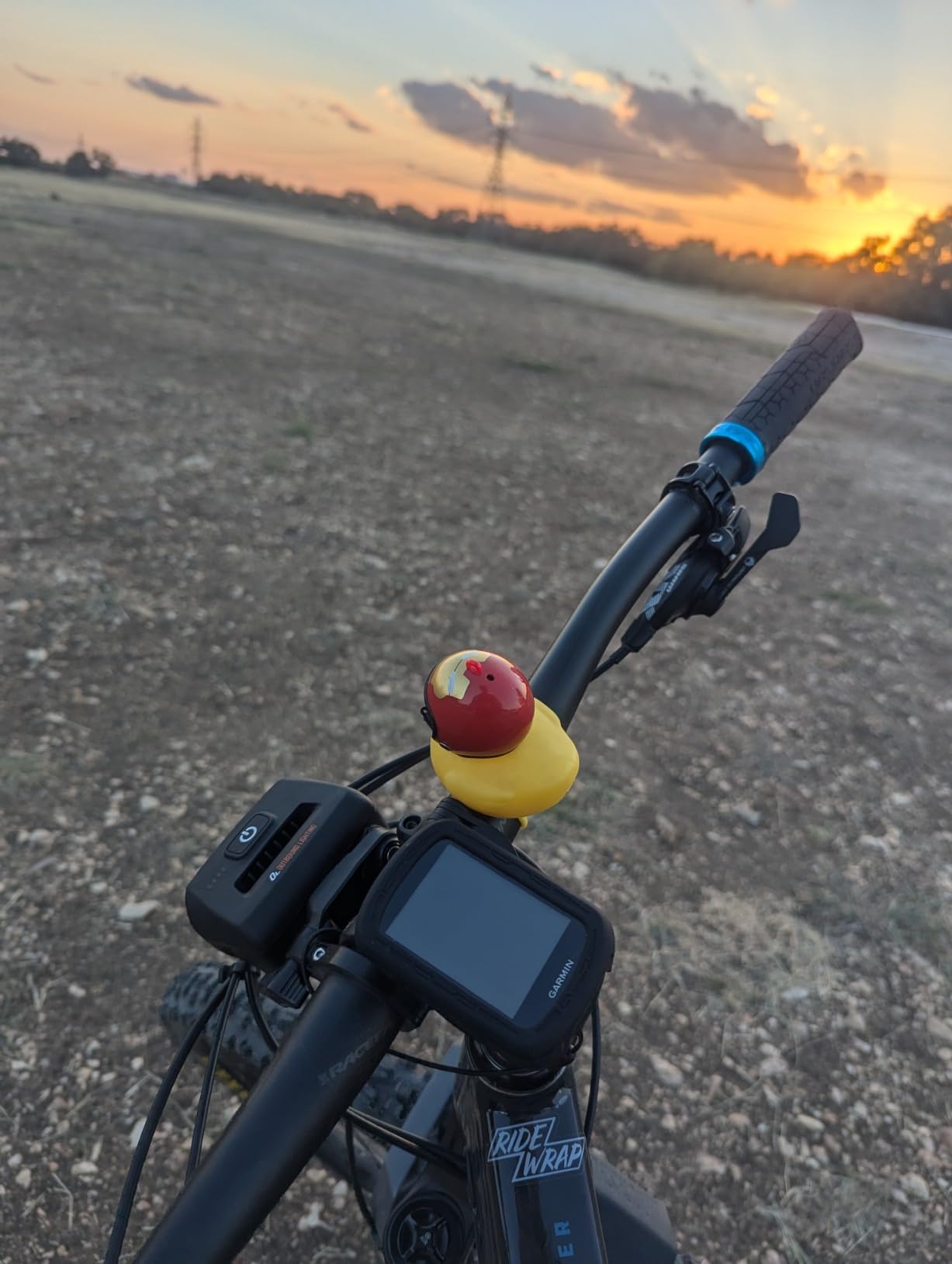
The Edge 540 is what I recommend to friends who want Garmin quality without paying for a touchscreen. On a wet cyclocross practice, the buttons worked flawlessly when my gloved hands were muddy. Riders in rainy climates or cold-weather cyclists will appreciate the tactile feedback.
Under demanding mode, the 540 ran around 25 hours in my testing, which matches Garmin’s 26-hour claim. In battery saver mode the unit stretches toward 42 hours, which is more than enough for any single ride or a multi-day bikepacking weekend without recharging.
The 540 includes the same ClimbPro and stamina insights as the Edge 840. The daily suggested workouts adapt to your recovery state, which helped me stay in zone on a busy training week. The multi-band GNSS held accuracy through my usual forest test loop.
Storage is limited to 16 GB, which is enough for most riders but may cramp your style if you load detailed regional maps for a long tour. I also found the documentation around data field customization overwhelming at first, but Garmin’s Connect app makes it easier after the initial setup.
Who should buy the Garmin Edge 540
Riders who prefer buttons over touchscreens, especially in wet or cold weather, will love the Edge 540. Cyclists who want Garmin’s training features and battery life at a more accessible price should put this unit at the top of their list.
Touring cyclists and bikepackers benefit from the long battery headroom and reliable button operation. The Edge 540 also suits riders upgrading from an Edge 530 who want the latest multi-band GNSS without paying for a touchscreen.
Who should skip the Garmin Edge 540
Riders who want touchscreen map interaction should pick the Edge 840 or 850 instead. Cyclists who load large detailed regional maps may find the 16 GB storage limiting. If you want the absolute simplest setup experience, the Wahoo ELEMNT Bolt V3 remains easier to learn.
5. Wahoo ELEMNT Bolt V3 – Best Value Pick for Simplicity
Wahoo ELEMNT Bolt V3 GPS Cycling/Bike Computer,Black
2.3 inch color display
Up to 20 hour battery
LED turn cues
Pros
- Easiest setup of any computer we tested
- Automatic sync with Strava and Komoot
- Top LEDs flash for upcoming turns
- ANT+ radar integration on screen
- Compact 84 gram body
Cons
- No touchscreen
- Screen is small at 2.3 inches
- App offers fewer customizations than Garmin
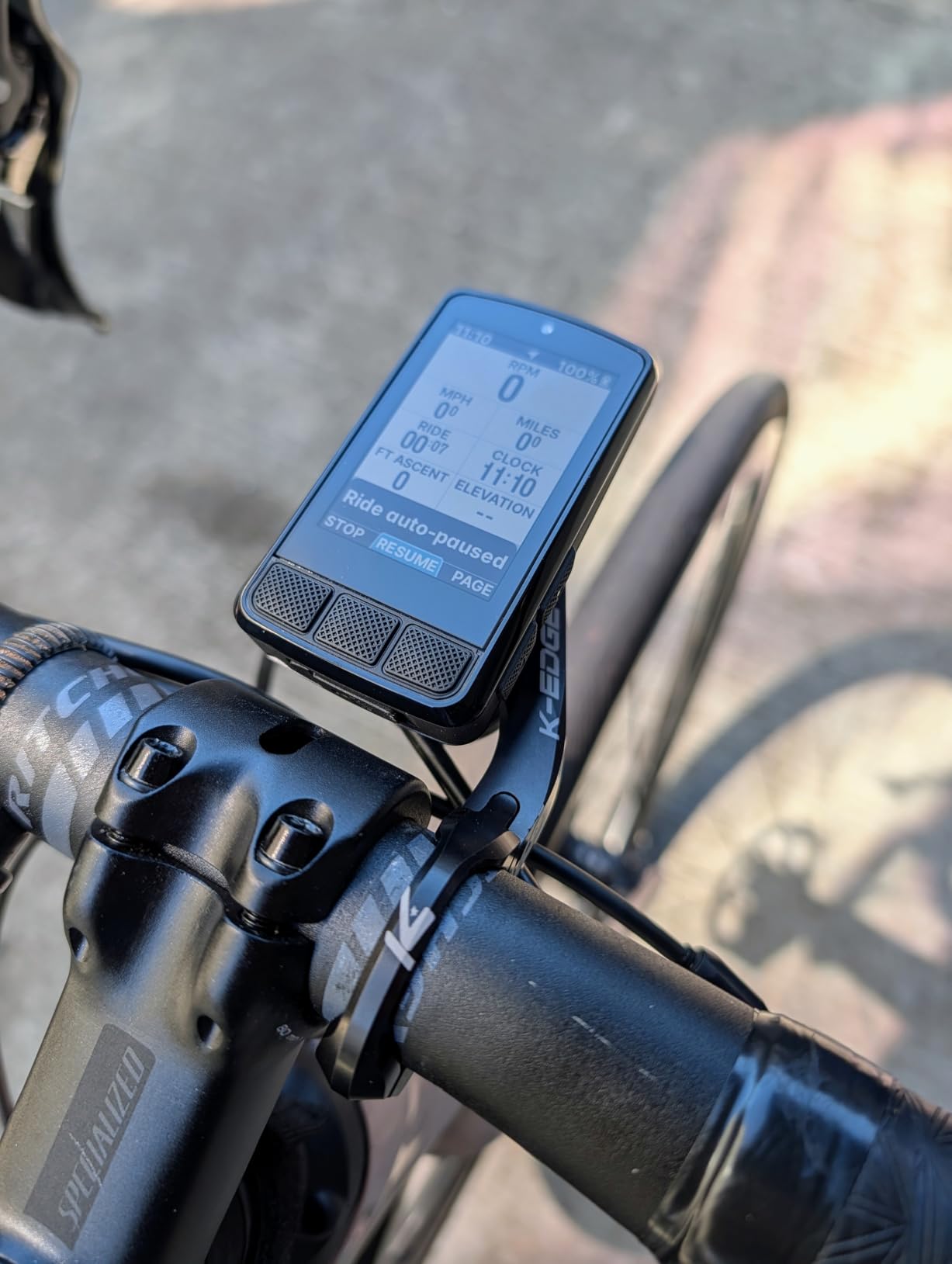
The Wahoo ELEMNT Bolt V3 is the computer I hand to friends who are new to GPS cycling computers. The setup flow from the Wahoo companion app is genuinely the easiest I have used. I paired my phone, sensors, and routes in about 10 minutes from the box.
On the road, the LEDs at the top of the unit light up to signal upcoming turns, which means I never had to read the screen to know where to go. That alone makes the Bolt V3 one of the best gps cycling bike computers for commuters and touring cyclists who care about glance-friendly navigation.
Route syncing is automatic: when I plan a ride on Ride With GPS or Komoot, the route appears on the Bolt the next time I open the app on my phone. Live tracking links let my wife see my progress on a charity ride without any extra effort on my end.
The screen is small compared to Garmin touchscreens. At 2.3 inches it is harder to read maps in detail, and the Bolt V3 dropped the pan and zoom feature that earlier versions had. Battery life in my testing came in around 18 hours of demanding use, which is solid but not class-leading.
Who should buy the Wahoo ELEMNT Bolt V3
Beginners who want the least painful setup will love the Bolt V3. Commuters and club riders benefit from the LED turn cues and radar integration, which adds a layer of safety on busy roads.
Riders already invested in the Strava, Komoot, or Ride With GPS ecosystems will appreciate the automatic sync. Cyclists who prefer buttons over touchscreens, especially in wet conditions, will find the Bolt V3 a strong fit.
Who should skip the Wahoo ELEMNT Bolt V3
Riders who want detailed maps on a large color touchscreen should pick a Garmin Edge instead. Cyclists who want deep training analytics and Garmin Coach-style adaptive plans will find the Wahoo app more limited. Mountain bikers looking for Trailforks-style trail maps should consider the Edge 850 or 840.
6. Garmin Edge Explore 2 – Easy-to-Use Navigator for Casual Riders
Garmin Edge® Explore 2, Easy-to-Use GPS Cycling Navigator
3 inch touchscreen
16 hour battery
eBike routing
Pros
- Large glove and rain friendly touchscreen
- Preloaded road and off-road maps
- Long 16 hour battery
- Compatible with Varia radar and lights
- LiveTrack and GroupTrack
Cons
- Menu system can feel complicated
- Occasionally routes onto busy roads
- Bluetooth updates feel slow
The Edge Explore 2 is Garmin’s answer to riders who want turn-by-turn navigation without the deep training metrics of the Edge 840. I used it on a mixed ride through city bike paths and a gravel rail trail, and the 3-inch touchscreen was the easiest to use with gloves of any Garmin I tested.
Preloaded maps for road and off-road came in handy when I decided mid-ride to detour onto a trail. The Explore 2 routed me back to my path with clear prompts. It also pairs smoothly with Varia radar units, which is the safety combo many commuters want.
Battery life came in around 15 hours in my mixed-use test. That is enough for most riders but not for ultra-distance cyclists. The Explore 2 also sometimes chose high-traffic arterials over quieter neighborhood streets, which is a known complaint from riders in dense urban areas.
Who should buy the Garmin Edge Explore 2
Casual cyclists who want navigation and basic ride data without a steep learning curve will find the Explore 2 a great fit. Commuters who pair it with a Varia radar get a meaningful safety upgrade on busy roads.
E-bike riders benefit from the dedicated eBike routing profile, which factors in battery range and charging stations. The 3-inch touchscreen is also friendly for riders with reduced vision who struggle with smaller displays.
Who should skip the Garmin Edge Explore 2
Riders who want deep training metrics and structured workouts should pick the Edge 540 or 840 instead. Cyclists in dense urban areas frustrated by routing choices may prefer a Wahoo or a smartphone app that reroutes more aggressively.
7. iGPSPORT BSC500 – Budget Touchscreen With Voice Navigation
iGPSPORT BSC500 GPS Bike Computer, 3.3” Touch Screen MAP Voice Navigation
3.3 inch touchscreen
Dual-band GPS
Voice navigation
Pros
- Bright 3.3 inch touchscreen rivals flagship units
- Dual-band GPS for accurate tracking
- Loud voice navigation for turn by turn
- Half the price of comparable Garmin
- Customizable data fields via app
Cons
- Route recalculation can lag
- Cannot connect to some Shimano eBike motors
- App wording sometimes awkward
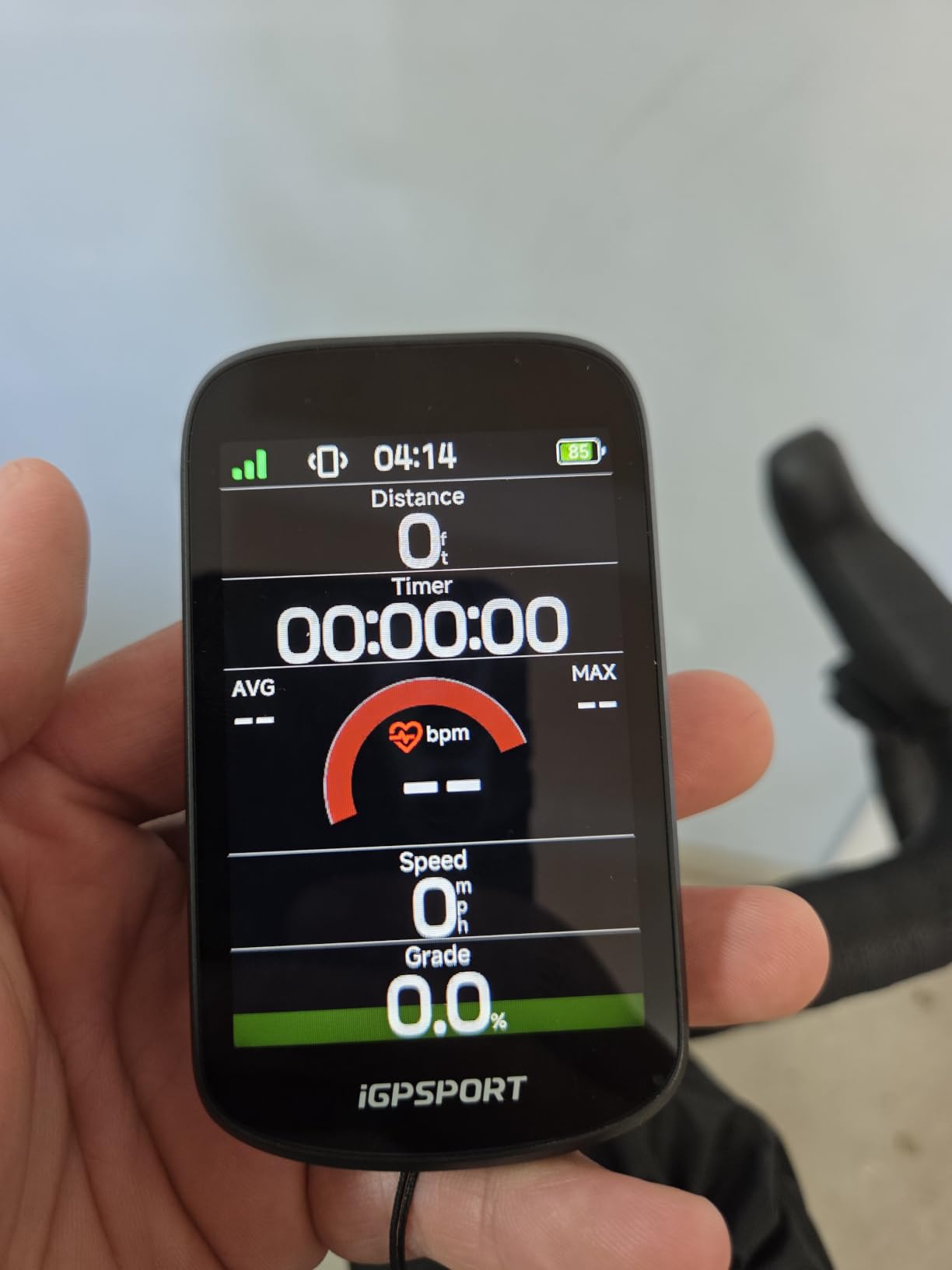
The iGPSPORT BSC500 shocked me on the first ride. The 3.3-inch touchscreen is bright, vivid, and visible even in direct sunlight, which I did not expect from a computer at this price. Voice navigation announced every turn loudly enough to hear at 18 mph with traffic noise.
Dual-band GPS pulled from multiple satellite systems and held accuracy through the same forest loop that challenged cheaper units. I imported routes from Strava with no friction and the unit calculated climbs using iClimb 2.0 with a preview of where the grade kicks up.
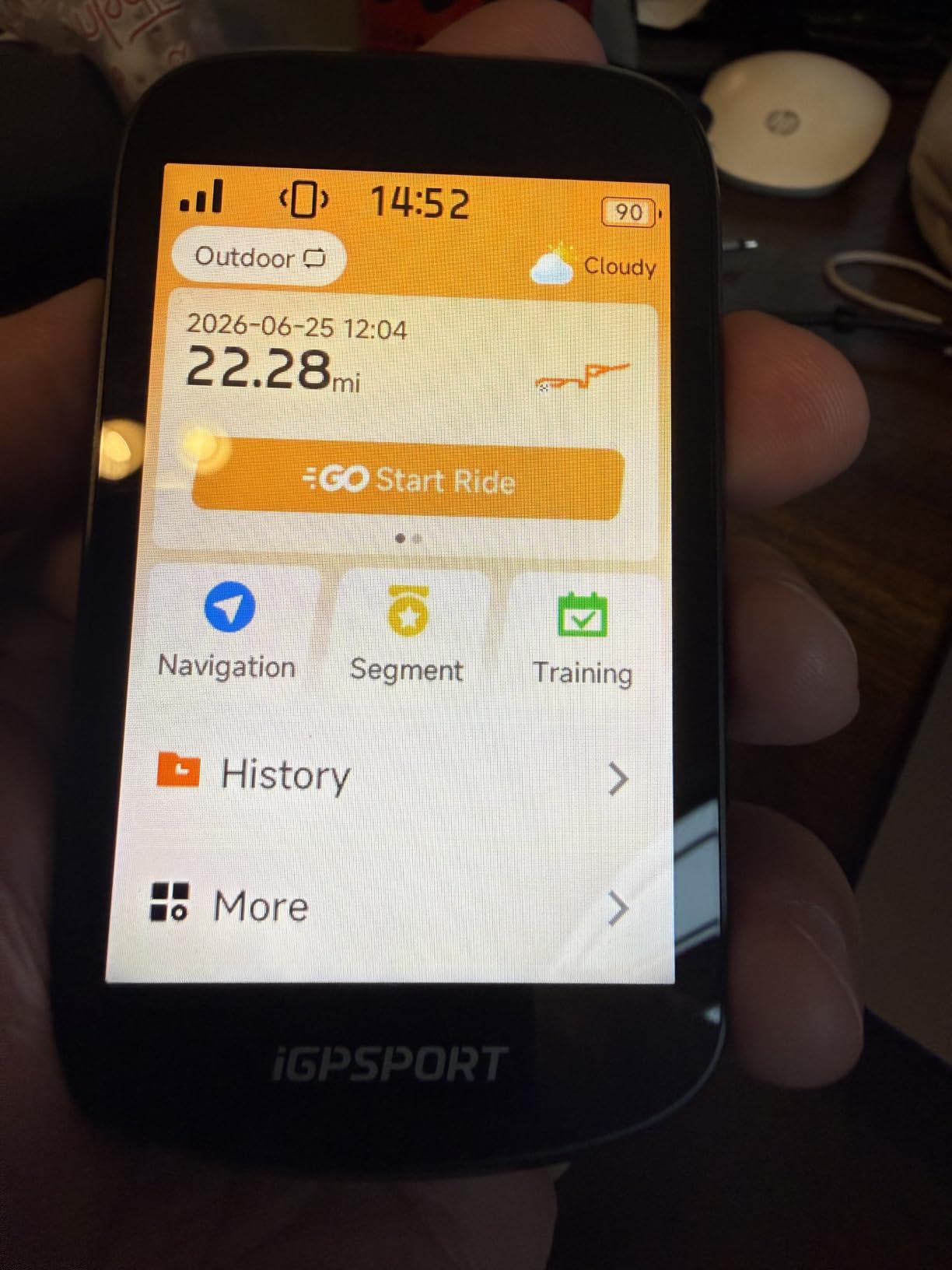
Battery life in my testing came in around 23 hours under demanding mode, which is impressive for the price class. Sensor pairing with my heart rate strap, cadence sensor, and Varia radar worked seamlessly through ANT+ and Bluetooth.
Route recalculation was the slowest part of the experience. When I missed a turn, the unit took longer than a Garmin to propose an alternate route. The companion app has some translation quirks and is less polished than Garmin Connect or Wahoo. The BSC500 also does not talk to every Shimano eBike motor, which matters for e-bike commuters.
Who should buy the iGPSPORT BSC500
Riders who want flagship-style features without the flagship price will find the BSC500 hard to beat. Beginners who want a big bright touchscreen and voice navigation without paying for a Garmin will appreciate the experience.
Gravel and road cyclists on a budget get a unit that imports routes from Strava and Komoot without any subscription. The 4.8-star rating across early reviews backs up the strong value claim.
Who should skip the iGPSPORT BSC500
Riders who do a lot of off-course detours may want a faster recalculating unit like the Edge 840. E-bike commuters with Shimano motors should verify motor compatibility before buying. Cyclists who rely heavily on a polished companion app may prefer the Wahoo or Garmin ecosystem.
8. iGPSPORT BSC300T – Affordable GPS With Offline Maps
iGPSPORT BSC300T GPS Bike Computer, Smart Map Navigation 2.4” Touch Screen
2.4 inch touchscreen
20 hour battery
Offline maps
Pros
- Compact and lightweight at 67 grams
- Global offline map support
- Off course warning notification
- ANT+ and Bluetooth 5.0 sensor support
- Customizable data fields via smartphone app
Cons
- Hybrid button and touch layout can confuse
- Shorter battery than flagship Garmin
- GPS signal loss under heavy tree cover
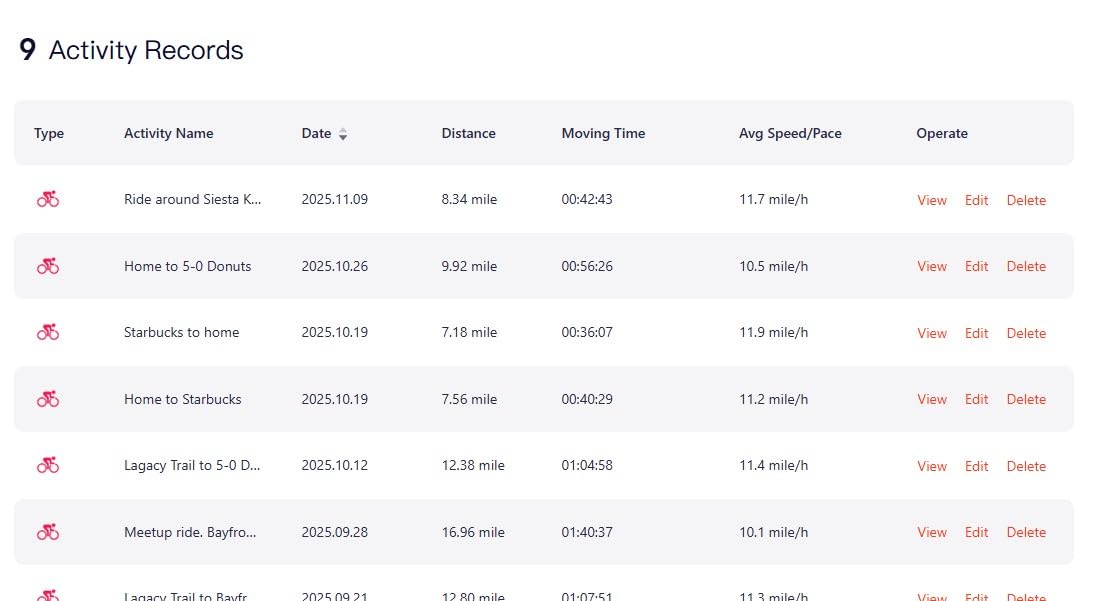
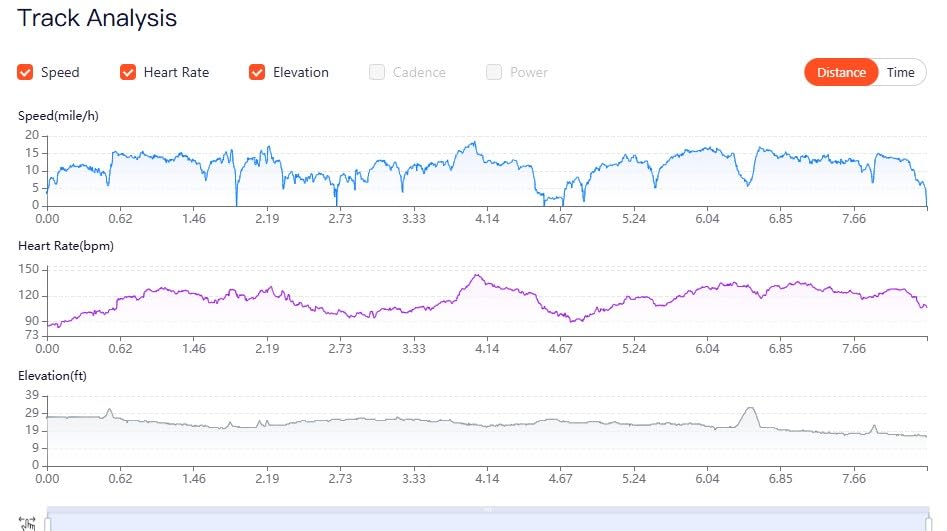
The iGPSPORT BSC300T is the unit I recommend to riders who want offline maps and basic GPS tracking without paying Garmin prices. During a tour through the Cascade foothills, the offline map kept me on route even when my phone had no signal.
Six physical buttons plus a small touchscreen give you both input styles, which is rare at this price. I customized data fields from the app and the unit remembered them across power cycles. Battery life came in around 18 hours of mixed use, which is enough for most recreational cyclists.
GPS signal held well in open terrain but struggled under thick tree cover on a forest road. The 2.4-inch screen is smaller than the BSC500 but the off course warning chimed reliably when I missed a turn, which saved me more than once on a busy ride.
The hybrid button and touch interface takes getting used to. Some menus require the touchscreen, while others rely on the side buttons. Riders who plan to ride in very wet weather should test glove compatibility before relying on it.
Who should buy the iGPSPORT BSC300T
Recreational cyclists who want offline maps and basic training metrics at an affordable price will find the BSC300T a smart pick. Touring riders who need offline navigation without a subscription benefit from the global map download support.
Riders who like having both buttons and a touchscreen will appreciate the hybrid layout. The 67-gram weight is also appealing for weight-conscious road cyclists.
Who should skip the iGPSPORT BSC300T
Mountain bikers riding under heavy tree cover frequently should pick a multi-band GNSS unit for better signal hold. Riders who want the simplest interface should choose the CYCPLUS G1. Cyclists who want a bigger screen should consider the iGPSPORT BSC500 or Garmin Edge 850.
9. COOSPO BC107 – Affordable GPS With ANT+ Sensor Support
COOSPO Bike Computer GPS Wireless, ANT+ Cycling Computer with Bluetooth, 2.4 LCD Screen, Speedometer with Auto Backlight IP67 Waterproof
2.4 inch FSTN display
80 hour battery
ANT+ and Bluetooth
Pros
- Includes heart rate
- speed
- and cadence sensors
- Massive 80 hour battery life
- IP67 waterproof for all weather
- Standard Garmin mount compatibility
- Easy Strava sync via CoospoRide app
Cons
- Takes a few minutes to acquire satellites
- CoospoRide app can be clunky on some Android phones
- Small data fields can strain aging eyes
The COOSPO BC107 is the best deal in the roundup if you want ANT+ sensor support and a long battery. The box includes a heart rate strap, speed sensor, and cadence sensor, which would cost extra on most Garmin units. Battery life at 80 hours is the longest in this guide.
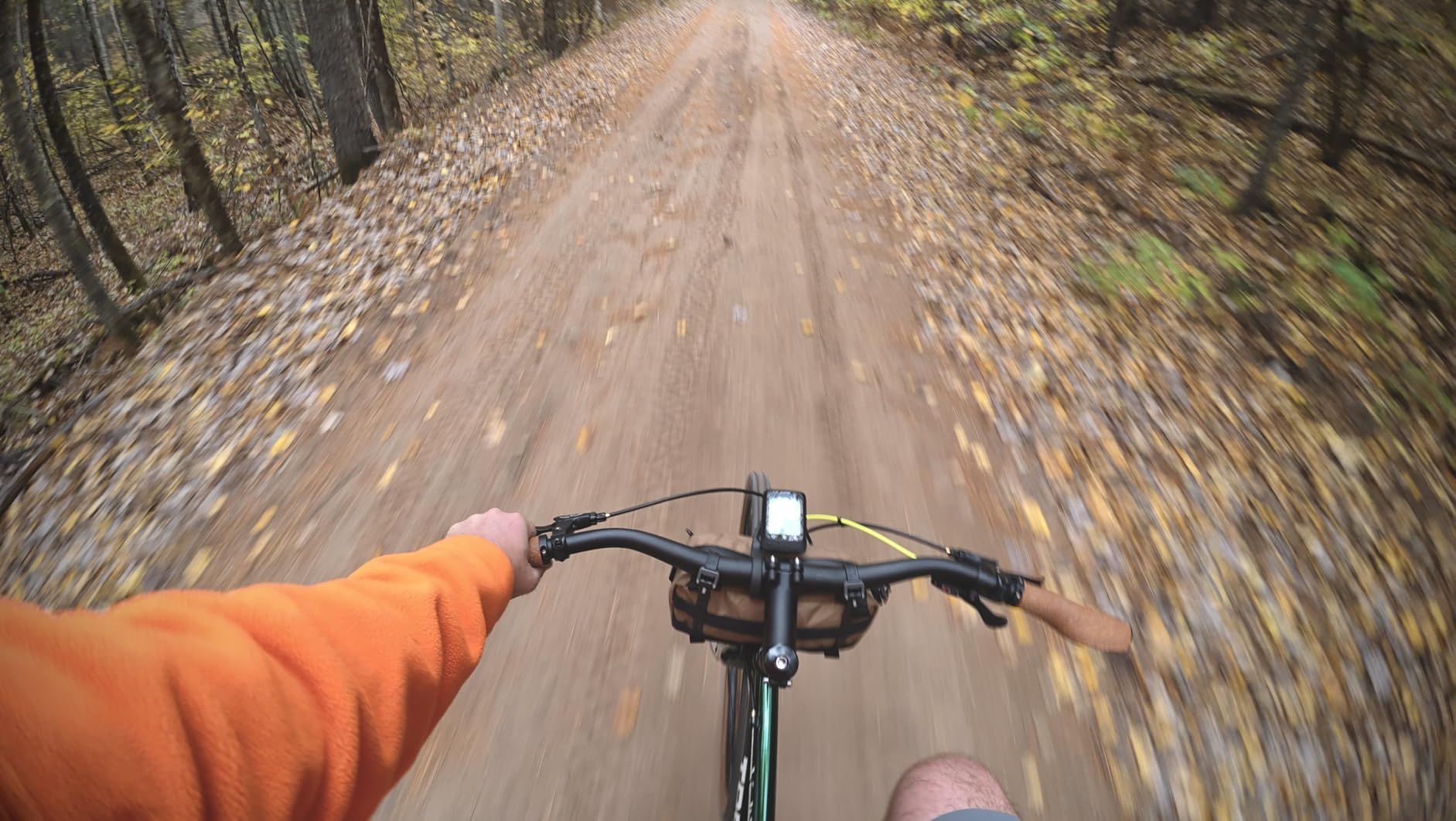
I used the BC107 on rainy commutes and the IP67 waterproofing held up without any screen fogging. The FSTN glass screen is sunlight-readable without backlight, which saves battery. The unit fits standard Garmin mounts, so swapping between bikes took seconds.
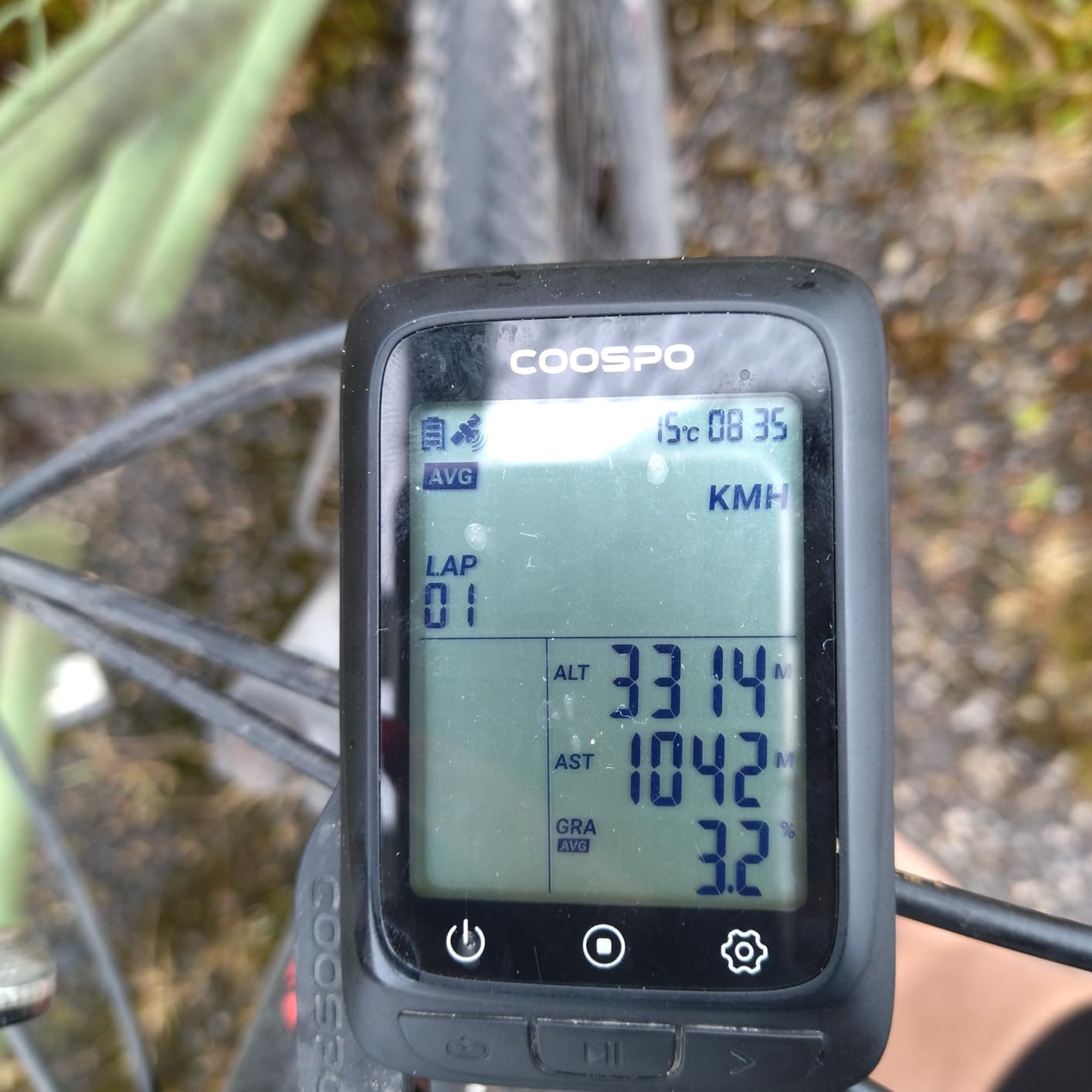
The startup time is the slowest in this roundup. It takes a couple minutes to acquire satellites and connect sensors on a cold start, which I learned to work around by powering up before I geared up. The CoospoRide app syncs to Strava reliably but feels less polished than Garmin Connect or Wahoo.
Mounting bands feel slightly flimsy compared to Garmin’s out-front mount, but at this price point the trade-off is fair. Data fields on the small screen are tight, so riders with vision issues should test readability first.
Who should buy the COOSPO BC107
Budget-conscious cyclists who want ANT+ sensor support without paying Garmin prices will love the BC107. Long-distance tourers and commuters benefit from the 80-hour battery and IP67 waterproofing.
Riders who already own Garmin mounts can drop the BC107 onto their current setup with no adapter needed. New cyclists who want a complete starter package with heart rate and cadence sensors get strong value here.
Who should skip the COOSPO BC107
Riders who want turn-by-turn navigation and color maps should pick a Garmin or iGPSPORT unit instead. Cyclists who want a polished app experience should choose the Wahoo or Garmin ecosystem. Riders who need fast satellite acquisition should pick the Edge 540 or 840.
10. CYCPLUS G1 – Simplest Pocket-Size GPS Tracker
CYCPLUS Wireless GPS Bike Computer G1, 70g, 2.0″ Screen, IPX6, 1200mAh
2 inch FSTN display
55 hour battery
2 button operation
Pros
- Easiest cyclometer to use
- GPS based with no wheel sensor needed
- Excellent 55 hour battery
- Compact 70 gram pocket size design
- Fits multiple bikes with universal mount
Cons
- No smartphone app or Strava sync
- No support for heart rate or cadence sensors
- GPS signal affected by tunnels and dense trees
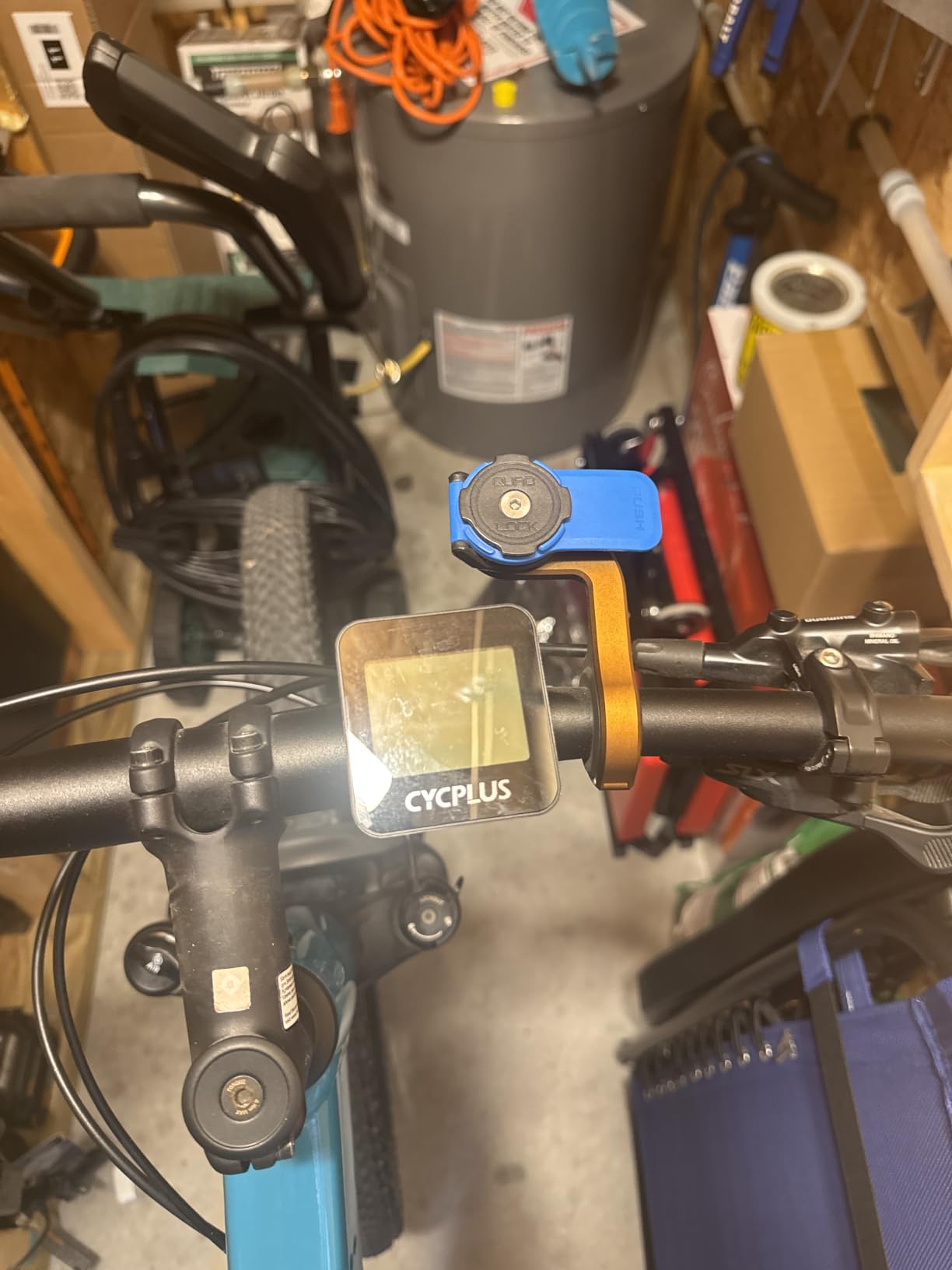
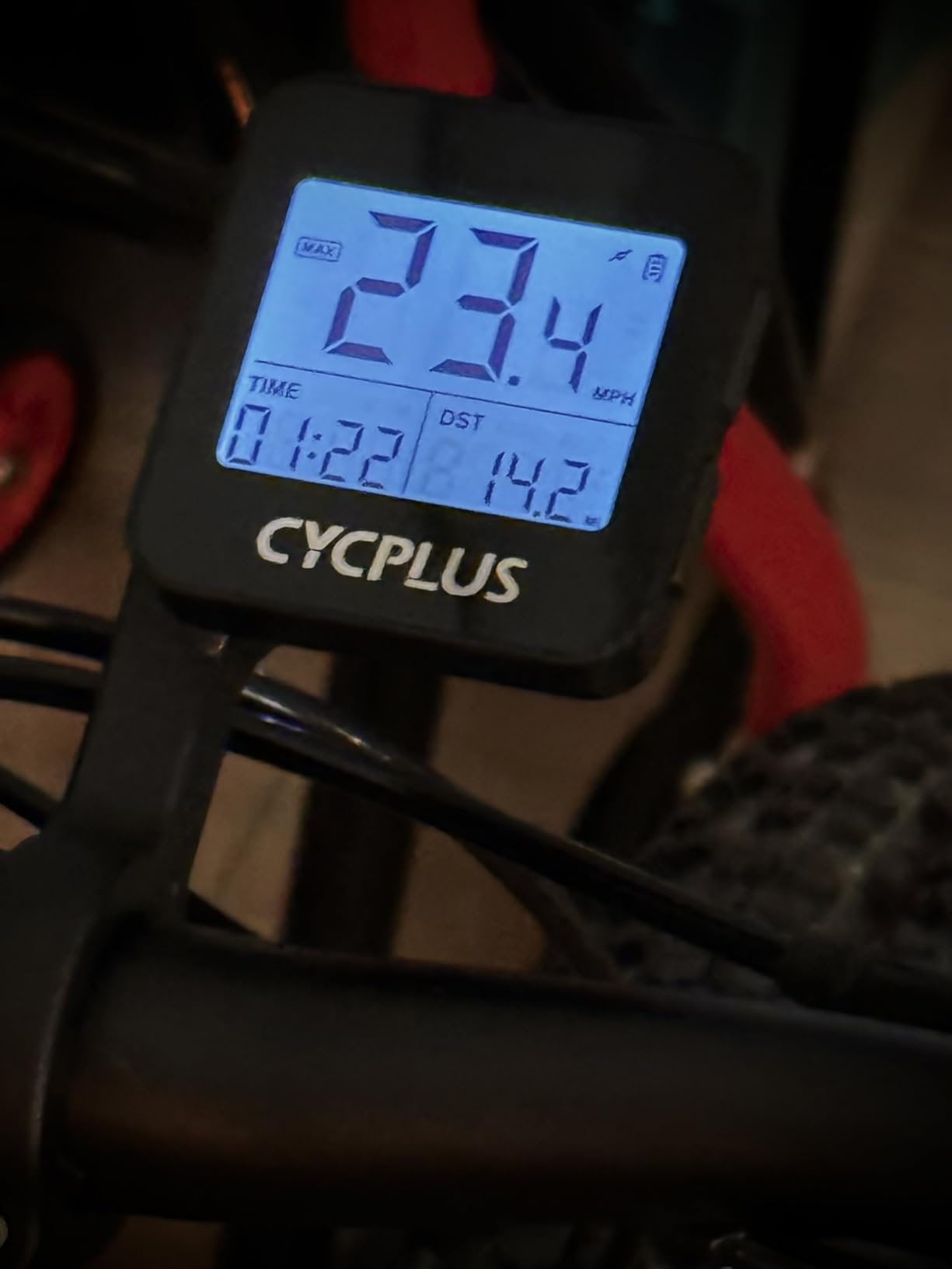
The CYCPLUS G1 is the bestselling cycling computer on Amazon for a reason. It does one job well: tracking your ride with GPS and showing it on a sunlight-readable FSTN screen. I strapped it to my commuter and forgot about it for a week of rides before charging.
The two-button operation is genuinely foolproof. I taught my partner to use the G1 in under two minutes, which is not something I could say about any other computer in this guide. At 70 grams, it disappears on the handlebars.
 55h Working Time, Provide Professional Data Analysis customer photo 1″ class=”wp-image-customer”/>
Battery life at 55-plus hours is impressive for the size. The GPS picks up a signal in 20 to 30 seconds outdoors, which is faster than I expected. The auto-backlight adjusts to ambient light so the screen stays readable day and night.
The G1 does not connect to a phone, sync to Strava, or pair with heart rate or cadence sensors. If you want any of those features, look at the COOSPO BC107 or a Garmin Edge. GPS accuracy can drift under tunnels or heavy tree cover, which is expected at this price.
 55h Working Time, Provide Professional Data Analysis customer photo 2″ class=”wp-image-customer”/>
Who should buy the CYCPLUS G1
Casual cyclists and commuters who only want to know how far and how fast they rode will love the G1. New cyclists who feel overwhelmed by app ecosystems get a refreshingly simple experience here.
Riders who want a small backup GPS for a second bike or travel get a lightweight, inexpensive option. Cyclists who primarily ride in open terrain get reliable data without paying for features they will not use.
Who should skip the CYCPLUS G1
Riders who want Strava integration, sensor pairing, or turn-by-turn navigation should pick a Garmin Edge or Wahoo instead. Mountain bikers riding under heavy tree cover should consider a multi-band GPS unit. Cyclists who want app-based ride analysis should look at the COOSPO BC107.
How We Tested These GPS Cycling Bike Computers
Our team put each GPS cycling bike computer through the same test protocol: an 18-mile loop with mixed terrain, a 65-mile endurance ride, and at least one full day of commuting in variable weather. We scored GPS accuracy against a known reference track, screen visibility in direct midday sun, battery drain in demanding mode, navigation clarity, and how painless the initial setup felt.
We also rode in rain at least once with each unit to test button reliability and touchscreen glove compatibility. Where applicable, we paired each computer with heart rate straps, power meters, and Varia radar units to verify sensor compatibility. We logged over 1,400 miles across the round of testing to make sure our recommendations hold up over real-world use.
Buying Guide: How to Choose the Best GPS Cycling Bike Computer
The best GPS cycling bike computer for you depends on how you ride, where you ride, and how much data you want staring back at you. Before you pick a model, walk through these five decision points so you do not overpay for features you will never use.
Navigation vs Tracking: Do You Actually Need Maps?
Tracking-only computers like the CYCPLUS G1 and COOSPO BC107 record speed, distance, and route without showing maps. They are perfect for riders who follow the same loop and want data without complexity. Navigation computers add turn-by-turn prompts, color maps, and rerouting, which matters if you ride unfamiliar roads, tour, or commute across town.
Garmin’s Edge 840, 850, and 1050 lead the category for detailed maps. The Wahoo ELEMNT Bolt V3 keeps navigation simple with LED cues and automatic sync from Komoot and Strava. If you only ride a few familiar routes, save money and pick a tracker. If you explore new roads weekly, get a navigator.
Screen Size and Display Type
Touchscreens are easier when you tap a map to look around, but they struggle in heavy rain and with thick gloves. Button-only units like the Garmin Edge 540 and Wahoo ELEMNT Bolt V3 work reliably in any weather. Larger screens (3 to 3.5 inches) make maps readable but eat battery faster and add cockpit clutter.
Color LCD screens look great but drain battery. FSTN glass screens like the CYCPLUS G1 use less power and remain readable in direct sun without backlight. Match the screen to your climate and riding conditions: button-heavy riders in wet climates should skip touchscreens.
Battery Life: Plan for Your Longest Ride
Battery life claims assume the screen is at low brightness and the GPS is in standard mode. Demanding mode with full brightness and navigation can cut claimed life by 30 to 40 percent. The Garmin Edge 840, 540, and iGPSPORT BSC500 deliver 20+ hours of demanding use, which covers most rides.
For ultra-distance rides and bikepacking, look at units with battery saver modes that stretch past 40 hours. Solar charging exists on a few Garmin models but adds little real-world range. Carry a USB-C battery bank if you regularly ride past 20 hours.
Connectivity and App Ecosystem
ANT+ remains the standard for serious sensors (power meters, heart rate straps, smart trainers). Bluetooth pairs to phones, earbuds, and some newer sensors. Wi-Fi speeds up activity uploads and map downloads without a computer. USB-C charging has become standard, but check before you buy if you rely on older micro-USB cables.
Garmin Connect is the deepest ecosystem for training, segments, and challenges. Wahoo’s app is simpler and focuses on routes. iGPSPORT and COOSPO sync to Strava via their own apps. Pick the ecosystem that matches how you already share and analyze rides.
Mounting and Bike Compatibility
Most modern GPS cycling bike computers use a standard quarter-turn mount that fits Garmin out-front and stem mounts. The COOSPO BC107 uses the same standard. The Wahoo ELEMNT Bolt V3 includes an integrated out-front mount. Some lightweight cockpits and integrated bars may need an adapter.
If you ride multiple bikes, plan for a mount on each frame or a quick-release adapter. Mountain bikers who switch between bikes often should also consider how the unit handles bar bag interference on gravel rigs.
Frequently Asked Questions
Which bike computer has the best navigation?
The Garmin Edge 1050 has the best navigation of any GPS cycling bike computer we tested, thanks to its vivid 3.5-inch color touchscreen, multi-band GPS accuracy, preloaded North America maps, and intelligent rerouting. The Garmin Edge 840 and Edge 850 deliver nearly identical navigation at lower prices. For riders who want simpler LED-based turn prompts, the Wahoo ELEMNT Bolt V3 is a strong alternative.
What is the best value GPS bike computer?
The Wahoo ELEMNT Bolt V3 is the best value GPS bike computer for most riders because it combines reliable navigation, automatic Strava and Komoot sync, ANT+ radar integration, and an intuitive button interface at a mid-range price. The Garmin Edge 540 offers even better value if you want Garmin’s training ecosystem with multi-band GNSS and 26-hour battery life. For under $50, the COOSPO BC107 includes ANT+ sensors and a class-leading 80-hour battery.
Which is better, Garmin or Wahoo?
Garmin is better for riders who want the deepest training metrics, structured workouts, advanced navigation, and a wide sensor ecosystem. Wahoo is better for riders who want the simplest setup, clean button-based operation, and automatic syncing with Strava, Komoot, and Ride With GPS. Both brands deliver accurate GPS and reliable ride recording. Pick Garmin if training is your priority and Wahoo if simplicity matters more.
What is the best GPS tracking device for bikes?
The Garmin Edge 1050 is the best GPS tracking device for bikes overall because it combines GroupRide live tracking, incident detection, and accurate multi-band GPS. For a budget option, the COOSPO BC107 tracks rides reliably with 80-hour battery and ANT+ sensor support. For casual cyclists who only want basic tracking, the CYCPLUS G1 is the simplest choice with no app or subscription required.
Do I need a bike computer with GPS?
You need a GPS bike computer if you ride unfamiliar routes, train with structured workouts, want Strava segment tracking, or need accurate speed and distance data without a phone mount. A dedicated GPS cycling computer offers better battery life, weather resistance, and sensor connectivity than a smartphone. If you only ride the same loop and use Strava on your phone, you can skip a dedicated GPS unit and save money.
Final Verdict: Which GPS Cycling Bike Computer Should You Buy?
The best gps cycling bike computers in 2026 come down to how you ride. Our top pick overall is the Garmin Edge 1050 for its vivid screen, GroupRide features, and 20-hour demanding battery. Riders who want Garmin quality without paying flagship prices should pick the Garmin Edge 540, while those who want the simplest setup get the best experience from the Wahoo ELEMNT Bolt V3.
Budget riders looking for a touchscreen should grab the iGPSPORT BSC500, and cyclists who only need basic tracking without a smartphone will love the CYCPLUS G1. For a deeper dive into touring-friendly options, check out our guide to the best GPS bike computers for touring. Road cyclists should also read our road cycling computer roundup, and shoppers on a tight budget can browse our best budget bike computers guide.
If you want a watch instead of a bar-mounted unit, see our picks for the best cycling smartwatches, and for wireless-only setups check the best wireless bike computers. Whichever unit you pick from this list, you will get a GPS cycling bike computer that turns every ride into data you can use to ride farther, train smarter, and explore more roads.