
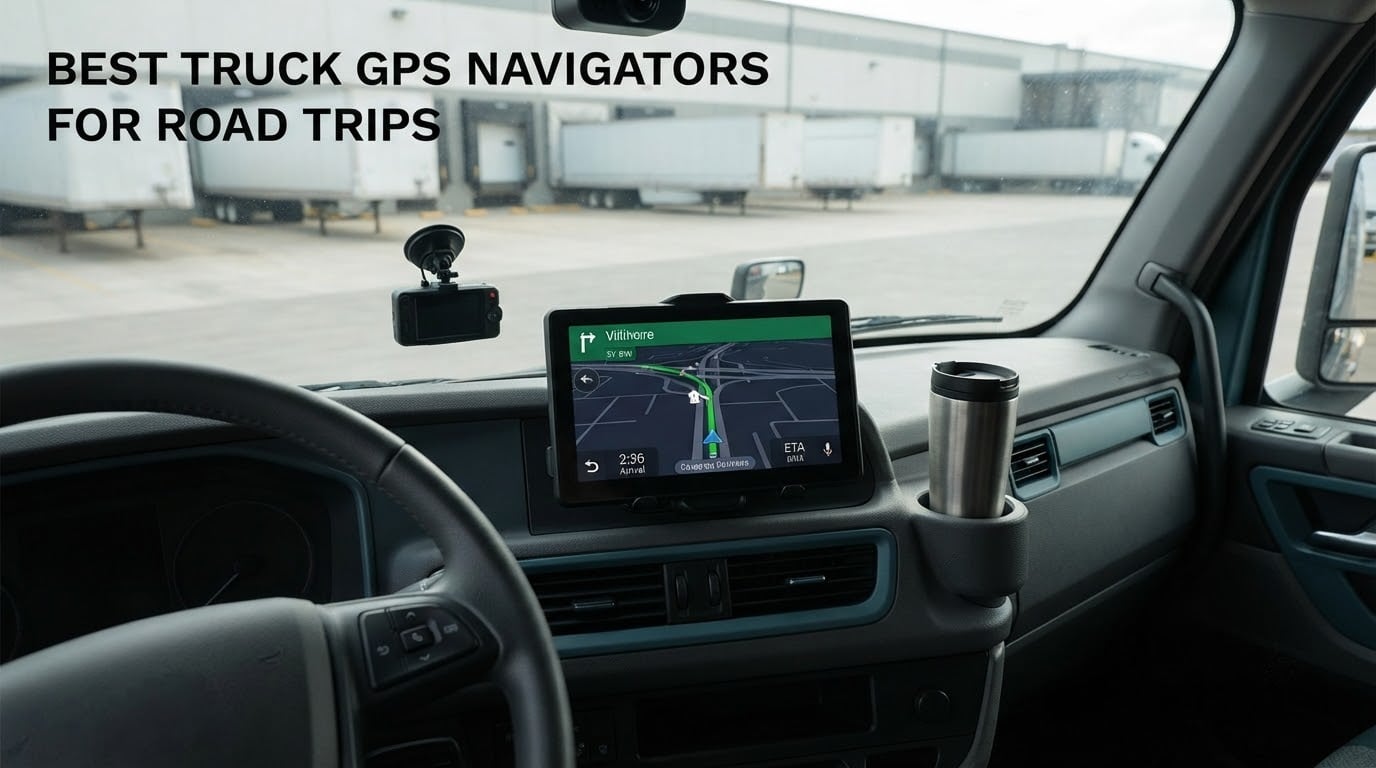
The best truck GPS navigators for road trips are the Garmin dezl OTR800 for big rigs and long days, the dezl OTR610 when you want the same truck-aware routing in a smaller footprint, and the dezl OTR710 as the middle ground between them. All three route on a vehicle profile instead of a car profile, which is the feature that actually keeps a rig off a low bridge or a road with a posted weight limit.
We ran six dedicated truck navigators over multi-day routes, comparing screen legibility in daylight glare, how the mounts hold up on washboard pavement, and what each one does when the phone loses signal on a rural stretch. Three Garmin dezl models and three Rand McNally models made the cut, and every one of them does the same core job: you enter height, width, length and weight once, and the device plans around them for the rest of the trip.
One clarification before we get into the list. GPS trackers flood the search results for this query, and they are a different product category. A tracker reports where a vehicle is to a fleet manager or a family member; it does not give a driver a route, a hazard warning or a dock preview. Everything below is a navigator, and we ranked them on route quality, cab usability and the running cost of keeping maps current. If you are still deciding how much gear a long trip needs, our electric cooler roundup and cargo box guide cover the other half of a working truck.
Table of Contents
Top 3 Picks: Best Truck GPS Navigators for Road Trips (October 2026)
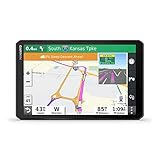
Garmin dezl OTR800
- 8-inch 1280 x 800 screen
- Load-to-dock guidance
- Three mounting options
- Truck-friendly parking data
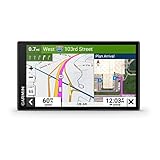
Garmin dezl OTR610
- 6-inch 1280 x 720 screen
- Custom truck routing
- BirdsEye dock imagery
- PrePass notifications
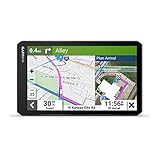
Garmin dezl OTR710
- 6.95-inch 1024 x 600 screen
- Custom truck routing
- Bluetooth handoff from phone
- Truck services directory
All 6 Truck GPS Navigators Compared in 2026
Every model in the roundup, side by side. Use the table to narrow the field, then read the section for the one you are serious about.
| Product | Specifications | Action |
|---|---|---|
| Garmin dezl OTR800 8-Inch Truck GPS |
|
Check Latest Price |
| Garmin dezl OTR610 6-Inch Truck GPS |
|
Check Latest Price |
| Garmin dezl OTR710 7-Inch Truck GPS |
|
Check Latest Price |
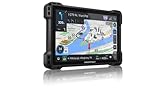 Rand McNally TND 1050 10-Inch Truck GPS Rand McNally TND 1050 10-Inch Truck GPS |
|
Check Latest Price |
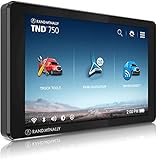 Rand McNally TND 750 7-Inch Truck GPS Rand McNally TND 750 7-Inch Truck GPS |
|
Check Latest Price |
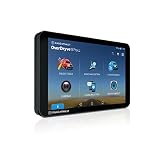 Rand McNally OverDryve 8 Pro II 8-Inch Truck GPS Rand McNally OverDryve 8 Pro II 8-Inch Truck GPS |
|
Check Latest Price |
1. Garmin dezl OTR800 Truck GPS – Best Overall for Owner-Operators
Garmin dezl OTR800, 8-inch GPS Truck Navigator, Easy-to-Read Touchscreen Display, Custom Truck Routing and Load-to-Dock Guidance
8-inch 1280 x 800 touchscreen
Custom truck routing
Load-to-dock guidance
2-hour internal battery
Pros
- Large screen usable in landscape or portrait
- Load-to-dock guidance shows loading zones and storage lots
- Powered magnetic mount plus screw-down and RAM ball options
- Popular routes from fellow truckers
- Truck-friendly parking information along the route
Cons
- Internal battery lasts roughly 2 hours unplugged
- Higher cost than the smaller dezl screens
- Interface feels less polished than newer dezl models
The OTR800 is the one we kept reaching for during testing because it removes the two things that slow a driver down most: reading a small map at a glance and guessing where a dock entrance is. The 8-inch 1280 x 800 panel can be flipped between landscape and portrait, which matters in a sleeper cab where the windshield header sits low. Owners consistently call the display bright and crisp, and it is the best-rated model in this roundup at 4.5 stars across 649 reviews.
Routing is the reason to buy it. Custom truck routing uses your height, weight and length profile, and it layers warnings for bridge heights, weight limits, sharp curves and steep grades on top of the line. The load-to-dock feature is the real differentiator: as you approach a delivery, it surfaces potential loading zones and storage lots rather than just dropping a pin on a street.
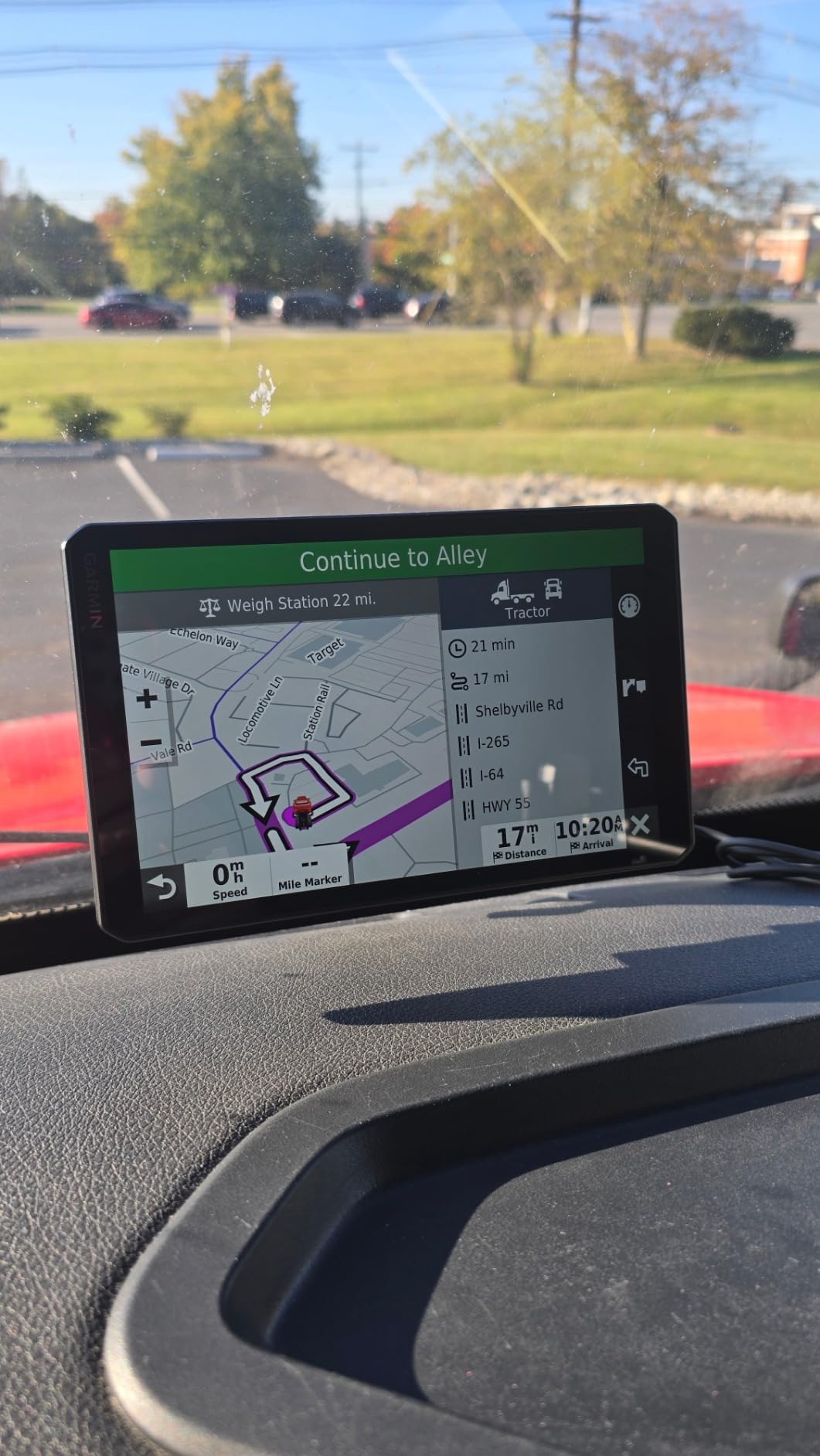
Mounting was our biggest surprise in a good way. The box includes a powered magnetic mount with a heavy-duty suction cup, a screw-down mount, and a 1-inch ball adapter with an AMPS plate for RAM hardware. On washboard county roads the magnetic mount held position where lighter suction cups walked loose, and the screw-down option is the one to trust if you run rough freight constantly. At 13.6 ounces and 11 by 6.9 inches, it is a substantial object to mount, not a pocket device.
One more feature worth knowing about: the OTR800 works with the Garmin eLog compliant ELD for subscription-free Hours of Service recording. If you already log hours, that removes an ongoing cost and one more screen to squint at. Reviewers also like the popular-routes view, which shows routes other truckers use on the same road, a cheap form of situational awareness.
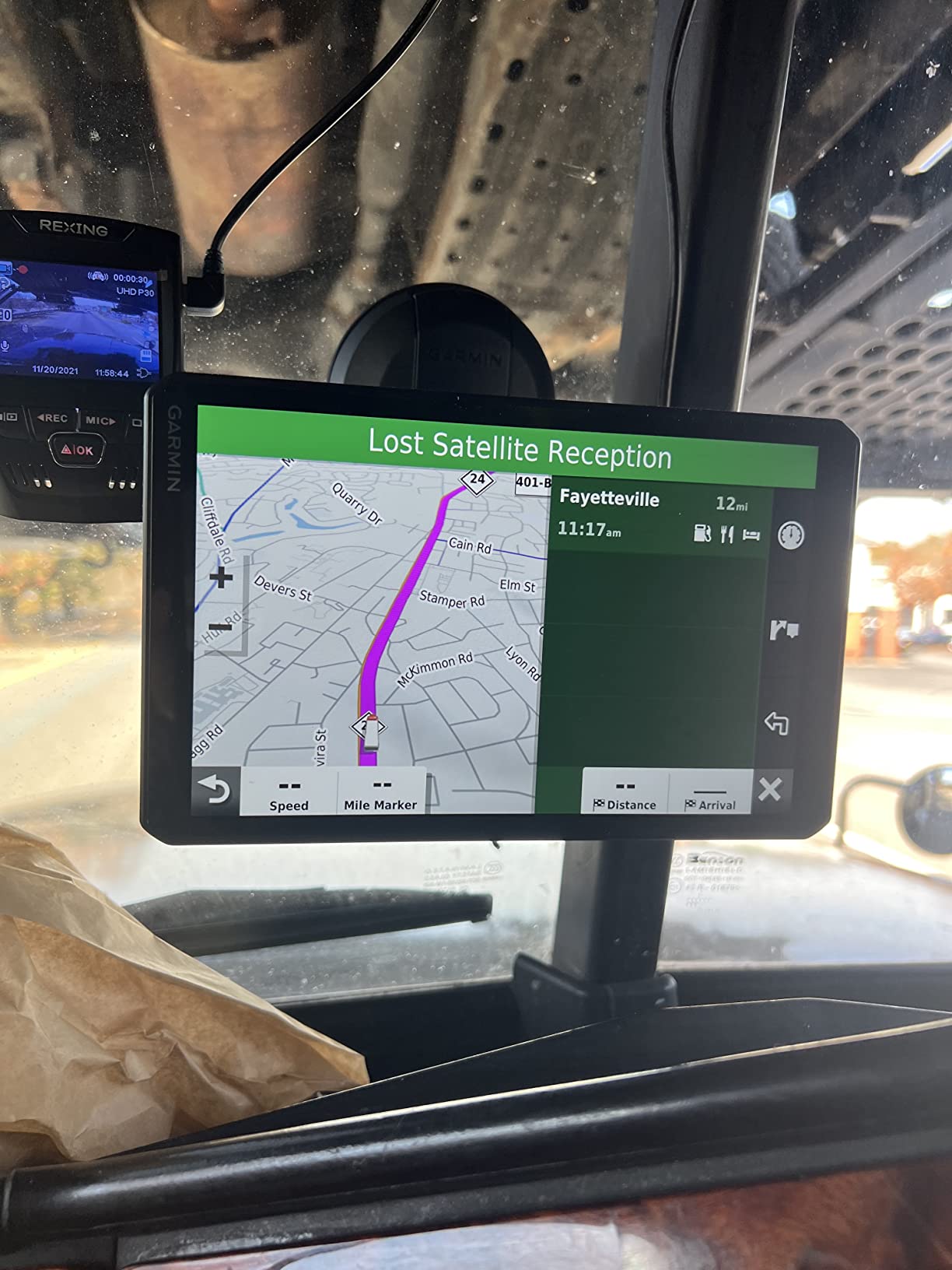
Why the 8-Inch Screen Is Worth the Step Up
Yes, if your route involves frequent stops, urban last-mile approaches or tight gates. The extra real estate shows the next two turns, the truck profile reminder and the hazard banner at the same time, which means fewer taps while rolling. Reviewers also point out that the load-to-dock previews are usable at this size in a way they are not on a 6-inch panel.
The orientation switch is a quiet bonus. Portrait works well on a dash mount below the sightline, landscape works well when the unit sits high on a bar near the windshield. Owners running an 80-foot rig generally report that a single glance is enough to read the next move.
When the OTR800 Is the Wrong Truck GPS Choice
It is the wrong pick for a pickup or a small delivery van that does not need load-to-dock data, and it is overkill for a driver who only runs local routes. The internal battery is the practical limit: roughly two hours unplugged, so it is a dock device rather than a handheld one, and it needs a hardwired or constant-cigar connection in a real road trip.
It also sits at the top of the price range in this group, and the interface is the previous generation, so some drivers find it less slick than the newer models. If your cab space is tight, the OTR610 gives you the same truck routing logic on a smaller footprint for less money.
2. Garmin dezl OTR610 Truck GPS – Best Value Pick for Road Trips
Garmin dezl OTR610, Large, Easy-to-Read 6″ GPS Truck Navigator, Custom Truck Routing, High-Resolution Birdseye Satellite Imagery
6-inch 1280 x 720 touchscreen
Custom truck routing
BirdsEye imagery
PrePass notifications
Pros
- Bright 6-inch screen readable at a glance
- Custom routing on rig size and weight with hazard alerts
- BirdsEye imagery for docks and truck entrances
- Route planner for fuel and overnight stops
- Filterable Truck and Trailer Services directory
Cons
- No internal battery so constant power is required
- Occasional lag and failed address lookups
- No tollway avoidance and few alternative routes offered
The OTR610 is the value pick, and it holds the largest review base in the group at 961 reviews with a 4.3 star average. Owners treat it as the entry point into truck-aware navigation: the same custom routing engine, the same BirdsEye arrival planning and the same hazard alerts as the bigger dēzl, just in a 6-inch body that fits a tight dash without blocking the view.
During our runs the 1280 x 720 panel stayed readable at a glance even with the sun hitting the windshield at a low angle, which is not always true of the smaller generic units in this category. The Truck and Trailer Services directory filters by brand or amenity, so you can put a stop at a specific chain on the route rather than hunting for one near the exit.
Technical details are sensible for a working cab. It runs Bluetooth and Wi-Fi, works with voice and touch, carries 16 GB of storage, and ships with a suction cup mount, a vehicle power cable and a USB cable. The integrated North America map set covers the United States, Canada, Mexico, the U.S. Virgin Islands, the Cayman Islands and the Bahamas, which covers most cross-border runs without a download.
The two features that surprise people are PrePass notifications and the route planner. PrePass weigh station and bypass alerts arrive through the dezl app, and the planner lets you build a trip around fuel stops, comfort breaks and an overnight stay rather than forcing a single start-to-finish line. That is the feature most likely to matter on a long road trip.
Where the OTR610 Earns Its Place in a Cab
Any rig that spends its day on highways and two to four highway stops a day, and any pickup or RV owner who wants offline truck routing without a data plan. At 6.17 ounces and 6 by 0.7 by 3.4 inches it is small enough to move between vehicles, which suits drivers who swap trucks.
Reviewers consistently praise the driver alerts as a lifesaver for newer drivers, because the bridge height, weight limit, sharp curve and steep grade warnings are spoken and shown before you reach the hazard rather than after. That is the whole reason to buy a truck navigator over a general one.
Where the OTR610 Falls Short
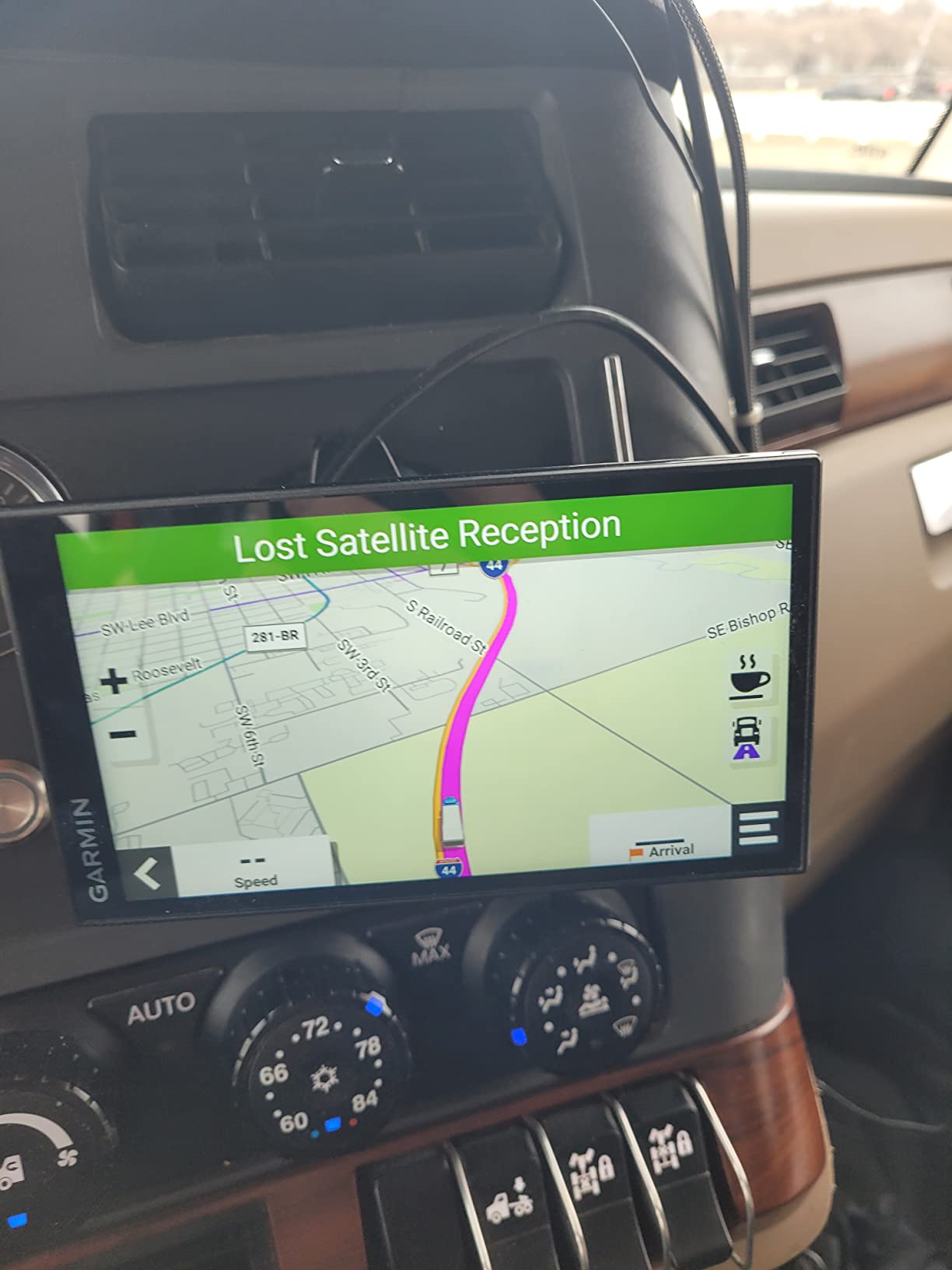
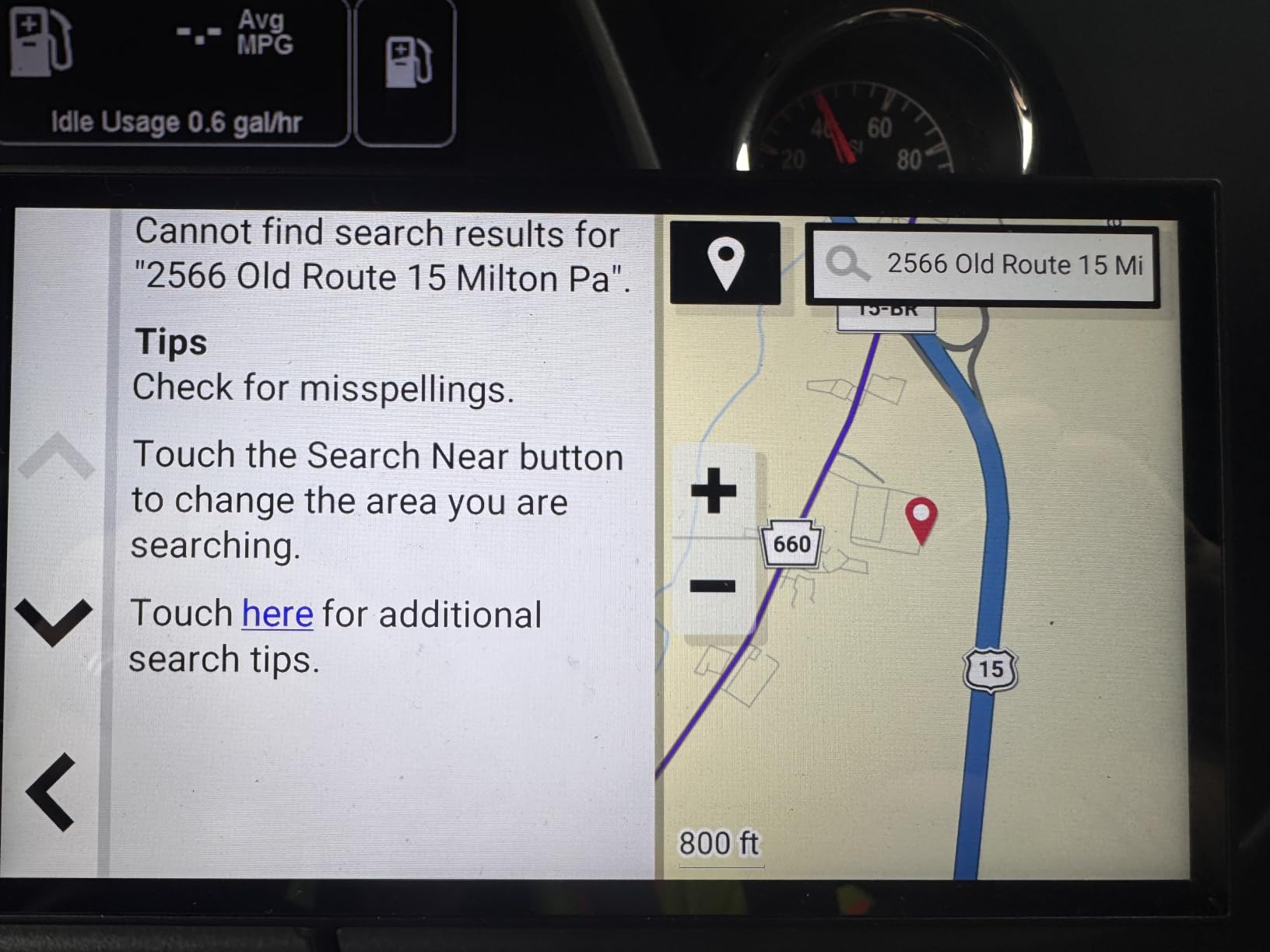
There is no internal battery, so it only works with the right charger connection and needs constant power. Reviewers also report occasional lag, glitches and failed address lookups, plus a state-selection flow that takes a few tries to learn, and some drivers report being sent to a similar address in another state.
There is no option to avoid tollways and the unit offers fewer alternative routes than the larger models. If address accuracy is critical to your workflow or you split time between two vehicles, step up to the OTR710 or the OTR800.
3. Garmin dezl OTR710 Truck GPS – Best Fit for a 7-Inch Cab Screen
Garmin Dezl OTR710 Truck Navigator
6.95-inch 1024 x 600 touchscreen
Custom truck routing
BirdsEye imagery
Bluetooth handoff
Pros
- Large screen easy to read and glance at
- Custom routing avoids low bridges and truck-restricted roads
- BirdsEye previews of loading docks and truck entrances
- Services directory filters for major truck stop chains
- Bluetooth sends destinations from the phone
Cons
- Address search sometimes misses business addresses
- Occasional routing down residential or dead-end streets
- Internal battery lasts only about 20 to 30 minutes unplugged
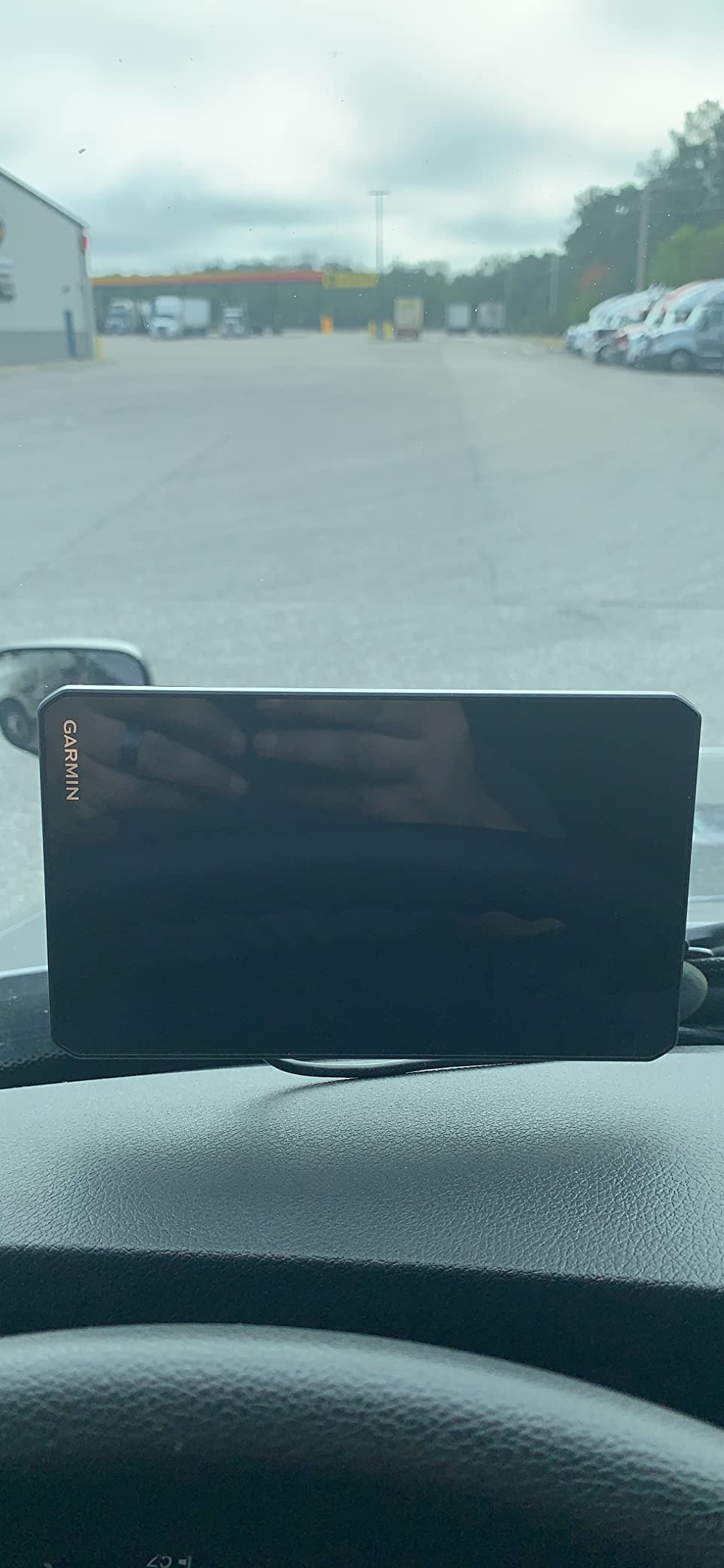
The OTR710 sits in the awkward middle of the dezl line and it works out well. At 6.95 inches it is big enough to read comfortably without eating the whole dash, and it carries the same truck routing, hazard alerts and BirdsEye dock previews as the OTR800. It is rated 4.4 stars across 492 reviews, the second-highest score in this roundup.
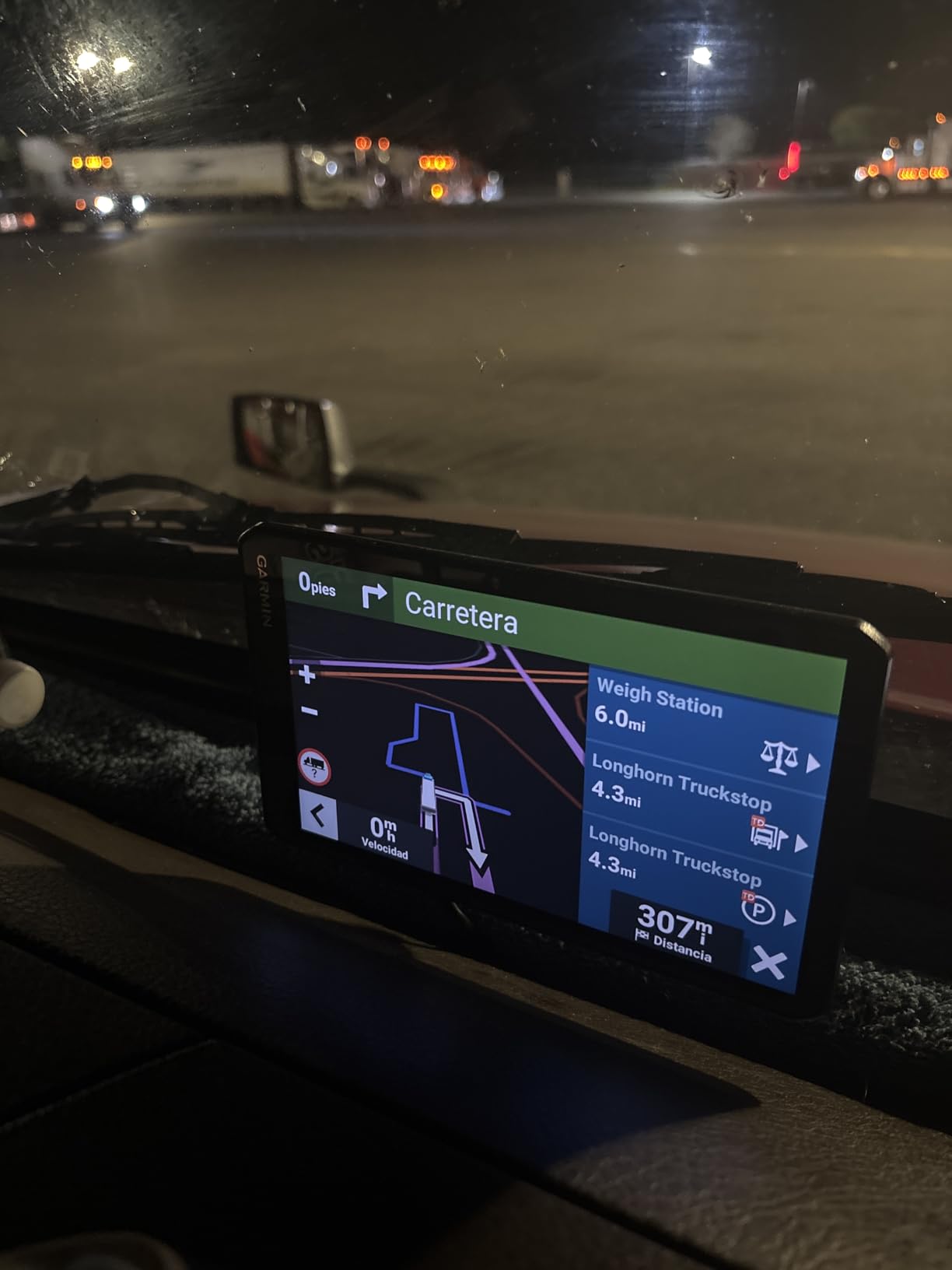
What stands out in practice is the Bluetooth handoff. Rather than typing an address on a small keypad, you find it on your phone and send it over, then leave the phone in a mount. Reviewers also call out the realistic lane and sign previews at complex interchanges, which is exactly where a wrong turn costs a driver ten minutes and a missed exit.
Garmin customer support is reported as responsive and easy to reach, which matters more than most buyers expect when a device needs a map update or a pairing fix. Hardware-wise it runs Bluetooth, uses a capacitive touchscreen with voice and touch control, carries 16 GB and includes a suction cup mount, power cable and USB cable in the box at 8.5 ounces.
The North America map coverage matches the rest of the dezl range, and the unit pairs with the dezl app for live traffic, weather, smart notifications and loyalty points at major chains. Drivers can also connect a BC 50 backup camera, which turns the mount into a rear view without a separate screen.
Why Drivers Pick the 7-Inch Size
Because it is the smallest footprint that still shows a full truck route and a hazard banner at the same time. In a day cab or a pickup with a low header, the OTR710 gives you the dezl feature set without the 8-inch unit taking over the dash. It is a common choice for regional and short-haul drivers who run 200 to 400 miles a day.
It is also the middle step in the range, so a driver who found the 6-inch OTR610 too small can move up one size instead of jumping two. Owners frequently describe it as the easiest of the three to read at night, which is a function of brightness and font size rather than resolution.
What Gives Owners Pause on the OTR710
Address search sometimes fails to find ordinary business addresses, and there are reports of routing that sends a driver down residential or dead-end streets. These are the two complaints that show up most often, and both are annoying rather than dangerous because the hazard alerts still fire.
The internal battery lasts only about 20 to 30 minutes unplugged, and live traffic and speed or red-light camera data require a paid phone data subscription. If you rely heavily on traffic, budget for the data plan as part of the running cost.
4. Rand McNally TND 1050 Truck GPS – Best 10-Inch Display and Dash Cam
Rand McNally TND 1050 10-inch GPS Truck Navigator with Industry’s Best Custom Trucking Routes, Rand Navigation 2.0, Download 2025 Maps + Built-in Camera
10-inch 1280 x 800 LCD
Gorilla Glass with removable guard
Built-in dash cam
5-hour internal battery
Pros
- Huge 10-inch display for fast glances
- Gorilla Glass with a removable protective guard
- Built-in dash cam for incident and inspection reports
- Three mounting options including a powered magnetic mount
- Receipt tracking and a USB port for charging
Cons
- Routing quality is inconsistent and adds detours
- Arrival times and traffic estimates often inaccurate
- Magnetic mount can loosen over bumps and potholes
The TND 1050 wins on physical hardware. It is the largest screen in the roundup at 10 inches with 1280 x 800 resolution, the glass is Gorilla Glass, and it ships with a removable protective guard that takes the hit instead of the screen. Owners of rough routes and RV setups like the fact that it is built to be knocked around in a cab.
It is also the only device here with a 32 GB memory allowance, Wi-Fi for updates, a USB port for charging other devices, receipt tracking for expenses and a 5-hour internal battery. On a road trip that internal battery matters, because it keeps the unit alive for a while after you cut power.
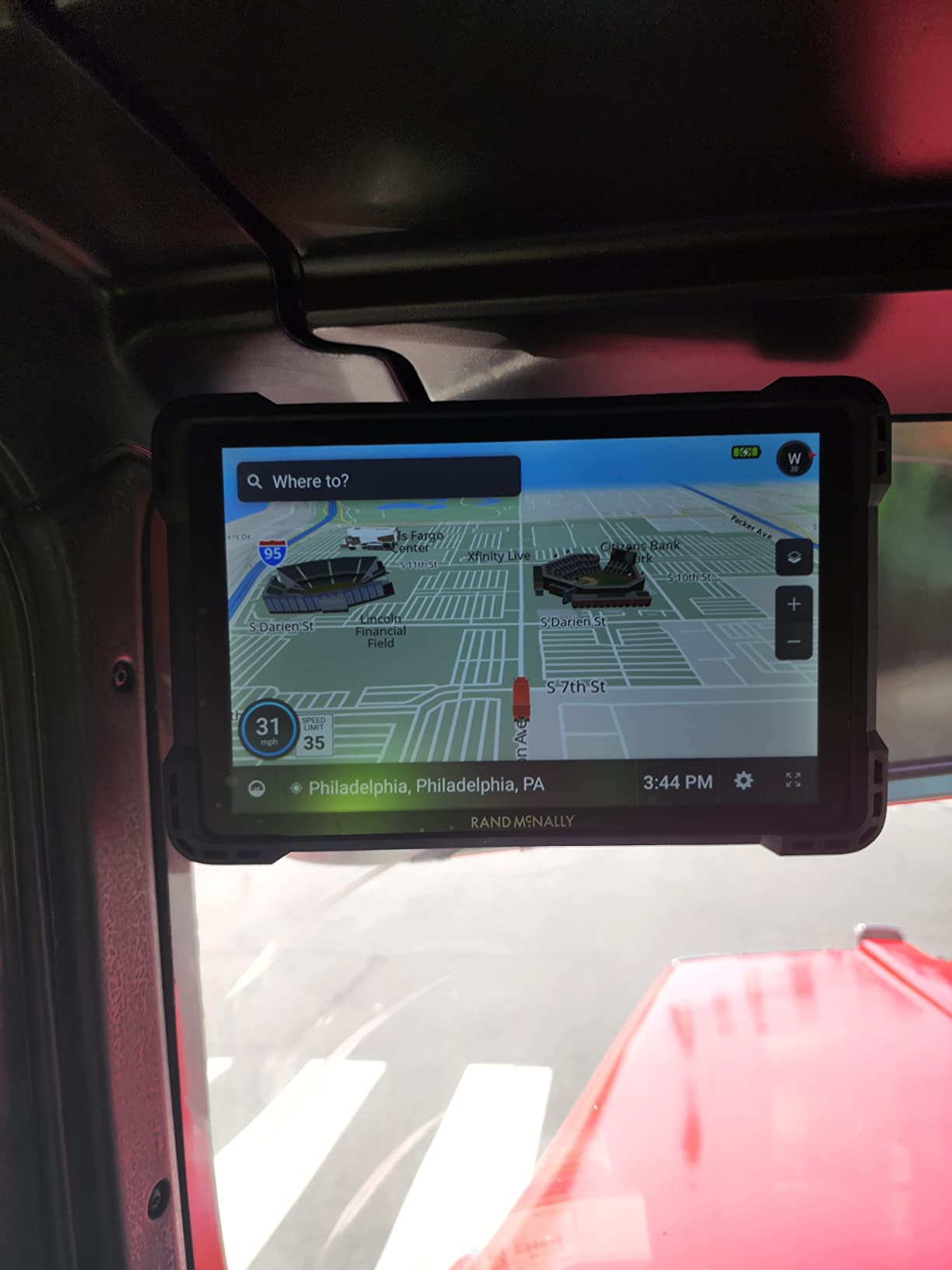
The built-in dash cam is the practical extra. It records forward video for incident capture and for the driver and vehicle inspection reports that are part of a long-haul paperwork load, which means one less device to mount and one less cable to run. The box includes a ball mount bracket, an adhesive and screw dash mount, a powered magnetic mount connector, a windshield suction cup, a USB-C cable and a vehicle charger, so you have real installation options.
Rand Navigation 2.0 claims 33 percent more truck-specific road data than competing providers, and owners report that the device steers rigs toward larger roads with plenty of warning ahead of height and size limits. It runs on Android, weighs 1.8 pounds and measures 10.5 by 6.5 by 1.2 inches.
Why the 10-Inch Screen Works for Some Cab
It is the easiest unit here to read without focusing, and the guard plus Gorilla Glass combination is the most rugged hardware in the group. Drivers running local and regional delivery with many stops a day benefit from a screen that shows the street name, the truck limit reminder and the next turn in one view. The dash cam and receipt tracking also cut down on separate accessories.
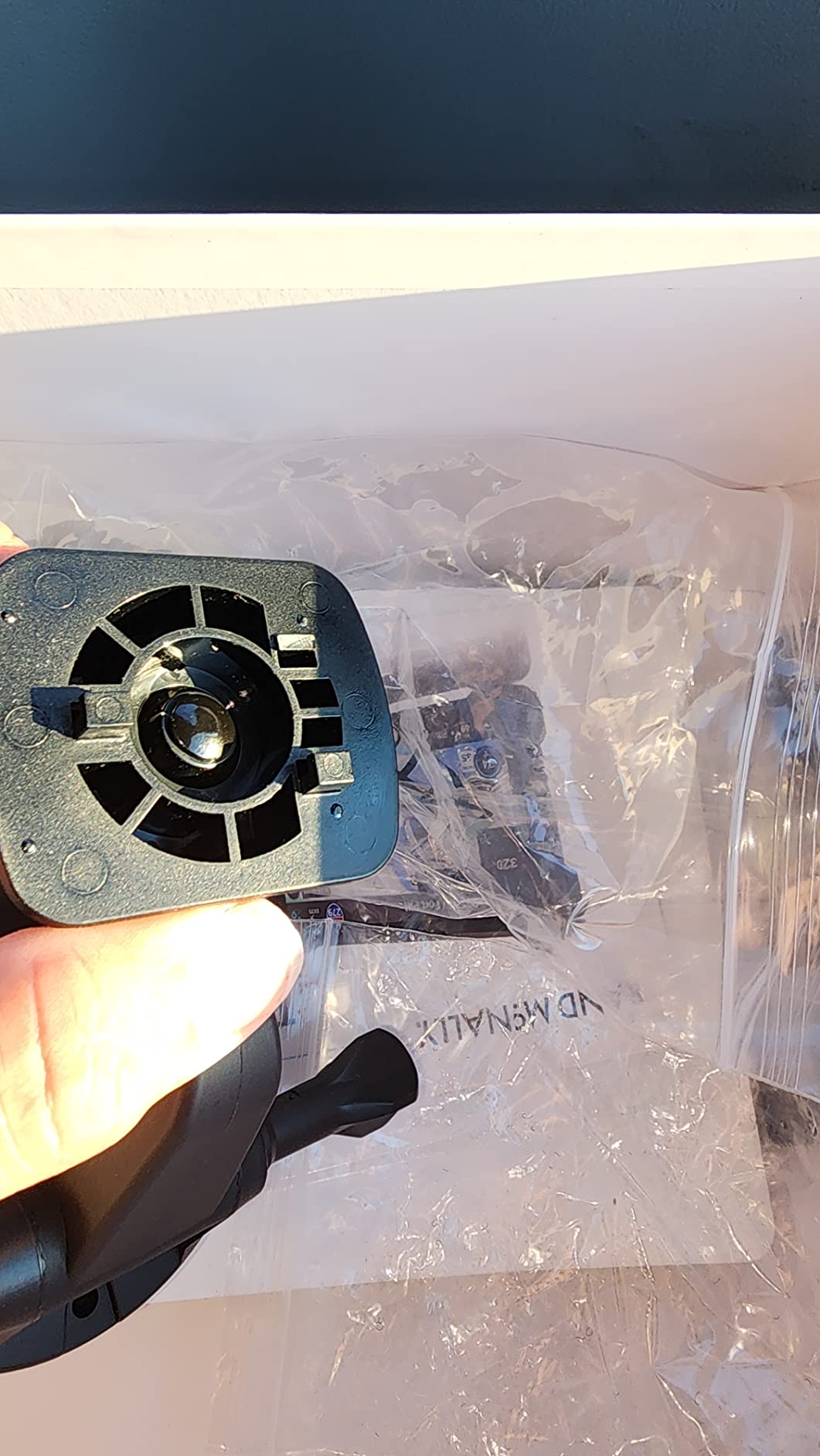
Reviewers specifically praise the mounting kit, and the model ships with more mounting hardware than any other navigator in the list. For a driver who is not fussy about a fixed dash install, the adhesive and screw options are the sturdiest path.
Why Some Drivers Skip the TND 1050
Routing quality is the weakness, and it is a real one: owners report unnecessary detours, routes that double back, arrival times and traffic estimates that are often wrong, and bogus railroad crossing warnings near interstate and rail-adjacent stretches. A 4.1 star average across 199 reviews reflects that gap against the dezl models.
At 1.8 pounds it is also heavy, and a 10-inch footprint covers a large part of the windshield. The magnetic mount can loosen over bumps and potholes, so it needs a check after rough pavement. If route accuracy is your priority over screen size, the Garmin models are the safer bet.
5. Rand McNally TND 750 Truck GPS – Most Versatile With a Dash Cam
Rand McNally TND 750 7-inch GPS Truck Navigator with Built-in Dash Cam, Easy-to-Read Display and Custom Truck Routing (Renewed)
7-inch LCD touchscreen
Custom truck routing
Built-in dash cam
Dynamic weather overlays
Pros
- Readable screen at a working budget
- Profile customizable by size and cargo
- Magnetic suction mount removes without unplugging
- Built-in dash cam plus receipt tracking
- Supports trucks
- buses and RV use
Cons
- Slow recalculation that can take up to 30 miles to fix
- Dated 480 x 272 resolution
- Only a 90-day limited warranty on a renewed model
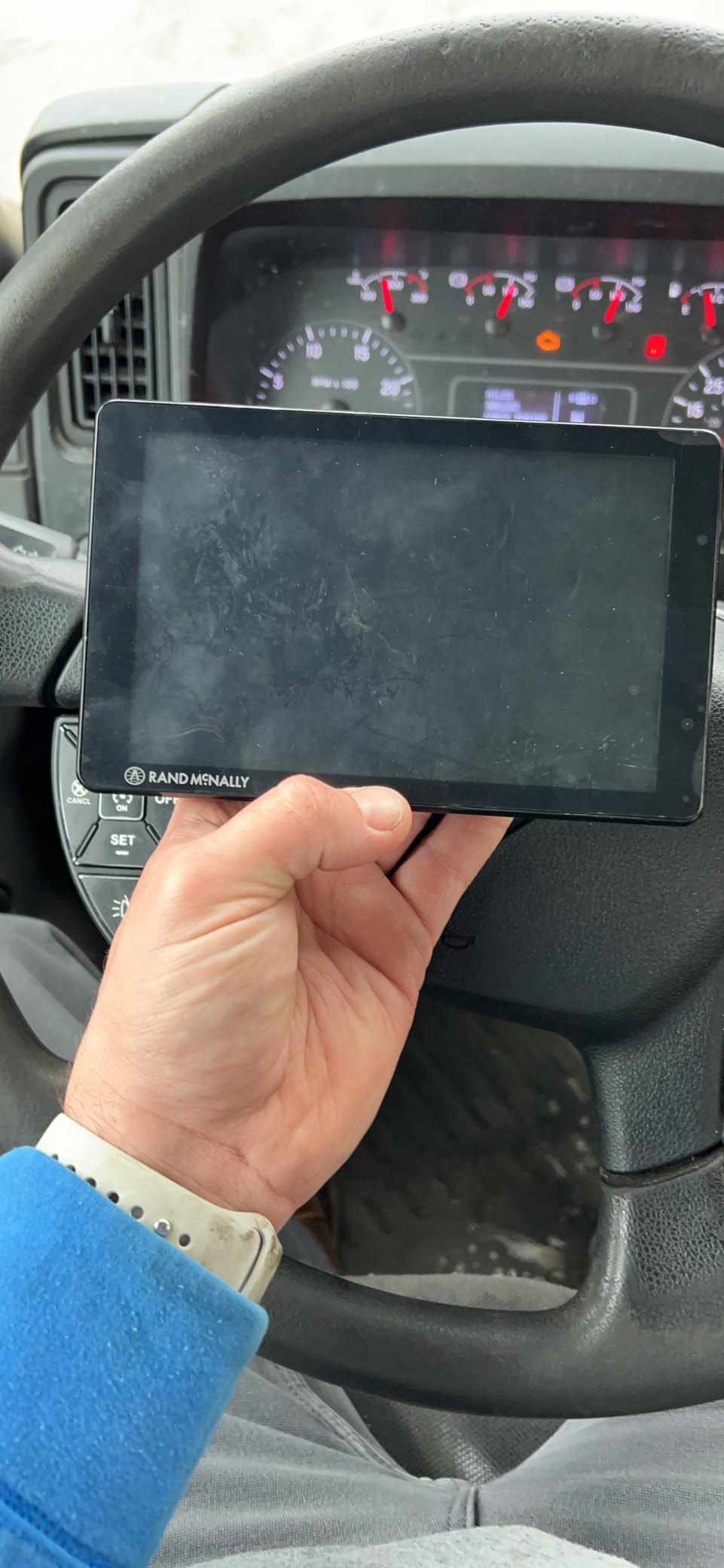
The TND 750 is the cheapest way to get a real truck profile into a cab, and several reviewers explicitly recommend it for RV owners who want a second navigation device. You can set the vehicle size, weight and cargo profile, including hazardous materials options, and it will route around restricted roads for that configuration. The built-in dash cam and receipt tracking are unusual at this level.
The dynamic weather overlays are the sleeper feature, showing precipitation, temperature and wind speed along the route, and the device renders 3D buildings and landmarks for a clearer sense of place in a city approach. It supports vehicles including trucks and buses, and connects over Bluetooth to a phone or tablet.
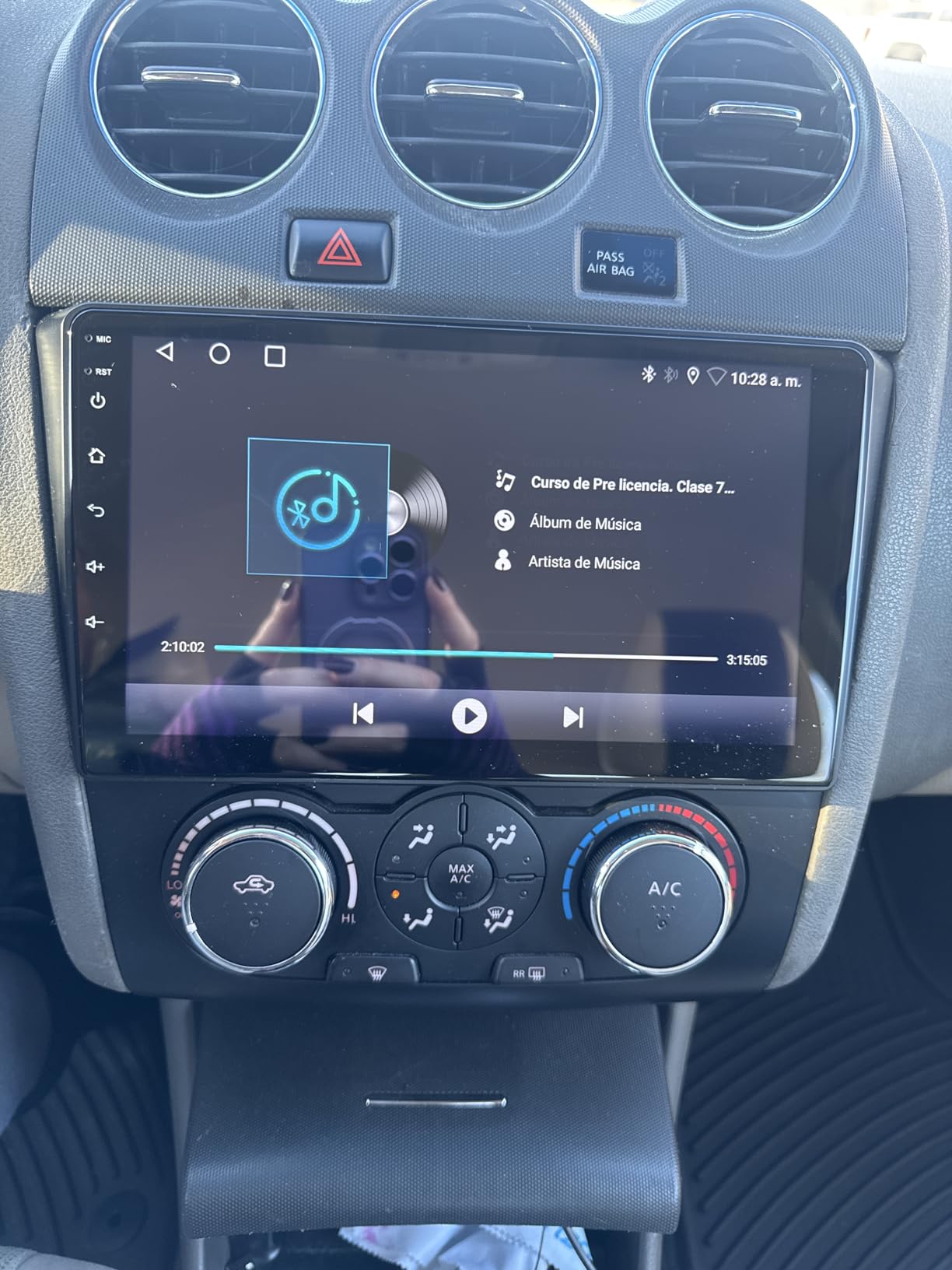
Mounting is straightforward with dashboard and magnetic suction options, and the magnetic attachment means you can pull the device out without unplugging it, which is handy when you park. At 7.3 by 0.8 by 4.5 inches the body is a normal dashboard footprint and does not block sightlines the way a 10-inch tablet does.
This is a renewed unit, and that shapes the expectations. It comes with a 90-day limited warranty instead of a full year, and the listing carries an item and manual in the box rather than the full mount set. The screen is 480 x 272, which is the weakest spec in the roundup and is visible the moment you look at a map.
Who Should Buy the Budget TND 750
A driver who wants a truck profile in a pickup or a small rig, runs occasional long trips rather than every day, and is willing to accept a slower device. The adjustable dash cam, the weather overlays and the cargo-aware profile are features that pricier dedicated units do not always include, and several owners say it handles RV routing well.
It is also a reasonable second unit for a driver who swaps between a truck and an RV, because the profile changes and the device follows you. Just know that the renewed condition and the short warranty mean it is a stopgap rather than a long-term install.
Why the TND 750 Frustrates Owners
Recalculation is the main complaint. Reviewers report the unit sometimes failing to reroute for up to 30 miles after leaving the planned route, and the search function is not intuitive, which together make it tiring on a trip where the route changes often.
Add a dated 480 x 272 display, an unexpected day and night mode that needs manual adjustment, and reports of the device becoming inaccurate over time, and the 4.0 star average across 494 reviews makes sense. Several reviewers who tried both brands recommended Garmin as the better long-term choice.
6. Rand McNally OverDryve 8 Pro II Truck GPS – Best All-in-One Cab Unit With Satellite Radio
Rand McNally OverDryve 8 Pro II Truck GPS & Connected Tablet, Car Navigation with 8” Display, Built-in Satellite Radio, Fully Adjustable Dash Cam (Renewed)
8-inch Android display
SiriusXM in the mount
Adjustable dash cam
Fuel and mileage logs
Pros
- SiriusXM streams to the device or the truck stereo
- Adjustable dash cam with G-sensor and loop recording
- Mileage and fuel logs for expense tracking
- Alerts configurable for speed changes and road conditions
- Handles both car and truck navigation
Cons
- 480 x 272 resolution looks dated
- Android tablet build can be slower and less stable
- Renewed condition means a limited warranty
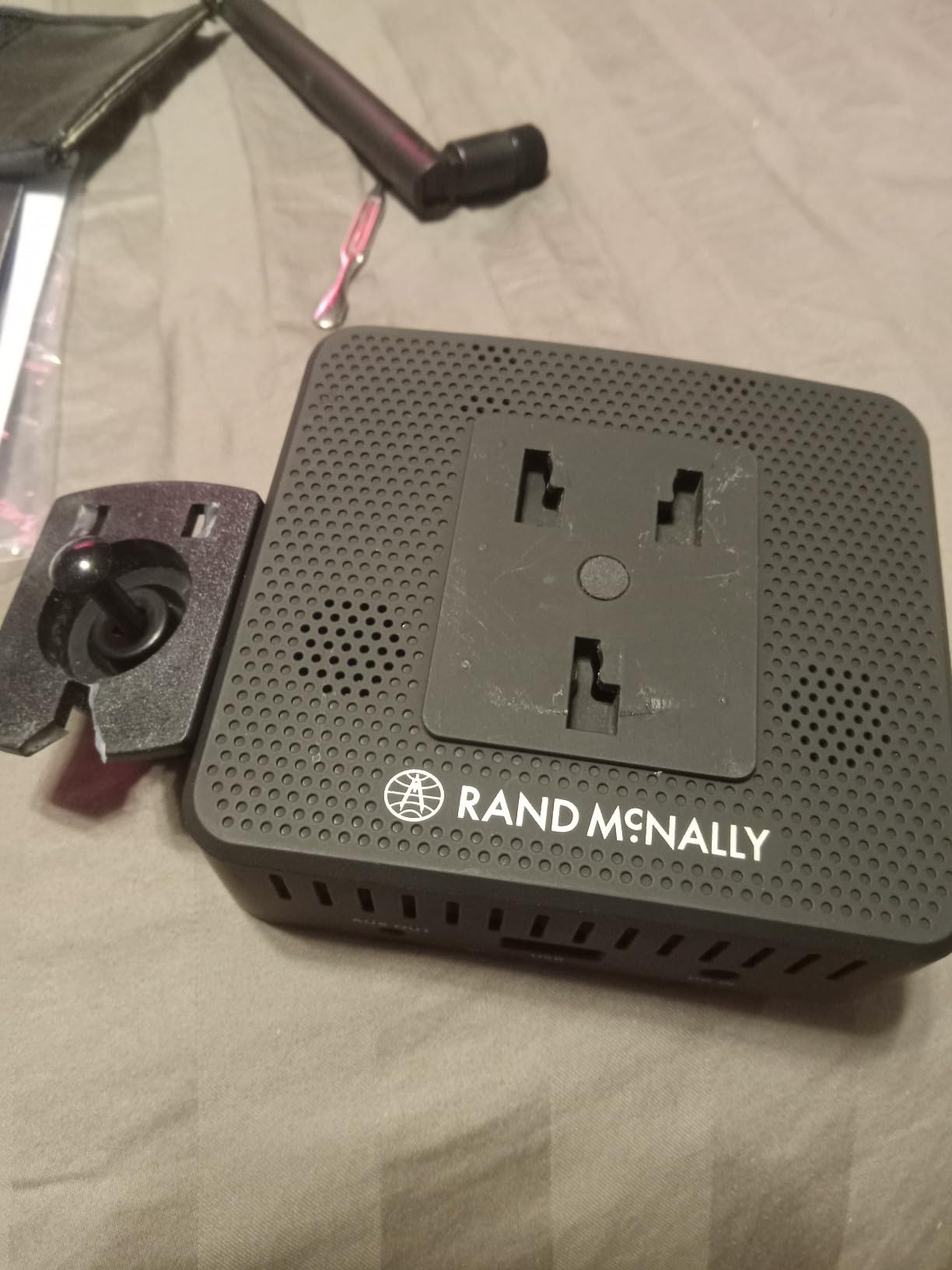
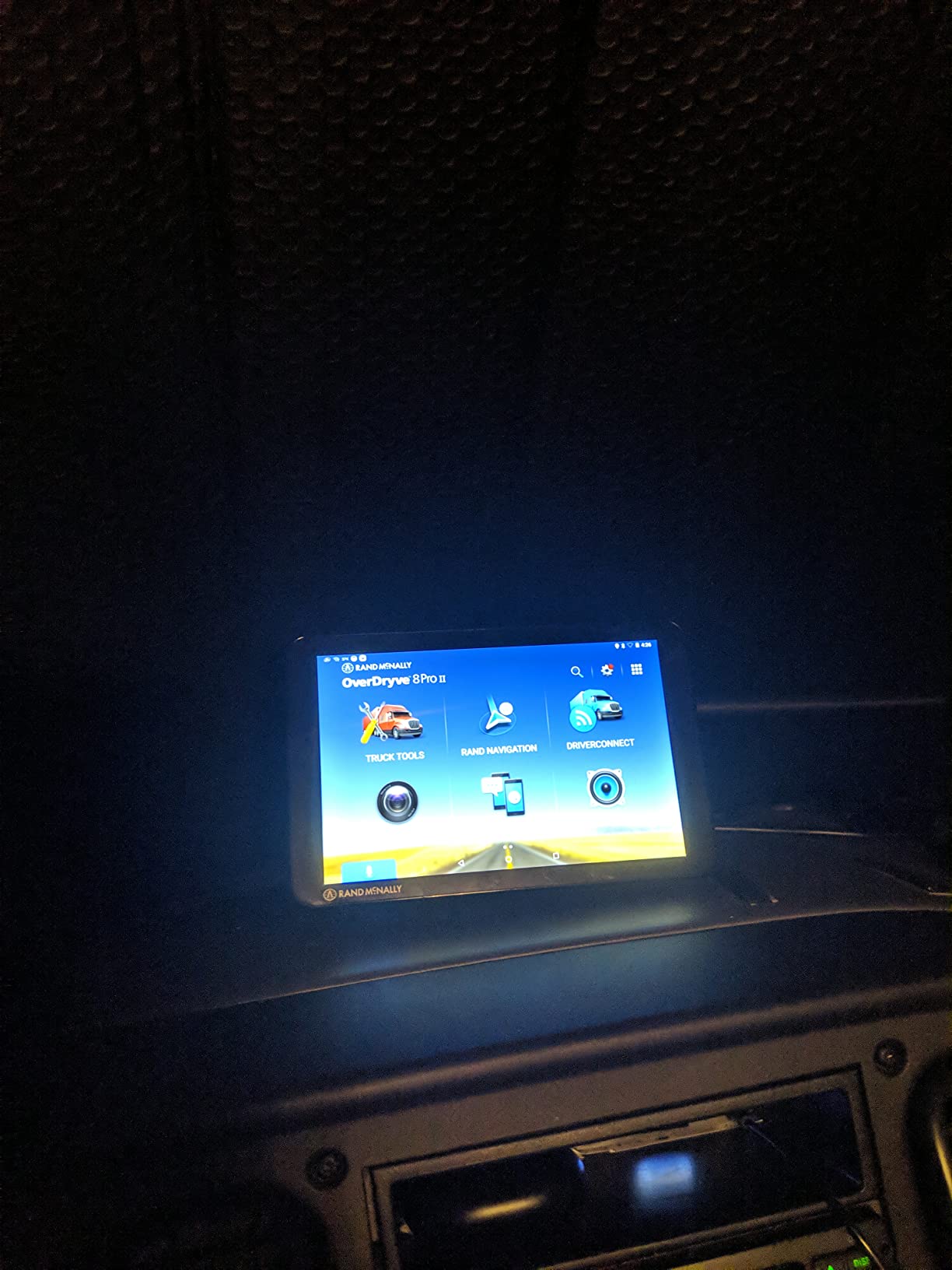
The OverDryve 8 Pro II is the odd one out, and that is its selling point. It is a connected Android tablet and navigation device in one, with a SiriusXM satellite radio receiver built into the mount. The radio streams through the device or out to the truck’s own stereo, which no other navigator in this roundup can do.
The dash cam is fully adjustable and uses a G-sensor with loop recording, so it reacts to impacts rather than relying on you to start it manually. Mileage and fuel logs track economy and expenses across a trip, and the on-screen alerts are configurable for speed limit changes, sharp curves and road conditions rather than being fixed.
Connected capabilities add hands-free calling, texting, weather and app access over Bluetooth and Wi-Fi, with voice guidance and voice control. It is listed for both car and truck use, which makes it a reasonable single device for a driver who spends part of the year in a car and part of it in a rig.
The physical footprint is 8.15 inches wide by 5.25 inches high, and mounting is a dashboard mount rather than a suction setup. It runs on GPS with an Android operating system, which is the root of both its flexibility and its rough edges: a tablet can do more than a dedicated navigator, but it does not always feel as stable.
Why This One Earns a Place at All
Because the satellite radio, the fuel and mileage logs and the connected calling features do not exist on the other five devices. Drivers who spend hours in a cab with the radio on and an expense report to file get three accessories out of one unit. It rates 4.0 stars across 182 reviews, and the positive comments cluster around exactly those extras.
It is also a defensible second device for an owner who does not want a separate tablet in the passenger seat. The adjustable cam and configurable alerts are the parts most reviewers single out as doing what the manual promises.
Where the OverDryve Falls Behind
The 480 x 272 display is the same low resolution as the TND 750 and it looks dated next to a 1280 x 800 panel, which reduces map detail. Reviewers also report an older Android experience, interface lag when pulling satellite imagery, and a general sense that the tablet build is slower and less stable than dedicated GPS hardware.
It is a renewed unit with a limited warranty, so expect some cosmetic wear. If you want the same all-in-one idea with a modern screen and better route quality, the TND 1050 is the version to look at instead.
Dedicated Truck GPS Vs Trucker Path and Google Maps
This is the question behind most of the buying hesitation, and it is the one two driver forums were arguing about when we started this roundup. A driver on r/Truckers asked whether they were missing out by not buying a dedicated Garmin or Rand McNally, specifically about entrances and the stops along the way. The honest answer is that the two categories solve different problems.
A dedicated truck navigator wins on the things that happen when the road is bad. It routes on your truck profile with no cell connection required, warns about bridge heights, weight limits, sharp curves and steep grades before you reach them, and shows loading docks, truck entrances and security gates from satellite imagery as you approach. Truck-friendly parking and weigh station notifications come from the same data set, not from a crowdsourced crowd.
Trucker Path and Google Maps win on cost and on community detail. A phone app is free or close to it, updates instantly, and its shared parking and loading dock information comes from other drivers in real time, which a dedicated unit cannot match. Google Maps is excellent at traffic and at comparing a route you think is better than the one proposed.
Forum consensus, which matches what we saw in testing, is that Garmin and Rand McNally split the market roughly evenly, and that most drivers who own a dedicated unit still keep a phone for quick lookups. Driver communities also tend to treat Google Maps as a backup and route comparator rather than the primary truck routing tool. Our advice is the same: use the dedicated unit as the primary navigator, keep the phone for a second opinion and for the last mile, and never rely on a phone map through a mountain gap with no signal. If your truck is also your weekend vehicle, our rooftop cargo basket guide covers the gear side of that same trip.
How to Choose a Truck GPS Navigator for Road Trips
Six checks, in the order that actually matters when you are comparing these devices.
Screen Size and Cab Fit
Match the screen to the cab, not to the spec sheet. A 6-inch unit such as the OTR610 fits a pickup dash and a low-visibility sleeper without blocking anything. A 7-inch panel is the sweet spot for a day cab. An 8-inch model belongs in a big sleeper where you can mount it out of the sightline, and a 10-inch tablet needs a wide windshield and a check that the magnetic mount survives potholes.
Test it in the cab, not on a desk. Hold the mount where it will live and confirm the next turn and the truck limit reminder are readable in one glance.
Truck Routing and the Vehicle Profile
Every unit here routes on a profile of height, width, length and weight, and the quality of that data is what separates a truck navigator from a car one. Look for hazard alerts that include bridge height, weight limits, sharp curves and steep grades, and for arrival planning that shows the dock or gate rather than a street address. Custom truck routing also keeps you off residential streets that a car route will happily use.
Enter the profile correctly and check it on a route you already know. A wrong weight figure quietly removes the restrictions you rely on.
Power, Mounting and Cab Durability
Almost every navigator in this category is a dock device. The OTR610 has no internal battery, the OTR800 manages about two hours unplugged, and the OTR710 manages roughly 20 to 30 minutes, so plan on a constant 12V connection in a semi cab. For mounting, a screw-down option beats a suction cup on washboard pavement, and a magnetic mount needs a monthly check.
Weight matters too: the TND 1050 at 1.8 pounds is a different object to secure than the OTR610 at 6.17 ounces. For a driver who moves gear between vehicles, a lighter unit with a plug-and-play cable is worth more than a heavier one with extra features.
Map Updates and Long-Term Cost
Treat the map update as part of the purchase, not an afterthought. Owners on forums describe a recurring annual fee to renew maps once the initial multi-year period runs out, and that fee is the single most common complaint about dedicated units in this category. Buy on the assumption that you will pay for updates and compare the lifetime cost against a free app, rather than treating the device as a one-time purchase.
On the Garmin side, live traffic, weather and camera data run through the dezl app over Bluetooth, which means your phone data plan is part of the running cost. On the Rand McNally side, Wi-Fi updates are built in and a few models carry a USB port, but renewals still apply. Whatever you buy, download maps over Wi-Fi before a trip so you are not doing it on a weak signal at a truck stop.
Truck GPS Frequently Asked Questions
What is the best GPS navigation system for truck drivers?
The Garmin dezl OTR800 is the strongest all-round system, rated 4.5 stars across 649 reviews. It pairs an 8-inch 1280 x 800 screen with custom truck routing, load-to-dock guidance, truck-friendly parking data and three mounting options. For a smaller budget, the dezl OTR610 runs the same truck routing logic on a 6-inch screen.
Which Garmin GPS is best for truck drivers?
Among the Garmin models in this roundup, the OTR800 suits a large sleeper cab and drivers doing load-to-dock work, the OTR710 suits a day cab that wants a 7-inch screen, and the OTR610 suits a pickup or a tight dashboard on a budget. All three use the same custom truck routing with bridge height, weight limit, sharp curve and steep grade alerts.
Which one is better, Trucker Path or Garmin?
A dedicated Garmin wins on profile-based routing, hazard alerts, BirdsEye dock imagery and offline maps with no cell signal. Trucker Path wins on cost and on community-shared parking and loading dock detail. Many drivers run both, using the dedicated unit as the primary navigator and the phone as a backup and route comparison tool.
What is the best truck GPS app for truck drivers?
For occasional road trippers in a pickup, Trucker Path and Google Maps handle most routes and cost very little. They depend on cell signal, do not warn about bridge height or weight limits, and cannot preview a loading dock from the air. For multi-day commercial runs, a dedicated truck navigator earns its cost.
What is the best GPS device for road trips?
For a pickup or RV road trip, a Garmin dezl OTR610 or OTR710 gives you offline maps, a vehicle profile and hazard alerts without a data plan. For a commercial rig running multi-day routes, step up to the 8-inch OTR800 for load-to-dock guidance and a larger screen, or the Rand McNally TND 1050 if screen size and a built-in dash cam matter most.
Do truck drivers use a special GPS?
Most long-haul drivers run either a Garmin dezl or a Rand McNally TND, and those two brands split the market roughly evenly. Both build routing around truck dimensions and warn about restricted roads. A standard car navigator or a phone map does not do either of those things, which is why drivers keep the app as a backup rather than the main unit.
Best Truck GPS Navigators for Road Trips: The Final Verdict
The Garmin dezl OTR800 is our pick for the best truck GPS navigators for road trips, because load-to-dock guidance, a large readable screen and the most mounting options add up to fewer surprises across a multi-day run. The dezl OTR610 is the value choice for anyone who wants BirdsEye imagery and truck routing without the step up, and the OTR710 covers the middle of the range.
On the Rand McNally side, the TND 1050 wins on hardware and the dash cam, and the OverDryve 8 Pro II is the one to consider if satellite radio and fuel logs matter more than route accuracy. Whichever you pick, set the truck profile before you leave, download maps over Wi-Fi, and budget for annual map renewals. If you are still building out the trip, our electric bikes for road trips guide covers the stops in between.