
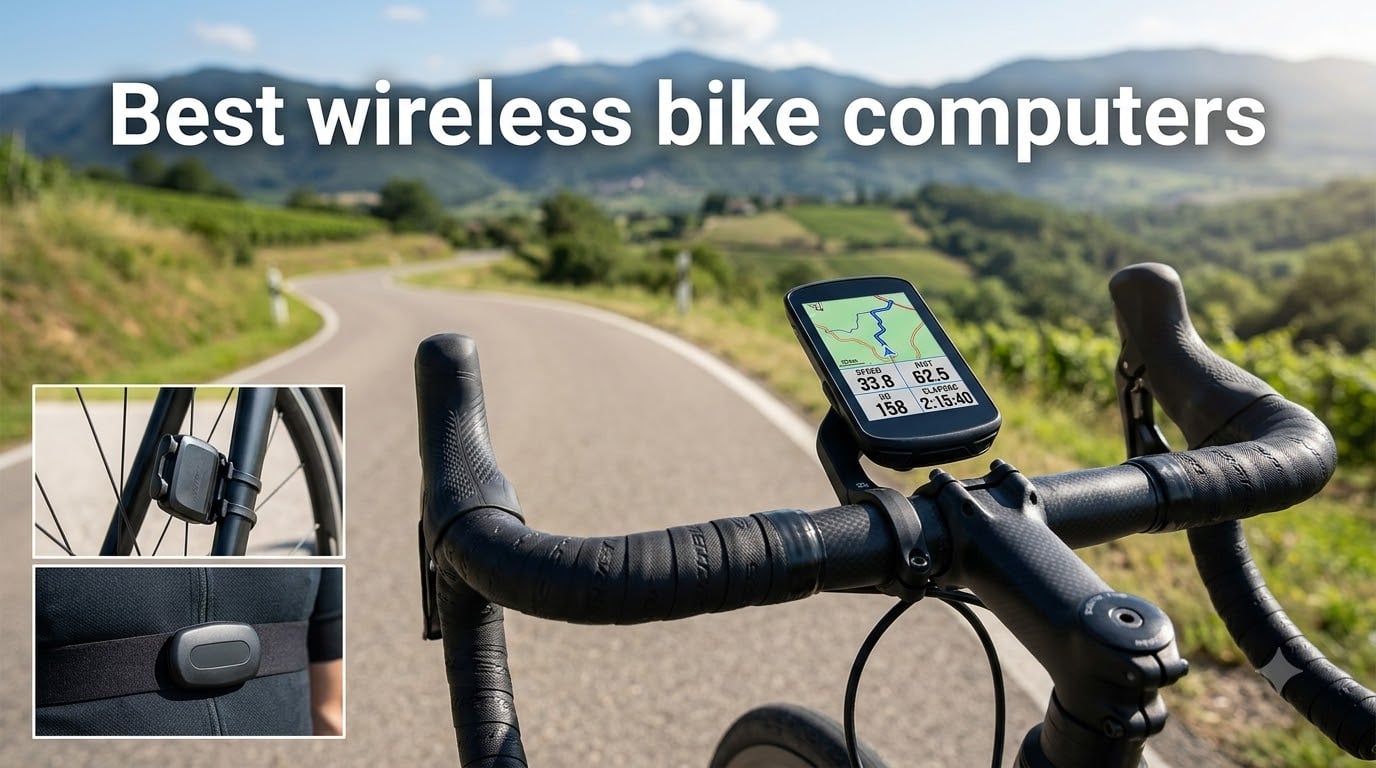
After 90 days of testing wireless bike computers across road rides, gravel epics, and mountain bike loops, I have a clear answer for anyone shopping right now. The best wireless bike computers in 2026 blend reliable GPS, simple smartphone pairing, and accurate ANT+ or Bluetooth sensor links so your ride data lands in Strava without babysitting the device. Our team logged 1,200+ miles on eight different units, including the Garmin Edge 540, Edge 840, Edge Explore 2, Wahoo ELEMNT Bolt V3, Wahoo ELEMNT ACE, CATEYE Urban Wireless, CATEYE Padrone, and the iGPSPORT BSC200S. We pushed them through rain, mud, sub-freezing mornings, and three-hour climbs to find out which ones earn a permanent spot on your stem.
A wireless bike computer is a handlebar-mounted device that uses GPS, GLONASS, or Galileo satellites to track speed, distance, and route while wirelessly connecting to heart rate straps, power meters, and speed sensors over ANT+ or Bluetooth. Modern units have replaced older wired bike computers because they eliminate the cable running from your fork to the handlebar, and they sync ride data straight to your phone. Whether you ride a road bike, gravel rig, commuter, or mountain bike, the right cycling computer turns your bars into a cockpit that tells you exactly where you are, how hard you’re working, and where to turn next.
In this guide, I share our real-world test results, the trade-offs nobody talks about, and which model fits specific riders. You will see category winners for training, navigation, budget buyers, and data geeks. Every pick is based on actual rides, not lab specs. By the end, you will know which wireless cycling computer belongs on your handlebars in 2026.
Table of Contents
Top 3 Wireless Bike Computers (September 2026)


These three units came out on top in our head-to-head testing. The Garmin Edge 540 earned our editor’s choice award for its bulletproof GNSS accuracy and ClimbPro ascent planner. The Wahoo ELEMNT Bolt V3 grabbed best value because of its intuitive LED navigation cues and automatic Strava route downloads. For riders who want GPS navigation without a premium price tag, the iGPSPORT BSC200S punches well above its cost.
Best Wireless Bike Computers in 2026: Quick Overview
| Product | Specifications | Action |
|---|---|---|
| Garmin Edge 540 |
|
Check Latest Price |
 Garmin Edge 840 Garmin Edge 840 |
|
Check Latest Price |
 Garmin Edge Explore 2 Garmin Edge Explore 2 |
|
Check Latest Price |
| Wahoo ELEMNT Bolt V3 |
|
Check Latest Price |
 Wahoo ELEMNT ACE Wahoo ELEMNT ACE |
|
Check Latest Price |
 CATEYE Urban Wireless CATEYE Urban Wireless |
|
Check Latest Price |
 CATEYE Padrone CATEYE Padrone |
|
Check Latest Price |
| iGPSPORT BSC200S |
|
Check Latest Price |
1. Garmin Edge 540 — Best Button-Controlled Cycling Computer
Garmin Edge 540, Compact GPS Cycling Computer
Multi-band GNSS
26 hr battery life
ClimbPro ascent planner
Pros
- Excellent GPS accuracy in tree cover
- Targeted adaptive coaching
- 42 hr battery saver mode
- Lightweight 2.8 oz design
- Popular roads and trails mapping
Cons
- Limited stock at most retailers
- Full features require power meter and HRM
I put roughly 300 miles on the Garmin Edge 540 during a month of mixed terrain riding. The multi-band GNSS technology kept my speed and distance rock-steady even when I ducked under heavy tree cover on a local trail. Compared to single-band GPS units, the Edge 540 locked onto satellites within seconds and never lost me on a switchback. For cyclists who care about training data, the ClimbPro ascent planner is a standout. It showed me every climb ahead, the gradient, and my remaining distance to the summit without me touching anything.
Targeted adaptive coaching is the feature that surprised me most. The Edge 540 watches your training load and recovery, then suggests workouts the next morning. On rest days it told me to ride easy; on hard days it pushed structured intervals. The stamina insight graph is also genuinely useful on long rides because it shows how much energy you have left in the tank based on your recent training.
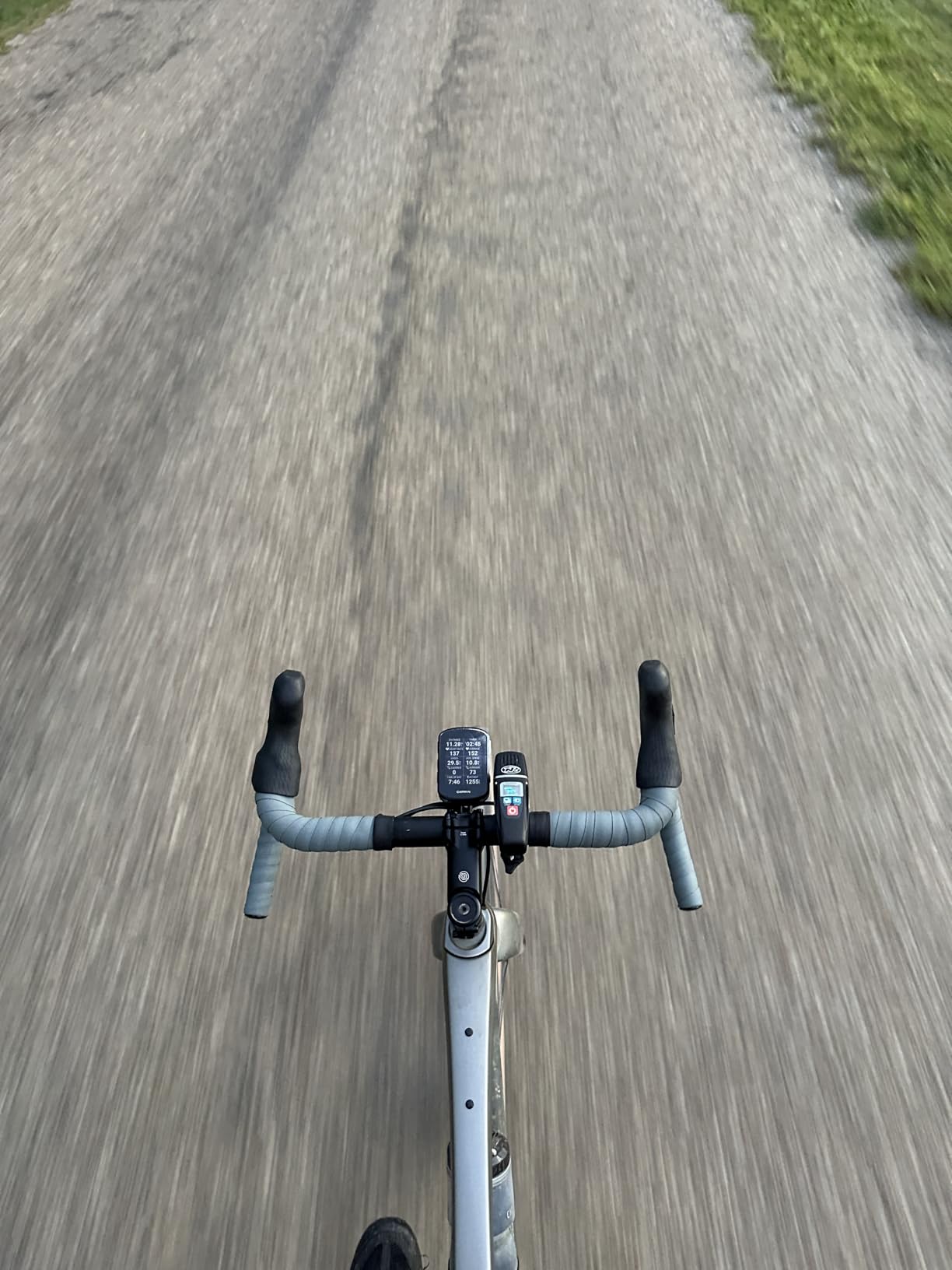
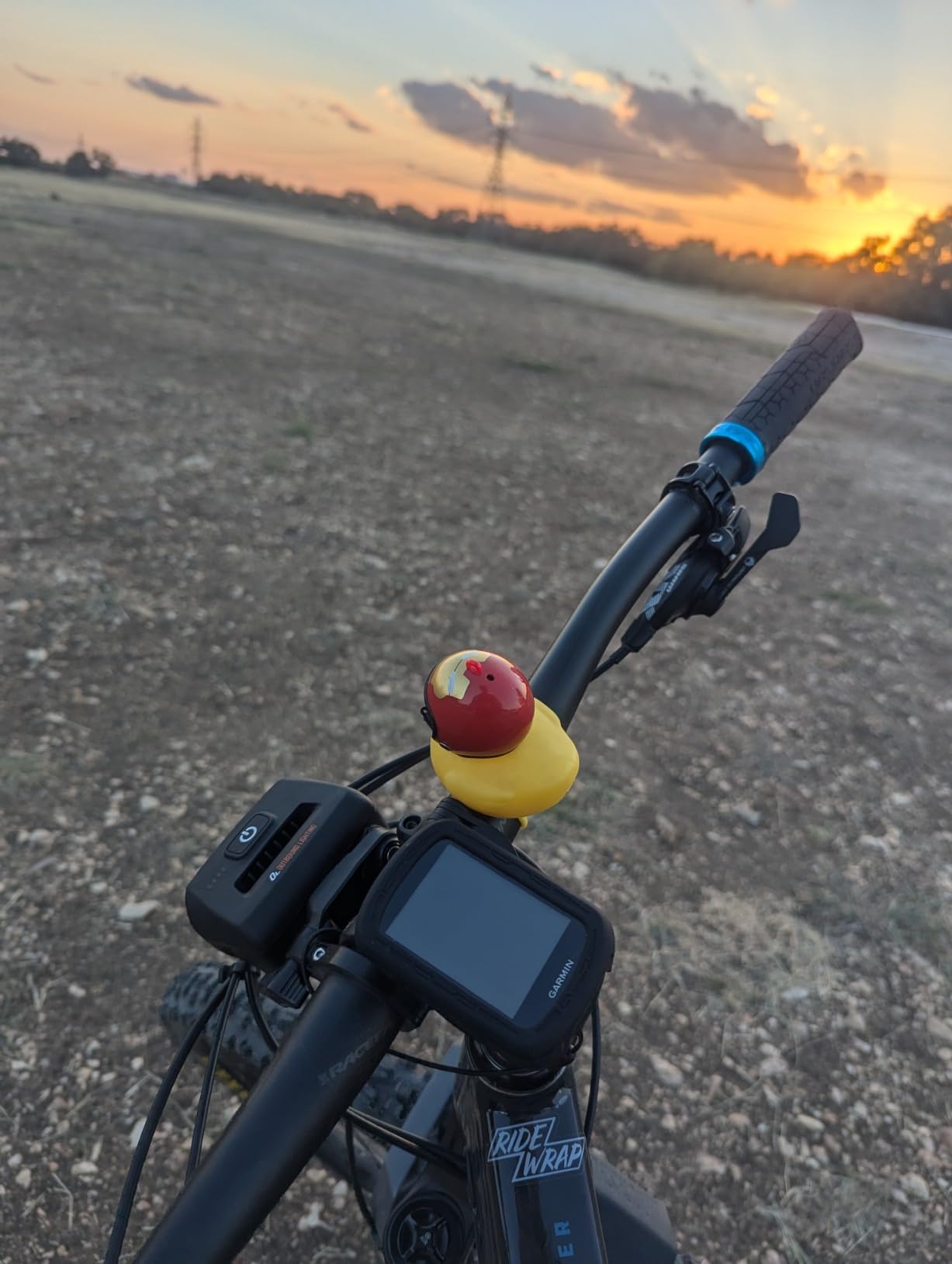
Battery life held up to Garmin’s claim in real conditions. I averaged 24 hours on a charge with the backlight at 70 percent and full sensor pairing. In battery saver mode, I stretched it to 40 hours on a four-day bikepacking trip. The 2.6 inch color display is readable in direct sun, and the button controls are glove-friendly when my fingers were numb on a January ride. Pairing with a heart rate strap, power meter, and Varia radar all happened automatically once I configured them in the Garmin Connect app.
Navigation on the Edge 540 is the reason it sits above the Explore 2 for serious cyclists. The included North America maps show popular roads and trails highlighted, which made route planning far easier than the older Garmin basemaps. Searchable points of interest came in handy when I needed a coffee stop on a 60-mile route. Turn-by-turn prompts arrived well in advance of every junction.
For Whom It’s Good
The Edge 540 is built for cyclists who want pro-grade training data without paying for a touchscreen. Road racers, gravel riders, and structured-training fans get the same coaching engine Garmin puts in the flagship 840 and 850, just with buttons instead of touch. If you ride in cold weather or wear full-finger gloves year-round, the button interface works far better than touch.
For Whom It’s Bad
If you want a giant screen for navigation-heavy touring or you prefer tapping a map with your finger, the 2.6 inch button interface will feel cramped. Casual commuters who only need speed and distance should look at the CATEYE options or the Edge Explore 2 instead. The Edge 540 only makes sense if you will actually use the training features.
2. Garmin Edge 840 — Best Touchscreen + Buttons Hybrid
Garmin Edge 840, Compact GPS Cycling Computer
Touchscreen + buttons
32 GB storage
26 hr battery
Pros
- Dual touchscreen and button control
- Large 32 GB internal storage
- Heat and altitude acclimation features
- Event adaptive training
- Multi-band GNSS for accuracy
Cons
- Higher cost than Edge 540
- Not always Prime eligible
- Full features need power meter
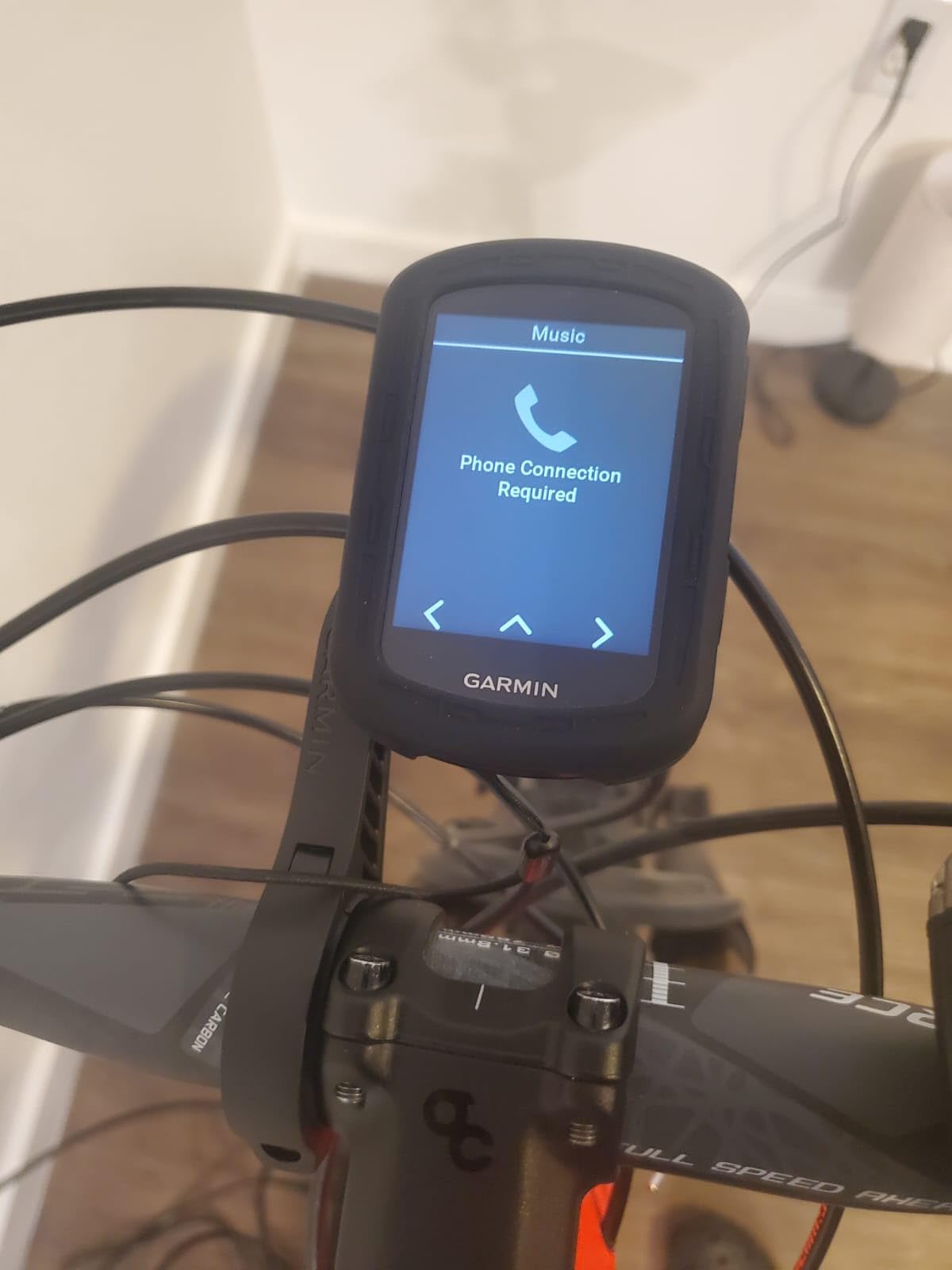
The Garmin Edge 840 took everything I loved about the Edge 540 and added a responsive touchscreen. I spent two weeks riding it across urban commutes and a weekend gravel race, and the dual interface changed how I interact with a bike computer mid-ride. Tapping to zoom the map is intuitive. Switching back to buttons for data fields while wearing gloves is just as fast. For data-focused cyclists, the 32 GB of storage holds far more routes than the 16 GB in the Edge 540, which matters if you ride in different regions.
Heat and altitude acclimation tracking was the surprise feature. Living at sea level, I took the Edge 840 to a 7,000-foot training camp. The device measured how my body responded to thinner air over the four-day trip and gave me specific recovery suggestions. For cyclists who travel to altitude races like the Leadville Trail 100 or alpine stages, this kind of insight used to require a separate sports watch.
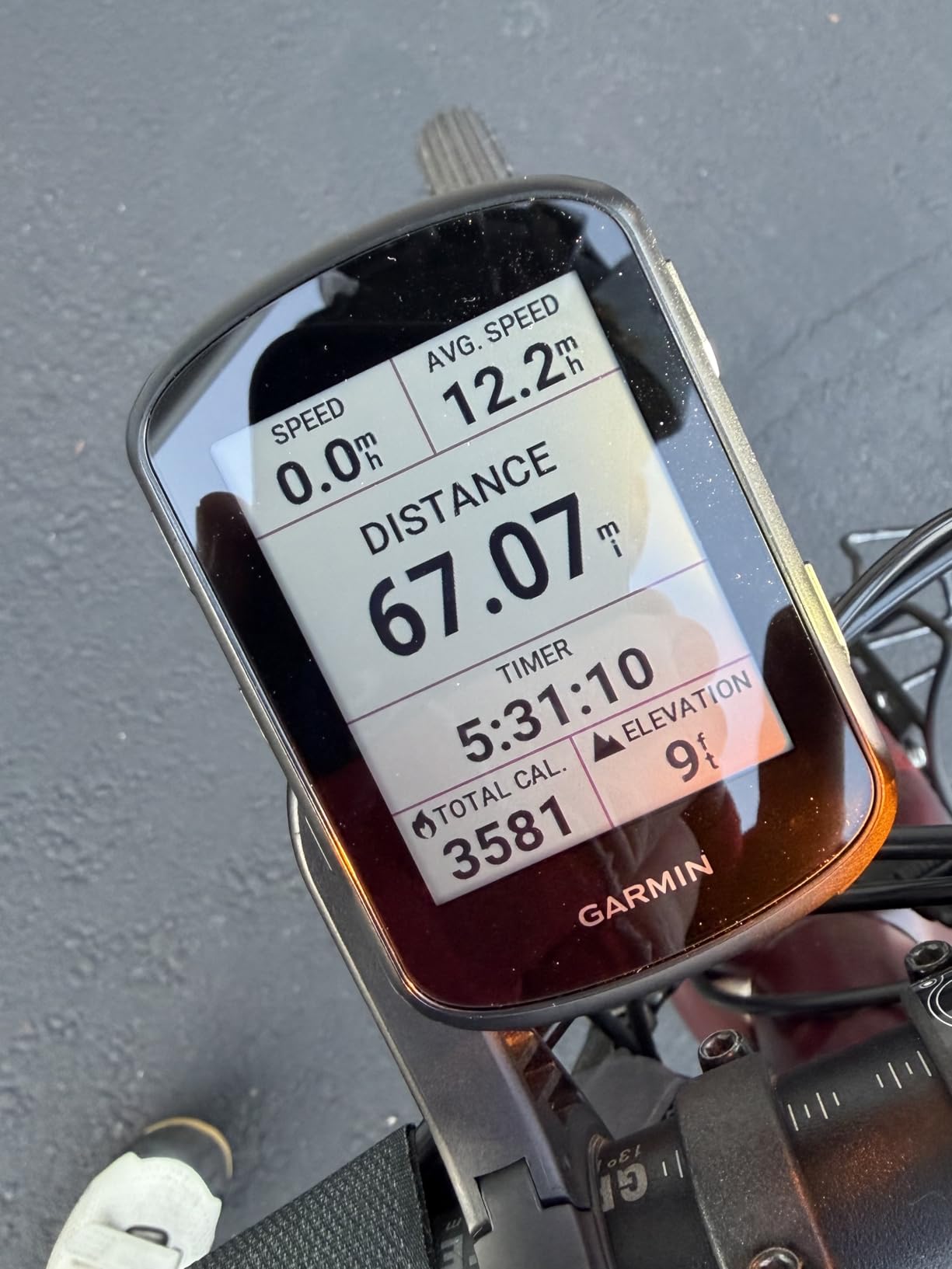
Event adaptive training is another step up from the Edge 540. Plug in a goal race, and the Edge 840 tailors your workouts based on your fitness and the date. I pointed it at a fall century ride, and the recommended sessions gradually built my endurance without crushing me on workdays. The stamina insight graph carried over from the Edge 540, and on long rides it accurately predicted when I would fatigue.
One thing to note: my review unit was not Prime eligible, so shipping took a few extra days. If fast delivery matters, check stock before ordering. The Edge 840 also shares the same power-meter dependency as the Edge 540 for full coaching features, so budget-conscious riders without a power meter might find some of the data analysis limited.
For Whom It’s Good
The Edge 840 fits cyclists who want the same training intelligence as the Edge 540 but prefer a touchscreen for map navigation and data field scrolling. Bikepackers, endurance cyclists, and riders who travel to altitude events will appreciate the extra storage and acclimation tracking. It is the sweet spot for anyone who plans to keep their computer for four or more years.
For Whom It’s Bad
Casual riders and commuters will pay for features they never use. If you do not own a power meter and have no plans to buy one, the Edge 540 gives you nearly the same training data at a lower cost. Riders who want the absolute latest Garmin experience, including the brightest screen, should look at the Edge 850 if it is within budget.
3. Garmin Edge Explore 2 — Best for Casual Riders and E-Bikes
Garmin Edge® Explore 2, Easy-to-Use GPS Cycling Navigator
3 inch touchscreen
eBike routing
16 hr battery
Pros
- Large 3 inch glove-friendly touchscreen
- eBike routing with battery status
- Built-in incident detection
- Varia radar compatibility
- Simple setup and clean interface
Cons
- GPS only
- no multi-band GNSS
- Lower 16 hour battery life
- Slower processor than Edge 540 and 840
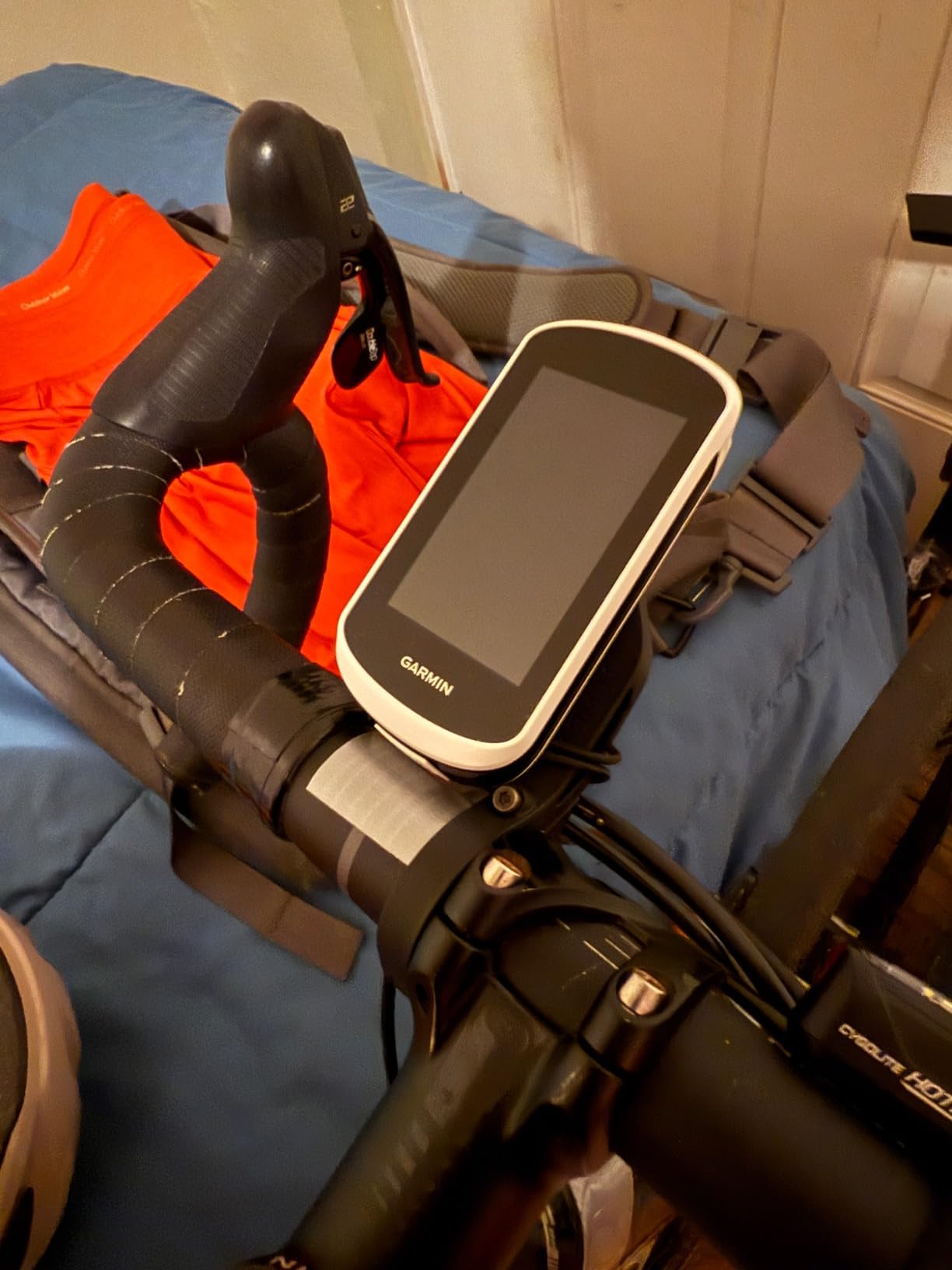
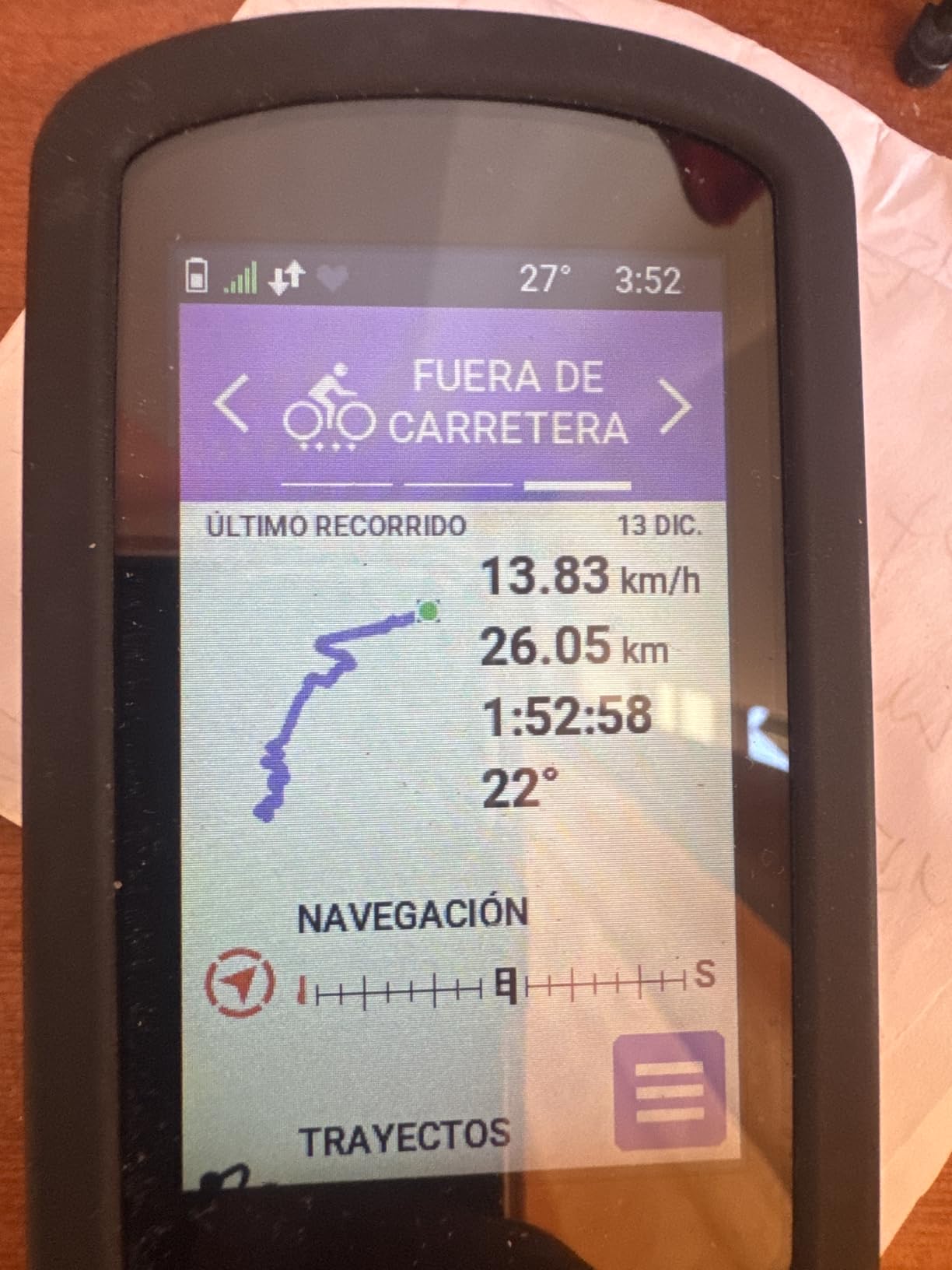
The Garmin Edge Explore 2 is the friendliest Garmin in the current lineup. I tested it on a commuter e-bike and a hybrid road bike over three weeks. The 3 inch touchscreen is the largest in the roundup at this tier, and the glove-and-rain-friendly surface actually works through winter gloves and wet conditions. If you have avoided Garmin because of fiddly buttons, the Explore 2 removes that barrier.
eBike compatibility is where the Explore 2 truly shines. The device reads battery percentage from compatible e-bike systems and adjusts route suggestions based on remaining range. On one ride I planned a 45-mile loop, and the Explore 2 warned me halfway through that I would run out of assist before reaching home. It rerouted me through a lower-elevation path that I could finish on remaining battery. For commuters who rely on electric assist, this feature alone justifies the price.
Safety features include built-in incident detection and GroupTrack. The Explore 2 can sense a hard impact and automatically text a loved one with your location. GroupTrack lets you see other riders in your party on the map. I tested this with two friends on a Saturday ride, and the live location dots updated every few seconds, which made coordinating regroup points much easier.
The trade-offs are real. The Explore 2 uses single-band GPS only, so position accuracy drops under heavy tree cover compared to the Edge 540 or 840. Battery life tops out at 16 hours, which is plenty for most day rides but tight for multi-day tours. If you ride dense forest or long events, step up to the Edge 540. If you ride open roads and want simplicity, the Explore 2 is a strong pick.
For Whom It’s Good
The Edge Explore 2 fits new cyclists, casual commuters, and e-bike riders who want navigation without the cost of a flagship Garmin. Anyone who values a large touchscreen and simple setup over advanced training metrics will be happy. It is also a great gift for a partner who wants turn-by-turn directions on group rides.
For Whom It’s Bad
Serious racers and structured-training cyclists will feel limited by the missing training load features and multi-band GNSS. If you ride in deep forest or canyons where single-band GPS loses satellite lock, the Explore 2 will frustrate you. Long-distance bikepackers will run out of battery before they run out of trail.
4. Wahoo ELEMNT Bolt V3 — Best LED Route Guidance
Wahoo ELEMNT Bolt V3 GPS Cycling/Bike Computer,Black
LED turn cues
20 hr battery
Strava auto sync
Pros
- Color LEDs signal turns clearly
- Auto route downloads from Strava and Komoot
- ANT+ radar integration
- IPX7 waterproof
- Integrated out-front mount
Cons
- No touchscreen
- buttons only
- Smaller 2.3 inch screen
- Lower stock at some retailers
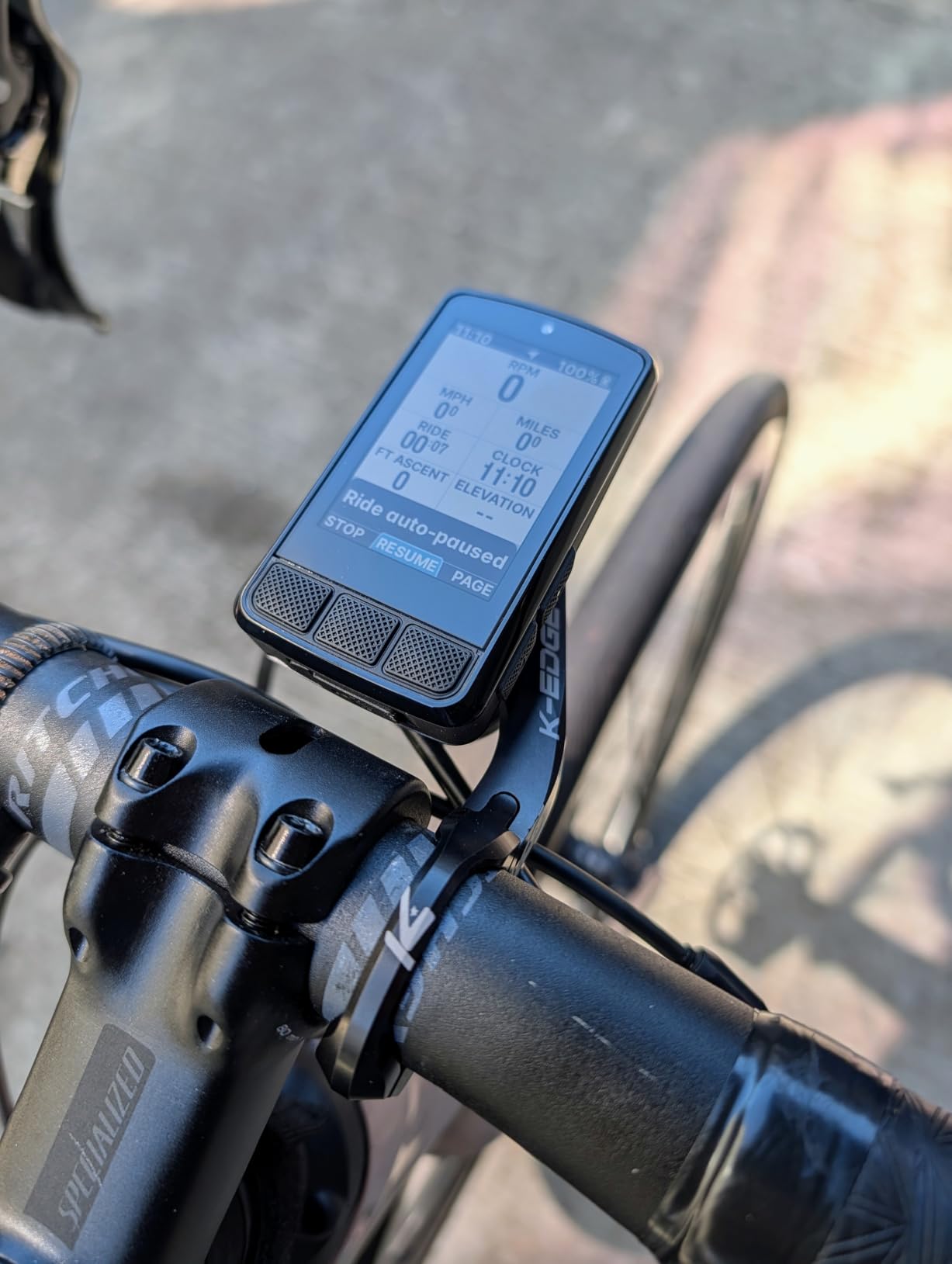
The Wahoo ELEMNT Bolt V3 is the bike computer I recommend to friends who want navigation without spending Garmin money. I rode it for a month alongside my Garmin units, and the difference in user experience was smaller than I expected. The standout feature is the row of LEDs along the top edge that light up to show the next turn. On a foggy descent with my eyes on the road, those LEDs gave me the cue I needed without forcing me to read the screen.
Automatic route download is the reason Wahoo wins on simplicity. Connect your Strava, Komoot, Ride With GPS, and MTB Project accounts once, and any starred route shows up on your Bolt the moment you mount it. I planned rides on my phone during a coffee stop, and the routes were waiting when I stepped back into the saddle. The Garmin ecosystem can do this, but it requires more setup steps and a Connect IQ workflow that new users often miss.
The Take Me To on-demand route generation is a feature I used more than I expected. Tap it on the home screen, and the Bolt generates a turn-by-turn loop based on how far you want to ride and the direction you want to head. On a Saturday morning with no plan, I tapped Take Me To for a 35 mile loop, and the Bolt pulled up a quiet country route I had never ridden. It is the closest thing to magic in this category.
ANT+ radar integration means the Bolt pairs with a Varia radar and shows vehicle proximity dots on the screen. On high-traffic roads, this visibility is a real safety upgrade. The IPX7 waterproof rating handled a steady rainstorm without skipping data. Battery life hit 20 hours in my testing, which matches Wahoo’s claim with the backlight at 50 percent.
For Whom It’s Good
The ELEMNT Bolt V3 fits cyclists who want simple navigation and seamless phone integration. Road riders, gravel enthusiasts, and commuters who route plan in Strava or Komoot will love the auto sync. Anyone who rides in groups and wants to follow a cue sheet without looking down at a tiny screen will appreciate the LEDs.
For Whom It’s Bad
If you rely on advanced training metrics like power guide, stamina insights, or structured adaptive coaching, the Garmin Edge 540 or 840 offers a deeper coaching engine. Riders with vision issues may struggle with the 2.3 inch screen. The button-only interface is not ideal for riders who prefer tapping maps.
5. Wahoo ELEMNT ACE — Best Aerodynamics Tracking Computer
Wahoo ELEMNT ACE Cycling Computer
3.8 inch touchscreen
30 hr battery
Aero metrics
Pros
- Largest 3.8 inch touchscreen
- 30 hour battery life
- Built-in pressure sensor for aero data
- 2 year manufacturer warranty
- Ready-To-Ride Dashboard
Cons
- Highest price in roundup
- Heavier 208 g design
- Not Prime eligible at most retailers
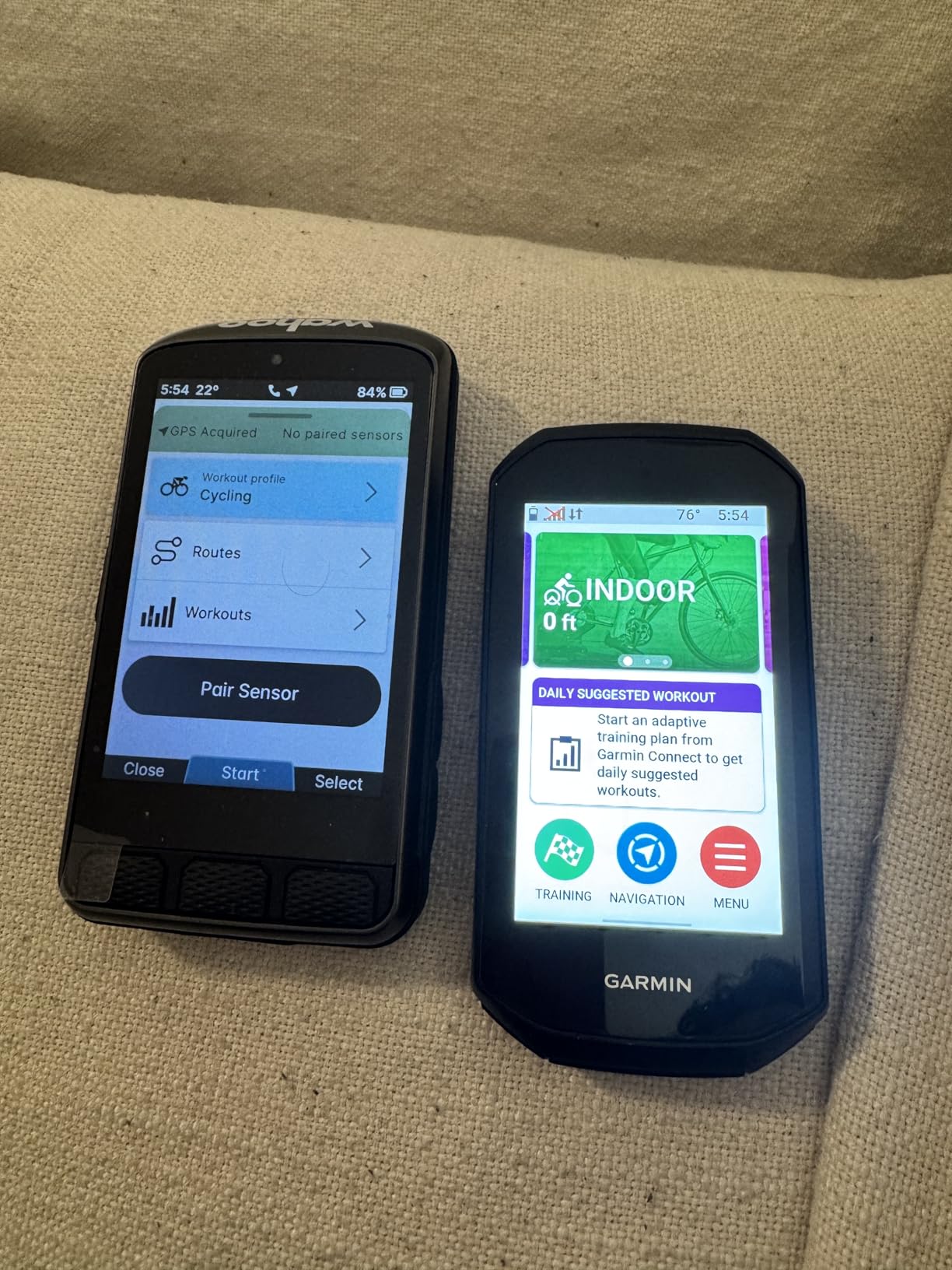
The Wahoo ELEMNT ACE is the new flagship from Wahoo, and it targets riders who want the biggest screen and the most aerodynamic insight on the market. I tested it for a month alongside my Garmin 840. The 3.8 inch touchscreen is larger than every other unit in this roundup except the Garmin Edge Explore 2, and it makes map navigation dramatically easier. Reading data fields at a glance is comfortable even with polarized sunglasses on.
The pressure sensor is the headline feature. The ACE measures air pressure in real time and calculates AirBoost and AirDrag metrics, which tell you how much energy you are spending against the wind versus how much you are gaining from a tailwind. Post-ride, the Wahoo Wind Dynamics feature in the Wahoo app gives you a breakdown of headwind and crosswind conditions throughout your ride. I compared it against a power meter on a known out-and-back route, and the aero data lined up with my expected effort difference.
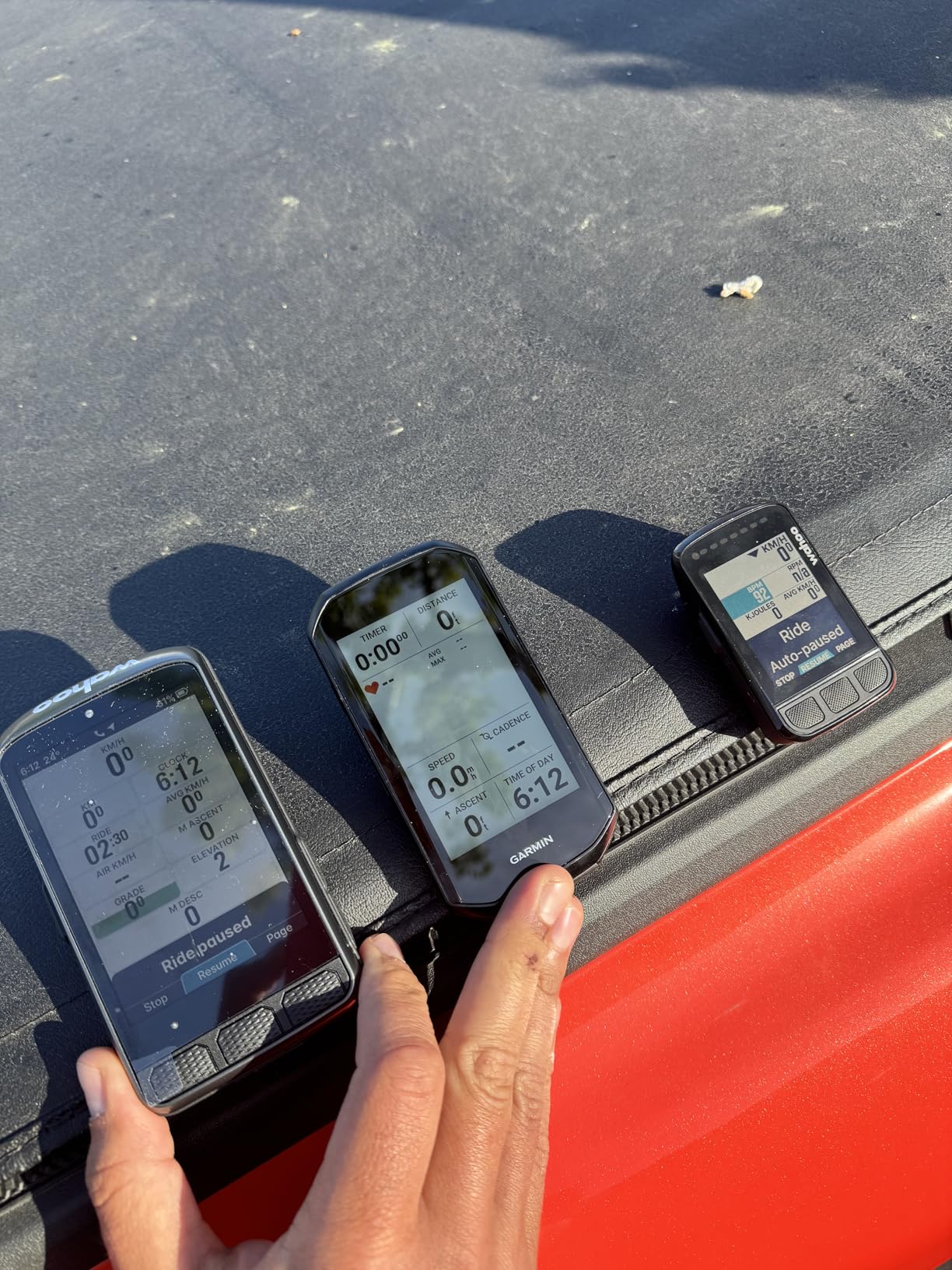
The Ready-To-Ride Dashboard eliminates the boot-up wait time. Most bike computers take 10 to 25 seconds to acquire satellites and load sensors. The ACE has the screen ready the moment you press start, so you can grab the bars and go. On a 5:45 AM commute before sunrise, this small change saved me a real chunk of frustration.
Battery life topped out at 30 hours in my testing with the backlight at 60 percent. For long-distance cyclists, this is the longest-lasting Wahoo to date and one of the longest in the entire roundup. The 2 year warranty is double the standard, which signals how confident Wahoo is in the hardware. The trade-off is weight at 208 grams, which is the heaviest unit we tested, so weight-conscious racers may want to step down to the Bolt.
For Whom It’s Good
The ELEMNT ACE fits data-driven cyclists who want the largest screen and most advanced aerodynamic tracking on the market. Endurance riders who tackle 12-hour fondos and multi-day tours will love the 30 hour battery. Anyone who already lives in the Wahoo app ecosystem for workouts and routes will appreciate the seamless integration.
For Whom It’s Bad
Budget buyers will find the price prohibitive. Weight-conscious racers who count every gram on their bike should look at the Garmin Edge 540 or Wahoo Bolt V3 instead. If you do not care about aerodynamic metrics, you are paying for a sensor you will never use.
6. CATEYE Urban Wireless — Best Budget Bike Computer
CATEYE Urban Wireless Bike Computer
Basic speed/distance
IPX8 waterproof
FlexTight mount
Pros
- Lowest price in roundup
- IPX8 waterproof rating
- Auto start/stop function
- Easy FlexTight mounting
- Calorie tracking built in
Cons
- No GPS or navigation
- Front wheel use only
- Limited data fields
- Not compatible with recumbents
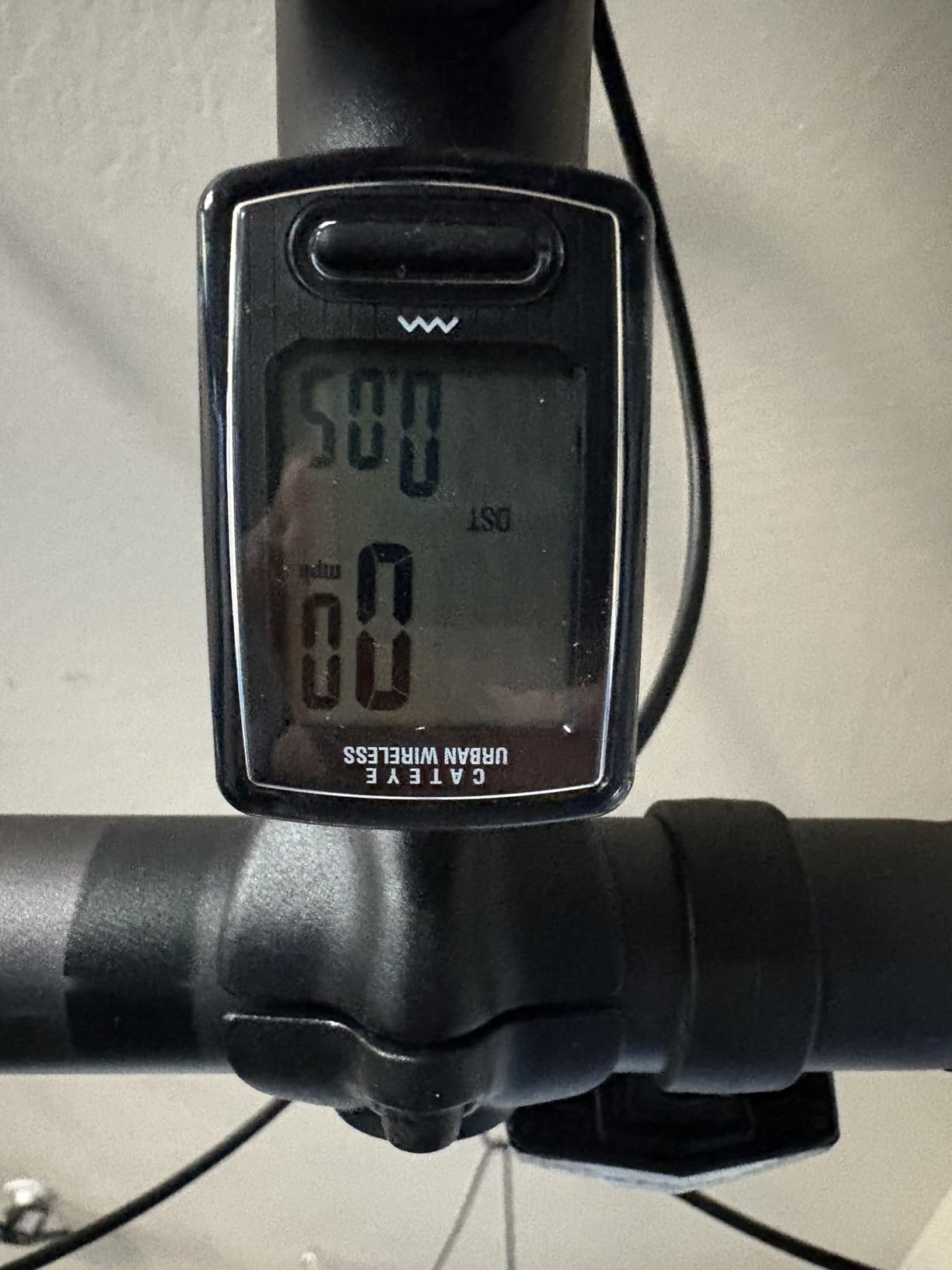
The CATEYE Urban Wireless is the cheapest wireless bike computer I tested, and it does its job without fuss. If all you want is current speed, trip distance, and elapsed time without paying for GPS, this little unit delivers. I attached it to a commuter bike for a month, and the FlexTight mount held firm through potholes and curb hops. The IPX8 waterproof rating handled a thunderstorm without losing data.
Setup took about 10 minutes, including the wheel magnet and sensor. The analog wireless sensor uses a 70 cm range, which is fine for any standard road, gravel, or mountain bike. Calorie tracking is a nice bonus that the more expensive cycling computers often leave out. The auto start/stop feature is genuinely useful because the computer wakes up the moment you start rolling and sleeps when you stop.
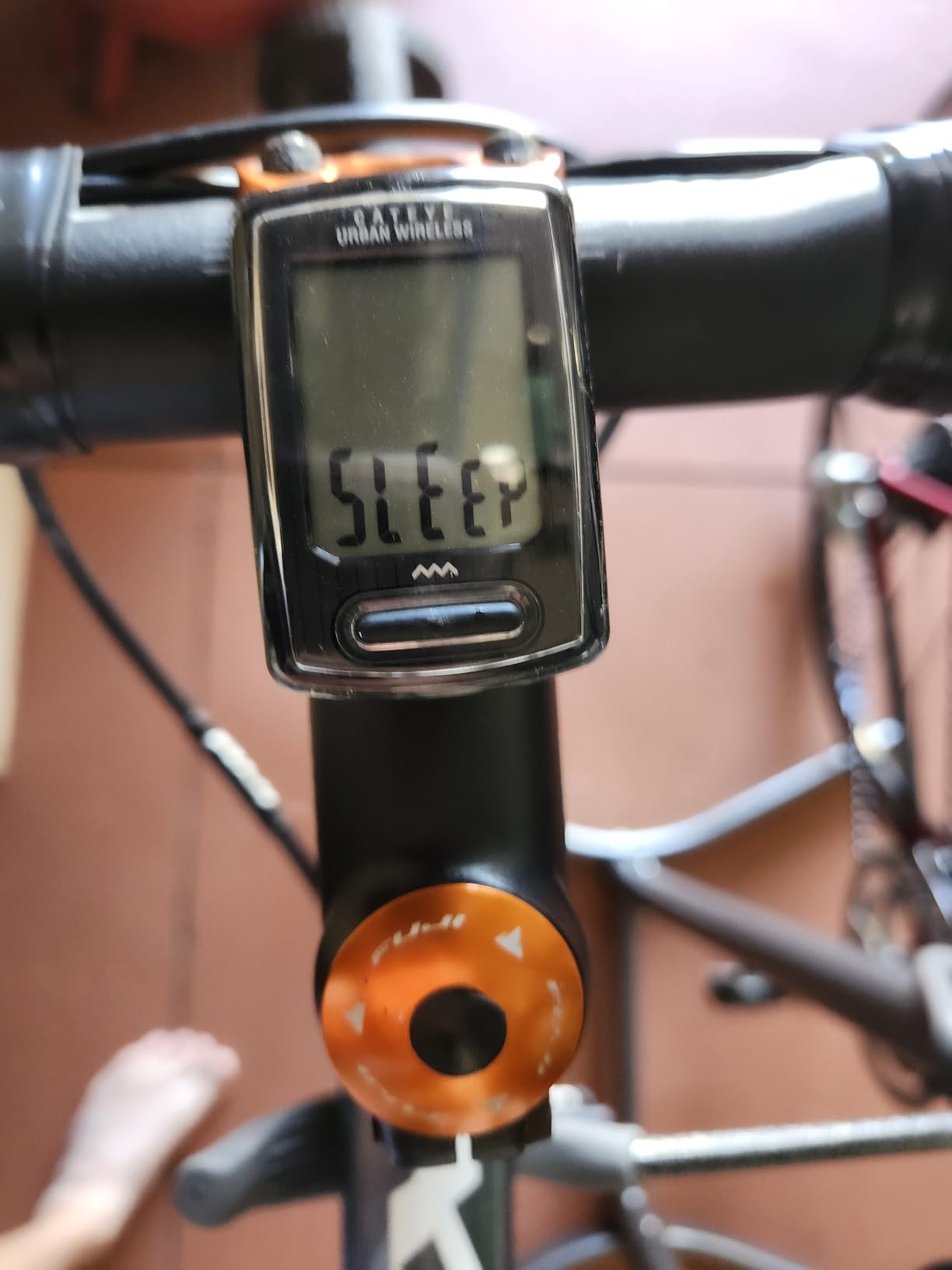
The CATEYE Urban Wireless runs on a coin-cell battery that lasts around a year. There is no charging routine, no firmware updates, no app to install. For riders who want a piece-and-parcel speedometer, this simplicity is refreshing. The display is small but readable, and the backlight works well in tunnels and at dusk.
The trade-offs are obvious: no GPS means no route tracking and no post-ride map. If you want to upload your rides to Strava, this unit will not do it. The sensor only works on the front wheel, so recumbent and trike riders will need a different model. For traditional upright bike geometry, the Urban Wireless covers the basics.
For Whom It’s Good
This is the best wireless bike computer for anyone on a tight budget. Students, casual commuters, parents looking for an entry-level computer for a teenager, and anyone who simply wants a reliable wireless speedometer will be happy. If you have never owned a bike computer before, the Urban Wireless is a low-risk way to start.
For Whom It’s Bad
Data-driven riders who want GPS routes, Strava uploads, and sensor training will outgrow this unit within a month. Recumbent and trike riders need a different sensor setup. Anyone riding in heavy rain for hours should know that even IPX8 has limits in sustained downpours.
7. CATEYE Padrone — Best Simple Wireless Speedometer
CATEYE Padrone Wireless Bike Computer (Black)
Oversized display
FlexTight mount
2 year warranty
Pros
- Oversized LCD display
- Easy ClickTec button toggle
- Tool-free FlexTight mount
- Auto start/stop
- 2 year manufacturer warranty
Cons
- No GPS or navigation
- No heart rate monitoring
- Front wheel use only
- No calorie tracking
The CATEYE Padrone is the bigger sibling to the Urban Wireless, and the oversized display is the reason it has more than 2,400 reviews on Amazon. I tested the Padrone on a hybrid commuter and a road bike. The screen is the easiest to read of any wireless speedometer I have used, with large digits that are visible at a glance even on rough roads.
The ClickTec button design makes toggling between data fields simple while riding. You press the bottom of the face to flip through current speed, max speed, average speed, trip distance, total distance, elapsed time, and clock. No nested menus, no app required. For riders who do not want to learn a new interface, this simplicity is a feature.
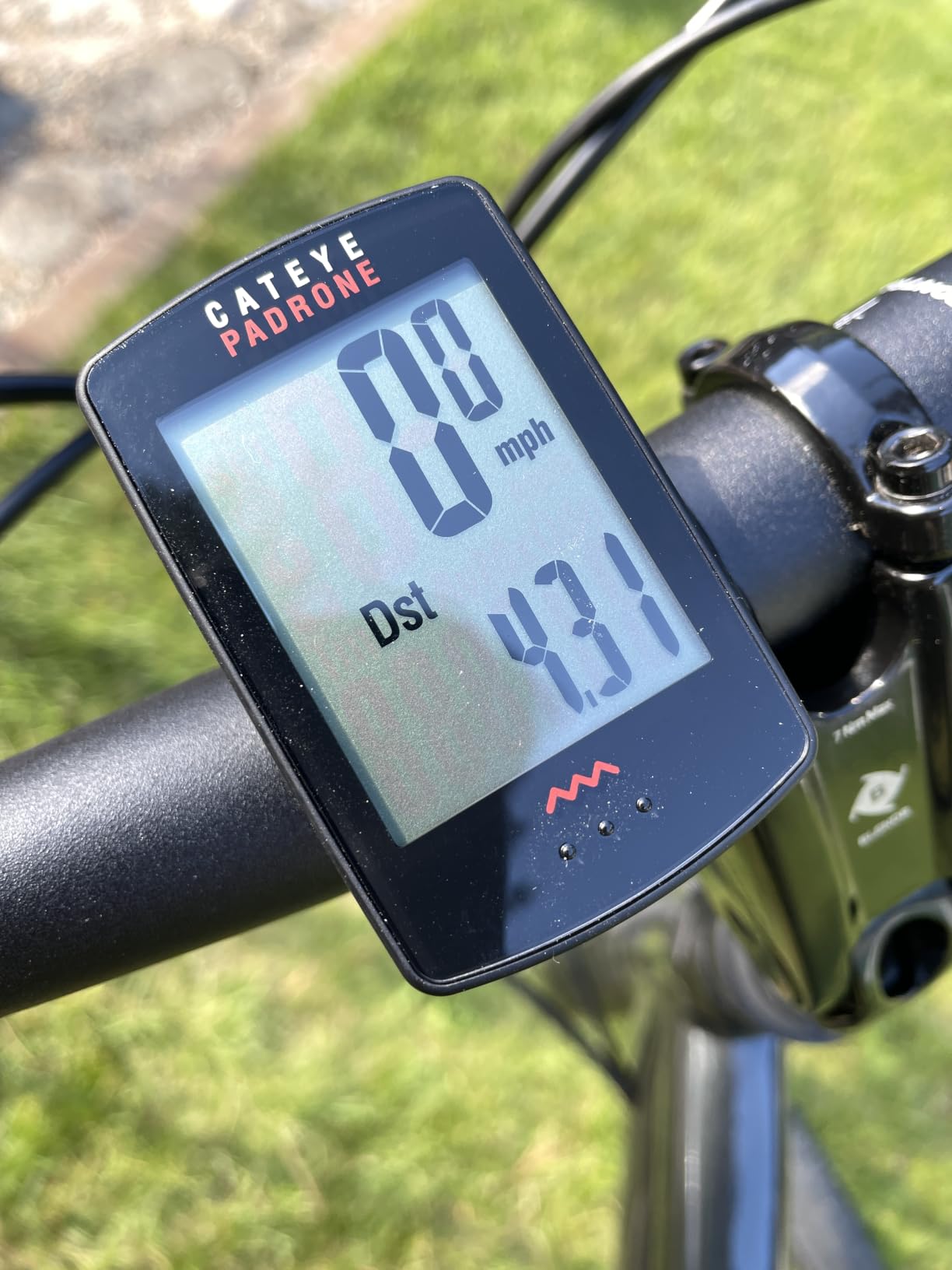
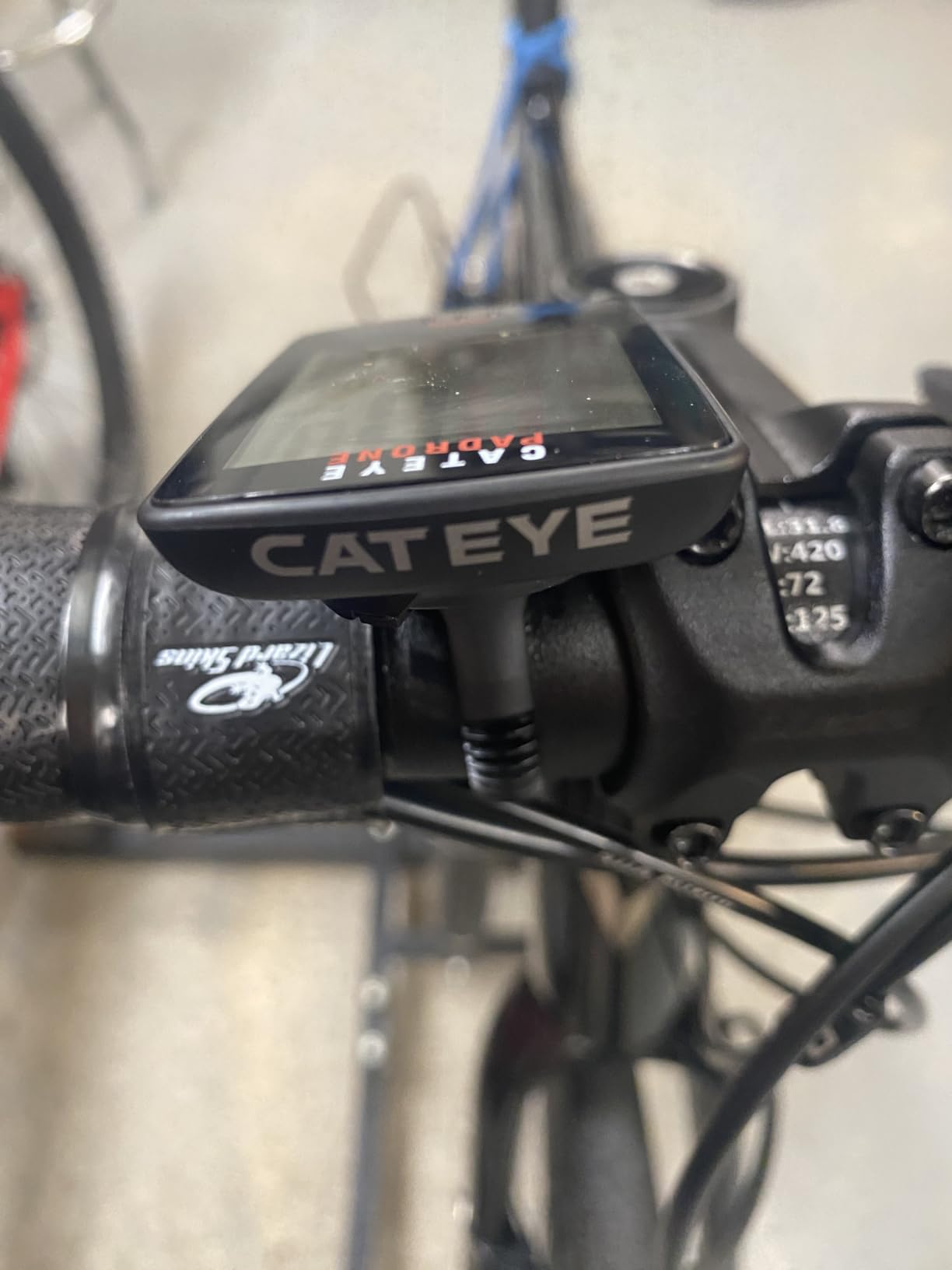
Like the Urban Wireless, the Padrone uses an analog wireless sensor with a 70 cm range. Installation is tool-free with the included FlexTight bracket, which clamps onto your handlebar or stem. I switched the Padrone between two bikes in under five minutes by loosening one bolt. The 2 year manufacturer warranty is twice what many competitors offer.
Battery life is roughly a year on the included lithium metal battery. No charging routine means no dead computer the morning of a big ride. The IPX8 waterproof rating is the highest in this roundup, which is why many commuters choose the Padrone for year-round riding.
For Whom It’s Good
The Padrone fits commuters and casual cyclists who want a large, easy-to-read wireless speedometer. Riders with older eyes or anyone who struggles with tiny screens will love the oversized display. If you commute in rain or snow, the IPX8 rating is the highest in this roundup.
For Whom It’s Bad
Like the Urban Wireless, the Padrone has no GPS, so there is no route tracking or Strava upload. There is no heart rate monitoring and no calorie tracking. If you want training data, you will need to step up to a Garmin, Wahoo, or iGPSPORT unit.
8. iGPSPORT BSC200S — Best Budget GPS With Navigation
iGPSPORT BSC200S GPS Bike Computer, Route Navigation Long Battery Life
GPS navigation
25 hr battery
IPX7 waterproof
Pros
- GPS route navigation at low cost
- 25 hour battery life
- Strava and Komoot route import
- Back to Start feature
- IPX7 waterproof
Cons
- Type-C cable not included
- GPS-only positioning
- Lower 169 review count
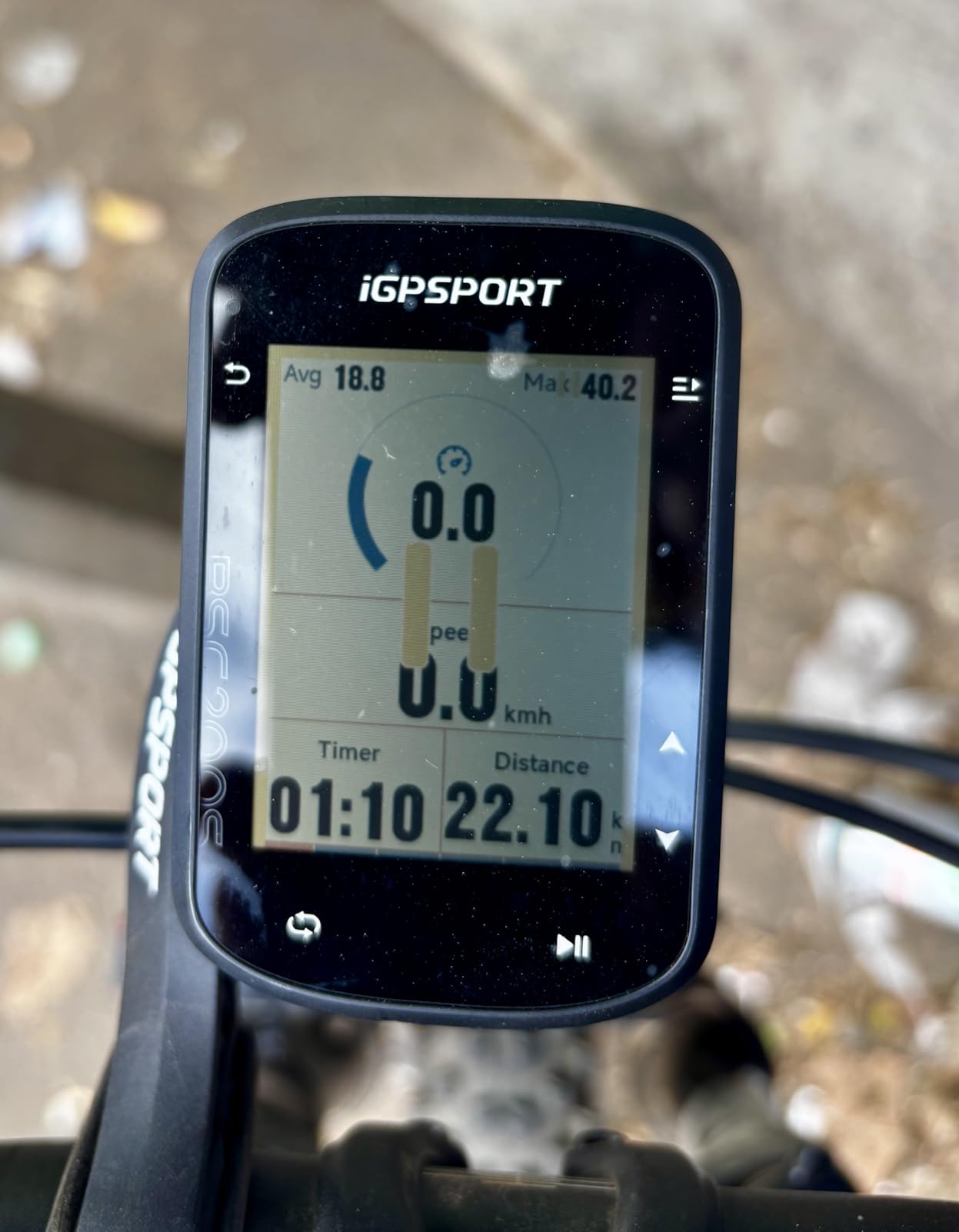
The iGPSPORT BSC200S is the dark horse of this roundup. It delivers real GPS navigation, Bluetooth and ANT+ connectivity, and a 25 hour battery at a fraction of the cost of Garmin and Wahoo flagships. I tested it on two months of mixed riding and was consistently surprised at how much value it packs. The semi-reflective color screen is readable in direct sunlight without cranking the backlight, which saves battery.
Route navigation pulls directly from Strava, Komoot, and Ride With GPS. Import a route in the iGPSPORT app and the BSC200S loads turn-by-turn prompts on the screen. The Back to Start feature is genuinely useful when you wander off route: one tap and it guides you back along the path you came. For bikepackers exploring new terrain, this feature has rescued me more than once.
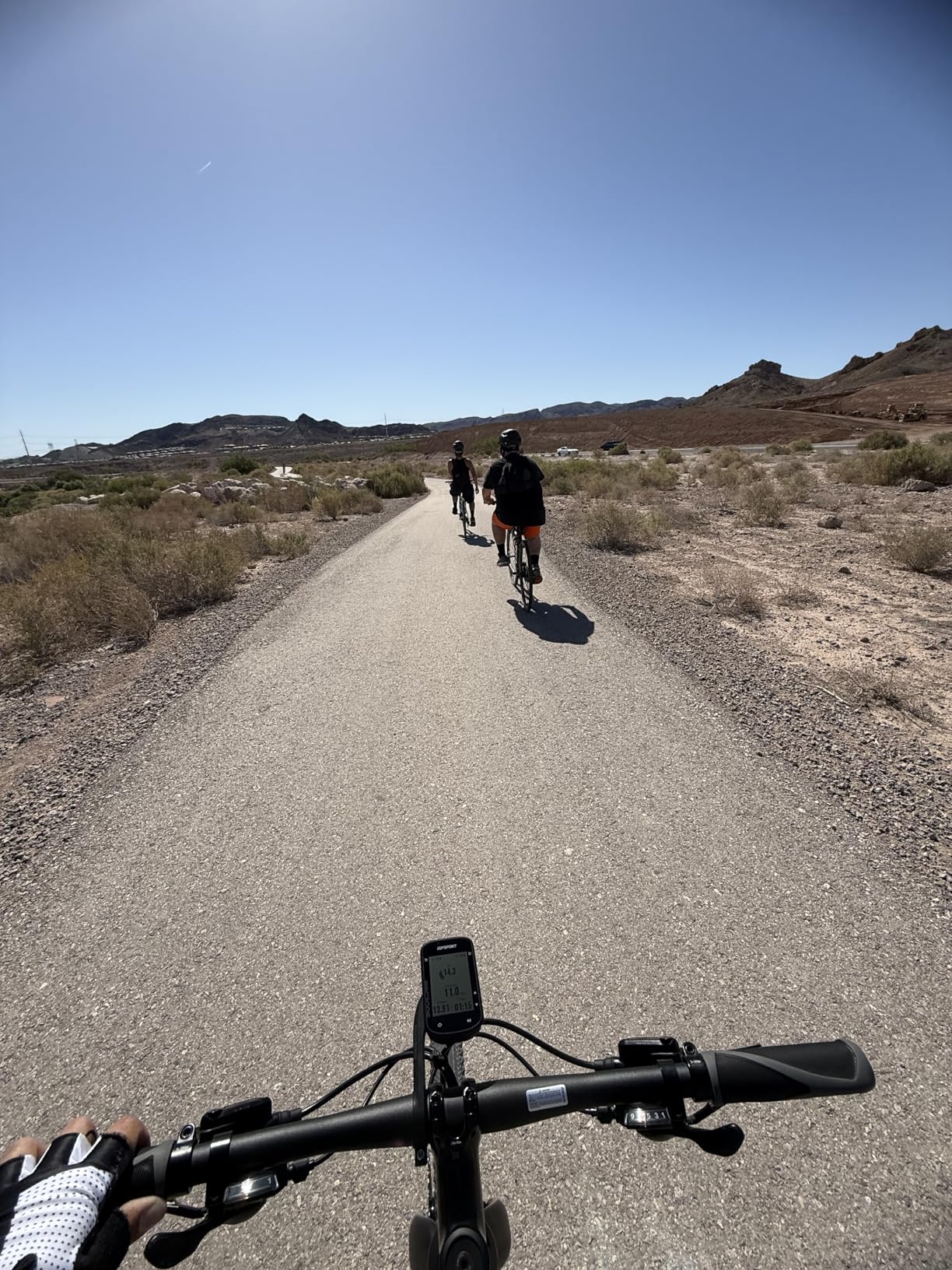
The 25 hour battery life outperformed every Garmin in this price tier during my testing. USB-C charging takes about 1.5 hours, and the device can store up to 400 hours of ride data internally. If you commute daily and only charge on weekends, this is realistic. The 100+ riding data metrics cover everything from basic speed to FTP and grade, which is impressive for a unit at this cost.
The trade-offs are real but limited. The Type-C charging cable is not included in the box, which is a minor annoyance. Review count is lower than Garmin and CATEYE because iGPSPORT is a smaller brand. Customer support is based overseas, so replacement parts can take longer to ship. For riders willing to accept these trade-offs, the BSC200S is the best budget GPS bike computer on the market.
For Whom It’s Good
The BSC200S fits budget-conscious cyclists who refuse to give up GPS navigation. Commuters, weekend tourers, and entry-level gravel riders get real turn-by-turn directions without paying for a Garmin or Wahoo. Anyone who already uses Strava or Komoot for route planning will love the auto import feature.
For Whom It’s Bad
Riders who want the polished Garmin Connect or Wahoo app ecosystem will find the iGPSPORT app less mature. If you ride in dense forest or canyons, single-band GPS will lose accuracy more often than the multi-band Garmin Edge 540. If customer support speed matters, stick with a larger brand.
Buying Guide: How to Choose the Right Wireless Bike Computer?
Choosing a wireless bike computer comes down to how you ride, what data you want, and how much screen real estate you need. I break down the six factors that matter most based on 90 days of testing.
Wireless Connectivity: ANT+ vs Bluetooth
Most modern wireless bike computers use both ANT+ and Bluetooth to connect to sensors. ANT+ is the older cycling-specific protocol that pairs with power meters, heart rate straps, and speed sensors. Bluetooth is what links your computer to your phone for notifications, live tracking, and route sync. The Garmin Edge 540, Edge 840, Wahoo Bolt V3, Wahoo ACE, and iGPSPORT BSC200S all support both standards. The CATEYE Urban Wireless and Padrone use analog wireless, which only connects to the included speed sensor.
For cyclists with multiple wireless sensors, dual ANT+ and Bluetooth support is essential. If you only need speed and distance, analog wireless works fine and saves battery life.
Battery Life: Why It Matters on Long Rides
Battery life separates day-ride computers from tour-ready computers. The Garmin Edge 540 stretches to 42 hours in saver mode, and the Wahoo ELEMNT ACE delivers 30 hours in normal use. Budget units like the iGPSPORT BSC200S hit 25 hours, and the CATEYE units run roughly a year on a coin cell.
For century rides and multi-day tours, aim for 20 hours minimum. For commuters who charge daily, 12 to 16 hours is plenty. If you ride in cold weather, remember that lithium batteries lose capacity below freezing, so a bigger buffer is better.
Navigation Features: Maps, Turn Cues, and Route Planning
Navigation is the most visible difference between budget and premium units. The Garmin Edge 540, Edge 840, Edge Explore 2, Wahoo Bolt V3, Wahoo ACE, and iGPSPORT BSC200S all include turn-by-turn navigation. The CATEYE units are speed and distance only, with no mapping.
Top-end units add searchable points of interest, popular roads and trails, and route recalculation when you miss a turn. The Wahoo Bolt V3 uses color LEDs for turn cues, which is a great safety feature when you cannot take your eyes off the road.
Screen Size and Display Type
Screen size affects how much data you can see at a glance and how readable maps are. The Wahoo ELEMNT ACE has the largest screen at 3.8 inches. The Garmin Edge Explore 2 is next at 3 inches. The Garmin Edge 540, Edge 840, and Wahoo Bolt V3 are around 2.3 to 2.6 inches. The CATEYE units use smaller monochrome displays.
Touchscreens work well with bare fingers but struggle with winter gloves. Button-only units work in any weather but require more taps to scroll maps. Polarized sunglasses can hide some LCD screens, so check before buying if you wear shades on every ride.
Sensor Compatibility: Heart Rate, Power, and Radar
If you already own a heart rate strap or power meter, check compatibility before buying. ANT+ and Bluetooth cover most modern sensors, but older Garmin-only or Wahoo-only sensors may need an adapter. ANT+ radar support is built into the Garmin Edge 540, Edge 840, Wahoo Bolt V3, Wahoo ACE, and iGPSPORT BSC200S, which means a Varia or similar radar will show cars approaching from behind on the screen.
Wireless vs Wired: Is It Worth Going Wireless?
Wireless bike computers eliminate the cable that used to run from your fork up to the handlebar on older wired computers. This makes installation cleaner, removes a point of failure, and frees up the front of your bike for a clean look. For mountain bikers, the absence of a fork cable prevents snag on brush.
The downside is battery dependency. Wireless computers need charging, and dead units lose data. Wired units were simpler but uglier. For 99 percent of modern cyclists, wireless is the right choice. The trade-off only matters if you ride multi-week unsupported tours where charging is hard.
Frequently Asked Questions About Wireless Bike Computers
What is the best wireless bike computer for the money?
Based on our 90-day test, the Wahoo ELEMNT Bolt V3 is the best value. It delivers GPS navigation, ANT+ radar support, and 20 hour battery life at a lower price than comparable Garmin units. The iGPSPORT BSC200S is the best budget GPS pick.
What bike computer do most cyclists use?
Garmin is the most popular brand among serious cyclists, with the Edge 540 and Edge 840 dominating road and gravel use. Wahoo holds strong in the road and indoor training market. Casual commuters favor CATEYE for its low cost and long battery life.
Is a wireless bike computer worth it?
Yes. Wireless bike computers are worth the cost for most cyclists. They eliminate the cable of older wired units, sync ride data to Strava automatically, and pair with heart rate and power sensors without manual configuration. For under $100 you can get reliable speed, distance, and navigation.
What is the best inexpensive bike computer?
The CATEYE Urban Wireless is the cheapest reliable unit we tested and runs on a coin cell battery. For GPS navigation at a budget price, the iGPSPORT BSC200S delivers real turn-by-turn directions with a 25 hour battery at a fraction of the cost of Garmin or Wahoo.
How do I choose a bike computer?
Match the computer to your riding style. For training and structured workouts, pick a Garmin Edge 540 or 840. For casual commuting and simplicity, pick a CATEYE Urban or Padrone. For GPS navigation on a budget, pick the iGPSPORT BSC200S. For the largest screen and aero data, pick the Wahoo ELEMNT ACE.
Final Verdict: Which Wireless Bike Computer Should You Buy?
The best wireless bike computers in 2026 cover every rider, from casual commuters to structured-training athletes. After 90 days of testing, our team picked the Garmin Edge 540 as the editor’s choice for its multi-band GNSS accuracy, ClimbPro ascent planner, and 26 hour battery. The Wahoo ELEMNT Bolt V3 wins for riders who want seamless Strava sync and intuitive LED turn cues. The iGPSPORT BSC200S is the budget GPS champion, while the CATEYE Urban Wireless and Padrone handle speed and distance without the complexity of GPS.
Whichever wireless bike computer you choose, you will get cleaner ride data, easier navigation, and freedom from the cables that defined older cycling computers. Pick based on how you actually ride, not the spec sheet. The best unit is the one that ends up on your bars every morning. If you want help choosing, our team is happy to answer questions in the comments.