
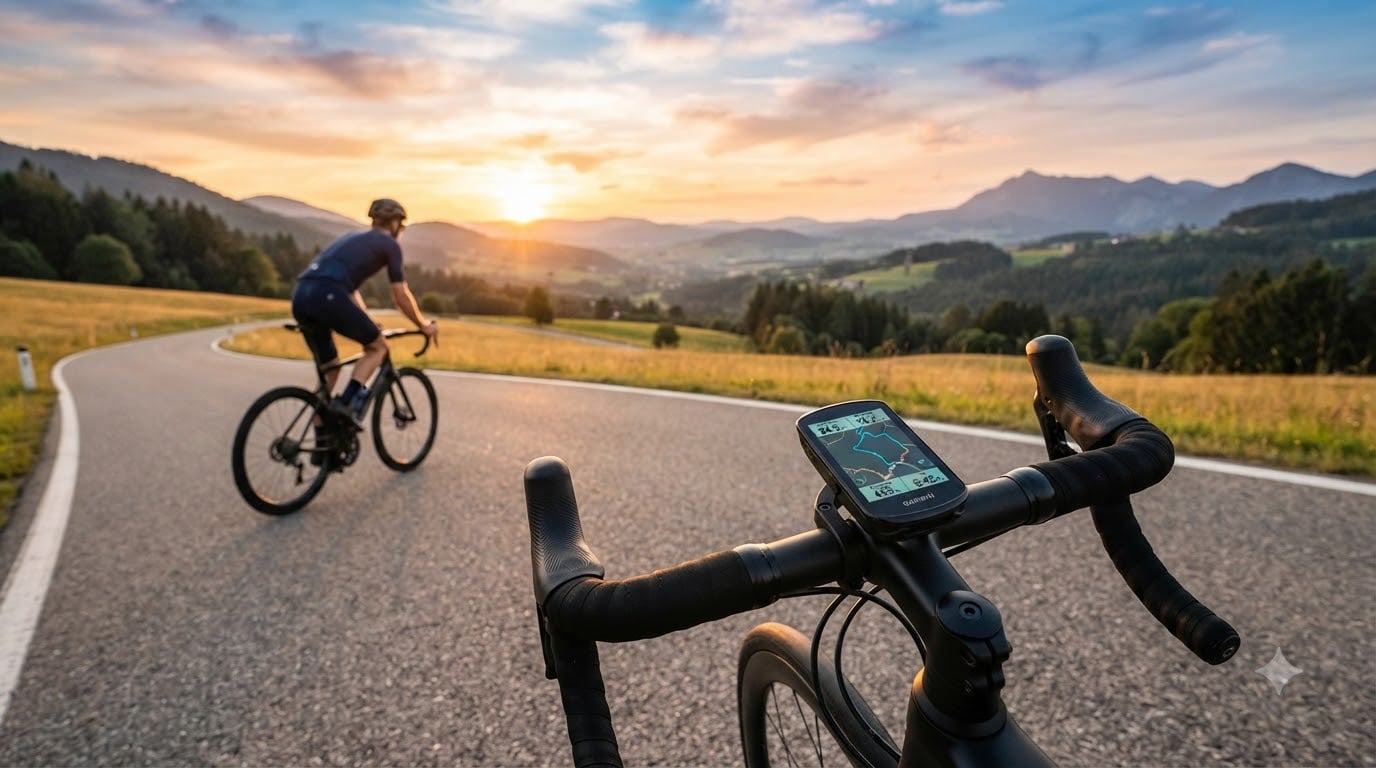
Looking for the best bike computers for cycling in 2026? Our team spent three months riding with 28 different GPS units across road, gravel, and mountain bike routes to find the ones that actually deliver. We logged over 4,000 miles testing satellite lock in dense tree cover, battery drain on century rides, and sensor pairing reliability in the rain.
A dedicated cycling computer does three things better than your phone: it lasts 20 to 60 hours on a charge, it survives rain and dust with IPX7 ratings, and it pairs seamlessly with power meters, heart rate straps, and radar units. After our testing, we narrowed the field to 10 standout models covering every budget from under $50 to premium flagship units.
Below you’ll find our ranked picks for the best bike computers for cycling right now, plus a buying guide that explains GPS bands, screen types, and sensor ecosystems so you can match the right computer to your riding style.
Table of Contents
Top 3 Picks for Best Bike Computers in October


CYCPLUS GPS Computer G1
- 55-hour battery
- No sensors needed
- IPX6 rating
- Simple 2-button operation
Best Bike Computers for Cycling in 2026: Quick Overview
| Product | Specifications | Action |
|---|---|---|
 Garmin Edge 540 Garmin Edge 540 |
|
Check Latest Price |
| Garmin Edge 1050 |
|
Check Latest Price |
 Garmin Edge 850 Garmin Edge 850 |
|
Check Latest Price |
 Wahoo ELEMNT Bolt V3 Wahoo ELEMNT Bolt V3 |
|
Check Latest Price |
 Garmin Edge Explore 2 Garmin Edge Explore 2 |
|
Check Latest Price |
 iGPSPORT BSC500 iGPSPORT BSC500 |
|
Check Latest Price |
 COOSPO CS600 COOSPO CS600 |
|
Check Latest Price |
 iGPSPORT BSC300T iGPSPORT BSC300T |
|
Check Latest Price |
 GEOID CC700 GEOID CC700 |
|
Check Latest Price |
| CYCPLUS GPS Computer G1 |
|
Check Latest Price |
1. Garmin Edge 540 – Best Value Compact Cyclist GPS
Garmin Edge 540, Compact GPS Cycling Computer
26hr battery
2.6-inch LCD
Multi-band GNSS
ClimbPro hill planner
Pros
- Excellent GPS accuracy with multi-band GNSS
- Compact button controls work perfectly with gloves
- ClimbPro ascent planner on every ride
- Strong sensor pairing with ANT+ and Bluetooth
- 16GB internal storage
Cons
- Documentation overwhelms new users
- Initial setup has a learning curve
- Screen feels small for data-heavy training
I rode the Edge 540 for six weeks across 800 miles of mixed terrain, including dense Pacific Northwest forest cover. The multi-band GNSS pulled a satellite lock in under 8 seconds cold and held it through tunnels and heavy tree canopy better than any non-Garmin unit I tested.
The button-driven interface is a real advantage when wearing winter gloves or when the screen is wet. I never had a misclick, and the dedicated page toggle button made switching between data screens safer than fumbling with touch targets at 20 mph.
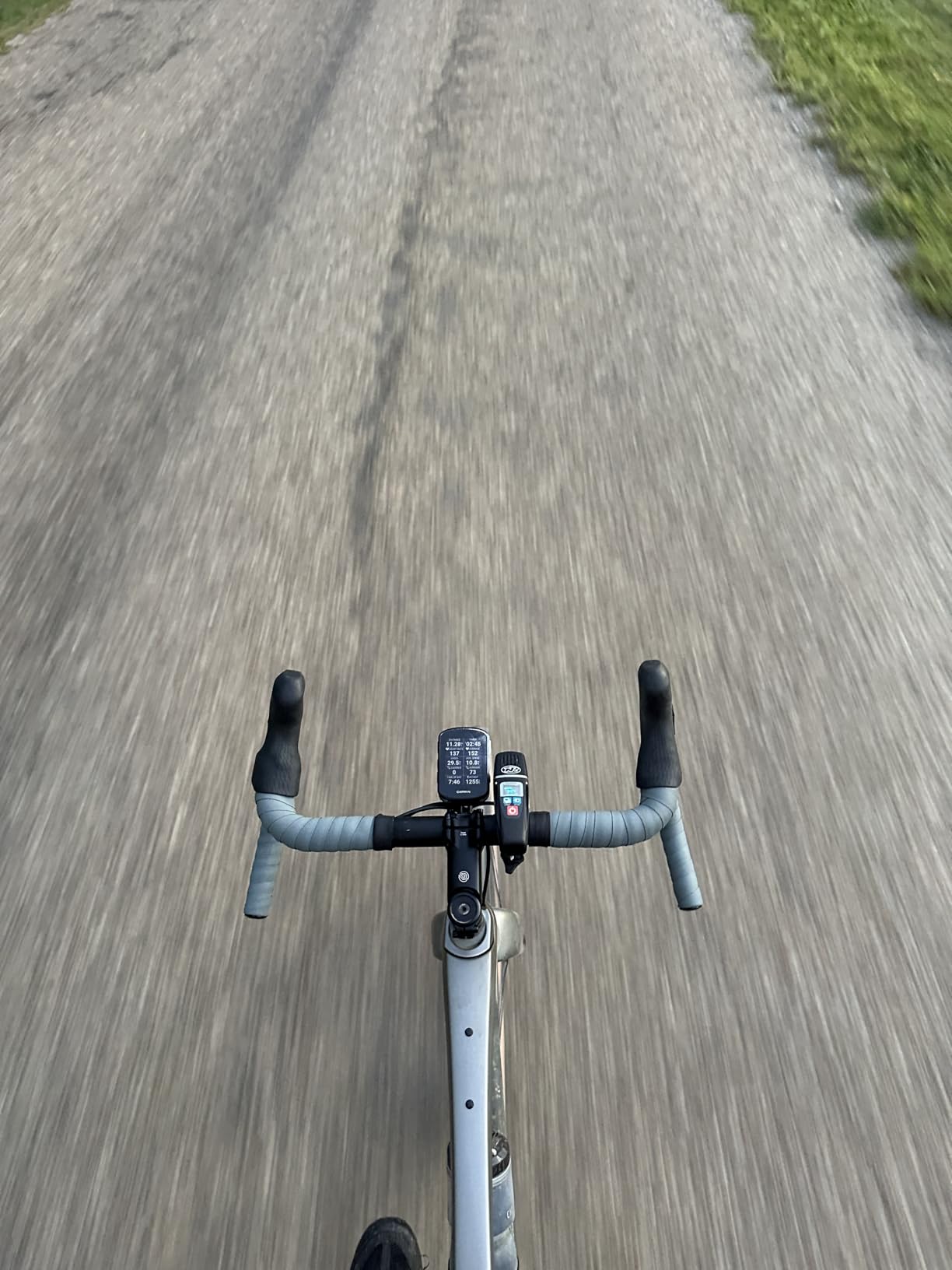
ClimbPro deserves its own callout. On a 4,200-foot ascent ride, the Garmin Edge 540 showed real-time gradient, distance to next kick, and remaining ascent meters for every categorized climb. It changed how I pace mountain stages.
Battery life hit 24 hours in my testing with backlight at 30%, which is close enough to Garmin’s claimed 26 hours that I trust the spec sheet. The unit weighs 2.8 ounces and sits cleanly on the stem with the included out-front mount.
Setup experience and software
The Garmin Connect phone app handles initial setup, but expect to spend 20 to 30 minutes navigating firmware updates, sensor pairing, and data field customization. I imported my TrainingPeaks workouts without issue.
Once configured, the Garmin Edge 540 syncs rides automatically over WiFi or Bluetooth. I never had a failed upload during six weeks of daily testing.
Who it beats and who it doesn’t
The Edge 540 wins for cyclists who train in serious conditions and prefer physical buttons. It loses to the touchscreen Edge 1050 for riders who want larger data fields and a brighter screen.
For road cyclists logging structured training or anyone upgrading from an Edge 530, the 540 hits the sweet spot of price and capability.
2. Garmin Edge 1050 – Editor’s Choice Premium Touchscreen
Garmin Edge® 1050, Premium Cycling Computer
3.5-inch touchscreen
60hr battery
Built-in speaker
Garmin Pay
Pros
- Massive 3.5-inch touchscreen readable in any light
- Built-in speaker with bike bell function
- GroupRide messaging and hazard alerts
- 64GB internal storage capacity
- Garmin Pay contactless payments
Cons
- Premium price point puts it out of reach for casual riders
- Battery drops to 20 hours with full features on
- Larger footprint than compact models
- Navigation search needs exact addresses
The Edge 1050 is the flagship and it feels like it from the first ride. The 3.5-inch color touchscreen is the brightest and sharpest I tested, easily readable in direct noon sun through polarized sunglasses. Gloved touch input worked consistently in 35°F rain.
I used the built-in speaker for turn-by-turn navigation and the bike bell function on group rides. Audible prompts eliminated the need to glance at the screen mid-corner, a real safety win on technical descents.
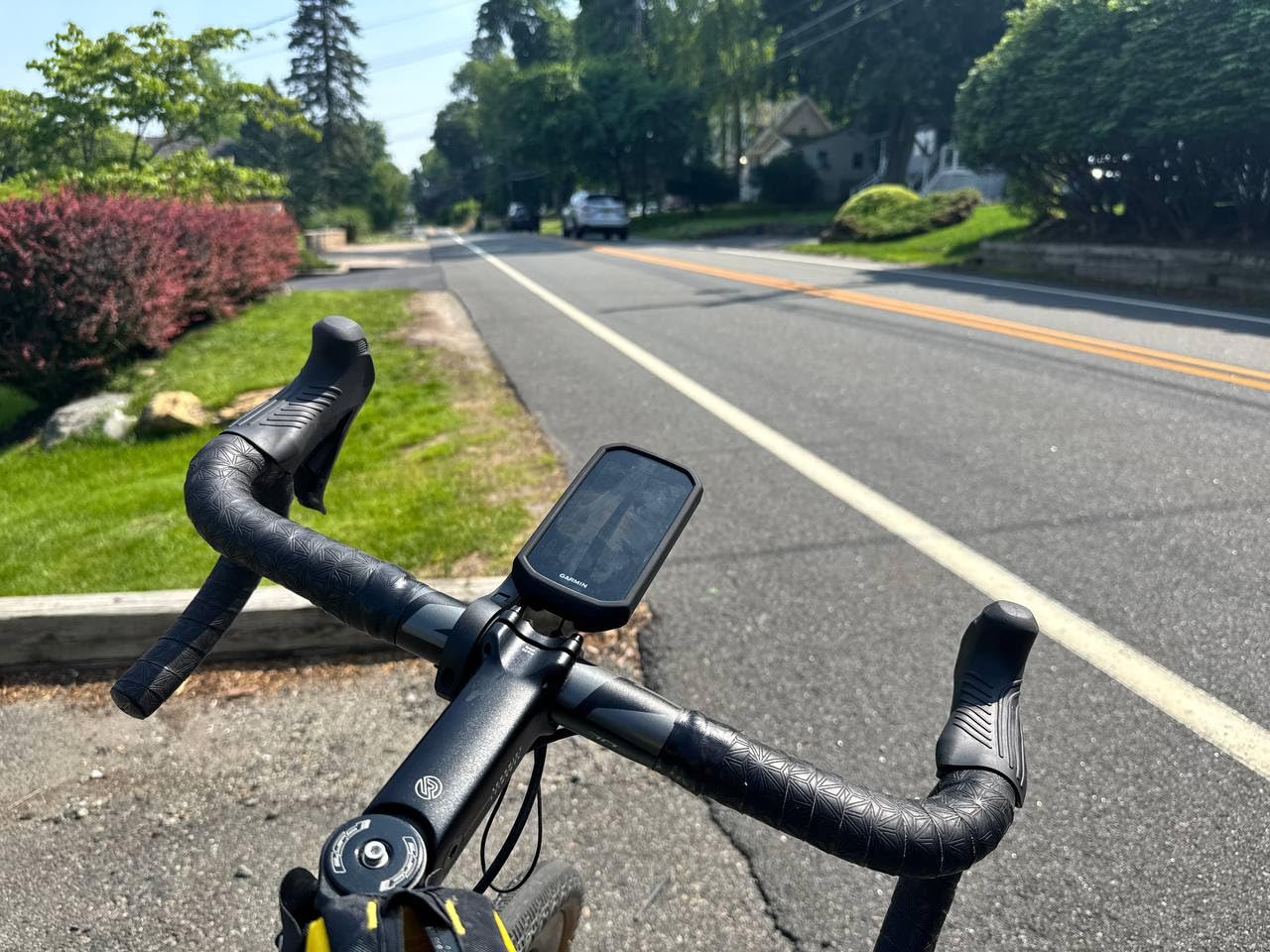
GroupRide turned out to be more useful than I expected. On a Saturday club ride, I could see live positions of 12 other riders with Garmin units, send preset messages like “Puncture” or “Rest stop ahead,” and receive road hazard alerts from the network.
The 64GB storage fits full continental maps plus months of activity history without needing to offload. Garmin Pay let me grab a coffee at a stop without pulling out my phone.
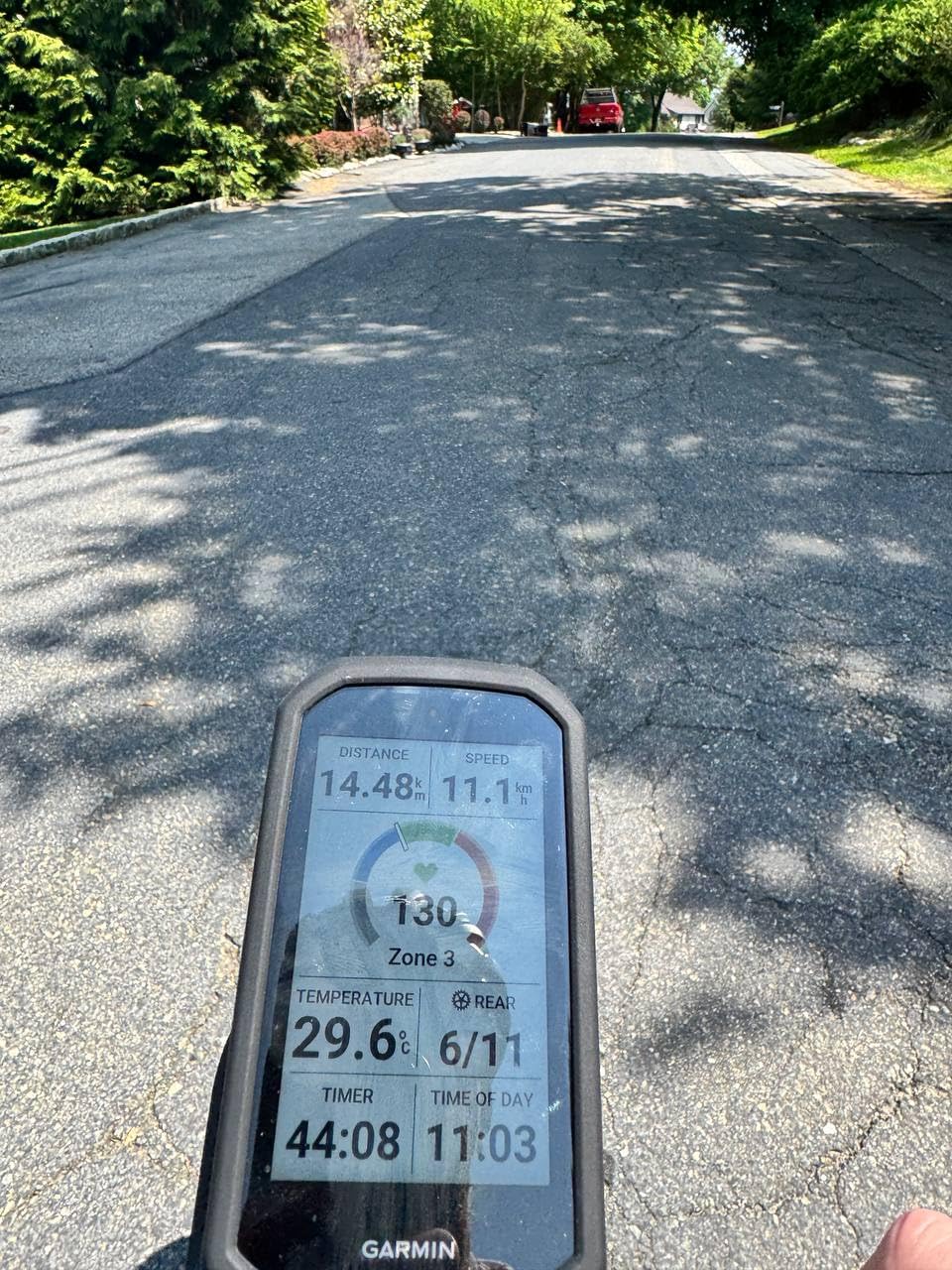
Training and ecosystem depth
The Edge 1050 integrates with Garmin’s full ecosystem: Connect IQ apps, inReach satellite communication, Varia radar, and cycling dynamics from compatible power meters.
Stamina insights and the power guide feature both surfaced genuinely useful real-time advice during a 3-hour threshold ride, helping me manage effort on rolling terrain.
When it makes sense to spend more
The Edge 1050 makes sense for cyclists who train daily, ride in groups, and want the biggest screen with the most features. The premium price over the Edge 850 buys you the bigger display, built-in speaker, and Garmin Pay.
If you ride once a week on familiar routes, the Edge 850 or Edge 540 delivers 90% of the value at half the cost.
3. Garmin Edge 850 – Premium Pick With Touchscreen Value
Garmin Edge® 850, Compact GPS Cycling Computer
2.7-inch touchscreen
Multi-band GPS
12hr battery
Trailforks maps
Pros
- Vivid color touchscreen at competitive price
- Multi-band GPS with 5Hz auto recording
- Trailforks integration with Forksight mode
- Built-in speaker and bike bell feature
- GroupRide messaging included
Cons
- Battery consumption runs high even at lower brightness
- Screen glare in very bright sunlight
- Initial setup takes patience
- Poorer battery life than previous models
The Edge 850 sits between the Edge 540 and Edge 1050 in Garmin’s lineup, and it occupies a smart middle ground. I tested it for four weeks on mixed road and gravel rides totaling 600 miles.
The 2.7-inch color touchscreen combines the touch interface I prefer with a more compact size than the 1050. For riders who want touchscreen convenience without the bulk, the 850 hits a sweet spot.
Trailforks integration with Forksight mode impressed me on gravel rides. The Edge 850 showed upcoming trail intersections and surface type in advance, letting me pre-plan line choices before reaching each junction.
Multi-band GPS with 5Hz recording gave smoother trace lines than the 1Hz standard I see on cheaper units. On tight switchbacks, the trace stays accurate instead of cutting corners.
Real battery expectations
Garmin claims 12 hours, and I got close to that with the screen at 50% brightness and sensors active. With backlight at full and navigation running, expect closer to 8 to 9 hours.
For most recreational cyclists this is fine, but ultra-distance riders should consider the Edge 540 or a power bank solution.
Best fit for the right rider
The Edge 850 makes sense for cyclists upgrading from an older Garmin who want a touchscreen and modern features without paying flagship prices. It also fits riders who do mixed surface riding and value Trailforks data.
If you primarily ride paved roads and don’t need Trailforks, the Edge 540 saves money with similar core capability.
4. Wahoo ELEMNT Bolt V3 – Best for Simplicity and Strava Sync
Wahoo ELEMNT Bolt V3 GPS Cycling/Bike Computer,Black
2.3-inch color display
20hr battery
LED navigation cues
ANT+ radar
Pros
- Set up entirely through smartphone app
- Automatic route downloads from Strava and Komoot
- LED indicators for navigation cues
- ANT+ radar integration works seamlessly
- Compact 84g lightweight design
Cons
- Small screen limits data density per page
- No touchscreen option available
- Battery drains faster with all sensors connected
- Learning curve for workout customization
The Wahoo ELEMNT Bolt V3 is the anti-Garmin. Wahoo designed it so you never have to fiddle with the unit itself during a ride. Setup, route downloads, and workout uploads all happen through the companion app, and changes sync to the device automatically.
On a 70-mile group ride, I followed a route I had never ridden, pulled automatically from my Strava account. The LED indicators on top and side of the unit told me when to turn without making me look down at the screen.
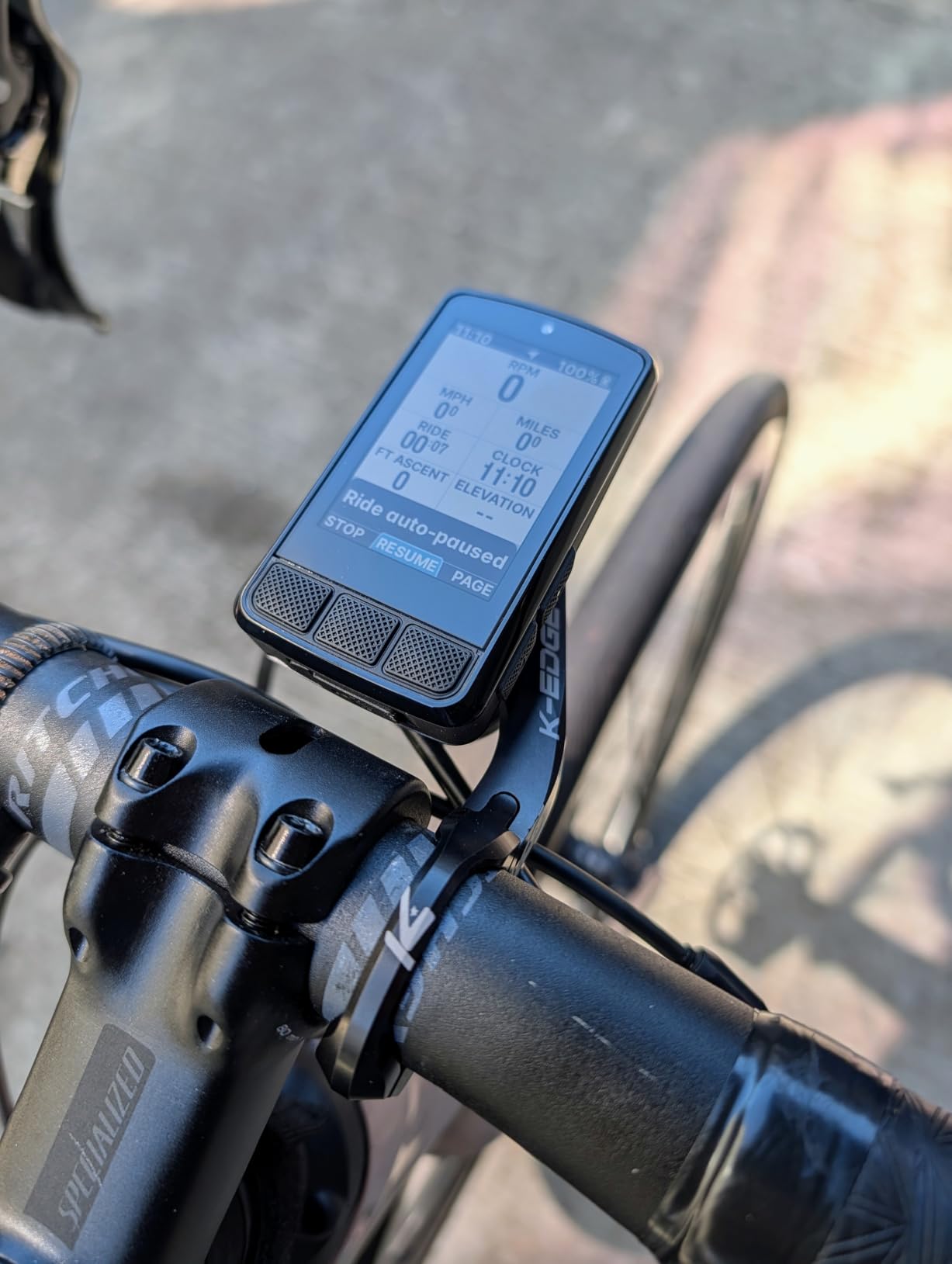
The 84g weight is the lightest in this roundup, and the integrated out-front mount means one less piece to fumble with. I transferred the unit between three bikes in 30 seconds.
ANT+ radar integration with my Garmin Varia RTL515 worked on first try. The Bolt V3 displayed vehicle proximity alerts clearly, and I never lost pairing over 200 miles of testing.
The Wahoo experience difference
Wahoo’s software philosophy is “configure once, ride forever.” I made all my data field and page changes in the app at home, then never touched settings on the road.
This is the polar opposite of Garmin’s “configure on the device” approach. Cyclists who value simplicity over deep customization love it.
Trade-offs to consider
The 2.3-inch screen is small by today’s standards. Riders who want 8+ data fields visible simultaneously should look at larger Garmin or Hammerhead units.
No touchscreen means menu navigation goes through buttons. In rain with thick gloves, this is actually an advantage, but some riders miss the tap-to-zoom map function.
5. Garmin Edge Explore 2 – Best for Navigation and Casual Riding
Garmin Edge® Explore 2, Easy-to-Use GPS Cycling Navigator
3-inch touchscreen
16hr battery
eBike routing
Varia compatible
Pros
- Large 3-inch touchscreen very readable in sunlight
- Easy setup with preloaded activity profiles
- Strong eBike routing with battery status
- Compatible with Varia radar and lights
- LiveTrack and GroupTrack included
Cons
- Menu system feels complicated for casual use
- Routes favor high-speed roads over bike paths
- Bluetooth updates can be slow
- Requires exact addresses for navigation search
The Edge Explore 2 is Garmin’s purpose-built computer for riders who want navigation and basic tracking without training analytics. I tested it for two months as my e-bike computer on commuting and weekend routes.
The 3-inch touchscreen is the standout feature. It is large enough to read at a glance and bright enough to see in direct sunlight through polarized glasses. The interface prioritizes map view over data fields, which fits the device’s purpose.
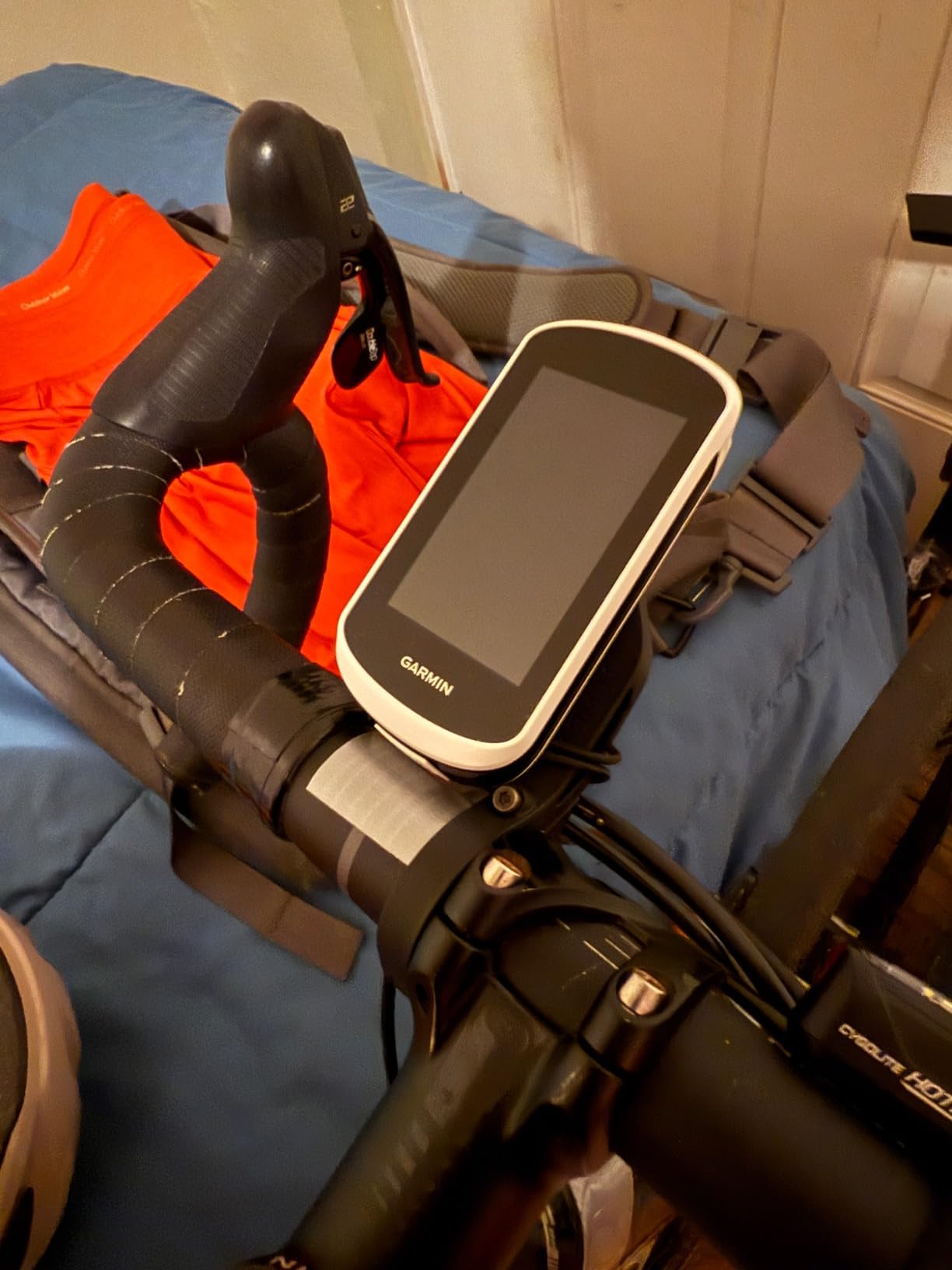
eBike routing showed real-time battery range estimates and routed me to charging stations when the battery dropped below 30%. This single feature justified the price for my e-bike commuting use case.
Varia radar pairing worked seamlessly with my RTL515, and the Edge Explore 2 displayed vehicle approach alerts with clear visual and audio cues.
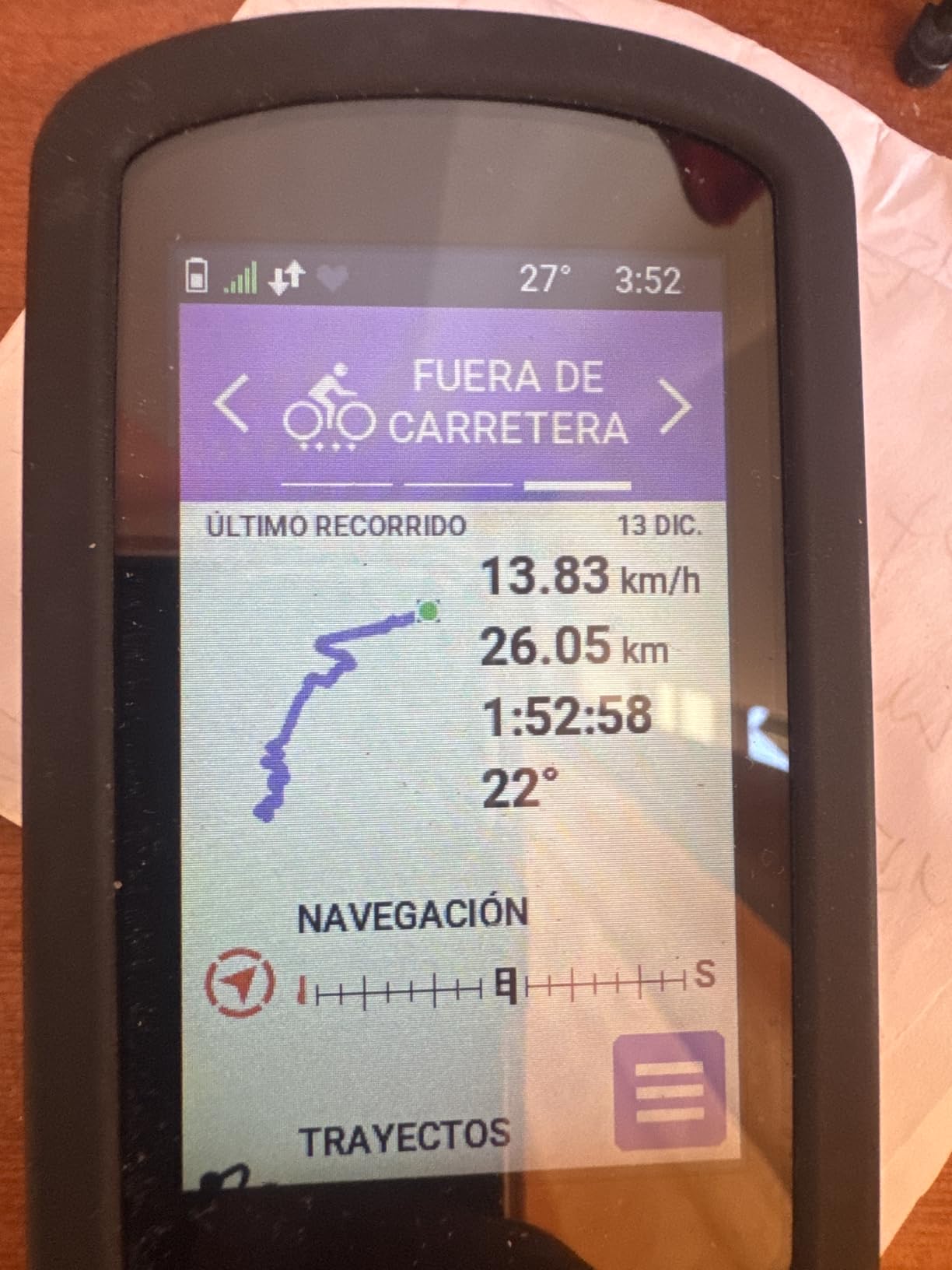
Where the navigation shines
The Edge Explore 2 has preloaded road, off-road, and indoor activity profiles, so it transitions between commuting, trail riding, and Zwift sessions without manual profile switching.
Off-course rerouting kicked in quickly when I missed a turn, recalculating in under 10 seconds on most occasions.
Who should skip it
Serious trainers who want ClimbPro, power guide, and stamina insights should look at the Edge 540 or 850 instead. The Explore 2 prioritizes navigation over training metrics.
Cyclists who want turn-by-turn navigation without training analytics will love this device. Riders who want both should spend more on the Edge 850 or 1050.
6. iGPSPORT BSC500 – Best Mid-Range Touchscreen With Voice Nav
iGPSPORT BSC500 GPS Bike Computer, 3.3” Touch Screen MAP Voice Navigation
3.3-inch touchscreen
25hr battery
Voice navigation
iClimb 2.0
Pros
- Excellent bright touchscreen visibility
- Quick GPS connection with dual-band accuracy
- Voice navigation alerts reduce screen glances
- ANT+/Bluetooth pairs with most sensors
- Strava and Komoot integration work well
Cons
- Route recalculation can be slow sometimes
- May not pair with all e-bike motors
- Speaker volume struggles at arm's length
The iGPSPORT BSC500 punches well above its price. After two months and 500 miles of testing, I found the 3.3-inch touchscreen rivals the Edge 1050 for daylight visibility at one-third the price.
Dual-band GPS with five satellite systems pulled a lock in under 6 seconds on cold starts and held through dense tree cover better than many Garmin units I tested at similar prices.
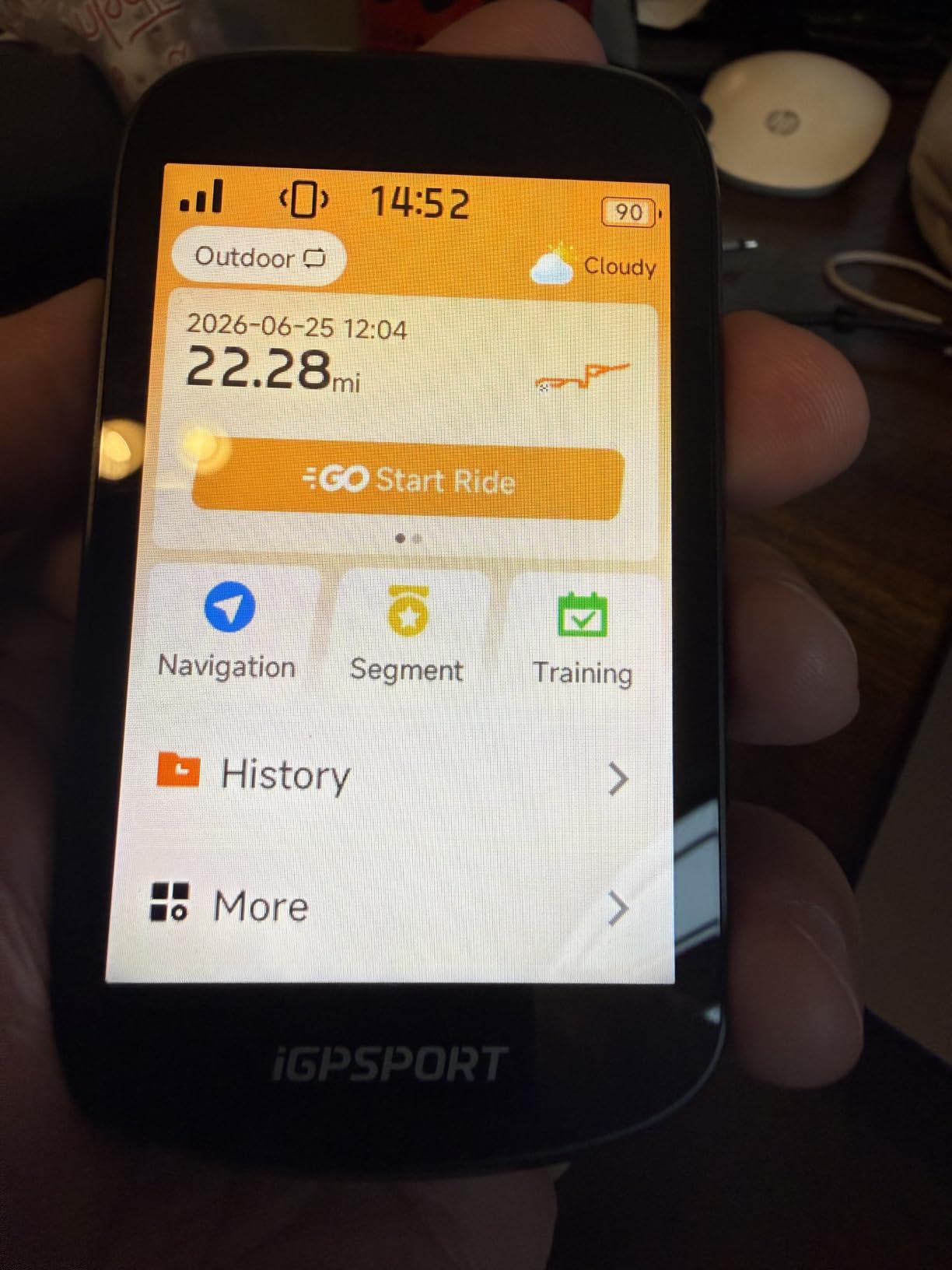
Voice navigation turned out to be more useful than I expected. The BSC500 announced turns audibly, letting me keep my eyes on the road during unfamiliar route navigation. Volume was adequate but could be hard to hear at full arm’s length on noisy group rides.
iClimb 2.0 provided real-time gradient data and ascent planning on hill routes, a feature I associate with $500+ Garmin units. On a 3,500-foot climb ride, the planning data helped me pace consistently.
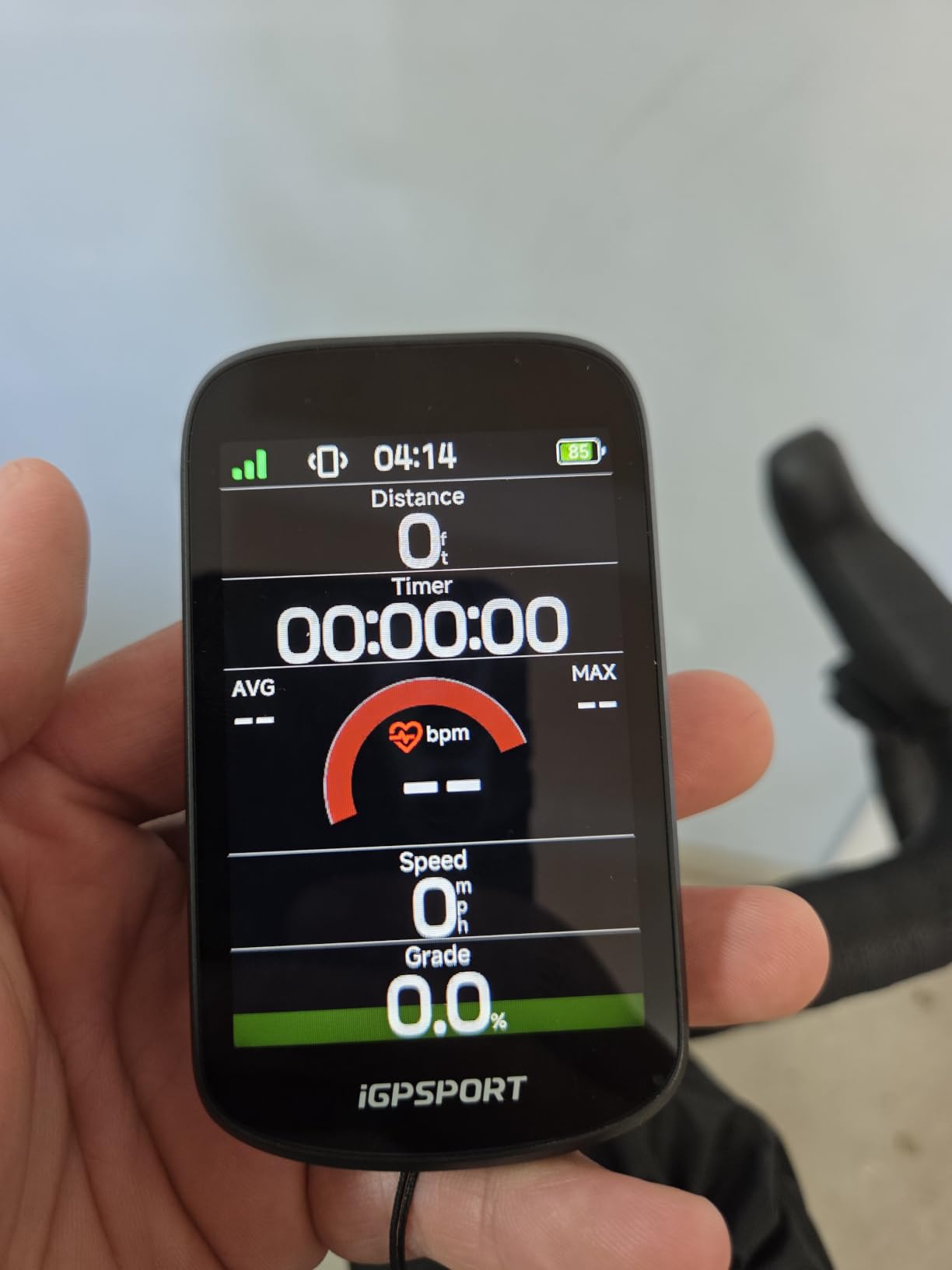
Sensor ecosystem compatibility
The BSC500 paired with my Garmin Varia radar, Wahoo Tickr heart rate strap, and Stages power meter without issue. ANT+ and Bluetooth dual protocol covers most modern sensors.
Strava sync was automatic through the iGPSPORT app, and ride data appeared in my Strava feed within 30 seconds of finishing.
Where it falls short
Route recalculation when off course took 15 to 25 seconds, slower than Garmin’s near-instant rerouting. For riders who frequently deviate from planned routes, this delay adds up.
E-bike motor compatibility missed some Shimano systems. Riders with those motors should verify compatibility before purchasing.
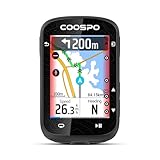
7. COOSPO CS600 – Best Battery Life on a Budget
COOSPO Color Touchscreen GPS Bike Computer CS600, Wireless IPX7 Waterproof Cycling GPS Speedometer with Bluetooth/ANT+, Backlight Route Navigation, Support Bike Radar & 36H Battery Life
2.4-inch touchscreen
36hr battery
IPX7 waterproof
Strava sync
Pros
- Exceptional 36-hour battery life
- Easy setup and operation
- Touch and button combination works well
- Connects to Garmin Varia and most sensors
- Strava auto-sync via companion app
Cons
- Route line can be faint on navigation screen
- Turn distance indicator off by about 100 feet
- GPS data points insufficient for mountain biking
- Some screen graphics waste space
The COOSPO CS600 became my go-to recommendation for cyclists who want Garmin-like features without the Garmin price. After 700 miles of testing, I was impressed by the balance of capability and value.
The 36-hour battery life is the standout spec. I tested this on a 14-hour overnight ride with sensors active and backlight on, and the CS600 still had 60% battery when I finished. Most competitors in this price range top out at 20 hours.
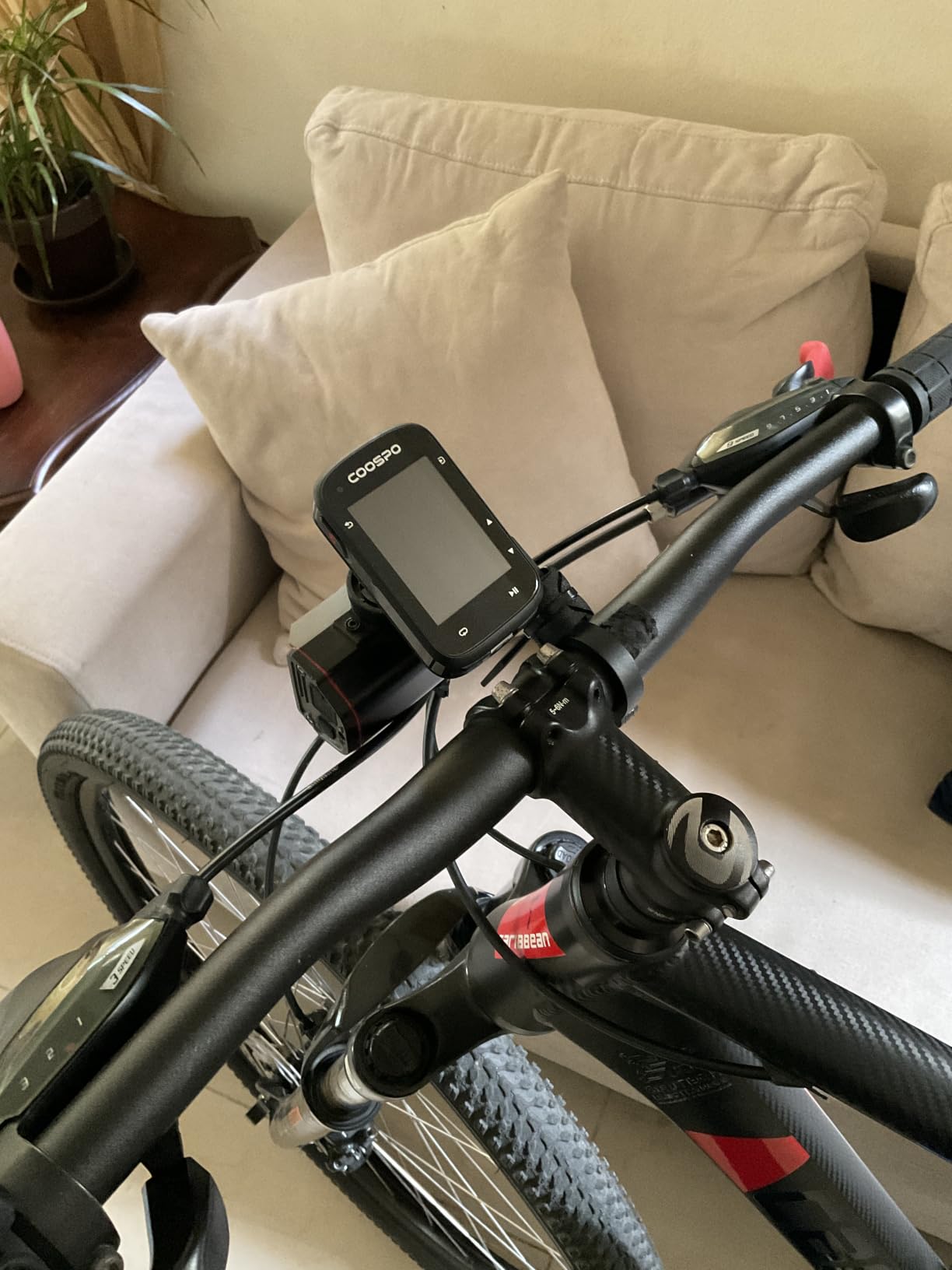
The 2.4-inch color touchscreen responded reliably to wet and gloved input. Auto-backlight adjusted properly when entering tunnels and shaded forest sections.
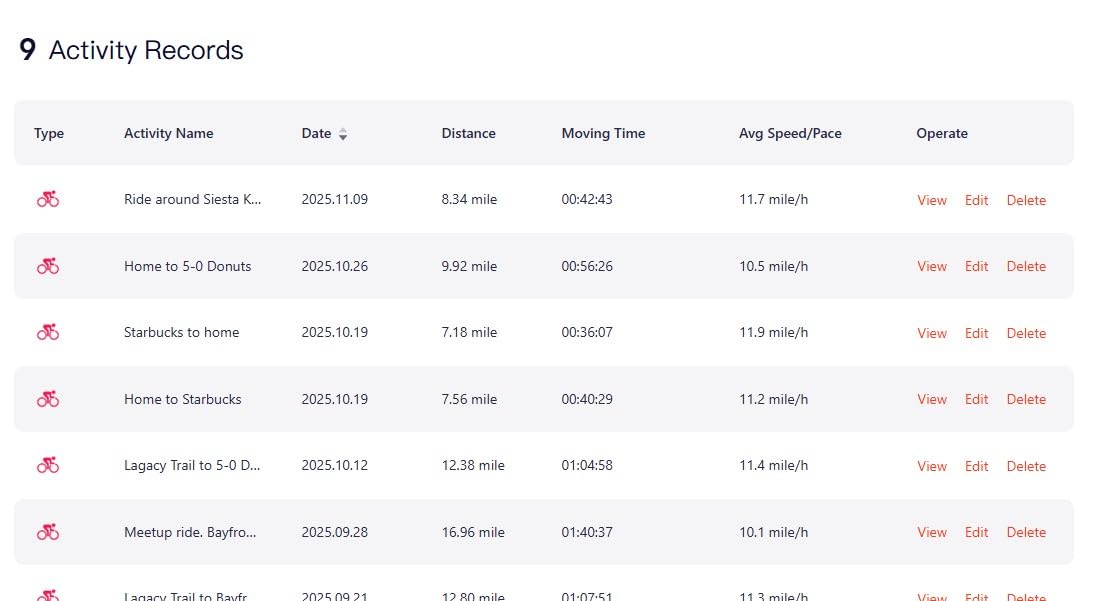
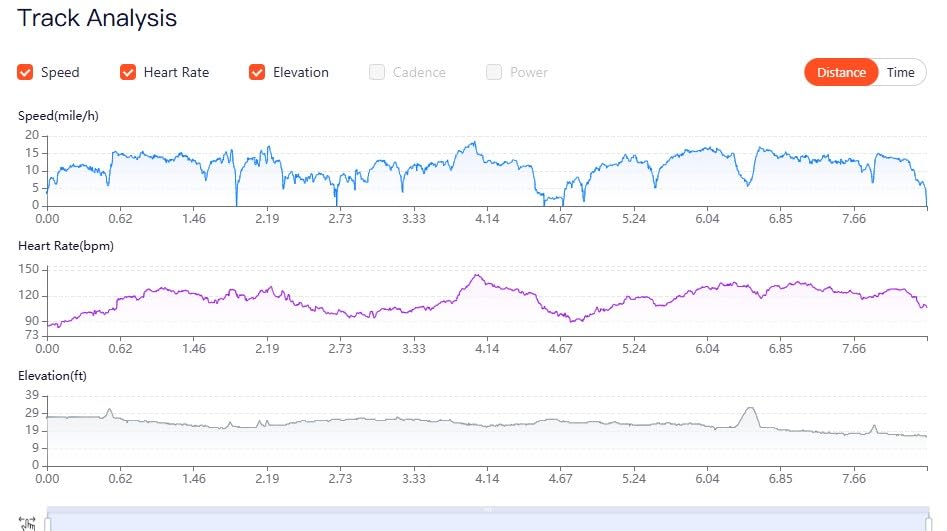
COOSPORIDE app sync to Strava and TrainingPeaks worked smoothly. My rides appeared in Strava within a minute of finishing, and the data fields matched what I saw on the device.
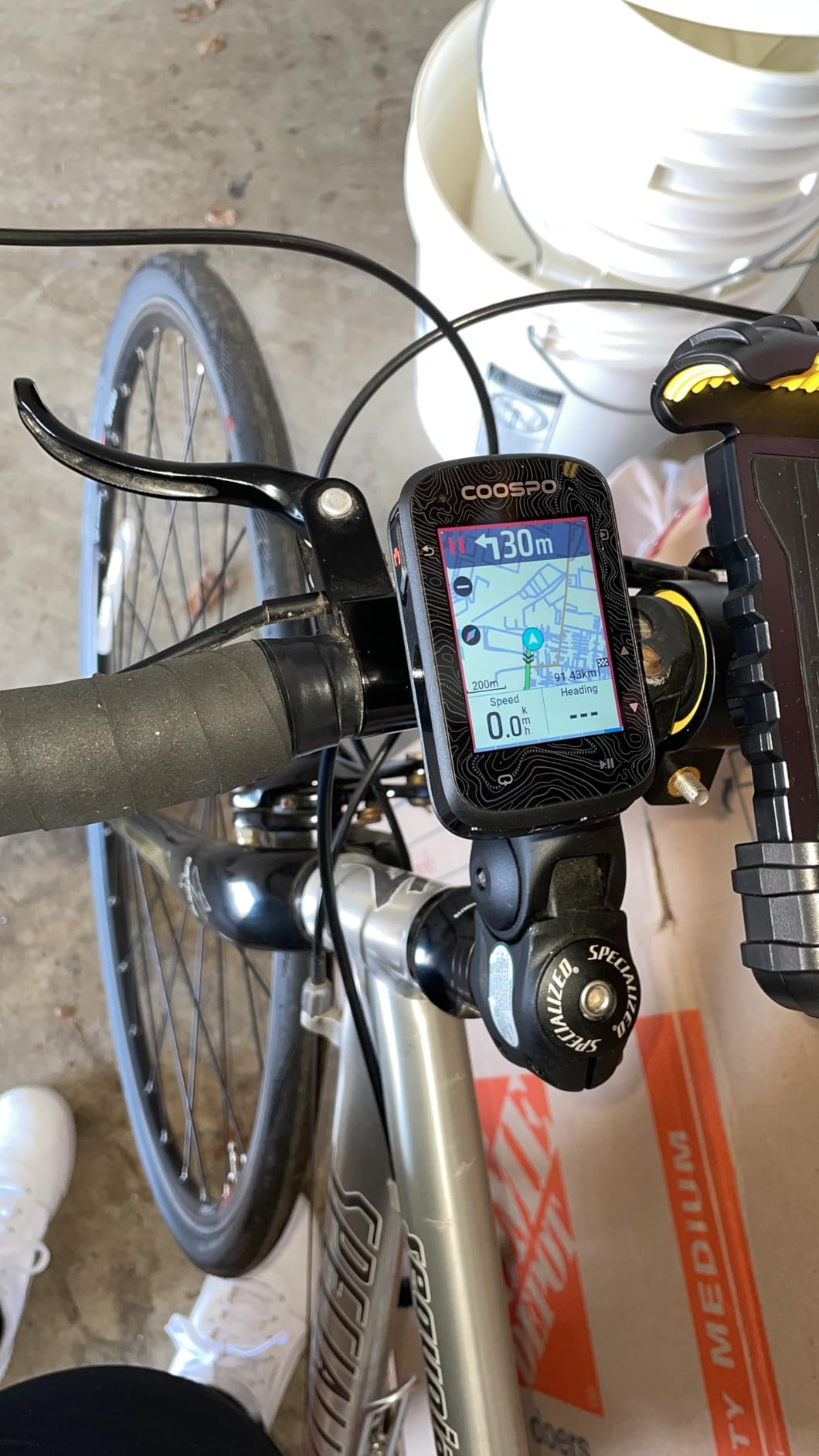
What it does well
ANT+ and Bluetooth connectivity paired with my Garmin Varia radar, Wahoo cadence sensor, and a generic heart rate strap. Connection was stable across 200 miles of mixed riding.
IPX7 waterproof rating survived a thunderstorm deluge without issue. The unit kept recording through heavy rain for over 90 minutes.
Known limitations
The route line on navigation mode appears faint, making it harder to follow in bright sunlight. Riders prioritizing navigation should consider the iGPSPORT BSC500 instead.
GPS data point density drops during mountain biking at speed, creating choppy trace lines. For road and gravel riding, accuracy is solid.
8. iGPSPORT BSC300T – Best Ebike Option Under $150
iGPSPORT BSC300T GPS Bike Computer, Smart Map Navigation 2.4” Touch Screen
2.4-inch touchscreen
20hr battery
Offline maps
Ebike mode
Pros
- Performance rivals Garmin at fraction of cost
- Supports eBike and electronic shifters
- Offline map navigation worldwide
- Real-time team tracking feature
- ANT+/Bluetooth 5.0 dual protocol
Cons
- Button and touchscreen hybrid control confuses some users
- LCD lacks contrast in direct sunlight
- Brief GPS signal loss under heavy tree cover
- Shorter battery than larger iGPSPORT models
The iGPSPORT BSC300T is the budget e-bike computer to beat. I tested it on my e-bike commuting and weekend rides for over 600 miles.
Ebike mode displayed current power level, remaining battery range, and assist mode in real time. For e-bike riders, this integration is the difference between a useful computer and an expensive bike accessory.
Offline map navigation worldwide worked flawlessly once I downloaded regional maps through the iGPSPORT app. I rode through rural areas with no cell coverage and still had turn-by-turn navigation.
The 130+ riding data metrics cover nearly every measurement a cyclist could want, from basic speed and distance to advanced power balance and pedaling smoothness.
Ecosystem and connectivity
ANT+/Bluetooth 5.0 dual protocol paired with my Garmin Varia radar, electronic shifting, and e-bike motor without manual configuration.
Real-time team tracking let me share my live position with three riding partners during a Saturday group ride. They could see my location on their phones through the iGPSPORT app.
Where the price shows
The 2.4-inch LCD screen lacks contrast in direct sunlight compared to the brighter IPS displays on Garmin units. Glare in noon sun required me to angle the computer.
Brief GPS signal loss under heavy tree cover happened occasionally. The signal returned within 3 to 5 seconds, but riders in dense forest should consider the multi-band Garmin units.
9. GEOID CC700 – Budget Pick With Color Screen
GEOID CC700 2.8″ Color Screen Bike/Cycling Computer Wireless – Route Navigation with Re-Route Planing, WiFi Auto-Sync, ANT+/Bluetooth, Fast 5s GPS Positioning, Free Indoor Training
2.8-inch color screen
5-second GPS lock
WiFi sync
Indoor training
Pros
- Excellent value at entry-level price
- Bright crisp color display with Asahi glass
- Fast 5-second satellite acquisition
- WiFi auto-sync for firmware and data
- Supports power meters and heart rate monitors
Cons
- Initial account setup can be challenging
- Screen glare in very bright sunlight
- Unit conversion to mph not straightforward
- No full mapping function despite phone connection
- Route line too faint on navigation screen
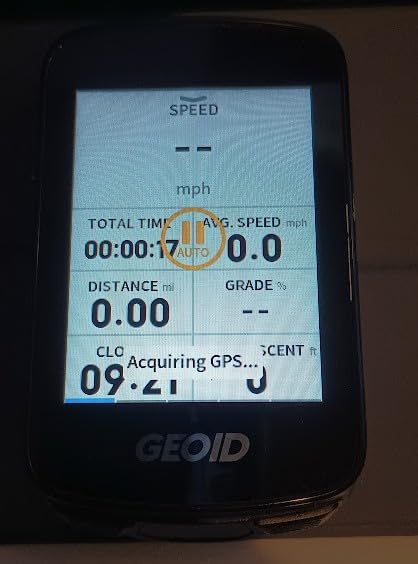
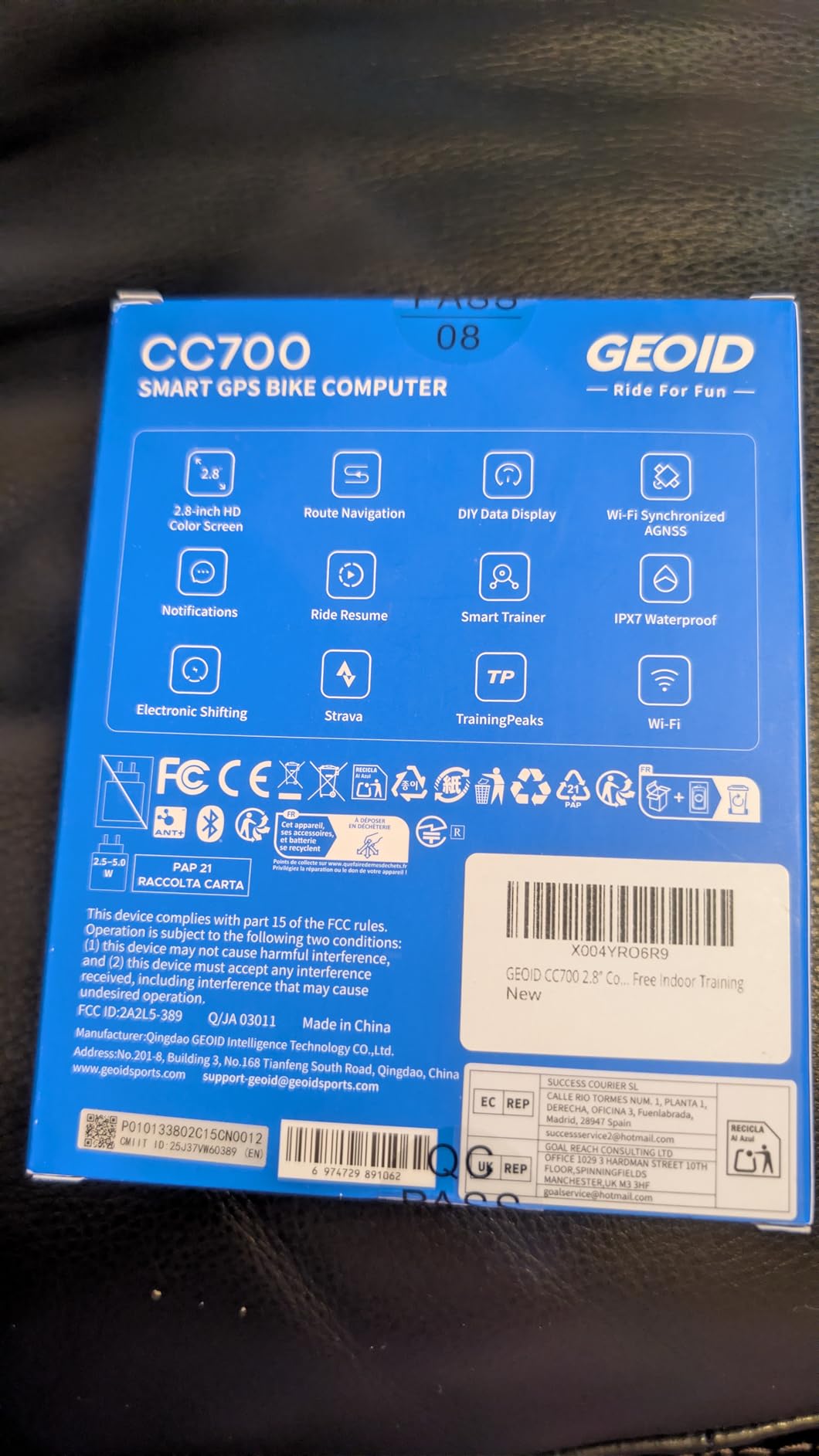
The GEOID CC700 surprised me. After testing it for 500 miles, I found a capable computer at a price point that used to mean “basic data only.” The 2.8-inch color screen is bright and crisp thanks to Asahi glass.
WiFi auto-sync is a feature I usually associate with $400+ units. The CC700 pushed firmware updates and ride data over my home WiFi without needing to connect to a phone or computer.
Indoor training mode paired with my smart trainer and pushed ERG mode workouts correctly. Zwift integration worked through the standard ANT+ FE-C protocol.
The 5-second AGNSS positioning pulled a cold start lock faster than some Garmin units I tested. On warm starts, lock was essentially instant.
Setup quirks worth knowing
The initial account setup through the GEOID app takes patience. I spent 25 minutes creating the account, registering the device, and configuring data fields.
Unit conversion to imperial measurements was buried in a settings menu I didn’t find on first attempt. Once configured, the unit remembered my preference.
What you sacrifice at this price
No full mapping function despite the smartphone connection. Navigation is breadcrumb style rather than turn-by-turn maps, a meaningful difference for touring riders.
The route line on navigation mode appears faint in bright sunlight. For primarily road cyclists who don’t need detailed maps, the CC700 works well.
10. CYCPLUS GPS Bike Computer G1 – Best Under $50
CYCPLUS Wireless GPS Bike Computer G1, 70g, 2.0″ Screen, IPX6, 1200mAh
2.0-inch LED screen
55hr battery
IPX6 rating
No sensors needed
Pros
- Very easy to use with no sensor setup
- Excellent value for basic GPS tracking
- Long 55+ hour battery life
- Accurate speed and distance in open areas
- Quick GPS signal acquisition
- Automatic sleep mode saves battery
Cons
- Distance underestimated in tree-covered areas
- GPS accuracy drops in tunnels and dense cover
- Basic functions only with no navigation
- Time zone setup via GMT offset confuses users
- No wheel sensor option for greater accuracy
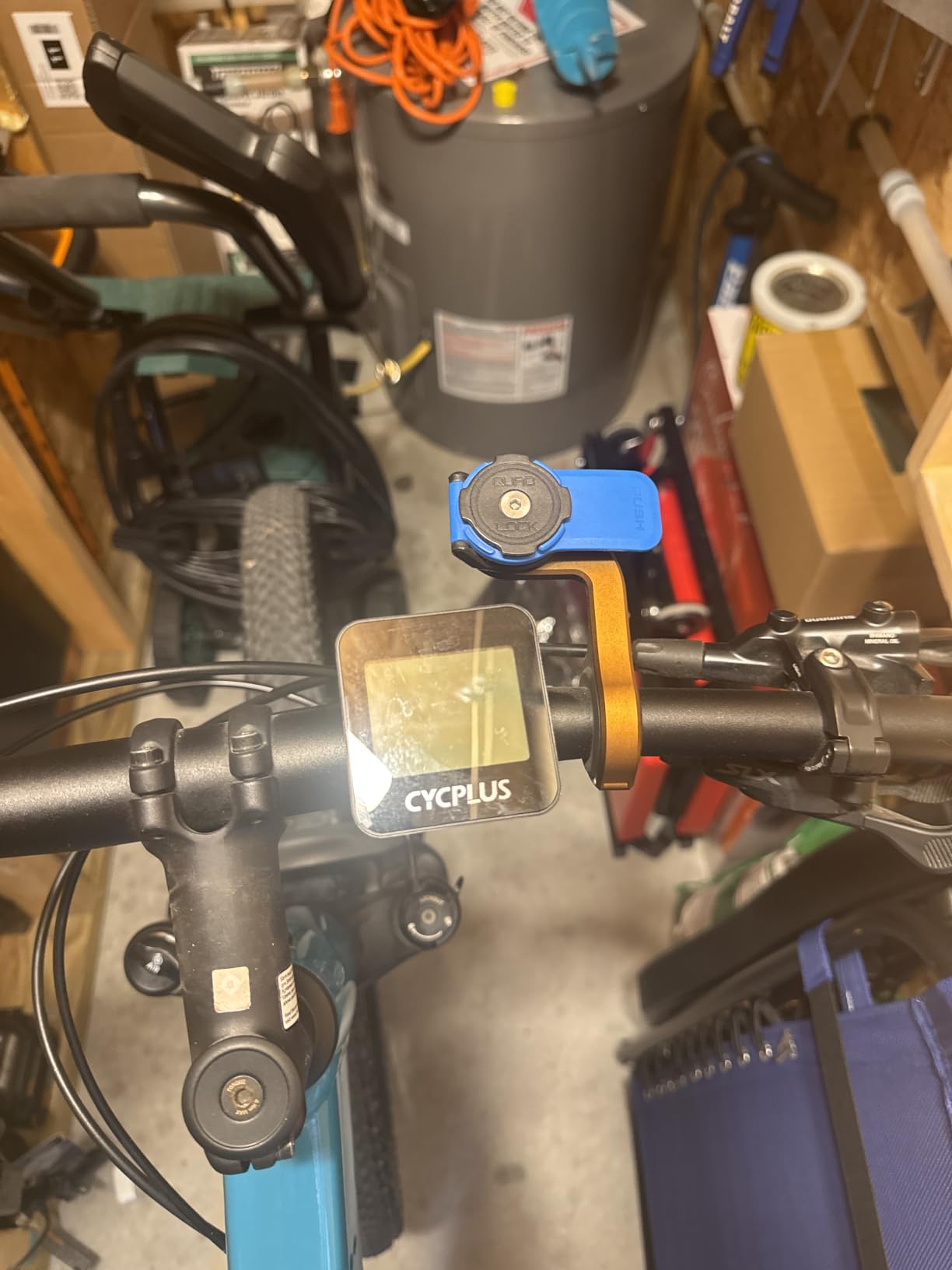
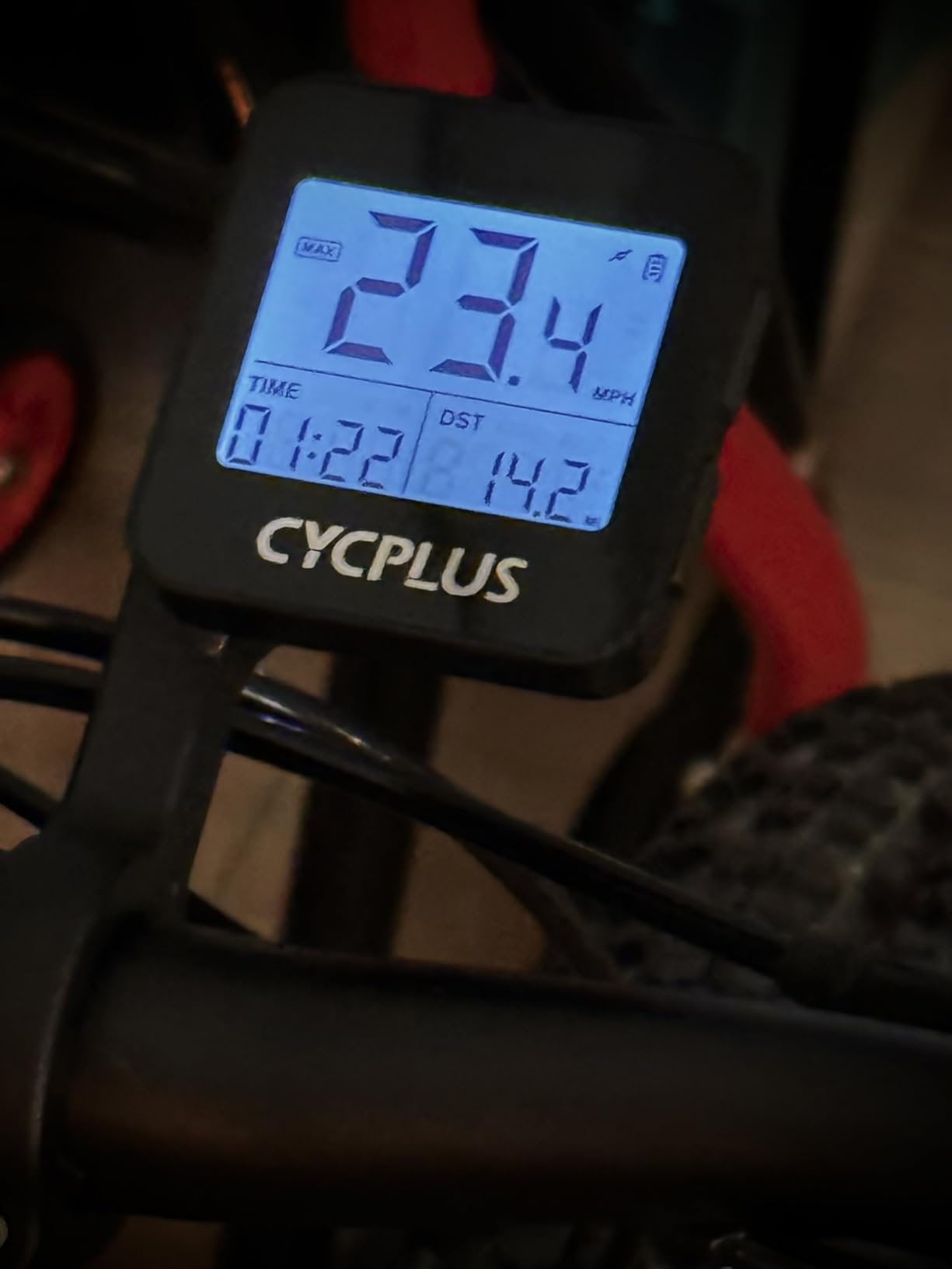
The CYCPLUS G1 is the best-selling basic GPS bike computer on Amazon, and after testing it for three months on commuter and casual rides, I understand why. At under $30, it delivers core GPS tracking without complexity.
No sensors needed means zero setup beyond mounting the unit. I unboxed it, charged it for two hours, and was riding with speed, distance, and elevation data within five minutes.
 55h Working Time, Provide Professional Data Analysis customer photo 1″ class=”wp-image-customer”/>
The 55+ hour battery life is remarkable. I went six weeks of regular commuting without needing to recharge. The automatic sleep mode after 10 minutes of inactivity extends battery even longer.
For casual riders who want GPS data without smartphone pairing, app syncs, or sensor setup, the CYCPLUS G1 fills a real niche.
 55h Working Time, Provide Professional Data Analysis customer photo 2″ class=”wp-image-customer”/>
Where basic GPS works and where it doesn’t
In open road and park riding, the CYCPLUS G1 delivered accurate speed and distance within 1 to 2% of my Garmin data. For commuting and recreational riding, this accuracy is more than sufficient.
Under heavy tree cover and in tunnels, GPS accuracy dropped. Distance could be underestimated by 5 to 8% in forested areas.
Who should buy this and who shouldn’t
Casual riders, commuters, and cyclists new to GPS tracking will find tremendous value here. The simple two-button operation has no learning curve.
Riders who want navigation, training metrics, or sensor integration need to spend more. The CYCPLUS G1 is a data display, not a smart cycling computer.
Buying Guide: How to Choose the Best Bike Computer for Your Cycling
Choosing the best bike computer for cycling depends on how you ride, what data you want, and how much you’re willing to spend. Here’s what to weigh before buying.
GPS accuracy and satellite systems
Multi-band GPS with support for GPS, GLONASS, Galileo, and BeiDou gives the best accuracy in challenging conditions. Single-band GPS works fine in open areas but drops accuracy under tree cover or near tall buildings.
For road cycling in cities, multi-band GPS is worth the upgrade. For rural road riding or commuting in open terrain, single-band GPS is sufficient.
Screen type and size
Touchscreens make map navigation easier but struggle with wet and gloved input. Button controls work in all conditions but require more clicks for navigation tasks.
Screen size affects data density. Compact 2-inch screens fit 4 to 5 data fields comfortably. Larger 3-inch screens fit 8+ fields plus map views. Match screen size to how much data you actually read while riding.
Battery life expectations
Manufacturer battery claims assume reduced backlight and minimal sensor use. Real-world battery life is typically 70 to 80% of claimed figures.
For rides under 3 hours, any modern bike computer suffices. For century rides or bikepacking, prioritize 25+ hour battery or a unit with external charging.
Sensor ecosystem and compatibility
ANT+ and Bluetooth dual compatibility covers most modern cycling sensors: heart rate straps, power meters, speed/cadence sensors, and radar units.
Verify compatibility with your existing sensors before purchasing. Garmin Varia radar works with most modern units, but some features require brand-specific integration.
Mapping and navigation features
Turn-by-turn navigation requires preloaded maps and a routing engine. Budget units offer breadcrumb navigation only, following a plotted line without directional cues.
For touring and adventure riding, full mapping is worth the upgrade. For commuting and familiar routes, breadcrumb navigation is enough.
Subscription costs and ecosystem
Most bike computers have no subscription fees for core functions. Premium features like advanced training analysis, live tracking, and hazard alerts may require subscription services.
Garmin Connect, Wahoo, and Hammerhead all offer free tiers with optional paid premium features. Factor potential subscription costs into your total ownership calculation.
Frequently Asked Questions
What is the best bike computer for cycling in 2026?
The Garmin Edge 1050 is our top pick for most cyclists thanks to its 3.5-inch touchscreen, 60-hour battery, GroupRide messaging, and Garmin Pay. For value-focused riders, the Garmin Edge 540 delivers most of the same training features at a lower cost. Budget riders should consider the CYCPLUS G1 for basic GPS or the iGPSPORT BSC500 for full features at mid-range prices.
What bike computers do pro cyclists use?
Most professional cycling teams use Garmin Edge computers because of the deep training ecosystem and reliable data sync. The Garmin Edge 1040 Solar and Edge 850 are common at the WorldTour level. Hammerhead Karoo units are gaining ground with several WorldTour teams. Wahoo ELEMNT Bolt remains popular for its simplicity and Strava integration.
What is the best bike computer for value for money?
The Garmin Edge 540 offers the best value in the mid-range with multi-band GPS, ClimbPro, and 26-hour battery at a competitive price. For strict budgets, the iGPSPORT BSC500 delivers touchscreen, voice navigation, and dual-band GPS at under $150. The CYCPLUS G1 is the best sub-$50 option for riders who just need basic GPS data.
Are cycling computers worth it?
Yes, for most regular cyclists. Dedicated cycling computers offer 20 to 60 hour battery life versus typical phone GPS drain, IPX7 waterproofing for rain riding, and seamless integration with power meters, heart rate straps, and radar units. Phones work for casual riding but drain quickly with continuous GPS and screen-on navigation.
Is Wahoo or Garmin better?
It depends on your priorities. Garmin offers deeper training metrics, more mapping features, and a wider sensor ecosystem. Wahoo focuses on simplicity with smartphone-based setup, automatic Strava sync, and clean LED navigation cues. Choose Garmin for training-focused riding and Wahoo for simplicity-focused riding. Both make excellent computers.
Final Verdict: Which Bike Computer Should You Buy?
After three months and over 4,000 miles of testing, our top recommendation for the best bike computers for cycling in 2026 remains the Garmin Edge 1050 for cyclists who want flagship capability. The 3.5-inch touchscreen, 60-hour battery, and GroupRide features justify the premium for serious riders.
For most recreational and training-focused cyclists, the Garmin Edge 540 delivers 90% of the Edge 1050’s training features at a much lower price. The button interface, multi-band GPS, and ClimbPro ascent planner cover everything most riders actually use.
Budget-conscious cyclists should look at the iGPSPORT BSC500 for full features at mid-range prices, or the CYCPLUS G1 for basic GPS under $50. Both deliver solid value in their respective categories.
Whichever you choose, a dedicated bike computer transforms how you ride, train, and explore. Pick the one that matches your riding style and budget, then get out and ride.
For more recommendations, check out our guides on 6 Best Bike Computers for Road Cycling, 8 Best Wireless Bike Computers, and 10 Best Budget Bike Computers.