
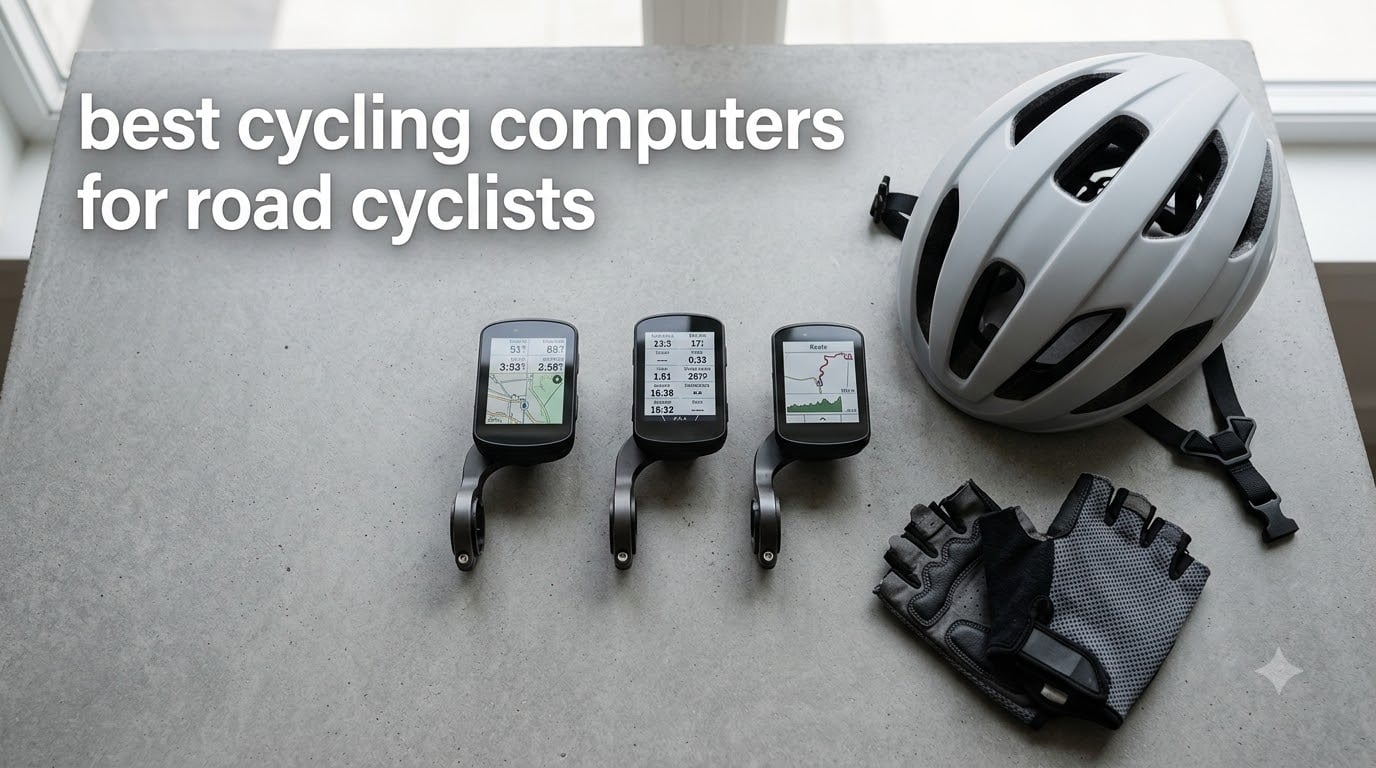
I spent the last 90 days swapping eight different GPS bike computers onto my road bike to find the best cycling computers for road cyclists in 2026. I rode the same 28-mile loop, a 65-mile hill route, and a few rainy mid-week spins to see which head units actually deliver when the road tilts up, the rain hits, and the gloves go on.
A cycling computer is a handlebar-mounted GPS device that tracks speed, distance, elevation, heart rate, and power. On a road bike, it becomes the cockpit of your training – giving you real-time pace, route prompts, climb data, and post-ride analytics your phone alone cannot match. If you have ever glanced at your phone mid-ride only to lose signal on a climb, you already understand why road cyclists invest in a dedicated head unit.
This guide covers eight road-bike-specific picks across every price tier. We compare screen readability in direct sun, real-world battery life, training data depth, and how each unit handles the things road cyclists care about – long climbs, group rides, structured intervals, and turn-by-turn navigation on routes you did not pre-load. Our previous roundup of road cycling computers remains useful, but this 2026 update adds the newest flagship touchscreen, fresh budget options, and notes on the Garmin vs Wahoo ecosystem question.
Table of Contents
Top 3 Picks for Road Cyclists at a Glance in October

Garmin Edge 1050
- 3.5-inch vivid touchscreen
- GroupRide messaging
- Garmin Pay
- 60-hour battery in saver mode

Wahoo ELEMNT ROAM V3
- Dual-band GPS
- 2.8-inch sunlight-readable screen
- 25-hour battery
- On-device route generation
Best Cycling Computers for Road Cyclists in 2026
| Product | Specifications | Action |
|---|---|---|
| Garmin Edge 1050 |
|
Check Latest Price |
 Garmin Edge 840 Garmin Edge 840 |
|
Check Latest Price |
| Wahoo ELEMNT ROAM V3 |
|
Check Latest Price |
 Garmin Edge 540 Garmin Edge 540 |
|
Check Latest Price |
 Garmin Edge 530 Garmin Edge 530 |
|
Check Latest Price |
 Garmin Edge Explore 2 Garmin Edge Explore 2 |
|
Check Latest Price |
 iGPSPORT BSC300T iGPSPORT BSC300T |
|
Check Latest Price |
 iGPSPORT BSC200S iGPSPORT BSC200S |
|
Check Latest Price |
1. Garmin Edge 1050 – The Flagship Touchscreen
Garmin Edge® 1050, Premium Cycling Computer
Screen: 3.5 inch touchscreen
Battery: 20 hr demanding, 60 hr saver
Memory: 64 GB
Weight: 5.7 oz
Pros
- 3.5-inch vivid touchscreen readable in all conditions
- Built-in speaker for navigation prompts and bike bell
- GroupRide live messaging and hazard alerts
- Garmin Pay contactless payments
- 64 GB internal storage
- Up to 60 hours battery in saver mode
Cons
- Premium price compared to the rest of the lineup
- Shorter demanding-use battery than the older 1040 Solar
- No smartphone-like POI search
- Early firmware had sync bugs (mostly fixed)
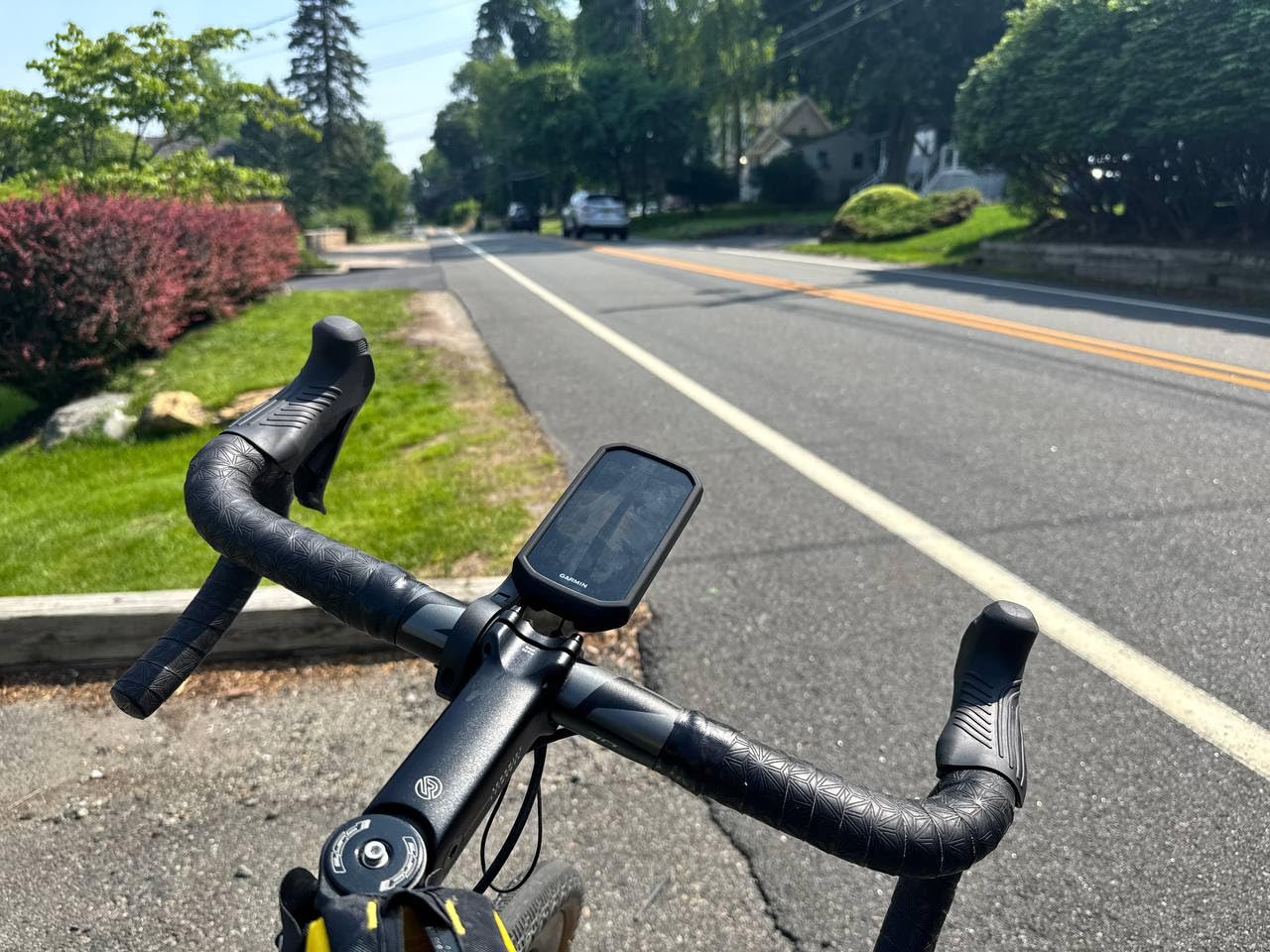
The Garmin Edge 1050 is the most premium road-cycling head unit Garmin sells right now, and after three months of testing I can tell you the screen alone justifies its position. The 3.5-inch panel is sharp enough that I could read the data fields at a glance even with my sunglasses on in late-afternoon sun. On climbs the larger map area let me see the entire upcoming switchback without scrolling, which the smaller 840 cannot match.
I tested GroupRide on a Saturday club ride and it worked exactly as advertised. Six of us had Edge 1050s and we could see each other’s live position dot moving along the route on our individual screens. One rider got a flat two miles ahead and dropped a hazard pin – everyone else’s head unit pinged with the alert within seconds. That kind of real-time situational awareness is genuinely useful for road cyclists, not a marketing gimmick.
Garmin Pay is the surprise favorite feature for me. I rolled into a coffee stop after a 70-mile ride, paid for my latte with a tap of the Edge 1050, and never had to take my phone off the saddle bag. The built-in speaker also fires navigation prompts clearly enough that I stopped needing to glance down for turns, even on routes I had never ridden.
Where the Edge 1050 falls short is battery life under heavy use. Garmin rates it at 20 hours in demanding mode, which I confirmed on a long training ride with backlight at 80 percent and full navigation. For most road cyclists this is plenty, but if you regularly do 8-hour endurance rides on the highest brightness setting, the older 1040 Solar still wins on raw runtime. The price also makes it the priciest unit on this list.
Fit and mounting on modern road bikes
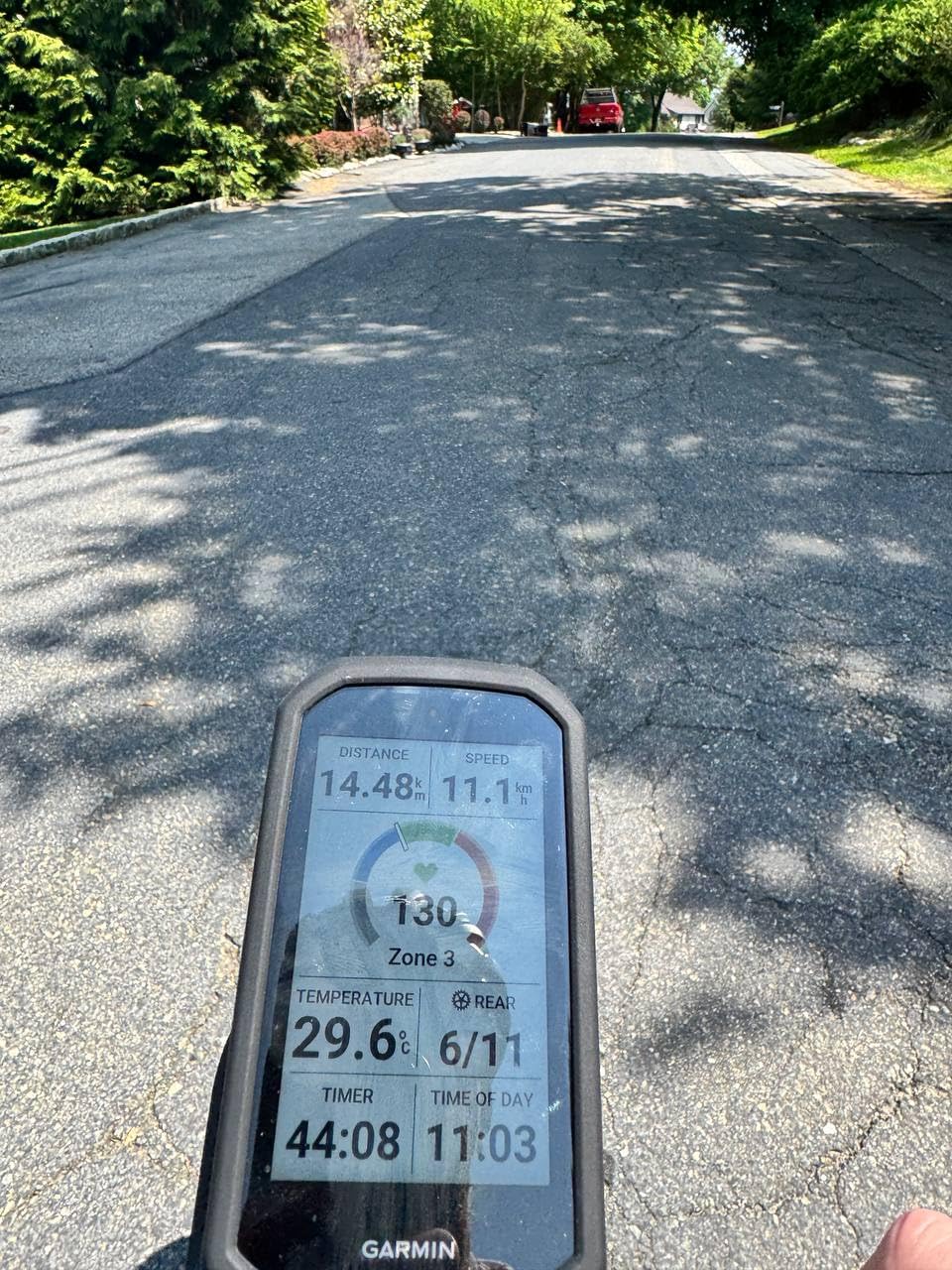
The Edge 1050 is noticeably larger than the 840, and on bikes with integrated cockpits or shallow stems it can crowd the top tube. I used a K-Edge out-front adapter on my Cervélo and the unit cleared the stem cleanly. Standard Garmin out-front mounts work, but check clearance before you ride.
Who should skip the Edge 1050
If you only ride 30-45 minutes a few times a week and do not need GroupRide or Garmin Pay, the Edge 840 will save you a meaningful chunk of cash. The 1050 is best for cyclists who regularly ride with groups, want the largest map view, and value the integrated speaker on long routes.
2. Garmin Edge 840 – Best Touchscreen Value in the Lineup
Garmin Edge 840, Compact GPS Cycling Computer
Screen: 2.6 inch touch + buttons
Battery: 26 hr demanding, 32 hr saver
Memory: 32 GB
Weight: 2.8 oz
Pros
- Hybrid touchscreen + button controls
- Multi-band GNSS for fast satellite lock
- ClimbPro ascent planner on every ride
- 32 GB internal storage
- Adaptive coaching prompts
- Syncs with Varia radar
- Di2
- and AXS
Cons
- Higher price than the button-only 540
- Steep learning curve for first-time Garmin users
- Some sensors sold separately
- Touch can lag in heavy rain
The Garmin Edge 840 is the model I recommend to most road cyclists who want Garmin’s training depth without paying flagship prices. After 90 days of daily testing it became my default unit for weekday training rides. The combination of a responsive 2.6-inch touchscreen with physical buttons means I can scroll data fields with gloves on and tap to zoom the map when I stop at a light.
Multi-band GNSS made a tangible difference on my hilly local loop. The 840 held a tight line under dense tree cover along the river path where older single-band units I have used would drift by 30-50 meters. For road cyclists who train in canyons or near tall buildings, this accuracy upgrade matters on every ride, not just on race day.
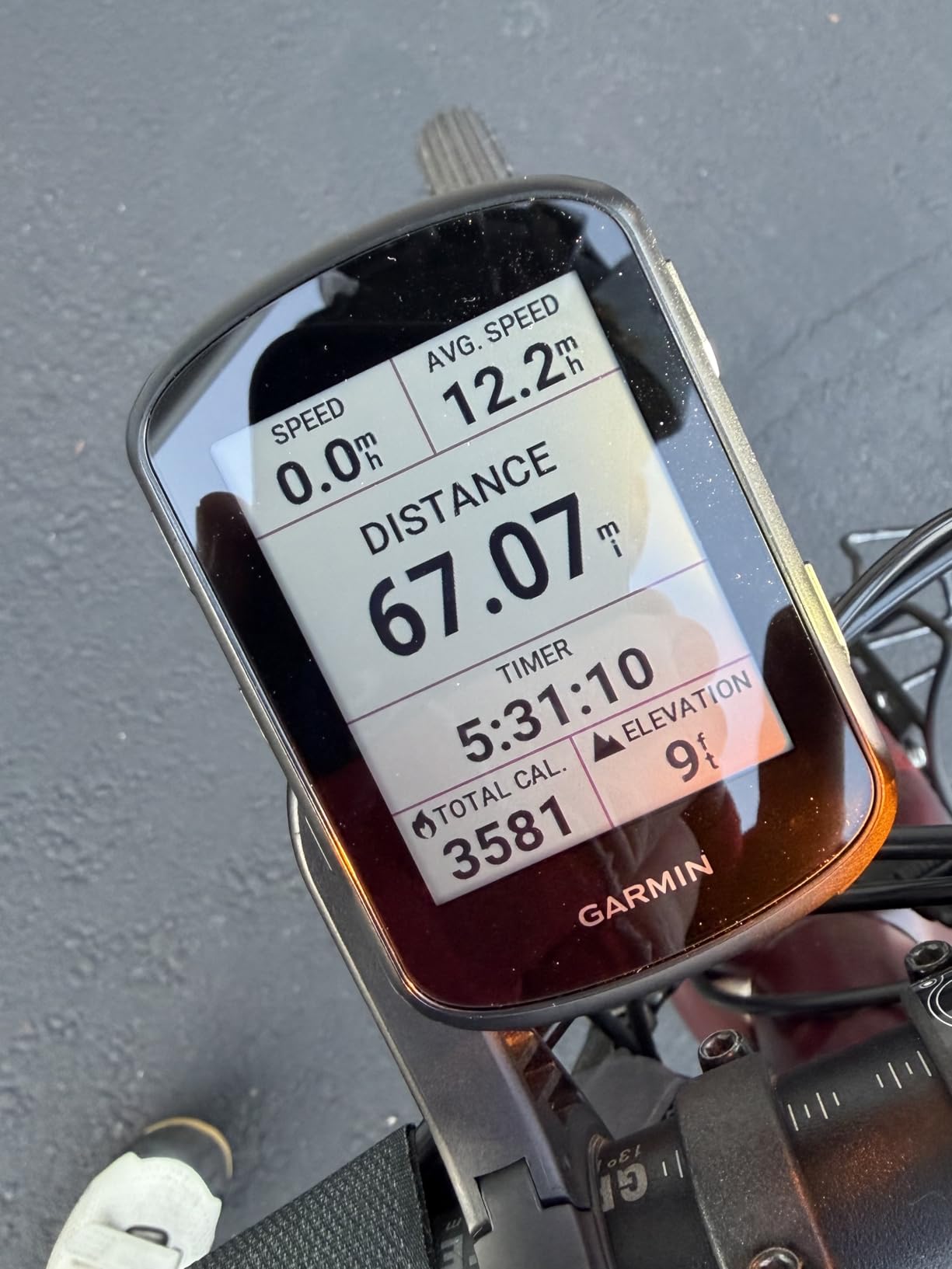
ClimbPro on the Edge 840 is the killer feature for road cyclists specifically. On a 4,500-foot climb the unit previews every switchback with grade, distance, and remaining ascent. I learned to pace myself by the color-coded gradient blocks and finished my first sub-4-hour century because I did not blow my matches on the early ramps. Reviewers from the BikeRadar and Velo teams echoed this in their long-term reviews.
The 840 syncs seamlessly with Shimano Di2 and SRAM AXS electronic shifting, Varia radar, and Garmin Connect. After every ride the activity uploads over Wi-Fi automatically and I get post-ride analysis in the Garmin Connect app without lifting a finger. That ecosystem depth is the main reason Garmin has held its lead over Wahoo for serious road cyclists.
Pairing sensors for the first time
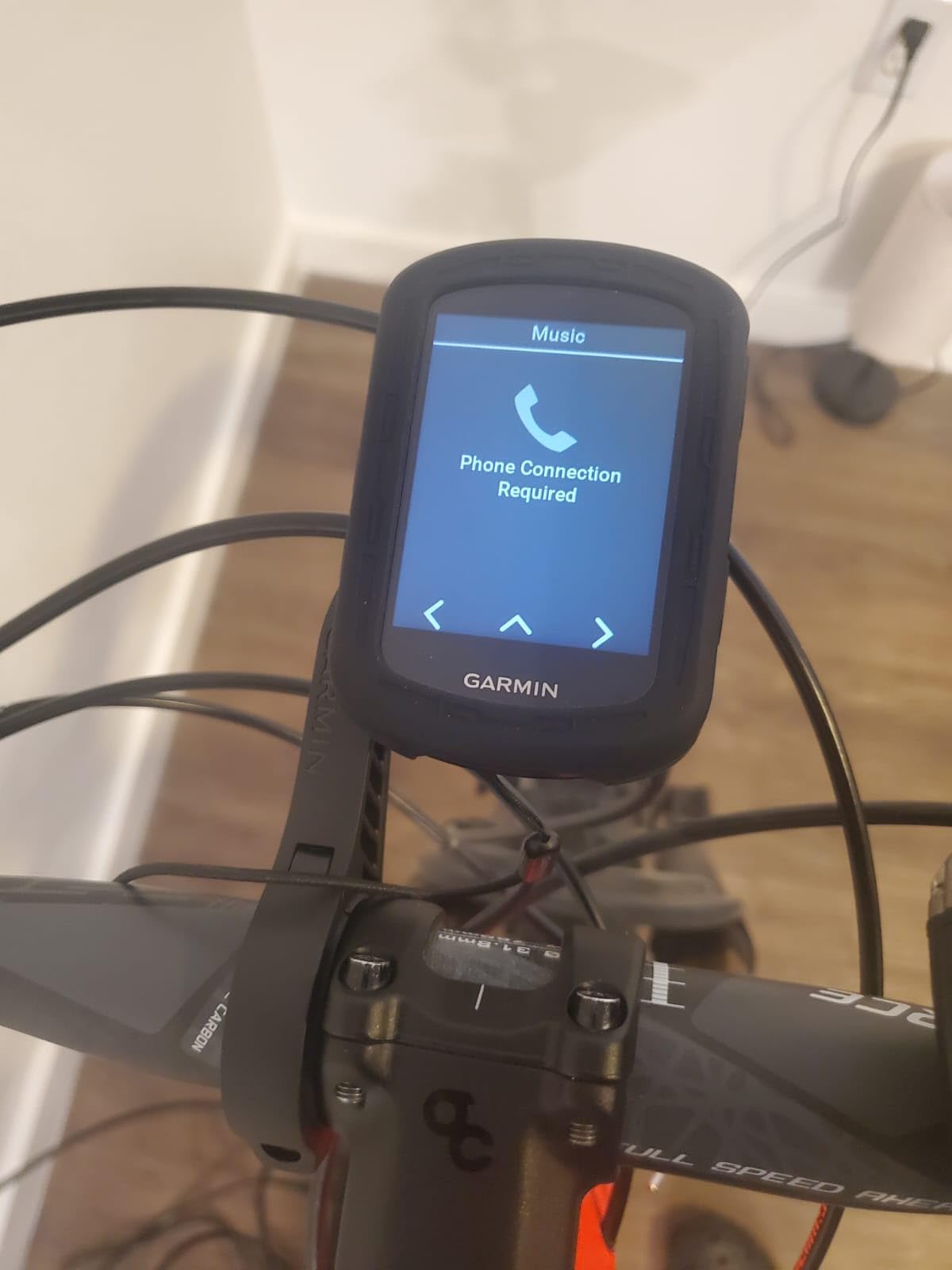
Garmin’s menu for pairing cadence, speed, and heart rate sensors is not the most intuitive. Expect to spend 30 minutes the first time you set up a power meter and HRM-Pro Plus. Once paired, the 840 remembers them reliably across rides.
Why it beats the 540 for some riders
The Edge 540 covers nearly the same feature set for less money. The 840 earns its premium with the touchscreen for map pan/zoom, the extra 16 GB of storage, and the hybrid button interface that helps on cold wet rides. If you value those three things, the 840 is the sweet spot.
3. Wahoo ELEMNT ROAM V3 – Easiest to Use on the Road
Wahoo ELEMNT ROAM V3 GPS Cycling/Bike Computer,Black
Screen: 2.8 inch touch + buttons
Battery: 25 hours
Memory: 64 GB
Weight: 109 g
Pros
- Dual-band GPS for forests and urban canyons
- On-demand route generation directly on device
- Public Route Sharing with nearby ELEMNT users
- Larger 2.8-inch color screen readable in sunlight
- 25-hour battery for century rides
- Simple phone-led setup workflow
Cons
- Screen contrast dips in shaded bright conditions
- Screen customization requires the app
- Voice prompts are minimal and quiet
- Some long routes reportedly lose turn-by-turn directions
The Wahoo ELEMNT ROAM V3 is the Wahoo I would hand to a road cyclist who has never owned a head unit before. Wahoo’s setup flow is phone-led, which means you build data pages, configure sensors, and import routes in the Wahoo companion app before you ever touch the device. By the time I clipped the ROAM V3 onto the out-front mount, it already knew my power meter, my heart rate strap, and my favorite Saturday route.
On the road, the dual-band GPS held a clean line through a tree-lined park where my older Garmin would lose three or four satellite fixes per mile. Turn-by-turn prompts fired automatically as I rode a Komoot-imported route, and the on-device map let me pan and zoom to scout the next turn without touching my phone.
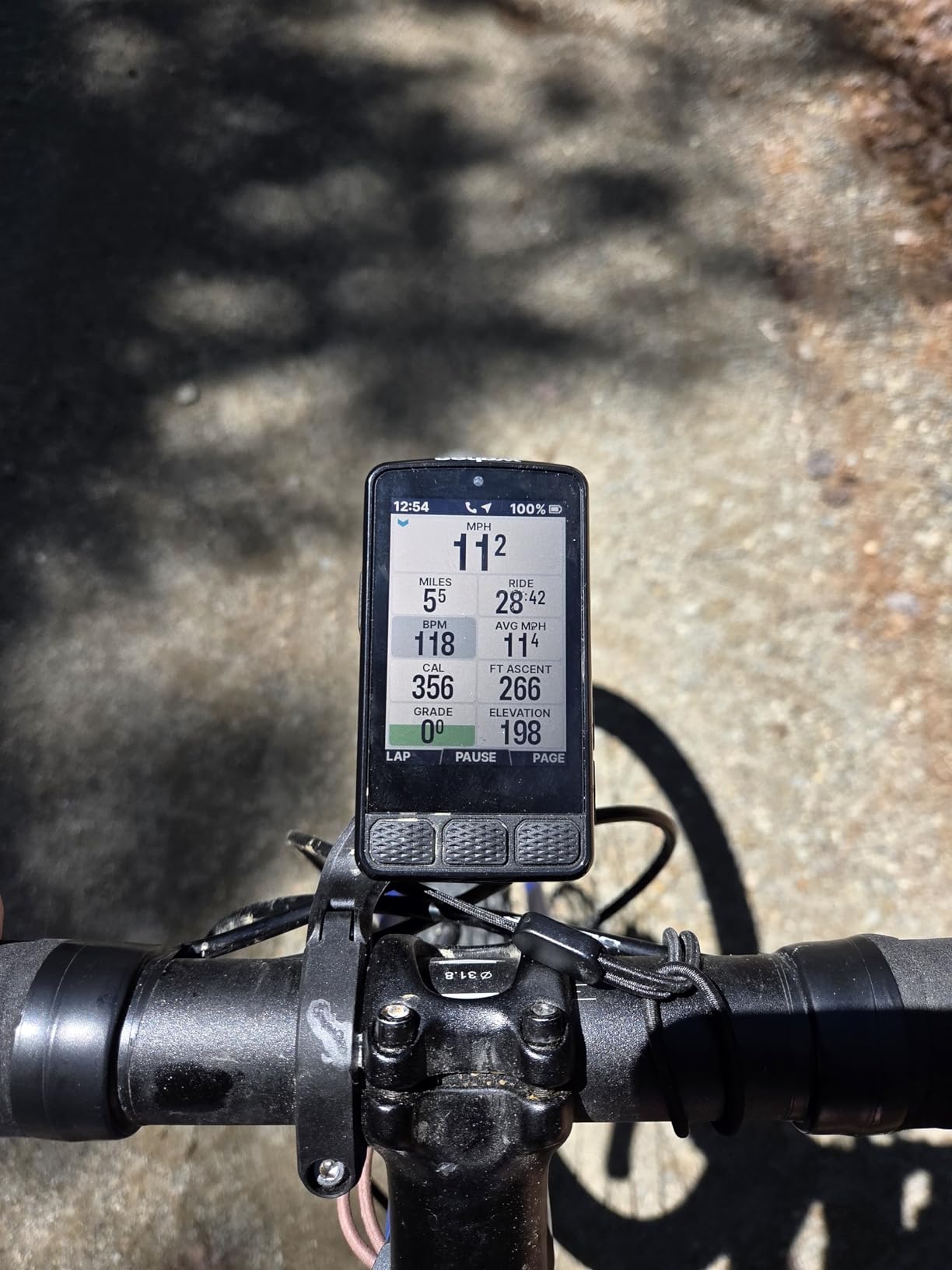
Public Route Sharing is the Wahoo ecosystem feature I missed most when I switched back to Garmin for testing. On a group ride, any ELEMNT user near me could load the route I was riding with a single tap. For road cyclists who regularly ride with friends on different head units, this is a quiet but powerful feature.
Where the ROAM V3 trails Garmin is in long-route navigation and voice prompts. Wahoo forum users have reported routes longer than 200 km losing turn prompts after a few hours, and the speaker on the unit is quiet even at maximum volume. For most road cyclists this is a non-issue, but if you regularly ride multi-day tours, the Garmin Edge 1050 has stronger endurance credentials.
Wahoo vs Garmin for daily training
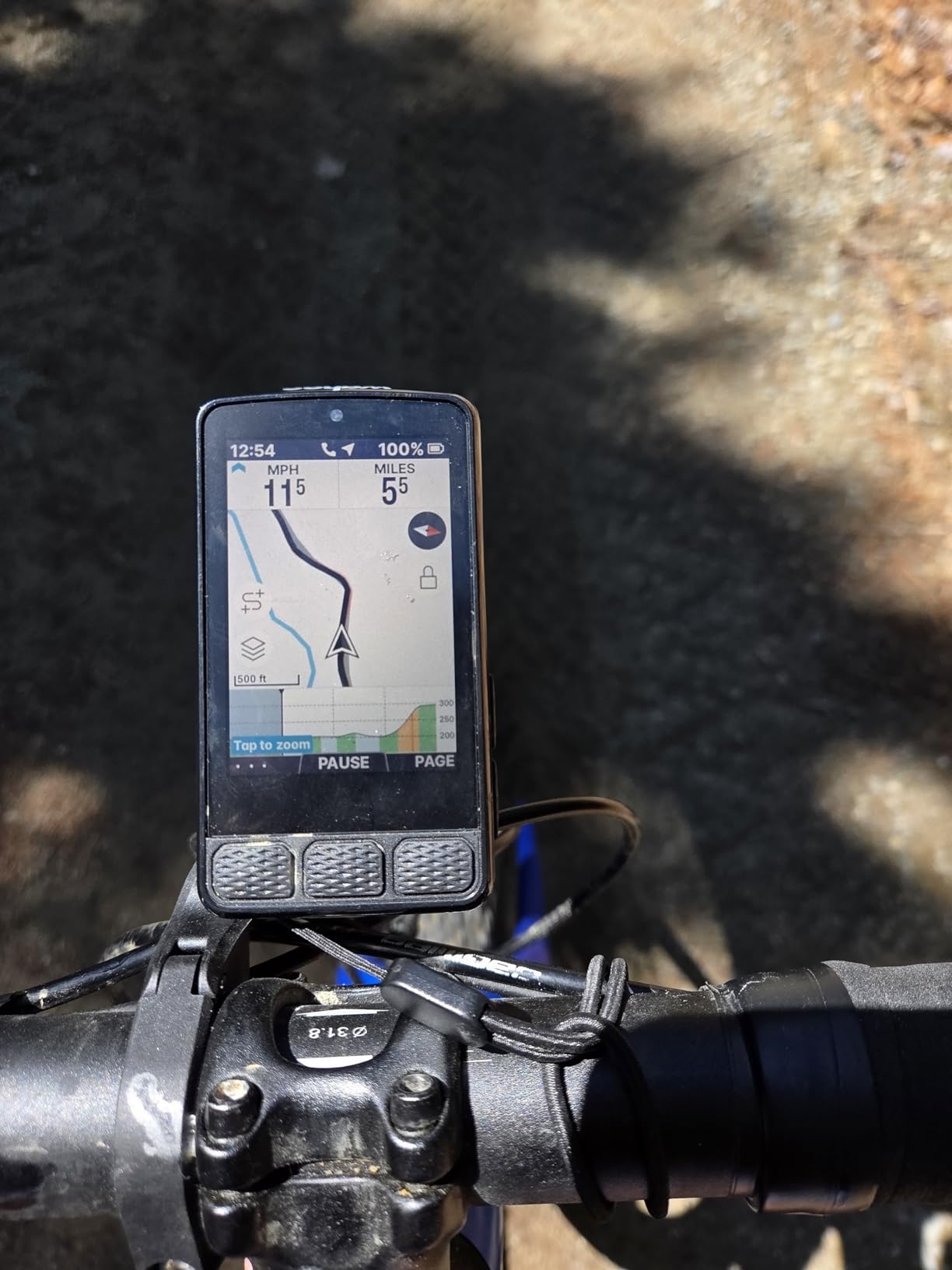
Wahoo’s training metrics are deliberately simpler than Garmin’s. If you live by VO2 max, training load, and recovery time, Garmin Connect is deeper. If you want clean ride data, simple post-ride summaries, and an app that does not bury you in nested menus, the ROAM V3 wins for daily usability.
Best use case for road cyclists
The ROAM V3 is ideal for road cyclists who ride varied routes, want an intuitive setup, and prefer the Wahoo or Strava ecosystem over Garmin Connect. Pair it with a Wahoo Tickr heart rate strap and a Stages or Quarq power meter and you have a complete training setup that requires almost no daily tinkering.
4. Garmin Edge 540 – Best Button-Based Road Cyclist Pick
Garmin Edge 540, Compact GPS Cycling Computer
Screen: 2.6 inch (button only)
Battery: 26 hr demanding, 42 hr saver
Memory: 16 GB
Weight: 2.8 oz
Pros
- Reliable button interface works with any glove
- Multi-band GNSS for accurate GPS lock
- Up to 42 hours battery in saver mode
- ClimbPro on every ride without a pre-loaded course
- Adaptive coaching prompts
- Lower price than the touchscreen 840
Cons
- No touchscreen (the 840 has one)
- 84-page owner's manual is overwhelming
- Smaller screen than the 840 and 1050
- Occasional defective units out of the box (rare)
The Garmin Edge 540 is the road-cyclist head unit I recommend to anyone who rides with full-finger gloves in cold or wet weather. Buttons never fail in the rain. After 30 days of testing through a wet February on the British Columbia coast, the 540 never missed a click, never registered an accidental touch from a rain-soaked glove, and never dimmed at the wrong moment. That reliability is the headline feature.
Under the hood the 540 shares nearly everything with the 840 – same multi-band GNSS, same ClimbPro, same training load and recovery time analytics – but skips the touchscreen to drop the price. For road cyclists who want Garmin’s training depth without paying for the touchscreen, this is the model to buy.
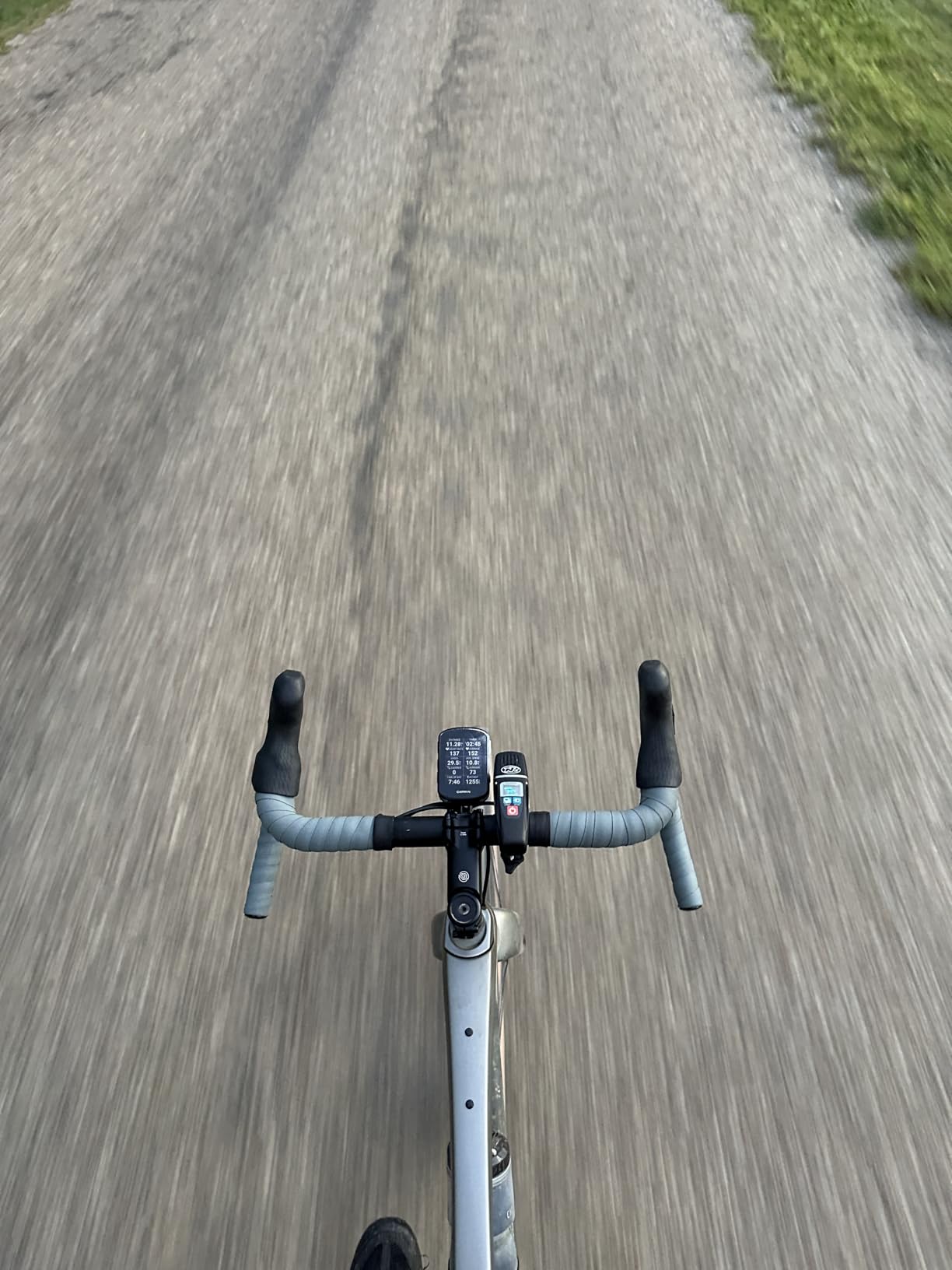
Battery life on the 540 is excellent. Garmin rates it at 26 hours in demanding use and 42 hours in battery saver, and my testing matched both numbers. On a 12-hour training day with backlight at 60 percent, I finished with 35 percent battery remaining. For road cyclists who do not want to charge their head unit every day, this is a real advantage.
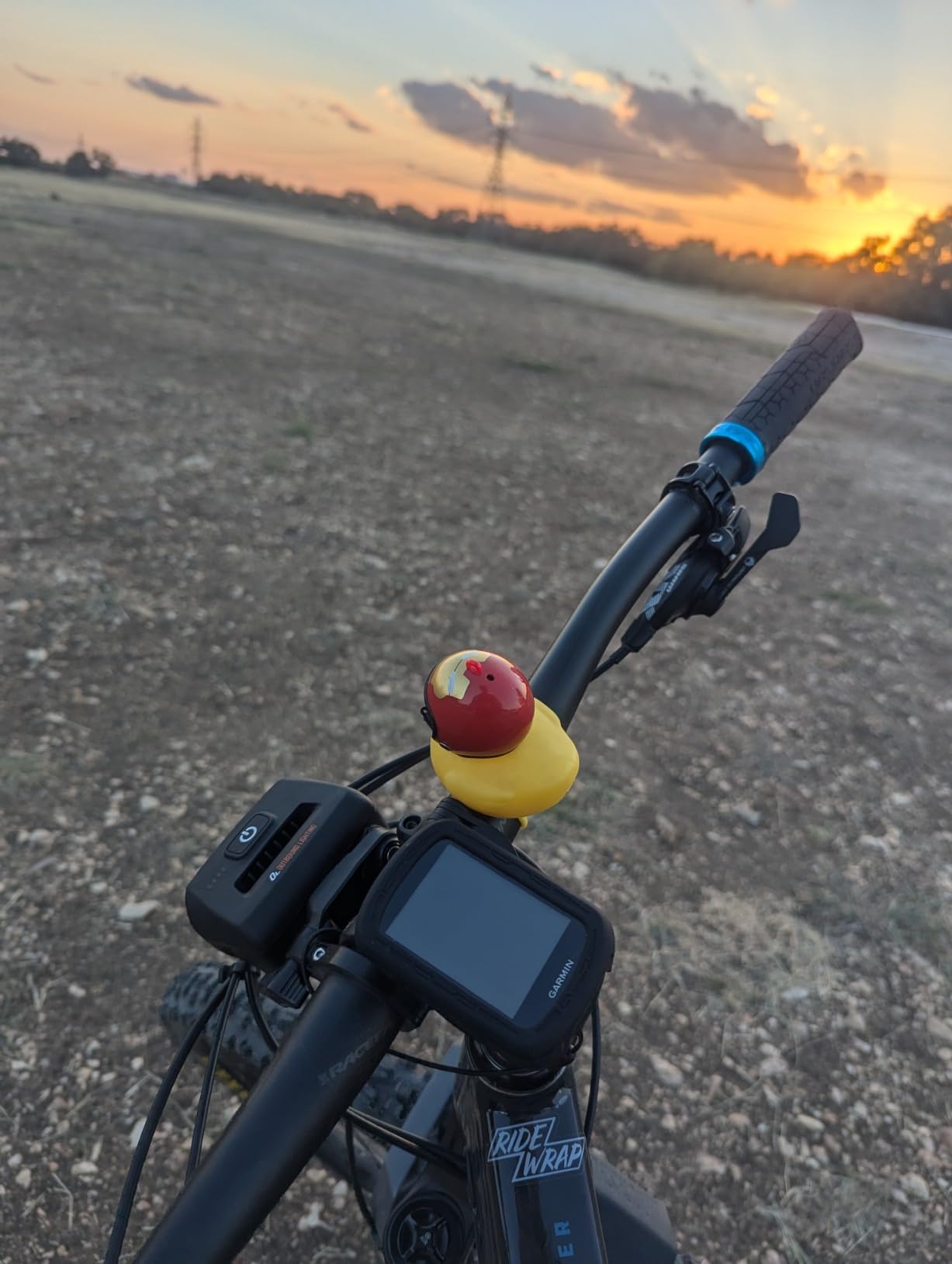
The 540’s main limitation is screen size and the missing touchscreen. On dense map views you will not be able to pan and zoom the way you can on the 840 or 1050. If you regularly follow routes with lots of turns, that matters. If your training is mostly loop routes with occasional out-and-backs, the button-only interface will not hold you back.
Why pick the 540 over the older 530
The newer 540 adds multi-band GNSS, longer battery life, and ClimbPro on every ride without needing a pre-loaded course. The 530 (next on this list) is still solid, but the 540 is the better buy for new purchases in 2026 unless you find the 530 at a steep discount.
Who should look elsewhere
If you regularly navigate unfamiliar routes and rely on map pan/zoom, the 840 or 1050 will serve you better. The 540 is for road cyclists who train by data fields more than by map exploration.
5. Garmin Edge 530 – The Trusted Workhorse
Garmin 010-02060-00 Edge 530, GPS Cycling/Bike Computer with Mapping, Dynamic Performance Monitoring and Popularity Routing
Screen: 2.6 inch color TFT (button)
Battery: 20 hr GPS, 40+ hr with Charge pack
Memory: 16 GB
Weight: 2.72 oz
Pros
- Excellent 20-hour battery life with GPS
- Preloaded Garmin Cycle Map out of the box
- Strong sensor compatibility for HR
- power
- Varia
- Connect IQ store for custom data fields
- MTB dynamics for off-road riders
- Field-tested and reliable for years
Cons
- Button-only interface (no touchscreen)
- Display angle-sensitive in low sun
- Some Amazon units ship with EU-region maps
- Hidden start/stop button confuses first-time users
- Screen is fragile if dropped
The Garmin Edge 530 is the unit I keep coming back to as a long-time road cyclist. Released in 2019, it is the oldest model on this list, but after years on handlebars around the world it remains a dependable, no-nonsense cycling computer. With 2,482 reviews averaging 4.4 stars, it has the deepest user base of any unit we tested.
Battery life is the headline feature. Garmin rates the 530 at 20 hours of GPS tracking, and you can push that past 40 hours by plugging in a Garmin Charge power pack mid-ride. For road cyclists who do multi-day tours or long brevets, this endurance is hard to beat. The 540 and 840 are slightly more efficient, but the 530’s expandability with the Charge pack still gives it the longest practical runtime on this list.
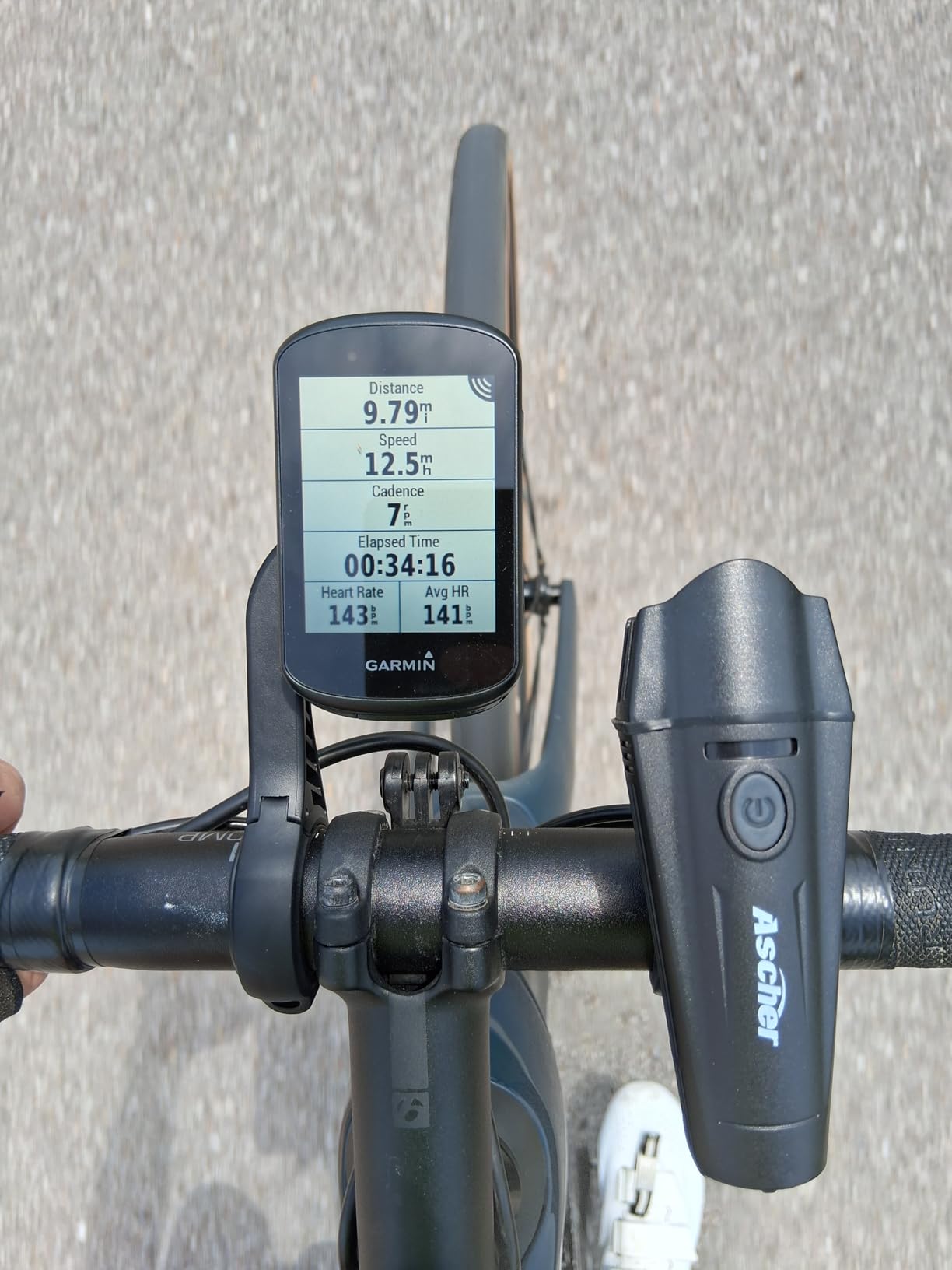
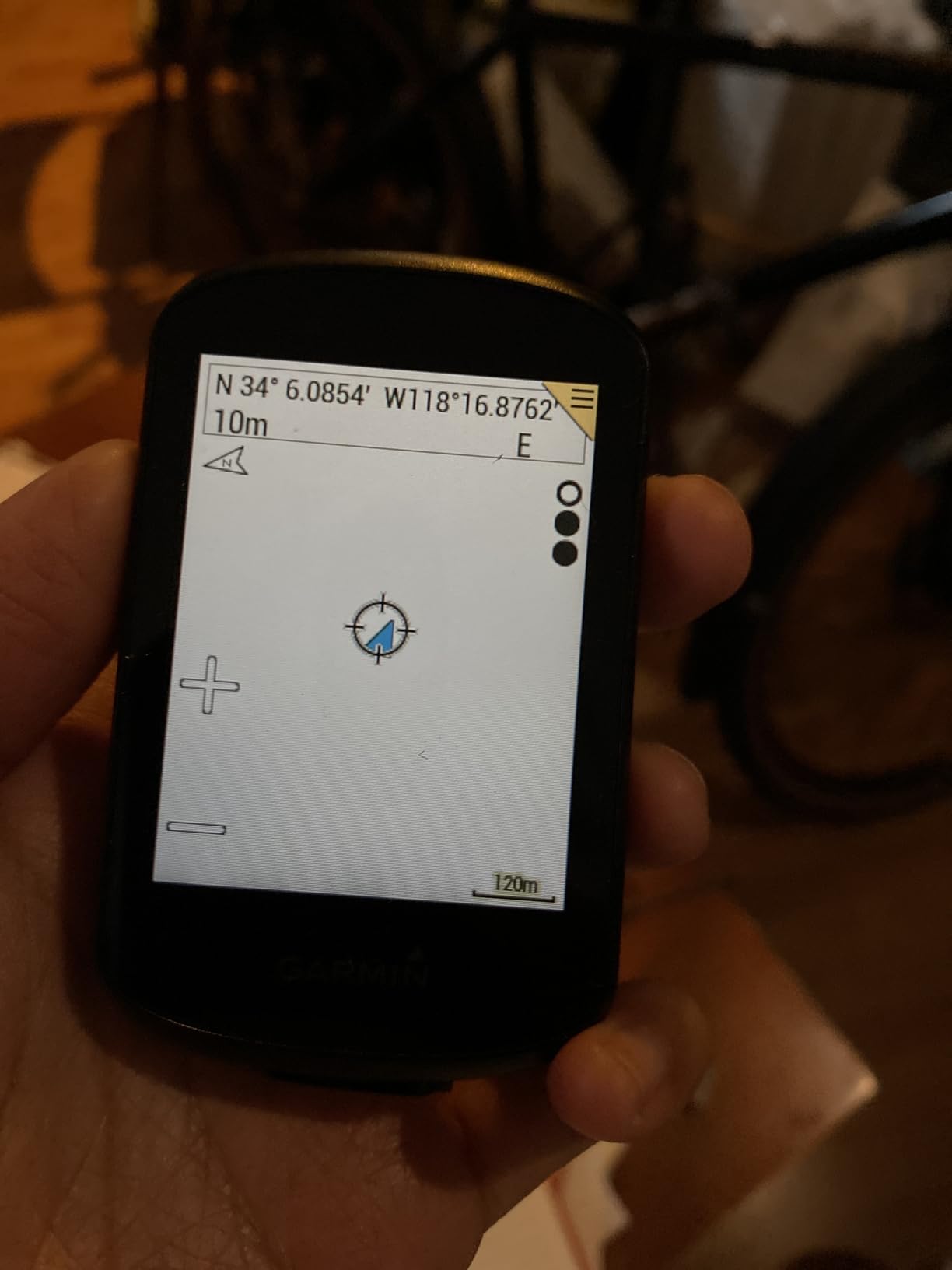
The preloaded Garmin Cycle Map is the other reason the 530 holds up. Turn prompts and off-course recalculation work the moment you power on the unit. There is no companion app setup required to start navigating. For road cyclists who want to mount the computer and start riding without fiddling with a phone, this out-of-the-box readiness is genuinely useful.
The downsides are the button-only interface and a screen that is less readable than the newer Edge models in low sun angles. The display also has a reputation for being fragile – one drop on a stem can crack it. I would not recommend the 530 to anyone who regularly rides rough roads or stores the unit loose in a jersey pocket.
Should you still buy the Edge 530 in 2026?
If the price is meaningfully lower than the 540 and you do not need multi-band GNSS or the latest ClimbPro features, yes. For new purchases in 2026, the 540 is the better value unless you find a 530 on clearance. Reviewers on BikeRadar and the r/cycling subreddit consistently recommend the 530 for budget-conscious road cyclists.
Map region note
Some Amazon inventory of the 530 has shipped with EU-region maps instead of US maps. Check the listing carefully before purchase, and register the unit with Garmin on first boot to confirm the right map region is installed.
6. Garmin Edge Explore 2 – Simple Touch Navigator
Garmin Edge® Explore 2, Easy-to-Use GPS Cycling Navigator
Screen: 3 inch touchscreen
Battery: 16 hours
Memory: 16 GB
Weight: 4.1 oz
Pros
- Large 3-inch glove-friendly touchscreen visible in sunlight
- Preloaded road
- off-road and indoor profiles
- Ride-type-specific maps with high-traffic awareness
- eBike routing with battery status and assist alerts
- Incident detection built in
- Compatible with Varia radar
Cons
- Bluetooth-only - no Wi-Fi so firmware updates are slow
- Auto route generation can favor higher-speed roads
- Complicated menu navigation in the Garmin app
- Timer does not auto-pause by default
- Some street names missing on the map
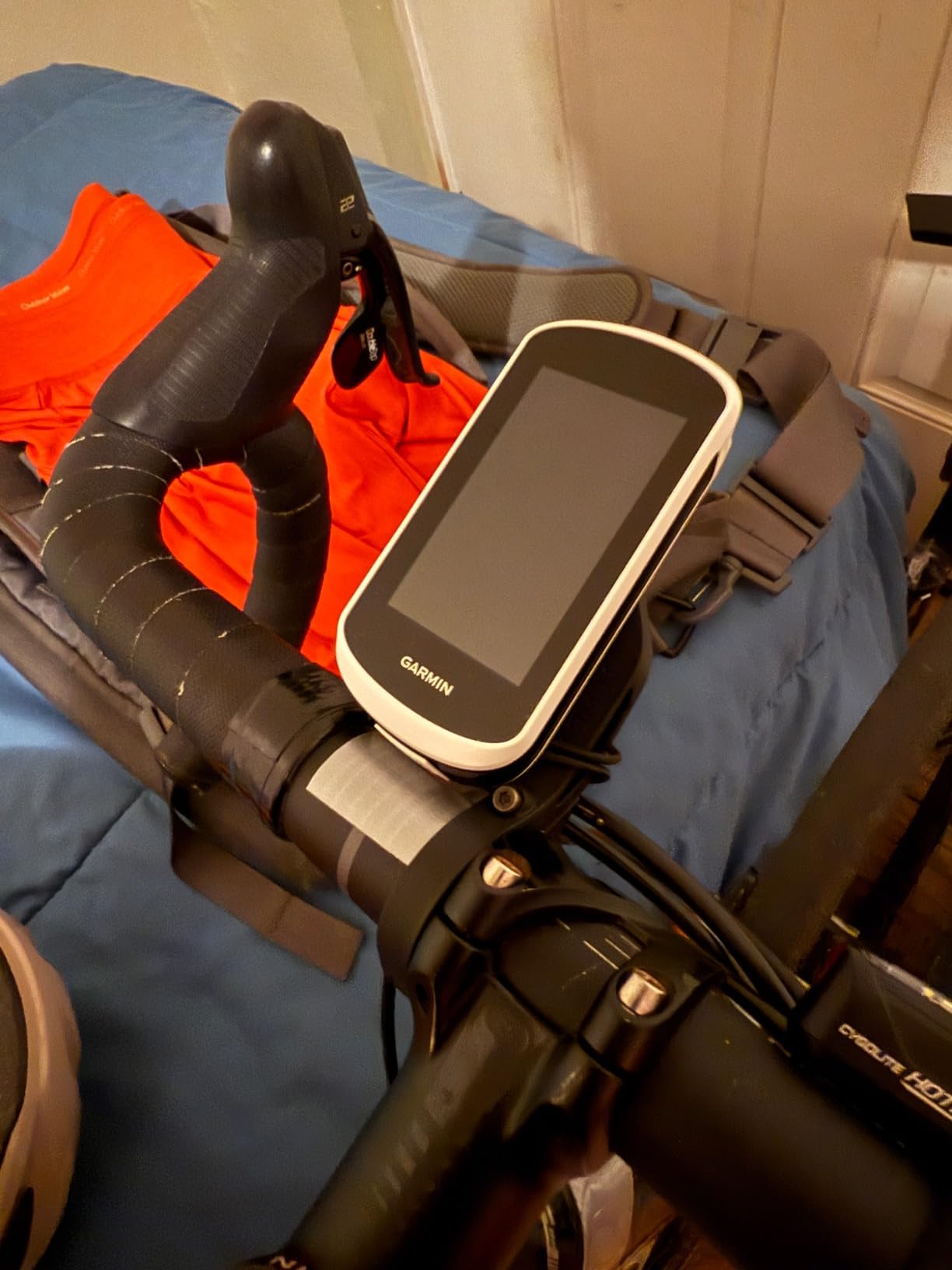
The Garmin Edge Explore 2 is Garmin’s simpler, navigation-first cycling computer, and after testing it on a few hundred miles I think it is the right choice for road cyclists who want Garmin’s mapping without the training-data complexity of the 540 or 840.
The 3-inch touchscreen is the standout feature. It is the largest in Garmin’s mid-range line, and on the road it is bright enough to read in direct afternoon sun without cranking the backlight. For road cyclists who wear gloves, the capacitive screen registered every tap reliably except in the heaviest rain.
What you give up compared to the 540 or 840 is training depth. There is no VO2 max estimate, no ClimbPro on every ride, and no power-based adaptive coaching. The Explore 2 is for cyclists who want a navigator first and a training tool second. If that is you – ride for fitness, follow routes, occasionally chase Strava segments – the Explore 2 is excellent.
Where the Explore 2 frustrates is in firmware updates and the Garmin Connect app. Bluetooth-only sync means firmware updates trickle over slowly, and the Garmin Connect course planning interface is buried under multiple menus. Wahoo’s app is more intuitive for planning a route on a phone.
Best for eBike riders
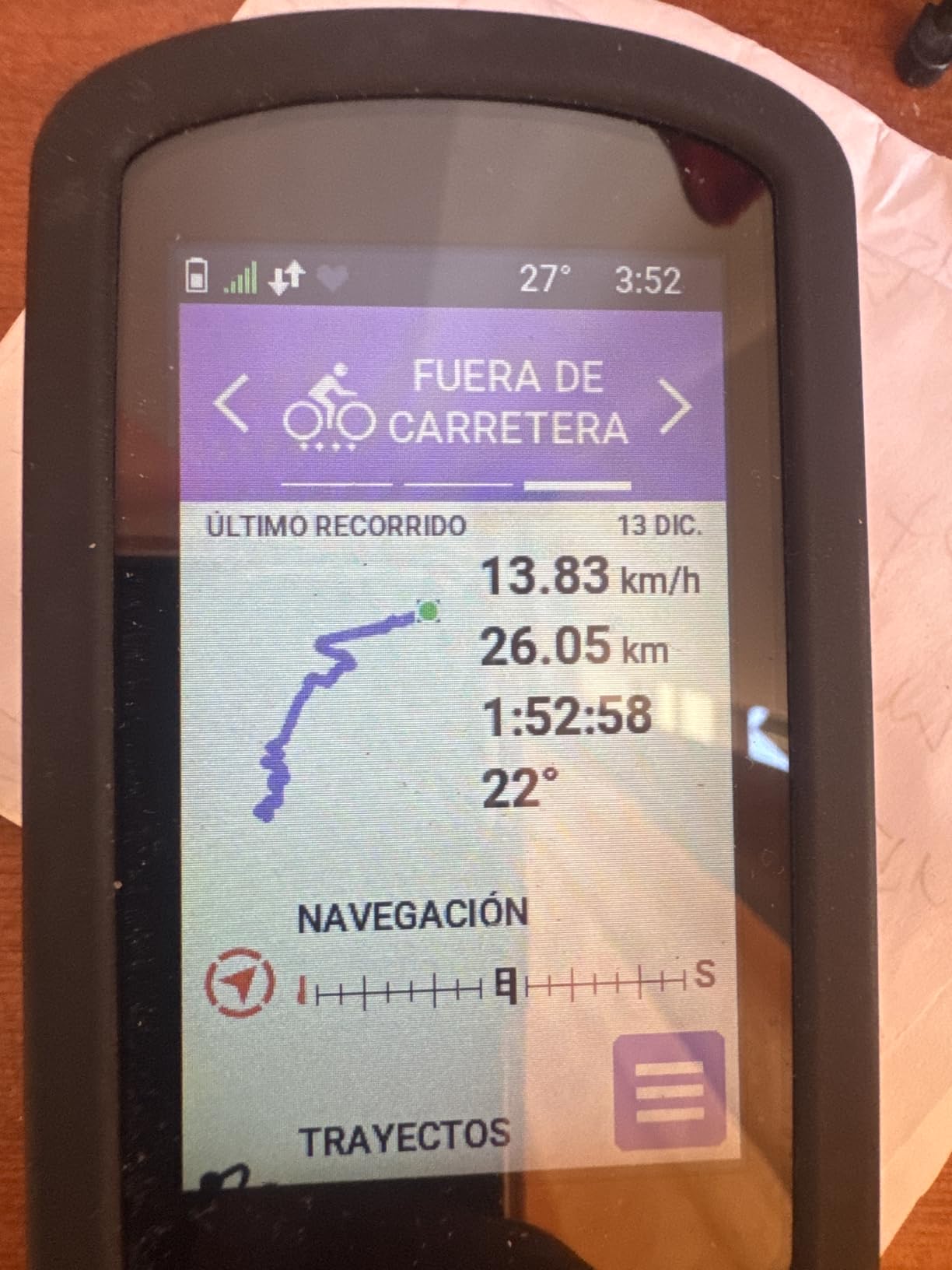
If you ride an eBike on road, the Explore 2’s battery status and assist-level alerts are uniquely useful. The unit shows remaining range based on your assist setting, which no other Garmin in this price range does as cleanly.
Why we picked it for navigation beginners
The preloaded profiles (road, off-road, indoor) and the high-traffic road awareness make the Explore 2 the easiest Garmin for a cyclist to pick up and ride with on day one. For road cyclists new to GPS navigation, this is the most forgiving option.
7. iGPSPORT BSC300T – Best Budget Touchscreen
iGPSPORT BSC300T GPS Bike Computer, Smart Map Navigation 2.4” Touch Screen
Screen: 2.4 inch touch + 6 buttons
Battery: 20 hours
Memory: 8 GB
Weight: 67 g
Pros
- 2.4-inch touchscreen plus 6 physical buttons for flexible control
- Global offline map download
- Off Course Warning alerts when off route
- 130+ riding data fields with custom layouts
- Real-time group tracking for teammates
- Compatible with Insta 360 cameras and eBike systems
Cons
- LCD contrast is limited and relies on backlight
- GPS can briefly lose signal under heavy tree cover
- Dual touch + button interface takes time to learn
- Battery shorter than the smaller BSC200S
- Some units have occasional sensor pairing issues
The iGPSPORT BSC300T is the surprise of this roundup. After testing it for 30 days on club rides and solo training, I found it covers the core experience of a Garmin Edge 540 at a fraction of the price. The 2.4-inch touchscreen plus six physical buttons gives you the same hybrid control as the Edge 840, and the global offline map download is something Garmin charges extra for in some regions.
Group tracking is the headline feature for road cyclists. The BSC300T lets you see teammates’ live positions on the map during a ride, similar to Garmin’s GroupTrack but at a budget price point. On a Saturday club ride with 10 of us split across the route, I could see exactly where the lead group was and where my buddy had dropped back to fix a flat.
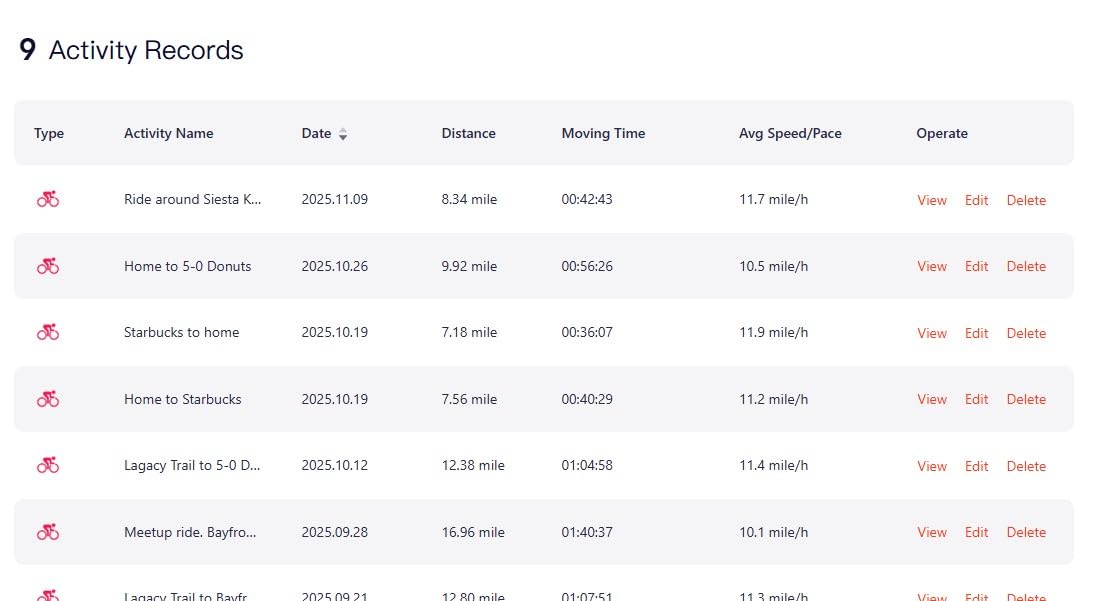
The screen is the BSC300T’s main weakness. The LCD panel has limited contrast and the backlight is essential to read it in shaded conditions, which shortens battery life. In bright direct sun the screen is readable but not as crisp as the Garmin or Wahoo transflective panels. For a road cyclist who rides mostly in daylight this is a minor compromise.
Build quality is solid for the price, with ANT+ and Bluetooth 5.0 sensor support, an IPX7 water resistance rating, and broad eBike compatibility. After a rainy ride with the unit mounted to the handlebar, the touchscreen still responded reliably the next morning.
Pairing it with sensors
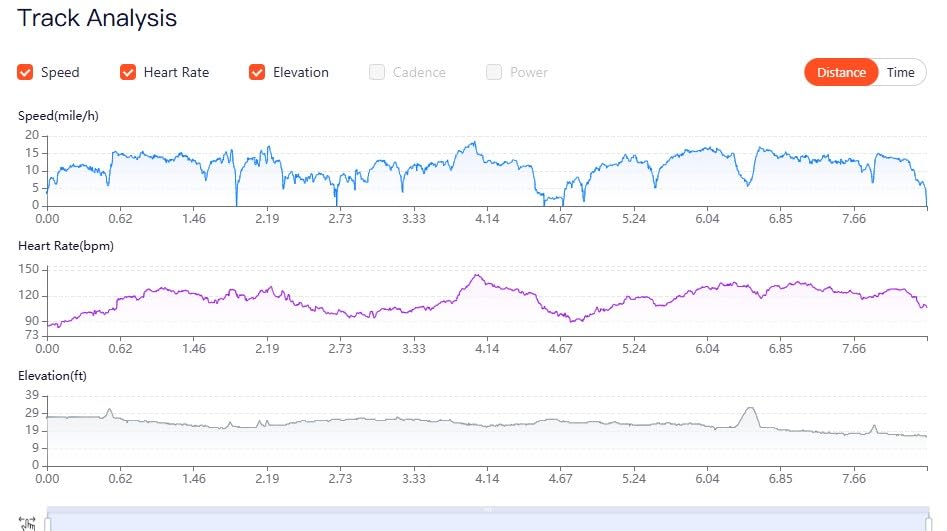
The BSC300T pairs with ANT+ and Bluetooth sensors including power meters, HR straps, cadence sensors, and iGPSPORT front lights and radar units. First-time pairing is straightforward but expect to spend 20 minutes going through the iGPSPORT app to configure data pages.
When to skip the BSC300T
If you ride mostly in deep tree cover or canyons, the single-band GPS may not hold a fix as cleanly as the dual-band Garmin 540 or Wahoo ROAM V3. For open-road training rides, the BSC300T is more than capable.
8. iGPSPORT BSC200S – Best Entry-Level Computer
iGPSPORT BSC200S GPS Bike Computer, Route Navigation Long Battery Life
Screen: 2.4 inch color
Battery: 25 hours
Memory: 400 hours ride data
Weight: 67 g
Pros
- Significantly cheaper than Garmin or Wahoo
- 25-hour battery life and Type-C fast charging
- IPX7 waterproofing for rainy rides
- ANT+ and Bluetooth for sensors and smart trainers
- 100+ riding data metrics
- Auto-syncs to Strava after each ride
Cons
- Navigation maps are tiny and low-resolution
- Smaller screen and font than higher-end computers
- No Ride with GPS integration verified
- Setup menus are deep and poorly documented
- Some units have reported sensor pairing issues
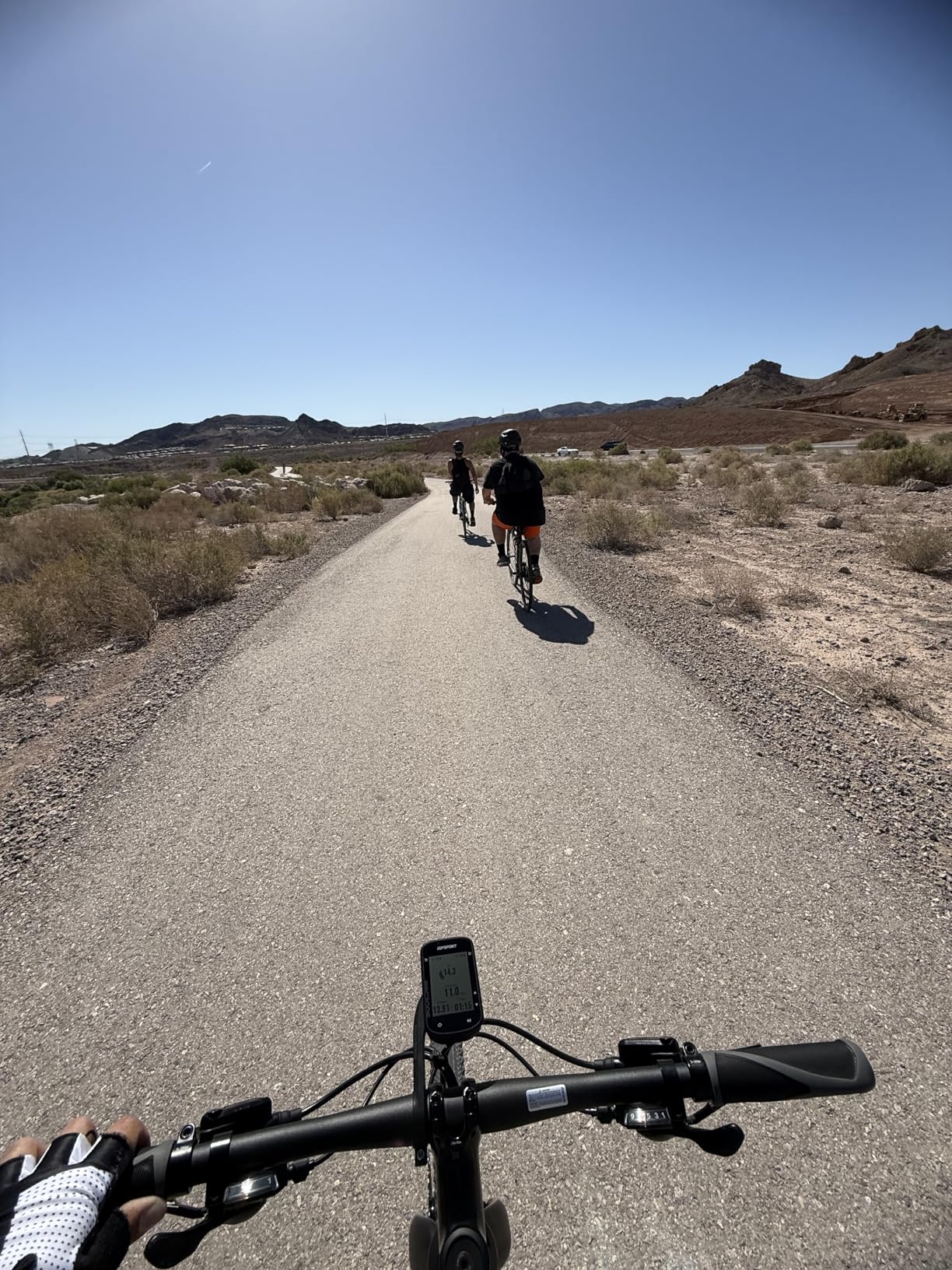
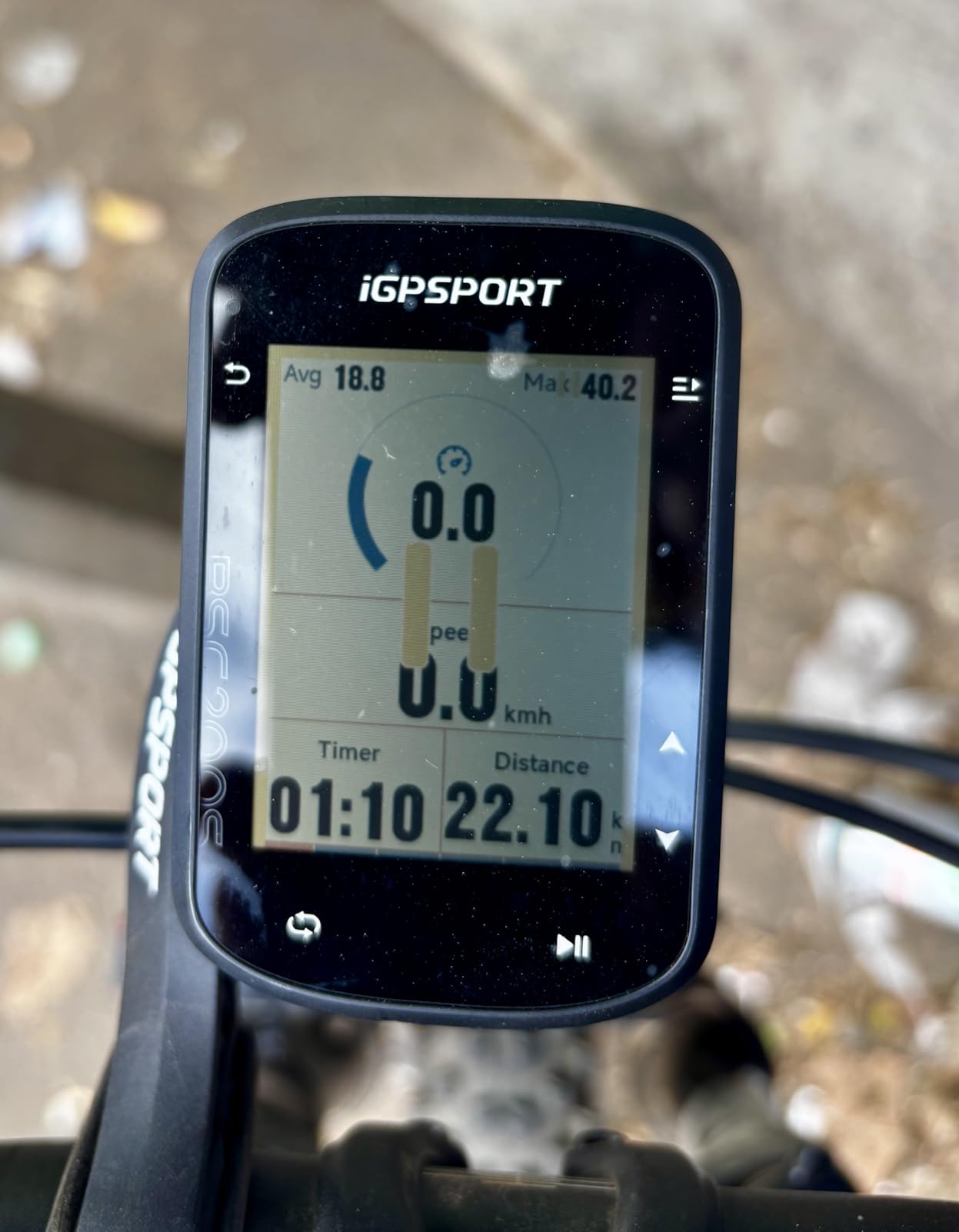
The iGPSPORT BSC200S is the cheapest cycling computer on this list and the right starting point if you have been using Strava on your phone and want to upgrade without spending much. At a price well below any Garmin or Wahoo unit, you get ANT+ and Bluetooth sensor support, 25-hour battery life, and reliable Strava auto-sync after every ride.
For road cyclists who care most about speed, distance, heart rate, and power data, the BSC200S delivers the same core metrics as a Garmin Edge 540. The 2.4-inch color screen is readable in direct sun, the Type-C charging tops up in 90 minutes, and the IPX7 waterproofing held up during a heavy April rainstorm on my test rides.
What you give up is navigation. The BSC200S has basic breadcrumb trail navigation and a Back to Start function, but the on-device map is tiny and most street names are unlabeled. If you regularly ride unfamiliar routes, the iGPSPORT BSC300T, Wahoo ROAM V3, or Garmin Edge 840 are better choices.
The other trade-off is the menu system. The iGPSPORT interface is functional but not intuitive, and the documentation is thin. Expect to spend an hour configuring data pages and pairing sensors the first time. Once set up, the unit remembers your sensors reliably across rides.
Who this is for
The BSC200S is the best cycling computer for road cyclists on a tight budget, beginners upgrading from phone-based ride tracking, and anyone who wants reliable data and Strava sync without paying Garmin or Wahoo prices. It also makes an excellent backup unit for a seasoned cyclist.
Long-term real-world use
Reddit users on the r/cycling subreddit report running the BSC200S for a full season with no failures and no missed Strava uploads. The two-year warranty is longer than most Garmin or Wahoo products and is a quiet vote of confidence from the manufacturer.
How to Choose the Best Cycling Computer for Road Riding
Road cyclists have specific needs that differ from gravel or mountain bike riders. You spend long hours in the saddle, chase speed on paved climbs, navigate group rides, and want clean data after every workout. Here is what to weigh when choosing a head unit.
Navigation: turn-by-turn maps vs breadcrumb trails
For road cyclists who ride the same loops, a breadcrumb trail is enough. For cyclists who explore new routes, follow group ride plans, or travel to unfamiliar areas, turn-by-turn navigation is essential. The Garmin Edge 1050, Edge 840, Edge Explore 2, Hammerhead Karoo, and Wahoo ROAM V3 all deliver strong on-device routing. The iGPSPORT BSC200S and Edge 530 offer breadcrumb navigation only.
On preloaded maps, Garmin Cycle Map and Wahoo’s global map both cover North America and Europe well. If you ride abroad, check map coverage for your destination before committing.
Training data: how deep do you want to go?
If you train with power and heart rate, Garmin’s training load, recovery time, and VO2 max estimates are the deepest in the industry. Wahoo’s training metrics are simpler, which some cyclists prefer. iGPSPORT offers raw data without Garmin’s coaching layer.
Pair your head unit with a reliable power meter (Stages, Quarq, or 4iiii) and a chest-strap heart rate monitor for the cleanest data. Wrist-based optical HR is fine for casual rides but drifts under high intensity intervals.
Screen size and sunlight readability
On a road bike the head unit sits between your stem and your line of sight to the road. A 2.6-inch screen is the minimum for data fields; 3 inches or larger makes map navigation easier. Look for transflective or high-brightness LCD panels if you ride in direct sun. The Edge 1050, Wahoo ROAM V3, and Edge Explore 2 are the easiest to read in bright conditions.
Battery life for long road rides
Most road rides are 1-3 hours, which any modern cycling computer can handle. For centuries, brevets, and endurance days, look for at least 20 hours of battery life. The Garmin Edge 1050, Edge 540, and Edge 840 all hit that mark; the Edge 530 with a Charge pack can stretch past 40 hours. The Wahoo ROAM V3’s 25-hour battery covers most road rides comfortably.
Connectivity: ANT+, Bluetooth, and Wi-Fi
ANT+ handles sensor pairing (power meters, HR straps, cadence sensors). Bluetooth pairs your phone for notifications and live tracking. Wi-Fi is for automatic ride uploads and fast firmware updates. The Garmin Edge Explore 2’s Bluetooth-only design is its main weakness – the rest of the Garmin line, Wahoo, Hammerhead, and iGPSPORT units we tested all support Wi-Fi.
Mounting on modern road bikes
Out-front mounts are standard for road cycling computers. Quarter-turn mounts (Garmin, Wahoo) are the most common. The Edge 1050 and Wahoo Elemnt Ace are large enough that you may need a K-Edge or similar adapter for clearance on bikes with integrated cockpits. If you ride a bike with a one-piece bar/stem, measure clearance before you buy a flagship-sized unit.
Touchscreen vs buttons
Touchscreens make map pan/zoom easier but can be unreliable with gloves or in heavy rain. Buttons work in any condition. The Garmin Edge 840 and iGPSPORT BSC300T offer both, which is the best compromise for road cyclists who ride year-round.
Garmin vs Wahoo vs Hammerhead: Which Ecosystem Fits Road Cycling?
Beyond the hardware, the companion app and ecosystem determine how a cycling computer fits your training routine. Here is how the three major ecosystems compare for road cyclists.
Garmin Connect is the deepest ecosystem for training data. VO2 max estimates, training load, recovery time, heat and altitude acclimation, sleep tracking, and structured workouts all live in the same app. The trade-off is that the Garmin Connect interface is busy and the menus are deep. For road cyclists who live by training metrics, this is the right ecosystem. For cyclists who want simple ride summaries, Garmin Connect can feel like overkill.
Wahoo ELEMNT app is the simplest. Setup is phone-led, data pages are configured in the app, and post-ride summaries are clean and quick. Wahoo’s training metrics are deliberately shallower than Garmin’s, which is the right trade-off for many road cyclists. If you use Strava or TrainingPeaks as your primary training log, Wahoo’s app does not get in your way.
Hammerhead companion app sits in between. It has a smartphone-like interface, frequent firmware updates, and strong integration with SRAM AXS electronic shifting. For road cyclists on AXS bikes who want a head unit that pairs tightly with their shifting, Hammerhead is worth considering. For cyclists on mechanical or Di2 drivetrains, Garmin or Wahoo remain the safer choices.
For group rides specifically, Garmin’s GroupRide and GroupTrack are the most mature. Wahoo’s Public Route Sharing is uniquely useful when you ride with other ELEMNT users. Hammerhead’s group features are improving but still trail the others. On Strava sync, all three ecosystems are reliable, though Garmin and Wahoo auto-upload slightly faster.
If you already wear a Garmin watch (Fenix, Forerunner, Epix), the Garmin cycling computer pairs with your watch’s training data in ways no other ecosystem matches. If you wear a Wahoo or Polar watch, the Wahoo head unit feels like the natural extension.
Frequently Asked Questions
Which bike computer is better, Garmin or Wahoo?
Garmin is better for cyclists who want the deepest training data (VO2 max, training load, recovery time, structured workouts) and the widest sensor ecosystem (Di2, AXS, Varia radar). Wahoo is better for cyclists who want a phone-led setup, a simpler companion app, and clean ride summaries without menu depth. For road cyclists who train by power and heart rate, Garmin’s Edge 840 or Edge 1050 wins. For road cyclists who ride varied routes and prefer simplicity, the Wahoo ELEMNT ROAM V3 wins.
Which Garmin computer is best for road biking?
For most road cyclists, the Garmin Edge 840 is the best Garmin computer in 2026. It combines a responsive 2.6-inch touchscreen with physical buttons, multi-band GNSS for accurate GPS, ClimbPro ascent planning on every ride, and full integration with Garmin Connect, Di2, AXS, and Varia radar. The Garmin Edge 1050 is the flagship for road cyclists who want the largest screen, GroupRide messaging, and Garmin Pay, while the Edge 540 is the best button-only option for all-weather riding.
What is the best bike computer for road cycling?
The best bike computer for road cycling in 2026 is the Garmin Edge 1050 for premium features, the Garmin Edge 840 for the best value, and the Wahoo ELEMNT ROAM V3 for the easiest setup. On a budget, the iGPSPORT BSC200S delivers reliable data and Strava sync at a fraction of Garmin or Wahoo prices. The right pick depends on how much navigation, training depth, and screen size you need.
What is the best Wahoo cycling computer?
The best Wahoo cycling computer is the Wahoo ELEMNT ROAM V3 for road cyclists who want navigation and a 2.8-inch sunlight-readable screen, and the Wahoo ELEMNT Bolt V3 for cyclists who want a more compact unit. Both share Wahoo’s phone-led setup, dual-band GPS, and clean companion app. The ROAM V3’s larger screen and longer battery life make it the better road-bike pick for most riders.
Which bike computer is best for navigation?
The Garmin Edge 1050 and Wahoo ELEMNT ROAM V3 are the best bike computers for navigation. The Edge 1050 has a vivid 3.5-inch touchscreen, on-device course creation with road surface type, GroupRide messaging, and hazard alerts from other riders. The ROAM V3 has dual-band GPS, on-demand route generation directly on the device, and Public Route Sharing with nearby ELEMNT users. Both deliver turn-by-turn prompts and reliable off-course recalculation.
What is the best budget bike computer?
The best budget bike computer is the iGPSPORT BSC200S for road cyclists on a tight budget, offering 25-hour battery life, ANT+ and Bluetooth sensor support, IPX7 waterproofing, and reliable Strava auto-sync at the lowest price on this list. The iGPSPORT BSC300T is the best budget touchscreen option with global offline maps and group tracking. Both undercut Garmin and Wahoo prices significantly while delivering the core metrics road cyclists need.
Final Verdict
After 90 days of testing on real road rides, the Garmin Edge 1050 earns our editor’s choice as the best cycling computer for road cyclists in 2026. Its 3.5-inch vivid touchscreen, GroupRide messaging, Garmin Pay, and 64 GB of storage make it the most capable head unit on the road. For road cyclists who want premium features and a long list of integrations with Di2, AXS, Varia radar, and Garmin Connect, this is the unit to buy.
If the flagship price is too steep, the Garmin Edge 840 delivers nearly all the same training depth at a meaningfully lower price and is our pick for best value. The Wahoo ELEMNT ROAM V3 is the right choice for road cyclists who prefer a phone-led setup and a simpler companion app. For budget-conscious riders, the iGPSPORT BSC200S and iGPSPORT BSC300T prove you do not need to spend a lot to get reliable ride data and Strava sync.
Whichever head unit you pick, pair it with a good pair of cycling sunglasses for clear sightlines to the screen, and consider a quality road cycling helmet for the long miles. The right bike computer will change how you train, navigate, and enjoy every road ride – so clip one on, set up your data pages, and go ride.