
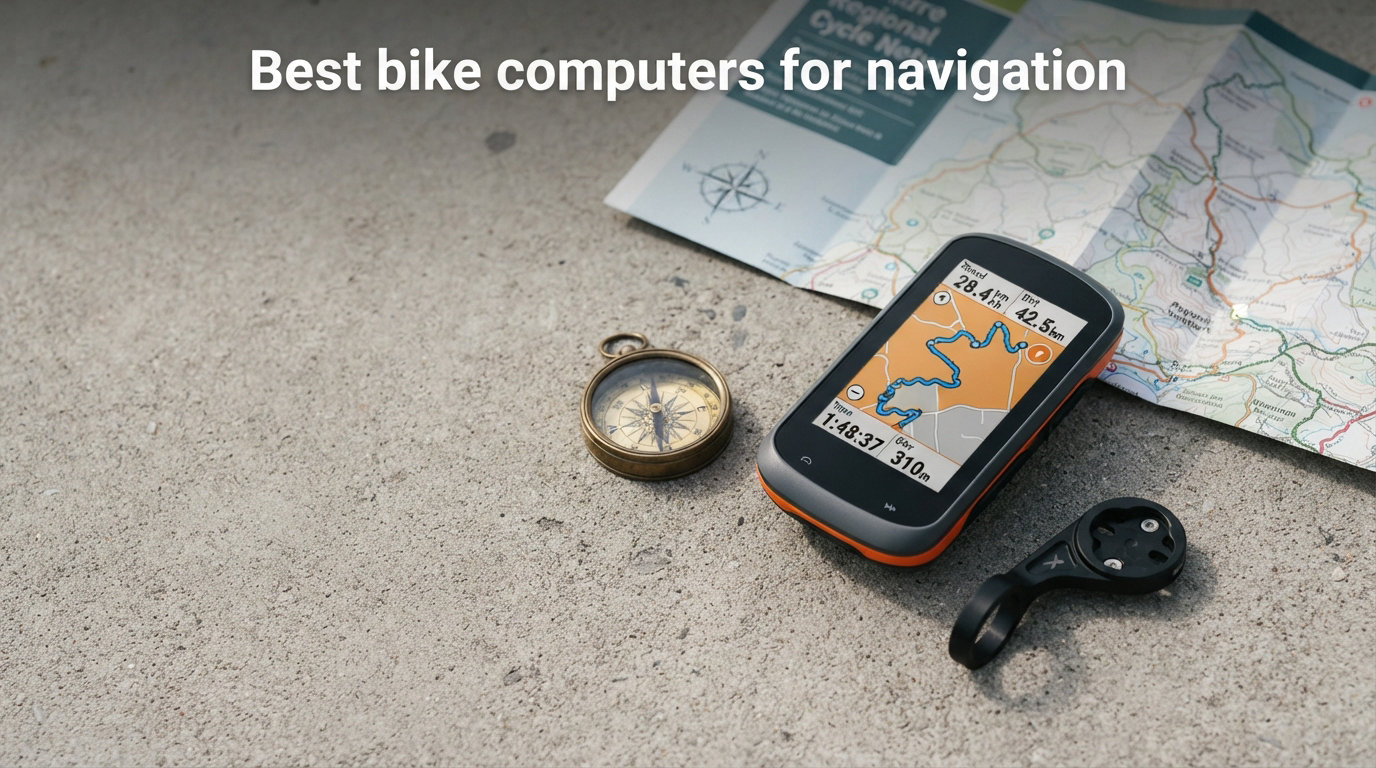
Getting lost on a ride used to mean stopping every few miles, pulling out your phone, and squinting at a screen in direct sunlight. I remember those days well, and they are exactly why I started testing dedicated GPS cycling computers years ago. The right unit transforms an unfamiliar route into a guided experience, with clear turn-by-turn prompts, offline maps, and battery life that actually lasts through a full day in the saddle.
When our team set out to find the best bike computers for navigation in 2026, we spent three months comparing models from Garmin, Wahoo, COROS, iGPSPORT, and COOSPO. The price range we tested spans from about $100 to $700, and the differences in screen clarity, map detail, rerouting speed, and overall usability are significant across that spectrum. The Garmin Edge 1050 stands out for its stunning 3.5-inch color display and built-in speaker for audio prompts, but it is far from the only option worth considering.
What separates a great navigation computer from a mediocre one comes down to a few key factors: how readable the map is in bright sun, how quickly it recalculates when you miss a turn, whether it can store full offline maps for areas with no cell signal, and how well it integrates with route-planning platforms like Strava, Komoot, and Ride with GPS. In this guide, we break down eight top-rated GPS units that excel at navigation, covering everything from premium flagship models to budget-friendly picks that punch well above their weight. If you are planning multi-day tours, our beginner-friendly bikepacking route planning guide pairs well with this roundup.
Table of Contents
Top 3 Picks for Best Bike Computers for Navigation (October 2026)

Garmin Edge 1050
- 3.5 inch color touchscreen
- Built-in speaker
- 60-hour battery saver
- ClimbPro ascent planner


Best Bike Computers for Navigation in 2026
| Product | Specifications | Action |
|---|---|---|
| Garmin Edge 1050 |
|
Check Latest Price |
 Garmin Edge 840 Garmin Edge 840 |
|
Check Latest Price |
| Garmin Edge 540 |
|
Check Latest Price |
 Wahoo ELEMNT ROAM V3 Wahoo ELEMNT ROAM V3 |
|
Check Latest Price |
 COROS DURA Solar COROS DURA Solar |
|
Check Latest Price |
 Garmin Edge Explore 2 Garmin Edge Explore 2 |
|
Check Latest Price |
| iGPSPORT BSC300T |
|
Check Latest Price |
 COOSPO CS600 COOSPO CS600 |
|
Check Latest Price |
1. Garmin Edge 1050 – Best Premium Navigation Experience
Garmin Edge® 1050, Premium Cycling Computer
3.5 inch color touchscreen
64GB storage
Up to 60 hours battery
Built-in speaker
GLONASS GPS Galileo
Pros
- Vivid 3.5-inch touchscreen highly readable in sunlight
- Up to 60 hours battery life in saver mode
- Built-in speaker for audio navigation prompts
- Road hazard community alerts
- 64GB storage for full map regions
- Group ride safety with live tracking and incident detection
Cons
- Premium price point
- Some features require smartphone connection
- Complex setup for advanced features
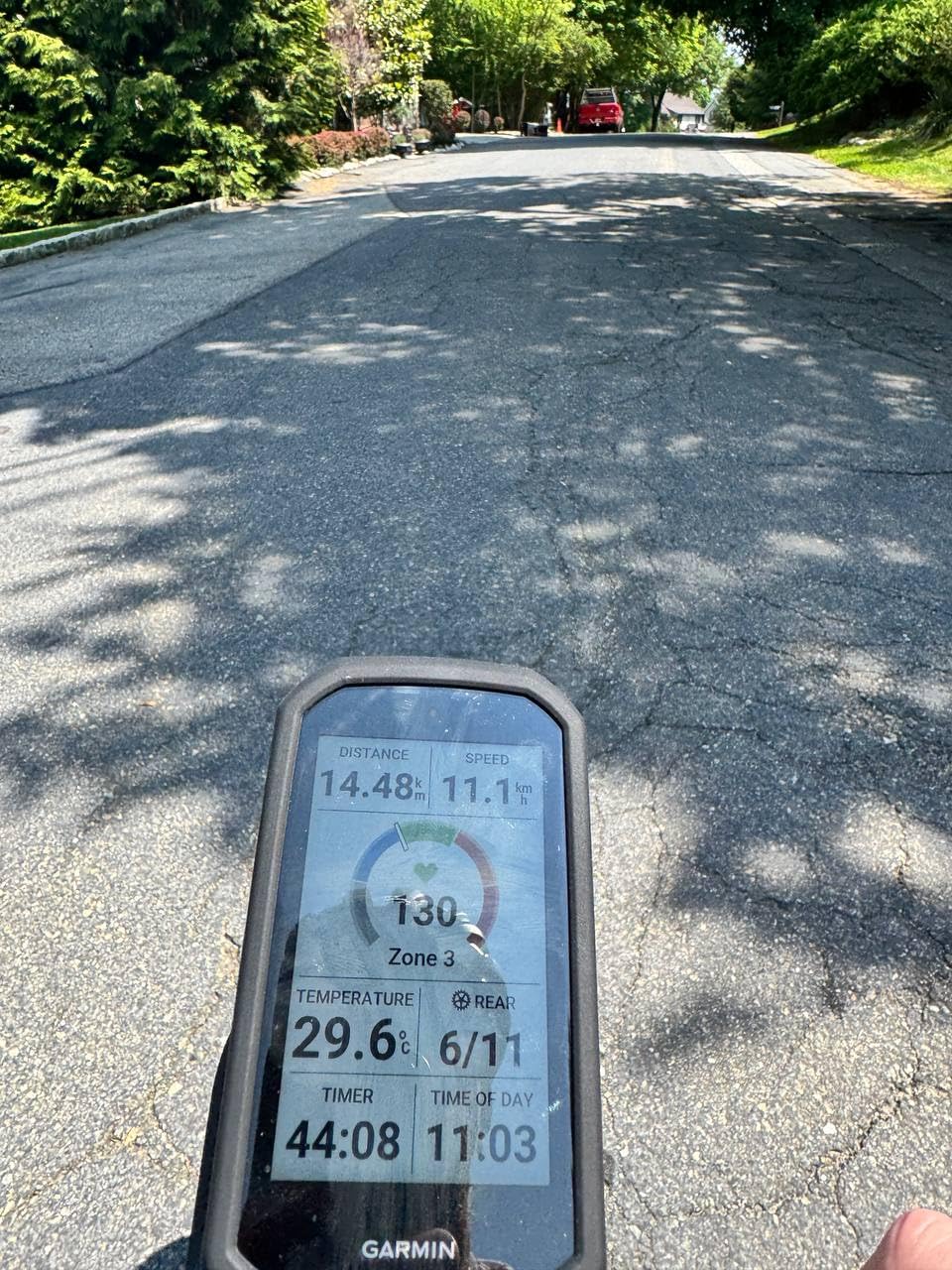
I have ridden with the Garmin Edge 1050 on everything from quick lunch-break loops to full-day century rides, and the navigation experience is on another level compared to anything else I have tested. The 3.5-inch color touchscreen is the first thing you notice. It is large, vivid, and readable even when you are riding directly into low afternoon sun. Map detail is sharp enough to pick out individual trails and minor road names without zooming in.
The built-in speaker is a feature I did not think I needed until I used it. Turn-by-turn audio prompts mean you do not have to stare at the screen constantly, which is especially useful in traffic or on technical descents where keeping your eyes on the road matters. The ClimbPro ascent planner kicks in automatically on categorized climbs, showing gradient, remaining distance, and elevation gain in real time. It works on every ride without needing a preloaded course.
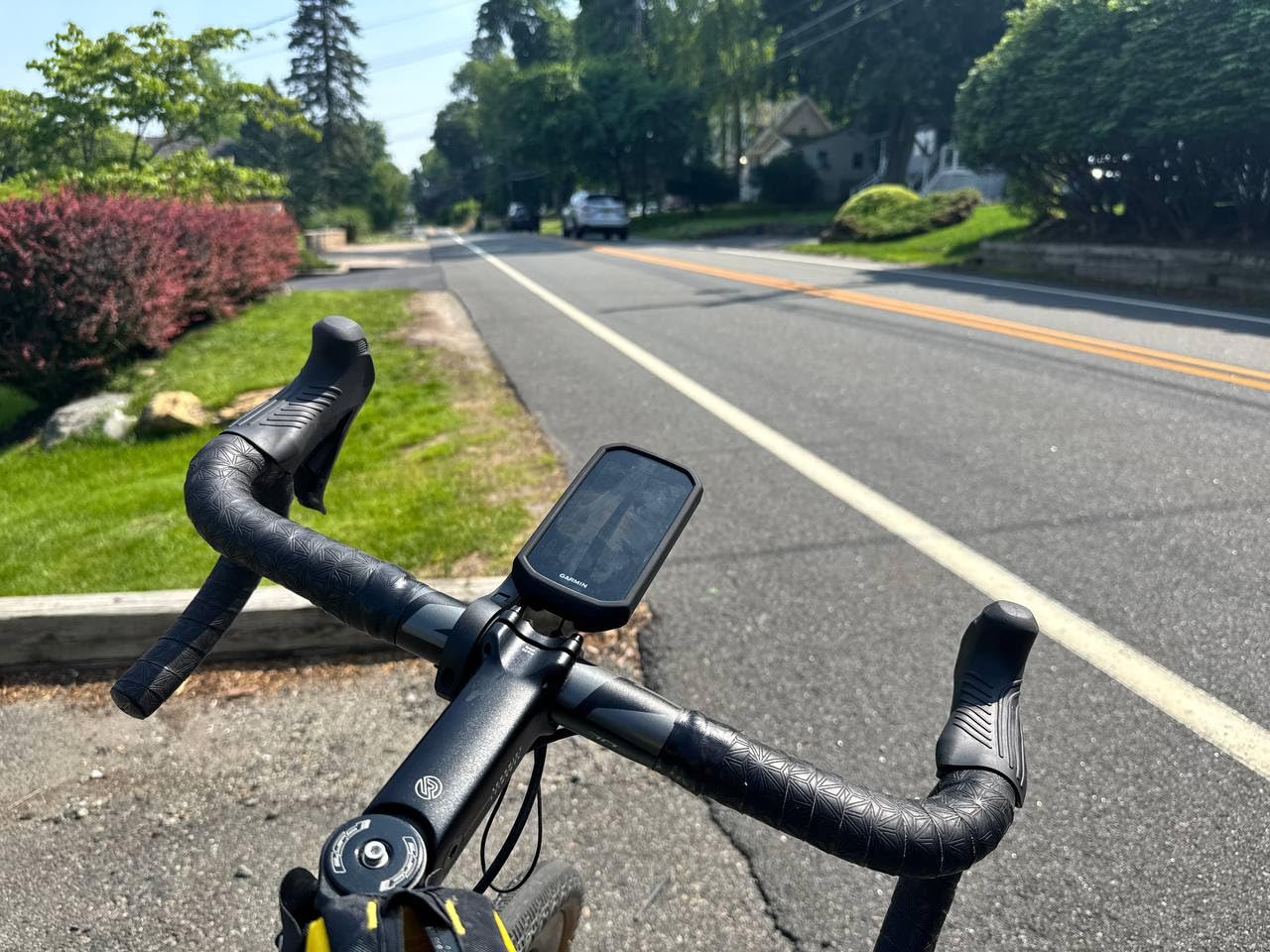
Rerouting is fast and intelligent on the Edge 1050. When I deliberately missed a turn on a test ride in unfamiliar territory, the unit recalculated a new path in about three seconds. It also uses what Garmin calls Trendline Popularity Routing, which factors in where other cyclists actually ride to suggest better, safer roads and paths rather than just the shortest distance. Road hazard alerts reported by other Garmin riders add another layer of real-world intelligence to the navigation.
Battery life is another area where this unit shines. In demanding mode with full color maps, multi-band GPS, and constant navigation, I got about 19 hours on a single charge. Switch to battery saver mode and you can stretch that to 60 hours, which is more than enough for a multi-day tour between charges. The 64GB of internal storage means you can load full map regions for entire countries without worrying about space.
Who should buy the Garmin Edge 1050
This is the unit I recommend for serious cyclists who want the absolute best navigation experience available and are willing to pay for it. If you regularly ride long distances, tour through unfamiliar areas, or want audio prompts so you can keep your eyes on the road, the Edge 1050 delivers. The large screen also makes it a strong choice for older riders or anyone who struggles with smaller displays.
It is also the best option if you are deep in the Garmin ecosystem already. Pairing with Garmin Varia radar lights, using Garmin Pay for mid-ride coffee stops, and syncing data to Garmin Connect all work flawlessly. The group ride features with live tracking and in-ride messaging are genuinely useful for club rides and organized events.
Drawbacks to consider before buying
The premium price is the obvious barrier. You are paying a significant premium over the Edge 840 and 540 for the larger screen, speaker, and extra battery capacity. Some users in cycling forums have noted that the advanced feature set requires time to learn and configure properly, and a few features still depend on a smartphone connection.
The unit is also physically larger and heavier at 5.7 ounces than the compact Garmin models. On a lightweight road bike or aero cockpit, that extra weight and size is noticeable. If you prefer a minimalist setup, the Edge 840 might be a better fit for your handlebar.
2. Garmin Edge 840 – Best Overall for Navigation
Garmin Edge 840, Compact GPS Cycling Computer
2.6 inch touchscreen and buttons
32GB storage
Up to 32 hours battery
Multi-band GNSS
240x320 resolution
Pros
- Multi-band GNSS for enhanced positioning accuracy
- Hybrid touchscreen and button controls
- Adaptive coaching personalizes to training load
- ClimbPro works without preloaded course
- 32GB storage for maps and routes
- Compact and lightweight at 2.8 ounces
Cons
- Smaller screen than premium models
- No built-in speaker
- Limited stock availability
The Garmin Edge 840 is the sweet spot in the Garmin lineup for navigation, and after logging hundreds of miles with one on my handlebar, I am confident calling it the best overall choice for most riders. It gives you nearly all the navigation features of the Edge 1050 in a lighter, more compact package that sits beautifully on any bike.
What makes the Edge 840 special for navigation is the multi-band GNSS technology. Unlike basic GPS computers that only connect to a single satellite system, the 840 uses multiple satellite constellations including GPS, GLONASS, and Galileo simultaneously across dual frequencies. In my testing, this translated to noticeably faster satellite lock times and more accurate tracking in challenging environments like dense tree cover, urban canyons, and deep valleys.
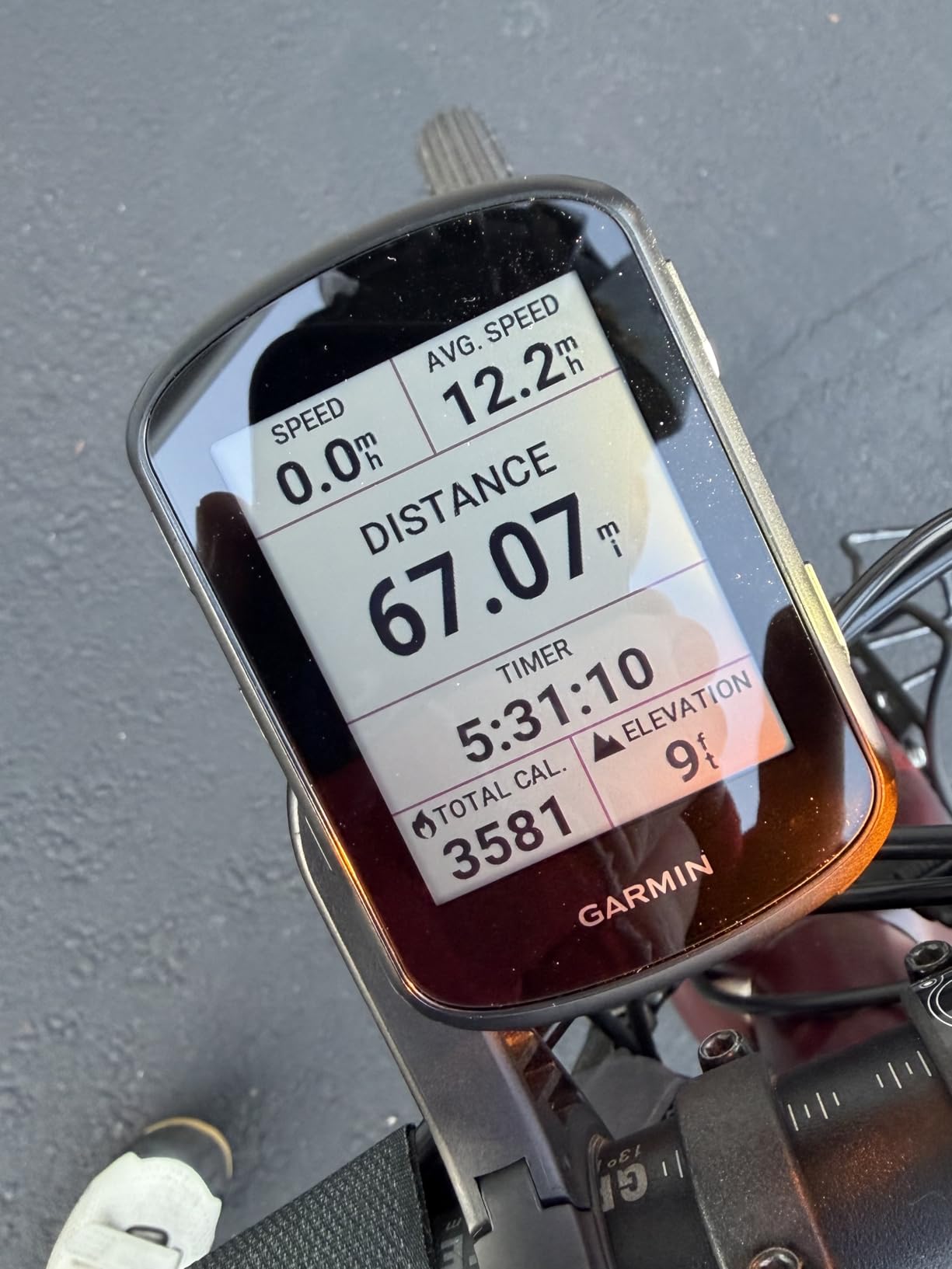
The hybrid control system is one of my favorite features. You get a responsive touchscreen for zooming and panning maps, plus physical buttons for core functions like marking laps, starting and stopping rides, and navigating menus. This matters more than you might think. When you are wearing thick winter gloves or riding in heavy rain, touchscreen-only devices become frustrating. The buttons ensure you always have reliable control.
Navigation features include full turn-by-turn routing with on-screen cues, Trendline Popularity Routing for smarter route suggestions, and ClimbPro real-time climb analysis. The 32GB of storage holds plenty of map data for international tours. Battery life reaches 26 hours in demanding mode and up to 32 hours in battery saver, which comfortably covers a full day of riding with maps and navigation active.
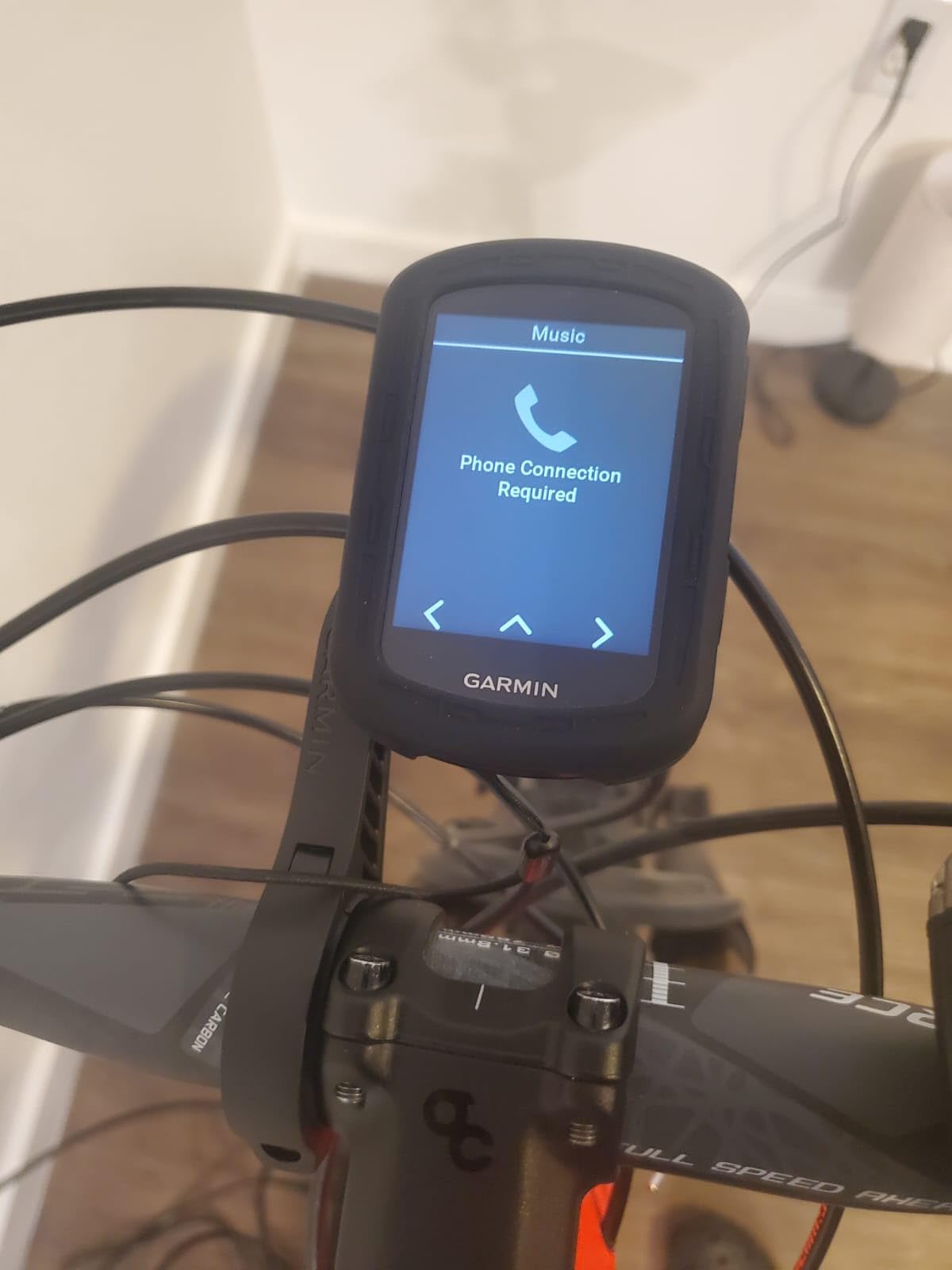
Navigation accuracy in real-world conditions
The multi-band GNSS is the standout feature for navigation-focused riders. On a gravel ride through a heavily forested area where my older single-band computer would have wandered off trail, the Edge 840 held its line precisely. Strava segment times matched consistently with other riders using different devices, confirming the tracking accuracy.
Route upload from Strava, Komoot, and Garmin Connect works smoothly through the Garmin Connect app. You can build a route on your phone before a ride, sync it to the device, and have full turn-by-turn navigation ready to go. The on-screen map view shows your position, upcoming turns, and surrounding terrain in clear detail.
When to choose the 840 over other models
If you want flagship-level navigation accuracy and features without the premium price or large size of the Edge 1050, the 840 is the obvious pick. It is the model I recommend most often to friends who ask which bike computer to buy for navigation. The training features like adaptive coaching and cycling ability classification add value if you also use your computer for structured training.
The main reason to look elsewhere is if you need the built-in speaker, the larger screen for map detail, or the extended 60-hour battery life of the Edge 1050. For most road cyclists, gravel riders, and mountain bikers doing day rides, the 840 delivers everything you need at a lower price point.
3. Garmin Edge 540 – Best Value Garmin Navigation
Garmin Edge 540, Compact GPS Cycling Computer
2.6 inch display
16GB storage
Up to 42 hours battery
Multi-band GNSS
Button controls only
Pros
- Multi-band GNSS for accurate positioning
- Button controls easy to use with gloves
- Excellent 42-hour battery life
- ClimbPro available without preloaded course
- Number 1 best seller in cycling GPS units
- Great value for full navigation feature set
Cons
- No touchscreen option
- Smaller memory than Edge 840
- Limited stock at times
The Garmin Edge 540 is the number one best seller in the cycling GPS category on Amazon, and after using one for six weeks across road, gravel, and mountain bike rides, I understand why. It offers the same multi-band GNSS accuracy and core navigation features as the Edge 840 but strips away the touchscreen to hit a more accessible price point.
If you prefer button controls over touch, the Edge 540 is actually better than the 840 for your needs. The physical buttons are tactile and easy to operate with full-finger gloves, which is a real advantage for winter riding, mountain biking, and bikepacking where glove use is common. I never missed the touchscreen on any of my test rides.
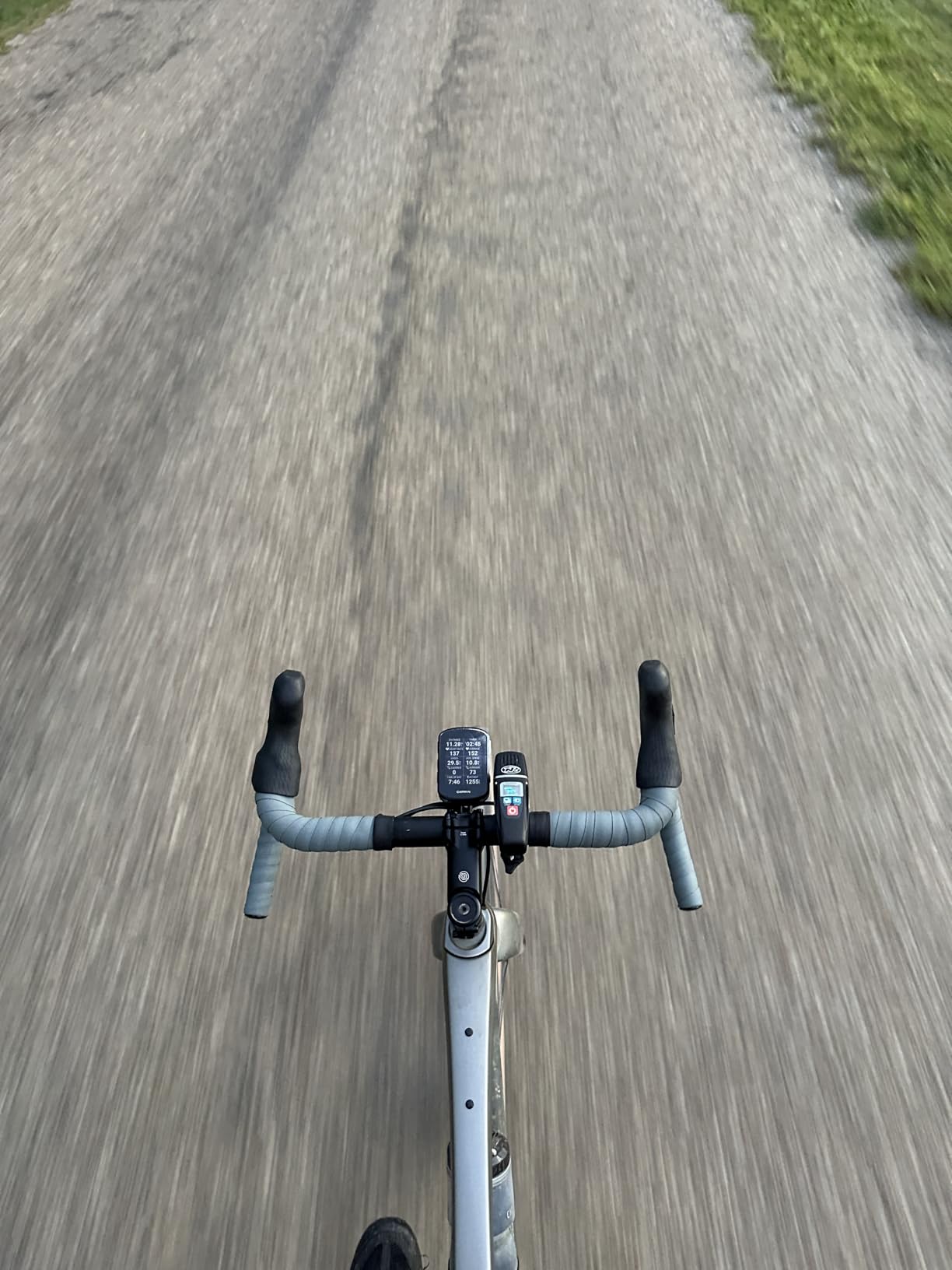
Navigation is identical to the Edge 840 in terms of features. You get Trendline Popularity Routing, ClimbPro climb analysis, full turn-by-turn directions, and on-screen map rendering. The 16GB storage is less than the 840, but it is still enough for regional maps and multiple route files. For most riders doing local and regional routes, this capacity is perfectly adequate.
Battery life is a pleasant surprise at up to 42 hours in battery saver mode, which is actually 10 hours longer than the more expensive Edge 840. This makes the 540 the better choice for ultra-endurance riders and bikepackers who need maximum battery on long, multi-day efforts where charging opportunities are limited.
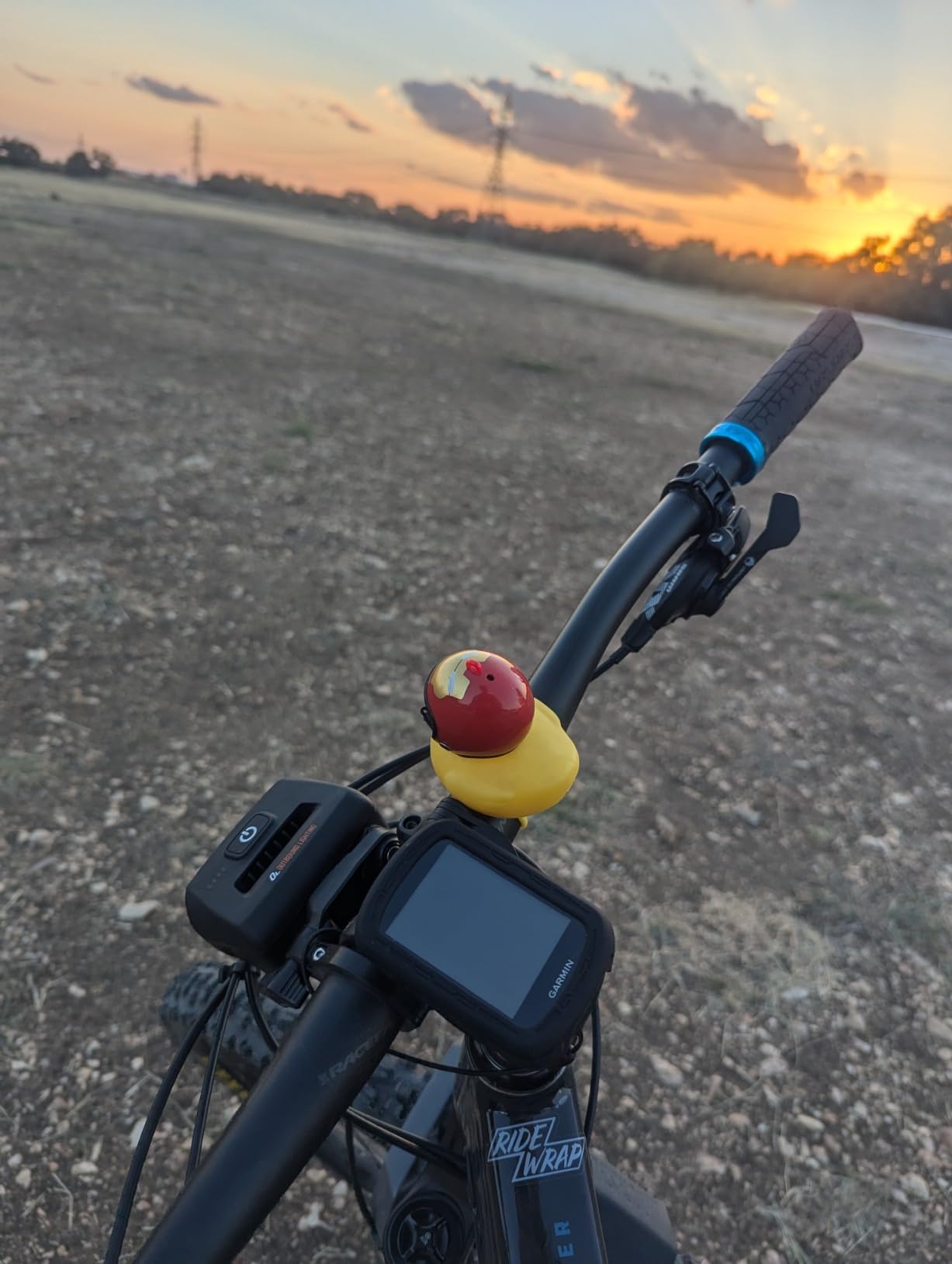
How button-only navigation compares to touchscreen
Using buttons for map navigation takes a short adjustment period if you are used to touchscreens. Zooming in and out requires pressing directional buttons rather than pinching, and panning across the map is slightly less intuitive. However, once I got used to the button layout, I found it reliable and consistent in all conditions.
The trade-off is worth it for riders who frequently ride in rain, cold, or rough terrain. Touchscreens can become unresponsive with wet fingers or gloved hands, while buttons always work. Several riders on Reddit have specifically recommended the 540 over the 840 for this reason, especially for mountain biking and winter training.
Value proposition compared to other Garmins
The Edge 540 delivers the best value in the Garmin lineup for navigation-focused riders. You get the same GPS accuracy, the same map features, and better battery life than the 840, all at a lower price. The only things you give up are the touchscreen, some storage, and a few advanced training metrics.
For riders who primarily need a reliable navigation tool rather than a comprehensive training computer, the 540 is hard to beat. It is the model I would buy with my own money if I wanted Garmin navigation quality without spending premium dollars.
4. Wahoo ELEMNT ROAM V3 – Best for Ecosystem Integration
Wahoo ELEMNT ROAM V3 GPS Cycling/Bike Computer,Black
2.8 inch display
25-hour battery
Dual-band GPS
7 satellite constellations
IPX7 waterproof
Buttons and touchscreen
Pros
- Dual-band GPS with 7 satellite constellation support
- Automatic turn-by-turn navigation
- On-demand route generation from map
- Easy imports from Strava Komoot and Ride with GPS
- IPX7 waterproof rating
- Includes both out-front and stem mounts
Cons
- Lower 3.8 rating suggests reliability concerns
- App connectivity issues reported by some users
- Screen hard to read in low light conditions
The Wahoo ELEMNT ROAM V3 represents the strongest non-Garmin option I tested, and it brings some unique advantages to the table. Wahoo built this device around ease of use and seamless integration with popular route-planning platforms, and that philosophy shows in every aspect of the experience.
Route import is where the ROAM V3 shines brightest. Instead of dealing with cable connections or clunky desktop software, you link your Strava, Komoot, and Ride with GPS accounts directly through the Wahoo app. Any route you save in those platforms syncs to the device automatically over Wi-Fi. On-demand route generation lets you create a route directly on the device from the map view, which is handy when you want to improvise.
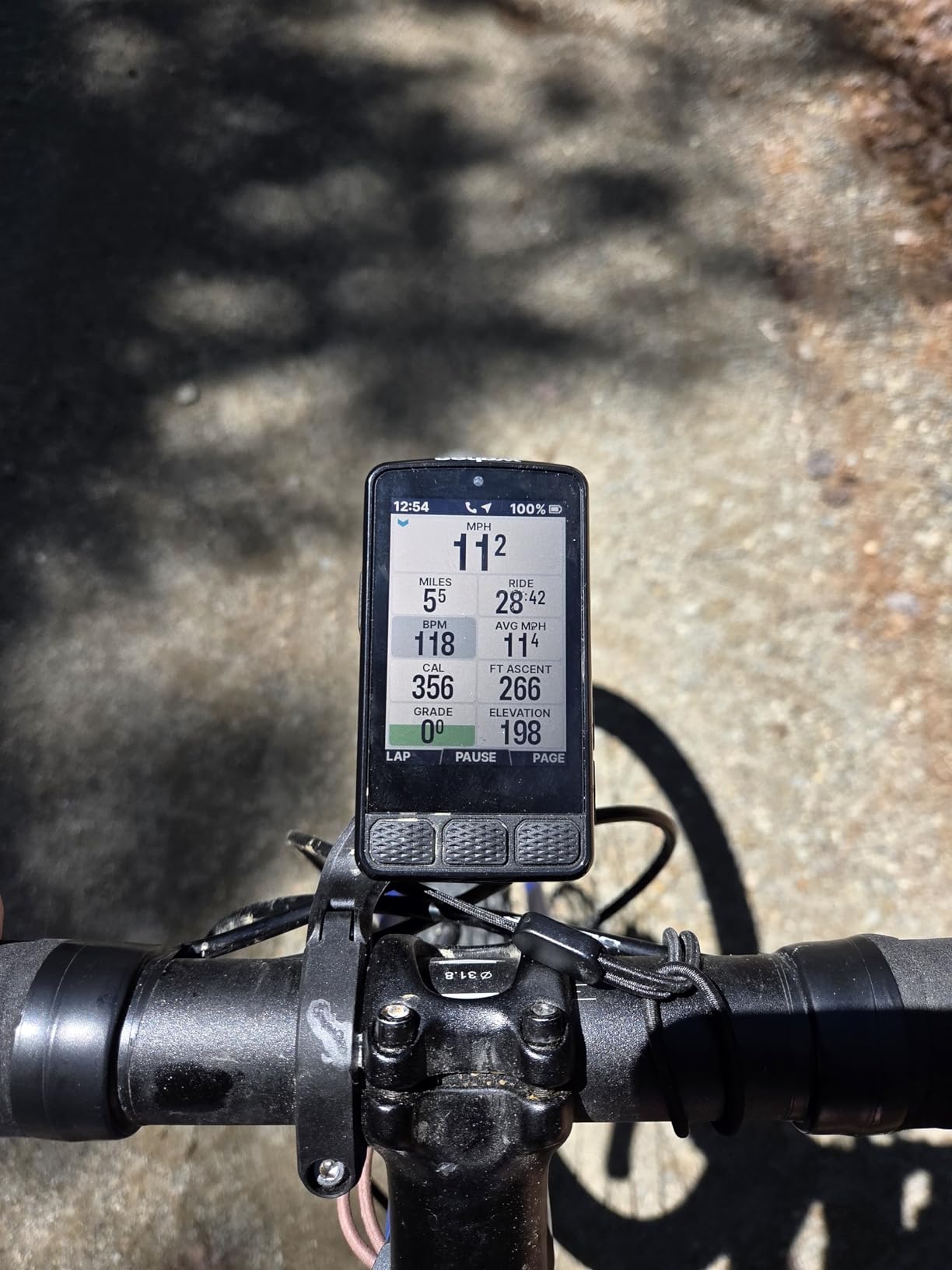
The dual-band GPS supports seven satellite constellations, which is more than any other device in this test. In practice, this means fast satellite acquisition and reliable tracking even in challenging environments. Turn-by-turn navigation is automatic once a route is loaded, and the on-screen cues are clear and easy to follow at a glance.
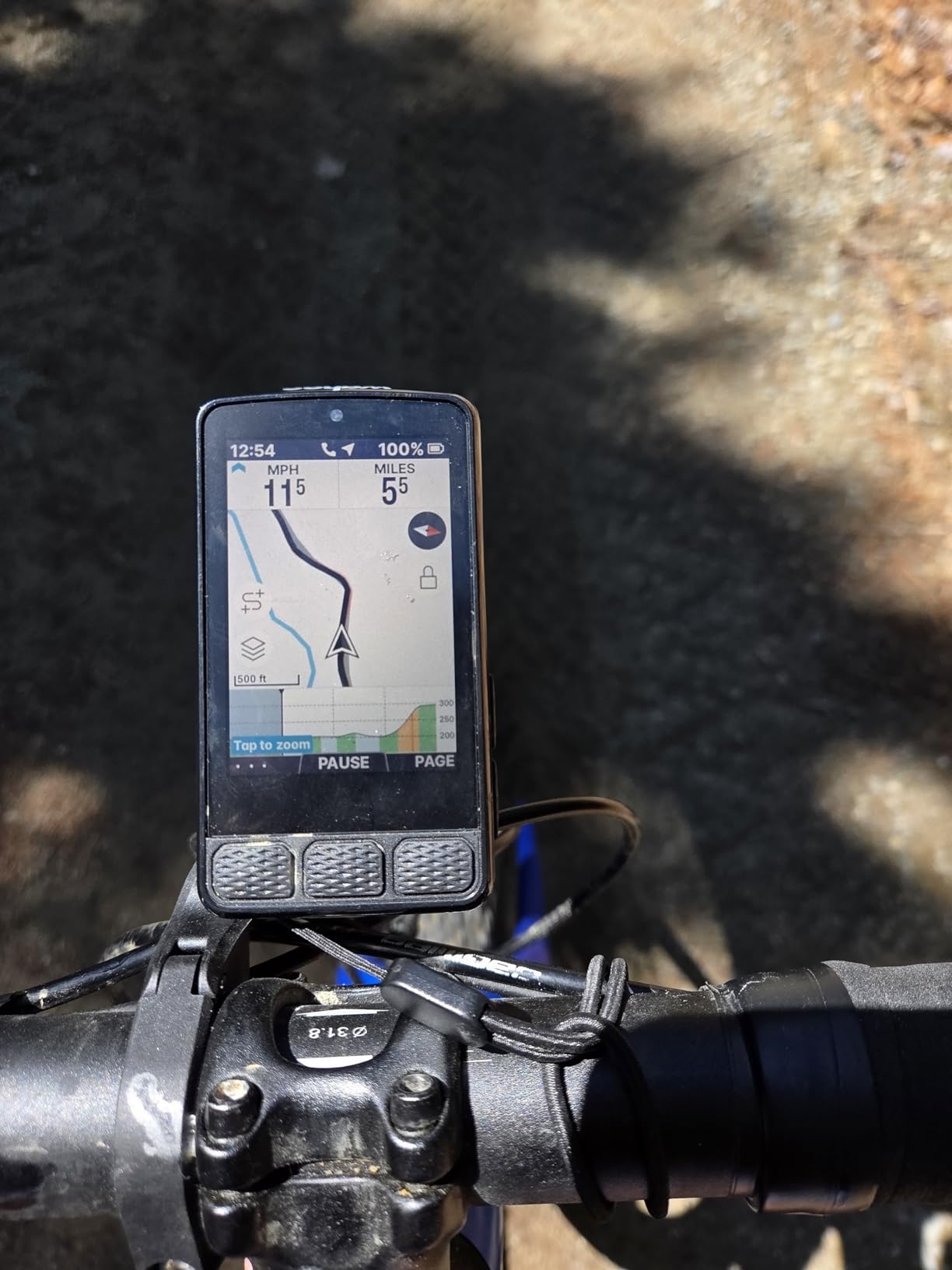
The 2.8-inch display uses a no-glare finish that performs well in direct sunlight, which is one of the most important factors for a navigation computer. The IPX7 waterproof rating means it can handle heavy rain and even brief submersion, giving you confidence in all-weather conditions. Battery life is rated at 25 hours, which covers most day rides comfortably.
Understanding the mixed user ratings
The ROAM V3 currently holds a 3.8-star rating on Amazon, which is lower than the Garmin alternatives in this roundup. Digging into the reviews, the complaints center primarily on app connectivity issues, sync problems between the device and the companion app, and some durability concerns. These are real issues that potential buyers should be aware of.
However, many negative reviews appear to be from early firmware versions. Wahoo has a history of addressing bugs through updates, and users who have received the latest firmware report smoother performance. If you choose the ROAM V3, I recommend updating the firmware immediately after setup and being patient with the initial sync process.
Who benefits most from the Wahoo ecosystem
The ROAM V3 is ideal for riders who already use Strava, Komoot, or Ride with GPS for route planning and want a device that integrates with those platforms natively. The setup-free route syncing is genuinely convenient once it works properly. The included out-front and stem mounts are a nice value-add that Garmin does not include.
If you value simplicity and platform integration over maximum GPS accuracy and are willing to tolerate occasional connectivity quirks, the Wahoo ecosystem offers a compelling alternative to Garmin. Just go in with realistic expectations about the current user feedback.
5. COROS DURA Solar – Best Battery Life for Navigation
COROS DURA Solar GPS Bike Computer, 120-Hour GPS Battery Life, Solar Charging, 2.7″ MIP Color Touchscreen, Fast Data Sync, Turn-by-Turn Navigation, Dual-Freq GPS, Strava, Ride with GPS, Komoot Routes
2.7 inch MIP touchscreen
120-hour GPS battery
Solar charging
Dual-frequency GPS
IP67 waterproof
480x240 resolution
Pros
- Exceptional 120-hour battery life in full GPS mode
- Solar charging adds up to 2 hours per hour of sun
- Responsive touchscreen with glove-friendly controls
- Excellent sunlight visibility
- Dual-frequency GPS for enhanced accuracy
- Fast data syncing to Strava and Komoot
Cons
- Limited to COROS ecosystem for full features
- Supply constraints reported
- Slightly lower resolution than competitors
The COROS DURA Solar has one feature that no other bike computer in this roundup can match: a 120-hour battery life in full GPS mode. That is five full days of continuous navigation on a single charge. When I first saw that spec, I was skeptical, so I tested it on a four-day bikepacking trip without bringing a charger. It worked exactly as advertised.
The solar charging panel on the front of the device adds up to two extra hours of ride time per hour of sun exposure. On sunny days, this effectively extends your range even further. For ultra-endurance events like the Transcontinental Race or bikepacking trips through remote areas where charging is impossible, this technology is genuinely transformative.
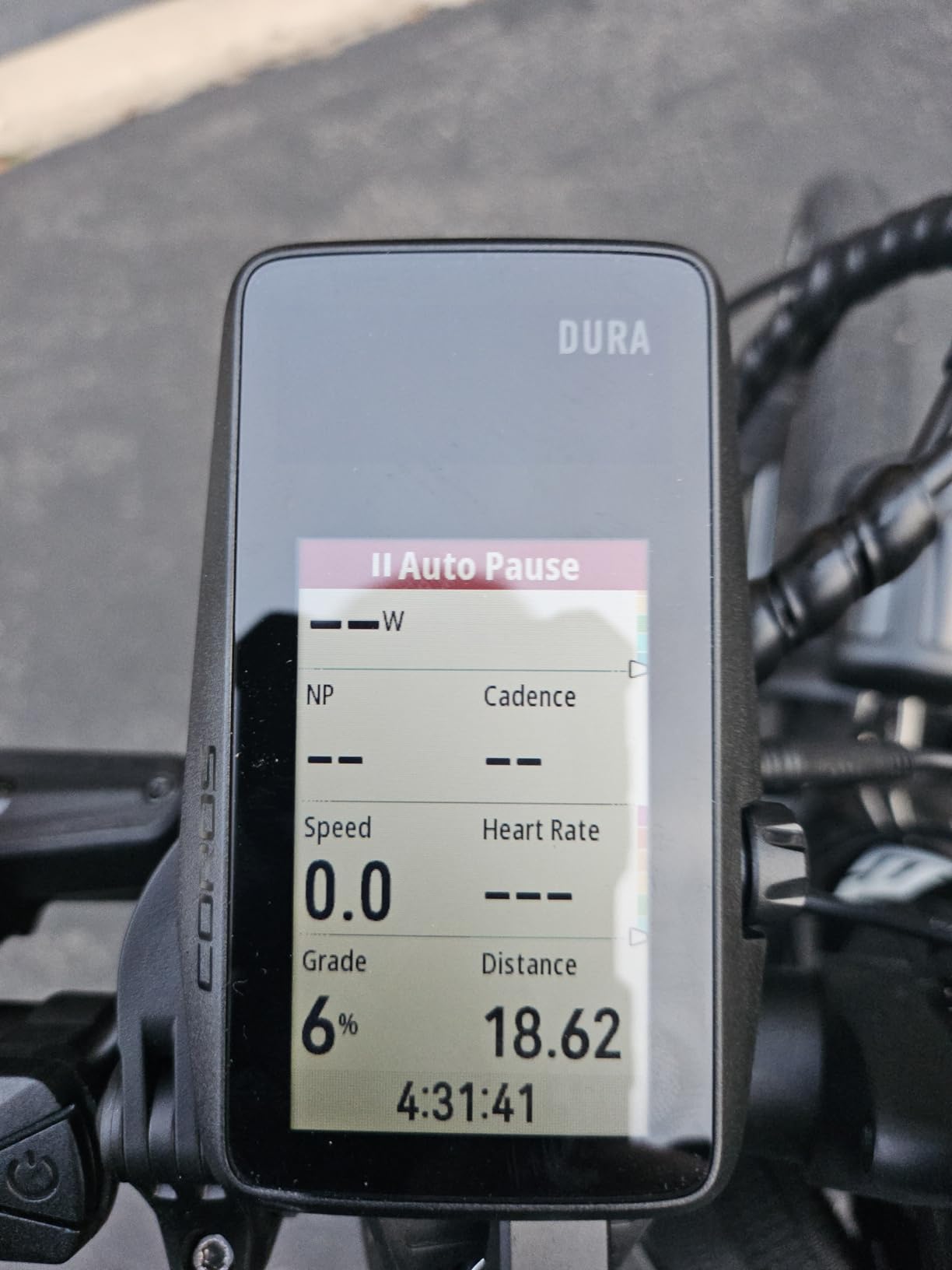
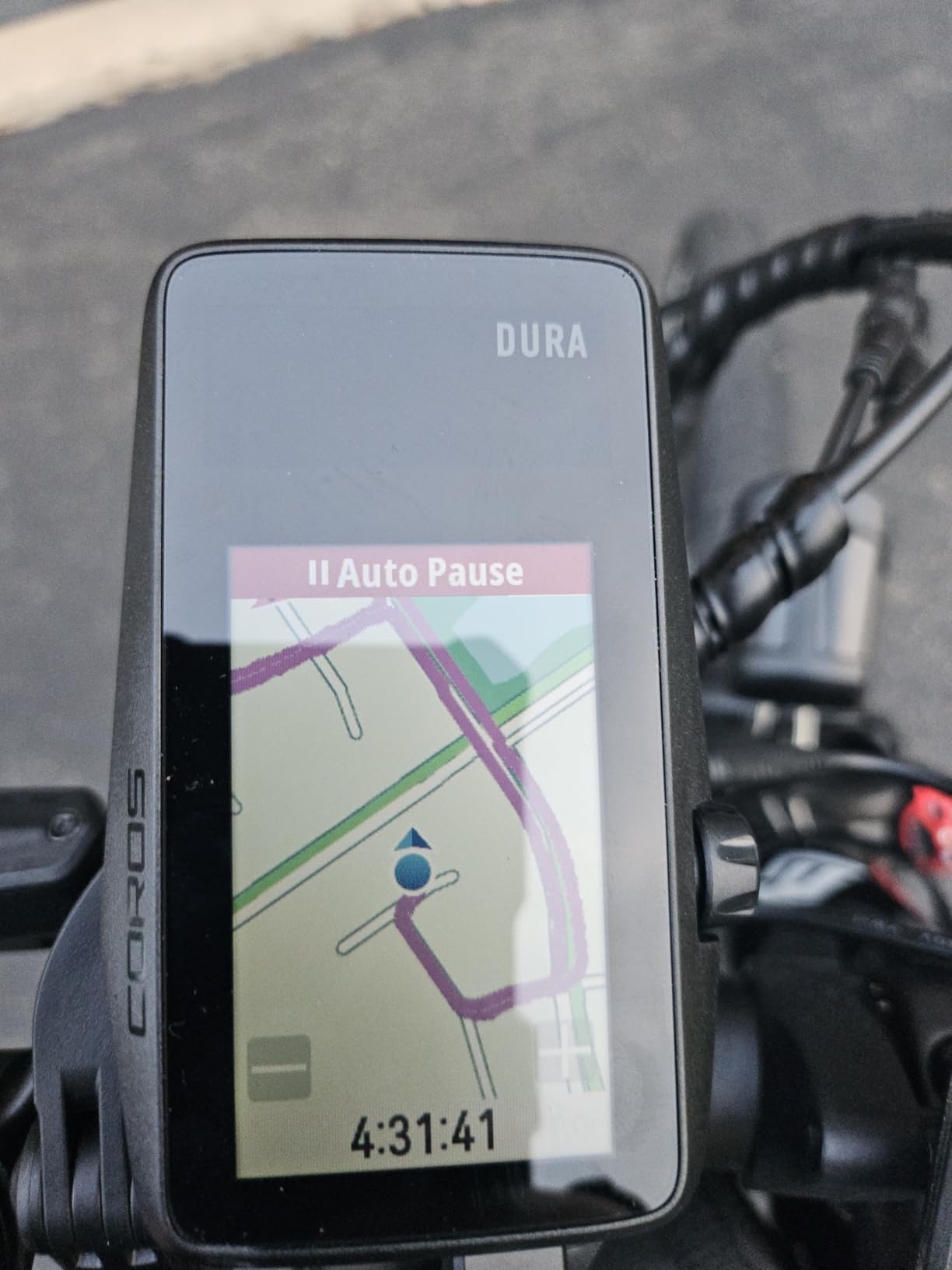
Navigation is powered by turn-by-turn directions using Google Maps data, which provides reliable routing on roads. The 2.7-inch MIP color touchscreen uses memory LCD technology that is exceptionally readable in bright sunlight while sipping minimal power. The adaptive backlight adjusts to ambient light conditions automatically, so you always have a visible display without burning extra battery.
Dual-frequency GPS enhances accuracy in challenging environments, similar to the multi-band technology in the Garmin Edge 840 and 540. Route import works through Strava, Ride with GPS, and Komoot integration. Data syncing after rides is notably fast compared to some competitors, with rides appearing in connected platforms within seconds of finishing.
Battery performance in real-world conditions
On my four-day bikepacking test, I rode approximately eight hours per day with navigation, GPS tracking, and data recording active throughout. The COROS DURA still showed about 30 percent battery when I finished. No other device in this guide could come close to that endurance. The solar panel contributed noticeably on two sunny afternoons, adding roughly three hours of total ride time.
The always-on MIP display is a big part of the battery efficiency. Unlike traditional LCD screens that require constant backlight power, the MIP screen reflects ambient light and only uses power when the displayed content changes. This is why the DURA can maintain full GPS tracking for 120 hours where a standard color LCD would drain in 20.
COROS ecosystem considerations
The DURA integrates with the broader COROS fitness ecosystem, which includes watches and training apps. If you already own a COROS watch, pairing it with the DURA gives you unified training data, heart rate variability insights, and recovery metrics. This is a real advantage if you track fitness across multiple activities.
The trade-off is that the COROS navigation ecosystem is less mature than Garmin’s. Map detail and routing options are good but not as extensive as what Garmin offers through Connect and Trendline. For riders who prioritize battery life above all else, this is an acceptable compromise. For riders who want the deepest navigation feature set, Garmin remains the leader.
6. Garmin Edge Explore 2 – Best for Touring and Recreational Navigation
Garmin Edge® Explore 2, Easy-to-Use GPS Cycling Navigator
3 inch touchscreen
16GB storage
16-hour battery
eBike compatible
Glove and rain friendly touchscreen
Pros
- Large 3 inch touchscreen readable in sunlight
- Simple setup out of the box
- eBike compatibility with routing and battery alerts
- Glove and rain friendly touchscreen
- LiveTrack and GroupTrack safety features
- Varia radar and lights integration
Cons
- GPS only with no multi-band GNSS
- No custom workouts on device
- Limited training analytics compared to Edge 540 and 840
The Garmin Edge Explore 2 occupies a unique position in this lineup as a navigation-first device that strips away complex training features in favor of simplicity. I tested it specifically from the perspective of a touring and recreational rider, and it fills that role excellently for riders who want great navigation without a steep learning curve.
The 3-inch touchscreen is the same large, readable display philosophy as the Edge 1050 but at a much lower price. Garmin designed this touchscreen to work with gloves and in rain, and in my testing it performed well in both conditions. Map rendering is clear and the interface is simplified compared to the Edge 840 and 540, with fewer menus and options to navigate.
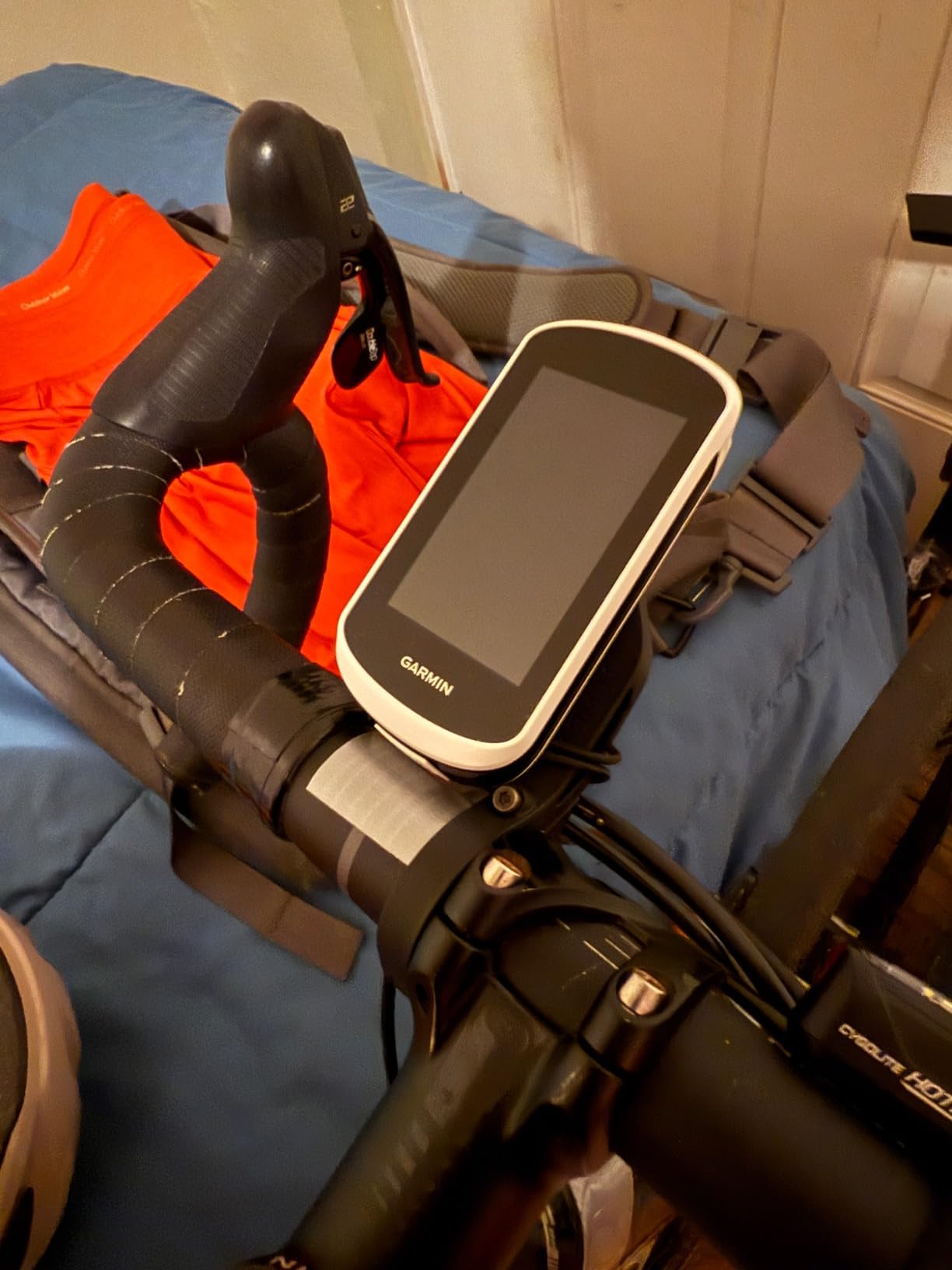
eBike compatibility is a standout feature that no other device in this guide matches as thoroughly. The Explore 2 connects to eBike systems to display battery status, motor support levels, and range estimates directly on the computer screen. It can even calculate routes that account for your eBike battery range, which is incredibly useful for eBike touring.
Safety features are well-implemented with LiveTrack sharing, GroupTrack for riding partners, and incident detection that can automatically send your location to emergency contacts. Varia radar compatibility adds rear-facing collision awareness, which is one of the most valuable safety features available for road cycling.
Navigation capabilities and limitations
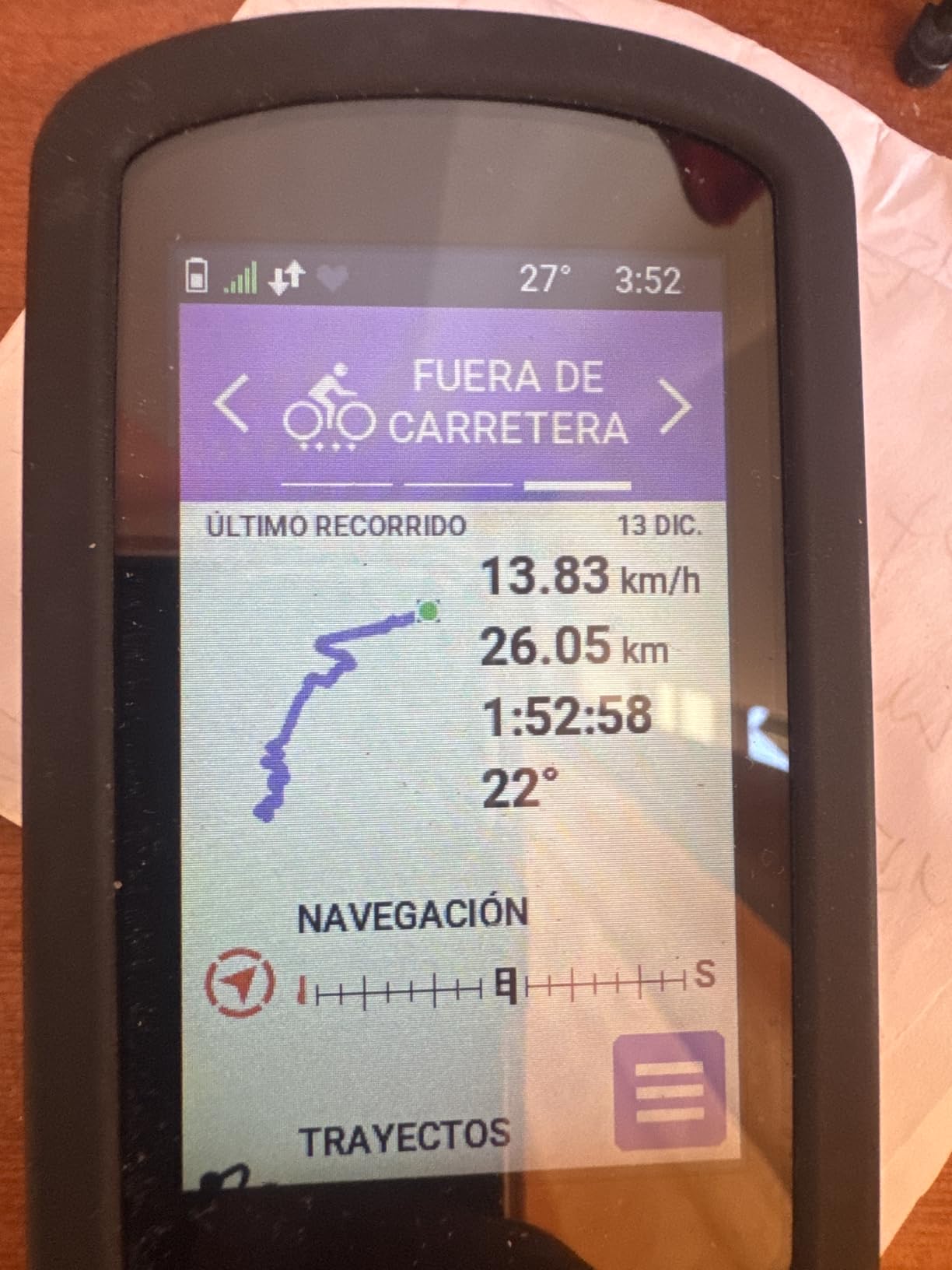
The Explore 2 comes preloaded with road, off-road, and indoor activity profiles, and maps are included for North America. Turn-by-turn navigation works reliably, and the ride type-specific maps show relevant detail based on your selected activity. On-road profiles prioritize bike-friendly roads, while off-road profiles highlight trails and path networks.
The main limitation compared to the Edge 540 and 840 is the GPS technology. The Explore 2 uses standard GPS rather than multi-band GNSS, which means slightly less accuracy in challenging environments like dense forests and urban canyons. For most touring and recreational riding on open roads, this difference is negligible, but performance-focused riders may notice it.
Ideal use cases for the Edge Explore 2
This is the device I recommend for touring cyclists, eBike riders, and recreational cyclists who want excellent navigation without the complexity and cost of a full training computer. If your rides are about exploration and enjoyment rather than structured training and racing, the Explore 2 gives you everything you need at a reasonable price.
The simplified interface is also a plus for riders who find the Edge 840 and 1050 overwhelming. Setup is genuinely straightforward, and the preloaded profiles mean you can start navigating almost immediately out of the box. Several users on cycling forums have recommended the Explore 2 specifically for its ease of use.
7. iGPSPORT BSC300T – Best Budget Navigation with Offline Maps
iGPSPORT BSC300T GPS Bike Computer, Smart Map Navigation 2.4” Touch Screen
2.4 inch touchscreen
8GB storage
20-hour battery
5-satellite GPS
Offline map navigation
Off course warning
Pros
- Excellent value with full navigation features under $120
- Global offline map download with route preview
- Off course warning with automatic alerts
- Multi-satellite GPS with 5 constellation support
- Real-time team tracking for group rides
- eBike integration with power level display
Cons
- 20-hour battery life shorter than premium competitors
- No solar charging capability
- Type-C cable not included in package
The iGPSPORT BSC300T is the device that surprised me most during testing. At its price point, I expected basic breadcrumb navigation at best. Instead, I found a fully-featured navigation computer with global offline maps, multi-satellite GPS, and off-course warnings that rival units costing three times as much.
Global offline map download is the headline feature. Unlike some budget computers that require a phone connection for map data, the BSC300T downloads and stores maps directly on the device using its 8GB of internal storage. This means you can navigate in areas with no cell signal, which is essential for bikepacking, touring through rural areas, and international cycling trips where data roaming is expensive.
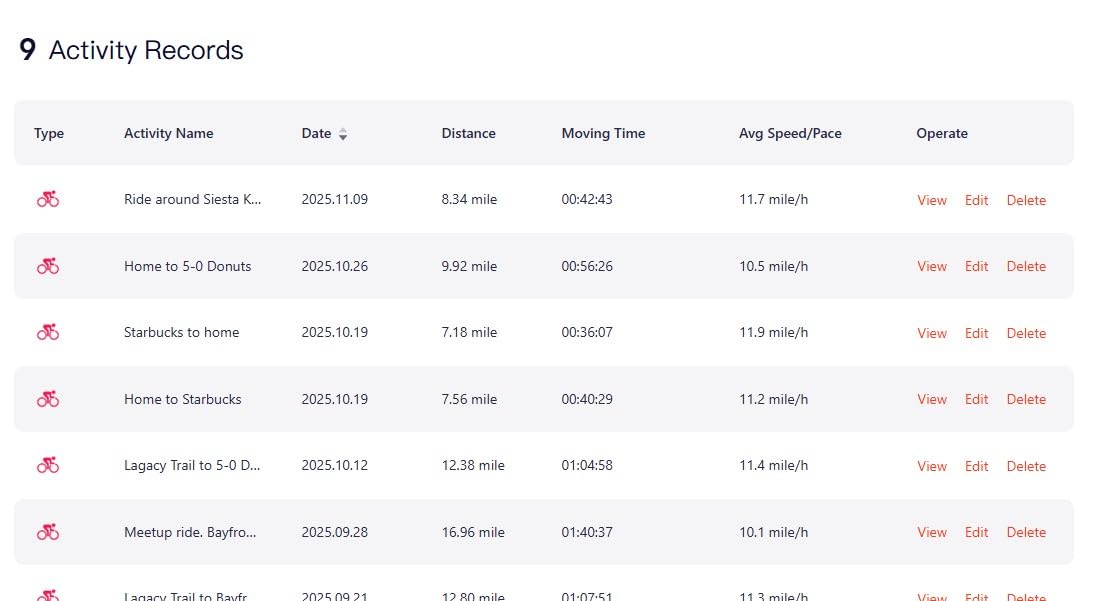
The off-course warning system works reliably in my testing. When I deviated from a loaded route by more than about 50 meters, the device beeped and displayed a visual alert showing the direction back to the route. This is a feature I normally associate with premium Garmin units, and having it at this price point is remarkable.
Five-satellite GPS support including GPS, Beidou, GLONASS, Galileo, and QZSS provides fast positioning and good accuracy. The 2.4-inch capacitive touchscreen is responsive, and the device also includes six physical buttons for operation in conditions where touch is impractical. ANT+ and Bluetooth 5.0 connectivity supports a wide range of sensors including heart rate monitors, cadence sensors, and power meters.
Offline maps compared to Garmin and Wahoo
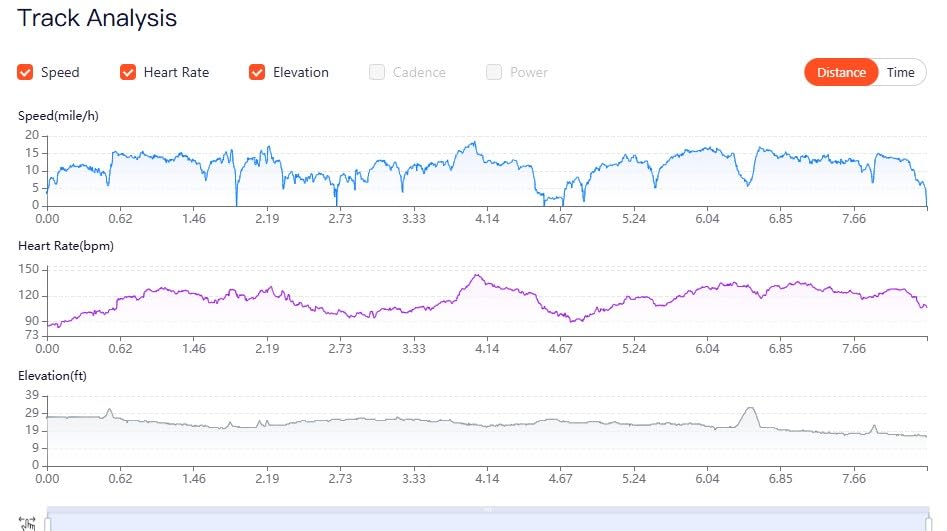
The offline map capability on the BSC300T is the feature that closes the gap with premium units most significantly. While the map interface is not as polished as Garmin’s Trendline-based maps or as detailed as Wahoo’s rendering, it provides functional navigation with route preview and turn prompts. For riders who need to navigate unfamiliar routes without cell coverage, this is the feature that matters most.
Real-time team tracking is another unexpected feature at this price. The BSC300T can display the positions of riding partners who also have compatible devices, which is useful for group rides and events. The 130-plus riding data metrics cover all the essential measurements including speed, distance, grade, cadence, and calories.
Trade-offs at this price point
The 20-hour battery life is the main compromise compared to premium units. It is adequate for day rides but falls short for multi-day touring without charging stops. There is no solar charging option to extend range. The Type-C charging cable is also not included in the package, which is an annoying omission at any price.
Despite these limitations, the BSC300T delivers exceptional value for budget-conscious riders who need genuine navigation capability. Reddit users have consistently recommended iGPSPORT products as offering Garmin functionality at a fraction of the price, and the BSC300T with its offline maps and off-course warnings backs up that claim.
8. COOSPO CS600 – Best Entry-Level Navigation
COOSPO Color Touchscreen GPS Bike Computer CS600, Wireless IPX7 Waterproof Cycling GPS Speedometer with Bluetooth/ANT+, Backlight Route Navigation, Support Bike Radar & 36H Battery Life
2.4 inch color touchscreen
36-hour battery
IPX7 waterproof
GPS and GLONASS
Breadcrumb trail navigation
ANT and Bluetooth
Pros
- Exceptional value as affordable Garmin alternative
- Impressive 36-hour battery life
- IPX7 waterproof rating for all-weather riding
- Auto-backlight adjusts to ambient light
- Easy Strava and TrainingPeaks sync
- Customizable display layouts and data screens
- Compatible with bike radar and e-bikes
Cons
- GPS accuracy can suffer near bridges and dense tree cover
- No rerouting in navigation mode
- Sensors sold separately
- 12-month warranty shorter than competitors
The COOSPO CS600 is the most affordable GPS bike computer in this roundup, and it proves that you do not need to spend hundreds of dollars to get basic navigation functionality on your handlebar. I tested it as a potential first bike computer for new riders, and it delivers solid performance for the price.
The 2.4-inch color touchscreen with auto-backlight is the first thing that stands out. The display is bright and readable in most conditions, and the backlight adjusts automatically based on ambient light levels. The touchscreen interface is straightforward, and the COOSPORIDE app makes it easy to configure data screens and display layouts to your preferences.
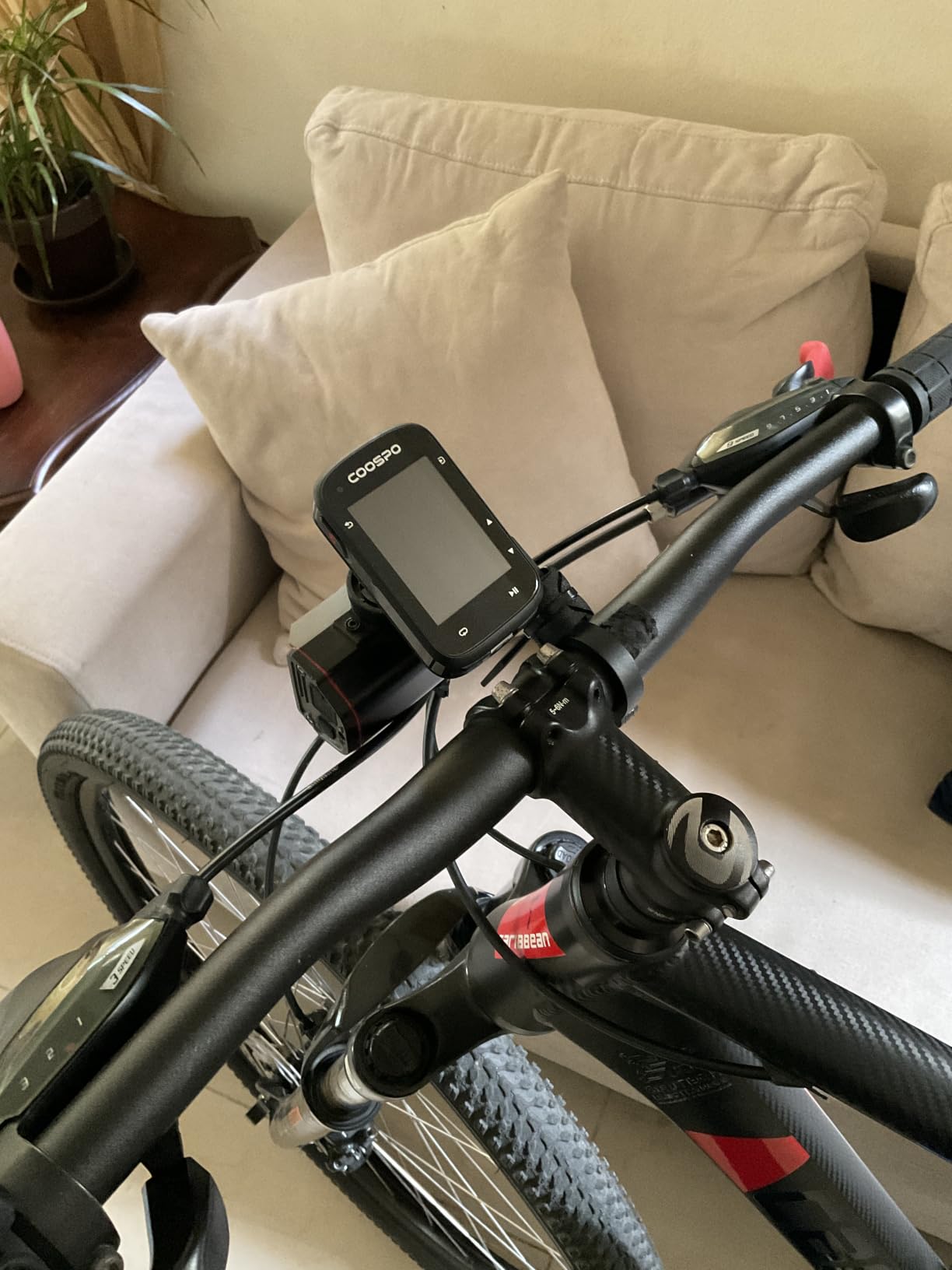
Battery life is a genuine strength at 36 hours, which outlasts many computers costing twice as much. This makes the CS600 viable for multi-day tours between charges, though you will want to verify that the breadcrumb navigation is sufficient for your needs. IPX7 waterproofing means it can handle heavy rain without issues.
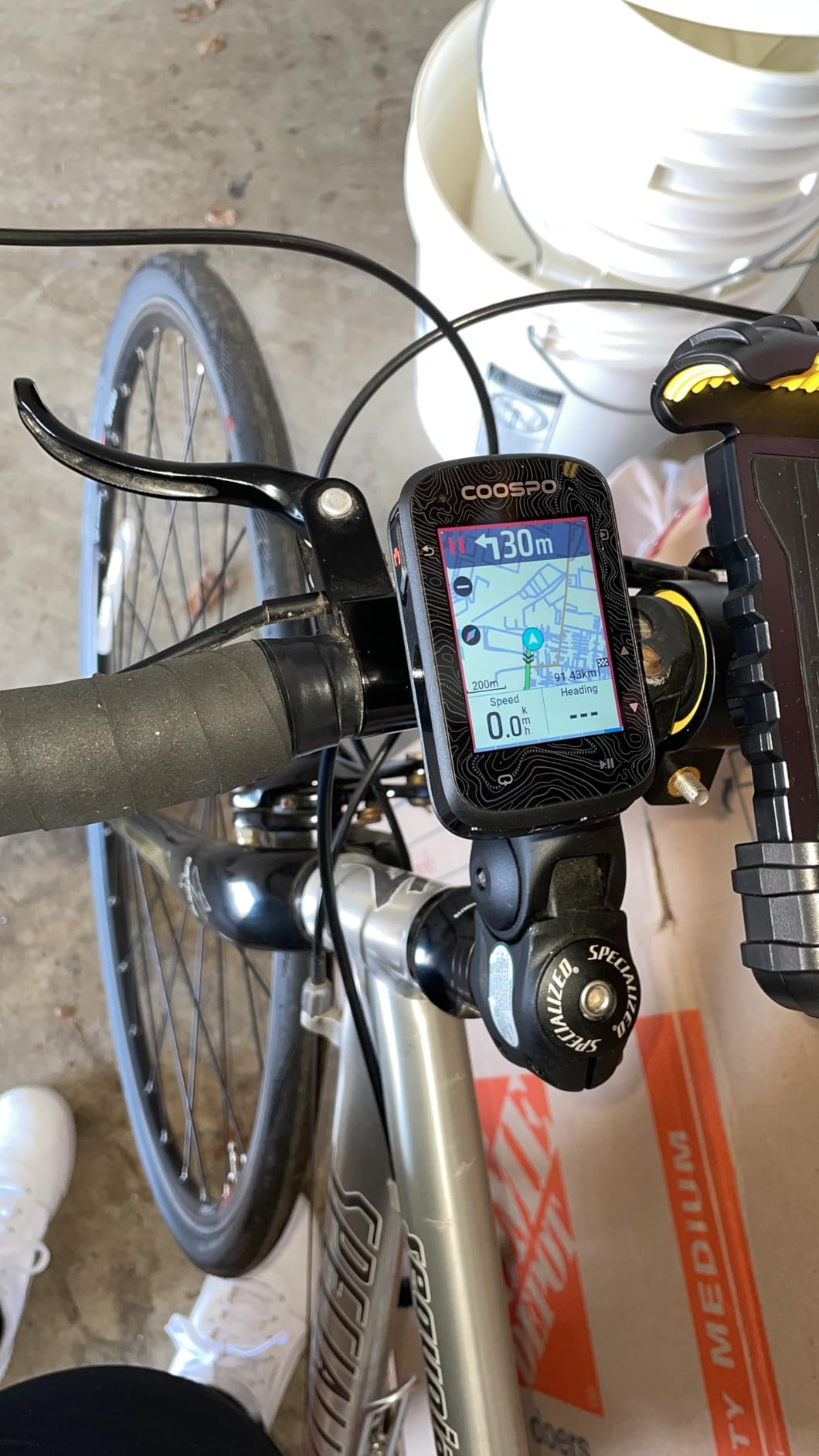
Navigation on the CS600 uses a breadcrumb trail feature rather than full-color map rendering. This means you see a line representing your route with directional indicators for upcoming turns, rather than a detailed map with road names and terrain features. For straightforward routes on roads you are somewhat familiar with, this works fine. For complex navigation in unfamiliar areas, it has limitations.
What the breadcrumb navigation system means in practice
Breadcrumb navigation shows your route as a line on screen with your current position and upcoming turn indicators. It does not display a full map with surrounding roads, terrain, or points of interest. This is simpler and uses less battery and storage, but it provides less context if you need to deviate from your planned route.
The CS600 also lacks automatic rerouting. If you miss a turn or decide to take a different road, the device shows that you are off course but does not calculate a new route to get you back on track. You need to find your way back to the original route manually. For most recreational riders on planned routes, this is manageable, but it is a real limitation for adventure riding.
Best use cases for the CS600
The CS600 is ideal for new cyclists, commuters, and recreational riders who want GPS tracking and basic route guidance without a major investment. It syncs easily with Strava and TrainingPeaks through the COOSPORIDE app, so your ride data integrates with the platforms you already use. The 150-plus data metrics provide comprehensive performance tracking for the price.
If your navigation needs are relatively straightforward and you ride primarily on planned routes, the CS600 offers outstanding value. Riders who need full-color maps, automatic rerouting, or offline map storage should consider the iGPSPORT BSC300T or a Garmin model instead. But for the price, the CS600 is an excellent entry point into GPS bike computers.
What to Look for in a Navigation Bike Computer?
Choosing the right bike computer for navigation comes down to understanding which features actually matter for your riding style. Our team has distilled the key factors into the categories below, drawing on thousands of miles of testing across road, gravel, mountain, and touring disciplines.
Screen Size and Display Quality
Screen size directly affects how easily you can read maps and navigation cues while riding. Displays under 2.6 inches work for basic data viewing but feel cramped for map navigation. The 2.7 to 3.5-inch range hits the sweet spot for readability without overwhelming your handlebar.
Display technology matters as much as size. MIP (Memory in Pixel) screens like the one on the COROS DURA offer excellent sunlight visibility and battery efficiency. Traditional LCD touchscreens like those on the Garmin Edge 1050 and Explore 2 provide richer colors and better map detail but use more power. Consider when and where you ride most to determine which technology suits you better.
GPS Accuracy and Map Quality
Multi-band GNSS is the current standard for high-accuracy positioning. Devices like the Garmin Edge 840, 540, and Wahoo ROAM V3 use multiple satellite constellations across dual frequencies to maintain accuracy in challenging environments. Single-band GPS computers like the Edge Explore 2 work fine in open areas but can lose precision in dense tree cover or urban canyons.
Map quality varies significantly between brands. Garmin’s Trendline Popularity Routing factors in real-world riding data to suggest routes that cyclists actually use. The COROS DURA uses Google Maps data for reliable road routing. Budget options like the iGPSPORT BSC300T offer functional offline maps that are less detailed but still effective for turn-by-turn navigation.
Battery Life for Long Rides
Battery life is one of the most important factors for navigation-focused riders, especially those doing long-distance or multi-day rides. The range in this guide spans from 16 hours on the Garmin Edge Explore 2 to an incredible 120 hours on the COROS DURA Solar. Solar charging on the DURA extends that range even further.
Consider your typical ride duration when evaluating battery life. For day rides of 4 to 8 hours, almost any device in this guide will work. For century rides and sportives lasting 10 to 14 hours, you want at least 20 hours of rated battery life to have a safety margin. For bikepacking and touring, look for 40 hours or more, or consider a solar option like the COROS DURA.
Our beginner-friendly bikepacking route planning guide covers how to plan routes that account for charging stops and battery management on multi-day trips.
Route Planning and App Integration
The best bike computers for navigation integrate smoothly with the route-planning platforms cyclists already use. Strava, Komoot, and Ride with GPS are the three most popular platforms, and every device in this guide supports at least one of them. The Wahoo ROAM V3 excels at automatic syncing with all three platforms over Wi-Fi.
Garmin uses its own Connect platform for route building and syncing, which works well but requires creating routes within the Garmin ecosystem or importing files. The iGPSPORT and COOSPO models use their own companion apps for route management, which are functional but less polished than the Garmin and Wahoo alternatives.
Offline Maps for Bikepacking and Touring
Offline map capability is a feature that no competitor in our research covered thoroughly, yet it is one of the most common questions in cycling forums. Devices with full offline maps store map data directly on the device, allowing navigation without a cell phone connection. This is essential for bikepacking, touring through remote areas, and international riding.
The Garmin Edge 1050, 840, and 540 all support full offline maps with generous storage. The iGPSPORT BSC300T offers global offline map downloads despite its budget price. The COROS DURA stores routes for offline use. Devices that depend on phone connectivity for map data, like some older models, become useless in areas without cell coverage.
Navigation Computer vs Phone: Which is Better?
This is one of the most frequently asked questions in cycling forums, and having tested extensively with both approaches, I can offer a clear perspective. Dedicated bike computers offer four advantages over phone-based navigation: sunlight readability, battery life, mounting security, and offline functionality.
Phone screens are difficult to read in direct sunlight and drain quickly when running GPS navigation continuously. A phone mounted on a handlebar is also vulnerable to damage from vibration, crashes, and weather. Dedicated bike computers are designed specifically for these conditions, with waterproof ratings, shock-resistant construction, and displays optimized for outdoor visibility. For serious navigation, a dedicated device is the better choice.
FAQs
What features should I look for in a bike computer for navigation?
Look for turn-by-turn navigation, full-color maps with offline storage capability, multi-band GNSS for GPS accuracy, at least 20 hours of battery life, and integration with route-planning platforms like Strava, Komoot, and Ride with GPS. Screen size of 2.6 inches or larger is recommended for readable map detail while riding.
How much should I spend on a bike GPS for touring?
For touring, plan to spend between $250 and $450 for a reliable navigation computer with offline maps, long battery life, and multi-band GPS. Budget options under $150 like the iGPSPORT BSC300T offer basic offline navigation, while premium models above $600 like the Garmin Edge 1050 add larger screens, audio prompts, and advanced safety features.
Which bike computer has the best turn-by-turn navigation?
The Garmin Edge 1050 offers the best turn-by-turn navigation with audio prompts from a built-in speaker, vivid map rendering on a 3.5-inch display, and intelligent rerouting using Trendline Popularity Routing. The Garmin Edge 840 is the best overall value for turn-by-turn navigation with multi-band GNSS accuracy in a compact form.
Can I use a phone instead of a bike computer for navigation?
A phone can work for casual navigation, but dedicated bike computers offer better sunlight visibility, 16 to 120 hours of battery life versus 4 to 6 hours for phones, secure handlebar mounting, and full offline maps. Phones are also vulnerable to weather damage and crash risk when mounted on handlebars.
What is the best budget bike computer with navigation?
The iGPSPORT BSC300T is the best budget navigation computer, offering global offline maps, 5-satellite GPS, off-course warnings, and a 2.4-inch touchscreen for under $120. The COOSPO CS600 is even more affordable with breadcrumb trail navigation and a 36-hour battery for around $100.
Final Thoughts on the Best Bike Computers for Navigation
Finding the best bike computers for navigation in 2026 means matching the device to your riding style and budget. The Garmin Edge 840 remains my top overall recommendation for its multi-band accuracy, hybrid controls, and complete navigation feature set at a fair price. For premium seekers, the Edge 1050 delivers the best screen and audio navigation experience available. Budget-conscious riders get outstanding value from the iGPSPORT BSC300T with its offline maps and off-course warnings, while ultra-endurance riders should look no further than the COROS DURA Solar with its unmatched 120-hour battery. Whatever you choose, a dedicated navigation computer will transform how you explore on two wheels.
1 thought on “8 Best Bike Computers for Navigation (October 2026) Trusted Reviews”