
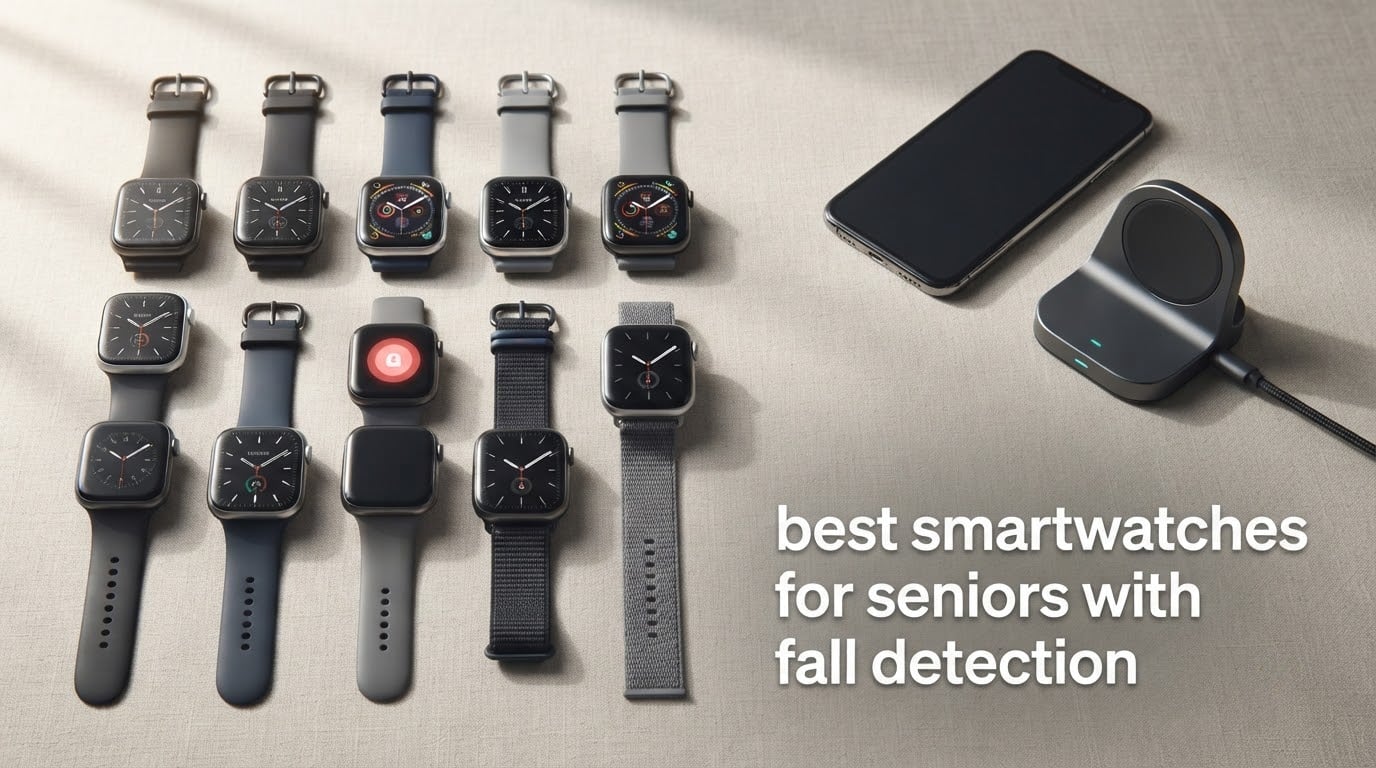
Tested and updated October 2026. This roundup covers ten wrist-worn fall detection watches, from mainstream Apple, Samsung and Google models to purpose-built medical alert devices, and explains which one suits a particular household.
The short answer: if you want one watch that does fall detection reliably and is unlikely to be returned, the Apple Watch SE (2nd Gen) is the best overall pick. It is the highest-rated model we reviewed with by far the largest review base, it detects hard falls automatically, and it calls your emergency contacts. It does need a paired iPhone and a nightly charge.
The Centers for Disease Control and Prevention reports that roughly one in four adults aged 65 and over falls each year, and many of those falls happen alone, at home, in the bathroom or during the night. A watch that notices the impact and starts a countdown while the person is still on the floor can turn hours of lying still into minutes. That single feature, more than any heart rate sensor, is why fall detection has become the reason most adult children buy a smartwatch for a parent.
What this guide is for: an adult child, spouse or relative deciding what to put on a parent’s wrist. We look at how the alert chain actually works, who answers when it fires, what happens when the phone is dead, and which of these ten devices depends on a monthly monitoring contract. We also spend a lot of time on the failures, because the gap between how these devices are advertised and how they behave in a real home is where most buying decisions go wrong.
One warning before the rankings. Fall detection is not a guarantee. Every watch on this list can miss a fall, and most of them are tuned for hard impacts rather than the slow slide down a wall or the controlled lower onto a chair that makes up a large share of senior falls. Treat anything below as a layer of protection, not a replacement for a medical alert pendant or for emergency services.
Table of Contents
Top 3 Picks: Best Smartwatches for Seniors With Fall Detection (October 2026)
These three cover the most common household situations. The first is the default answer, the second is the one to buy when the health sensors matter, and the third covers Android homes.


Apple Watch Series 11
- Hard fall and crash detection
- ECG and hypertension alerts
- Always-On display

Two details about those cards. The Apple Watch SE and Series 11 are the only two devices here rated above 4.5 with tens of thousands of reviews behind the rating, and both require an iPhone. The Galaxy Watch 7 is the strongest option for a household that is entirely on Android.
Best Smartwatches for Seniors With Fall Detection in 2026 at a Glance
All ten devices, with the details that actually change the decision: whether a phone is required, whether there is a monthly contract, and what the watch is genuinely good at.
| Product | Specifications | Action |
|---|---|---|
| Apple Watch SE 2nd Gen |
|
Check Latest Price |
| Apple Watch Series 11 |
|
Check Latest Price |
| Samsung Galaxy Watch 7 40mm |
|
Check Latest Price |
 Seculife Medical Alert Smartband Seculife Medical Alert Smartband |
|
Check Latest Price |
 Smart Med Alert Cellular Watch Smart Med Alert Cellular Watch |
|
Check Latest Price |
 Audar E2 Senior Smartwatch Audar E2 Senior Smartwatch |
|
Check Latest Price |
 Google Pixel Watch 5 41mm Google Pixel Watch 5 41mm |
|
Check Latest Price |
 Samsung Galaxy Watch 8 40mm Samsung Galaxy Watch 8 40mm |
|
Check Latest Price |
 Yihou Fall Detection Smart Watch Yihou Fall Detection Smart Watch |
|
Check Latest Price |
 No Contracts Medical Alert Watch No Contracts Medical Alert Watch |
|
Check Latest Price |
Four of these ten have their own cellular connection and need no phone nearby. That single column eliminates the most common failure mode in this category, where a watch sits on a wrist and silently does nothing because it cannot reach a handset.
1. Apple Watch SE 2nd Gen – Best Overall Fall Detection Watch for iPhone Households
Apple Watch SE (2nd Gen) [GPS 40mm] Smartwatch with Starlight Aluminum Case with Starlight Sport Band S/M. Fitness and Sleep Trackers, Crash Detection, Heart Rate Monitor, Retina Display
Automatic fall detection
Emergency SOS
Crash detection
1.28 oz
50m water resistant
Pros
- Fall Detection
- Crash Detection and Emergency SOS in one device
- Largest review base in this roundup at more than 13000 ratings
- Lightweight at 1.28 oz and comfortable overnight
- Can be set up for a family member without their own iPhone
- 83 percent of ratings are five star
Cons
- Battery lasts about one day with no fast charging
- Requires an iPhone so it is wrong for Android homes
- No always-on display for quick glances
Out of ten watches, this is the one we keep coming back to. The reason is not the specification list, it is that more than thirteen thousand owners have rated it, and eighty-three percent of those ratings are five stars. On a device whose entire job is calling for help in an emergency, a large evidence base matters more than a feature nobody uses.
Fall Detection runs in the background with no action from the wearer, and Crash Detection covers severe car accidents, which matters if your parent still drives. Emergency SOS handles the case where they are conscious but cannot get to a phone. The 40mm case with a Retina display is bright and the whole thing weighs 1.28 ounces, so it is genuinely wearable overnight rather than something that sits on a bedside table from March onwards.
![Apple Watch SE (2nd Gen) [GPS 40mm] Smartwatch with Starlight Aluminum Case with Starlight Sport Band S/M. Fitness and Sleep Trackers, Crash Detection, Heart Rate Monitor, Retina Display customer photo 1](https://betterbike.org/wp-content/uploads/2026/10/B0DGJ73CFS_customer_1.jpg)
The limitation that shapes the whole purchase is the battery. Owners consistently describe roughly one day of use and no fast charging, which means it goes on a charger every night. That is manageable when you build it into a routine, and it is not manageable if your parent forgets. Apple also allows setup for a family member who does not own an iPhone, so the watch can be paired to your handset and the parent never has to touch a phone.
One more thing to know before you buy. The paired-iPhone requirement is hard. In a house with an Android phone, this is the wrong device entirely, and no amount of configuring will change that.
![Apple Watch SE (2nd Gen) [GPS 40mm] Smartwatch with Starlight Aluminum Case with Starlight Sport Band S/M. Fitness and Sleep Trackers, Crash Detection, Heart Rate Monitor, Retina Display customer photo 2](https://betterbike.org/wp-content/uploads/2026/10/B0DGJ73CFS_customer_2.jpg)
Who it suits best
This suits a parent who already lives in an Apple household, or whose adult child is willing to keep their phone charged and near them. It also suits anyone who wants a single device doing fall alerts, heart rate alerts and crash alerts without managing a monitoring contract.
If your parent is forgetful with chargers, treat the nightly charging as a shared routine rather than their problem. A dock by the kettle or a magnetic cable in a fixed spot solves more false alarms than any sensitivity setting.
Who it does not suit
It does not suit an Android household, and it does not suit a parent who lives alone, is active outdoors and will be out of Bluetooth range of any phone for hours at a time. It is also a poor match for a dementia wander risk, because it has no independent cellular connection of its own.
2. Apple Watch Series 11 – Top Rated with the Deepest Health Sensors
Apple Watch Series 11 [GPS 42mm] Smartwatch with Rose Gold Aluminum Case with Light Blush Sport Band – S/M. Sleep Score, Fitness Tracker, Health Monitoring, Always-On Display, Water Resistant
Hard fall and crash detection
ECG app
Always-On display
24-hour battery
15-minute fast charge
Pros
- Highest average rating in the roundup at 4.7 stars
- Richest health suite with ECG and hypertension notifications
- 15-minute fast charge returns up to 8 hours of use
- Always-On display makes glancing easier for older users
- Superdurable glass rated twice as scratch resistant
Cons
- Highest price point of any device analyzed
- Requires an iPhone 11 or newer
- Step counting trails dedicated fitness devices
This is the highest-rated watch in the roundup at 4.7 stars across more than eight thousand ratings, and it is the only one here with an Always-On display. For an older user, that is not a minor feature. A permanently visible time and date means no waking gesture, no crown press, and far fewer accidental taps on a watch face in poor light.
Fall detection is specified for hard falls specifically, and paired with severe crash detection and automatic connection to emergency services. The health layer is where the extra spend goes: an ECG app with irregular rhythm and high-low heart rate alerts, hypertension notifications based on vascular response analysis, and a Vitals app with overnight metrics and possible sleep apnea notifications. The Daily Sleep Score is the feature families mention most, because it turns a night of data into one number.
![Apple Watch Series 11 [GPS 42mm] Smartwatch with Rose Gold Aluminum Case with Light Blush Sport Band - S/M. Sleep Score, Fitness Tracker, Health Monitoring, Always-On Display, Water Resistant customer photo 1](https://betterbike.org/wp-content/uploads/2026/09/B0FQF9ZX7P_customer_1.jpg)
Battery is the practical win over the SE. It runs up to 24 hours under normal use and a fifteen-minute charge returns up to eight hours, which forgivingly covers most of a day. At 1.12 ounces it is thinner and lighter than most watches in this list. The Superdurable glass is rated at twice the scratch resistance of the previous generation, which matters on a wrist that hits door frames.
Owners are honest about value. Several reviewers say the cheaper SE is the better buy unless the watch is discounted, and that is a fair read. The case for this model is the Always-On display and the sensor depth, not the fall detection, which is essentially the same system as the SE.
![Apple Watch Series 11 [GPS 42mm] Smartwatch with Rose Gold Aluminum Case with Light Blush Sport Band - S/M. Sleep Score, Fitness Tracker, Health Monitoring, Always-On Display, Water Resistant customer photo 2](https://betterbike.org/wp-content/uploads/2026/09/B0FQF9ZX7P_customer_2.jpg)
Who it suits best
It suits a parent whose health is the main worry rather than falls alone, particularly one with heart rhythm concerns or sleep apnea risk where a clinician has asked for monitoring. It also suits anyone who finds the SE’s single-day battery too tight.
It is a strong choice for a parent who already wears an Apple Watch and simply wants the newer generation, because the setup transfers and the learning curve is zero.
Who it does not suit
It does not suit a family trying to spend as little as possible, and several reviewers make exactly that argument. It does not suit Android users, and it does not suit a parent with memory impairment who might delete contacts, change settings, or lock themselves out of the pairing.
3. Samsung Galaxy Watch 7 40mm – Best Fall Detection Smartwatch for Android Homes
Samsung Galaxy Watch 7 40mm Bluetooth AI Smartwatch w/Energy Score, Wellness Tips, Heart Rate Tracking, Sleep Monitor, Fitness Tracker, 2024, Cream [US Version, 1Yr Manufacturer Warranty]
2000-nit AMOLED display
Heart rate tracking
Moderate to severe sleep apnea detection
About 30-hour battery
5ATM
Pros
- Brightest display in the roundup at 2000 nits for strong sunlight
- Strong sleep tracking including sleep apnea detection
- Energy Score and Wellness Tips are easy to understand
- Works with Samsung and other Android phones
- 7942 ratings averaging 4.6
Cons
- About 30-hour battery means every-other-day charging
- Bluetooth variant has no built-in GPS
- Not compatible with iPhone
If the household is on Android, this is the watch. The 2000-nit AMOLED is the brightest screen here by a wide margin, and for someone walking outdoors or with reduced contrast sensitivity that is a daily-use difference rather than a spec-sheet line. Eighty percent of its ratings are five stars across nearly eight thousand reviews.
Heart rate tracking is improved to filter out body movement for more accurate readings, and the sleep tracking detects moderate to severe sleep apnea. Galaxy AI produces an Energy Score from the previous day’s activity, and Wellness Tips gives personalised suggestions analysed on the paired phone. For a parent who is not going to open a data app, a single readiness number is easier to act on than a dashboard.
![Samsung Galaxy Watch 7 40mm Bluetooth AI Smartwatch w/Energy Score, Wellness Tips, Heart Rate Tracking, Sleep Monitor, Fitness Tracker, 2024, Cream [US Version, 1Yr Manufacturer Warranty] customer photo 1](https://betterbike.org/wp-content/uploads/2026/10/B0D1YNVD88_customer_1.jpg)
Two constraints worth knowing before you commit. This is the Bluetooth configuration, so it has no built-in GPS and location depends on the paired phone being carried. And the average battery life is listed at around thirty hours, which lands on every-other-day charging rather than daily, which is genuinely better than the Apple models even though it is not multi-day.
The weight is listed at 5.9 ounces, which is heavier than the Samsung Galaxy Watch 8 further down this list. If the watch will be worn every hour of the day, that difference is worth considering.
![Samsung Galaxy Watch 7 40mm Bluetooth AI Smartwatch w/Energy Score, Wellness Tips, Heart Rate Tracking, Sleep Monitor, Fitness Tracker, 2024, Cream [US Version, 1Yr Manufacturer Warranty] customer photo 2](https://betterbike.org/wp-content/uploads/2026/10/B0D1YNVD88_customer_2.jpg)
Who it suits best
It suits an Android household, particularly one with a Samsung phone, that wants fall alerts plus credible sleep and heart data without a monitoring contract. The bright display also makes it the better pick for a parent with vision decline who spends time outdoors.
It is also a sensible middle ground for a couple who each wear one, because the interface is close enough to the phone that neither has to learn much.
Who it does not suit
It does not suit an iPhone household at all. It does not suit a parent who walks far from their phone and needs reliable location, since this configuration has no independent GPS. For someone whose main fear is falling in a park or a car park, read the standalone cellular picks further down instead.
4. Seculife Medical Alert Smartband – Best for Direct-to-Family Alerts Without a Call Centre
Seculife Medical Alert Smartband for Seniors — Alerts Go Direct to Family, No Call Center | Auto Fall Detection, GPS Tracking, Heart Rate Monitor, 2-Way Calling, SOS Button, Waterproof (White)
Standalone 4G LTE
Auto fall detection
Hands-free auto-answer
Geofence safe zones
2-inch display
Pros
- Alerts go straight to family instead of a monitoring call centre
- Hands-free auto-answer removes the need to press anything
- Real-time GPS with geofence zones suits dementia wander risk
- One year of location history in the caregiver app
- Sixty percent of ratings are five star
Cons
- Ongoing monthly subscription needed for premium safety features
- Battery listed at about one day so charging is daily
- App-based setup and permissions confuse first-time users
The defining choice here is who answers. Most medical alert services route an alert to a call centre, which then contacts the family. This model skips that step and alerts pre-selected contacts directly, which removes a delay and removes a person who has never met your parent deciding how serious it is.
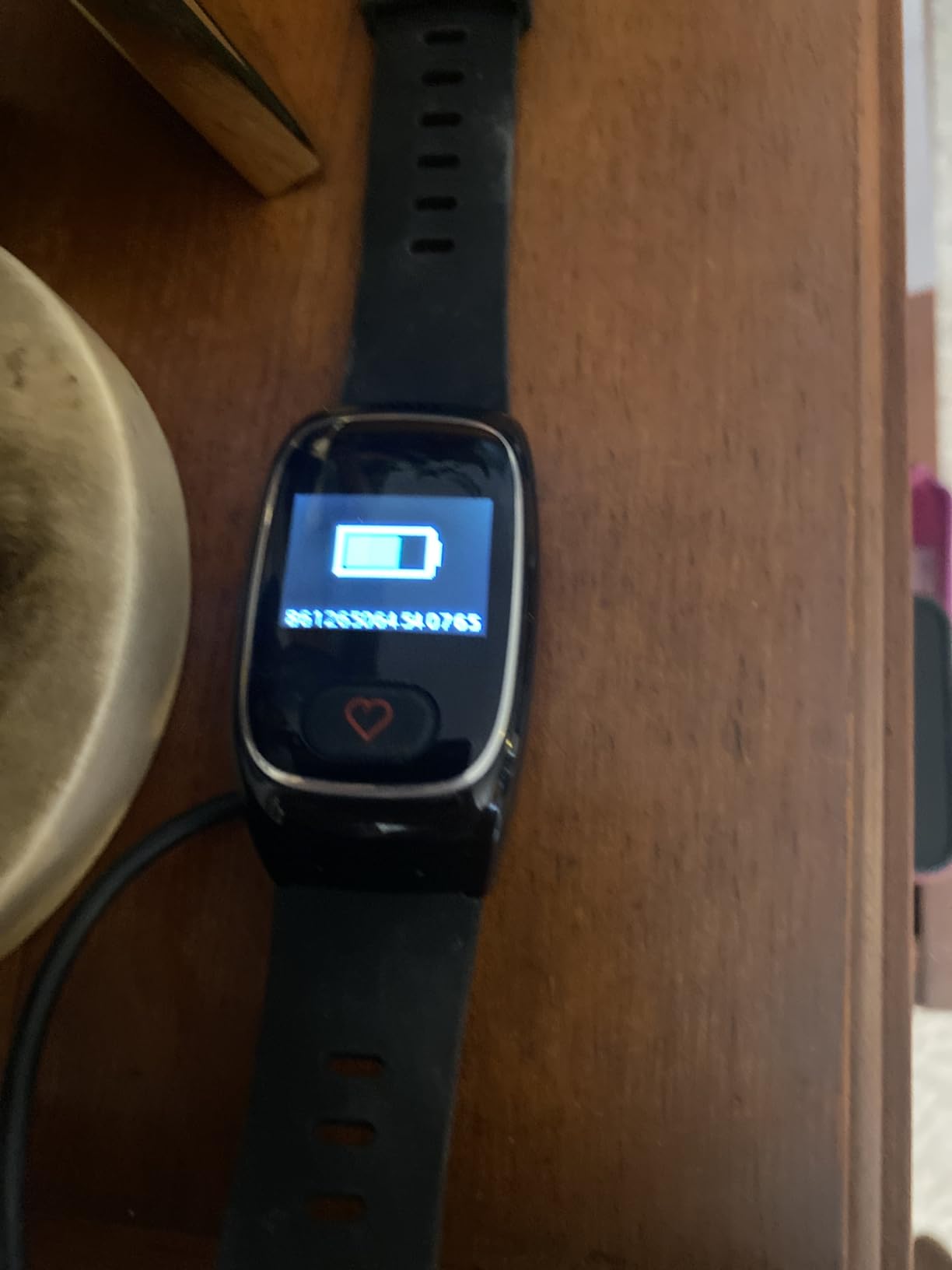
It runs on nationwide 4G LTE with its own connection, so no phone is needed at the wrist. Fall detection or a three-second press of the heart button triggers an automatic emergency call to those contacts. The feature we would highlight hardest is hands-free auto-answer, where approved contacts are answered automatically without the wearer pressing anything, which is the difference between a call that connects and a call that rings until the phone drops on the floor.
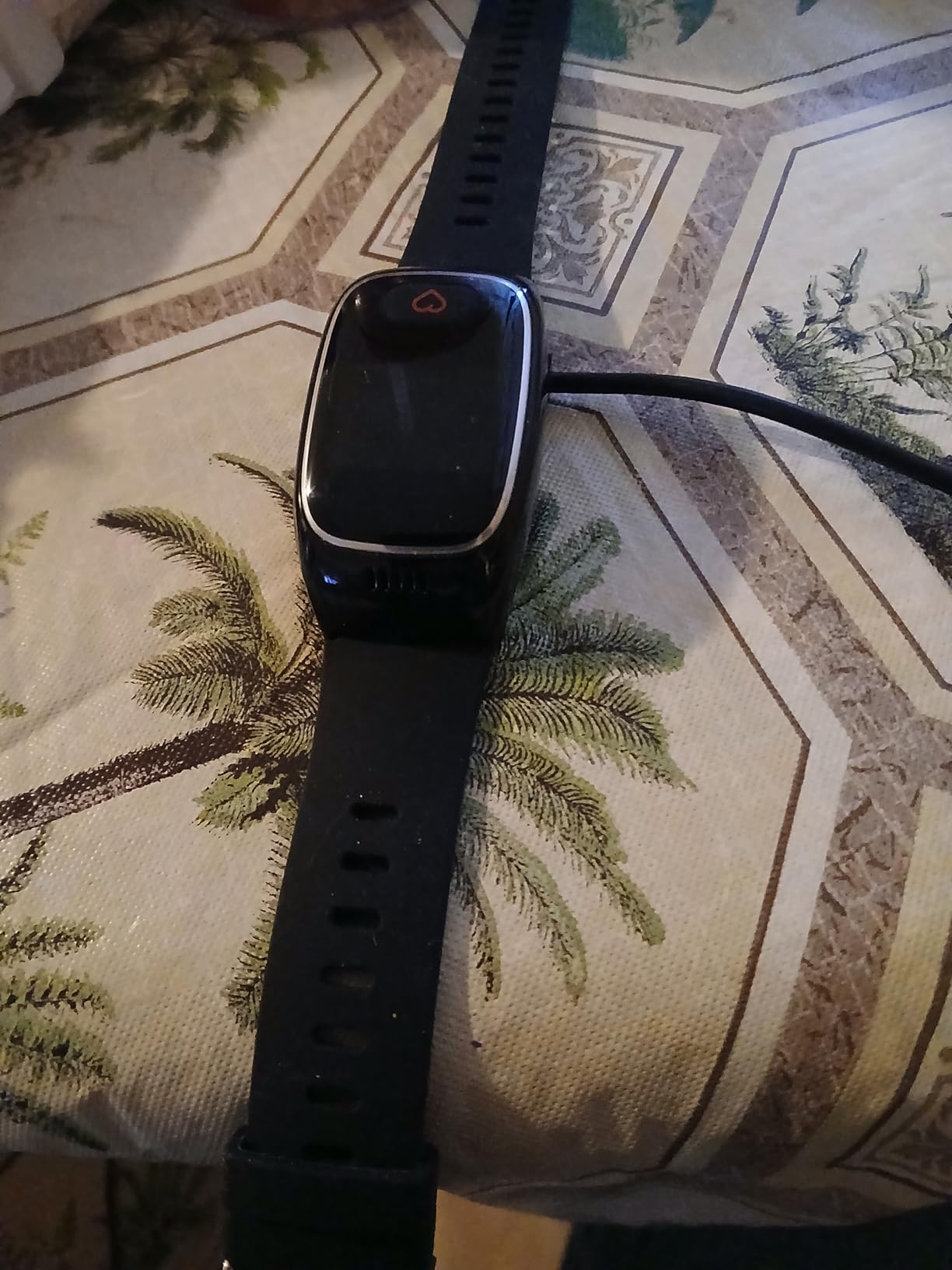
GPS tracking includes geofence zones, so you can set a safe zone around a home or care facility and get an alert when the wearer leaves it, and the app keeps a year of location history. The Secupro app gives family and caregivers a view of safety, location and health status, and the watch works with both Android and iOS phones. Sixty percent of ratings are five star.
The recurring complaints are consistent. The premium safety features need an ongoing monthly subscription, the battery is listed at around one day so it is a daily charging device, and the app-based setup with its permission prompts is confusing for anyone meeting it for the first time.
Who it suits best
It suits a family with two or more relatives who can genuinely respond, and who want the alert to arrive directly rather than through an intermediary. It is also the strongest dementia wander option in this roundup, with geofencing and a year of location history.
It suits a parent who will not or cannot carry a phone, because the watch has its own cellular connection and its own speakerphone.
Who it does not suit
It does not suit a family that only has one person available to respond at unpredictable hours, since a direct alert to an unanswered phone helps nobody. It also does not suit a household determined to avoid a recurring subscription, and anyone with poor dexterity may find the daily charging routine a problem.
5. Smart Med Alert Cellular Watch – Best for 24/7 Professional Monitoring Response
Cellular Medical Alert Smart Watch with Emergency Button for Elderly, 24/7 Monitoring, Fall Detection for Seniors, Water-Resistant Watch with 2-Way Communication, GPS Tracking, Heart Rate Monitor
24/7 live operator response
Press-and-hold SOS
Automatic fall detection with GPS
2-inch display
IP67
Pros
- Reaches a live monitoring professional over two-way voice
- Automatic fall detection sends GPS location on a qualifying plan
- No nearby phone needed thanks to built-in 4G cellular
- Two-hour magnetic charging and multi-day battery per owner reports
- Shared family account covers up to three devices
Cons
- Setup must be handled by a relative for most elderly users
- SOS button sits close to the wrist and is pressed accidentally
- Subscription and cellular coverage are required
- No battery indicator on the watch
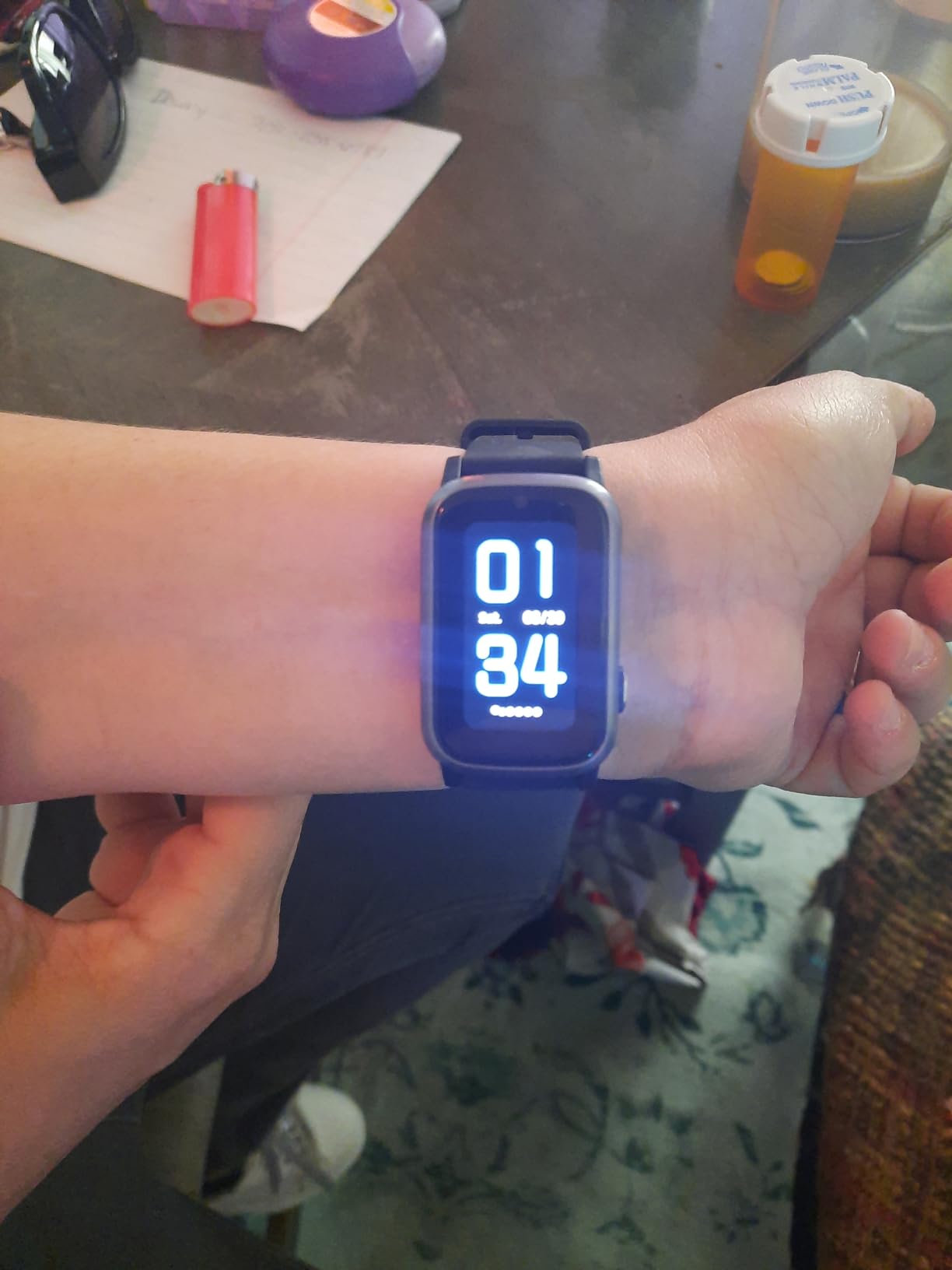
This is the one to buy if the real question is who picks up the phone at three in the morning. A three-to-five second press of the SOS button, or a qualifying fall, connects the wearer to a live monitoring professional over two-way voice. There is a house around the clock, which is a fundamentally different safety model from alerting relatives who are asleep.
Automatic fall detection sends the location with the alert, and owners report being credited with getting an ambulance to a user within minutes of a fall. The Med Alert Pro app gives a shared device account with location and battery information, a Find Me function, and one account supporting up to three devices, so siblings can all watch without buying separate plans. It measures heart rate, blood oxygen and blood pressure.
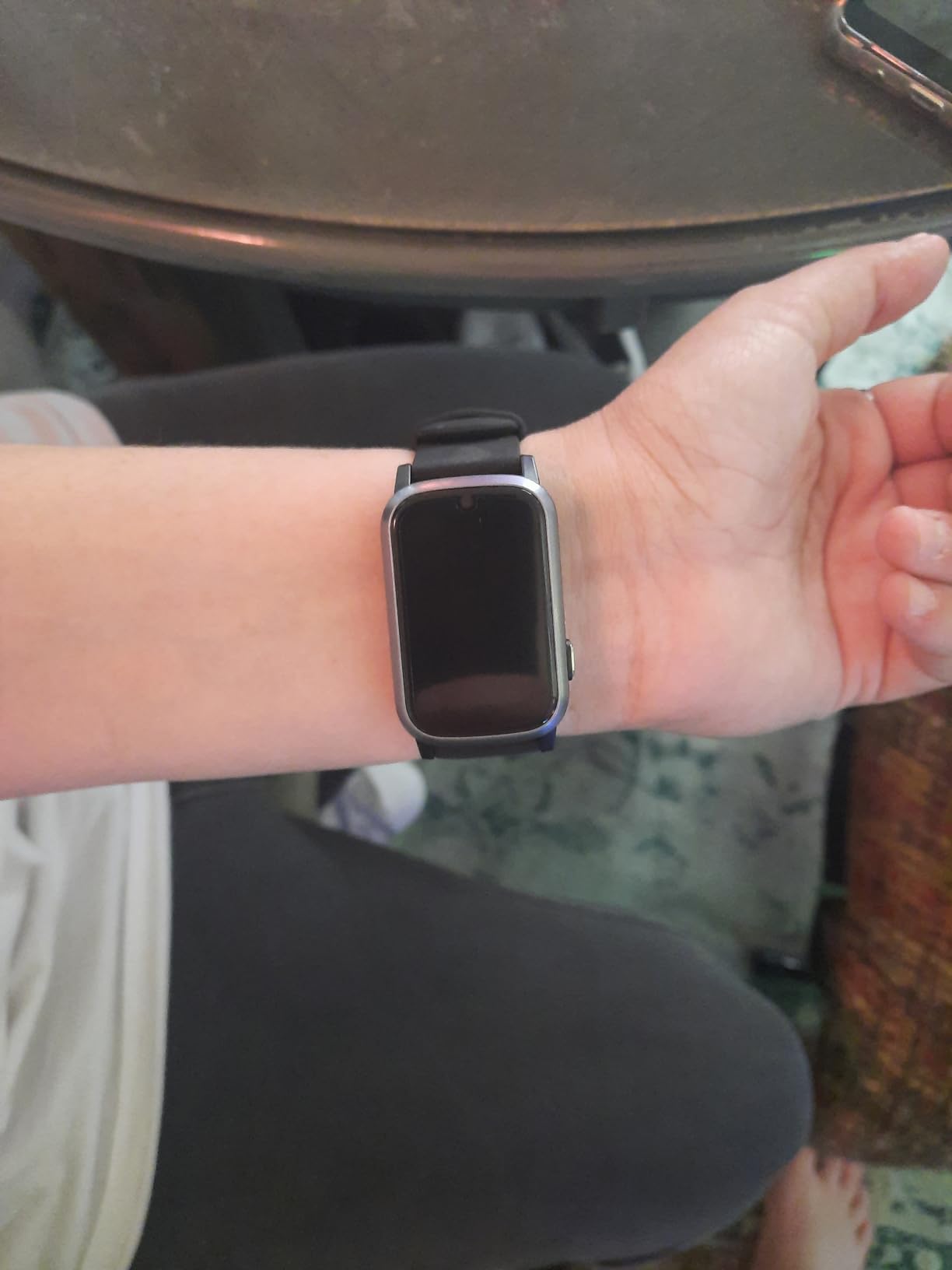
The honest problem is usability. Owners consistently report that setup is harder than the product looks for genuinely elderly users, and that an adult child ends up doing the configuration. The SOS button sitting close to the wrist also invites accidental presses, which generates false calls. A twenty-four percent one-star share is high for a device in a category where a false call triggers a phone call to a stranger.
There are reliability complaints too, with some units failing to power on and needing replacement, and fall detection that does not catch every fall. The seller warranty is described as a lifetime extended warranty while an active subscription is maintained, which is worth understanding before you rely on it.
Who it suits best
It suits a family whose relatives are not reliably available, and anyone who would rather a trained operator than a relative made the first response. The two-way voice over cellular is also the answer for a parent who cannot use a phone but can still talk.
It suits a budget comparison shopper, because the device cost sits far below most dedicated medical alert services even before any subscription is added.
Who it does not suit
It does not suit a parent who lives alone, is independent, and would react badly to the feeling of being permanently on call with a monitoring line. It does not suit a household that wants to avoid a recurring contract. And if the wrist is slim or the watch is worn loosely, plan for the SOS button problem before it becomes a daily annoyance.
6. Audar E2 Senior Smartwatch – Best Battery Life and No Monthly Subscription
Audar E2 Senior Smartwatch with Fall Detection & SOS, Vital Sign Monitoring
Built-in cellular eSIM
No monthly subscription
Heart rate, blood pressure, SpO2 and temperature
Up to 10-day battery
IP67
Pros
- Up to 10 days of battery with hourly measurements
- Built-in cellular eSIM so no phone or Wi-Fi needed
- No monthly subscription required
- Multiple carers can view data and change settings remotely
- Watch styling that seniors accept more readily than a pendant
Cons
- Mixed fall detection reliability in reviews with missed falls reported
- Small on-watch text and settings that vanish quickly
- SMS and voice alerts consume paid tokens
- Cannot place emergency calls from the watch
The Audar E2 solves the two problems that generate most support calls: charging and the monthly fee. The built-in eSIM connects to low-cost IoT networks in more than twenty countries with no roaming charges, and there is no monthly subscription. Battery life is up to ten days with hourly measurements, and up to thirty days in standby, which is the longest in this roundup by a wide margin.
The vitals coverage is unusually wide for this class. Built-in sensors measure heart rate, blood pressure, blood oxygen and body temperature at intervals you set, from every thirty minutes to every four hours, or on demand, with trend charts on the Audar Health Platform. Alerts can fire when a vital deviates from its normal range, and a remote platform lets multiple carers view data and change settings from any internet-connected device.
What it cannot do is important. There is no GPS, and it cannot place emergency calls from the watch, so alerts go to contacts by SMS, voice message, email or platform rather than to emergency services. Those messages consume paid tokens, which some owners find surprising when it arrives as a charge on a bill.
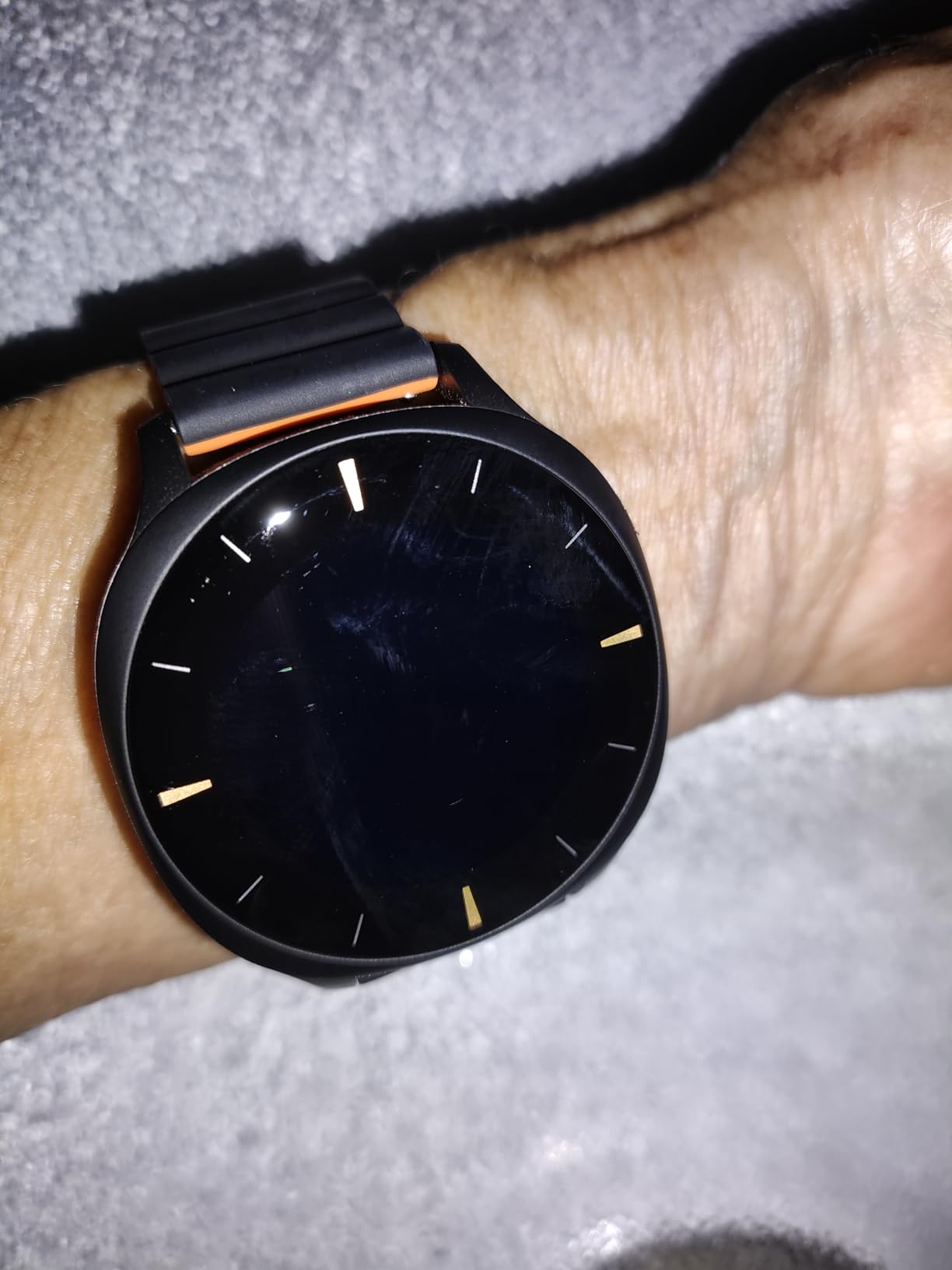
Fall detection behaviour is genuinely mixed. Several buyers report the trigger firing on a real fall, and others report real falls, including hard falls and head impacts, going unalerted, alongside false alerts while simply sitting or eating. The on-watch text is small and settings disappear quickly, which is hard for low-vision users, and the printed manual is difficult to read.
Who it suits best
It suits a parent living alone who is forgetful with chargers, since ten days between charges changes the reliability equation completely. It also suits a family with several carers who want shared remote access to health trends without a recurring contract.
The discreet watch styling and magnetic strap help with adoption. The adjustable magnetic strap fits wrists from 135 to 238 millimetres and is easy to put on with limited dexterity, which is a real advantage over a buckle.
Who it does not suit
It does not suit anyone whose priority is wandering risk, because there is no GPS. It does not suit a household that needs emergency services called automatically, since the watch cannot make the call. And with a 3.6 average and a substantial share of one-star reviews, it is not the choice for a family that cannot tolerate inconsistent fall alerts.
7. Google Pixel Watch 5 41mm – Best for Loss of Pulse Detection
Google Pixel Watch 5 (41mm) – Android Smartwatch – Fog – Wi-Fi
Loss of Pulse Detection
Up to 40 hours of battery
Heart rate and sleep stage analysis
50m water resistance
31 g
Pros
- Loss of Pulse Detection is unique in this roundup and can prompt an emergency call
- Up to 40 hours of battery is the longest among the mainstream watches
- Heart rate tracking described as Google's most accurate to date
- Sleep stages and breathing regularity summarised into a Sleep Score
- Gorilla Glass domed display is scratch resistant and readable
Cons
- Android-only and will not pair with an iPhone
- Only 81 ratings give a thinner evidence base than the alternatives
- Wi-Fi configuration has no independent LTE
- Premium price for the Google ecosystem
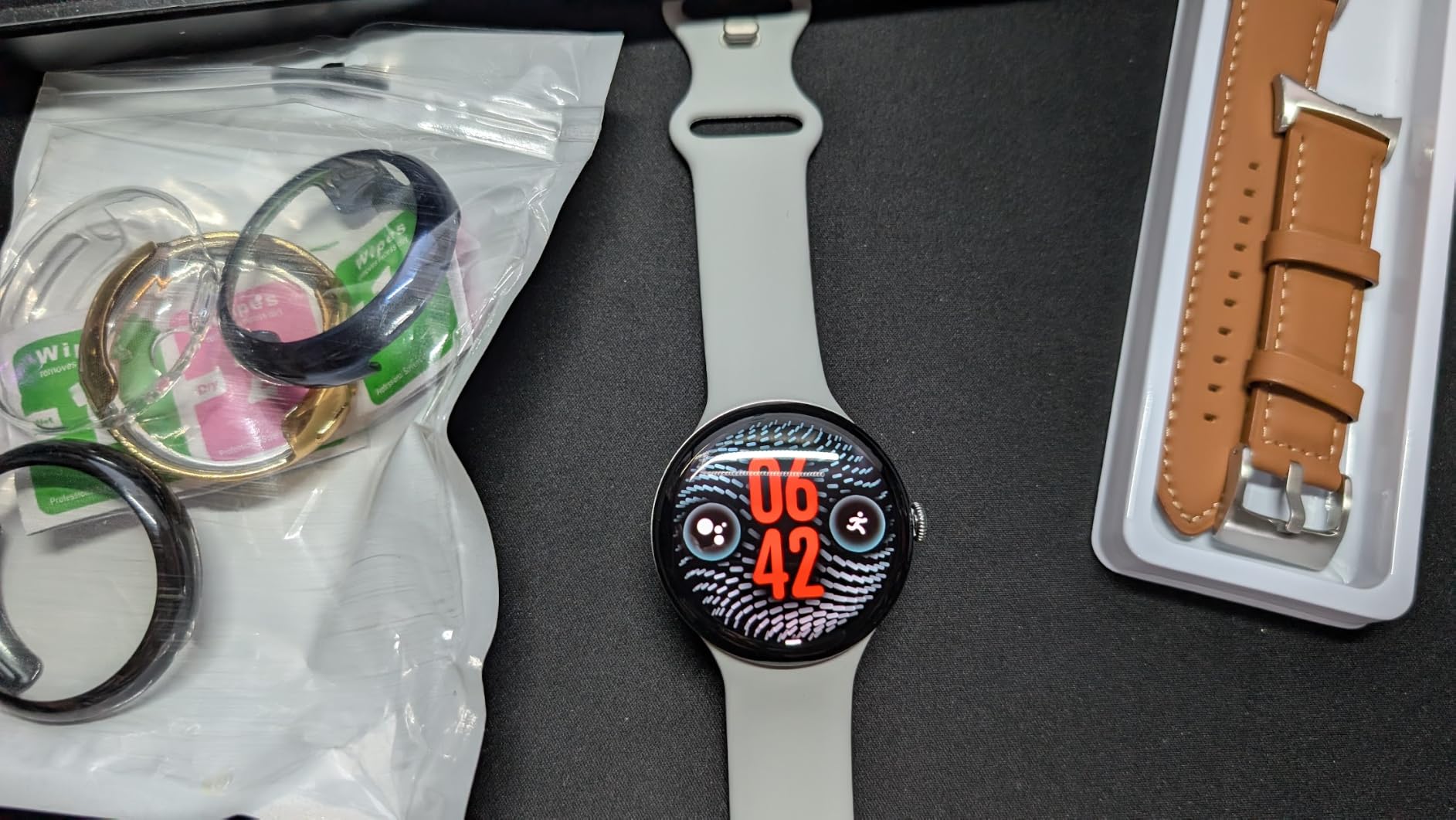
The Pixel Watch 5 has one feature that no other watch in this roundup has. Loss of Pulse Detection watches for an absence of pulse and can prompt a call to emergency services, which covers a scenario fall detection cannot, namely a person who is already unwell and simply stops responding where they stand.
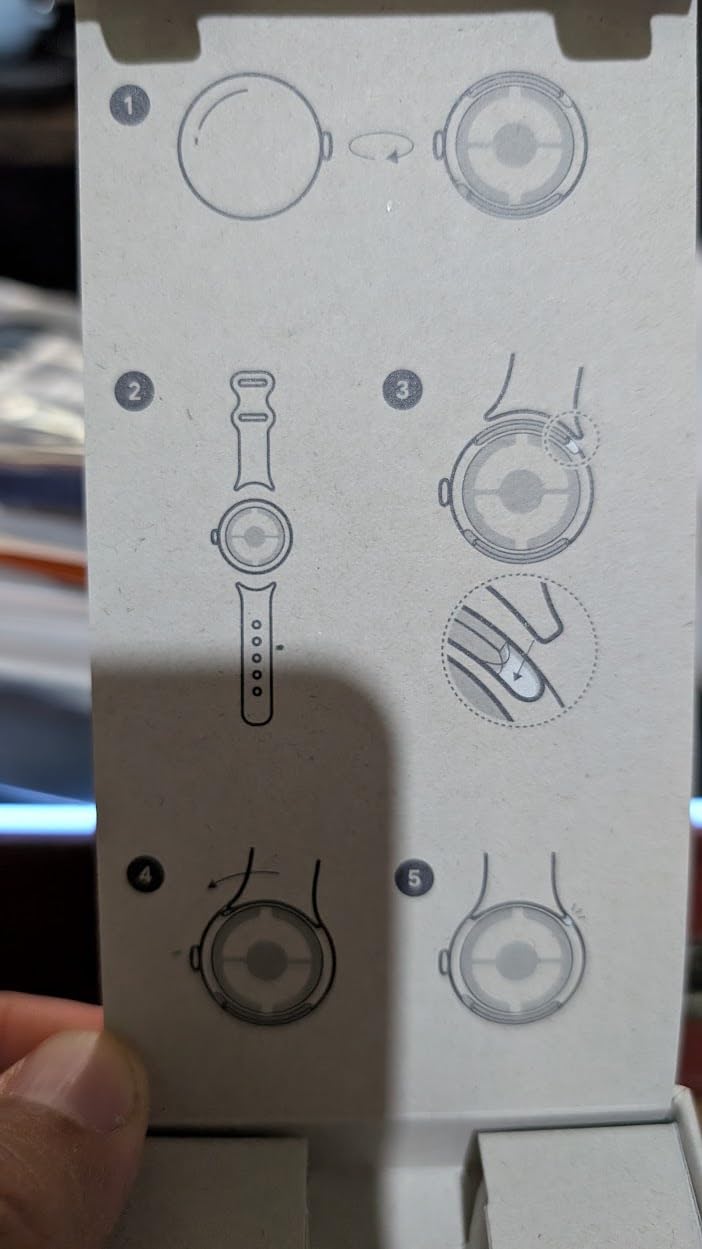
Beyond that, the practical numbers are strong. Battery life is up to forty hours, the longest among the mainstream smartwatches here and comfortably better than the Apple Watch SE. The 41mm case weighs 31 grams, and the domed Actua 360 display with Gorilla Glass is readable from an angle. Sleep insights include stages and breathing regularity rolled into a single Sleep Score, and Google Health Coach helps build a personalised plan.
Two cautions. First, this is a recent release with 81 ratings, so the evidence base is far thinner than the Apple and Samsung models. A 4.6 average from eighty-one reviews tells you less than the same rating from eight thousand, and we would want more history before making it the default for a parent.
Second, it is the Wi-Fi configuration with no independent LTE, so features depend on being near a paired phone or on Wi-Fi. It is Android-only. If you need a watch that works alone in a field or a car park, this is not that watch.
Who it suits best
It suits an Android household with a parent whose risk is cardiac rather than purely mobility-related, since Loss of Pulse Detection covers a gap the other devices leave open. It also suits anyone who finds forty hours of battery removes a daily chore.
For a parent already using Google phones and apps, the setup will feel like less of a foreign object than a Samsung or Apple watch would.
Who it does not suit
It does not suit an iPhone household. It does not suit a family that needs alerts that work far from a phone, because of the missing LTE. And it is not the first choice for a cautious buyer who wants a decade of owner history behind the device.
8. Samsung Galaxy Watch 8 40mm – Best for Built-in GPS and the Longest Warranty
Samsung Galaxy Watch 8 (2025), Graphite, 40mm, Bluetooth Smartwatch
Built-in GPS
Advanced Sleep Coaching
Energy Score summary
30 g design
2-year warranty
Pros
- Only 30 g
- the lightest device in this roundup
- Built-in GPS works away from the paired phone
- Two-year manufacturer warranty plus two years of spare parts
- Energy Score summarises sleep
- activity and heart rate in one number
- Blood pressure tracking available after calibration with a cuff
Cons
- Screen is much dimmer than the Galaxy Watch 7 at 500 nits
- Small 1.3-inch 240 by 240 display is hard to read for detailed numbers
- Blood pressure needs a separately purchased calibration cuff
- Android phones only
This is the one to consider when comfort comes first. At thirty grams it is the lightest device we reviewed, noticeably lighter than the Galaxy Watch 7’s listed weight, and the design is thinner and snuggier than earlier Galaxy models. For a parent who takes their watch off at night or complains about anything on the wrist, that is not a cosmetic detail.
It also has built-in GPS on this configuration, so location works away from the paired phone, which addresses the gap in the Watch 7. Advanced Sleep Coaching with Bedtime Guidance gives plain-language sleep advice, and the Galaxy AI Energy Score summarises the previous day’s sleep, activity and heart rate into one number. A two-year manufacturer warranty with two years of spare part availability is the longest coverage in this roundup.
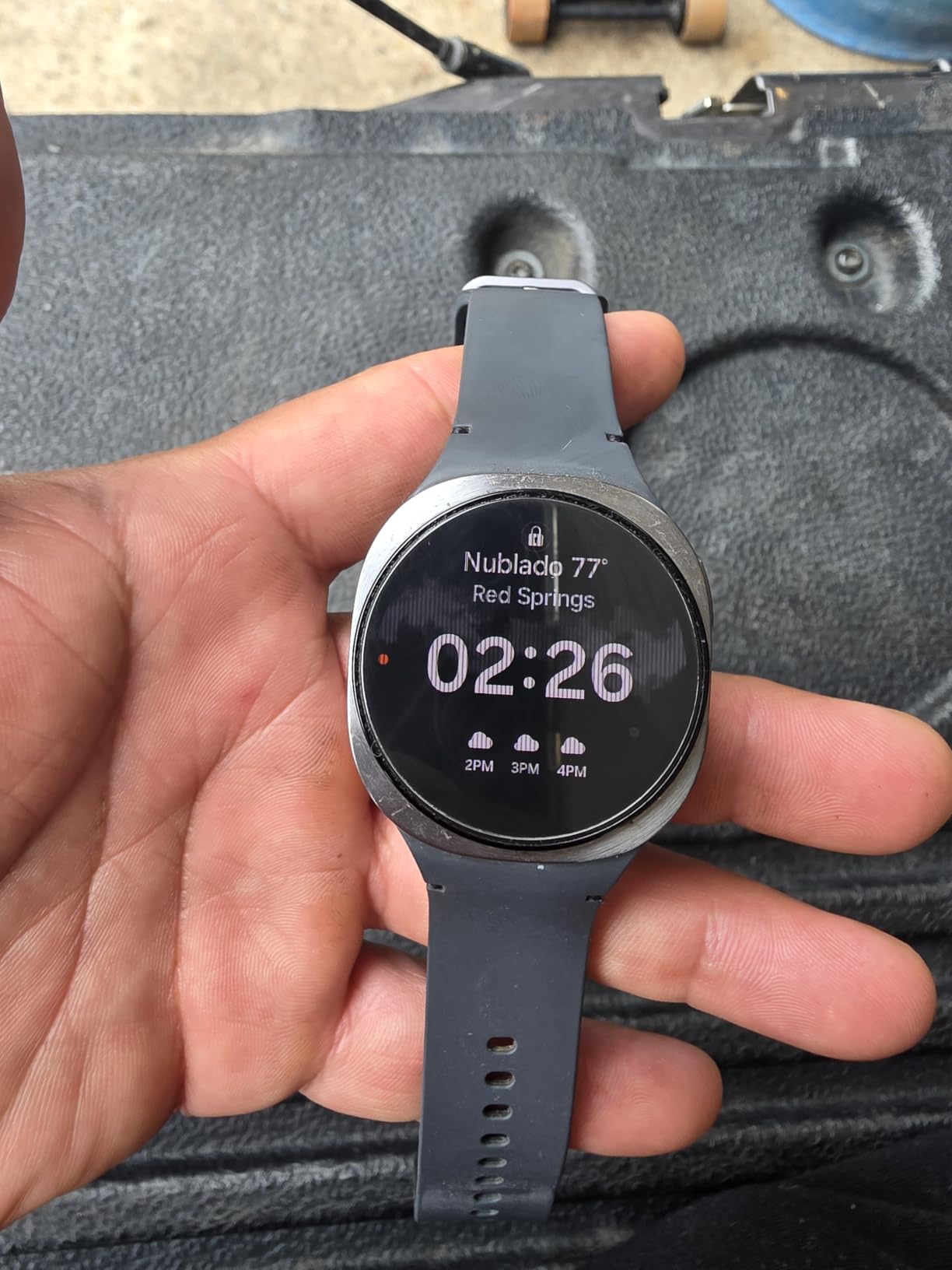
The display is the trade-off, and it is a real one. Maximum brightness is listed at 500 nits against the Watch 7’s 2000, and the 1.3-inch 240 by 240 screen is small for reading detailed numbers. For a parent with reduced vision who spends time outdoors, that is the wrong screen. For a parent who wants to forget they are wearing something, it is the right watch.
Blood pressure tracking is available, but only after calibration with a separate cuff you have to buy. At a 4.4 average across 1997 ratings, it is the lowest-rated of the mainstream smartwatches here, and the review set is consistent about why: owners like the form and dislike the screen.
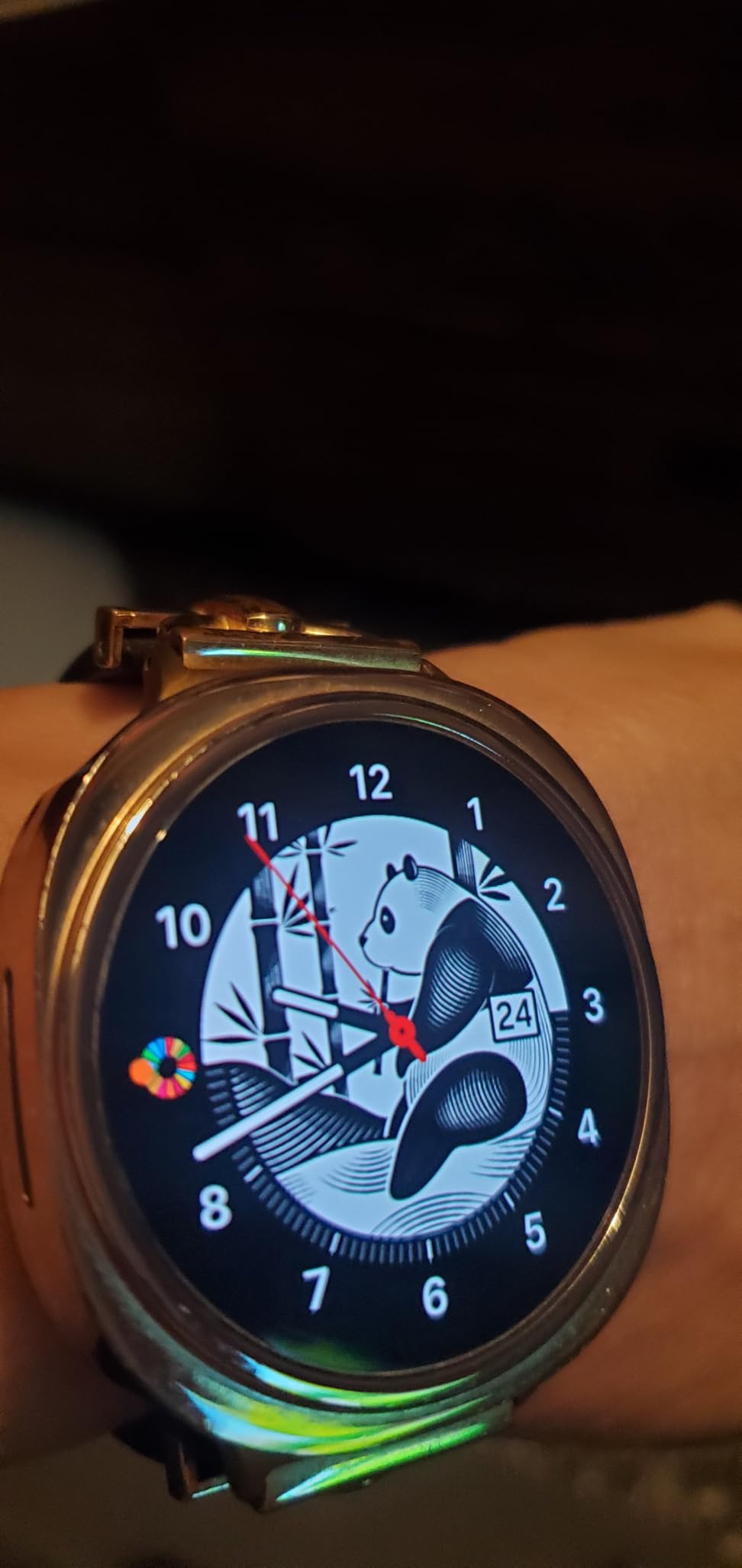
Who it suits best
It suits a parent with sensitive skin or a wrist that bruises easily, since the low weight reduces the chance of pressure marks over a long day. It also suits anyone who walks regularly away from their phone, because the built-in GPS is a genuine functional difference rather than a spec line.
The two-year warranty makes it attractive for a household that plans to keep a watch for years rather than replace it when a new model lands.
Who it does not suit
It does not suit a parent with vision decline, because the display is small and dim. It does not suit anyone wanting blood pressure readings without buying a separate cuff. And as with the other Samsung models here, it does not work with an iPhone.
9. Yihou Fall Detection Smart Watch – Most Versatile With No Subscription
Yihou Fall Detection Smart Watch for Seniors Fall Alert Watch with SOS
Cancel countdown after a fall
SOS to a preset contact
Bluetooth calling
1.9-inch display
No subscription
Pros
- No subscription or monthly contract of any kind
- Cancel countdown gives the wearer a chance to stop a false alert
- Works with both Android and iOS unlike most of this roundup
- Large 1.9-inch display shows time
- calls and activity clearly
- Silicone
- leather and steel band options
Cons
- Entirely dependent on a paired smartphone with no cellular or GPS
- Fall detection can stop silently if permissions or Bluetooth drop
- Setup needs a family member to install
- pair and add contacts
- Lowest average rating in the roundup at 3.3 with a 24 percent one-star share
This is the cheapest way to test whether automatic fall detection suits your family at all, with no contract attached. The feature that makes it interesting is the cancel countdown. After a detected fall, a timer runs and the wearer can cancel it, which stops a false alert reaching the caregiver list before anyone is troubled. That single design choice addresses the number one complaint we heard from owners of other devices.
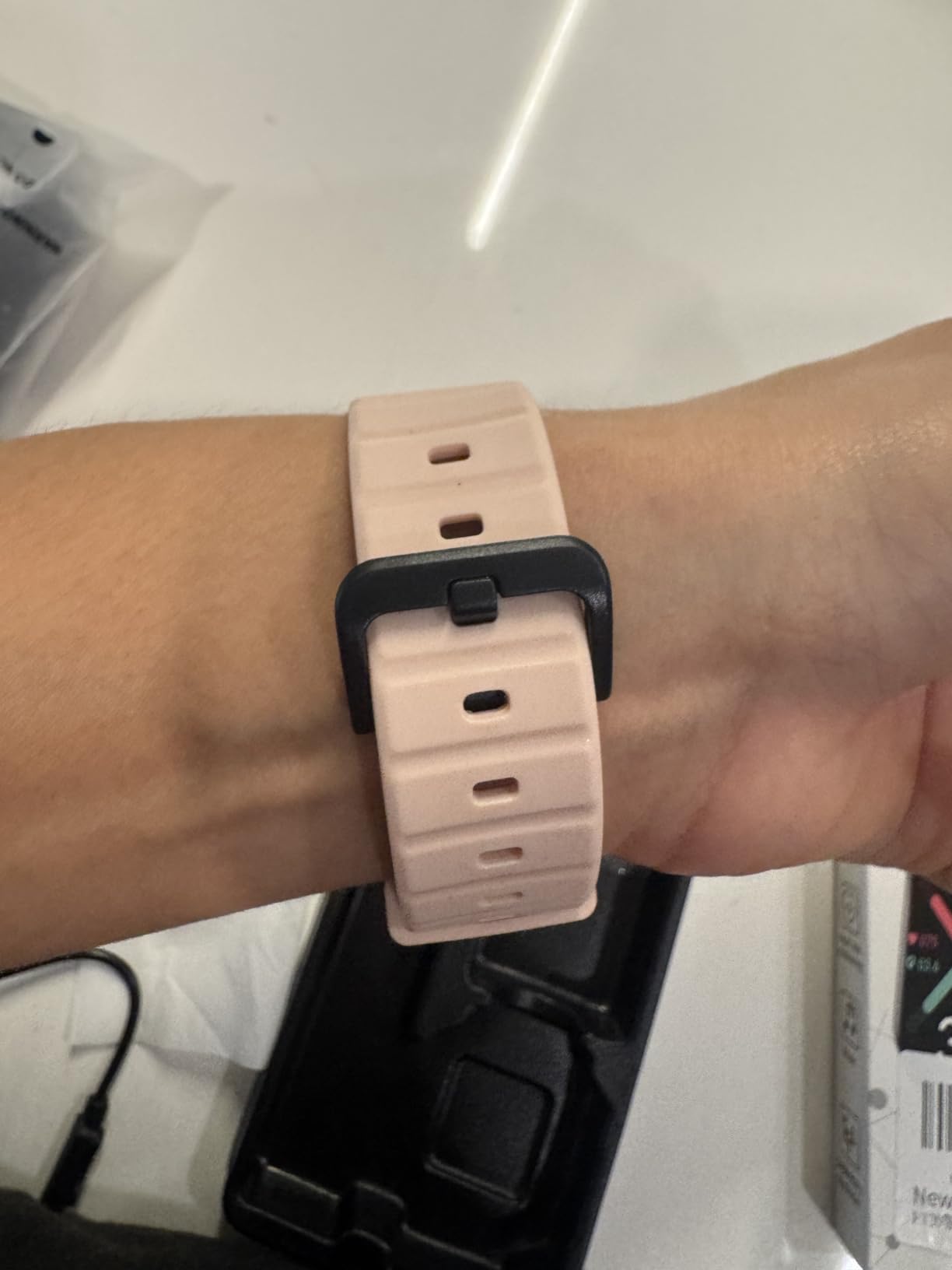
It measures heart rate, sleep duration, distance and step count, with alarms and sedentary reminders for daily routines. The 1.9-inch display is the second largest here, and it works with both Android and iOS phones through the Joemefit companion app, which is rare in this roundup. Bands come in silicone, leather and steel.
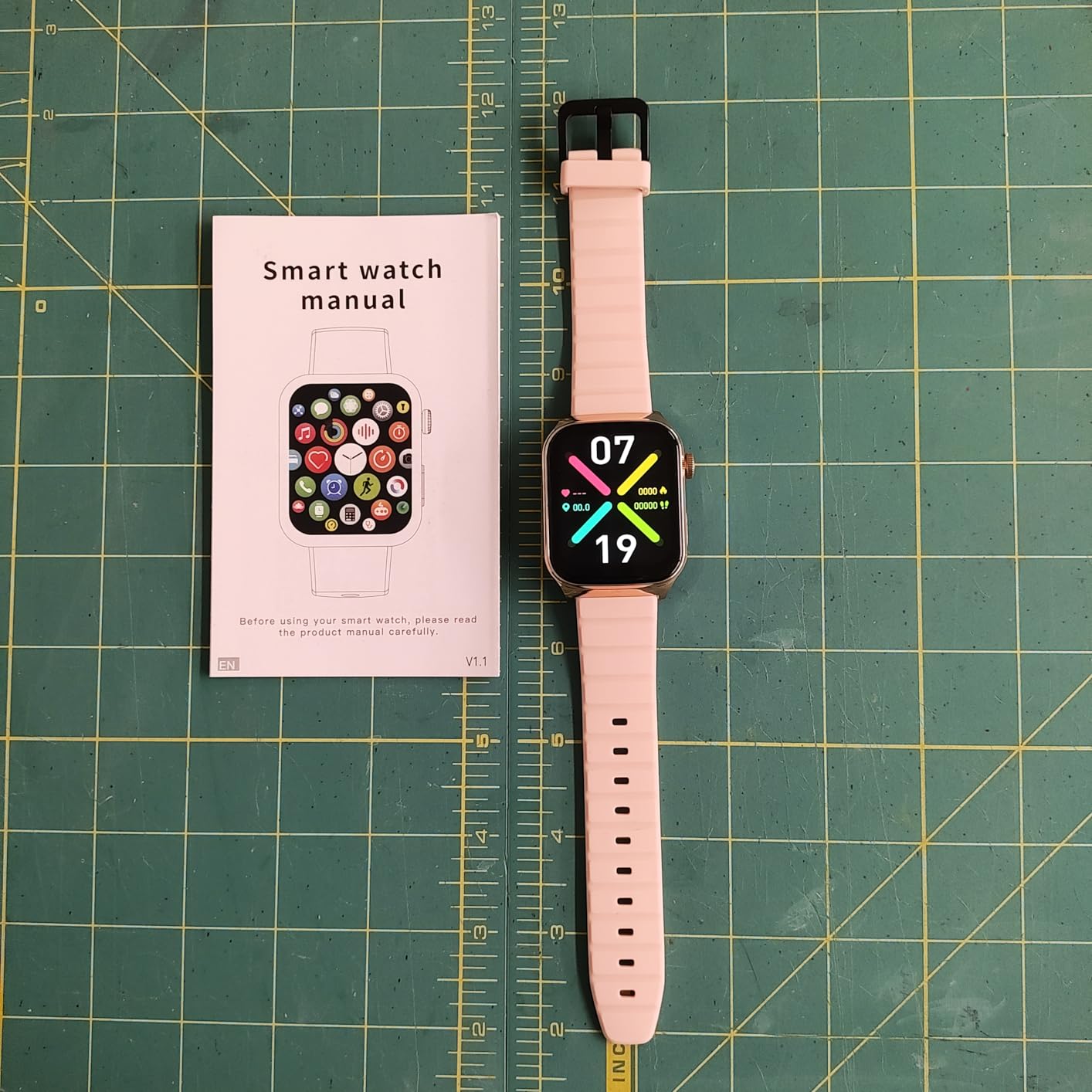
Be clear about what it is. This is explicitly a phone-connected safety watch, not a standalone cellular, GPS or emergency dispatch device. If the paired phone is out of range, or permissions lapse, or Bluetooth drops, fall detection can stop working with no indication on the wrist. That is a structural weakness, not a settings problem.
The rating tells the wider story. At 3.3 across 50 ratings with a 24 percent one-star share, this is the lowest-scoring device we reviewed. Wellness readings are general reference only and are not a substitute for medical equipment, and the band and case sizing should be checked for smaller wrists before ordering.
Who it suits best
It suits a family that wants a first step rather than a final decision, or a parent who lives with an adult child in the same home and will always be within Bluetooth range. It is the one to try before committing to a subscription model.
It also suits anyone who refuses a recurring contract on principle, and households that mix Android and iOS where a single shared solution is needed.
Who it does not suit
It does not suit a parent living alone with wander risk, because there is no GPS. It does not suit anyone who needs emergency services dispatched automatically. And it is a poor fit for a household that cannot be counted on to maintain the phone-side setup, because the alerts depend on it entirely.
10. No Contracts Medical Alert Watch (saw911-365) – Best for Bringing Your Own SIM
No Contracts, Medical Alert Watch, Smart Health Watch (Model saw911-365)
No contract or commitment
Fall detection and emergency call button
Built-in GPS
Heart rate, blood pressure and SpO2
4G with SIM
Pros
- No contract or ongoing monitoring commitment of any kind
- Built-in GPS with push-button control
- Measures heart rate
- blood pressure
- oxygen level and steps
- Waterproof enough for shower and continuous wear
- One reviewer reports a cat pressing the button triggered an immediate response
Cons
- Durability is the main complaint with units dying within weeks to a year
- Side navigation button failures render the watch unusable
- Setup is difficult even for a younger user
- Displays military time rather than standard 12-hour time
- Requires your own SIM card and a monthly plan
The appeal here is the absence of a contract. There is no monitoring commitment and no provider lock-in, which removes the single thing families most often regret about medical alert services. It runs on 4G cellular with a nano SIM you supply, has built-in GPS, and also pairs over Bluetooth with any smartphone, so you can choose which network you use and which alerts go where.
It reports heart rate, blood pressure, oxygen level and step count, can be used as a phone, and is waterproof enough to be worn in the shower and around the clock. A magnetic charger is simple once you understand it, and one reviewer describes customer service as helpful.
Durability is where it falls down, and the review set is blunt about it. Multiple owners report the watch dying within weeks to a year, and failures of the side navigation button render it unusable. A device that fails is a device that does nothing in the exact moment you bought it for, so this is not a minor complaint. Setup is also described as difficult even for a younger user, and the display defaults to military time, which is disorienting for anyone used to a normal clock.
Skin irritation from the band material is reported by some owners, and it still needs your own SIM and a monthly data plan for the calling features. At 3.4 across 35 ratings, this is the smallest evidence base in the roundup, and we would treat the specification as unverified.
Who it suits best
It suits a family that has been burned by a monitoring contract and wants the hardware without the commitment. It also suits anyone who already has a nano SIM and a good mobile data plan, and who wants location that works away from a phone.
It is a reasonable choice for a parent who is still driving or walking alone outdoors, since the built-in GPS is a genuine advantage over the phone-dependent models.
Who it does not suit
It does not suit a household that needs a device to keep working for years without intervention, given the reported hardware failure rate. It does not suit anyone with vision or dexterity difficulties, because setup is demanding and the military-time display adds friction. And for a parent living alone, we would want stronger evidence of reliability than 35 ratings provide.
How Fall Detection Actually Works
Every device on this list runs the same basic chain of events, and understanding it tells you where the weaknesses are before you buy. It starts with an accelerometer, which measures the sudden change in speed at the moment of impact, and a gyroscope, which detects the change in orientation as the body rotates. Neither sensor knows what a fall is. They only know that something moved very suddenly.
The second stage is the part that matters most and is rarely explained. After an impact, the algorithm checks whether the wearer stays still. A person who has dropped a phone will pick it up within seconds. A person who has fallen and cannot get up will not. That immobility check, typically around a minute, is what separates a real fall from setting the watch down on a hard counter.
The third stage is a countdown, typically twenty to sixty seconds, shown on the wrist. If the wearer does not cancel it, the watch notifies the emergency contacts, the monitoring centre, or in some cases attempts a call to emergency services. Wrist Detection, the setting that locks the watch when it is off the wrist, exists to stop that final stage firing because the watch was knocked onto a shelf.
Now the honest part. That whole chain is tuned around hard falls, a high-velocity impact onto a surface. Slow falls, a slide down a wall or a controlled lower onto a chair, produce far weaker sensor signatures and are frequently missed. Most senior falls are not dramatic, which is why our view is that a watch with a large, unmissable SOS button is a necessary companion to any automatic detection here. Owners of some devices in this roundup report missed hard falls as well, and one MoneySavingExpert thread on an elderly GPS tracker with automatic fall detection records the device triggering several times on events that were not falls at all.
How to Choose the Best Smartwatches for Seniors With Fall Detection
Decide who answers the alert first
This is the single most important decision, and it is not a spec question. A direct-to-family model such as the Seculife sends the alert to your contacts, which is fast and free of judgement calls but only helps if someone answers. A monitored model such as the Smart Med Alert Watch routes to a live operator who will dispatch help regardless of whether a relative is reachable. Professional monitoring also tends to run as a monthly contract, which is a real ongoing cost.
For a parent who lives alone with family scattered across two time zones, monitoring is the safer choice. For a parent surrounded by family in the same building, direct alerts are usually enough and cost less to run.
Decide whether a phone is allowed in the equation
Four of the ten watches here have their own cellular connection and no phone nearby: the Seculife, the Smart Med Alert Watch, the Audar E2 and the saw911-365. The other six route their alerts through a paired phone or paired handset. The distinction is not cosmetic. A fall detected while the phone is charging in another room is a fall that may never be reported.
If your parent leaves the house regularly, walks alone, or does not keep a phone on them, standalone cellular is worth paying for. If they never leave the house and the phone is always in a pocket, a paired model is fine and simpler.
Match the battery to the person’s memory, not to the spec sheet
Battery figures in this roundup range from around one day on several devices to up to ten days on the Audar E2 and thirty days in standby. The relevant question is not which number is highest, it is how the wearer behaves. A forgetful parent with a one-day battery will have a dead watch twice a week, and a dead watch is worse than no watch because it looks like protection.
Build the charging habit into the day. A magnetic dock by the bedside or a fixed cable in the kitchen solves more reliability problems than any other single change, and several owners in this roundup describe the charging routine as the thing that makes the device work at all.
Check the screen with the parent’s actual eyesight
Display brightness ranges from 500 nits on the Galaxy Watch 8 to 2000 nits on the Galaxy Watch 7, and the smallest screen here is 1.3 inches. The relevant test is whether they can read the time and identify an incoming call from arm’s length in a dim hallway at two in the morning. If they cannot, none of the underlying detection technology matters.
A large SOS button is a genuine fallback for a wearer who cannot manage a touchscreen. Look for a physical button that can be located by touch, because that is the control most likely to be used when the screen is useless.
Treat GPS and geofencing as a wandering feature
Standalone GPS with geofence safe zones is the feature that matters for early-stage dementia or Alzheimer’s wandering. The Seculife and the saw911-365 have built-in GPS, and the Seculife keeps a year of location history with geofence zones you define. Bluetooth-only mainstream watches depend on the phone for location, which is fine while the phone is carried and useless when it is not.
Note the interaction with fall detection. A geofence alert tells you a person has left a safe area. A fall alert tells you a person is on the ground. They are different problems and the devices that handle both are rare.
Understand the monitoring contract before you sign up
Subscription models are the hidden cost in this category. A device that looks inexpensive can carry a monthly charge for the alerting service, and the fall detection feature itself is sometimes an add-on rather than included. Check whether the price covers fall detection, what the cancellation terms are, and what happens to the alerting if the subscription lapses.
Insurance coverage is worth checking with your specific plan rather than assumed. Original Medicare does not generally treat a consumer smartwatch as a covered durable medical device, and fall detection watches sit in a similar position to a medical alert system. Some Medicare Advantage plans offer wellness or connectivity allowances that could offset part of a device or plan, and those vary by plan and county. Ask your plan directly, and check whether a workplace or retirement benefit includes any allowance before paying out of pocket.
Test the alert chain before you need it
Set the device up, then deliberately trigger a test alert with the parent present. Watch how long it takes, confirm everyone receives it, and confirm someone actually answers. Caregivers consistently say the reliability of the chain matters more than the sensor, and the forums are full of questions about who gets called and whether they pick up.
Test the fall response too, using the manual trigger rather than an actual drop. A cat pressing the button on one of the models here produced a genuine emergency response according to its owner, which tells you the chain works, and also tells you something about the sensitivity of that chain.
How to Stop False Alarms
False alerts are the fastest way to make a senior take a device off and never put it back on. A watch that cries wolf gets ignored, and an ignored watch protects nobody. Caregivers in the forum discussions describe exactly this pattern, with one thread noting that a fall detector triggered several times without a real fall.
Use the cancel countdown as your primary defence. Devices such as the Yihou give the wearer a window to cancel before the alert reaches anyone, which converts a false alarm into a small wrist movement instead of a phone call to your sibling at work.
Second, tune the sensitivity rather than switching detection off. A watch that no longer detects anything is not a safety device. If your parent walks slowly or uses a cane, test-drop the watch at their walking pace rather than at a gym pace, because most detection algorithms are tuned to a faster, harder impact than a careful older person’s fall actually is.
Third, check the easy causes. A wrist worn too loose moves with the arm, a watch knocked against furniture mimics an impact, and vigorous activity such as gardening or a chopping motion can look like a fall to the accelerometer. Wrist Detection stops the watch triggering when it is off the wrist, which removes an entire class of accidental alerts.
Finally, if a device produces repeated false alerts that cannot be tuned out, treat that as disqualifying rather than something to live with. A device your family has learned to ignore is equivalent to no device at all.
Getting Your Parent to Actually Wear It
The hardest problem in this category is not accuracy, it is adoption. Many seniors refuse pendant-style devices outright because of embarrassment or the feeling that wearing one signals a loss of independence, and a watch is already a much better object to live with for that reason alone.
Frame it around independence, not fear. A description of what the device prevents, such as lying on a bathroom floor for four hours before anyone notices, lands very differently from a description of what it monitors. Several caregivers in our reading described a fall detection watch as an obvious gift for an elderly parent when the wearer already uses a compatible phone, which suggests the framing that works is capability rather than surveillance.
Ask them to choose the band, the face and the colour. That is a small act of control over an object being introduced into their life, and it costs nothing. The Audar E2’s magnetic strap and the Galaxy Watch 8’s thirty-gram weight are both easier to accept than a buckle or a heavy device, and the physical comfort of the thing is what decides whether it stays on the wrist at night.
Set up the watch in front of them. Watch the screenshare or sit together while the contacts are added, because a device whose setup a family member understands alone will fail silently the first time something goes wrong. Then agree on what happens when an alert fires, so that the response is a rehearsed habit rather than a surprise.
Assisted living deserves its own paragraph, because the assumption that a facility will cover this is often wrong. A caretaker of an 84-year-old widowed mother in assisted living reported that the facility’s own alarm system is poor for night-time falls, which is a scenario that appears repeatedly in forum discussions. If your parent is in a facility, ask specifically what the night-time call system covers and how quickly staff respond, and treat a personal watch as a supplement to the call buttons rather than as a replacement.
Frequently Asked Questions
What is the best smartwatch for seniors that has fall detection?
The Apple Watch SE (2nd Gen) is the best overall pick. It detects hard falls automatically, includes Emergency SOS and Crash Detection, and has by far the largest review base of any watch in this roundup, with more than 13,000 ratings averaging 4.6 stars. It requires a paired iPhone and needs charging roughly every night. For Android households, the Samsung Galaxy Watch 7 40mm is the equivalent choice.
What smartwatch is best for older people who fall frequently?
For frequent falls, prioritise a large physical SOS button and a cancel countdown alongside automatic detection, because repeated low-impact falls are often missed by motion sensors. The Yihou Fall Detection Smart Watch has a cancel countdown and works with both Android and iOS with no subscription, while the Smart Med Alert Cellular Watch reaches a 24/7 live operator. A watch that can be cancelled by the wearer is more useful day to day than a more sensitive one that cries wolf.
What is the best fall detection watch for seniors?
It depends on who answers the alert. The Seculife Medical Alert Smartband sends alerts straight to your family over standalone 4G LTE, which is fastest when relatives are nearby. The Smart Med Alert Cellular Watch routes alerts to a live monitoring professional, which is safer when family are not reliably available. Both include automatic fall detection, GPS and two-way calling, and both require an ongoing monthly plan.
Does Medicare cover fall detection devices for seniors?
Generally no. Original Medicare does not treat consumer smartwatches or fall detection watches as covered durable medical equipment, and medical alert systems sit in a similar category. Some Medicare Advantage plans include wellness, connectivity or device allowances that could offset part of a cost, but these vary by plan and county. Check your specific plan directly, and also look for any workplace or retirement benefit that offers a device allowance.
Do fall detection smartwatches require a monthly subscription?
Some do and some do not. The Seculife Medical Alert Smartband, the Smart Med Alert Cellular Watch and the saw911-365 model use an ongoing subscription or your own mobile plan for alerts, GPS and monitoring. The Apple Watch SE, Apple Watch Series 11, Samsung Galaxy Watch 7, Samsung Galaxy Watch 8, Google Pixel Watch 5 and the Yihou watch do not, but they depend on a paired phone and offer no professional monitoring centre.
Do fall detection smartwatches work without a smartphone?
It depends on the model. The Seculife, Smart Med Alert, Audar E2 and saw911-365 have their own cellular connection and work with no phone nearby, which matters for a parent who walks out of Bluetooth range. The Apple Watch, Samsung Galaxy Watch, Google Pixel Watch and Yihou models route alerts through a paired phone, so fall detection can stop working silently if the phone is out of range or app permissions lapse.
Conclusion: The Best Smartwatches for Seniors With Fall Detection in 2026
There is no single right answer to which of the best smartwatches for seniors with fall detection belongs on a particular wrist, because the decision is mostly about the household rather than the device. If the parent is in an Apple home and you want the least to go wrong, the Apple Watch SE 2nd Gen is the pick, with the Series 11 as the upgrade when health monitoring and an always-on screen matter more than cost.
If the parent is on Android, take the Galaxy Watch 7 for its bright display and sleep tracking, or the Galaxy Watch 8 if a low weight and built-in GPS matter more. If the parent lives alone and family cannot always answer, the Smart Med Alert Cellular Watch with 24/7 operator response is the safer purchase, and the Seculife is the version where your relatives take the call themselves.
For anyone who wants no contract at all, the Yihou watch is the cheapest way to see whether automatic detection works for your family, and the Audar E2 is the pick when charging every night is the problem you cannot solve. The saw911-365 suits families who want to bring their own SIM, though its reported hardware failures make it a harder recommendation.
Whatever you choose, run a test alert before you need one, put the charging dock somewhere obvious, and set up the contact list together. If you tell us which model you chose for a parent in the comments, and the situation you were trying to cover, we can point you at the device that fits the next reader’s situation.
For wider reading, our guides to the best smartwatches for men, the best smartwatches for women, the best fitness smartwatches for tracking and the best smartwatches for running cover the fitness side of the category in more detail, including how heart rate and GPS accuracy compare across the major brands.