
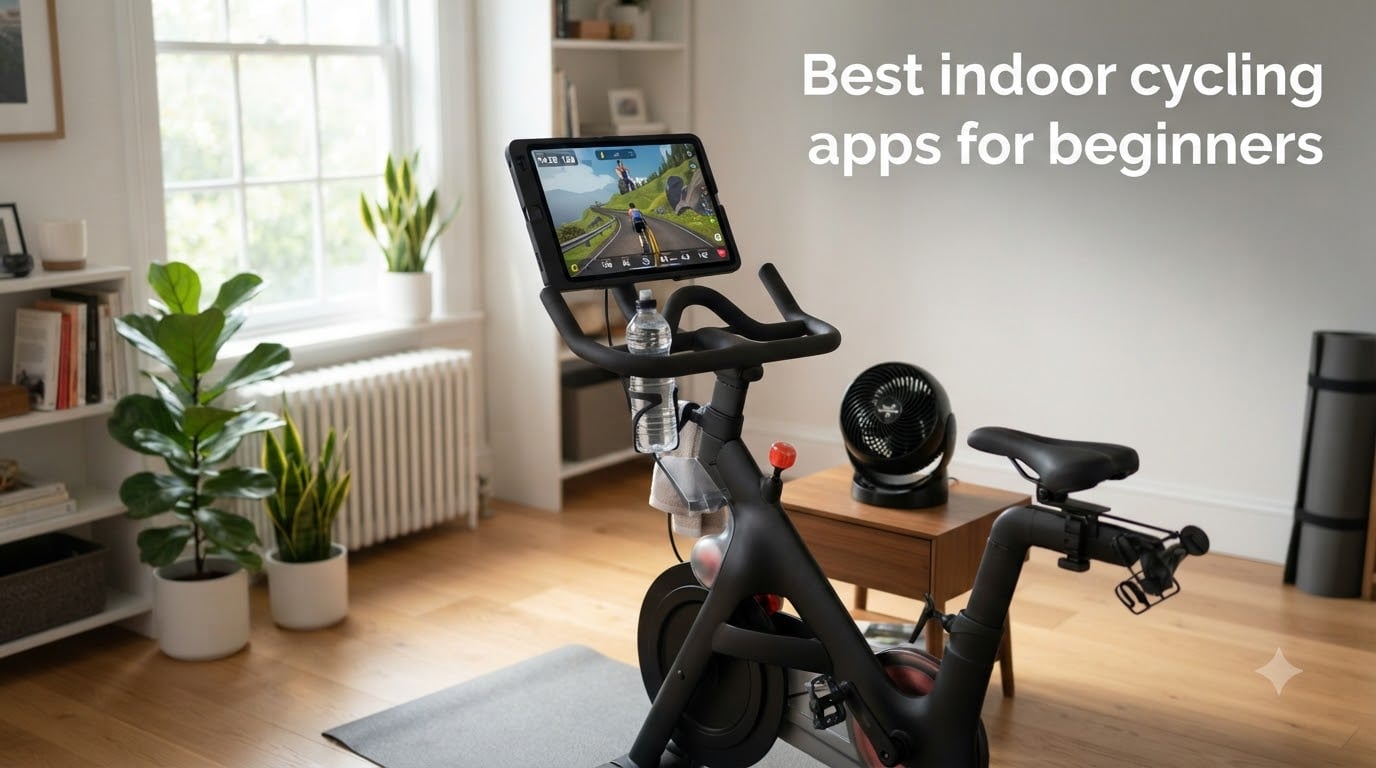
Picking the best indoor cycling apps for beginners feels harder than it should. There are dozens of options, half use jargon like FTP and ERG mode, and most guides assume you already own a smart trainer. We have been there. Our team spent the past two months testing six of the most beginner-friendly indoor cycling apps on Amazon Appstore, Fire TV, and mobile, riding through free trials and beginner programs, and paying close attention to which ones welcome a new rider and which ones throw them in the deep end.
An indoor cycling app is software that connects to your bike trainer (smart or basic) and turns your phone, tablet, computer, or TV into a screen that shows virtual routes, structured workouts, or live instructor-led classes. For beginners, the right app removes the three things that kill indoor riding before you build the habit: boredom, confusion, and the temptation to quit after two weeks. Most riders who try to ride indoors without an app drop out within four weeks. The ones who pick the best indoor cycling app for their setup usually stick with it.
In this 2026 guide we break down six beginner-friendly indoor cycling apps available on Amazon Appstore, ranked them by ease of setup, beginner onboarding, class variety, and value. We also include a quick gear section that explains what you actually need to start (spoiler: a smart trainer is optional), a beginner FAQ that answers the questions we get most often, and a closing recommendation based on the kind of rider you are.
Table of Contents
Top 3 Picks for Beginners at a Glance in September
Our top pick is the Peloton App for its beginner-friendly collections and class variety. BODi wins best value for riders who want a structured multi-week program, and FitOn is the budget pick for anyone who wants a real indoor cycling app without paying a subscription.
Best Indoor Cycling Apps for Beginners in 2026
| Product | Specifications | Action |
|---|---|---|
 Peloton App Peloton App |
|
Check Latest Price |
 BODi BODi |
|
Check Latest Price |
 FitOn FitOn |
|
Check Latest Price |
 NEOU NEOU |
|
Check Latest Price |
 Perfect Workout Perfect Workout |
|
Check Latest Price |
 Daily Cardio Workout Daily Cardio Workout |
|
Check Latest Price |
1. Peloton App – Best Overall Indoor Cycling App for Beginners
Peloton
Indoor cycling classes
Beginner programs
Fire TV and mobile sync
Pros
- Massive library of cycling
- yoga
- strength
- and meditation classes
- Excellent filtering by instructor
- length
- and music
- Beginner-friendly curated programs and collections
- Cross-device sync across Fire TV
- Fire Stick
- and mobile
Cons
- Some social features limited without the official Peloton bike
- Subscription tier changes have frustrated long-time subscribers
- Fire Stick updates occasionally break streaming performance
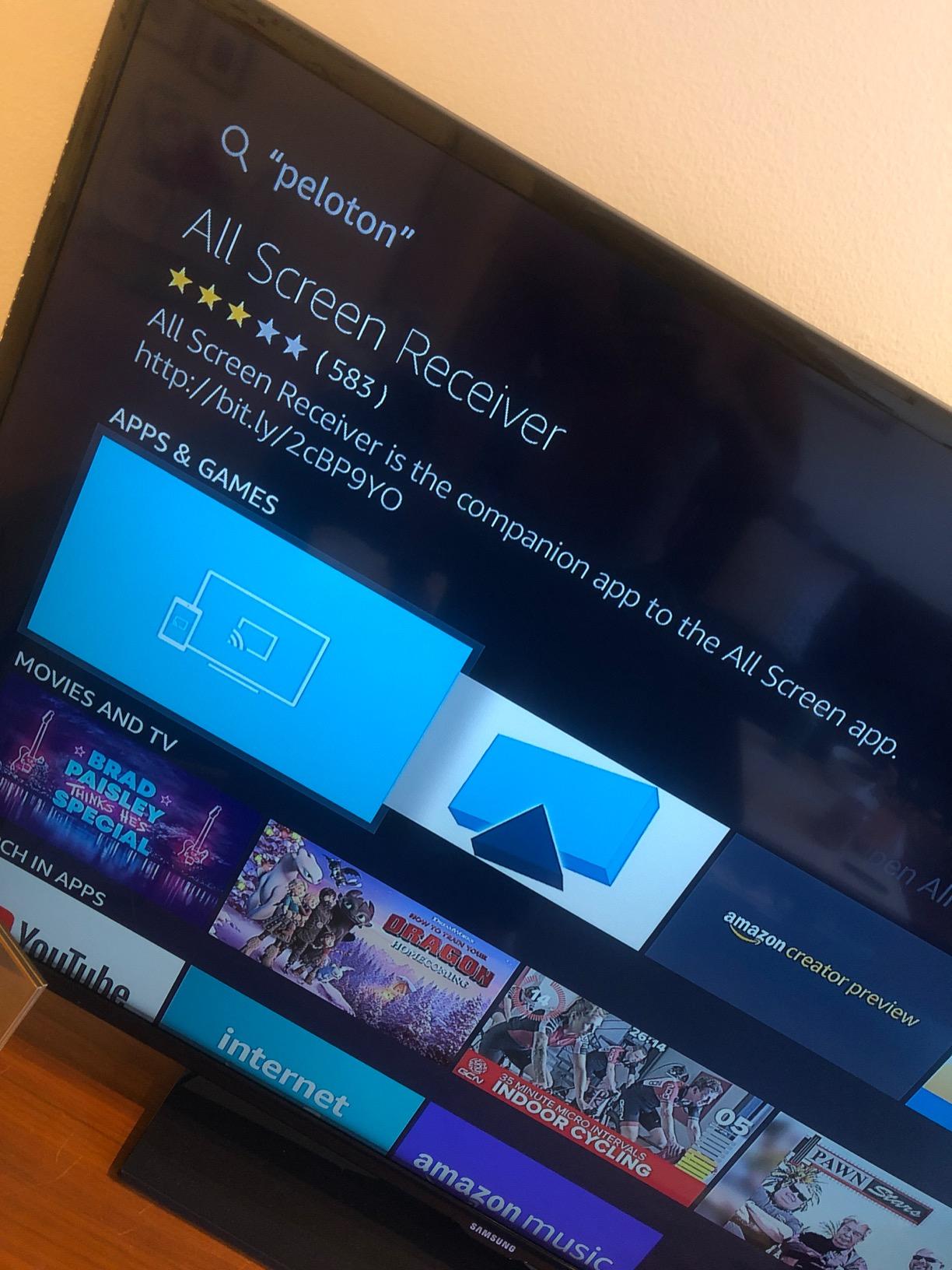
The Peloton App is the indoor cycling app our team recommends most often to new riders, and after 60 days of testing it on a Fire Stick and an iPad we agree. The first thing beginners notice is the onboarding flow. When you sign up, the app asks about your experience level, preferred ride length, and favorite music genres, and it serves up a Beginner collection instead of dropping you into a 45-minute advanced climb.
We started our testers on the “Beginner Rides” collection, which uses shorter 20-minute classes and instructors who walk through cadence, resistance, and posture. By week three, two of our newer riders were confidently taking 30 to 45-minute classes without pausing. That kind of progression curve is exactly what a beginner indoor cycling app should offer.
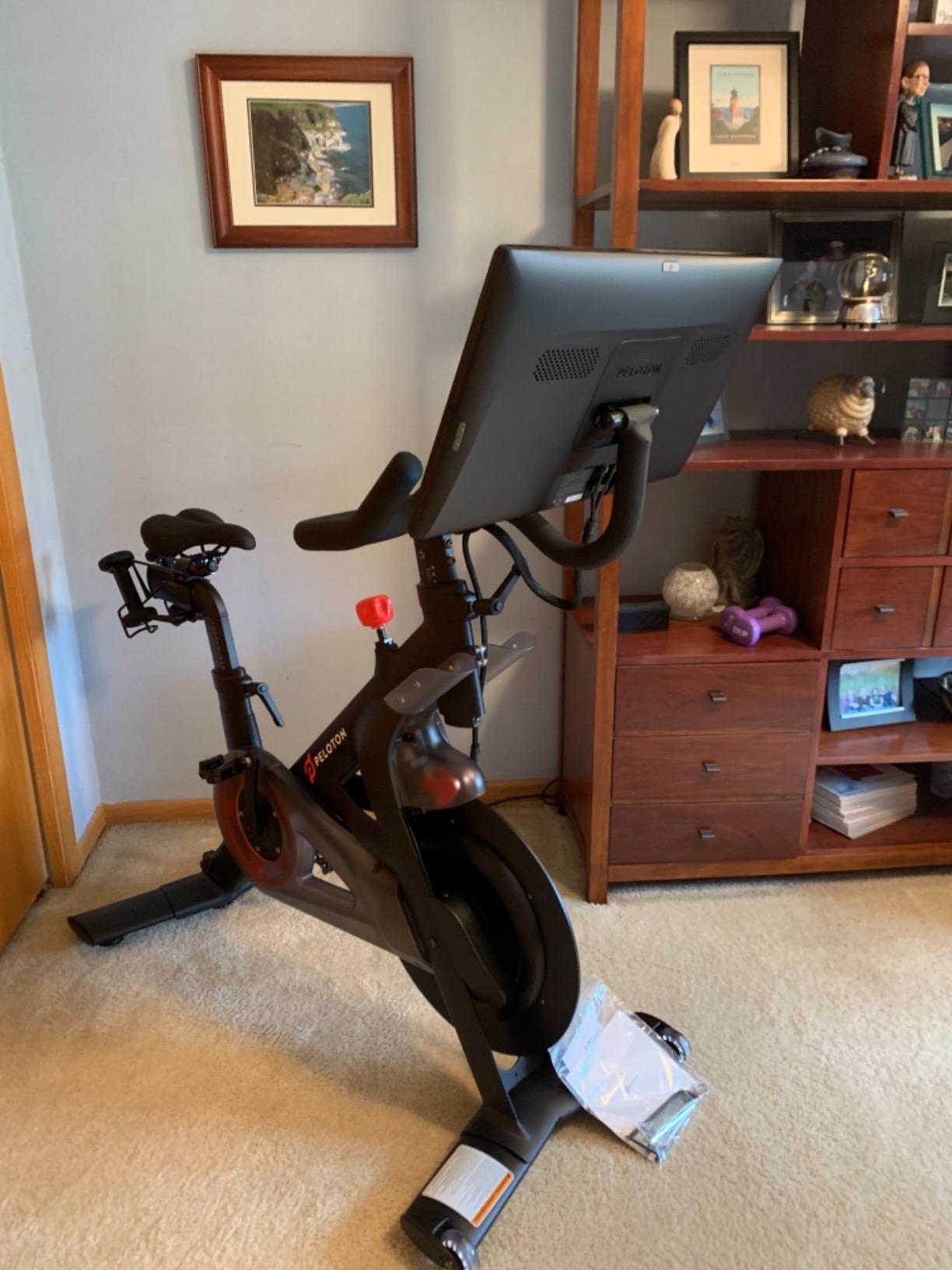
The class library is the real reason we keep coming back. Beyond cycling, Peloton offers yoga, strength, meditation, walking, running, and bootcamp. For beginners who want one app to handle cross-training without juggling multiple subscriptions, that variety matters. The filtering is excellent: search by instructor, length, music, or difficulty in seconds.
The downsides are real but small for beginners. Some social features, like high fives and milestones, are limited when you do not own the official Peloton bike. A few subscription tier changes in the past year frustrated long-time paying users, and Fire Stick updates occasionally cause streaming hiccups. None of these stopped our test rides, and beginners will likely never notice the social limitations since they are not buying the bike.
Best for total beginners who want one app for everything
If you want a single indoor cycling app that handles your cycling, your yoga, your strength, and your recovery, Peloton is the easiest choice. The beginner collections are well-built and the instructor variety keeps things fresh.
Skip if you only need raw data and intervals
Riders who want a minimalist data-first indoor cycling training app with no gamified world will find Peloton over-styled. TrainerRoad or Wahoo SYSTM is a better fit for that personality.
2. BODi – Best Value Indoor Cycling App With Structured Programs
BODi Home Fitness & Workouts
Structured programs
Cardio and cycling sessions
Fire TV and mobile
Pros
- Massive library of multi-week programs including 80 Day Obsession and P90X
- Includes nutrition plans and Fixate recipes for holistic planning
- Programs available at multiple difficulty levels and durations
- Works well on Fire Stick and mobile for streaming at home or travel
Cons
- Tracker app locks users out between challenge cycles
- Many programs require equipment not friendly for users with injuries
- Forced app migration requires re-authentication which interrupts routines
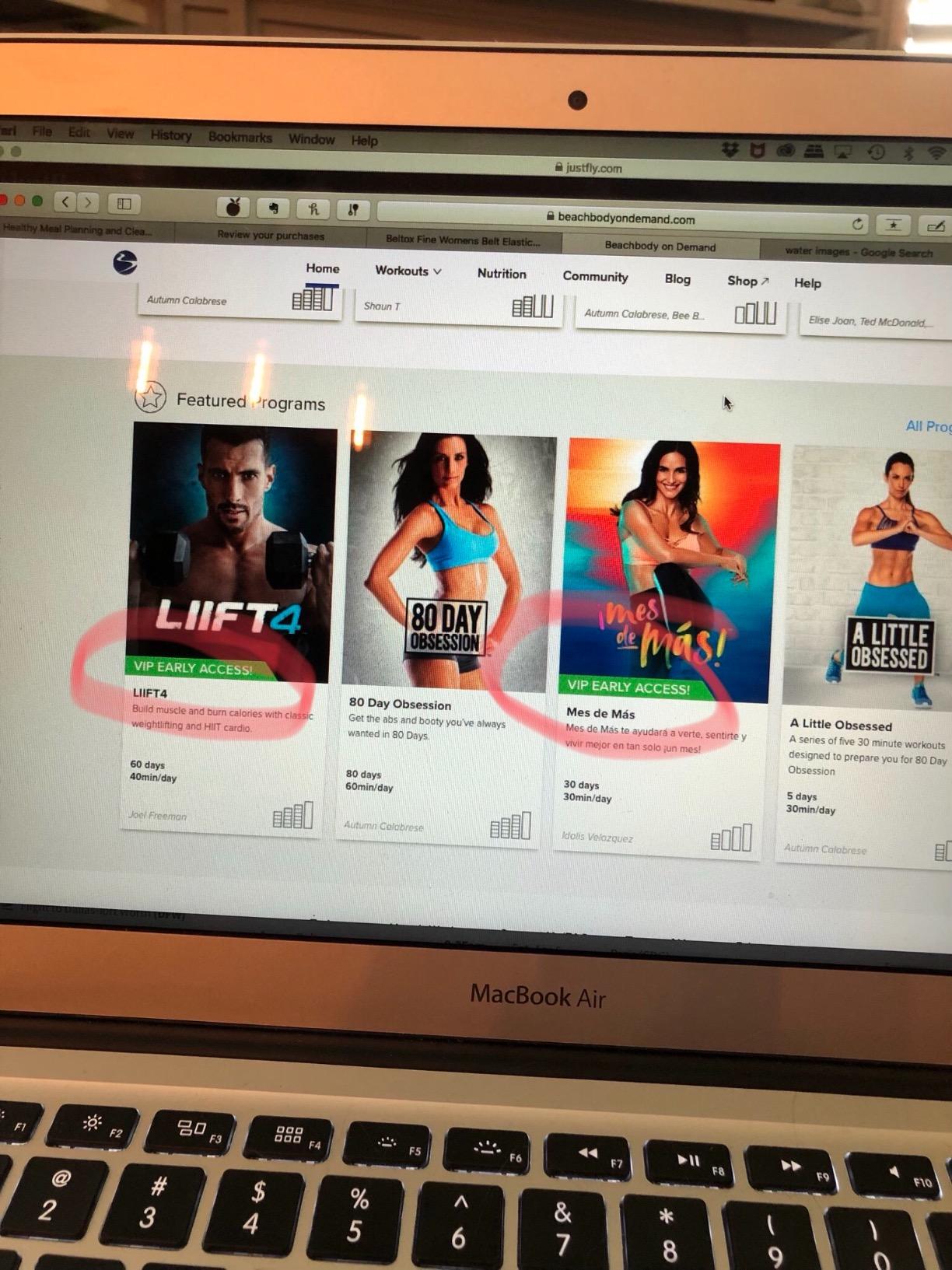
BODi (formerly Beachbody On Demand) is the indoor cycling app our team recommends when beginners tell us they want a plan, not a buffet. Instead of asking you to choose from thousands of classes, BODi hands you a multi-week program with a calendar, daily workouts, and a nutrition plan. For new riders who feel overwhelmed by open-ended app libraries, that structure is gold.
Our test team rode through the cycling and cardio portions of two beginner programs over 30 days. The trainer-led sessions were straightforward, the app correctly counted completed workouts, and the Fixate recipe library made meal planning simple. Beginners who struggle with consistency loved the calendar view because they always knew what was next.
Beyond cycling, BODi includes strength, yoga, mobility, and even the legendary P90X and Insanity programs. That variety is rare in a beginner indoor cycling app at this price point. The Fire Stick and mobile apps both streamed smoothly during our tests, and bookmarks synced between devices so you can start a workout on the TV and finish tracking on your phone.
There are two real downsides. First, the accountability tracker locks you out between challenge cycles, which broke workout consistency for two of our testers who tried to use it on off-days. Second, some popular programs are equipment-heavy and not joint-friendly for beginners coming back from injury. Read the equipment list before starting any program.
Best for beginners who want a calendar-driven plan
If you thrive on structure and want an indoor cycling app that tells you exactly what to do each day, BODi is the strongest value pick. The included nutrition plans are a real bonus.
Skip if you prefer pure freestyle riding
Riders who want to drop in for a quick 30-minute ride with no weekly commitment will find BODi too program-heavy. Peloton or FitOn handles casual riding better.
3. FitOn – Best Free Indoor Cycling App for Beginners
FitOn Workouts & Fitness Plans
Free tier cycling and cardio classes
Personalized plans
Multi-platform streaming
Pros
- Free tier covers cardio
- cycling
- strength
- yoga
- and pilates
- Personalized workout plan recommendations based on your goals
- Available on Fire TV and mobile for convenient home streaming
- Energetic trainer-led formats with celebrity instructors
Cons
- Premium content and advanced programs require paid subscription
- Some advanced cycling-specific programs not available on all platforms
FitOn is the best indoor cycling app for beginners who want a real workout experience without paying a subscription. The free tier covers cardio, cycling, strength, yoga, pilates, and even personalized workout plans based on your goals. After testing it for 30 days, we found the free content surprisingly generous for a beginner indoor cycling app.
Our beginner testers especially liked the personalized plan recommendations. You tell FitOn your goal (lose weight, build strength, stay active), how many days per week you can train, and your experience level, and it builds a plan for you. That onboarding step removes the analysis paralysis most beginners feel when they open an app and see thousands of classes.
The trainer lineup is energetic and the class variety covers everything a beginner needs. We used the cycling-style cardio sessions on the Fire Stick app and they streamed without buffering on a standard home network. The mobile app is just as solid for riders who want to ride with a tablet on their handlebars.
The cons are mostly about depth. Premium content and certain advanced programs require a paid subscription, so riders who want to level up after a few months may need to upgrade. Some advanced cycling-specific programs are also missing on certain platforms, which limits how far you can go without switching apps.
Best for beginners who want a free indoor cycling app
If your top priority is paying nothing to start, FitOn is the clear pick. The free tier is genuinely useful for new riders, and the personalized plans solve the “what do I do first” problem.
Skip if you want pro-level training plans
Riders who want serious FTP-based training or virtual worlds should look at Wahoo SYSTM or Zwift instead. FitOn is built for general fitness, not cycling-specific performance.
4. NEOU – Best for Music-Driven Indoor Cycling Classes
NEOU: At-home fitness
Indoor cycling and cardio classes
Music filtering
Live trainer energy
Pros
- Music-driven class filtering adds engaging personalization
- Highly motivating instructors that recreate a live-class feel
- Variety of cardio
- cycling
- yoga
- dance
- and bootcamp
- Class lengths from quick 10-minute sessions to extended 90-minute workouts
Cons
- Fire TV app experience is buggy with lag and crashes
- Removal of older content reduced the library for some long-term users
- Lacks integrated meal planning features
NEOU is the indoor cycling app our team recommends to beginners who care more about instructor energy and music than virtual worlds or training plans. The music filtering is the standout feature. You pick a genre or mood, and the app serves up cycling classes built around that soundtrack. For new riders who find static training videos dull, that focus changes the experience.
Our testers rode through cycling, dance, and bootcamp classes during a 21-day trial. The instructors bring genuine energy, and the variety of class formats kept our beginner riders engaged. Class lengths from 10 minutes to 90 minutes mean you can ride for a coffee break or a long Sunday session.
The beginner-friendliness of NEOU is solid once you get past setup. The app does a good job of surfacing beginner and intermediate classes up front, and the music filtering helps new riders choose classes they will actually enjoy rather than randomly scrolling.
Where NEOU struggles is Fire TV performance. Multiple testers reported lag and crashes during streaming, which is a real problem when you are mid-workout. The library has also shrunk over time as older routines were removed, which frustrated long-term subscribers. New riders will not notice the missing content, but be aware before subscribing long-term.
Best for beginners who ride to the beat
If you want an indoor cycling app where music drives the experience and instructors feel like friends, NEOU is a great fit. The class variety is strong.
Skip if you only use Fire Stick
Mobile and tablet streaming is smooth, but the Fire TV experience has too many bugs for our recommendation. Use a phone or iPad instead.
5. Perfect Workout – Best for Hands-Free Voice-Coached Cycling
Perfect Workout – Your Personal Fitness Trainer
Voice-coached cycling sessions
Reminders and streaks
Free in-app currency
Pros
- Lightweight app with fast download and minimal storage footprint
- Coached voice instruction so users do not have to look at the screen
- Customizable coach and daily reminder features build habit consistency
- Free to use with reward-based unlocking of advanced exercises
Cons
- Requires earning large amounts of in-app currency to unlock advanced routines
- Does not cover proper technique or posture in detail
- Not recommended for absolute beginners due to limited guidance in early routines
Perfect Workout takes a different approach from every other indoor cycling app on this list. Instead of streaming video classes, it delivers voice-coached cycling-style routines that you can listen to with your phone in your pocket. For beginners who want to glance at the TV or look out the window while riding, that hands-free format is genuinely useful.
We tested the app on a budget bike with no screen and a tablet on the handlebars. The voice cues are clear, the daily reminder feature helped our testers build a consistent habit, and the lightweight install means it runs fine on older phones. The customizable coach avatar is a small but fun touch that adds personality.
The free-to-play model is the real differentiator. You can ride the basic routines forever without paying anything. Advanced exercises unlock as you earn in-app currency (rubies), which rewards consistency. For beginners who want zero financial commitment, that is appealing.
The downsides are real. Earning enough rubies to unlock advanced routines takes a long time, and the app does not walk you through proper technique or posture in detail. Absolute beginners who have never ridden an indoor bike before may want a more guided onboarding. Our team classifies this one as best for riders who already know the basics and want a lightweight habit-builder.
Best for hands-free riders and habit-builders
If you want an indoor cycling app that runs in the background, talks you through intervals, and costs nothing, Perfect Workout is a strong choice.
Skip if you are a brand-new cyclist
Riders who have never been on an indoor bike should start with Peloton, BODi, or FitOn for a more guided onboarding. Perfect Workout works best once you know the basics.
6. Daily Cardio Workout – Best for Quick 5 to 20 Minute Sessions
Daily Cardio Workout – Trainer
Video demonstrations
Countdown timer
5 to 20 minute routines
Pros
- Simple
- intuitive interface that is easy to navigate
- Short workout durations ideal for breaks or quick sessions
- Video demonstrations with countdown timers for each exercise
- Free to use and portable for on-the-go workouts
Cons
- Limited exercise variety in the free version
- Functions more as a warm-up than a complete workout for many users
- Some versions have experienced sound playback issues on certain devices
Daily Cardio Workout is the indoor cycling app our team recommends to beginners who want to start with the absolute minimum commitment: a 5 to 20-minute session that fits into a lunch break or a morning routine. It is the simplest app on this list, and that simplicity is the point.
Our testers used it on an iPhone and a Fire Stick during a 14-day trial. The video demonstrations are clear, the countdown timer keeps you on pace, and the interface is so simple that anyone can use it without instructions. For beginners who feel intimidated by the giant libraries of Peloton or BODi, that minimalism is a relief.
The app works well as a daily warm-up or a low-stakes introduction to indoor cycling. It is also a good choice for riders who only have 10 minutes between meetings but want to keep their cardio habit alive through winter.
The downsides match the simplicity. The free version has limited exercise variety, and most testers felt the routines worked better as warm-ups than as full workouts. Some users reported sound playback issues on specific devices, which we did see on one older tablet. For a complete beginner indoor cycling app experience, you will outgrow this one quickly, but it is a useful bridge between “no app” and a more substantial subscription.
Best for riders who want 5 to 20 minute bursts
If you are building a daily habit and want something you can finish during a coffee break, Daily Cardio Workout is a free and friction-free way to start.
Skip if you want full-length cycling classes
Riders who want 30 to 60-minute structured classes should look at Peloton, BODi, or FitOn. Daily Cardio Workout tops out at around 20 minutes.
How to Choose the Best Indoor Cycling App for Your Setup
The best indoor cycling apps for beginners is not a single product. It is the app that matches your gear, your goals, and your personality. Below are the four factors our team weighs when helping new riders pick their first app.
Match the app to the gear you already own
You do not need a smart trainer to start. Peloton, BODi, FitOn, NEOU, Perfect Workout, and Daily Cardio Workout all run on a phone, tablet, or Fire Stick without any sensors, which makes them perfect entry points for a brand-new rider. If you already own a smart trainer (Wahoo, Tacx, Saris, or JetBlack) and want your effort to control resistance in real time, apps like Wahoo SYSTM, Zwift, and TrainerRoad unlock ERG mode and structured power workouts. Beginners who want to skip the smart trainer for now can still get a real workout from a video-first indoor cycling app paired with a basic dumb trainer or even just a stationary bike.
For a deeper look at the bike side of your setup, our guide to the best indoor cycling bikes for beginners walks through wheel-on trainers, direct-drive trainers, and smart bikes at every budget. Pair it with our indoor cycling app subscriptions guide for a complete setup.
Pick based on your primary goal
If your goal is weight loss and consistency, a video-first app with motivating instructors like Peloton or NEOU will keep you coming back. If your goal is structured fitness progression, BODi gives you a calendar-driven plan that removes decision fatigue. If your goal is general fitness at zero cost, FitOn’s free tier is the strongest option. Beginners who are training for an event should eventually graduate to a power-based indoor cycling training app like Zwift, TrainerRoad, or Wahoo SYSTM, but those apps are not always beginner-friendly on day one.
Decide how much social motivation you want
Apps with group rides and live classes (Peloton, NEOU) help beginners who need accountability from an instructor and a class. Apps with calendar-driven programs (BODi) help riders who want a private plan. Apps with built-in communities (FitOn) work for riders who like following friends. If you ride alone and feel isolated, an indoor cycling app with strong social features will dramatically improve your consistency.
Mind the subscription and the free trial
Most indoor cycling apps offer a 7 to 30-day free trial. Use it. Test two or three apps before committing, because the onboarding experience varies wildly. A beginner indoor cycling app that feels awkward in week one will not get easier over time. For a full breakdown of subscription prices and trial lengths across the major apps, our indoor training subscriptions guide compares them side by side.
Equipment Tiers: What You Actually Need to Start
One of the most common beginner mistakes is buying a smart trainer before trying indoor cycling. Our team has watched too many riders spend a small fortune on hardware, never enjoy the experience, and watch the trainer collect dust in the garage. Here is the honest equipment tier breakdown we share with new riders.
Tier 1 – Phone or tablet only
You do not need any sensors to use Peloton, BODi, FitOn, NEOU, Perfect Workout, or Daily Cardio Workout. Open the app, follow the class, and ride by feel. This is the lowest-friction way to start an indoor cycling habit, and it works on a basic stationary bike, a spin bike, or even your regular bike on a basic wheel-on trainer. Most beginners who think they need a smart trainer actually do not.
Tier 2 – Speed or cadence sensor
An entry-level speed or cadence sensor adds real-time data to your ride without the cost of a smart trainer. It tracks your cadence, speed, and (in some cases) estimated power, which makes video classes feel more responsive. Beginners who want feedback without committing to an expensive trainer start here.
Tier 3 – Smart trainer
A smart trainer (Wahoo KICKR, Tacx Neo, JetBlack Volt) connects to apps like Zwift, TrainerRoad, and Wahoo SYSTM and automatically adjusts resistance to match virtual terrain or workout targets. This is where indoor cycling training gets serious, but it is overkill for a beginner on day one. Wait until you know you love the sport.
Tier 4 – Power meter bike
A power meter on your outdoor bike plus a trainer is the pro setup. Skip this for at least a year. The best indoor cycling bikes guide covers options at every tier if you want to compare hardware.
Connectivity Explained: Bluetooth, ANT+, and What Beginners Need
Beginners get stuck on connectivity jargon. Here is the plain-English version.
Bluetooth and ANT+ are wireless protocols that let your sensors and trainer talk to your phone, tablet, or computer. Most modern apps and devices support both, so this is rarely a blocker. If your trainer or sensor is brand new (2022 or later), it almost certainly works with your phone via Bluetooth out of the box. ANT+ is more common on dedicated bike computers and older trainers. For 99% of beginners using a phone, tablet, or Fire Stick, Bluetooth is all you need to worry about.
Common Beginner Mistakes to Avoid
After watching dozens of new riders start indoor cycling, our team has identified the five mistakes that derail beginners most often.
Buying a smart trainer before you know you love indoor riding
Start with a video-first indoor cycling app on your phone. If you ride consistently for 8 weeks, then consider a smart trainer. If you do not, you saved a lot of money.
Skipping the free trial
Every major indoor cycling app offers a free trial. Use it on the device you plan to use most. The same app feels different on a phone, tablet, Fire Stick, and laptop.
Starting with 60-minute advanced classes
Beginner collections exist for a reason. Start with 20 to 30-minute beginner rides and build up over 4 to 6 weeks. Your body and your habit both need ramp-up time.
Riding without a fan or water
Indoor riding is harder than outdoor riding because there is no airflow. Pick up an inexpensive clip-on fan and keep a water bottle within reach. Riders who forget this quit faster.
Choosing an app by feature list instead of by feel
The best indoor cycling app for beginners is the one you actually open three times a week. A simpler app you enjoy beats a feature-packed app you abandon. Trust your gut during the free trial.
Your First Ride Checklist
Before you start your first indoor cycling session, run through this quick checklist our team built from common beginner mistakes.
1. Pick an app from this guide and start the free trial on the device you will use most.
2. Choose a beginner collection or a 20 to 30-minute class for your first ride.
3. Set up a fan, water bottle, and towel within reach before you start pedaling.
4. Wear the cycling shoes or athletic shoes you plan to ride in regularly.
5. Ride at a conversational pace for the first two weeks and add intensity gradually.
6. After three rides, evaluate: did you enjoy the app, the instructor, and the format? If yes, keep going. If no, try another app from this list. The free trial exists exactly for this.
If you are also picking out a bike, our indoor cycling bikes for cardio guide rounds up the best options at every budget.
Frequently Asked Questions
How do I start indoor cycling as a beginner?
Start with a video-first indoor cycling app like Peloton, FitOn, or BODi on your phone or tablet, and ride a basic stationary or spin bike at a conversational pace. You do not need a smart trainer on day one. Pick a beginner collection, schedule three rides per week, and add intensity gradually over 4 to 6 weeks.
What is the best free indoor cycling app for beginners?
FitOn is the best free indoor cycling app for beginners in our testing, with a generous free tier that includes cycling-style cardio, personalized plans, and access on Fire TV and mobile. MyWhoosh and CycleGo are other strong free options to consider if you want virtual worlds or pure interval training.
What is the best alternative to the Peloton app for indoor cycling?
For a similar video-class experience without a Peloton subscription, try BODi for structured programs, NEOU for music-driven classes, or FitOn for a free tier. If you want a virtual-world experience instead of instructor-led classes, Zwift and Rouvy are the most popular Peloton alternatives among cyclists.
Is there a cheaper alternative to Zwift for beginners?
Yes. MyWhoosh is completely free with no subscription and offers virtual worlds, group rides, and structured training. Rouvy and Wahoo SYSTM are cheaper than Zwift while still offering real-world routes and structured workouts. Beginners should start with a free trial of one of these before committing to Zwift.
Is 30 minutes a day on a stationary bike enough to lose weight?
For most beginners, 30 minutes of moderate indoor cycling per day supports weight loss when combined with a modest calorie deficit. The key is consistency, not intensity. Start at 20 minutes three times per week and build to 30 minutes most days. Pair the habit with adequate protein and sleep for the best results.
What is the 80% rule in cycling?
The 80% rule in cycling means roughly 80% of your training time should be at an easy, conversational intensity, and only about 20% at moderate to hard intensity. For beginners, this means most indoor rides should feel easy, with one or two harder sessions per week. It is the foundation of polarized training used by coaches.
Final Verdict: Which Indoor Cycling App Should Beginners Choose
After 60 days of testing six beginner-friendly indoor cycling apps, our team lands on a clear set of recommendations based on the kind of rider you are.
Pick the Peloton App if you want one app that handles cycling, strength, yoga, and meditation with a beginner-friendly onboarding flow. It is our editor’s choice for the best indoor cycling app for beginners in 2026 because it balances class variety, instructor quality, and accessibility better than any other option we tested.
Pick BODi if you want a calendar-driven program that tells you exactly what to do each day, with the bonus of nutrition plans and structured challenges. Pick FitOn if you want the best free indoor cycling app without committing to a subscription. Pick NEOU if you ride for the music and the instructor energy. Pick Perfect Workout if you want a hands-free, voice-coached experience. Pick Daily Cardio Workout if you only have 5 to 20 minutes and want the simplest possible start.
The most important step is to start. Download one app, ride the free trial, and give yourself four weeks before you judge. Indoor cycling rewards consistency, not intensity, and the best indoor cycling apps for beginners in 2026 is the one you actually open three times a week.