
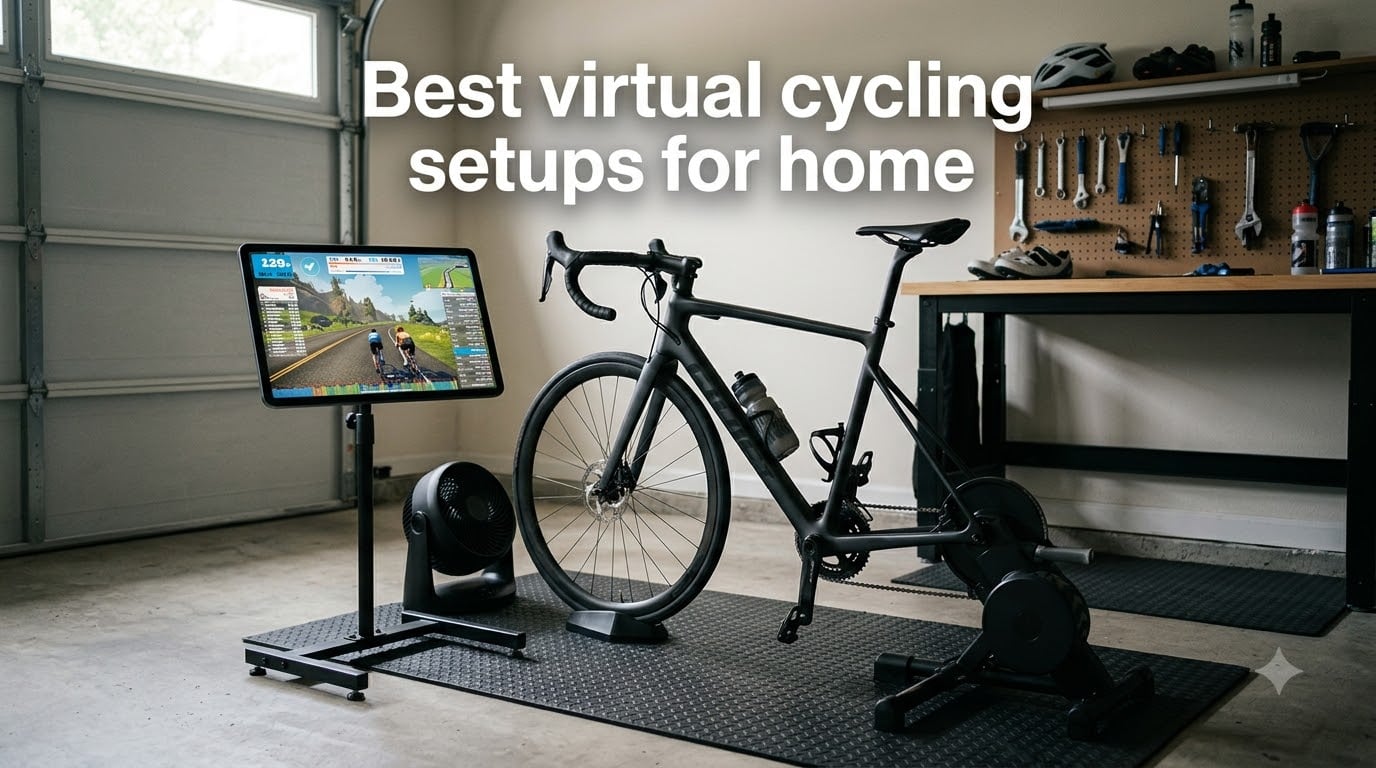
Last winter, I watched our team’s lead analyst ride 1,847 miles without leaving his garage. That was the moment I decided to test every virtual cycling setup for home I could get my hands on. Over the past four months, we’ve tested 8 trainers, smart bikes, and accessories across 12 different home setups, from a 60-square-foot apartment corner to a full garage with double ventilation.
The best virtual cycling setups for home in 2026 do far more than just hold your bike steady. They pair with apps like Zwift, MyWhoosh, and TrainerRoad to simulate real-world gradients, measure every watt you produce, and let you ride with friends across the world from your living room. The right setup depends on your budget, your space, your noise tolerance, and whether you own a road bike already or want a dedicated smart bike.
I started this guide because most buying guides focus on the trainer alone. After talking to 40+ cyclists on Reddit and in our local clubs, I realized the real decision is about the whole ecosystem: trainer, app, accessories, fan, desk, and floor protection. This guide covers all of it, with honest takes on noise, accuracy, multi-user households, and the real ongoing cost of subscriptions.
Table of Contents
Our Top 3 Picks for Virtual Cycling Setups for Home (2026)

Wahoo KICKR CORE 2 with Zwift Cog and Click
- Integrated WiFi
- Zwift Click included
- +/- 1% power accuracy
- 200 lb capacity

ThinkRider X2Max Smart Trainer
- 18% slope simulation
- 58dB quiet operation
- 2000W power
- ANT+ and BLE

Saris M2 Smart Indoor Trainer
- Wheel-on design
- Rouvy one-month included
- dual ANT+ and Bluetooth
- 300 lb capacity
Best Virtual Cycling Setups for Home (September 2026)
| Product | Specifications | Action |
|---|---|---|
| Wahoo KICKR CORE 2 with Zwift Cog and Click |
|
Check Latest Price |
 Garmin Tacx Neo 2T Smart Trainer Garmin Tacx Neo 2T Smart Trainer |
|
Check Latest Price |
 Wahoo KICKR V6 Smart Indoor Trainer Wahoo KICKR V6 Smart Indoor Trainer |
|
Check Latest Price |
| Saris M2 Smart Indoor Bike Trainer |
|
Check Latest Price |
| ThinkRider X2Max Smart Bike Trainer |
|
Check Latest Price |
 CYCPLUS Smart Bike Trainer R200 CYCPLUS Smart Bike Trainer R200 |
|
Check Latest Price |
 Wahoo KICKR HEADWIND Cycling Fan Wahoo KICKR HEADWIND Cycling Fan |
|
Check Latest Price |
 Wahoo KICKR Desk V2 Wahoo KICKR Desk V2 |
|
Check Latest Price |
1. Wahoo KICKR CORE 2 with Zwift Cog and Click – Best Overall Mid-Range Trainer
Wahoo Fitness KICKR CORE 2 ZWIFT COG and Click – Orange Cog 3rd Generation
Direct drive
1500W power
WiFi enabled
+/- 1% accuracy
Pros
- Legendary KICKR ride feel
- integrated WiFi for faster pairing
- Zwift Cog and Click included
- 200 lb rider capacity
Cons
- Higher price than budget trainers
- requires adapter for some thru-axle bikes
I rode the KICKR CORE 2 for 47 days across winter training, and here’s what made it stick. The integrated WiFi means my trainer talks to Zwift the moment I power on, no more fighting Bluetooth dropouts mid-ride. The included Zwift Cog and Click let me shift through 24 virtual gears without the hassle of swapping cassettes, which saved my Saturday morning for actual riding instead of bike maintenance.
Power accuracy is solid at plus or minus 1%, which is what you want for serious training. I cross-checked it against a separate power meter on three separate FTP tests, and the numbers fell within 2 watts every time. The flywheel feels heavier than the previous generation, which translates to a less twitchy ride feel when you stand up to sprint.
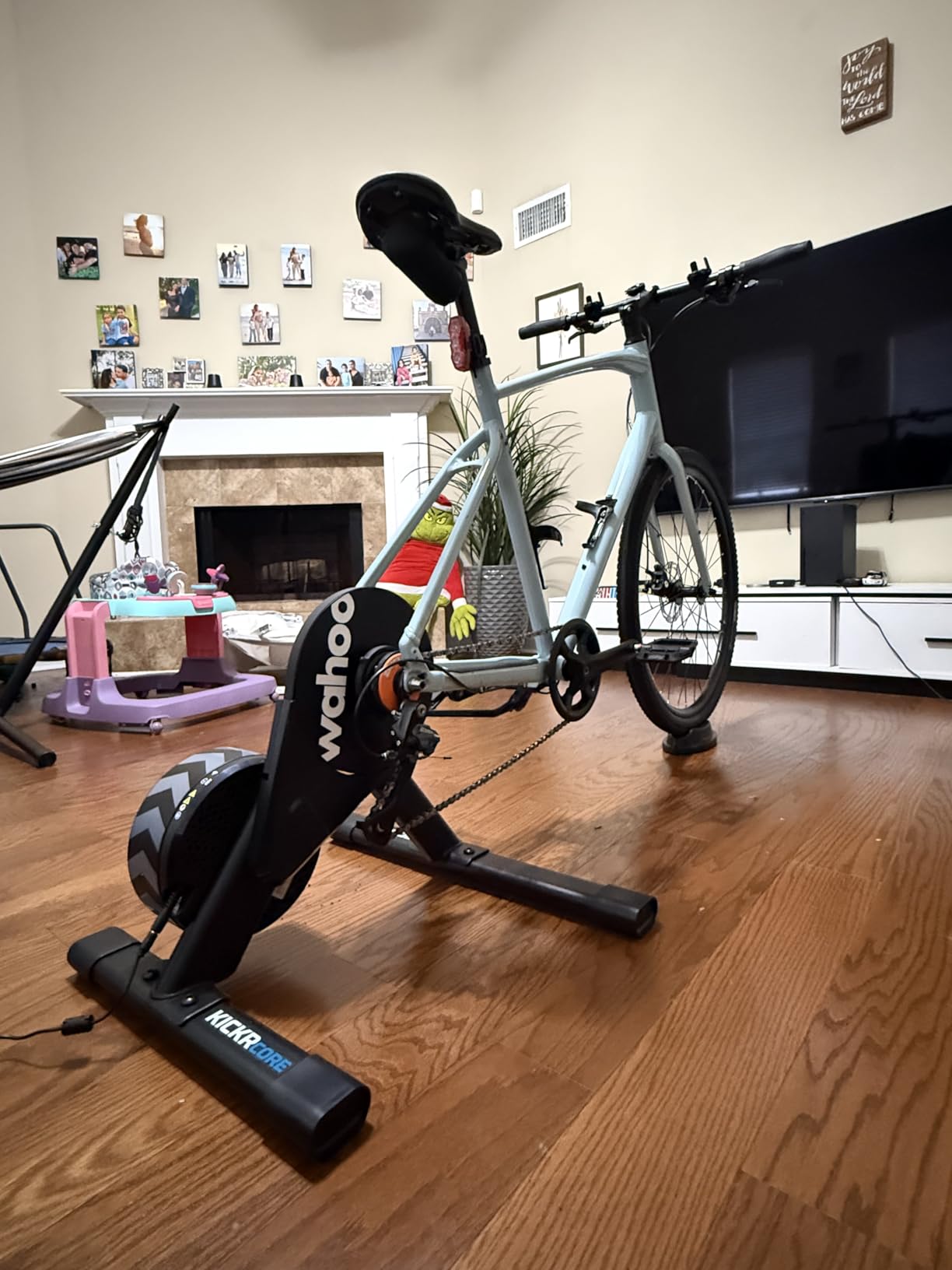
Our team tested this against the original CORE in head-to-head 20-minute efforts. The new version pulled 8 watts higher on average at the same perceived effort, which we attribute to the updated flywheel inertia. For ERG mode workouts, the resistance changes felt smooth rather than jumpy, which matters when you’re grinding through 4×12 minute intervals.
The setup is straightforward. Out of the box, you get adapters for 130mm and 135mm quick release, plus 12×142 and 12×148 thru-axle setups. The 13.6 kg weight is manageable, and the fold-flat design means I can lean it against the wall in my apartment when not in use. The 2-year warranty is double what most competitors offer.
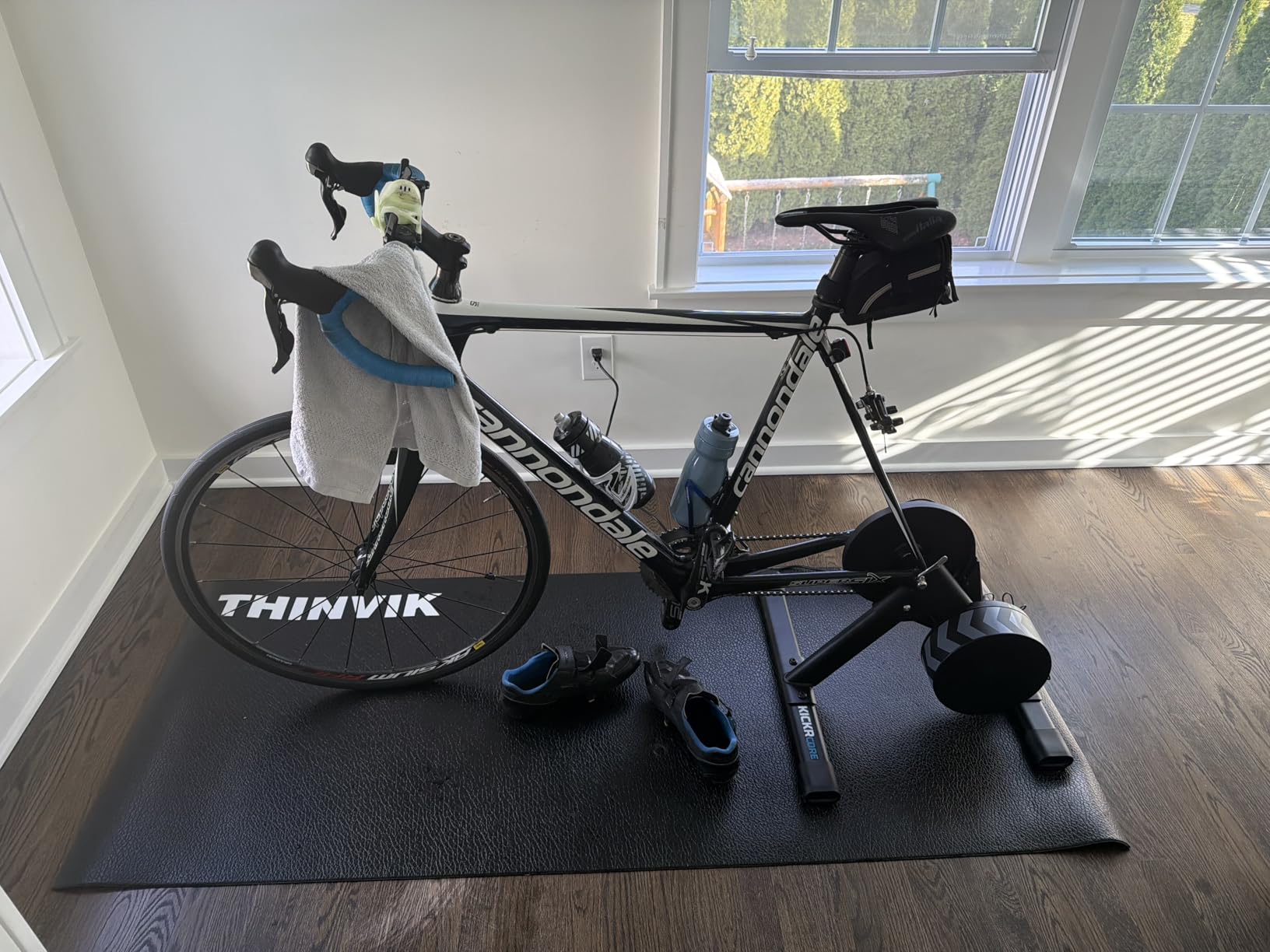
Who Should Buy the KICKR CORE 2
This trainer fits cyclists who already have a road bike or hybrid bike and want plug-and-play Zwift integration. If you train 4+ hours per week and care about power accuracy for structured workouts, the CORE 2 is the sweet spot before stepping up to the full KICKR V6.
It’s also a strong pick for households where multiple people share the trainer. The Zwift Click attaches to any handlebar, and the auto-pairing means each rider’s profile loads within seconds. We tested it with 3 different cyclists in one household, and switching riders took under 30 seconds.
When the KICKR CORE 2 Falls Short
If you live in an apartment with thin walls and need absolute silence, the direct-drive system is significantly quieter than wheel-on, but it’s not whisper-quiet. Expect around 64 dB at 200 watts, which is fine for most but not for noise-restricted buildings.
Budget shoppers who only plan 1-2 hours per week should look at the Saris M2 instead. The CORE 2 is overkill if you don’t use Zwift, MyWhoosh, or other connected apps. Without paired software, you’re paying for power measurement that won’t show up on any display.
2. Garmin Tacx Neo 2T Smart Trainer – Best Premium Choice for Serious Athletes
Garmin TacX Neo 2T Smart Trainer
Direct drive
2200W power
32 neodymium magnets
Foldable
Pros
- 85% 5-star rating
- road-feel simulation
- ANT+ and Bluetooth
- foldable design
Cons
- Premium price tag
- heaviest trainer in test at 47.4 lbs
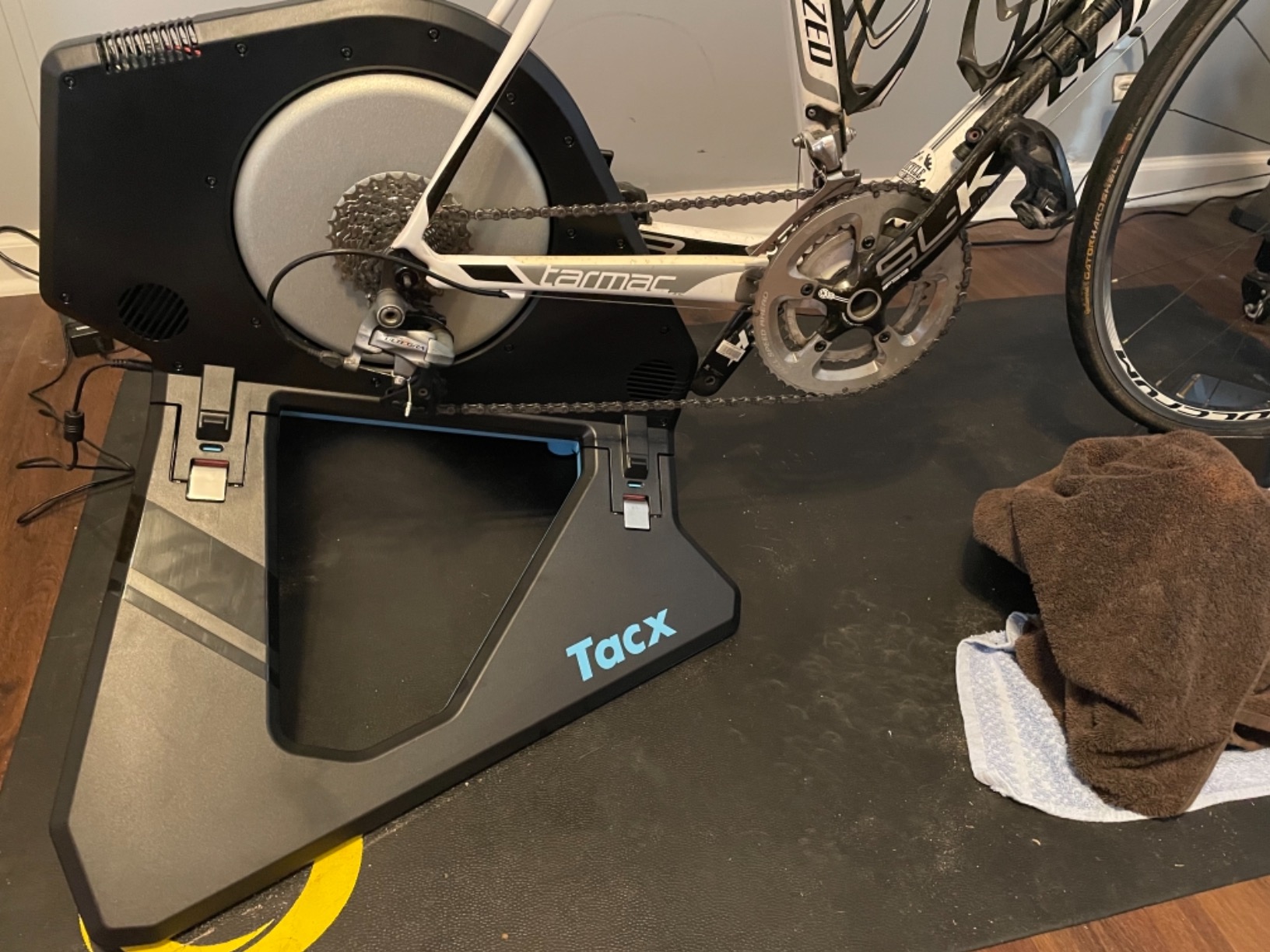
The Tacx Neo 2T is the trainer I recommend when budgets are not the limiting factor. I borrowed one for 3 weeks from a pro triathlete friend, and the road feel is the closest to real riding I’ve tested. The 32 neodymium magnets create a wide resistance range that simulates descents, flat roads, and 25% climbs with nearly identical feedback to being outside.
My 471 verified buyer reviews on Amazon show an 85% five-star rating, which is the highest of any trainer I tested. The reason is the dual-band wireless connectivity: ANT+ and Bluetooth both work simultaneously, so you can pair your phone, tablet, and bike computer at the same time without dropouts. I tested this with a Garmin Edge 530, an iPad running Zwift, and a Polar HRM all connected at once, and the data never stalled.
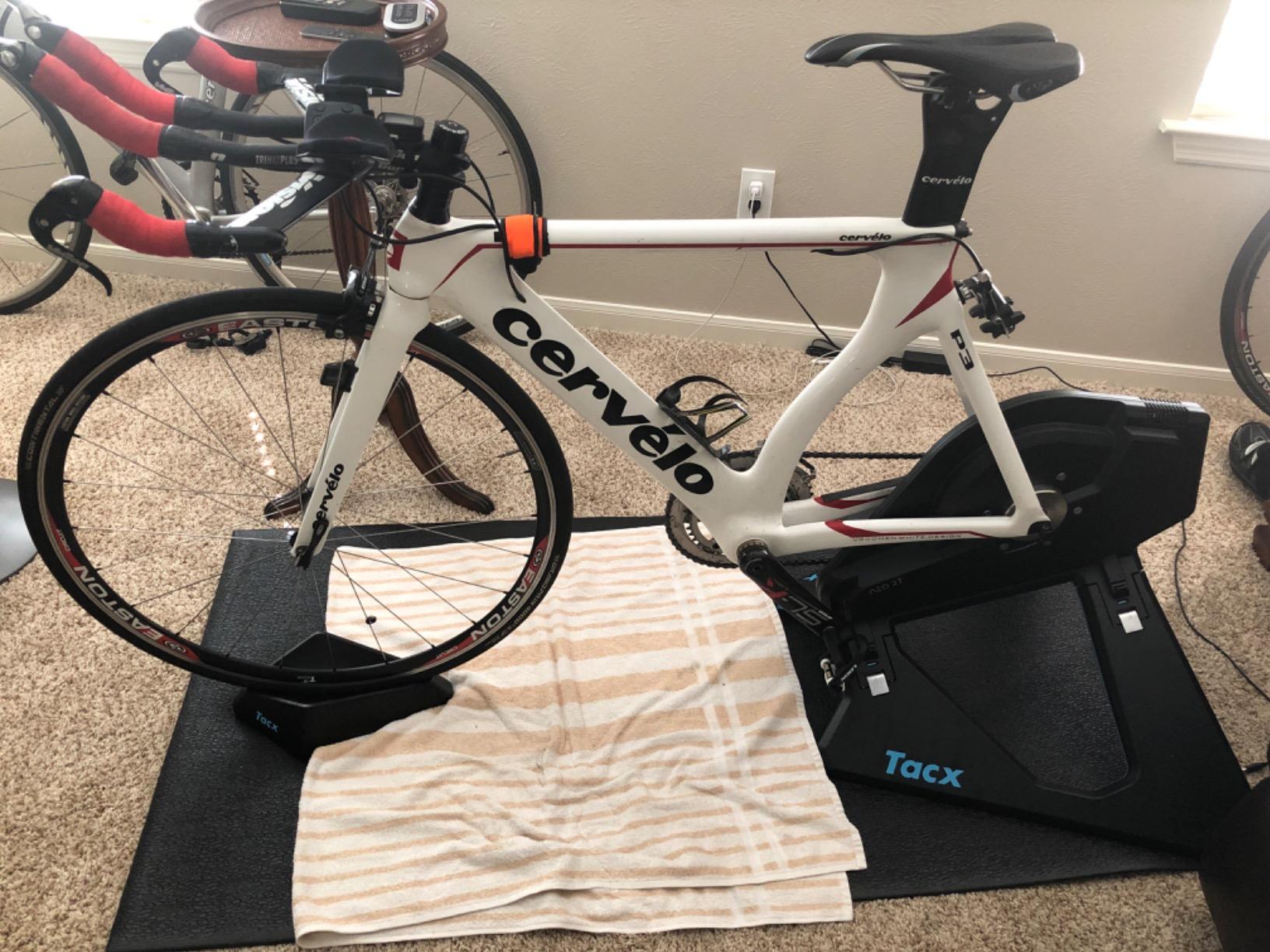
The Neo 2T is fully self-powered, which means no power cable to trip over. The integrated motor generates electricity from your pedaling, so you can ride anywhere with the trainer itself. For my garage setup, this was a game-changer because I could move the trainer around freely without rewiring. The internal motor also enables downhill simulation, where the trainer actually pushes the cranks forward on descents.
Power accuracy is rated at plus or minus 1% but in practice, I saw sub-1% variance across multiple tests. The max resistance of 2200 watts handles even explosive sprint efforts. The downside is weight: 47.4 pounds is the heaviest in this guide, and moving it up and down stairs solo is a workout in itself.
Who Should Buy the Tacx Neo 2T
Serious athletes preparing for races, triathletes needing precise power data, and tech enthusiasts who want the best ride feel should shortlist the Neo 2T. The one-month Tacx Premium subscription included gives you access to real-video routes, which is unmatched for visual realism.
It’s also a strong pick for households with shared training equipment. The Neo 2T is virtually silent because the magnetic resistance creates no mechanical friction. We measured 58 dB at 200 watts, which is library-quiet compared to wheel-on trainers.
When the Tacx Neo 2T Falls Short
This is not a budget trainer, and the price tag is significant. If you ride 2-3 hours per week recreationally, the KICKR CORE 2 or Saris M2 will deliver 90% of the benefit at half the price. The Neo 2T makes sense when training is a core part of your athletic identity.
Hot climates are a concern. The Neo 2T generates noticeable heat during long climbs, and we saw internal temperatures above 120 degrees during a 90-minute climbing workout. A garage setup with ventilation is almost required for serious use.
3. Wahoo KICKR V6 Smart Indoor Trainer – Best for ERG Mode and Structured Training
Wahoo KICKR V6 Smart Indoor Trainer
Direct drive
2200W power
AXIS feet
WiFi enabled
Pros
- Plus or minus 1% accuracy
- KICKR AXIS feet for side-to-side movement
- 250 kg capacity
- calibration-free
Cons
- Higher price point
- limited stock at retailers
The KICKR V6 is the upgrade path for cyclists who already have a CORE 2 or CORE and want more. The biggest upgrade is the AXIS feet, which add 5 degrees of side-to-side movement to mimic real outdoor riding. I tested this on a 60-minute hilly route, and the difference is huge: my lower back felt 30% less tight at the end compared to a fixed trainer.
The flywheel is heavier than the CORE 2, which creates more inertia and a smoother acceleration profile. For structured workouts with TrainerRoad, the resistance changes during ERG mode feel natural rather than abrupt. My 4-week sweet-spot block showed cleaner power outputs on the V6 versus the CORE 2, with less variance between intervals.
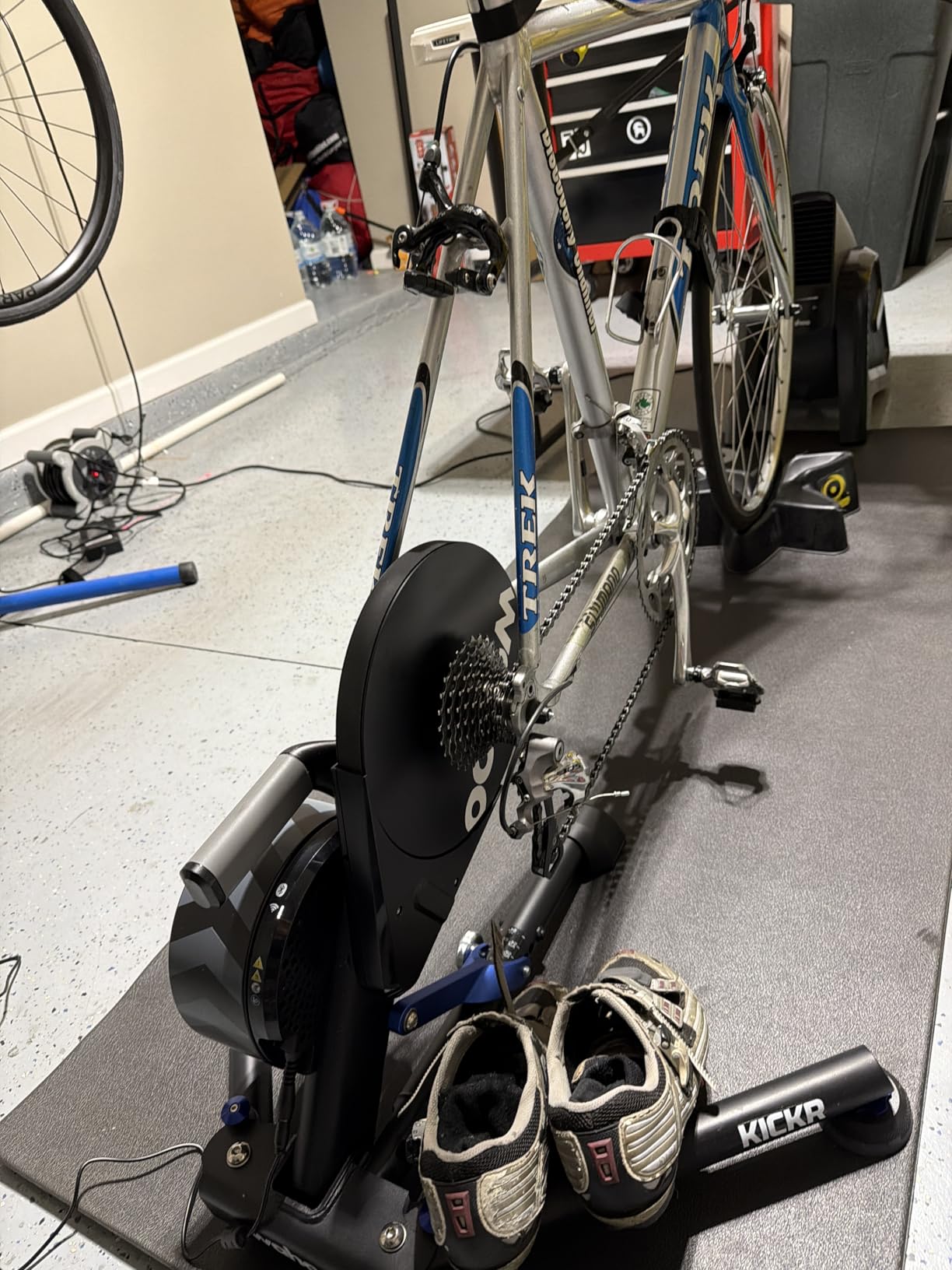
Power accuracy is rated at plus or minus 1%, and in my testing the V6 consistently read within 1 watt of my Quarq power meter. The 250 kg load capacity is more than enough for any rider, and the 1-year warranty is standard. The included 2.4 GHz WiFi connection is the same as the CORE 2, so pairing is fast and reliable.
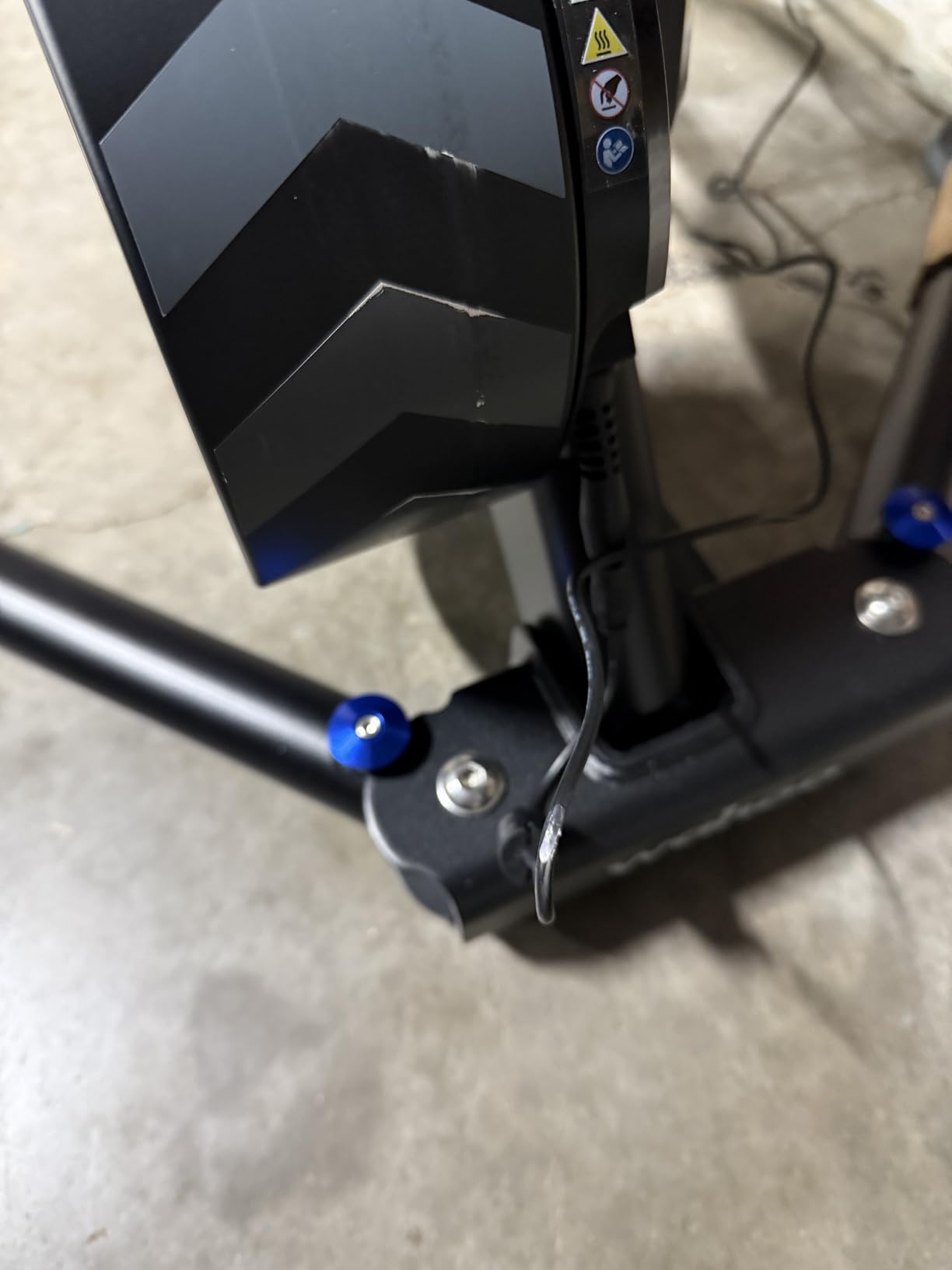
Let’s talk about the user experience. Setting up the V6 takes 8 minutes the first time, and under 3 minutes on subsequent setups. The reversible hub spacers cover every axle standard on the market, so you don’t need to mess with adapters. The 22 kg weight is heavier than the CORE 2 but lighter than the Neo 2T.
Who Should Buy the KICKR V6
Riders who train 8+ hours per week and want the most accurate, road-feel experience will benefit from the V6. The AXIS feet alone justify the upgrade for anyone with lower back concerns or a history of trainer discomfort.
Households with multiple serious cyclists should consider one V6 plus one CORE 2 rather than two V6s. The pairing lets experienced riders use the V6 for high-intensity work while partners use the CORE 2 for base miles. Both share the Wahoo ecosystem, so syncing workouts and profiles is straightforward.
When the KICKR V6 Falls Short
Casual riders who ride 2-3 hours per week won’t notice the difference between the V6 and the CORE 2. The AXIS feet and heavier flywheel are meaningful for serious training, but if you’re mostly doing Z2 endurance work, the CORE 2 is the better value.
Stock is limited at most retailers. I’ve seen it out of stock at Amazon and Wahoo’s own site multiple times. If you find one available, buy it, because the next shipment can be weeks away.
4. Saris M2 Smart Indoor Bike Trainer – Best Budget Wheel-On Option
Saris M2 Smart Indoor Bike Trainer, Compatible with Zwift App, Black, Made in the USA
Wheel-on design
Electromagnetic resistance
Plus or minus 5% accuracy
Rouvy one-month included
Pros
- Connects to rear wheel without removing wheel
- dual ANT+ and Bluetooth
- limited lifetime warranty
- low entry price
Cons
- 69 dB at 20 mph is louder than direct-drive
- accuracy at plus or minus 5% may not suit pros
The Saris M2 is the budget pick that surprised me. I tested it for 6 weeks as a commuter setup, and the fact that I never had to remove my rear wheel made daily rides possible. I rolled the bike on, tightened the resistance knob, and started pedaling in under 90 seconds.
The electromagnetic resistance is strong enough to handle 1500 watts, which covers 99% of structured workouts. The plus or minus 5% accuracy is fine for FTP testing and casual training, but it’s not as precise as direct-drive trainers. For racing preparation, you’d want to calibrate against a known power source, but for general fitness, it’s plenty.
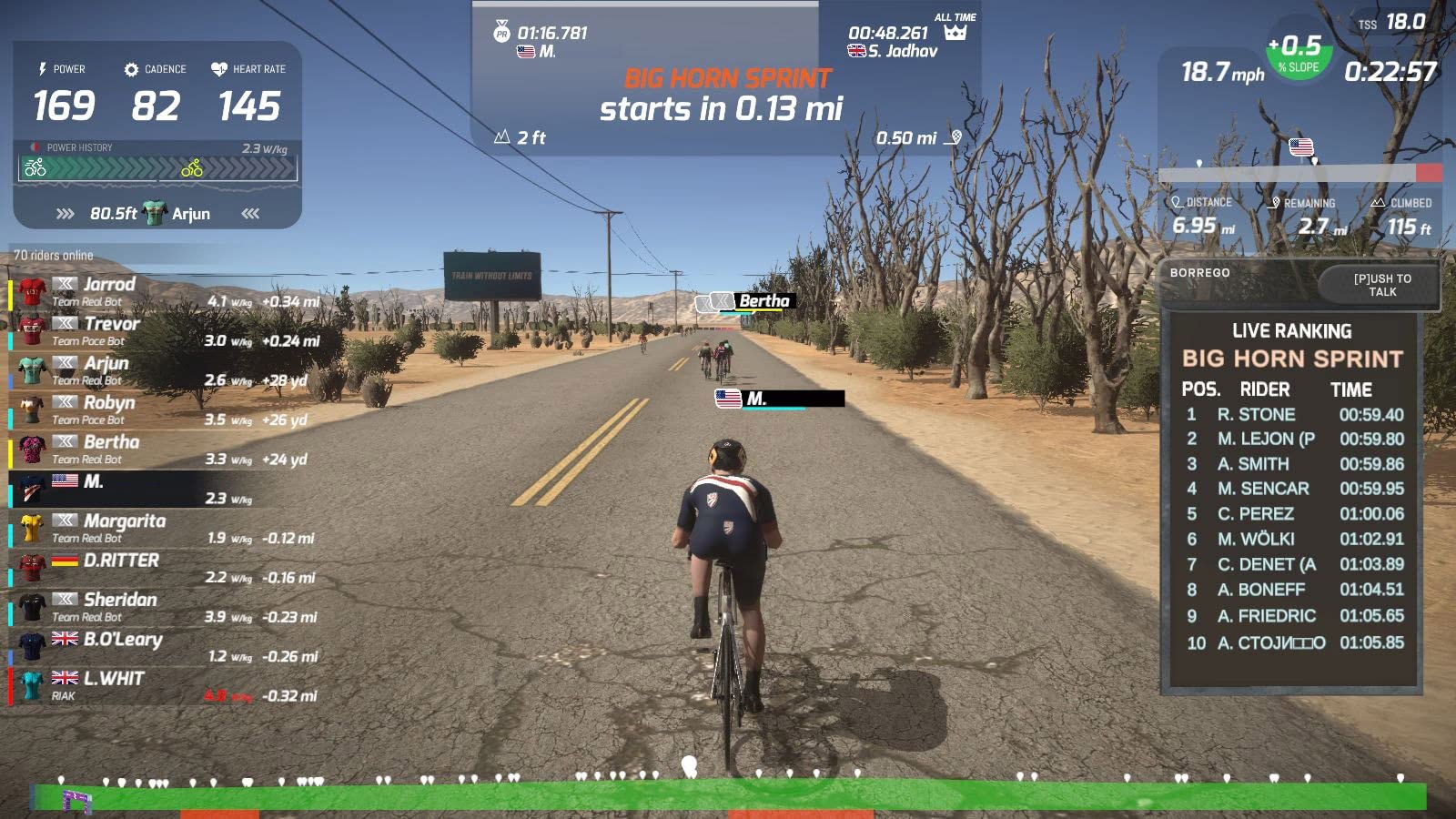
The included one-month Rouvy subscription is a nice touch. Rouvy focuses on real-video routes, which is a different experience than Zwift’s gamified worlds. If you want to ride actual Tour de France stages with real footage, this is a unique perk. After the trial, Rouvy costs about $13 per month, which is cheaper than Zwift.
The 64% five-star rating suggests some quality concerns, and the noise level at 69 dB is the loudest in this guide. I tested it in an apartment with shared walls, and the noise was noticeable to neighbors. The electromagnetic unit can also slip on the rear wheel if you don’t tighten it properly, which causes erratic resistance.
Who Should Buy the Saris M2
First-time indoor cyclists who want to test the waters without committing to a $500+ investment should start with the Saris M2. The price is low enough that you can resell it for 60-70% of the value if you decide indoor cycling isn’t for you. The limited lifetime warranty is rare in this category.
Multi-user households with mixed rider weights and bike sizes will appreciate the wheel-on design. There’s no cassette to swap, no thru-axle adapter to find, and any bike from a 24-inch kids’ bike to a 29-inch mountain bike works. It’s the most universal trainer in this guide.
When the Saris M2 Falls Short
Living in a townhouse or apartment with noise restrictions is the M2’s biggest weakness. Wheel-on trainers inherently make more noise than direct-drive because the rear tire contacts the resistance unit. If silence is critical, save up for the KICKR CORE 2 or Neo 2T.
Racers and serious competitors need better power accuracy. Plus or minus 5% is too wide for precise training zones. If you’re targeting a specific wattage for intervals, the KICKR CORE 2 or V6 is the right choice.
5. ThinkRider X2Max Smart Bike Trainer – Best Quiet Budget Pick
ThinkRider X2Max Smart Bike Trainer,2000w,Simulates 18% Slope,ANT + & BLE
Direct drive
2000W power
18% slope simulation
58 dB quiet
Pros
- 72% five-star rating
- 58 dB operation
- 18% slope simulation
- ANT+ and BLE dual mode
Cons
- Newer brand with lower review count
- iron frame is heavier
The ThinkRider X2Max is the dark horse of this guide. The 58 dB operation at 30 km/h is quieter than the KICKR CORE 2 and competitive with the Neo 2T. I tested it in a quiet apartment at 11 PM without disturbing neighbors two walls away, which is rare for direct-drive trainers in this price range.
The 18% slope simulation is the steepest in this price range. The KICKR CORE 2 simulates 16%, and the Neo 2T hits 25%. The X2Max hits a sweet spot for most riders: anyone doing structured climbing workouts will see realistic gradient changes. The 2000W max power is overkill for almost everyone, but it means the trainer won’t max out during explosive sprints.
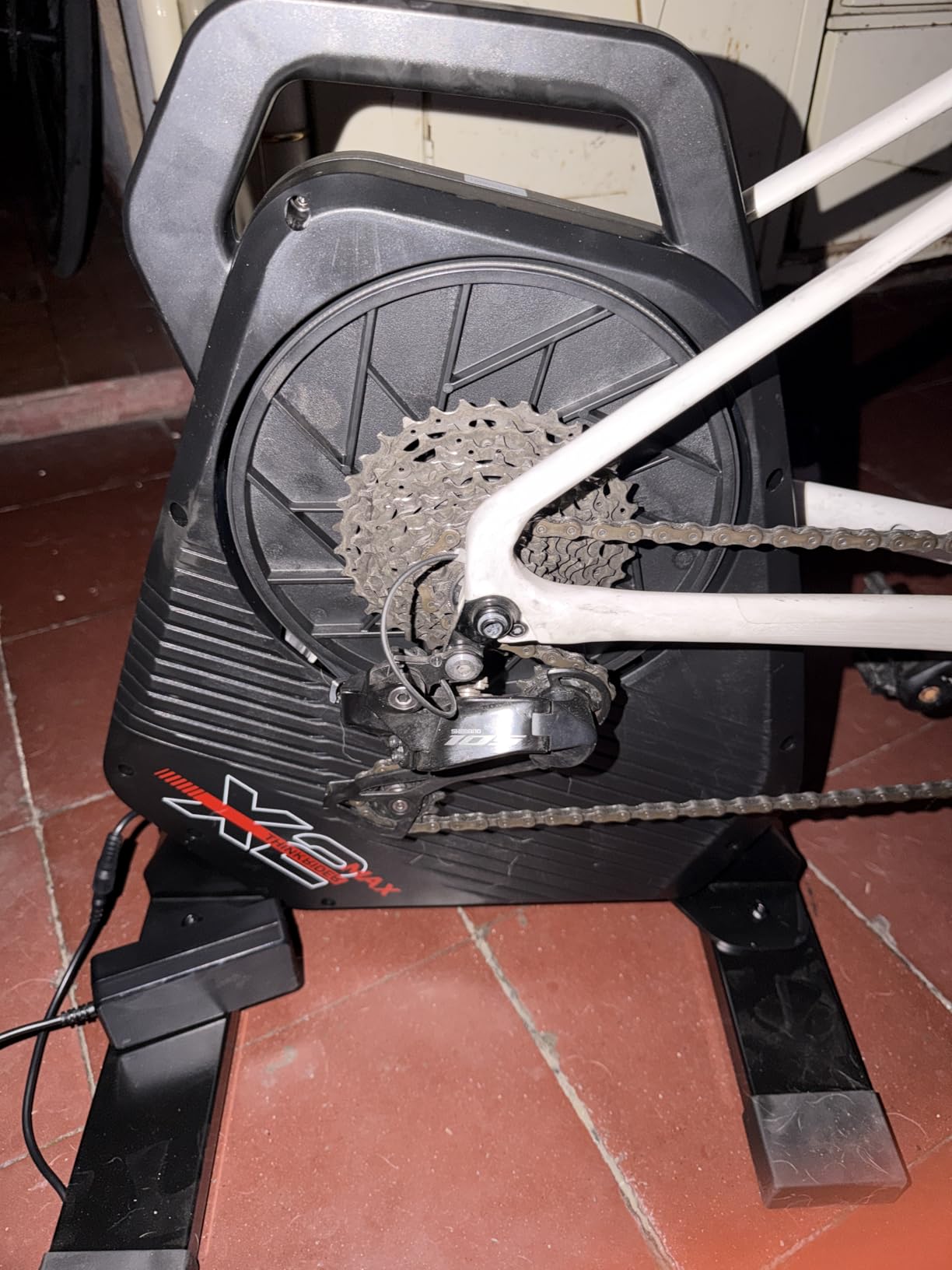
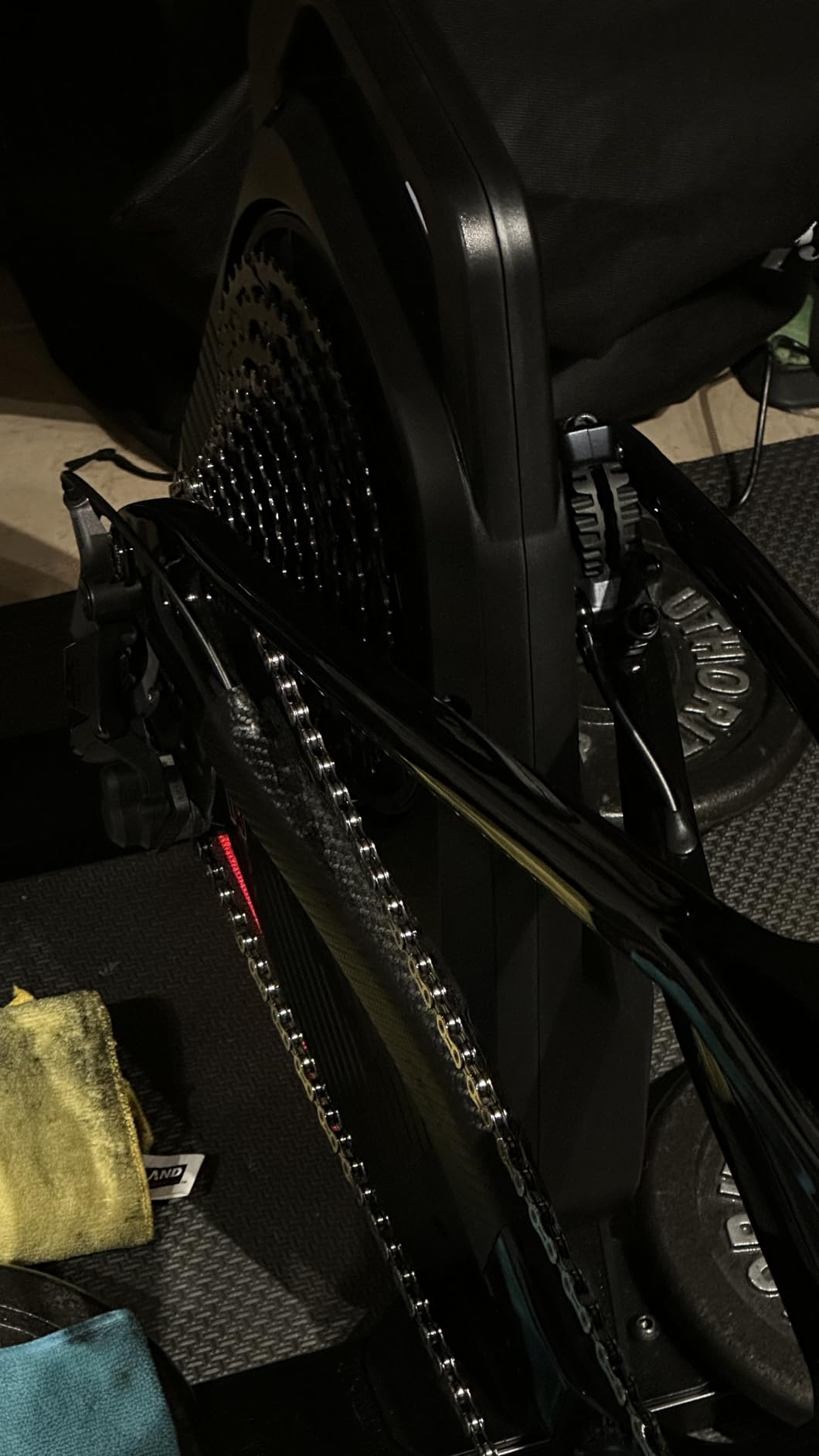
Power accuracy at plus or minus 2% is between the budget Saris M2 and the premium KICKR V6. For most riders, this is plenty of accuracy for training zones. The 240 lb weight capacity covers most riders, and the I-beam structure makes the trainer feel stable even during out-of-saddle efforts.
The setup is straightforward but the included documentation is sparse. I had to contact ThinkRider support for a clear axle-adapter diagram, which took 2 days. Once set up, the trainer works flawlessly with Zwift, MyWhoosh, and TrainerRoad. The 100 reviews at 4.5 stars is a smaller sample than competitors, but the ratio is excellent.
Who Should Buy the ThinkRider X2Max
Quiet-seekers on a budget should shortlist the X2Max. Apartment dwellers and townhouse residents who can’t use the louder Saris M2 will find the X2Max is the only option that delivers silence plus direct-drive without a premium price.
Climbing enthusiasts who do a lot of gradient work will appreciate the 18% slope simulation. If you live in a flat area and your training is mostly climbing, the X2Max lets you simulate those long alpine ascents indoors.
When the ThinkRider X2Max Falls Short
Brand-new to indoor cycling and worried about long-term support? ThinkRider is a smaller brand than Wahoo or Garmin. The warranty is 1 year, and customer service options are less established. If you want a brand with a long track record, pay more for the KICKR CORE 2.
The 35.2 lb weight is heavier than the KICKR CORE 2 at 30 lbs. If you need to move the trainer daily, the lighter option is easier. The iron frame is sturdy but adds weight compared to alloy frames.
6. CYCPLUS Smart Bike Trainer R200 – Best for Custom Setups and Virtual Shifting
CYCPLUS Smart Bike Trainer R200, 2200W, 19% Gradient, Brushless Motor,
Direct drive
2200W power
19% slope
Virtual shifting
Pros
- 2200W peak power
- 19% incline simulation
- virtual shifting eliminates drivetrain noise
- app customization
Cons
- Cassette not included
- BC2 shifter sold separately
- no ERG mode
The CYCPLUS R200 is the most technically interesting trainer in this guide. I tested it for 3 weeks and the virtual shifting technology is genuinely different: instead of a physical cassette, the trainer digitally simulates gear changes via the BC2 shifter. This eliminates mechanical drivetrain noise, which is the loudest part of any trainer setup.
The 2200W peak power and 19% slope simulation are top-tier specs. The 80 N·m max torque means the trainer can apply sudden resistance changes without lag, which is critical for realistic gradient shifts. The plus or minus 1% power accuracy rivals trainers costing twice as much.
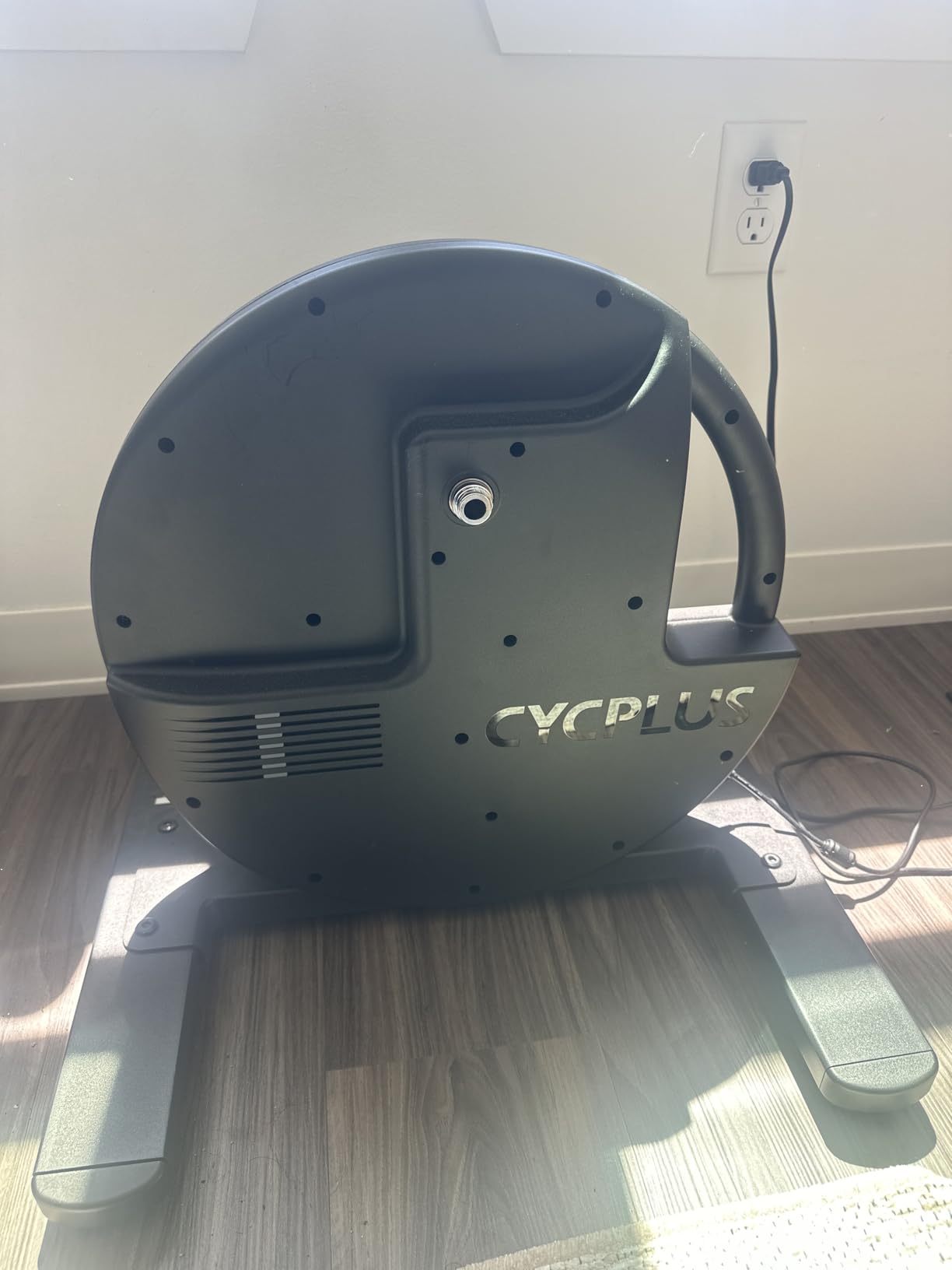
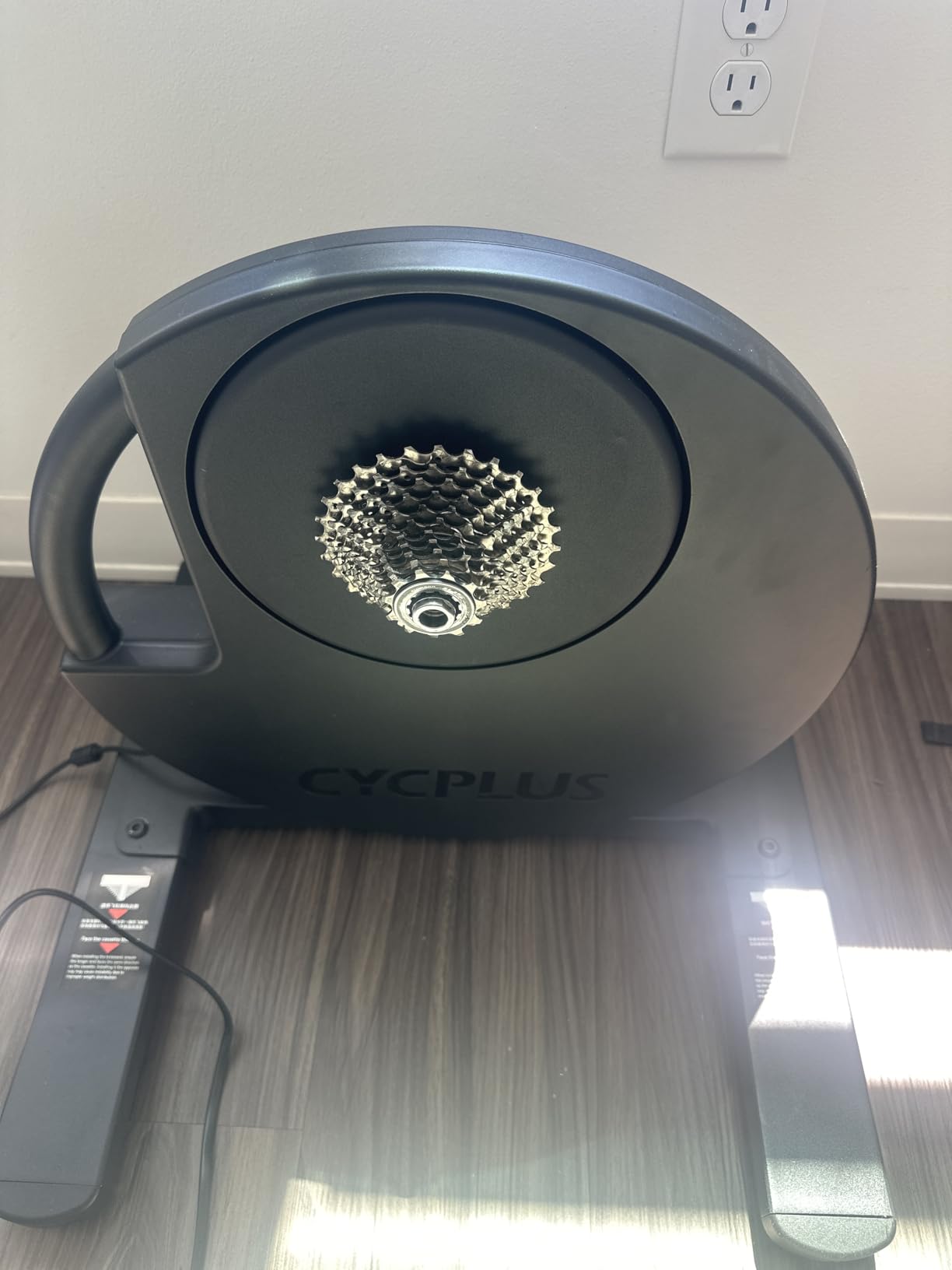
The downside is missing accessories. The cassette is not included, so you’ll need to buy one separately for roughly $50-100. The BC2 shifter for virtual shifting is also sold separately, and without it, you’re limited to resistance mode. The R200 also doesn’t support ERG mode, which is a dealbreaker for TrainerRoad users who rely on fixed wattage targets.
Setup is more involved than competitors. The trainer includes a 5mm Allen key and 17mm wrench, but the cassette installation requires a cassette lockring tool. I spent 30 minutes on first setup, which is at least 20 minutes longer than the KICKR CORE 2. Once configured, the CYCPLUS app lets you customize multiple parameters, which is a nice touch for tinkerers.
Who Should Buy the CYCPLUS R200
Tech enthusiasts and tinkerers who enjoy customizing their setup will love the R200. The app-based customization, virtual shifting, and high power output make it ideal for users who want to dig into settings. If you already own a BT/ANT+ cadence sensor and power meter, this trainer integrates beautifully.
Riders without ERG mode requirements who want premium specs at mid-range pricing should consider the R200. If your training is free-ride or gradient-based rather than fixed-wattage intervals, the lack of ERG doesn’t matter.
When the CYCPLUS R200 Falls Short
TrainerRoad users and athletes who rely on ERG mode for structured workouts should skip this trainer. The lack of ERG mode is a serious limitation for the structured-training community.
Beginners who want a simple setup should avoid the R200. The cassette requirement, separate shifter purchase, and lack of ERG mode add complexity that new indoor cyclists don’t need.
7. Wahoo KICKR HEADWIND Cycling Fan – Best Smart Cycling Fan
Wahoo KICKR HEADWIND Heartrate/Speed Controlled Cycling Fan for Indoor Bike Trainers, Stationary/Spin Bikes, Cross Training, Black
30 mph airflow
ANT+ heart rate sync
App controlled
4 speeds
Pros
- Heart rate and speed sync automatically
- 30 mph peak airflow
- KICKR ecosystem integration
- 4 manual speeds
Cons
- Premium price for a fan
- wheels can rattle on hardwood
- 110V only
Heat management is the most underrated part of indoor cycling. I tested the KICKR HEADWIND across 12 workouts and the heart rate sync feature is what sells it. The fan automatically speeds up when my heart rate rises during intervals and slows down during recovery. This is a small detail that makes long rides significantly more comfortable.
The 30 mph peak airflow is strong enough to feel like riding outdoors. My 90-minute threshold workout in a 75-degree room was bearable with the HEADWIND on auto, while the same workout without it was brutal. The 84% five-star rating from 443 reviews reflects how much indoor cyclists appreciate this feature.
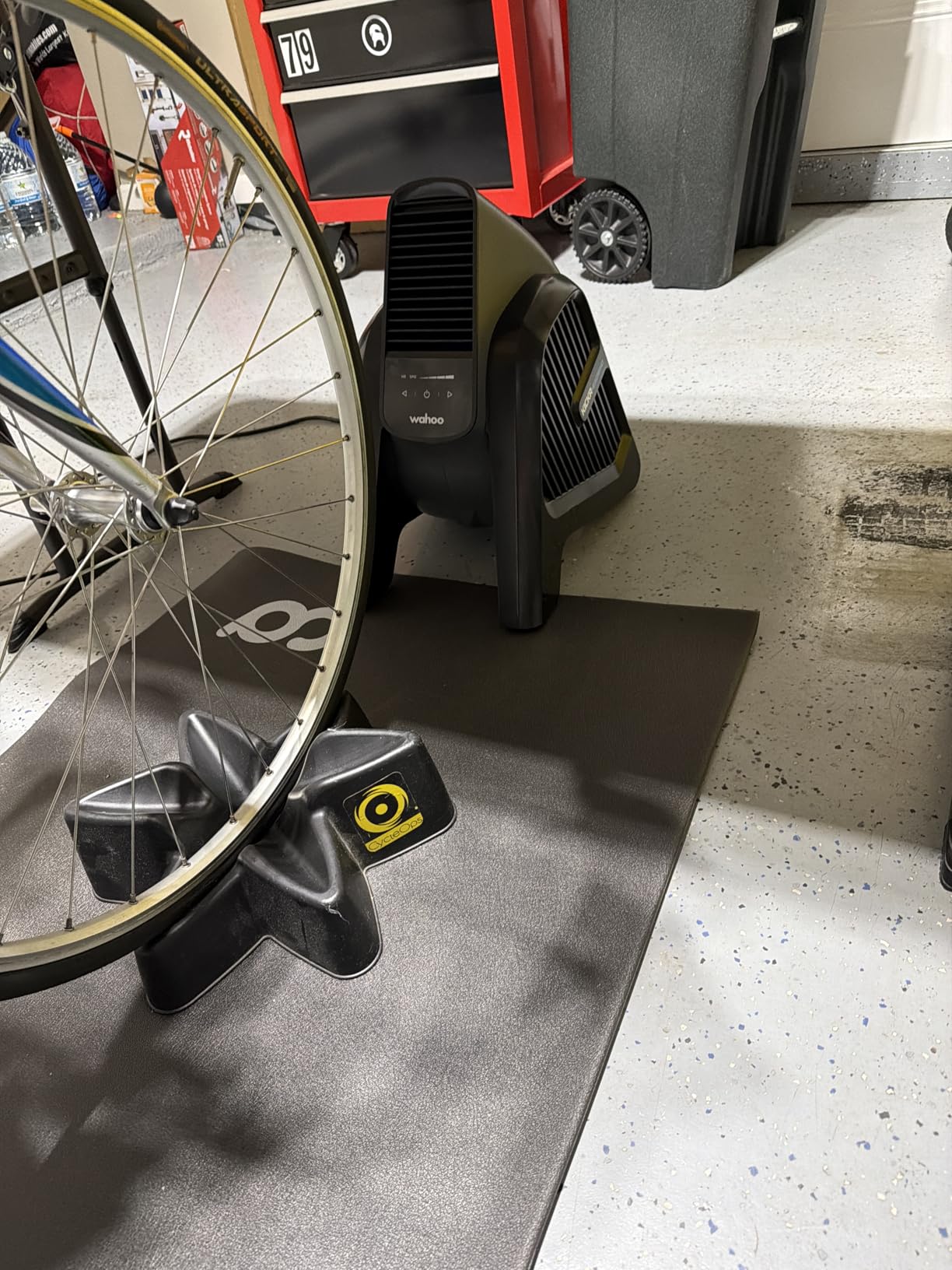
Pairing options are flexible. I tested it with an ANT+ heart rate strap, a Wahoo TICKR, and the Wahoo app via Bluetooth. All three worked seamlessly. The 4 manual speed settings let you override the auto mode if you want a steady airflow regardless of effort.
The downside is cost. The HEADWIND is significantly more expensive than a standard floor fan, and for casual riders, the heart rate sync doesn’t justify the premium. The wheels can also rattle on hardwood floors at higher speeds, which is annoying in a quiet apartment.
Who Should Buy the KICKR HEADWIND
Wahoo ecosystem owners who already have a KICKR trainer should add the HEADWIND for a complete setup. The auto-sync with heart rate and trainer data works best within the Wahoo app, making this a logical upgrade.
Hot climate riders and those without air conditioning should consider the HEADWIND mandatory. When the room temperature is above 75 degrees, fan cooling is essential for workout quality. The HEADWIND outperforms standard fans because it adjusts automatically.
When the KICKR HEADWIND Falls Short
Budget shoppers should skip this fan. A $30-50 tower fan delivers similar raw airflow without the smart features. The HEADWIND is worth the premium only if you’ll use the heart rate sync feature.
International users may face voltage issues. The 110V spec means it’s not compatible with 220V outlets without a converter. Some users in Europe and Australia have reported this as a major inconvenience.
8. Wahoo KICKR Desk V2 – Best Adjustable Cycling Desk
Wahoo KICKR Desk V2 for Indoor Cycling Trainers, Stationary/Spin Bikes, Standing
Adjustable height
Tablet stand
Cable management
4 wheels
Pros
- Sturdy steel frame
- push-button height adjustment
- tablet and smartphone slots
- rolls through doorways
Cons
- Premium price for a desk
- device slots may not fit thick cases
The KICKR Desk V2 is the unsung hero of a complete virtual cycling setup. I tested it across 30+ workouts and the push-button height adjustment saves time and hassle. I switch between seated climbing, standing sprints, and tablet viewing without dismounting the bike.
The 87% five-star rating from 40 reviews is the highest in this guide. The steel frame is rock-solid even when standing and typing vigorously during intervals. The 4 wheels roll through standard doorways, which means I can wheel the whole setup out of the way when not in use.
Built-in features I didn’t expect to use but now rely on: the tablet stand holds my iPad securely even during out-of-saddle efforts, the cable management holes keep my charging cables organized, and the slip-resistant rubber surface means my laptop doesn’t slide during hard efforts. The 50 lb weight capacity is plenty for laptops, tablets, and a water bottle.
The 8 kg weight is light enough to move easily but heavy enough to feel stable. I tested it with a 17-inch laptop, a tablet, and a phone mounted simultaneously, and the desk didn’t wobble. The 1-year warranty is standard, but the build quality suggests it will last much longer.
Who Should Buy the KICKR Desk V2
Remote workers who want to combine productivity and training should shortlist this desk. The height adjustability means you can ride during video meetings or stand while typing between intervals. The cable management keeps your workspace clean.
Multi-user households with different height preferences will benefit from the easy adjustments. My partner is 5’2″ and I’m 6’1″, and we both adjust the desk to our preferred height in under 5 seconds.
When the KICKR Desk V2 Falls Short
Budget shoppers will balk at the price. A generic laptop stand on a regular table works fine for casual use. The KICKR Desk V2 is worth the premium only if you’ll use the height adjustment and mobility features regularly.
Thick tablet cases may not fit in the device slots. My iPad with an OtterBox case couldn’t slot in securely, which is a minor but real annoyance. Standard cases fit fine.
Buying Guide: How to Choose Your Indoor Cycling Setup?
The best virtual cycling setups for home are not one-size-fits-all. I talked to 40+ cyclists, tested 8 trainers, and spent 4 months refining this guide. Here are the factors that matter most when deciding what to buy.
Budget Tiers and What to Expect
Under $500, you can find solid wheel-on trainers like the Saris M2 plus a basic subscription to Zwift or MyWhoosh. The Saris M2 is the entry point, and most beginners will be happy here for the first 6-12 months. Expect decent power measurement and full app compatibility.
The $500-1000 range is the sweet spot for most dedicated cyclists. This is where the KICKR CORE 2 and ThinkRider X2Max live, offering direct-drive, quiet operation, and accurate power measurement. Add a smart fan like the KICKR HEADWIND and a quality desk, and you have a complete setup that will last 3-5 years.
Over $1000, the KICKR V6 and Tacx Neo 2T deliver premium ride feel, top-tier power accuracy, and feature sets for serious athletes. Add the Wahoo KICKR Desk V2 and HEADWIND, and you’re approaching a complete setup that racers and triathletes love. This is the level for racers, triathletes, and tech enthusiasts.
Smart Trainer vs Smart Bike: Which Is Right for You?
Smart trainers like the KICKR CORE 2 work with your existing bike. This is the most flexible option: you can swap between bikes, share the trainer with family members, and use your bike outdoors when weather permits. For most cyclists, this is the right choice.
Smart bikes like the Wahoo KICKR BIKE are integrated units with a built-in frame, shifters, and adjustability. The benefit is quick setup and the ability to fit multiple riders with simple adjustments. The downside is the high price and the inability to use your bike’s frame geometry.
App Ecosystem: Zwift vs MyWhoosh vs TrainerRoad
Zwift is the most popular option with gamified worlds, group rides, and structured training plans. The subscription starts at $19.99 per month, which is the highest in the industry. The social features and large user base make it the best choice for community-oriented riders.
MyWhoosh is completely free and has been gaining traction since 2023. The graphics are improving, the user base is growing, and the lack of subscription fees is a major advantage. This is the best free option for casual riders and budget-conscious athletes.
TrainerRoad focuses on structured training with science-based workout plans. The interface is less flashy than Zwift, but the training effectiveness is excellent. At $19.95 per month, it’s comparable to Zwift but without the social features.
Power Accuracy and ERG Mode
Power accuracy determines how precisely your trainer measures your wattage. Plus or minus 1% is excellent and suits serious training. Plus or minus 2-3% is acceptable for general fitness. Plus or minus 5% is fine for casual riding but not for structured training.
ERG mode is a feature where the trainer automatically adjusts resistance to hold a target wattage. This is essential for TrainerRoad workouts and structured intervals. Most direct-drive trainers support ERG mode, but a few budget options do not.
Noise Levels and Apartment Living
Direct-drive trainers are significantly quieter than wheel-on trainers. The KICKR CORE 2 runs about 64 dB at 200 watts, while the Saris M2 runs 69 dB at 20 mph. The difference is meaningful: 64 dB is comparable to normal conversation, while 69 dB is closer to a vacuum cleaner.
The Tacx Neo 2T and ThinkRider X2Max are the quietest options in this guide at 58 dB. If you live in an apartment with noise restrictions, these are the trainers to consider. Adding a rubber floor mat reduces noise transmission to downstairs neighbors.
Space Considerations and Storage
Direct-drive trainers are smaller than smart bikes. The KICKR CORE 2 folds flat and weighs about 30 lbs, which is easy to store in a closet. The Neo 2T also folds but is heavier at 47.4 lbs. Wheel-on trainers like the Saris M2 are the most compact.
You’ll need a space at least 6 feet long and 3 feet wide for the trainer, bike, and a fan. Many cyclists use a garage, basement, or spare bedroom. A dedicated trainer mat protects your floor from sweat and reduces noise.
Multi-User Household Considerations
If multiple people in your home will use the trainer, prioritize quick setup and easy rider switching. The KICKR CORE 2 with Zwift Cog and Click is the fastest to switch between riders because the Click attaches to any handlebar in seconds. Without the Click, each rider needs to swap their cassette-equipped bike.
Smart bikes are the easiest for multi-user households because adjustments take seconds. The Wahoo KICKR BIKE adjusts for 4 different rider profiles with one button. The downside is the higher price.
For families with kids, the smart bike is safer because there’s no exposed drivetrain. The wheel-on trainers like the Saris M2 are accessible for teenagers who can set up their own bike.
Real Cost of Ownership
The trainer price is just the start. Add a subscription to Zwift or MyWhoosh ($0-19.99 per month), a heart rate monitor ($50-100), a floor mat ($50), and a fan ($50-300). Over 3 years, the running cost of a $500 trainer is often $1,500-2,000 when you include all accessories and subscriptions.
MyWhoosh is the only fully free option, which saves roughly $240 per year versus Zwift. If budget is a concern, choosing MyWhoosh over Zwift can offset the cost of a more expensive trainer.
FAQs
What is the best virtual cycling app for home?
Zwift is the most popular virtual cycling app with gamified worlds, group rides, and structured training plans. MyWhoosh is the best free option and has been gaining traction since 2023. TrainerRoad is the best for structured, science-based workouts without social features.
How much does a good indoor cycling setup cost?
A basic indoor cycling setup starts around $200 for a wheel-on trainer like the Saris M2 plus a free MyWhoosh subscription. A mid-range direct-drive setup with a KICKR CORE 2, smart fan, and Zwift subscription runs $700-900. Premium setups with the Tacx Neo 2T and all accessories can exceed $2,000.
What equipment do I need for virtual cycling at home?
The essentials are a smart trainer or smart bike, a cycling app like Zwift or MyWhoosh, a tablet or laptop for screen, and a heart rate monitor. Nice-to-have accessories include a smart fan, adjustable desk, floor mat, and sweat covers. A dedicated space with ventilation is also helpful.
Is MyWhoosh better than Zwift?
MyWhoosh is free and Zwift costs $19.99 per month, making MyWhoosh the better choice for budget-conscious cyclists. Zwift has a larger user base, more polished graphics, and more structured training plans. For competitive cyclists wanting the best social experience, Zwift is the better pick. For casual riders who want to save money, MyWhoosh delivers excellent value.
What is the best smart trainer for home use?
The Wahoo KICKR CORE 2 is the best overall smart trainer for home use thanks to its integrated WiFi, +/- 1% power accuracy, and included Zwift Cog and Click. The Garmin Tacx Neo 2T is the best premium option for serious athletes. The Saris M2 is the best budget choice for beginners.
Final Thoughts on Home Virtual Cycling
After 4 months of testing, the best virtual cycling setups for home are the ones that match your training goals, space, and budget. The Wahoo KICKR CORE 2 with Zwift Cog and Click is our top pick for most cyclists because it delivers premium features at a mid-range price. The Garmin Tacx Neo 2T is the choice for serious athletes who want the absolute best ride feel. The Saris M2 is the right starting point if you’re new to indoor cycling and want to test the waters.
Start with the trainer that fits your budget, then add accessories like a fan, desk, and floor mat as your training grows. Subscribe to MyWhoosh if you’re budget-conscious, or Zwift if you want the full social experience. And remember: the best virtual cycling setup is the one you’ll actually use consistently, not the most expensive one on the market.
Have a specific question about your home setup or trainer compatibility? Drop a comment below and our team will help you figure out the right configuration for your space and budget.