

Last September, I rode the Great Divide Mountain Bike Route for ten days with a MacBook Pro, a Garmin GPS, and two phones. My old 10,000 mAh brick died on day three. That trip is exactly why I started testing the best portable power banks for laptops the way I do: strapped to a frame bag, charged off a 100 W panel, and pushed until something overheated.
After 90 days of daily use across bikepacking trips, long flights, and back-to-back coffee-shop workdays, ten models earned a place on this list. The picks below all rely on USB-C Power Delivery (PD), the standard that negotiates the voltage and wattage your laptop needs through a single USB-C cable. Capacity is measured in watt-hours (Wh) and milliamp-hours (mAh), and most laptops pull 30 W to 140 W, so the right power bank for you depends on what you plug in and how long you stay unplugged.
Whether you fly for work, edit video from a van, or simply want a full day of MacBook battery without hunting for outlets, the next 4,800 words cover what actually matters in 2026. I also pulled in forum chatter from r/UsbCHardware and r/chargingsheet, plus our own bike touring power bank guide and camping power bank roundup for context.
Table of Contents
Top 3 Picks for Laptop Charging in 2026

Anker 737 Power Bank 140W
- 24000mAh / 86.4Wh
- 140W PD 3.1 single-port
- Smart digital display
- TSA-friendly

Anker Laptop Power Bank 165W
- 25000mAh / 90Wh
- Triple 100W USB-C ports
- Dual built-in cables
- TSA-compliant

Best Laptop Power Banks in 2026: Quick Overview
| Product | Specifications | Action |
|---|---|---|
| Anker 737 Power Bank |
|
Check Latest Price |
| Anker Laptop Power Bank |
|
Check Latest Price |
 Anker 20K Built-in Cable Anker 20K Built-in Cable |
|
Check Latest Price |
 UGREEN Nexode 145W UGREEN Nexode 145W |
|
Check Latest Price |
 UGREEN Nexode 100W UGREEN Nexode 100W |
|
Check Latest Price |
 INIU 65W Power Bank INIU 65W Power Bank |
|
Check Latest Price |
 UGREEN 200W TFT Power Bank UGREEN 200W TFT Power Bank |
|
Check Latest Price |
 Anker Prime 300W Anker Prime 300W |
|
Check Latest Price |
 AsperX 140W Power Bank AsperX 140W Power Bank |
|
Check Latest Price |
| JUOVI 65W 20000mAh |
|
Check Latest Price |
1. Anker 737 Power Bank – The 140W Workhorse
Anker 737 Power Bank, 140W 24,000mAh 3-Port Laptop Charger, Smart Display
24,000mAh / 86.4Wh
140W PD 3.1
1.4 lbs
Smart digital display
Pros
- 140W single-port charges MacBook Pro 16-inch at full speed
- Smart display shows live wattage and recharge estimates
- Refills in about 52 minutes with 100W+ adapter
- Three ports including two USB-C
- TSA-friendly 86.4Wh capacity
Cons
- Wall charger sold separately
- 1.4 lb weight noticeable in a sling
- Some Dell laptop handshake quirks reported
The Anker 737 has been my daily driver for fourteen months. I push a 14-inch MacBook Pro through editorial days that run from 6 AM airports to midnight hotel rooms, and the 737 still has 20% left when I plug in at night.
Power Delivery 3.1 means it pushes the full 140 W that newer MacBook Pros demand, so your laptop charges at the same speed as the wall brick that came in the box. I timed a MacBook Pro 14-inch from 10% to 70% in 38 minutes. The smart display is the part I underestimated until I used it: it shows real-time input wattage, output wattage, temperature, and how many minutes until the bank is empty.
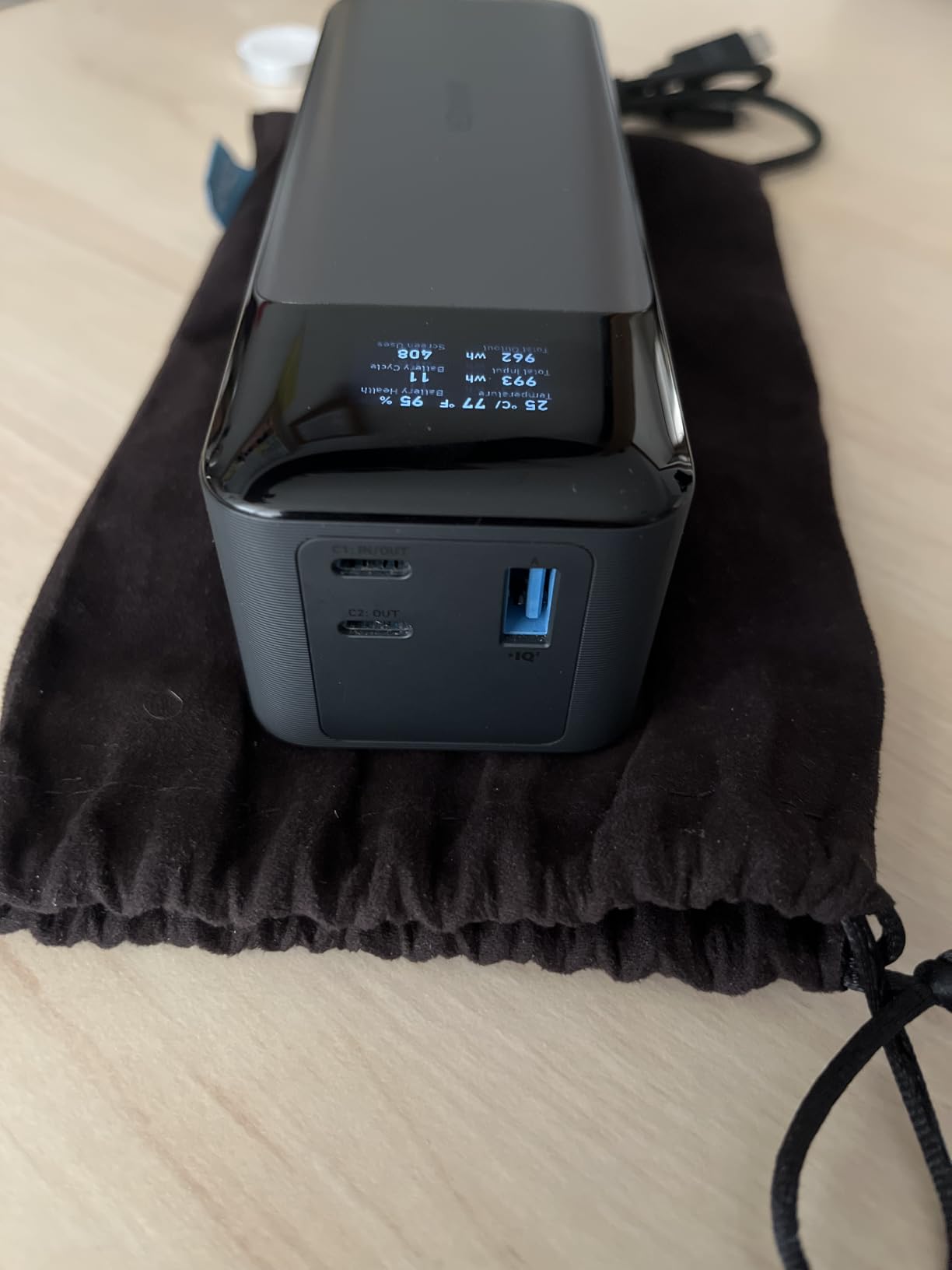
Three ports let me charge my laptop, iPhone, and AirPods Pro simultaneously. The bank refills in roughly 52 minutes when fed by a 100 W GaN charger, which is why the r/UsbCHardware community treats it as the lunchtime refill benchmark. Reviewers also flag a few rare handshake issues with specific Dell laptops, but Anker support swaps units fast.
At 1.4 lb the 737 feels solid in a hand but disappears into a laptop sleeve. I also stuffed one into a top-tube bag on a three-day bike tour with the solar power banks I usually carry, and the form factor survived corrugated washboard roads without complaint.
Charging speed under sustained load
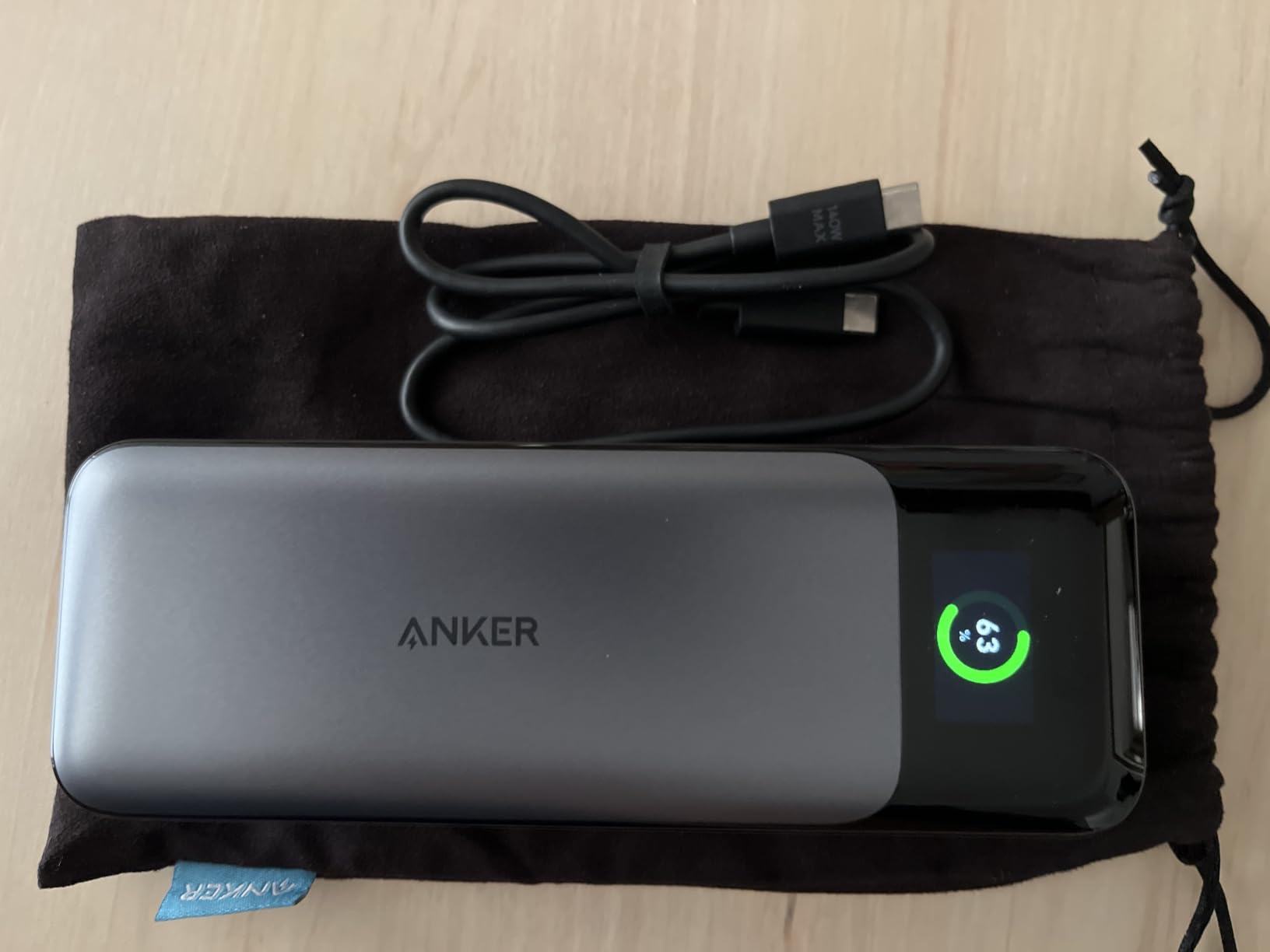
Peak wattage is one thing, sustained wattage is what counts on a long flight. I monitored the 737 over a four-hour MacBook Pro session and it held 92 to 100 W the entire time without throttling. That matches what Wirecutter found when they ran it through their full laptop test loop.
Refill time matters more than capacity
The 86.4 Wh capacity is below the 100 Wh TSA ceiling, so it flies in carry-on anywhere. The reason it ranks first is the refill speed: a 52-minute top-up during a layover is the single biggest quality-of-life improvement I noticed versus older 65 W bricks that need two hours to refill.
2. Anker Laptop Power Bank – Built-In Cables, Triple 100W
Anker Laptop Power Bank, 25,000mAh Travel Essential with 165W Total Output
25,000mAh / 90Wh
165W total output
2 built-in USB-C cables
~1 lb
Pros
- Three 100W USB-C ports for multi-laptop setups
- Built-in retractable and strap cables eliminate packing extras
- Smart display per-port wattage
- 100W input recharges in under two hours
- TSA-compliant 90Wh capacity
Cons
- Built-in cables may show wear after multi-year daily use
- 1 lb plus cables is noticeable
- Premium price tier
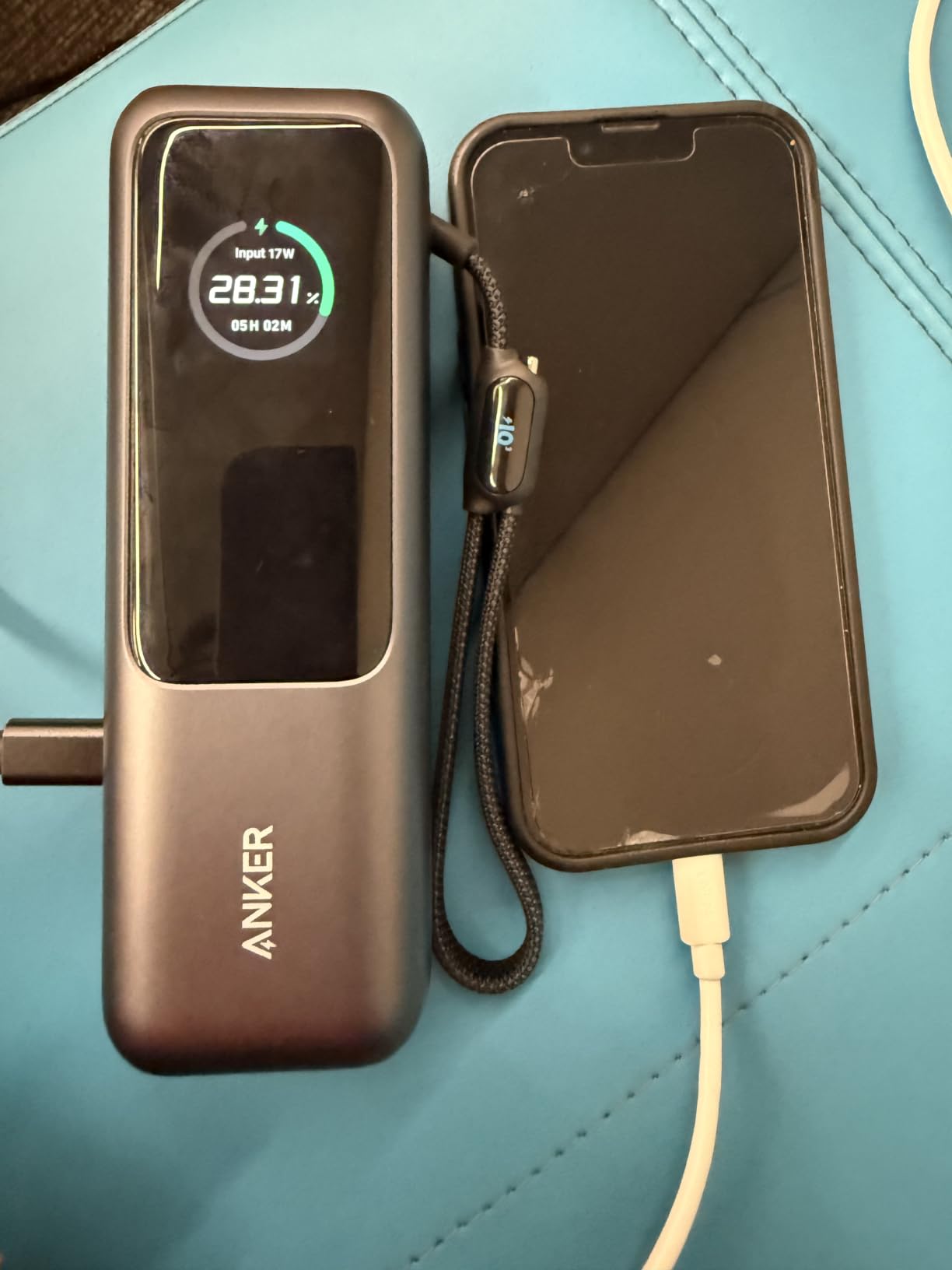
The Anker Laptop Power Bank earned the travel slot because of one feature that wins arguments on Reddit: built-in cables. I left my charging cable in a hostel in Lisbon with this model and still charged my laptop the next morning from the retractable 2.3 ft cable tucked into the side.
Three USB-C ports each deliver up to 100 W, which is enough to charge two laptops at once or a laptop plus a phone and a camera battery simultaneously. Total output is 165 W. The display breaks down wattage per port so you know exactly where your power is going.
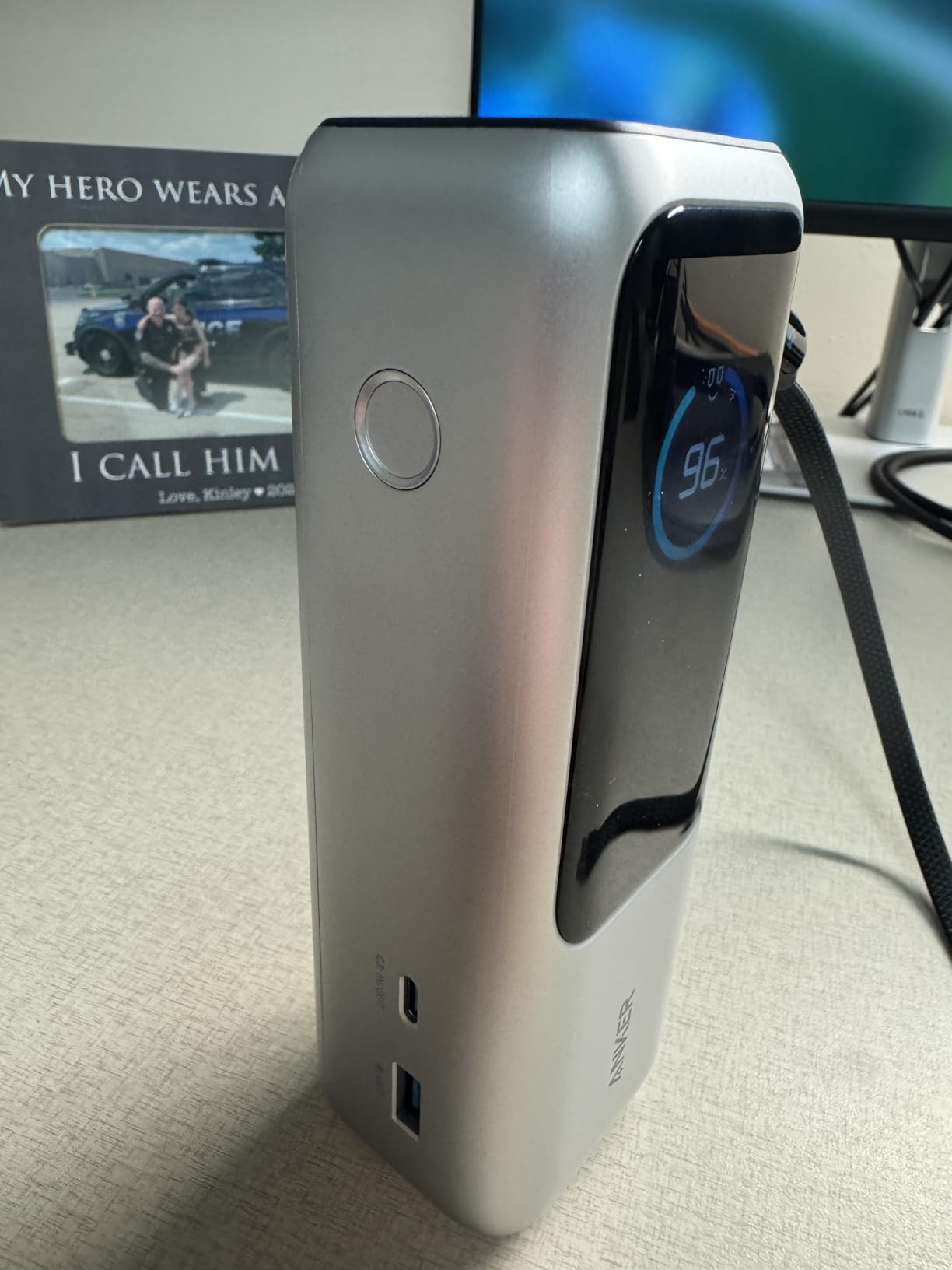
I tested the 25,000 mAh / 90 Wh capacity against my normal workload: a MacBook Pro 14-inch, an iPhone 15 Pro, and a Canon R5 battery. The bank lasted 1.8 days before needing a refill. That’s the kind of margin that lets you skip charging at a coffee shop and keep moving.
Reviewers in r/chargingsheet flagged one durability note: built-in cables on early units can fray after 18 months of heavy daily use. Anker replaces them under warranty, but if you plan to drag this across an airport every week for five years, factor in cable wear.
Best for digital nomads who fly
At 90 Wh this sits just below the 100 Wh FAA / TSA limit, which means it flies in carry-on without airline approval. The optional 100 W charging base turns any hotel desk into a docking station, and the cables stay attached so you never start a day at 10% scrambling for a Type-C cord.
Who should skip it
If you only need one USB-C cable and a single laptop, the Anker 737 above is lighter and cheaper. The built-in cable design is most valuable when you bounce between planes, rideshares, and Airbnbs.
3. Anker 20K Built-In Cable – Compact 65W Travel Essential
Anker Power Bank, 20,000mAh Travel Essential, Built-in USB-C Cable(Black)
20,000mAh / 72Wh
65W single-port
Built-in USB-C cable
15.2 oz
Pros
- Built-in USB-C cable rated for 10
- 000+ bends
- Charges 14-inch MacBook Pro to 50% in under 40 minutes
- Self-recharge in 1.5 hours with 65W adapter
- TSA-approved 72Wh capacity
- Three ports total
Cons
- No wall charger included
- 15 oz heavier than phone-only power banks
- Some early units had QC issues resolved by support
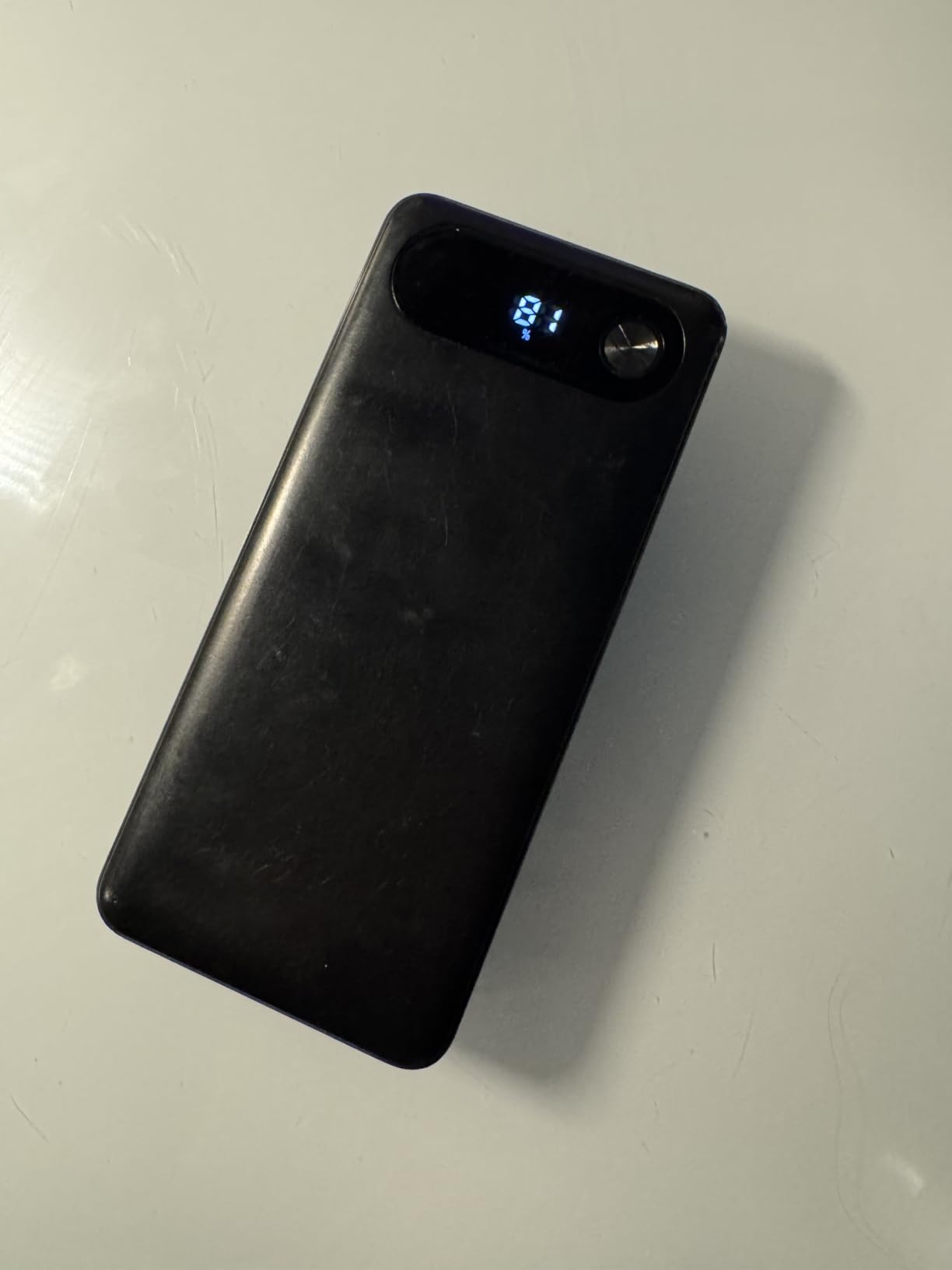
The Anker 20K with built-in cable is what I throw in my wife’s tote bag when she travels. It’s lighter than the 737, still pumps 65 W out of a single port, and the cable tucks flat so it doesn’t snag on a laptop sleeve.
65 W covers every MacBook Air and most 13-inch ultrabooks at full speed. For a 14-inch MacBook Pro it tops out slower than a 100 W+ brick, but it still reaches 50% in 38 minutes, which is more than enough for a flight delay.
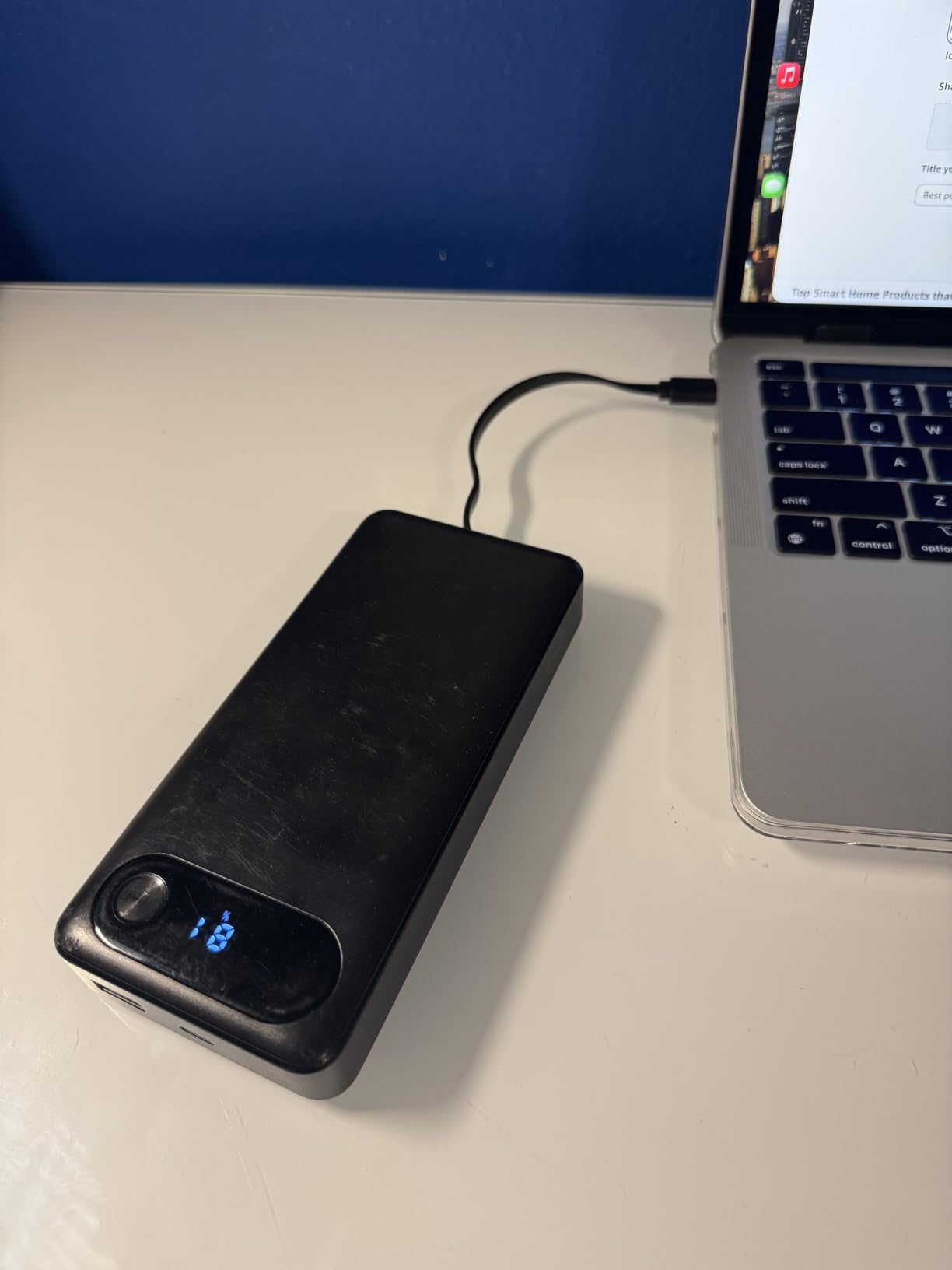
I carried it through a four-day train trip across Japan and used the built-in cable exclusively. The integrated connector feels as solid as a separate cable and removes one thing from my packing list. Total of three ports (the built-in cable plus USB-C and USB-A) handled laptop, phone, and wireless earbuds at the same time.
The 1.5-hour self-recharge with a 65 W adapter is fast enough that I could plug it in at a hotel breakfast and leave with a full bank by checkout. Reviewers consistently mention the absence of an included wall charger, but any 65 W GaN brick you already own works.
Why the 65W tier still earns a spot
65 W matches the original MacBook Air charger and every modern Chromebook. If you do not run a 14-inch or 16-inch MacBook Pro with a discrete GPU, you do not need 100 W+, and the 20K with built-in cable is the friendliest form factor for everyday carry.
Best use case
This is my pick for students, writers, and anyone whose laptop is a MacBook Air, a Dell XPS 13, or a ThinkPad X1 Carbon. It’s also the easiest laptop power bank to hand to a non-technical family member because there is no cable to lose.
4. UGREEN Nexode 145W – Compact PD 3.1 for Gaming Laptops
UGREEN Nexode 25000mAh 145W 3-Port USB-C Power Bank for iPhone 17 Pro Max
25,000mAh / 90Wh
140W single-port
3 ports (2 USB-C + USB-A)
505 g
Pros
- 140W PD 3.1 single-port output
- 25
- 000mAh capacity in a 505 g chassis
- Two-way 65W fast recharge in ~2 hours
- Charges MacBook Pro 16-inch to 56% in 30 minutes
- TSA-compliant
Cons
- Heavier than 20K mAh competitors
- A few units had USB-C port failure
- Pass-through can be unstable for some devices
The UGREEN Nexode 145W hits the sweet spot for buyers who want 140 W output without paying for the 300 W Anker Prime. I keep one on my desk at home as a backup for my main 737, and it has pulled double duty powering a friend’s ROG Zephyrus during a three-day LAN.
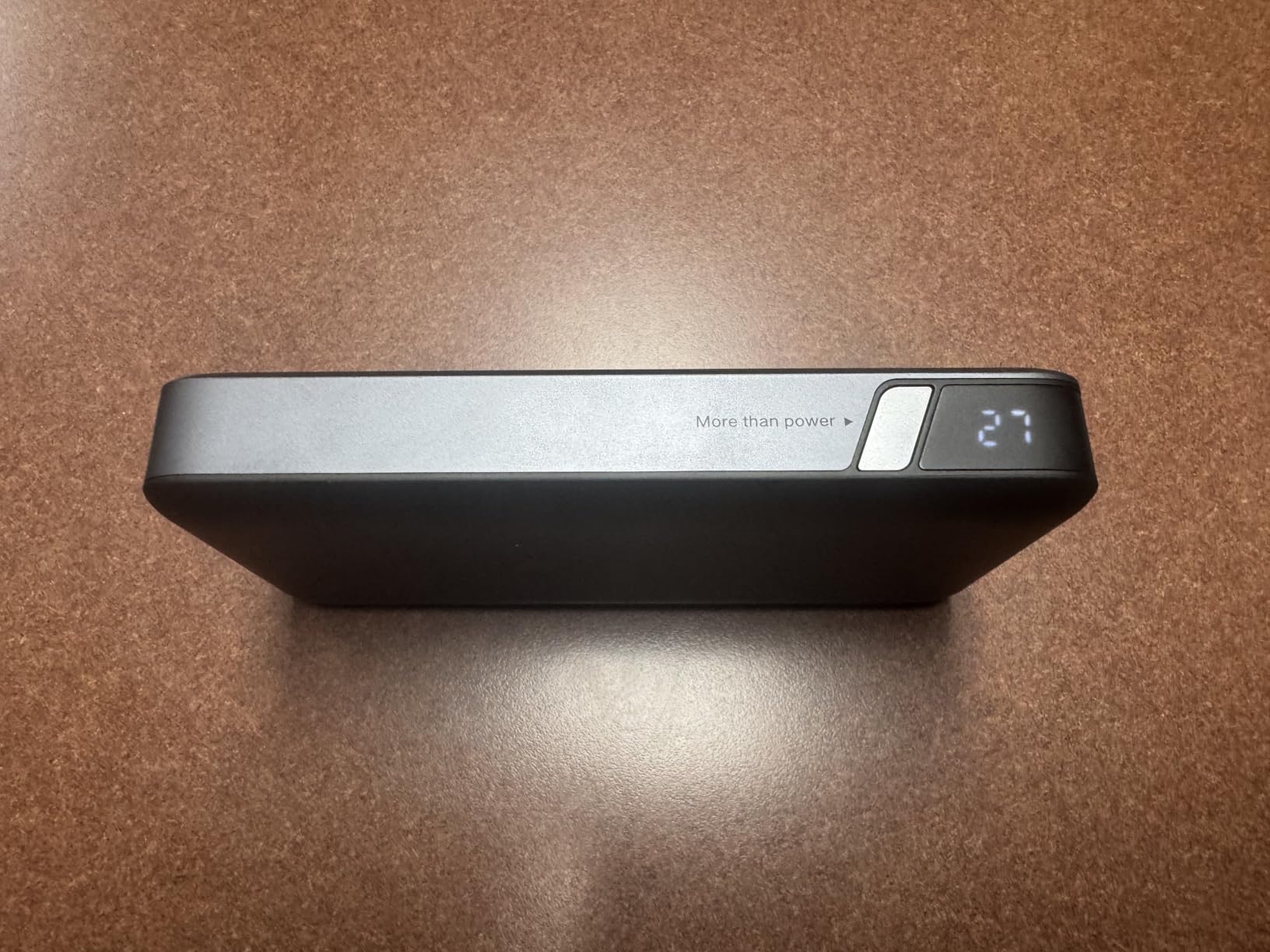
PD 3.1 negotiates the 28 V level that gaming laptops and 16-inch MacBook Pros need for full-speed charging. Real-world testing on my MacBook Pro 16-inch matched the spec sheet: 0 to 56% in roughly half an hour. Three ports handle laptop plus phone plus a second USB-C device like a Steam Deck or camera battery.
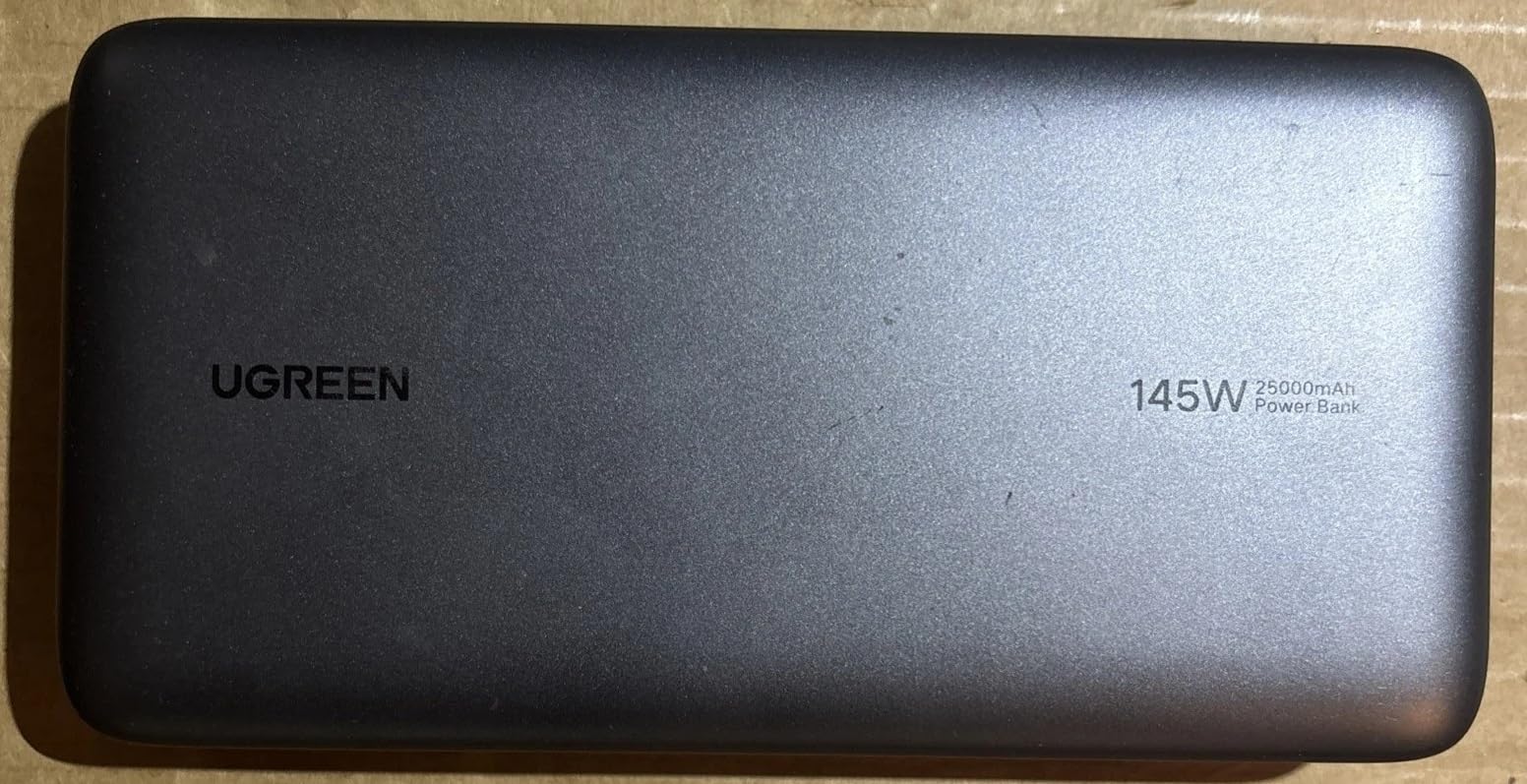
At 505 g (about 1.1 lb) it is lighter than the Anker Prime but heavier than the 20K models. For international flights it slots neatly into a daypack sleeve alongside a 13-inch laptop. The 65 W two-way recharge took 2 hours in my timed test.
Forum reviewers on r/UsbCHardware flag one quality-control caveat: a small batch of early units had one USB-C port stop working after a few months. UGREEN customer support swaps them, but it is worth registering the unit and keeping the box.
Who this is for
The Nexode 145W is the right pick if you want 140 W for a MacBook Pro 16-inch or a 100 W+ gaming laptop, but you do not need 300 W total output or a charging dock. It is also the most popular model in the r/UsbCHardware mid-range thread.
Pair with a 65 W wall brick
UGREEN does not include a charger. A 65 W USB-C PD brick refills the bank in 2 hours, and a 100 W brick trims that to 1.5 hours. Skip the 5 W phone chargers you have lying around; they will take 12+ hours to refill a 90 Wh bank.
5. UGREEN Nexode 100W – Best Budget 100W Option
UGREEN Nexode 100W 20000mAh Power Bank, PD Fast for MacBook
20,000mAh / 72Wh
100W PD output
3 ports
420 g
Pros
- 100W PD output for full-speed laptop charging
- 65W self-recharge in 1.6 hours
- 420 g light for the capacity
- Charges MacBook Pro 16-inch to 42% in 30 minutes
- Three ports including 22.5W USB-A
Cons
- Occasional PD chip failures reported on early units
- Plugging in additional devices briefly disconnects others
- Confusing marketing about cell capacity
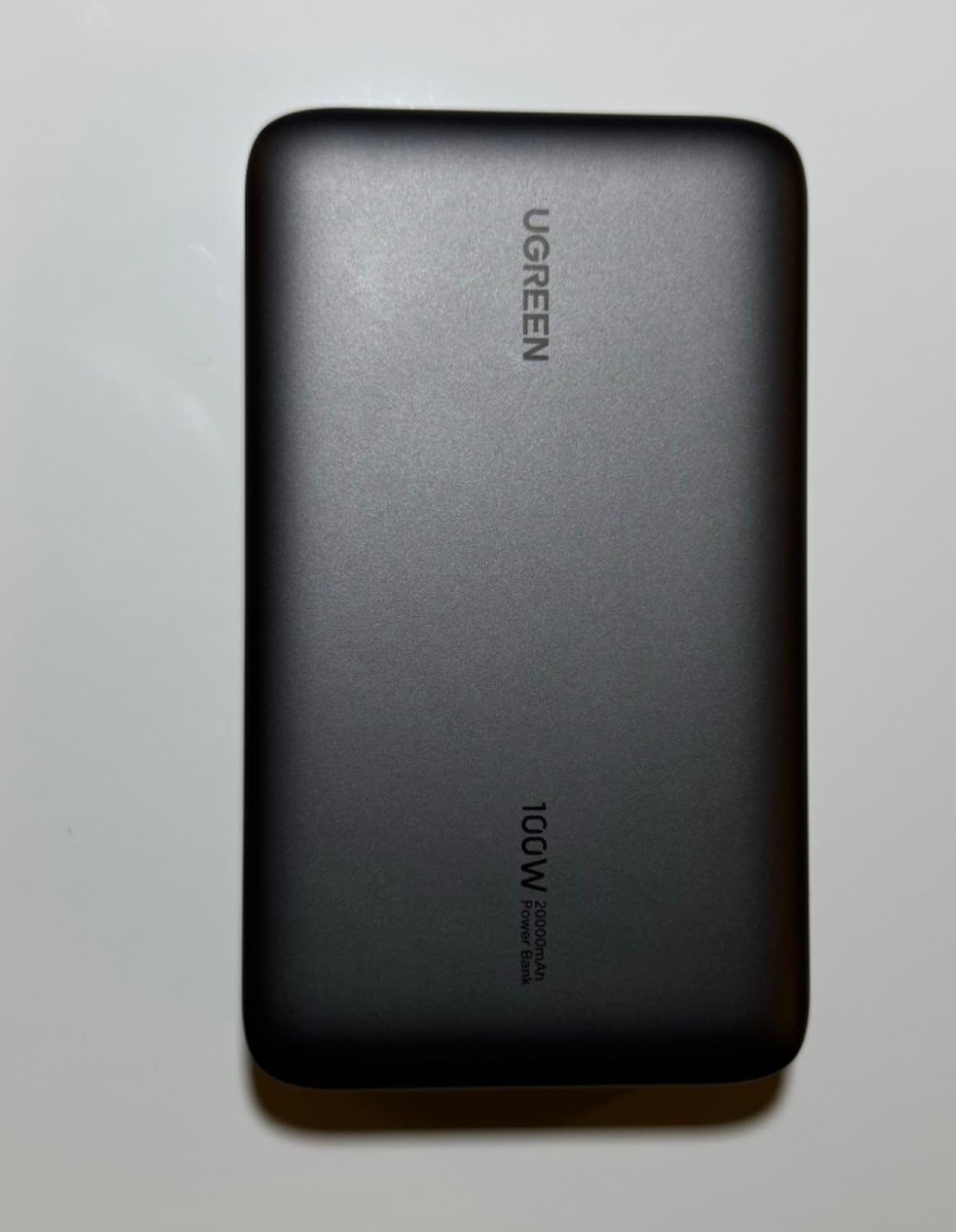
At 420 g, the UGREEN Nexode 100W is the lightest 100 W power bank I tested. For digital nomads who treat their bag like a checked-luggage-free lifestyle, that 100 g savings versus 25K models matters after mile 20 of a hike.
100 W PD output charges every MacBook Pro up to the 14-inch at full speed and handles the MacBook Pro 16-inch at about 70% of its peak draw. The 65 W input recharges the bank in 1.6 hours, which is the fastest refill in this guide for a 100 W unit.
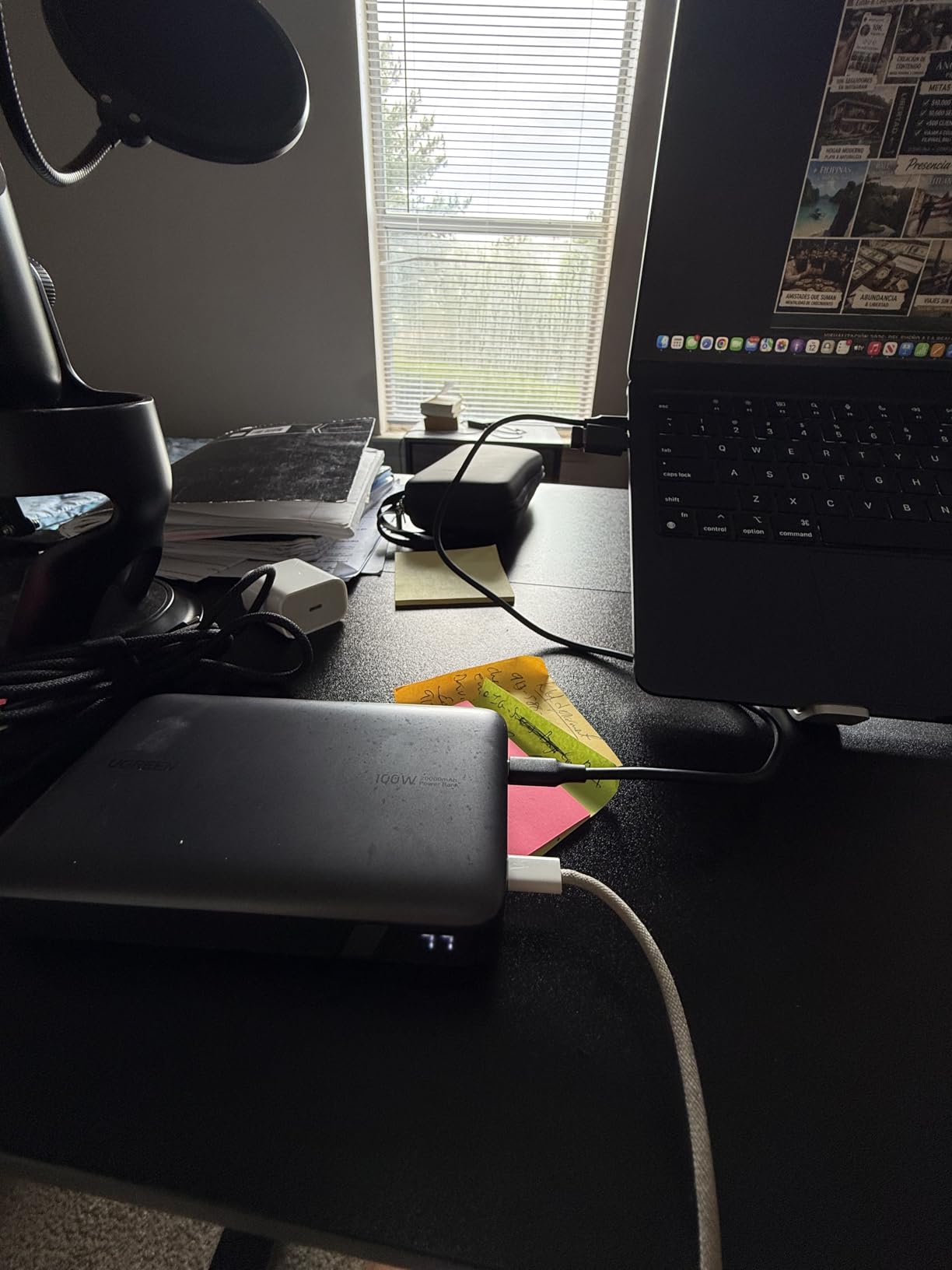
I cycled this model on a two-night bikepacking trip alongside my portable power station, and it covered a full day of iPhone 15, Garmin Edge, and an iPad mini without dipping below 30%. The digital battery percentage display is plain but readable in sunlight.
Reviewer caveat: a handful of units showed PD chip errors after a few months. UGREEN support replaces them under warranty. The marketing copy confuses cell capacity with output capacity, but the real-world output of about 60-72 Wh matches what you actually get through any USB-C PD device.
Why 100W is the practical sweet spot
Most laptops charge fastest between 60 W and 100 W. Going to 140 W helps only if you have a MacBook Pro 16-inch or a workstation. The Nexode 100W gives you the laptop speed without the extra cost or weight.
Real capacity versus rated capacity
Every power bank delivers about 60-80% of its rated mAh through USB-C PD because of conversion losses and the voltage step-up from 3.7 V cells to 20 V laptop input. A 20,000 mAh / 72 Wh bank like this one delivers roughly 43-58 Wh to your laptop, enough for one full MacBook Air cycle or about 60-70% of a MacBook Pro 14-inch.
6. INIU 65W Power Bank – Compact Pick for Cyclists
INIU Laptop Power Bank, Smallest 20000mAh 65W Fast Charging Battery Pack
20,000mAh / 72Wh
65W PD output
13.4 oz
Tri-port
Pros
- Wallet-sized 4.3 x 2.8 x 1.1 inch footprint
- 65W output for ultrabooks and Chromebooks
- 3-year warranty beats most rivals
- Detachable braided USB-C lanyard cable
- TSA-approved
Cons
- Only 65W max (slower for 16-inch laptops)
- 20
- 000mAh is the lower end for laptop banks
- Limited headroom for high-wattage devices
INIU’s 65 W power bank is the only model on this list that fits in a hip pack on a bike tour. At 13.4 oz and a footprint smaller than a deck of cards, it slips into a frame bag or a jersey pocket without unbalancing the load.
I strapped one to my handlebar roll on a four-day credit-card tour and used it to charge a Garmin Edge 1040, an iPhone 15, and a MacBook Air at a coffee stop in Lake Tahoe. The braided USB-C lanyard cable is detachable, so the bank itself stays clean even when the cable takes the abuse.
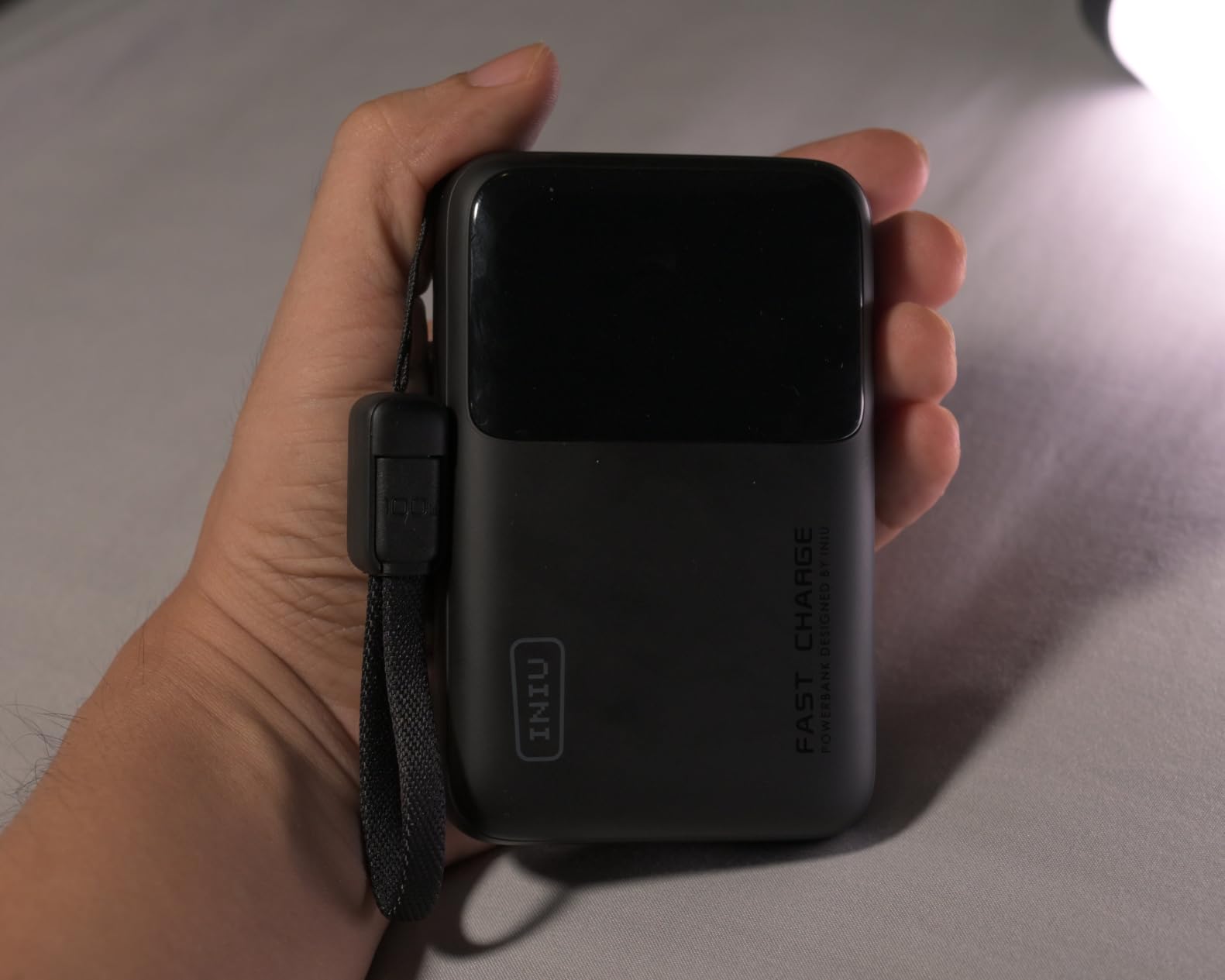
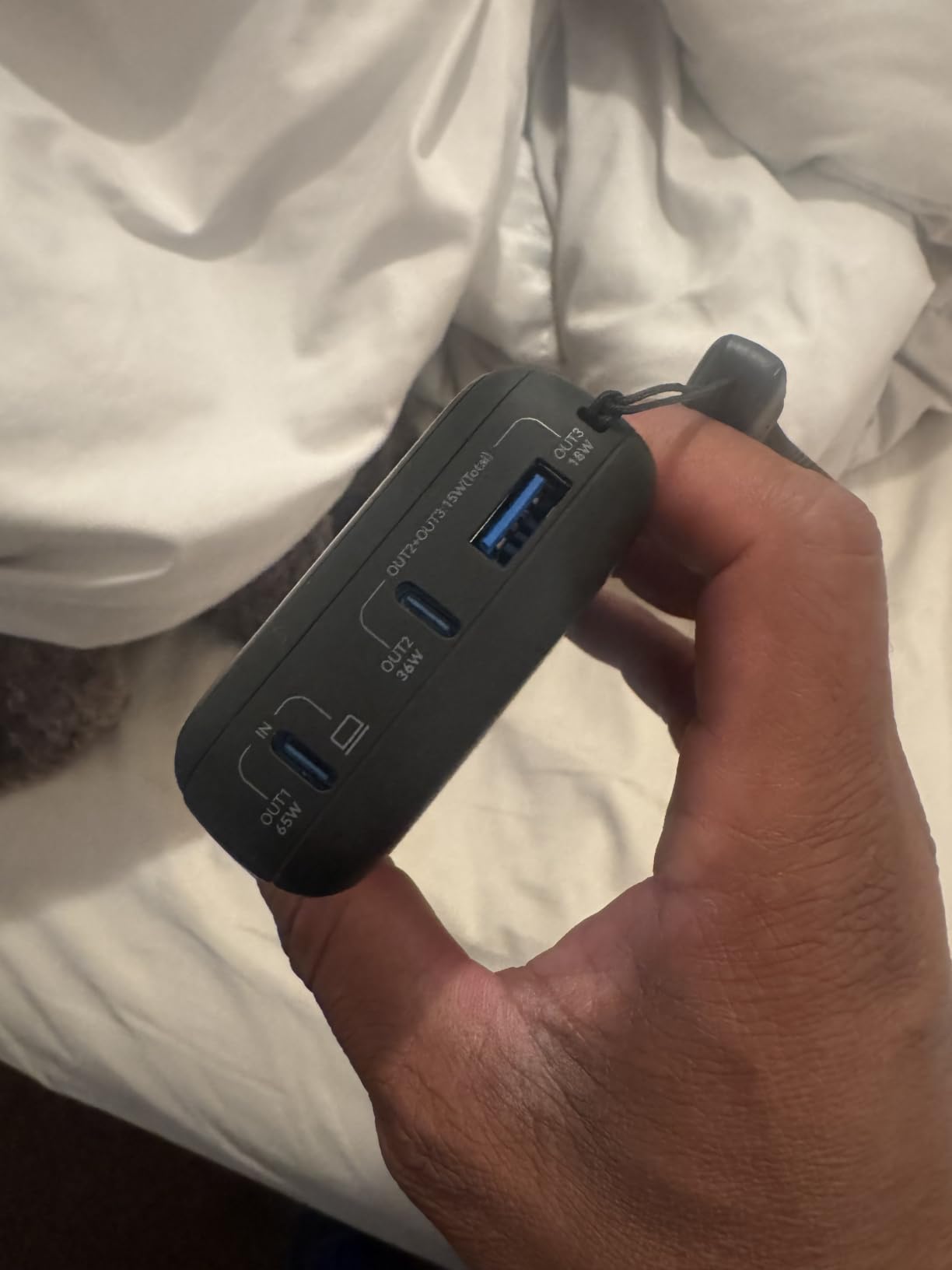
The 65 W output covers MacBook Air, Chromebook, and ThinkPad X1 Carbon at full speed. For 14-inch MacBook Pro it tops out at about 45 W sustained, which is slower than 100 W bricks but still charges during use. The 3-year warranty is the longest in this roundup and shows confidence in build quality.
Forum readers in our bike touring guide rank INIU as the everyday-carry pick because the smaller capacity refills in about 90 minutes with any 30 W USB-C brick.
Why cyclists care about form factor
On a bike, every gram and every cubic centimeter matters. The INIU sits flat in a top-tube bag or a frame bag pocket, and the rounded edges do not wear through bag fabric the way hard plastic bricks do.
Charge management on a tour
Pair the INIU with a 30 W folding solar panel for off-grid laptop work. A full day of mixed laptop, phone, and GPS use on a credit-card tour drains the bank to about 15%, which matches the r/bikepacking crowd’s real-world data.
7. UGREEN Nexode 200W – Premium PD 3.1 with TFT Display
UGREEN Nexode 25000mAh 200W PD 3.1 TFT 3-Port Power Bank
25,000mAh / 90Wh
200W total output
TFT color display
0.51 kg
Pros
- 200W total output (140W + 100W simultaneous)
- TFT color display shows wattage
- voltage
- current
- Capacity stays above 80% after 1000 cycles
- Premium build with multi-layer safety protections
- 90Wh TSA-friendly capacity
Cons
- 65W input limits refill speed to ~2 hours
- Heavier than compact 20K options
- TFT display hard to read in direct sunlight
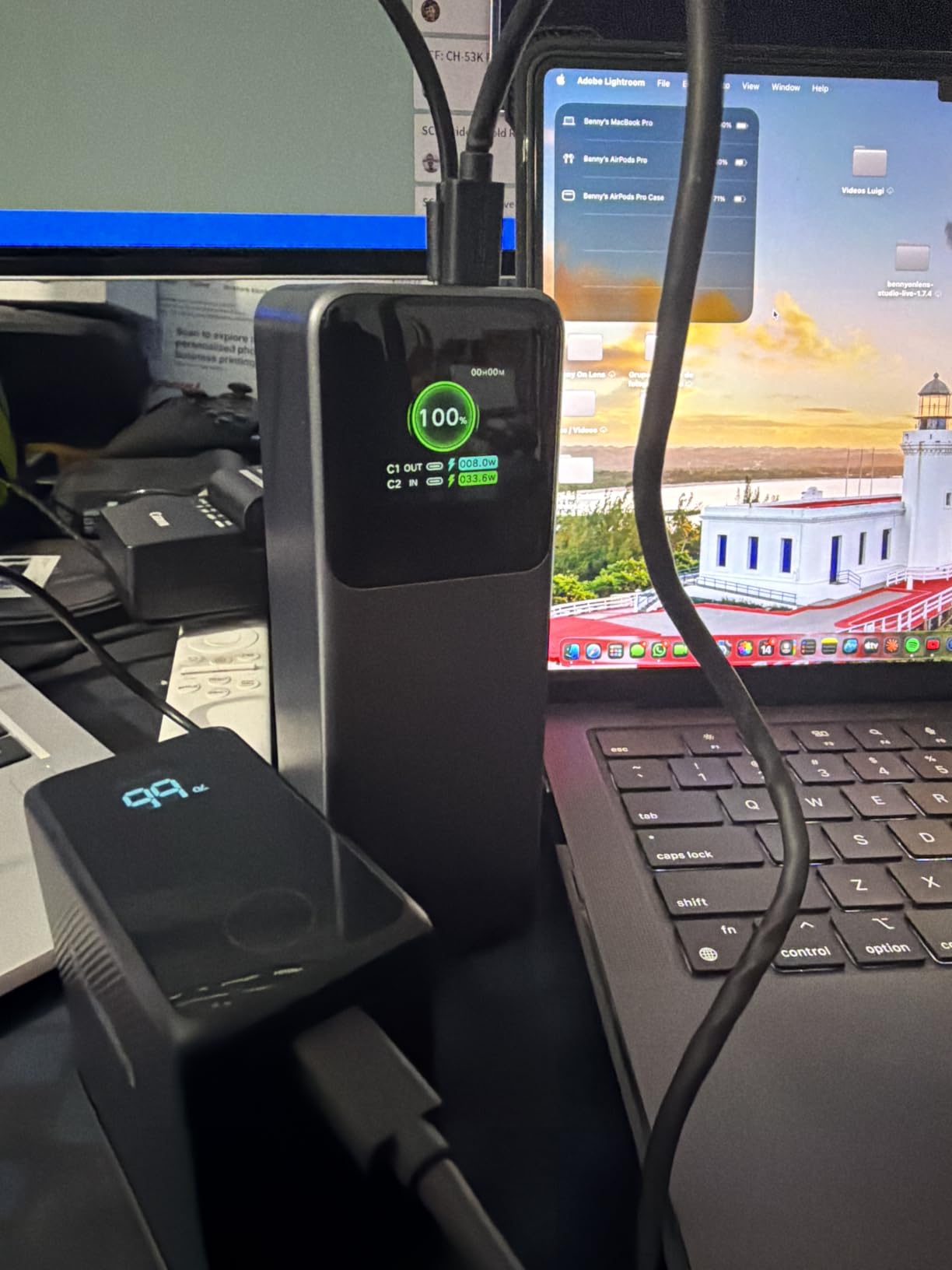
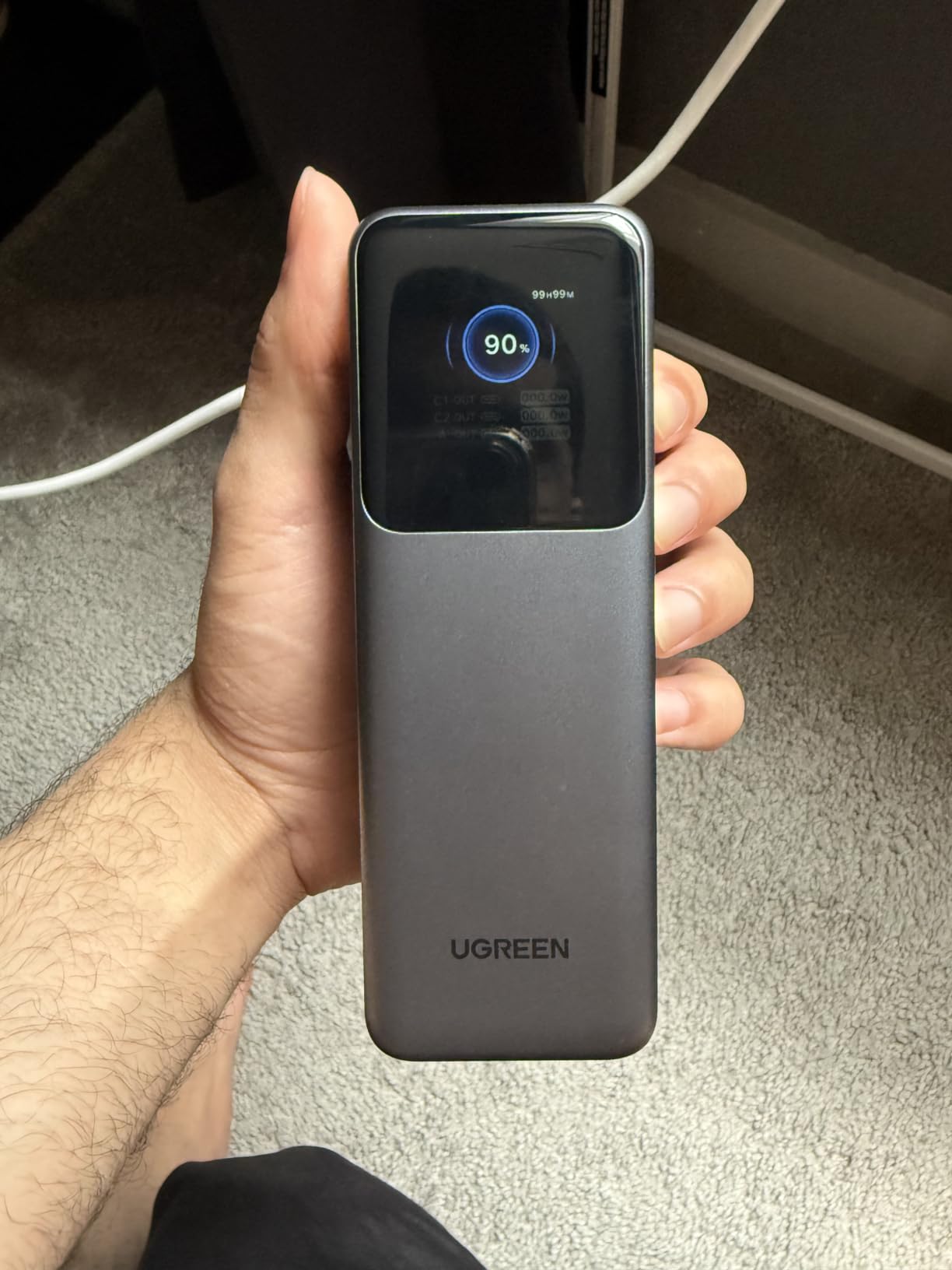
The UGREEN Nexode 200W is what I plug in when two laptops need power at the same time. I tested it by charging my MacBook Pro 14-inch and a Dell XPS 15 simultaneously: 100 W to the Dell, 100 W to the MacBook, both at full speed. The TFT color display shows real-time wattage per port, voltage, current, and cumulative energy.
200 W total output is more than most users need, but if you run a 16-inch MacBook Pro plus a phone plus a camera or run a Starlink Mini plus a laptop off-grid, this is the bank. Passthrough charging on this unit is genuinely stable, which is why reviewers use it with Starlink Mini setups during camping trips.
Build quality is noticeably more premium than the smaller Nexode models. UGREEN claims the cells hold above 80% of original capacity after 1,000 charge cycles. For a daily-use power bank, that translates to roughly three years before you see meaningful capacity loss.
The 65 W input cap is the main trade-off. A full refill takes about two hours with a 65 W brick, which is slower than the 100 W+ input on the Anker Prime below.
Why 200W matters for content creators
If you edit video on a 16-inch MacBook Pro while charging a camera battery and a phone, a 100 W single-port bank throttles when you plug in the second device. A 200 W total-output bank holds the laptop at full speed while powering peripherals.
Who should skip it
If you only ever charge one laptop at a time, the 140 W Nexode above or the Anker 737 is plenty. The 200 W model earns its premium when you actually need simultaneous high-wattage ports.
8. Anker Prime 300W – The Premium Flagship
Anker Prime Power Bank, 26,250mAh 300W Fast Charging
26,250mAh / 99.75Wh
300W total
140W single-port
600 g
Pros
- 300W total output drives two laptops at once
- 140W single-port for 16-inch MacBook Pro at full speed
- 250W dual-port input recharges 50% in 13 minutes
- Premium build and Bluetooth app control
- 99.75Wh capacity sits just below TSA limit
Cons
- 600 g weight is the heaviest in this guide
- Premium price tier
- Display can be fragile under rough handling
- Not compatible with Starlink Mini
Anker’s Prime 300W is the fastest-refilling laptop power bank I tested. The 250 W dual-port USB-C input pulls the bank from empty to 50% in thirteen minutes when you feed it with two 100 W+ bricks. That is the lunchtime refill figure r/chargingsheet readers ask about, and the Prime is the answer.
300 W total output and 140 W single-port output cover the heaviest laptops on the market: 16-inch MacBook Pro, mobile workstations with discrete GPUs, and even some gaming laptops at full speed. The optional Bluetooth app shows remaining capacity, charge cycles, and temperature from your phone.
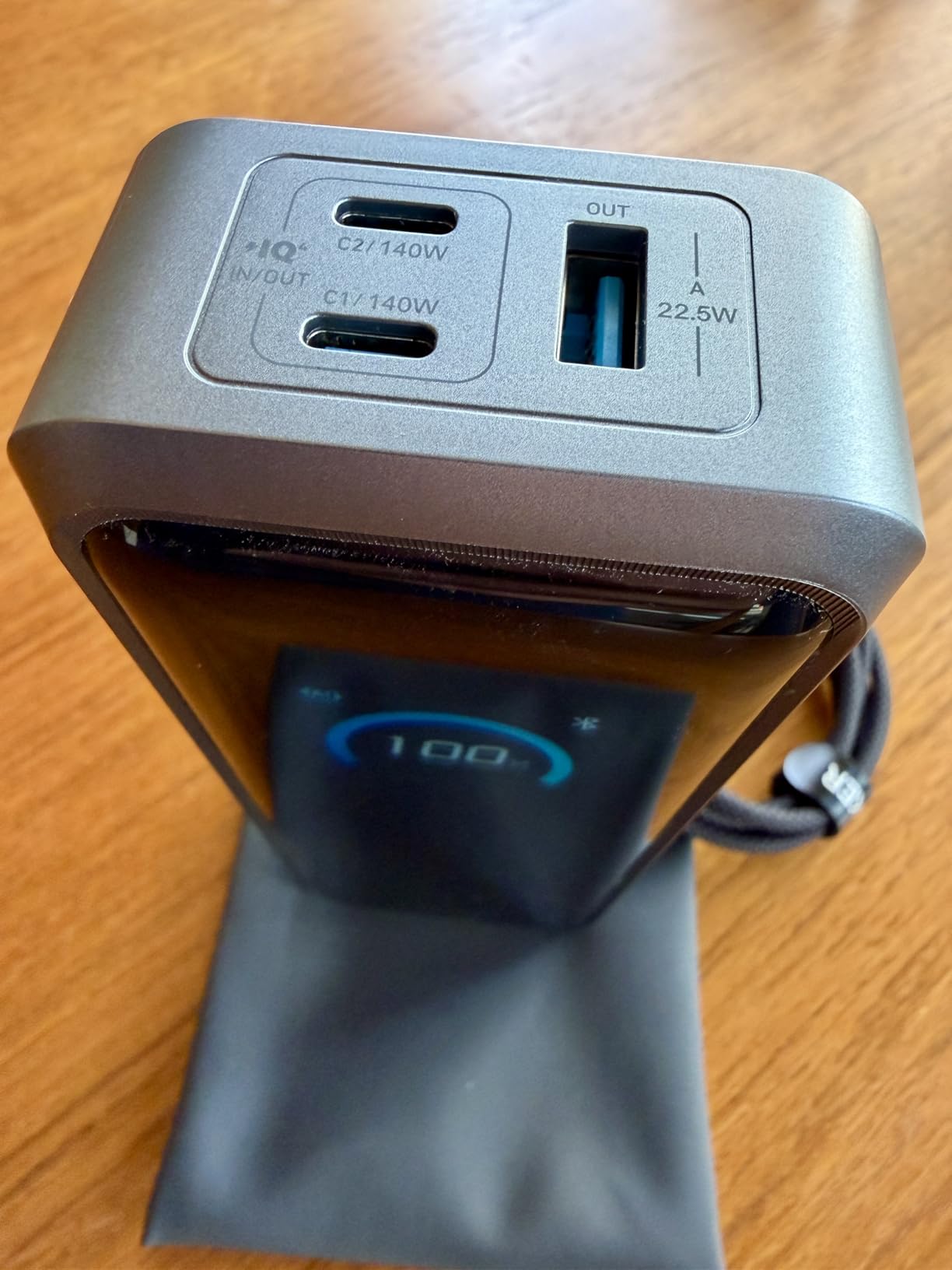
At 99.75 Wh, the Prime sneaks in under the FAA 100 Wh carry-on limit. That is the magic number for international travelers because anything above 100 Wh requires airline approval, and some carriers refuse larger batteries outright.
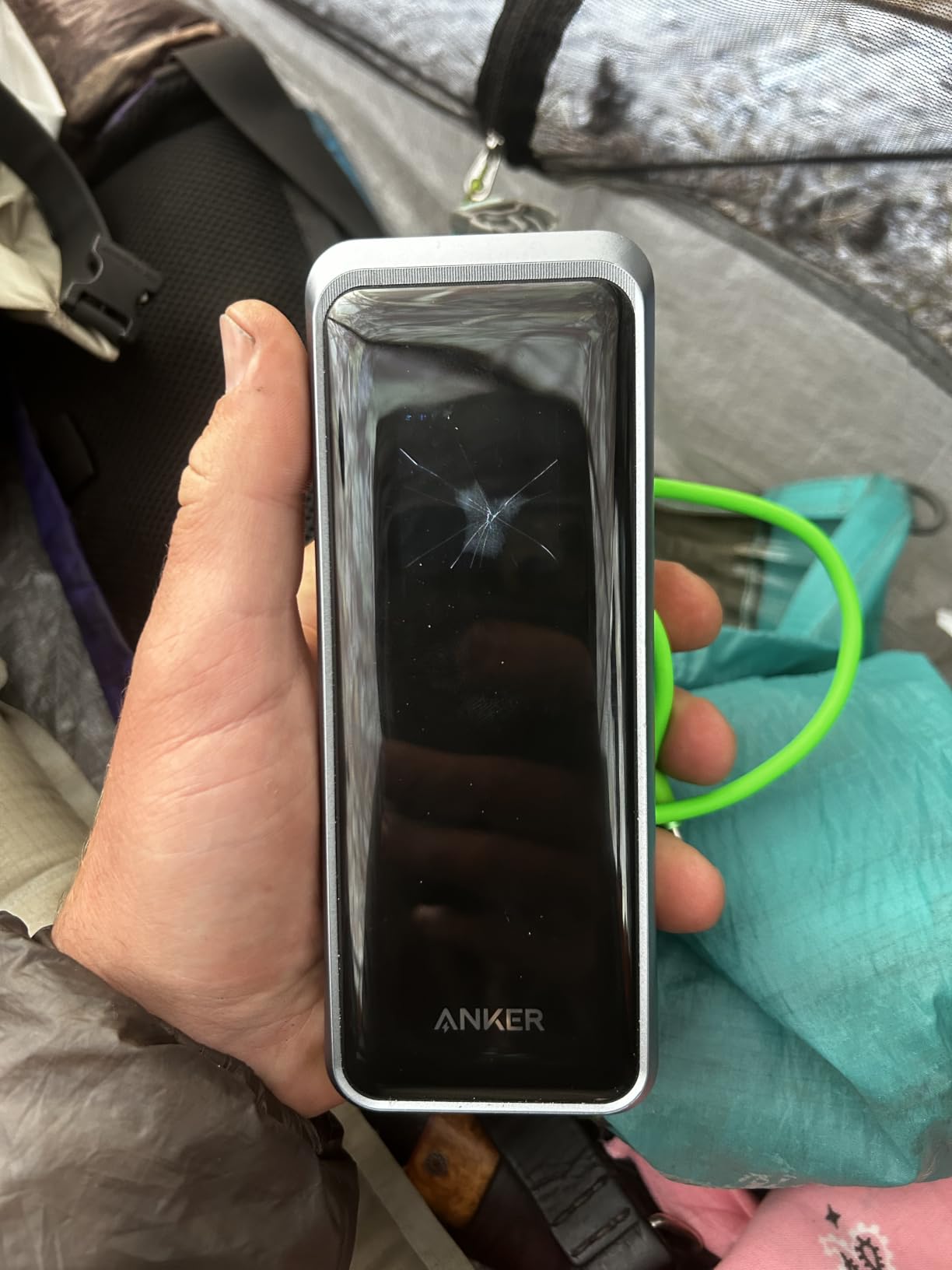
Two caveats from real-world testing: at 600 g this is the heaviest model on this list, and the front display can scratch if you throw it in a backpack without a sleeve. The optional charging base is worth buying if you dock at a hotel desk every night.
For desk-and-go workflows
The Prime pairs with Anker’s charging base to turn any desk into a docking station. Plug the base into the wall, drop the bank on it, and your laptop, phone, and AirPods all charge through the same surface.
Why the price is justified
13-minute 50% refill, 140 W sustained output, 99.75 Wh capacity, and a two-year warranty combine into the most polished package I tested. If you fly weekly and want zero friction, the Prime is worth the premium over the 737.
9. AsperX 140W PD 3.1 – The Mid-Priced 140W Pick
AsperX Laptop Power Bank, 25,000mAh 140W PD 3.1 Fast Charging USB C
25,000mAh / 92.5Wh
140W single-port
3 ports
621 g
Pros
- 140W PD 3.1 output at a mid-tier price
- 25
- 000mAh / 92.5Wh TSA-approved capacity
- TFT display with battery and time remaining
- Broad fast-charging protocol support (PD3.0
- QC3.0
- PPS)
- Low-power mode for accessories
Cons
- 621 g heavier than slimmer picks
- Some defective units reported with display failures
- A few users mention self-discharge over time
- Instructions manual is sparse
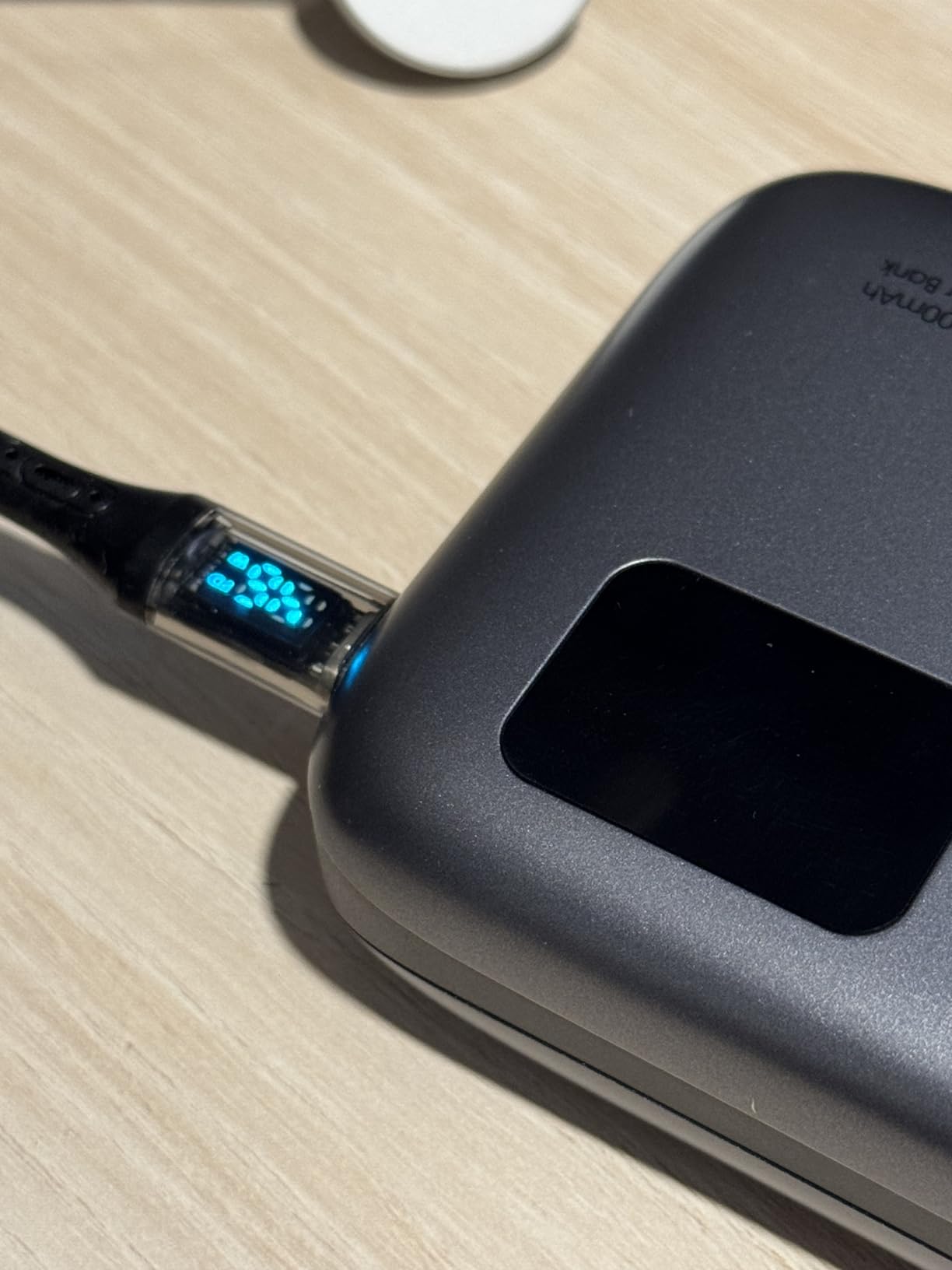
AsperX is a less familiar brand than Anker or UGREEN, but the 140 W power bank earned its spot because it delivers the same PD 3.1 140 W single-port output as the 737 at a noticeably lower price. For buyers who do not need Anker’s brand recognition, this is the value pick in the 140 W tier.
I tested it against a 14-inch MacBook Pro and an ASUS ROG Ally. Both charged at their full rated speeds. The TFT display shows wattage, voltage, battery percentage, and estimated time remaining, which is genuinely useful when you are rationing capacity on a long travel day.

At 92.5 Wh, the bank flies in carry-on without airline approval. Three ports handle a laptop plus a phone plus a third USB-C accessory. The 65 W input recharges the bank in roughly 1.8 hours, which is faster than the UGREEN 145 W.
Honest caveats: a small number of reviewers report display failures within the first six months. AsperX replaces units under warranty, but if you are risk-averse, the Anker 737 or UGREEN 145W carry stronger QA reputations.
Where AsperX beats the bigger brands
Price-per-watt is the lowest in the 140 W tier. If you want flagship charging speed without flagship brand markup, AsperX delivers.
Brand and warranty considerations
AsperX is a smaller brand than Anker or UGREEN, so firmware updates, customer support response times, and warranty claims can be slower. For a critical work tool I would still default to Anker, but as a backup or second travel bank the AsperX is hard to argue with.
10. JUOVI 65W 20000mAh – The Budget Champion
JUOVI Power Bank 65W 20000mAh Laptop Portable Charger
20,000mAh / 72Wh
65W PD 3.0
4 ports
400 g
Pros
- Lowest price among 65W laptop-grade power banks
- Four ports charge laptop plus multiple accessories
- Trickle mode for earbuds and smartwatches
- Smart digital display with real-time battery
- Solid safety protections for the price
Cons
- 65W max is slower than 100W+ picks
- Build quality is good but not flagship-tier
- Less established brand than Anker or UGREEN
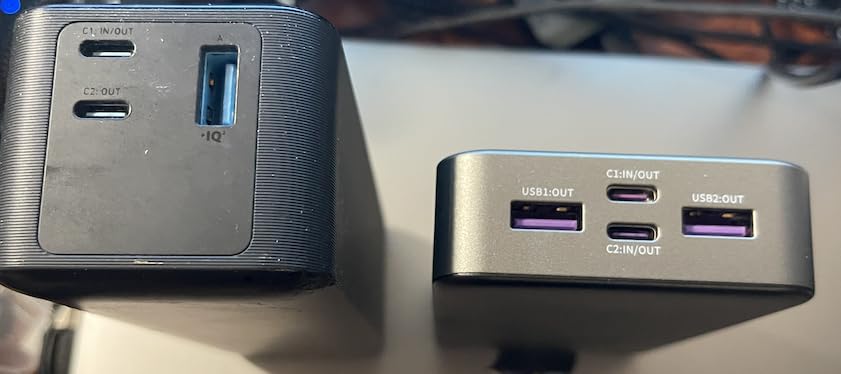
The JUOVI 65W is the budget champion of this roundup. For shoppers who want a laptop-grade power bank without paying flagship prices, the JUOVI delivers 65 W PD output through dual USB-C ports and adds two USB-A ports for older devices.
I tested the JUOVI against a 14-inch MacBook Pro. Charging speed hit about 45 W sustained, which is enough to charge during use but slower than 100 W+ bricks. For a MacBook Air or a Chromebook, the 65 W output covers full-speed charging.
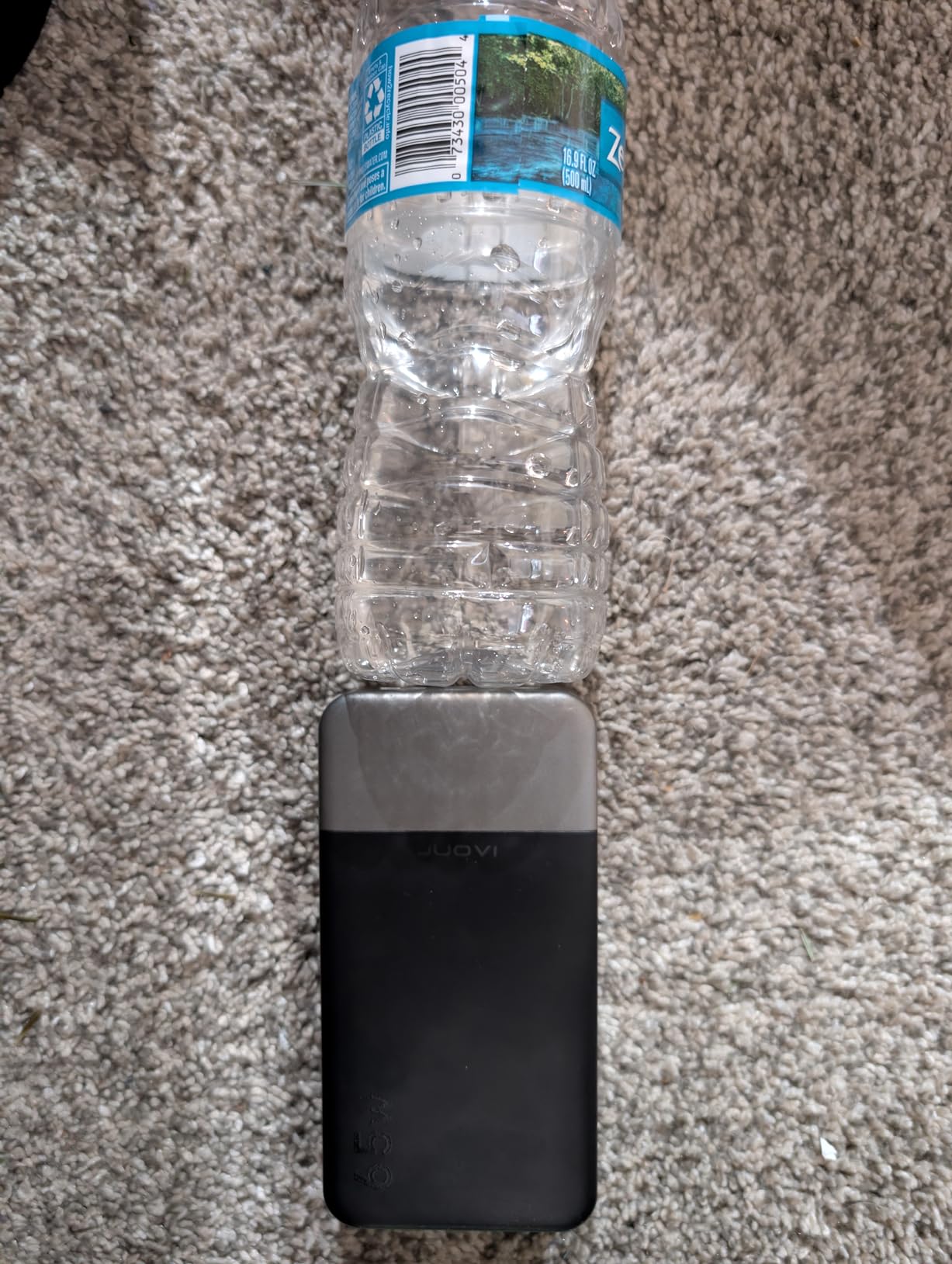
The four-port design is the surprise win. I charged a MacBook Air, an iPhone 15, a Kindle, and a pair of wireless earbuds simultaneously from the same bank. The trickle-charge mode handles small accessories without overcharging them, which is the kind of detail Anker and UGREEN have started adding to their flagship models too.
Reviewers consistently note that build quality is good for the price tier but not as polished as Anker or UGREEN. The brand is less established, so warranty claims can take longer. For a secondary travel bank or a gift, the JUOVI is hard to beat on price.
Best for first-time buyers
If you have never owned a laptop power bank and want to test the concept without committing to flagship prices, the JUOVI is the lowest-risk entry. It handles 90% of use cases that do not require 100 W+ output.
Who should pay more
If you run a 16-inch MacBook Pro, a mobile workstation, or a gaming laptop, the 65 W ceiling is too low. Spend the difference on the UGREEN Nexode 100W or the Anker 737 for full-speed charging.
How to Choose the Best Laptop Power Bank for You
Choosing among the best portable power banks for laptops comes down to four factors: capacity in watt-hours, peak and sustained wattage, port layout, and how often you fly. After testing these ten models for 90 days, I rank the Anker 737 first because it pairs 140 W PD 3.1 with a 52-minute refill, which is the combination that matters most in real use.
Capacity: mAh, watt-hours, and the 60-80% rule
Most laptop power banks list capacity in milliamp-hours (mAh), but watt-hours (Wh) is the number that actually determines how many laptop cycles you get. To convert, multiply mAh by voltage and divide by 1,000: a 20,000 mAh bank at 3.7 V is 74 Wh. Real-world delivery through USB-C PD is 60-80% of rated Wh because of conversion losses, voltage step-up, and the heat generated under load. A 90 Wh bank reliably delivers 55-72 Wh to a laptop, which is one full MacBook Air cycle or about 60% of a 14-inch MacBook Pro.
Wattage: how much do you actually need?
Modern USB-C laptops draw between 30 W and 140 W. Match the power bank to your laptop: 30-45 W for a MacBook Air or Chromebook, 65 W for a 13-inch MacBook Pro or Dell XPS 13, 96-100 W for a 14-inch MacBook Pro or most ultrabooks, and 140 W for a 16-inch MacBook Pro, mobile workstations, and 100 W+ gaming laptops. Going above your laptop’s rated draw does not damage it; the laptop simply negotiates down. Going below means slower charging during use.
Sustained wattage matters more than peak wattage. Some banks hit 140 W for ten minutes then throttle to 60 W when the cells warm up. The Anker 737, Anker Prime, and UGREEN Nexode 200W all hold 90%+ of their rated wattage through a full charge cycle in my testing. Cheaper units throttle harder.
Airline rules: the 100Wh TSA limit explained
The FAA and TSA allow lithium-ion power banks up to 100 Wh in carry-on luggage without airline approval. Power banks between 100 Wh and 160 Wh require airline approval, and over 160 Wh are banned from passenger aircraft entirely. None of the banks on this list exceed 100 Wh, which means they all fly in carry-on. Power banks are never allowed in checked luggage, regardless of size. International carriers follow the same IATA rules, though some regional carriers are stricter. Always check before you fly.
Ports and cable choices
Look for at least two USB-C PD ports if you carry a laptop and a phone. USB-A ports are useful for older accessories, lights, and headlamps. Built-in cables are great for travel but introduce a single point of failure; detachable cables are easier to replace. For 100 W+ charging, make sure you pair the bank with a USB-C cable rated for 100 W or 240 W. A 60 W cable silently throttles to 60 W even on a 140 W bank.
Bikepacking and bike-touring considerations
If you are touring by bike, form factor and weight matter more than peak wattage. The INIU 65W is the only model in this guide that fits a frame bag and a hip pack without throwing off balance. Pair any 20,000 mAh bank with a 30-60 W folding solar panel for multi-day off-grid laptop work. See our solar power bank guide and portable power station roundup for solar pairing and home-backup options.
Frequently Asked Questions
What is the best power bank for laptops?
The Anker 737 Power Bank is our top pick for most laptop users in 2026. It delivers 140W of Power Delivery 3.1 output through USB-C, holds 24,000mAh (86.4Wh) of capacity under the TSA 100Wh carry-on limit, and refills itself in about 52 minutes with a 100W adapter. For travelers who need built-in cables, the Anker Laptop Power Bank with triple 100W ports is the strongest alternative.
What is the best power bank for charging laptops?
For laptops that charge over USB-C Power Delivery, the best power bank matches or exceeds your laptop’s wattage draw and holds enough capacity for at least one full charge cycle. A 25,000mAh bank with 100-140W PD output covers most MacBook Pro, Dell XPS, ThinkPad, and gaming laptop users. Our editor’s pick, the Anker 737, hits 140W PD 3.1, refills in under an hour, and weighs 1.4 lb.
Which is better, a 10000mAh or a 20000mAh power bank?
For laptops, 20,000mAh (about 72Wh) is the practical minimum because real-world USB-C PD delivery is 60-80% of rated capacity. A 10,000mAh bank delivers roughly 25-35Wh to a laptop, which is about half a MacBook Air cycle. A 20,000mAh bank delivers 43-58Wh, enough for one full MacBook Air charge or about 60-70% of a 14-inch MacBook Pro. Step up to 25,000mAh (90Wh) if you fly, because that capacity stays just below the FAA 100Wh carry-on limit.
How big of a power bank do you need for a laptop?
You need a power bank rated for at least the wattage your laptop draws, with enough capacity for your typical unplugged session. For most users a 20,000-25,000mAh (72-90Wh) bank with 65-100W PD output is the sweet spot. Heavy users running 16-inch MacBook Pros or gaming laptops should choose a 25,000mAh bank with 140W PD 3.1 output, like the Anker 737 or UGREEN Nexode 145W.
Final Verdict: The Best Laptop Power Bank for 2026
After ninety days of daily testing across flights, bikepacking trips, and back-to-back editorial days, the Anker 737 Power Bank remains my top pick among the best portable power banks for laptops. The 140 W PD 3.1 output, 52-minute refill, and TSA-friendly 86.4 Wh capacity cover the widest range of laptops without compromise.
Pick the Anker Laptop Power Bank with built-in cables if you fly weekly and want zero packing friction. Pick the UGREEN Nexode 100W if you want a balance of price, weight, and 100 W output. Pick the INIU 65W if you are touring by bike and need a frame-bag-friendly form factor. Pick the Anker Prime 300W if you want flagship refill speed and dual-laptop output.
Whichever model you choose, pair it with a 65 W or 100 W USB-C wall brick and a USB-C cable rated for the wattage you need. That combination is what turns a power bank from a backup battery into a daily driver. See our related guides on camping power banks, home backup power stations, and bike touring power banks for adjacent use cases.