
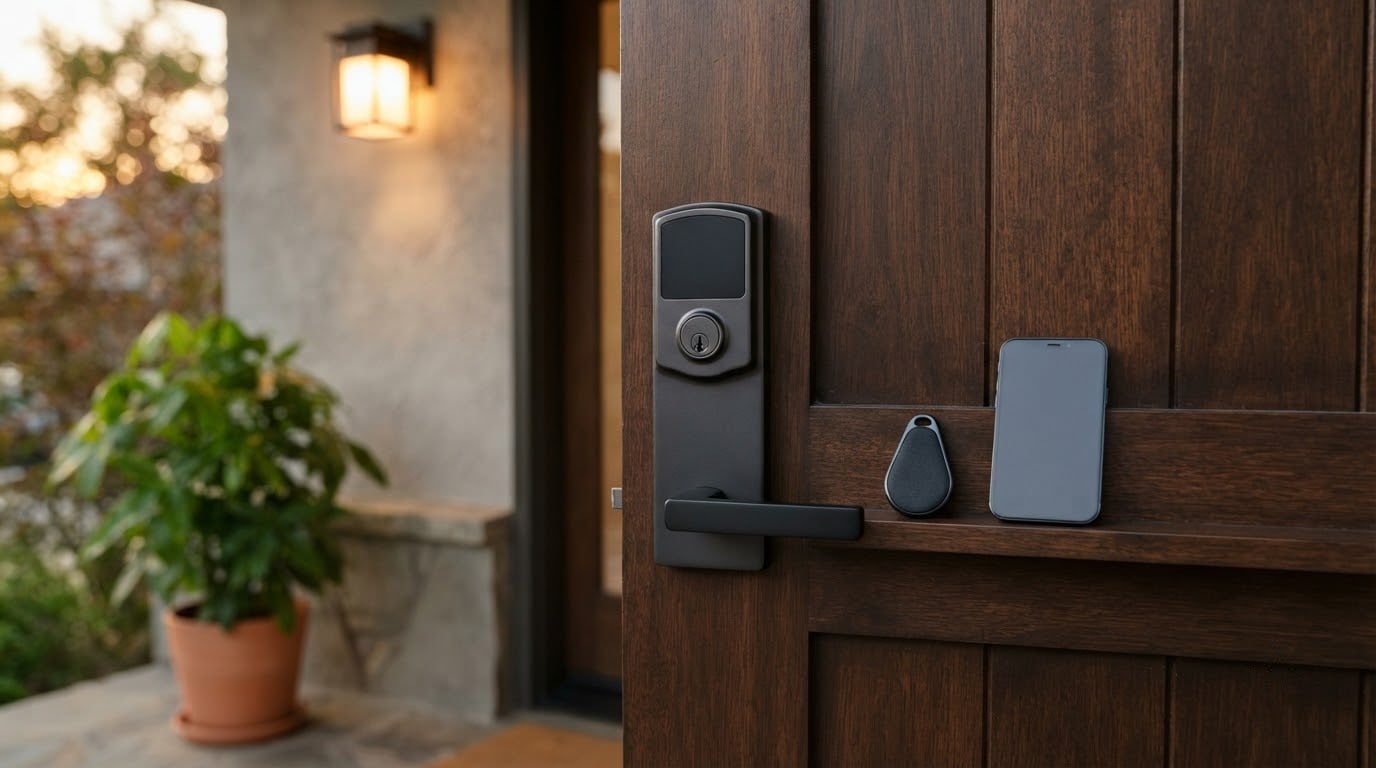
The Schlage Encode leads this list of Amazon Prime Big Deal Days smart lock deals because it does the boring things right: built-in Wi-Fi, no hub to buy later, room for 100 access codes and the most established owner base of any lock here. It is also the most heavily built keypad-only model here, which matters if your door is already tired.
Two picks suit different doors. The ULTRALOQ Bolt SE is the value choice for anyone who wants a fingerprint reader plus Matter without chasing extras, and the eufy Smart Lock C220 covers the widest range of entry methods in one deadbolt. Prime Big Deal Days runs October 6-7, 2026, and most offers need a Prime membership, which a free trial counts for.
Table of Contents
Our Top 3 Picks for Best Amazon Prime Big Deal Days Smart Lock Deals
The leader wins on hub-free connectivity and code capacity. The runner-up wins on fingerprint reading and ecosystem flexibility. The third is the one to watch if you want the most ways to get through the door without carrying a phone.

Schlage Encode
- Built-in Wi-Fi with no hub
- 100 access codes
- 4 AA batteries about 6 months

ULTRALOQ Bolt SE
- Fingerprint for up to 50 prints
- Matter over Thread
- 18 months on Thread mesh

eufy Smart Lock C220
- Six unlock methods including Apple Watch
- Built-in Wi-Fi
- 8 AA about 8 months
Best Amazon Prime Big Deal Days Smart Lock Deals Compared
Every lock below is a full deadbolt replacement rather than a retrofit over your existing one. Battery figures are the manufacturer claims, and two of them describe saver or Bluetooth-only modes rather than everyday use.
| Product | Specifications | Action |
|---|---|---|
| Schlage Encode |
|
Check Deal Price |
| ULTRALOQ Bolt SE |
|
Check Deal Price |
| eufy Smart Lock C220 |
|
Check Deal Price |
 Veise RZ07 Veise RZ07 |
|
Check Deal Price |
 Aqara Smart Lock U100 Aqara Smart Lock U100 |
|
Check Deal Price |
 Tapo DL110 Tapo DL110 |
|
Check Deal Price |
 eufy FamiLock S3 Max eufy FamiLock S3 Max |
|
Check Deal Price |
 Wyze Auto-Lock Bolt v2 Wyze Auto-Lock Bolt v2 |
|
Check Deal Price |
 Tapo DL100 Tapo DL100 |
|
Check Deal Price |
 ULTRALOQ Bolt ULTRALOQ Bolt |
|
Check Deal Price |
How We Chose
We compared the specs that decide whether a smart lock works on your door: connectivity, entry methods, battery type and expected life, security certification and weather rating, then cross-checked each against owner ratings and review themes on Amazon. Everything here was checked on October 2026, and deal pricing shifts through the event, so treat the buttons as the source for today’s number.
1. Schlage Encode: Best Overall Pick
Schlage Encode
Entry: keypad app key
Built-in Wi-Fi no hub
4 AA about 6 months
BHMA certified
Pros
- Built-in Wi-Fi removes the need for a bridge or hub
- Up to 100 access codes with app lock history
- BHMA-certified with fingerprint-resistant touchscreen
- Screwdriver-only install with no hardwiring
- Works with Alexa Google Home Ring and Airbnb
Cons
- Heaviest of the keypad-only models at 3.4 lb
- Keypad-only entry with no fingerprint reader
- Touchscreen smudges and needs wiping
If you want one lock that stops being interesting and just works, this is the one. More than 13,000 ratings sit behind it, and the volume matters: when a software update or a hardware revision changes something, there is a long record of owners reporting it.
The Wi-Fi radio sits inside the lock, so there is no bridge on a shelf somewhere near your router and no extra account to set up. That single decision removes the most common complaint about cheaper smart locks, where remote access quietly costs more once you buy the gateway.
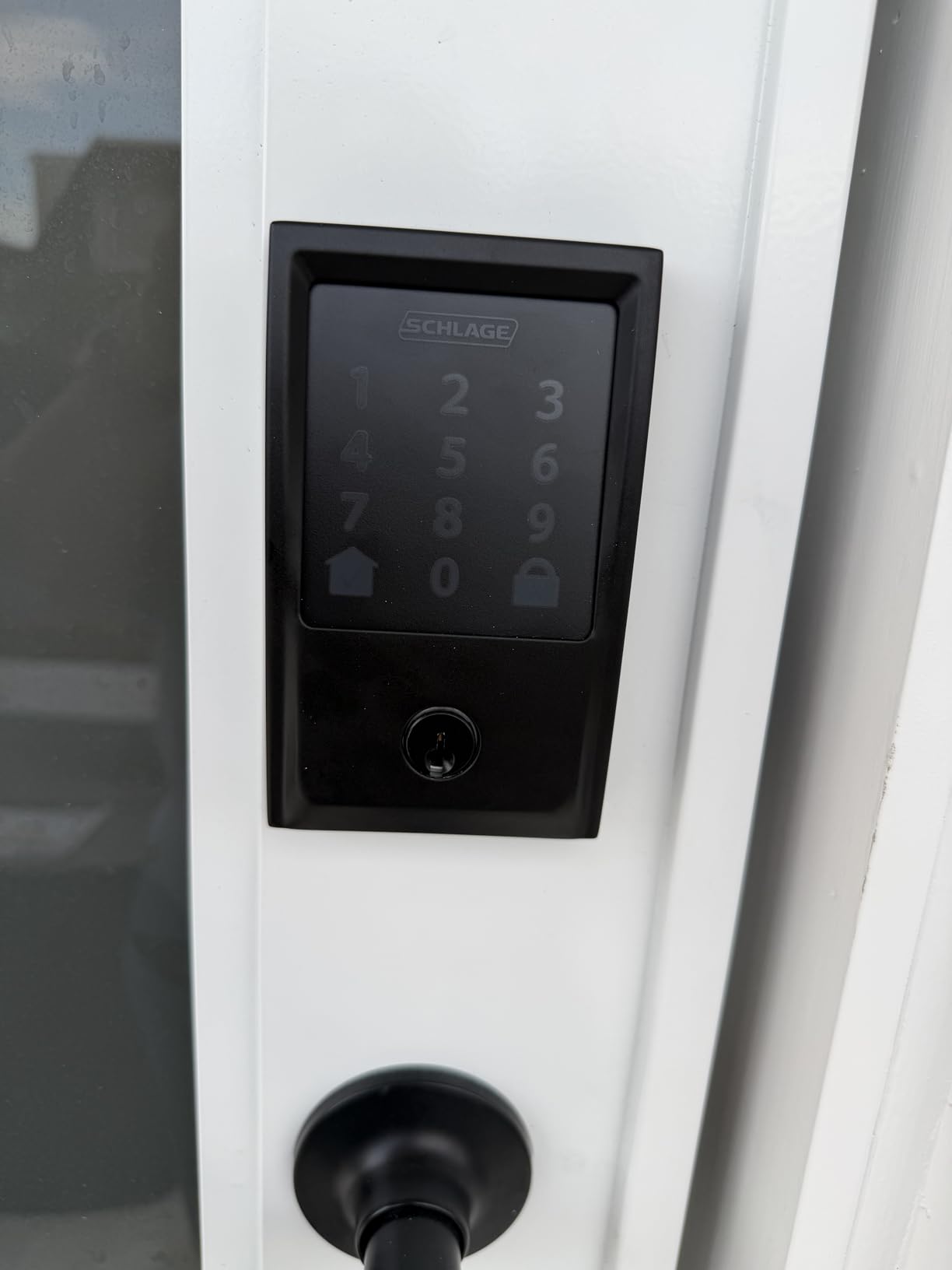
Capacity is the quiet strength. One hundred access codes means a whole household, a dog walker, a cleaning service and a rental sublet can all have their own entry without anyone passing a key around. The app keeps the lock history, and owners report that browsing it after a package theft is far more useful than they expected.
The trade-off owners mention most is that the exterior keypad is physically small next to newer models, and there is no fingerprint reader at all. Fingerprints are simply not part of this lock, so if your household plans to use them daily, look at the ULTRALOQ Bolt SE or the eufy Smart Lock C220 instead.
- Fits doors 1-3/8 in to 1-3/4 in thick, with 2-3/8 in or 2-3/4 in backsets
- Auto-lock with selectable delays, or switch it off entirely and use one-touch locking
- Customisable door-movement and forced-entry alarm
- Limited lifetime mechanical and finish warranty, three years on electronics
Good to know: the four AA batteries are included, but six months is the realistic figure at busy use, and there is one physical backup key inside for the day they die. A USB emergency port is not listed on this model, so keep that key rather than assuming a power bank will get you in.
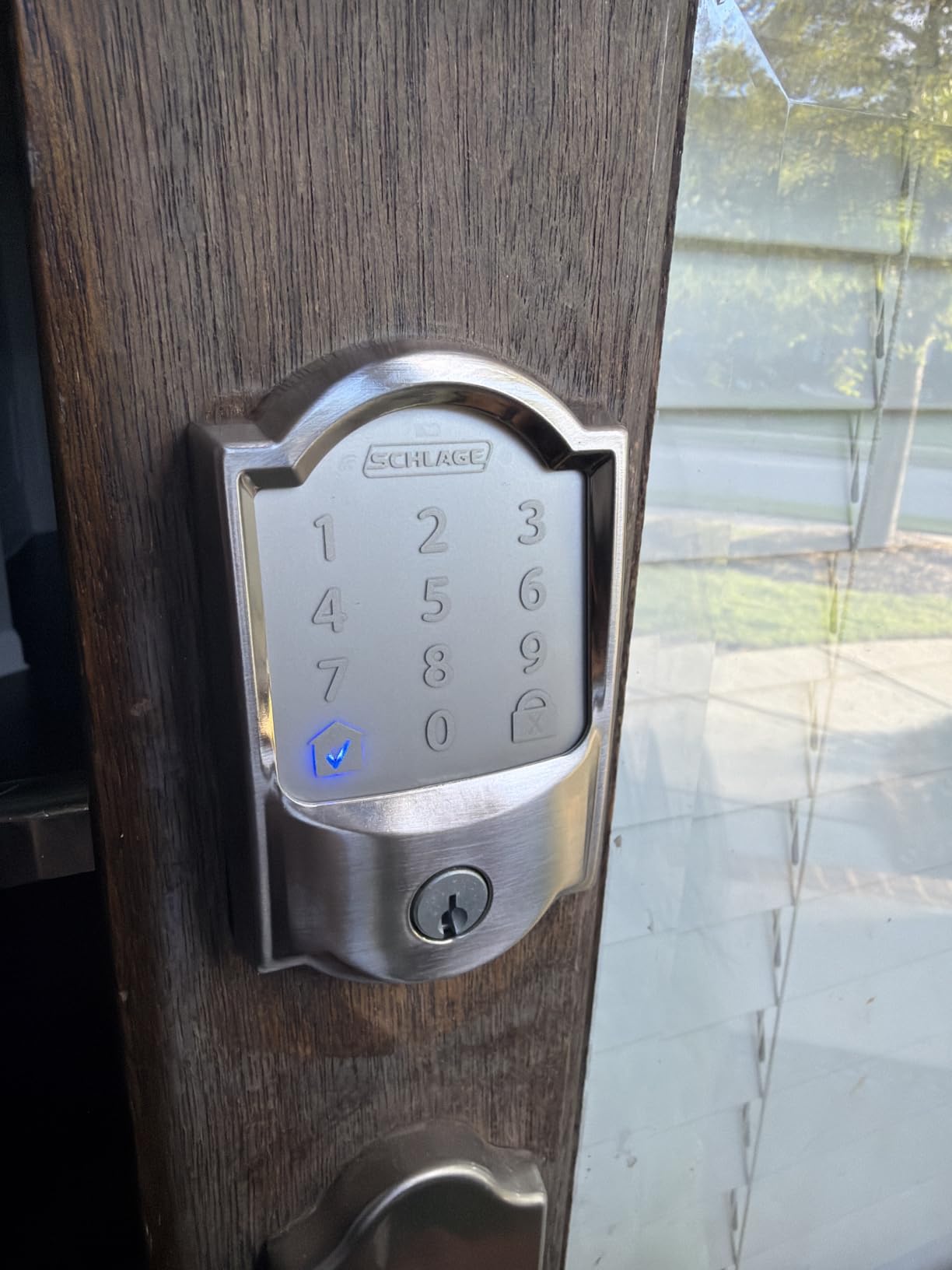
Where the ULTRALOQ Bolt SE wins is biometrics: it has a fingerprint reader and Matter, and this lock has neither. What you take instead is by far the biggest owner base in this roundup and a limited lifetime mechanical warranty.
2. ULTRALOQ Bolt SE: Best for Fingerprint and Matter
ULTRALOQ Bolt SE
Entry: fingerprint code key
Built-in Wi-Fi plus Matter
Up to 18 months
BHMA IP65
Pros
- Fingerprint plus 50 codes gives flexible access
- Built-in Wi-Fi and Matter over Thread in one unit
- Claimed 18-month battery life on a Thread mesh
- IP65 and BHMA certified for exterior doors
- Ten-minute installation
Cons
- Matter features need a Thread Border Router
- 2.4 GHz Wi-Fi only so it will not join a 5 GHz-only network
- Door sensor is not included
This is the pick if fingerprint entry is the reason you want a smart lock, because the reader is fast and it stores up to fifty prints. Long-term owners describe a week of adjustment while the scanner learns the exact angle of a finger, then describe forgetting about it.
What makes it unusual is that it carries two radios. The 2.4 GHz Wi-Fi handles everyday remote access, and Matter over Thread lets it join Apple Home and other Matter apps if your home already has a Thread Border Router. Owners running mixed iPhone and Android setups like being able to skip one app entirely.
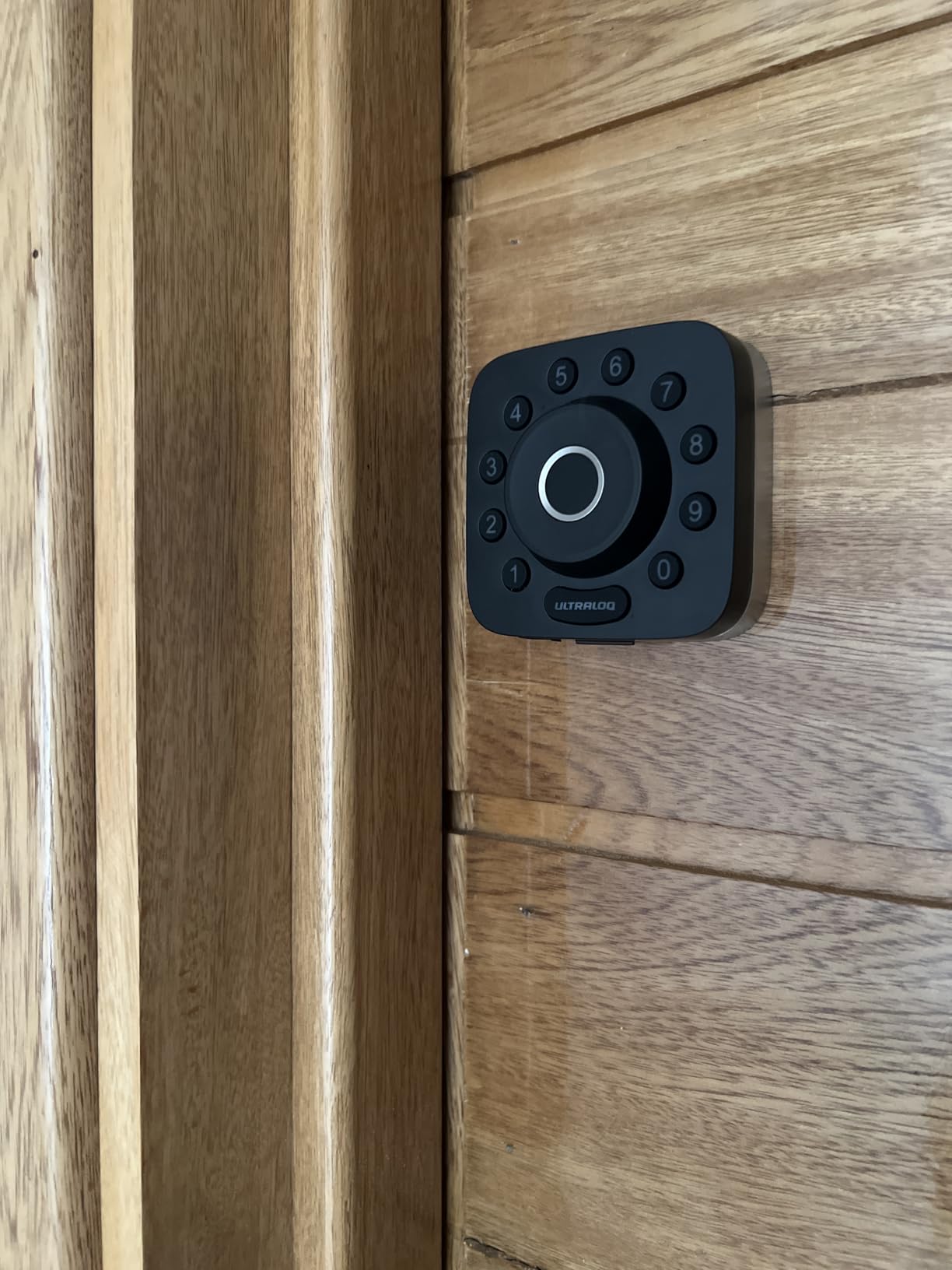
The claimed 18-month battery life is far beyond what AA-powered fingerprint locks normally manage, and it depends on the Thread mesh staying healthy. Treat it as a good outcome rather than a promise.
- Stores up to 50 fingerprints and 50 passcodes, plus two mechanical keys
- Auto-lock on a preset timer or one-button instant lock
- Real-time low battery alerts in the app
- IP65 waterproofing and a zinc alloy body for exposed doors
Two setup facts catch people out. The Wi-Fi radio is 2.4 GHz only, so a router set to 5 GHz alone will not see it. And no door sensor is bundled, so you will not get ajar alerts from this model.
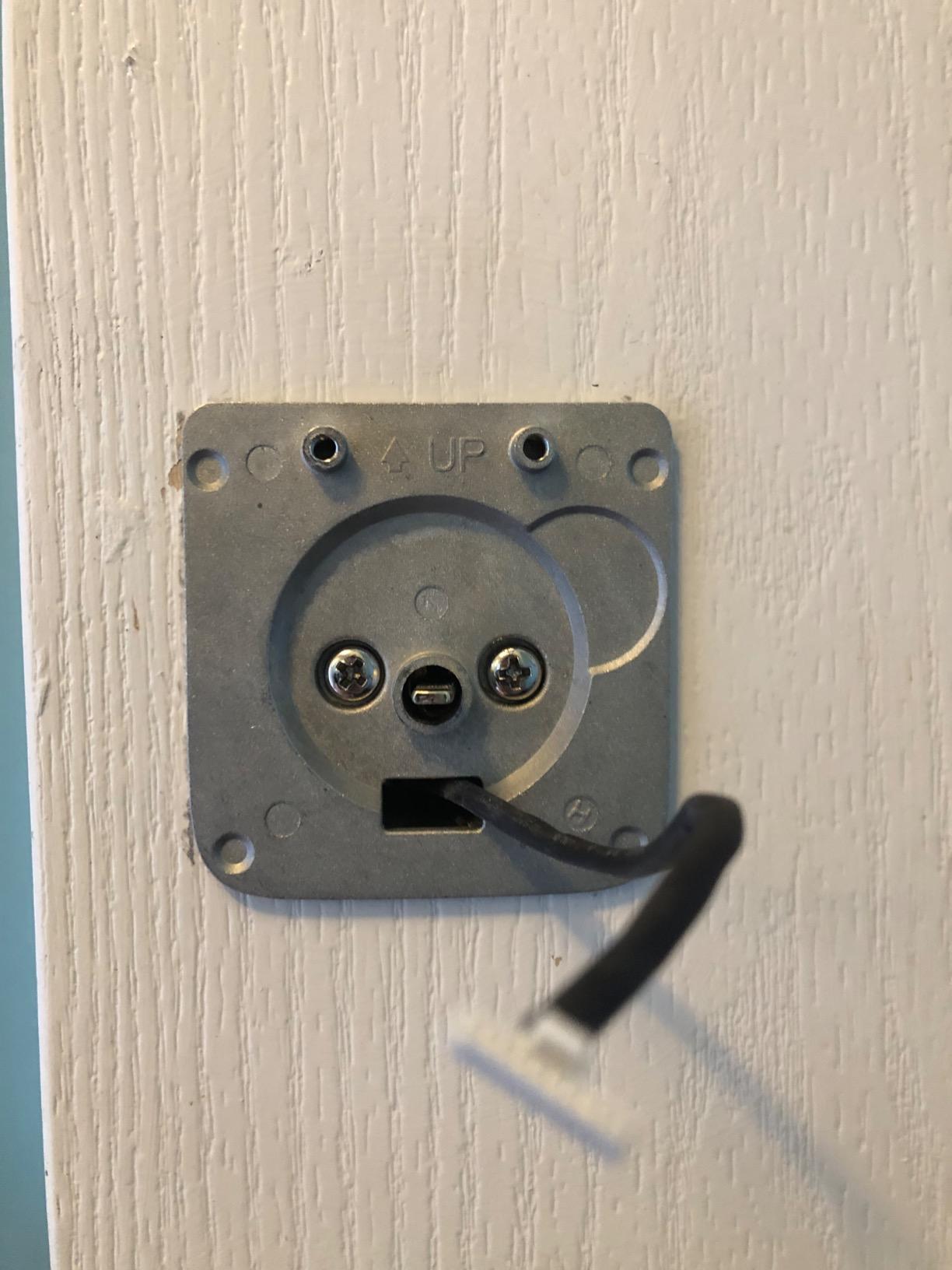
Skip it if you want a hub-free Matter setup and you do not already own a Thread Border Router. In that case the ULTRALOQ Bolt further down this list is the more direct route.
3. eufy Smart Lock C220: Best for Six Ways to Enter
eufy Smart Lock C220
Entry: fingerprint watch code key
Built-in Wi-Fi no hub
8 AA about 8 months
BHMA Grade 3
Pros
- Six access methods including Apple Watch and voice
- Built-in Wi-Fi with no bridge purchase
- Self-learning fingerprint recognition improves over time
- Fits most standard bores in about 15 minutes
- Two keys and eight AA batteries included in the box
Cons
- IP53 weather rating is lower than the IP65 locks here
- BHMA Grade 3 rather than Grade 2 certification
- eufy app is required for remote features
Six ways to open one door sounds like a marketing count until you live with it. This lock takes a fingerprint, the app, a keypad code, a physical key, an Apple Watch and a voice assistant. For a household where one person has no phone and another forgets the code, having all six removes the daily negotiation.
The Wi-Fi is built in, so there is no bridge and no hub. Apple Watch unlock is the quiet favourite among owners, since the watch stays on the wrist and the phone stays in a pocket.
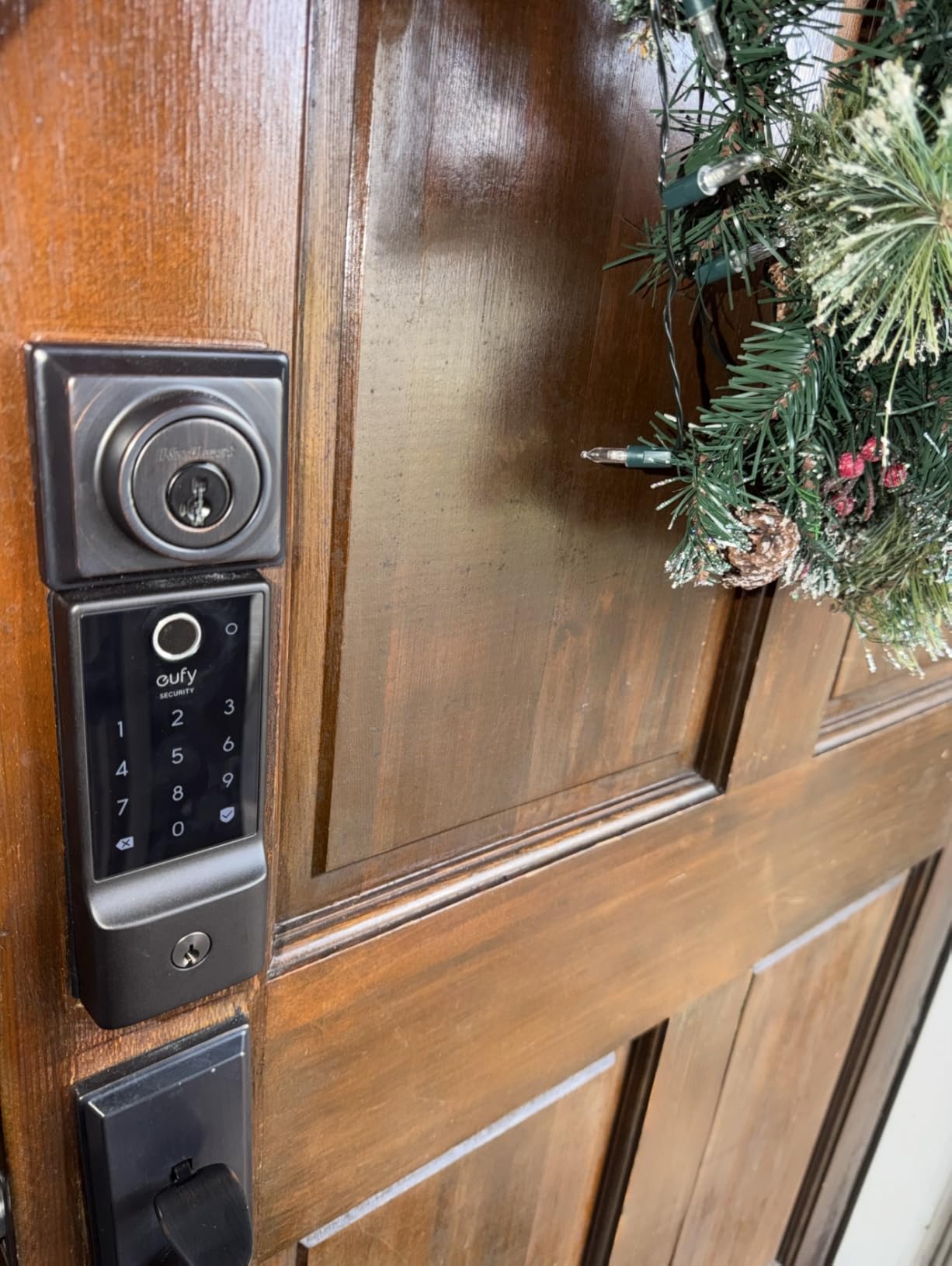
The fingerprint reader learns. Owners describe the self-learning recognition getting noticeably better over the first weeks, which partly explains why early complaints about accuracy faded. The read time is short enough that nobody queues behind a slow scan.
- Eight AA batteries, roughly eight months of life
- Operating range of -22°F to 158°F, rated IP53
- Fits bores under 54mm once the spacer is removed, no drilling
- Integrates with eufy doorbells and eufy Security app routines
The ULTRALOQ Bolt SE and the Veise RZ07 are the two other fingerprint-first options, and the RZ07 differs from both: without the C220’s built-in Wi-Fi you need a gateway for remote access, and it trades the eight-month battery life for 250-plus codes. Owners who just want a fingerprint to work and no gateway to buy point to the C220’s combination instead.
Good to know: a screen door across the entry will block nothing here, but an uncovered exterior in heavy rain is where the IP53 rating shows. Owners in wet climates report it holding up, while the IP65 locks are simply built closer to the spec sheet.
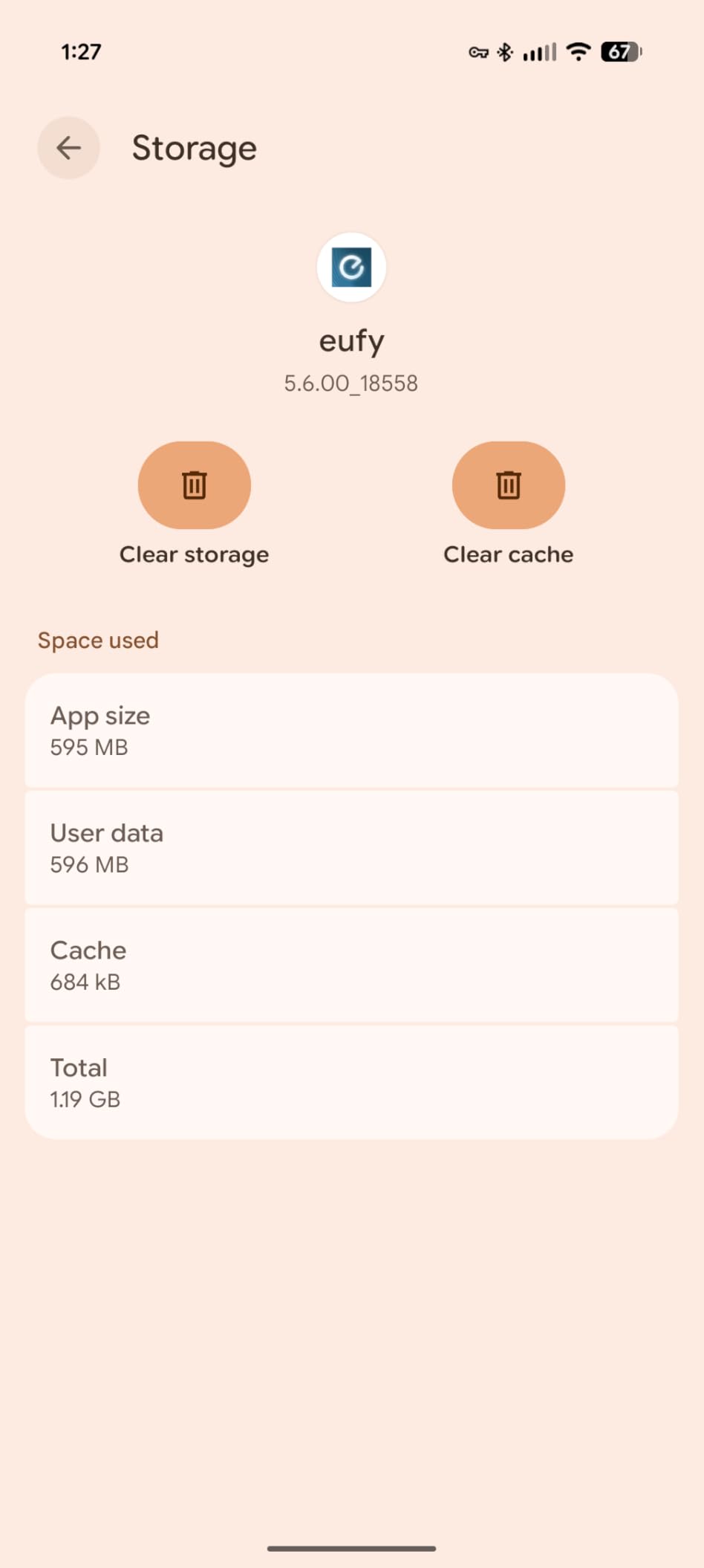
4. Veise RZ07: Best for Large Households
Veise RZ07
Entry: fingerprint code fob key
Bluetooth; gateway for remote
Up to 12 months
BHMA Grade 3 IP55
Pros
- 0.2-second fingerprint reads with 50-print capacity
- 250+ user codes with temporary credentials
- Installation template and clear instructions
- Customer support praised for patient goodwill replacements
- Up to 12 months of battery life
Cons
- Remote app access needs the separately sold Veise G2 gateway
- Darkly tinted keypad glass is hard to read in direct sunlight
- Touchscreen can be sluggish to wake
Two hundred and fifty user codes is the number that makes this lock different, and it is not a rounding error. If you run a multi-family building, a shared house, or a short-term rental where codes change weekly, nothing else on this list holds that many credentials at once.
The fingerprint side is genuinely quick. Owners report a 0.2-second read with capacity for fifty prints, and the fobs work as physical tokens for anyone who would rather not deal with a screen at the door.
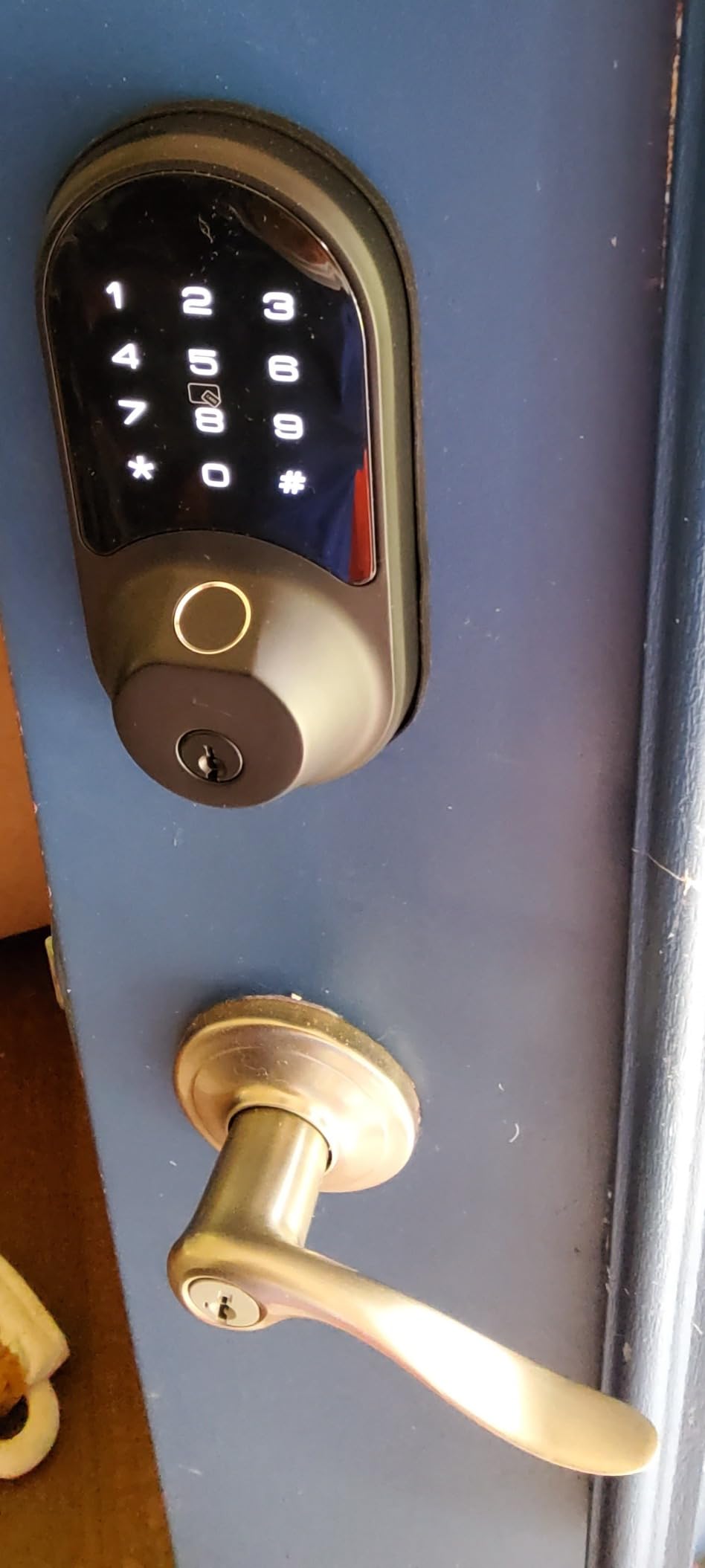
Bluetooth handles nearby app control within about six feet, which covers a doorbell chime and most keypad entries. Remote access from anywhere else needs the Veise G2 gateway, sold separately. That is the honest catch on this pick and the reason it sits below the hub-free models.
- Supports permanent, scheduled, recurring and one-time codes
- Auto-lock, one-touch locking, privacy mode and passage mode
- BHMA and ANSI Grade 3, IP55 weatherproofing
- Fits US standard doors in either handing, 1-3/8 in to 2 in thick
Two gripes come up repeatedly. The darkly tinted keypad glass is hard to read in direct sun, and the touchscreen can take a moment to wake, so test it before you commit.
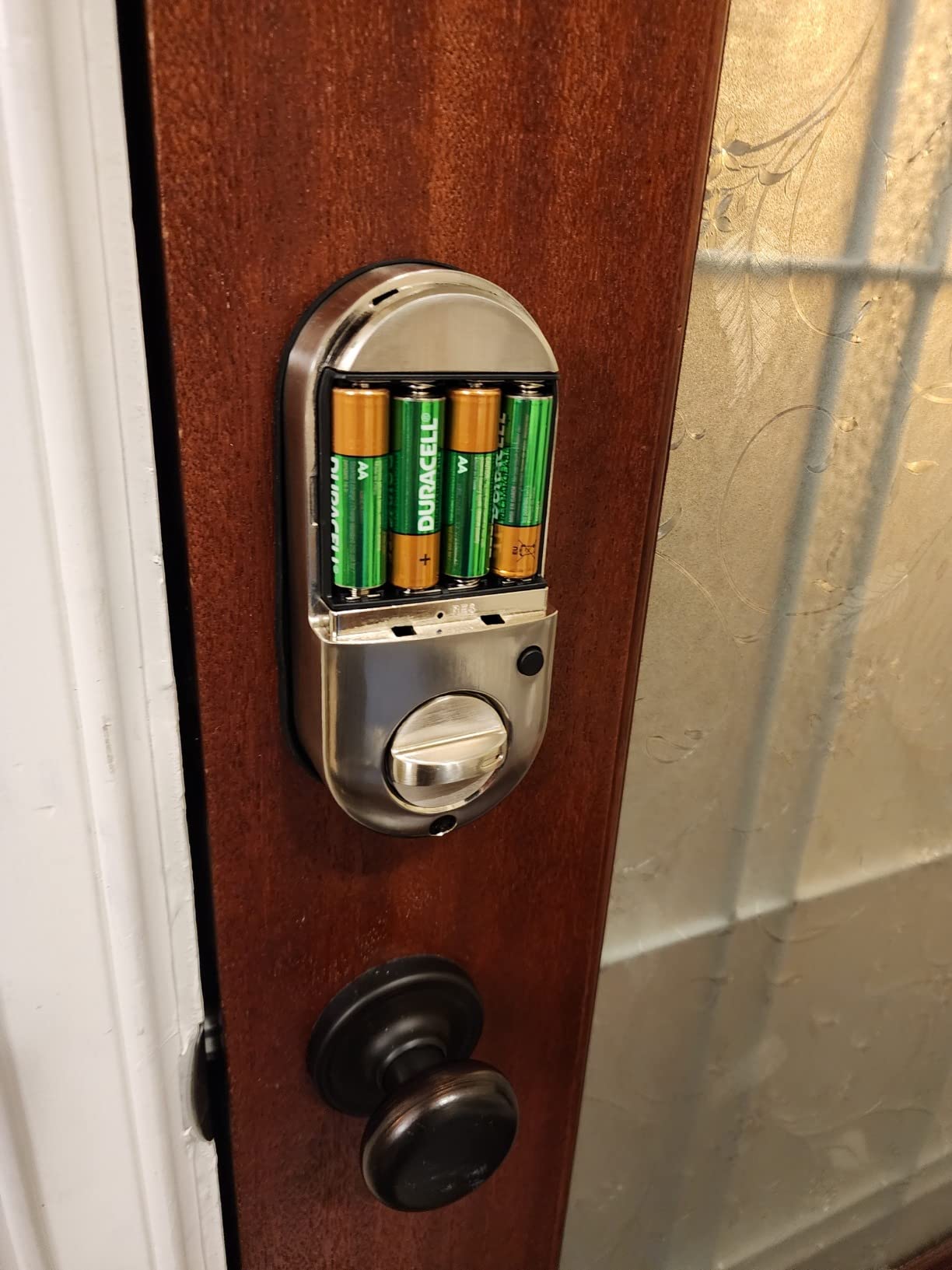
Set against the Schlage Encode, the trade runs the other way: far more credentials and no Wi-Fi radio inside the lock. Buyers who end up wanting remote access anyway should look at the Tapo DL110 instead.
5. Aqara Smart Lock U100: Best for Apple Home Key
Aqara Smart Lock U100
Entry: Home Key fingerprint code
Zigbee hub for app codes
4 AA about 8 months
BHMA Level 3 IP65
Pros
- Apple Home Key works even with a dead phone
- Gyroscope auto-lock only fires once the door closes
- Fingerprint data stored locally with AES encryption
- One-time visitor codes and mechanical key backup
- Do Not Disturb mode mutes lock sounds on a schedule
Cons
- Aqara Zigbee 3.0 hub needed for app passcodes and automations
- Apple Home Key sharing also needs an Apple Home hub
- NFC card sold separately
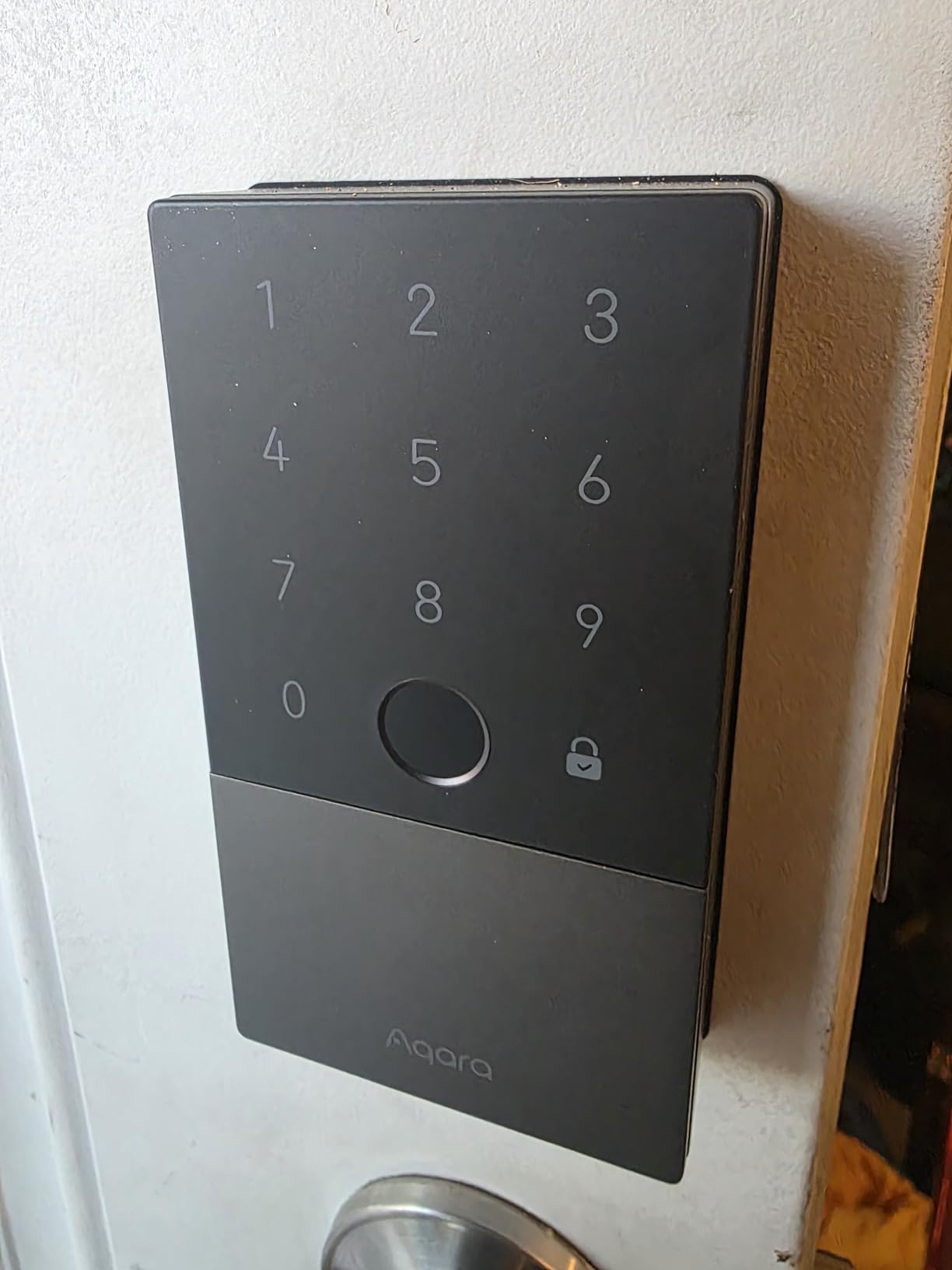
Apple Home Key is the reason to buy this lock. Owners tap an iPhone or Apple Watch against it to get in, and it still works when the phone is out of power, which covers the exact scenario where a flat battery would otherwise strand you outside.
The gyroscope-based auto-lock is the second thing worth knowing about. It locks after the door actually closes rather than on a fixed timer, so it will not throw the bolt on a door you are still carrying something through. In a house with a screen door and a storm, that single behaviour matters.
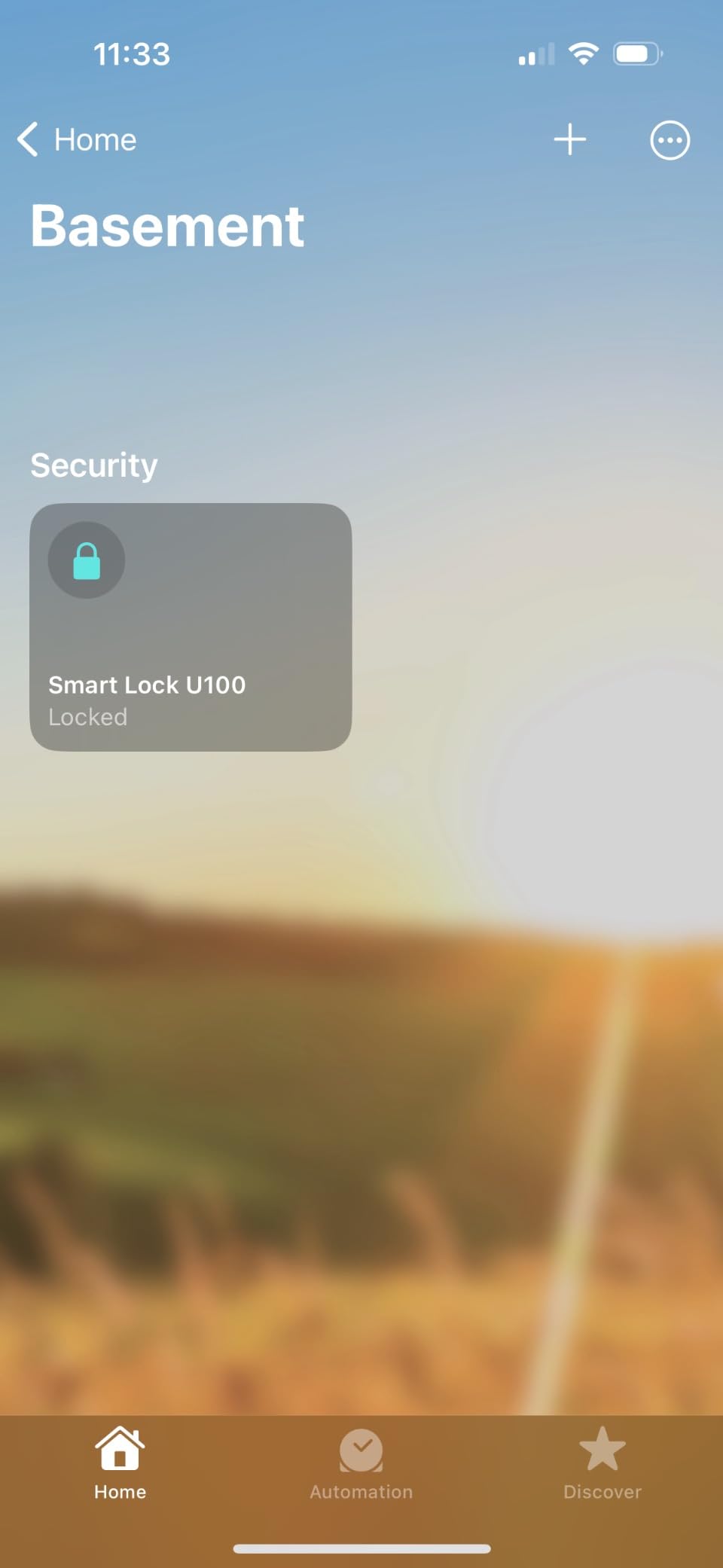
- Fingerprint reader stores up to 50 fingerprints
- 4 AA batteries, about eight months, with USB-C emergency charging
- IP65 rated and tested from -31°F to 151°F
- Fingerprint data stays on the lock, AES encrypted
The hub is the catch, and it is a real one. App-configured passcodes and automations run through an Aqara Zigbee 3.0 hub, and sharing Home Key with other people needs an Apple Home hub as well. Owners who already own both do not mind. Owners buying this lock first tend to describe the setup as the hardest part.
A household that is not Apple-only gets comparable convenience from the eufy Smart Lock C220 with no hub at all, and the 4.1 average is what that friction costs you here.
6. Tapo DL110: Best for Rechargeable Power
Tapo DL110
Entry: fingerprint code voice key
Built-in Wi-Fi no hub
Rechargeable about 1 year
BHMA Grade 2
Pros
- Rechargeable USB-C battery pack lasting close to a year
- 0.42-second fingerprint reads that handle wet hands
- Quiet deadbolt operation
- Schlage-compatible keyway that can be rekeyed
- Rubber gaskets protect the door finish
Cons
- Keypad digits stay invisible until the screen is touched
- Doorbell button is easy to trigger by accident
- Battery gauge is inaccurate and the pack is proprietary
Nobody wants to keep a schedule of battery changes, and this is the lock that removes one. The battery is a removable rechargeable pack rated at close to a year of operation, so you top it up with a USB-C cable rather than a pack of cells.
Owners also mention the motor. The deadbolt runs quietly compared with most competing locks, which makes it a decent pick for a door that sits near a bedroom or a flat where sound carries through the frame.
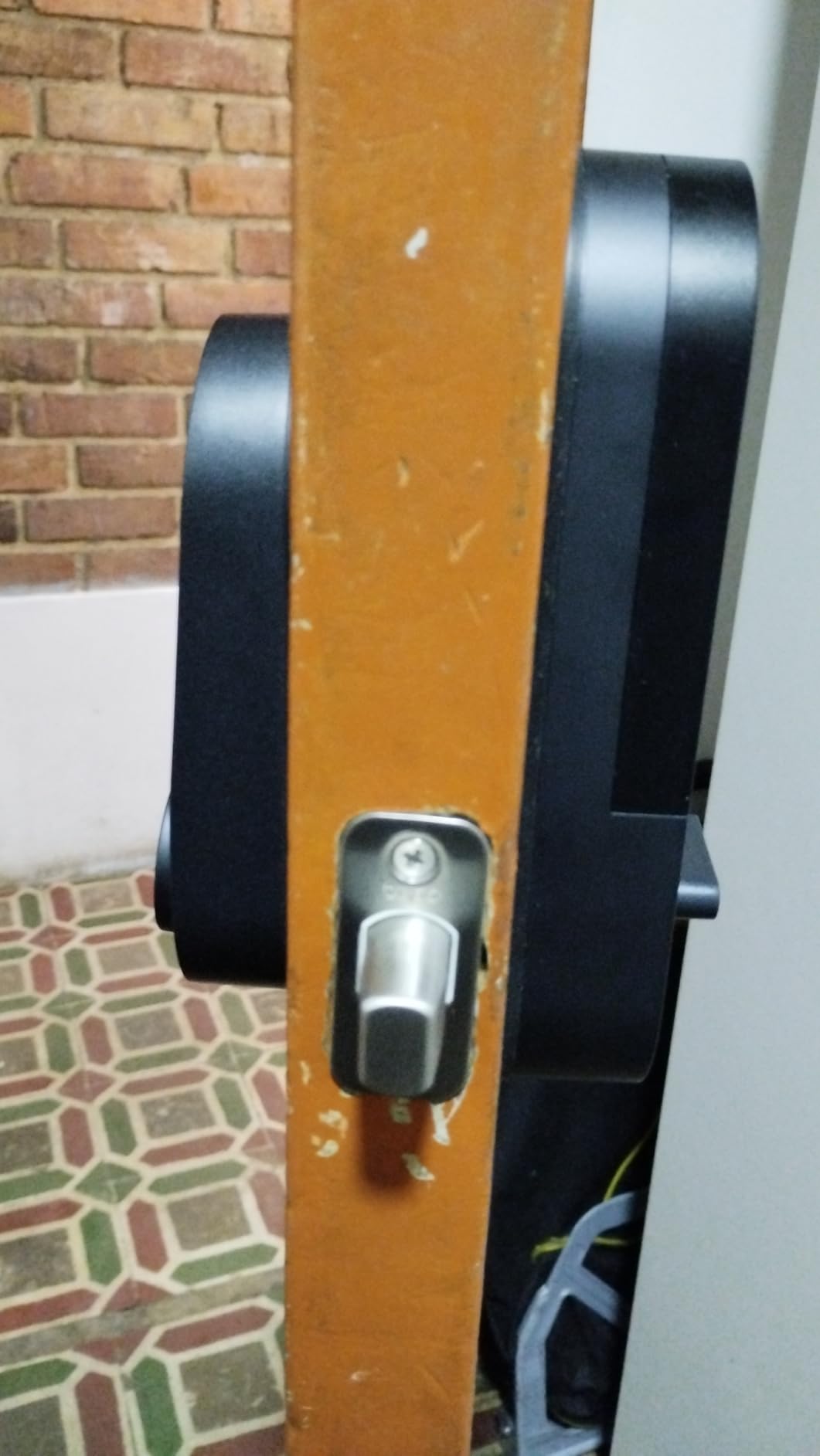
- Six entry methods including voice assistant and close-range Bluetooth
- 0.42-second fingerprint recognition with up to 100 prints stored
- Resident profiles plus one-time and scheduled guest codes
- USB-C charging port on the lock body for backup power
- BHMA Grade 2 certified
The complaints are specific and worth knowing. Keypad digits stay invisible until you touch the screen, so a code entered blind has to be typed carefully. The doorbell button sits where knuckles land and owners report accidental presses sending false notifications. And the battery gauge is not accurate, so check the app rather than trusting a blinking light.
The physical keyway takes a Schlage SC1 blank, which means a locksmith can rekey it to your existing house key. Few locks here offer that.
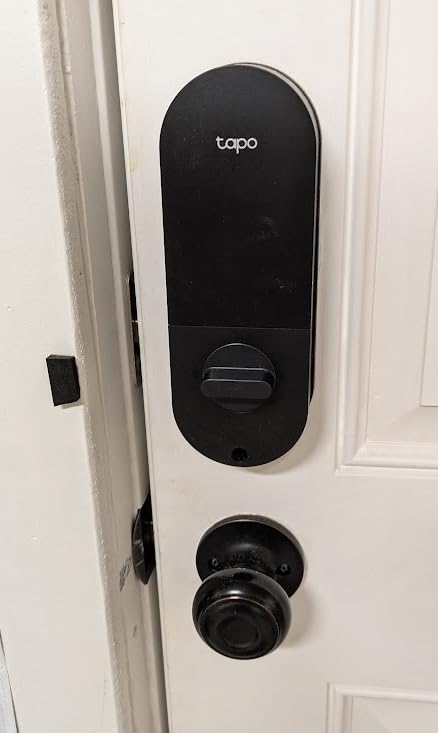
For anyone choosing between the two Tapo locks, the DL110 is the step up: fingerprint entry, Grade 2 certification and rechargeable power, at the cost of the DL100’s much longer claimed battery life. Next to the Wyze Auto-Lock Bolt v2, the Wi-Fi setup is equally simple but the battery here needs a cable.
7. eufy FamiLock S3 Max: Best for Video and Palm Vein
eufy FamiLock S3 Max
Entry: palm vein code key
Built-in Wi-Fi plus Matter
4 months plus 4 AAA
BHMA Grade 1
Pros
- Palm vein unlock works without touching the sensor
- Interior screen lets anyone in the house see visitors
- Lock camera doorbell peephole and storage in one unit
- No monthly subscription for the core features
- 16GB built-in storage
Cons
- Heaviest lock in this roundup at 2.45 kg
- Battery life falls well short of the stated figure in saver mode
- Owners report repeated drop-offs from the HomeBase
This is the lock to watch if you want to stop buying a separate video doorbell. It carries a 2K camera with a 150-degree head-to-toe view, a keypad lock, a digital peephole and 16GB of built-in storage, and the core features carry no monthly fee.
The palm vein reader is the unusual part. It reads in about 0.6 seconds, the data stays on the device, and owners point out that it needs no contact, so it still works with wet or dirty hands and does not wear out the way a fingerprint pad can.
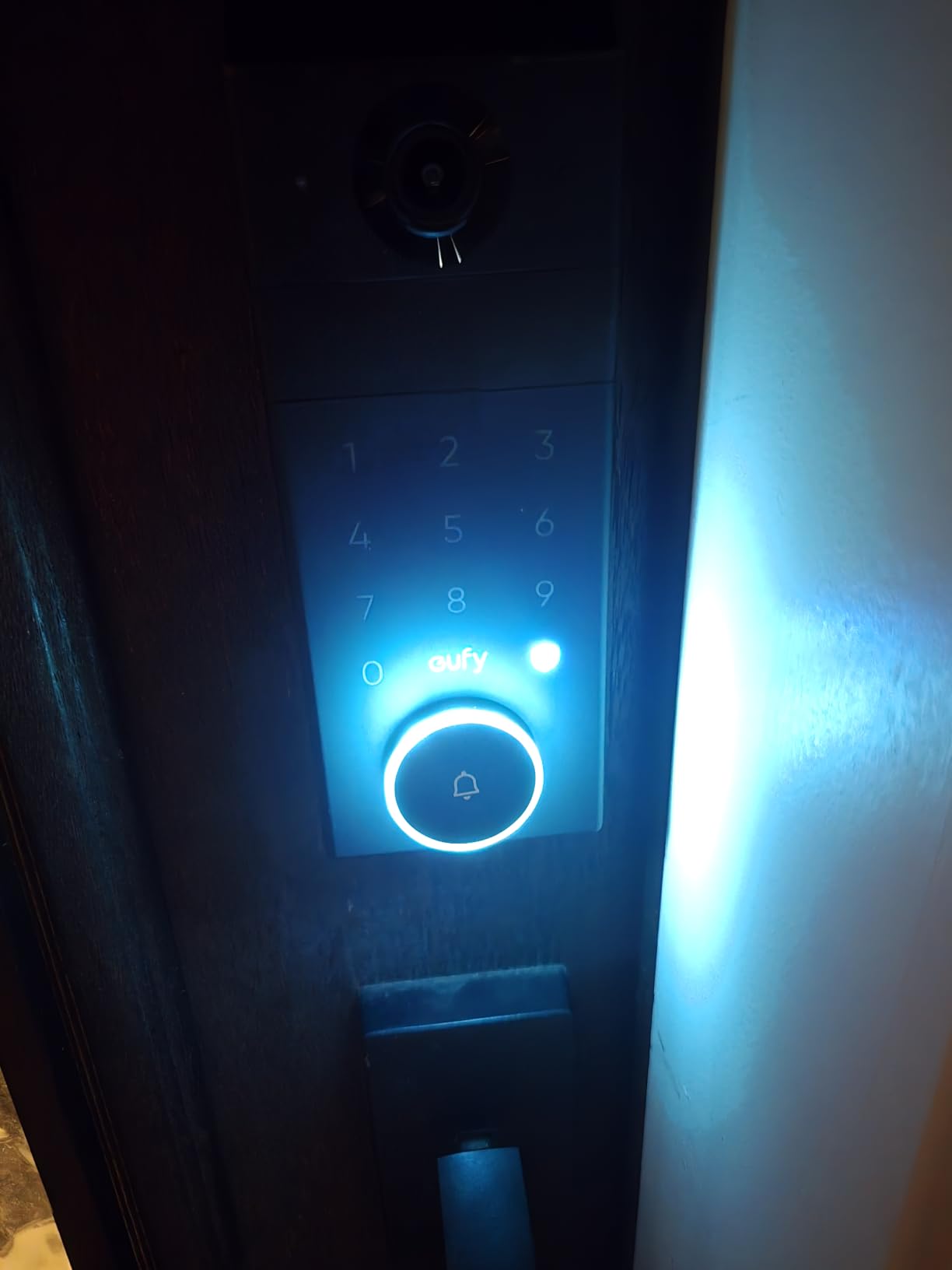
The rear interior screen is the feature families mention most. Anyone in the house can look at the front door without a phone, which is genuinely useful when the children start coming home alone.
- BHMA Grade 1 certified with a hidden pick-resistant keyway and two physical keys
- Dual power: rechargeable battery plus 4 AAA for about a further month
- Matter support for Apple Home, Google Home, Alexa and SmartThings with HomeBase 3
- Not compatible with HomeBase 2
Owners are split on battery life, and the complaints are pointed: several report roughly a month in saver mode rather than the stated four, and the spare battery is not sold on Amazon. Others report the lock dropping offline from the HomeBase often enough to break remote access, and camera streaming over Matter not behaving as advertised.
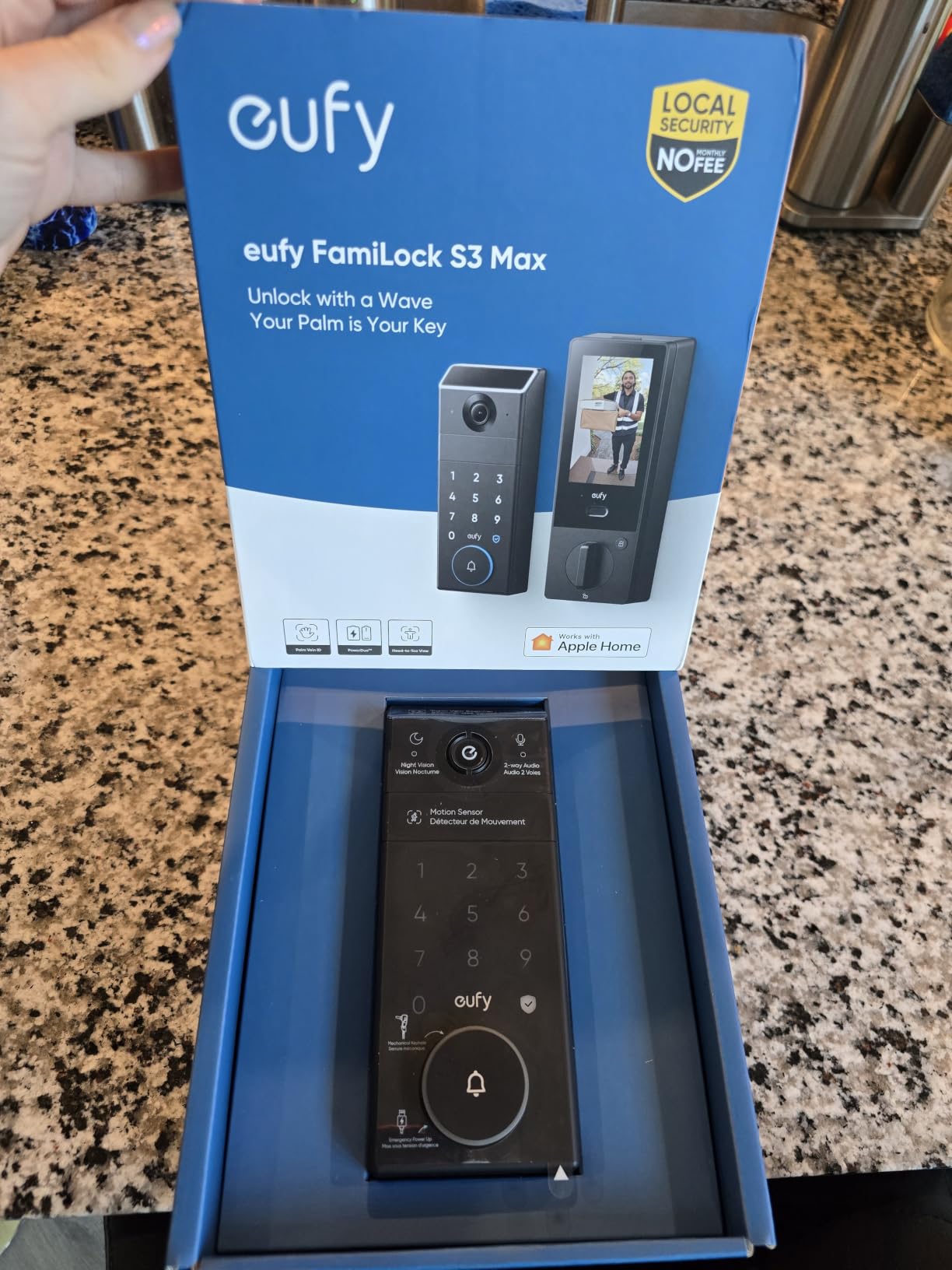
Buyers weighing the FamiLock S3 Max against the Aqara Smart Lock U100 are paying for a camera and an interior screen rather than for better entry, since both are premium units where hub requirements dominate the decision.
8. Wyze Auto-Lock Bolt v2: Best for Plug-and-Play Wi-Fi
Wyze Auto-Lock Bolt v2
Entry: fingerprint code key
Built-in Wi-Fi no hub
8 AA about 8 months
BHMA Grade 2
Pros
- Very fast 0.5-second fingerprint scanning on tempered glass
- AI learning scanner that adapts to each user
- Built-in Wi-Fi with no bridge or hub
- Eight AA batteries included
- Unlock straight from a paired Wyze Video Doorbell feed
Cons
- Auto-lock does not check whether the door is closed
- Quiet beeps and a keypad that does not light on approach
- Needs eight AA batteries rather than a rechargeable pack
The straightforward choice for a front door where nobody wants an account to configure. Built-in Wi-Fi, a fingerprint reader, eight AA batteries in the box and a USB-C port for emergency power. Owners report setup as one of the shortest of any lock in this group.
The scanner reads in half a second on scratch and smudge-resistant tempered glass, and the AI learning function keeps adjusting to each user. That is why the occasional failed scan shows up mostly with cold or very wet fingers rather than as a constant problem.
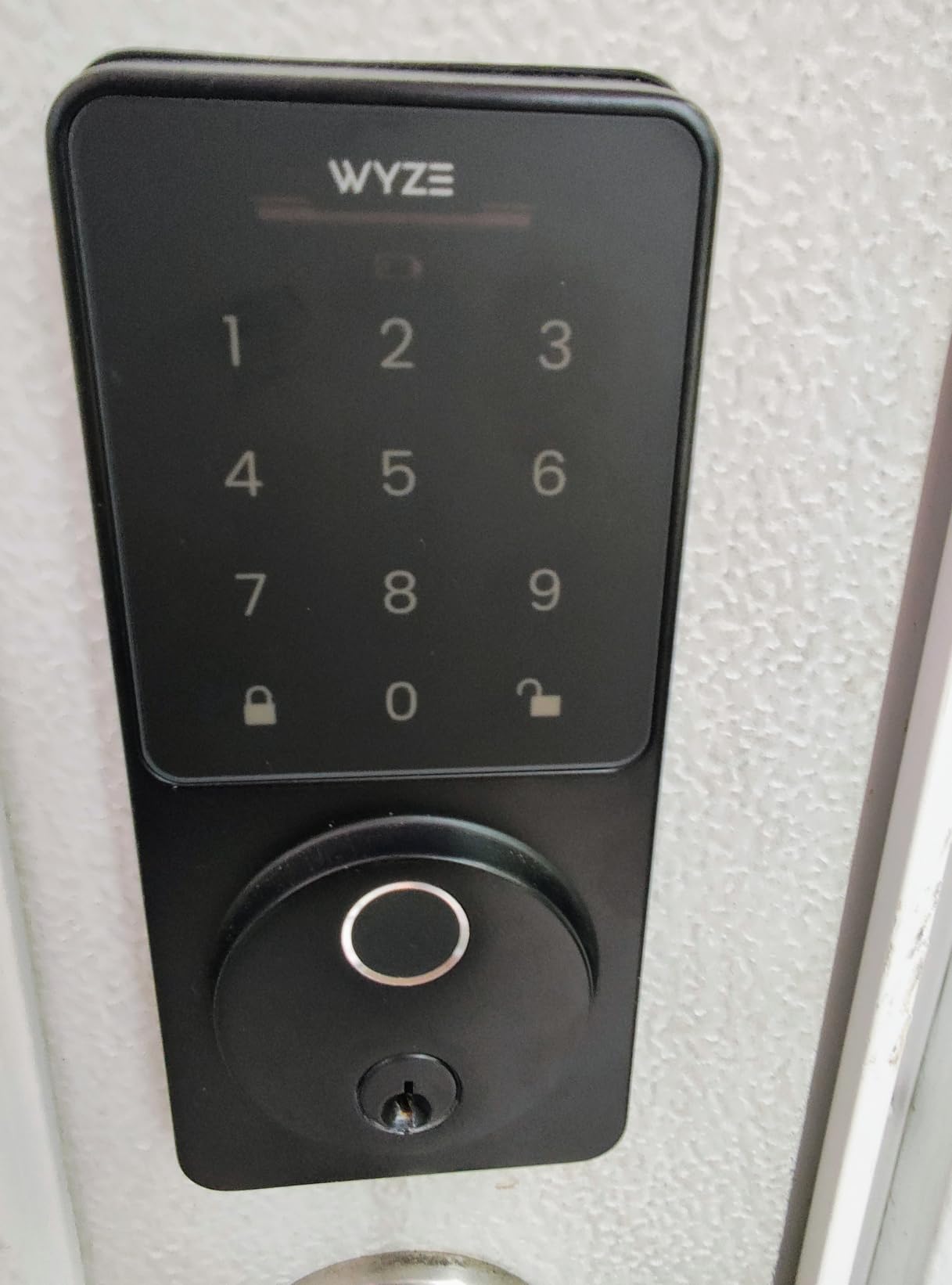
If you already own a Wyze Video Doorbell, the pairing is the feature that pulls it ahead. You can unlock from the doorbell’s live feed, which removes the need to open another app.
- BHMA Grade 2 certified, IP53 rated
- Anti-peep keypad and auto-lock with a custom delay timer
- Fingerprint, app, code and two physical key backups
- 8 AA batteries for up to eight months
The failure mode to know about is auto-lock. This lock does not check whether the door is closed, so a timer can throw the bolt while the door is still standing open. Owners with a screen door or a habit of propping the frame will want to extend the delay or turn auto-lock off.
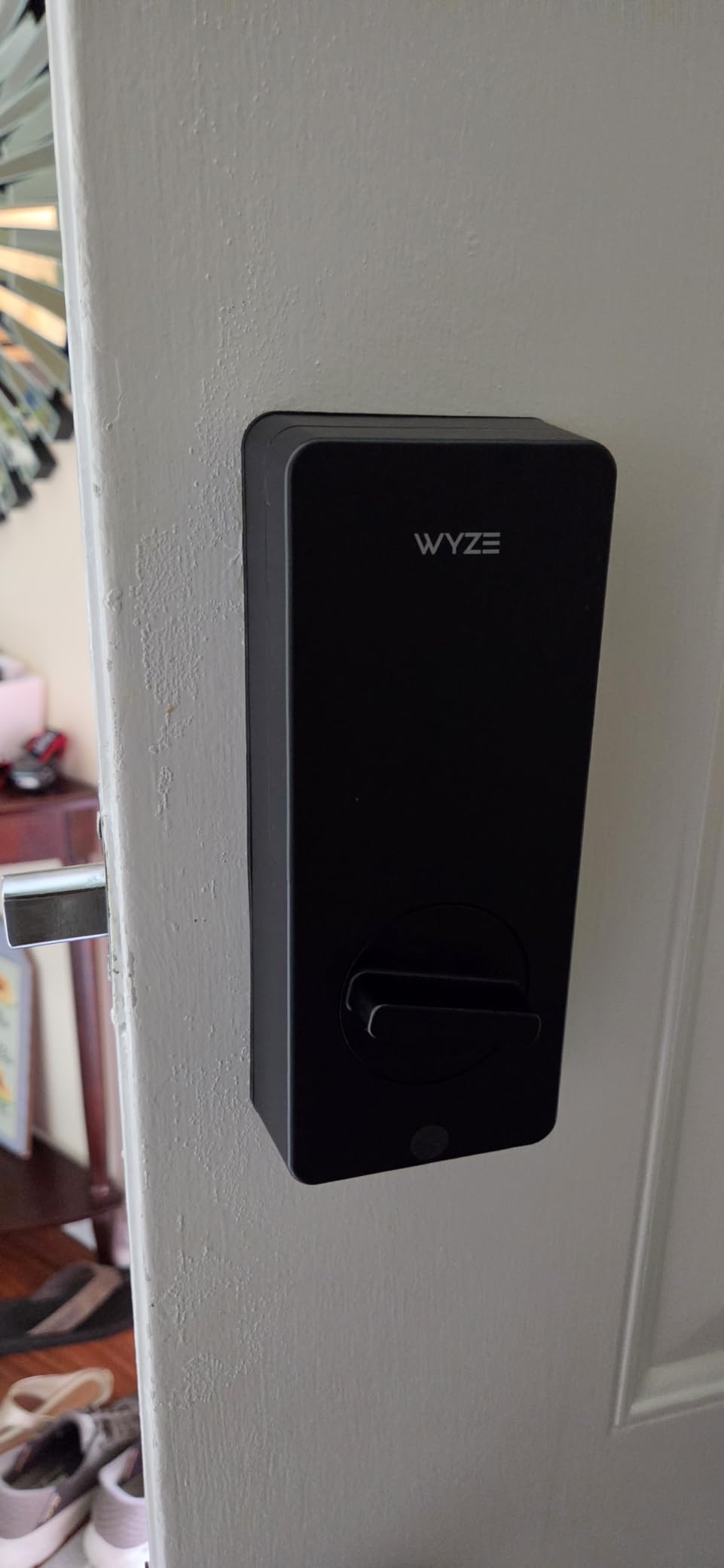
The Tapo DL110 is the nearest rival here. Both are hub-free fingerprint locks with Grade 2 certification, but the Wyze runs on eight AAs while the Tapo uses a rechargeable pack, and set against the Tapo DL100 you get a fingerprint reader at the cost of the tactile buttons.
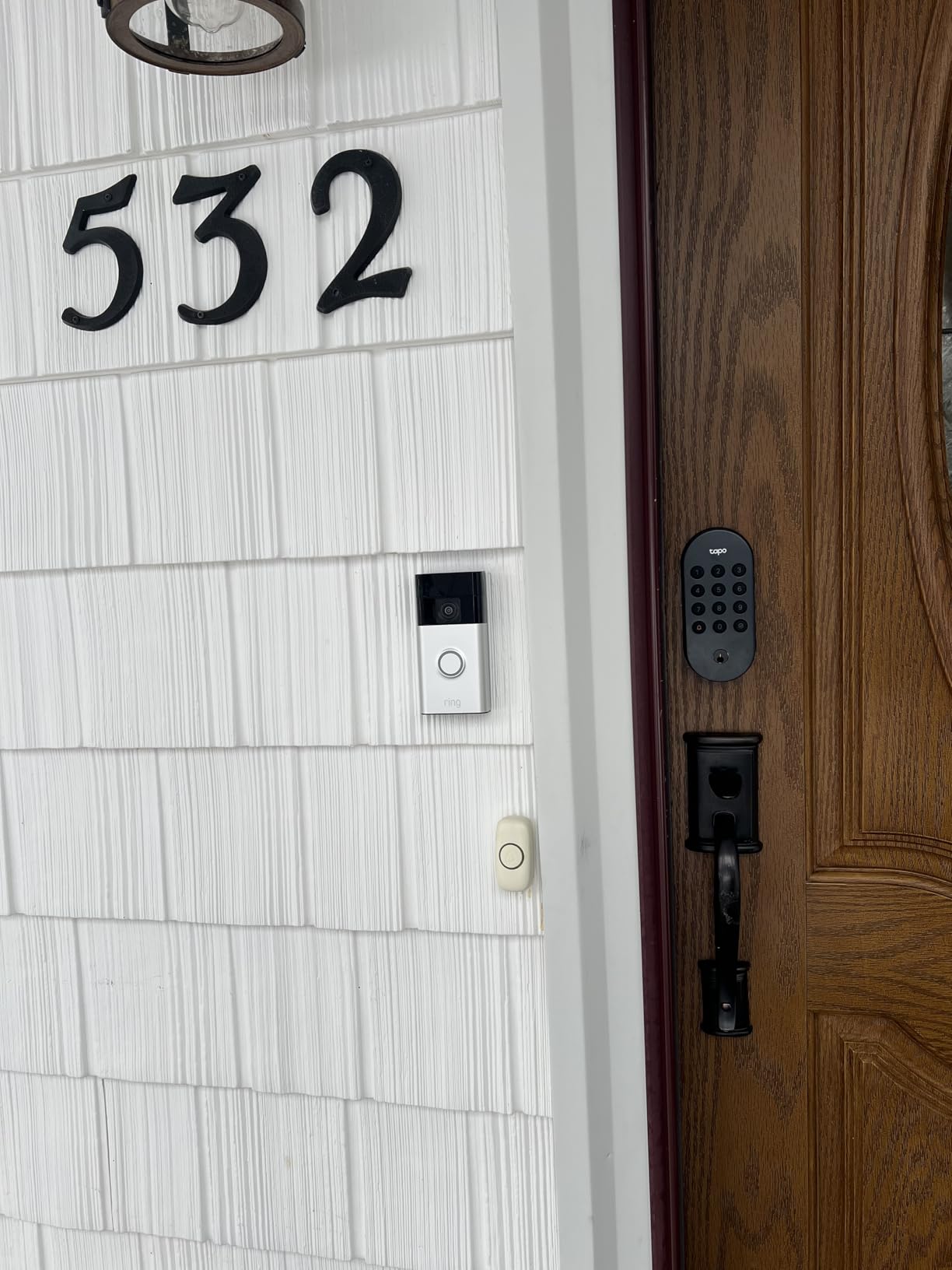
9. Tapo DL100: Budget Pick for Tactile Keypads
Tapo DL100
Entry: code app voice key
Built-in Wi-Fi no hub
4 AA up to 300 days
BHMA Grade 3 IP54
Pros
- Real tactile buttons are easy to hit in the dark
- Claimed 300-day battery life in Bluetooth mode
- 200 codes with anti-peeping random-digit entry
- Works with Alexa Google Home and SmartThings with no hub
- No-drill install on standard US bores
Cons
- No fingerprint reader for entry
- BHMA Grade 3 rather than Grade 2
- IP54 weatherproofing is modest for an exposed door
Some smart locks hide their digits behind a touchscreen that only wakes when touched. This one does the opposite, with raised buttons you can find by feel and a backlight for dark entries. For a household with children, an older relative, or anyone arriving with a full bag, that is not a small thing.
It is also the cheapest way onto this list to get a lock that talks to your phone. Wi-Fi, Bluetooth, the Tapo app and voice unlock with PIN verification through Alexa, Google Assistant and SmartThings, all without a separate hub.
- Up to 200 days on four AA batteries in WiFi mode, 300 in Bluetooth mode
- Anti-peeping entry allows a code between random digits
- Auto-lock with an adjustable interval and a PIN attempt limiter
- Fits 2-1/8 in and 1-1/2 in standard bores with no drilling
- USB-C emergency power port
Accept the compromises plainly. There is no fingerprint reader, so entry is code, app, voice or one of the two physical keys. Certification is BHMA Grade 3 and the weather rating is IP54, which is modest for a door with no porch over it.
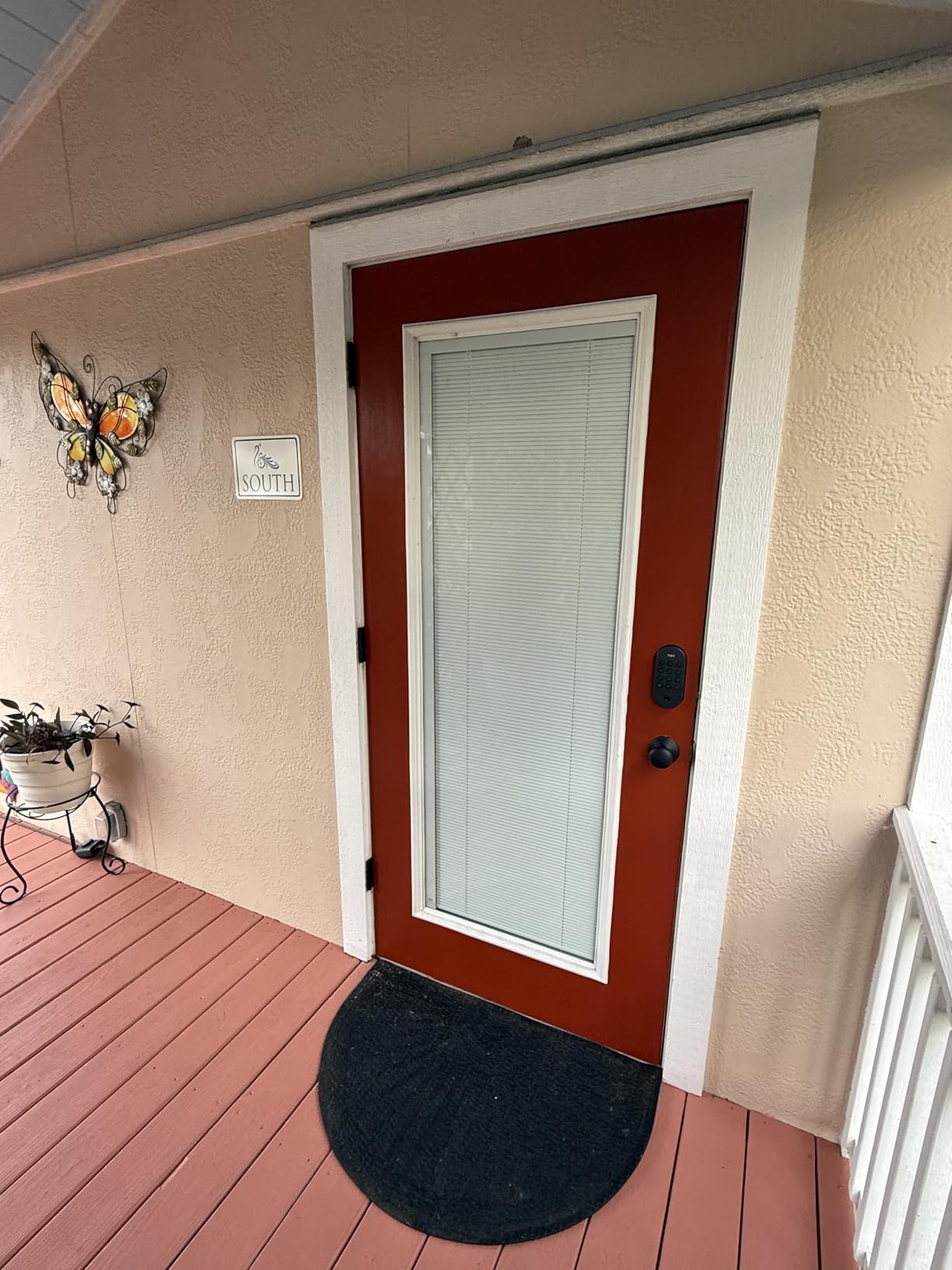
Between the two Tapo models the choice is simple: raised buttons and far longer claimed battery life at the cheaper end, or a fingerprint scanner and rechargeable power with Grade 2 certification.
10. ULTRALOQ Bolt: Best for Included Door Sensor
ULTRALOQ Bolt
Entry: fingerprint code key
Built-in Wi-Fi plus Apple Home
8 AA up to 1 year
BHMA Grade 2 IP65
Pros
- Door sensor bundled with ajar alerts
- Apple Home Certified with iPhone and Apple Watch unlock
- 50 fingerprints and 50 codes plus geofence auto-unlock
- Lockout mode disables code and app entry while away
- Lifetime mechanical warranty
Cons
- 2.4 GHz Wi-Fi only
- Apple Home automations need a HomePod or Apple TV hub
- Battery life often short of the one-year claim
The door sensor is the reason this one exists separately from the Bolt SE. It is included in the box, and it reports accurate door status plus an ajar alert, which is the single most useful thing a smart lock can tell you while you are away.
It is also Apple Home Certified, so an iPhone or Apple Watch opens it directly, and lockout mode disables passcode and app unlocking entirely while you are travelling. Owners value that as a real security control rather than a party trick.
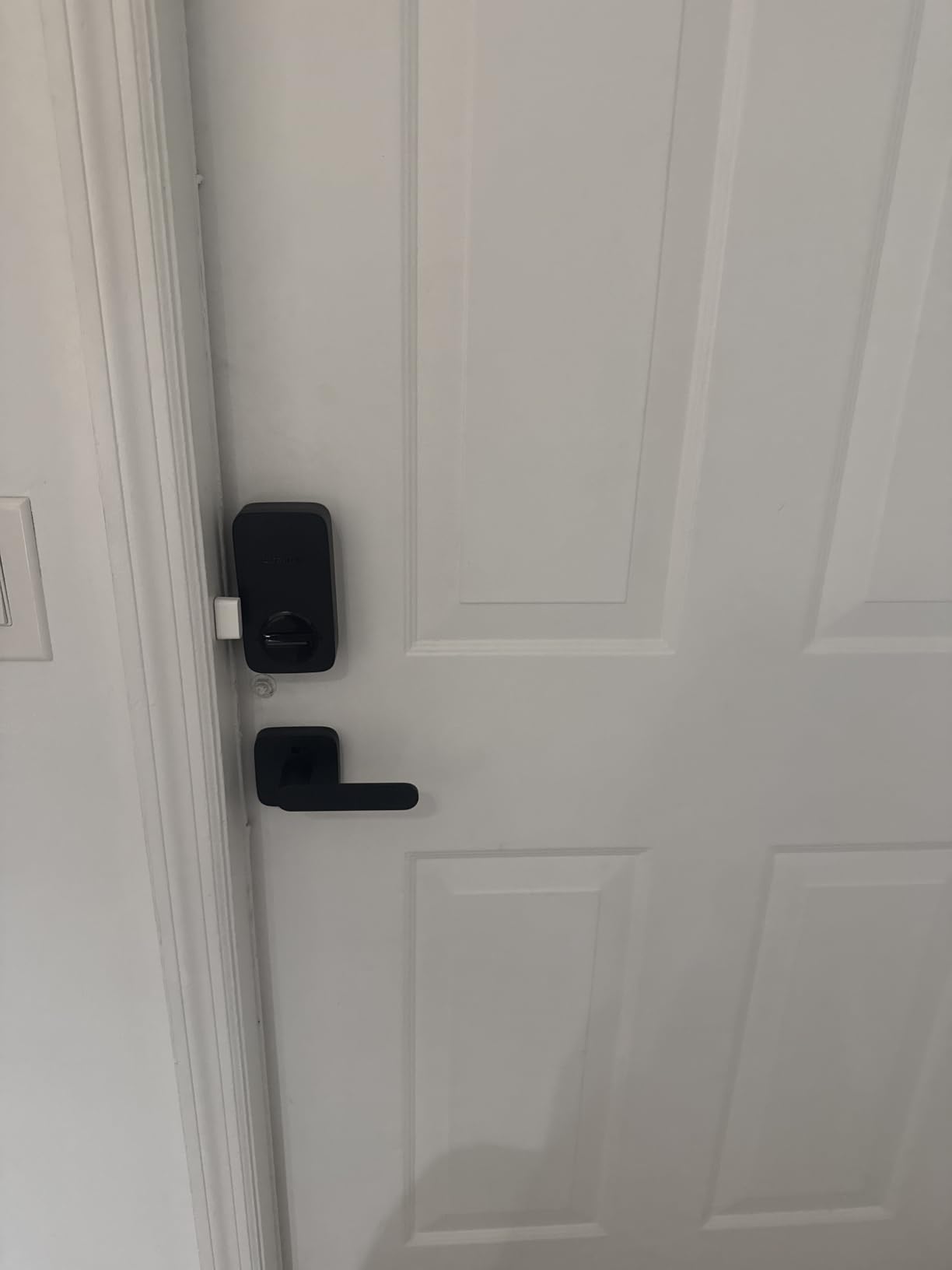
- Seven unlock methods including fingerprint, codes, app, auto unlock, voice and two keys
- ANSI/BHMA Grade 2 certified with IP65 weather resistance
- 8 AA batteries for up to one year
- Works with Alexa, Apple Home, Google Home, SmartThings, IFTTT and Xthings-Home
- Screwdriver-only installation with a lifetime mechanical warranty
Two limits are worth planning around. The radio is 2.4 GHz only, and Apple Home automations and remote control want a HomePod or an Apple TV acting as the hub. Also, owners frequently report the one-year battery claim falling short in heavy daily use, which is common across AA-powered fingerprint locks.
Set beside the ULTRALOQ Bolt SE, this model costs more and buys the bundled sensor, Apple Home certification and Grade 2 certification instead of Matter, and it adds biometrics that the Schlage Encode does not have at all.
How to Choose Smart Locks During Prime Big Deal Days
The deal framing narrows the decision far less than it sounds. The specifications do not change during a sale, so work through them first and treat the event as the moment you buy rather than the reason you choose.
Door Compatibility and Door Thickness
Most locks here fit standard US doors with a 2-1/8 in bore, but the details vary. Measure your door thickness before anything else: the Schlage Encode fits 1-3/8 in to 1-3/4 in, the Veise RZ07 stretches to 2 in, and anything thicker usually needs an expansion kit sold separately.
Check the backset too, since it must match your existing 2-3/8 in or 2-3/4 in opening, and confirm whether the unit is a full replacement. Every lock on this list replaces the deadbolt outright, so if you rent, that is a conversation with your landlord first. Owners repeatedly flag the bore measurement as the thing that goes wrong on install day.
Access Methods and Keypad Behavior
Decide how your household will actually enter, because entry methods are where these locks differ most. Keypad-only suits a household that trusts codes. Fingerprint suits anyone who is tired of being locked out by a toddler pressing every button.
Then look at the pad itself, because the interface matters more than the marketing list. The Tapo DL100 uses raised tactile buttons and a backlight that you can find in the dark. The Aqara Smart Lock U100 and Wyze Auto-Lock Bolt v2 both wait for a touch before showing digits. The Aqara U100’s gyroscope-based auto-lock waits for the door to close, while the Wyze Bolt v2 uses a timer that cannot tell whether the door is shut.
If you want the full picture on that last point, our breakdown of smart door locks with keypads covers fingerprint, code, app and key entry side by side.
Power, Batteries, and Connectivity
Sort the list into three groups before you compare. Battery locks give a year or more and never need wiring. Rechargeable locks, like the Tapo DL110, need a USB-C cable once or twice a year. And hub-based locks, like the Veise RZ07 and the Aqara Smart Lock U100, cost extra before remote access works at all.
Connectivity decides the same thing. Built-in Wi-Fi appears on the Schlage Encode, eufy Smart Lock C220, Tapo DL110, Tapo DL100, Wyze Auto-Lock Bolt v2 and both ULTRALOQ models. Both ULTRALOQ units are 2.4 GHz only, so check your router before buying either one.
When the power or the network drops, these locks still open from the keypad, the fingerprint reader or the physical key. That is the lockout answer, and it is why every unit here includes a backup key or a keypad.
Security Features and Smart-Home Integration
Certification is the fastest way to compare build quality. BHMA Grade 1 sits on the eufy FamiLock S3 Max, Grade 2 sits on the Tapo DL110, Wyze Auto-Lock Bolt v2 and ULTRALOQ Bolt, and Grade 3 sits on the eufy Smart Lock C220, Tapo DL100 and Veise RZ07. The Schlage Encode holds BHMA certification at the highest residential level.
For the front door specifically, weather rating and alerts are what owners thank their locks for. The Aqara Smart Lock U100 and ULTRALOQ Bolt SE are IP65, the FamiLock S3 Max holds a local interior screen, and the ULTRALOQ Bolt ships with a door sensor that reports ajar status. Our guide to smart locks for front doors goes deeper on what matters at the most visible entrance.
Installation and Ongoing Ownership
Every lock here installs with a screwdriver and no wiring. Time estimates in the product data run from ten minutes for the ULTRALOQ Bolt SE and Tapo DL110 to about fifteen for the eufy Smart Lock C220. A precision screwdriver is worth having, and a thick door may need an expansion kit that is usually a separate purchase.
Ownership costs are where the cheap locks get expensive. Batteries add up across a year even on eight-AA models, a gateway adds to the total for any hub-based pick, and an NFC card or a spare battery may not be available for certain models. Owners also report that app updates occasionally change behaviour, so check the manufacturer’s support record before buying from a newer brand. Our guide to keypad locks for homes covers what a year of ownership actually costs in batteries and add-ons.
How to Shop Smart Lock Deals During the Sale
Confirm the exact model number before you commit, because the Schlage Encode and the eufy Smart Lock C220 listings both cover several sizes and finishes. Check that the bore and thickness figures match your door, read what is actually in the box, and look at whether the seller is Amazon itself or a marketplace partner.
Watch for the model-year codes in the listing title, since a refreshed generation can sit under a familiar name. Most offers need a Prime membership and change through the event, so the button on each section is the only reliable place to see the current number.
- Measure door thickness and backset before choosing, not after delivery
- Decide hub-free versus hub-based first, since it decides the real total cost
- Check that a backup key or keypad works, so a flat battery is never a lockout
- Match the weather rating to the door, IP65 for exposed entries
- Confirm battery type so you know what to buy in two years
- Read recent owner reviews for battery and connectivity complaints, not just the rating
Frequently Asked Questions
When do Best Amazon Prime Big Deal Days Smart Lock Deals run, and is Prime required?
Prime Big Deal Days runs October 6-7, 2026, and most offers need a Prime membership, with a free trial counting toward it. Smart lock deals change through the event rather than lasting the whole window, so check each listing during the sale. Use the price button on any pick in this list to see the current number.
Can I install a smart lock on an existing standard door?
Usually yes. Every lock in this list is a full deadbolt replacement that fits a standard US door with a 2-1/8 in bore, and installation takes about ten to fifteen minutes with a screwdriver and no wiring. Measure your door thickness and backset first, since some models stop at 1-3/4 in. Renters should confirm with a landlord before replacing a deadbolt.
Do smart locks work during a power outage?
Yes, because all of these are battery-powered rather than hardwired. The keypad, fingerprint reader or the physical backup key still open the door when there is no power and no network. Two models in this list, the Aqara Smart Lock U100 and the Tapo DL110, also carry a USB-C emergency power port for a portable battery.
Can multiple people use the same smart lock app?
Yes, and that is where the differences show. The Tapo DL100 holds up to 200 codes, the Veise RZ07 supports more than 250 users with scheduled and one-time credentials, and the Schlage Encode manages up to 100 access codes with app-based lock history. Each person gets their own code, so you can tell who came through the door and when.
Is Bluetooth-only smart locking enough for most homes?
For daily entry, yes. Bluetooth handles keypad and fingerprint unlocks within roughly six feet of the lock, as the Veise RZ07 shows. Remote access from outside the house is where it stops, and that needs a gateway, as with the Veise G2, or a hub, as with the Aqara Smart Lock U100. If you want remote access without extra hardware, pick a built-in Wi-Fi lock.
How do I prevent a smart lock from auto-locking while the door is open?
Turn auto-lock off, or set a longer delay, in the app before it matters. That is the fix for the Wyze Auto-Lock Bolt v2, which uses a timer and cannot tell whether the door is shut, and for most keypad models. The Aqara Smart Lock U100 avoids the problem differently with a gyroscope that locks only after the door closes.
Final Verdict: Best Amazon Prime Big Deal Days Smart Lock Deals
Buy the Schlage Encode if you want one lock with no hub to buy later, room for 100 codes and a limited lifetime mechanical warranty. It is the pick most worth watching during Prime Big Deal Days, and the built-in Wi-Fi removes the hidden cost that trips up cheaper models.
The budget-friendly alternative is the Tapo DL100, which gives you tactile buttons, up to 200 codes and a long claimed battery life without a fingerprint reader or a hub.
Pick the ULTRALOQ Bolt SE for fingerprints plus Matter, the ULTRALOQ Bolt when you want the bundled door sensor, and the eufy Smart Lock C220 for the widest range of entry methods. Go Tapo DL110 for rechargeable power and a rekeyable Schlage keyway, the Aqara Smart Lock U100 if your household is already inside the Apple ecosystem, the Wyze Auto-Lock Bolt v2 for the simplest Wi-Fi setup, the Veise RZ07 for more than 250 simultaneous users, and the eufy FamiLock S3 Max if you want to drop the separate doorbell entirely.
The same trick works on the other entrances. Smart garage door controllers bring the same phone-based access to a side door, a shed or a gate, and it is often the second place a connected-access setup pays off.
Then measure your door, decide hub-free versus hub-based, and use the price button on each section to confirm the current listing during the sale.