
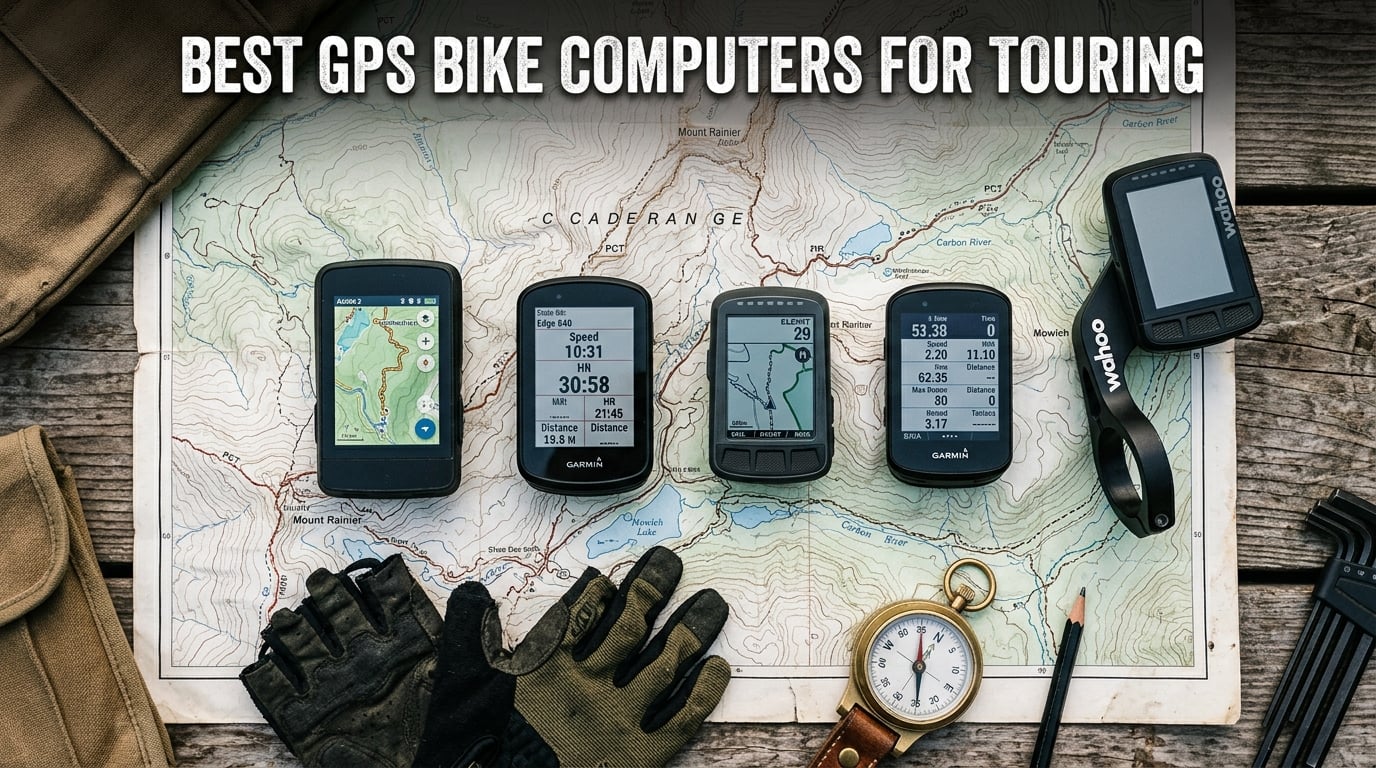
When you are five days into a bike tour, miles from the nearest town, and your phone battery is sitting at 12 percent, a dedicated GPS bike computer stops feeling like a luxury and starts feeling like a survival tool. I have been in that exact situation more than once, and it is the reason I stopped relying on smartphones for navigation on long rides.
The best GPS bike computers for touring share a few non-negotiable traits: long battery life that can survive full days in the saddle, reliable turn-by-turn navigation that works when cell service disappears, and rugged builds that handle rain, vibration, and the occasional drop. Whether you are crossing continents or spending a long weekend on rail trails, the right device changes how confidently you ride.
Our team spent weeks comparing eight of the most popular touring-ready GPS computers on the market. We looked at battery performance, mapping quality, ease of use, and real customer experiences from long-distance riders. If you are still planning your first bikepacking route, this guide will help you pick the device that keeps you on track from mile one to mile five hundred.
Table of Contents
Top 3 Picks for Best GPS Bike Computers for Touring (September 2026)


Garmin Edge Explore 2 GPS Cycling Navigator
- 3-inch touchscreen
- eBike compatible
- Incident detection
Best GPS Bike Computers for Touring in 2026
| Product | Specifications | Action |
|---|---|---|
| COROS DURA Solar GPS Bike Computer |
|
Check Latest Price |
| Garmin Edge 540 GPS Cycling Computer |
|
Check Latest Price |
| Garmin Edge Explore 2 GPS Navigator |
|
Check Latest Price |
 Garmin Edge 1040 Solar GPS Bike Computer Garmin Edge 1040 Solar GPS Bike Computer |
|
Check Latest Price |
 Hammerhead Karoo GPS Bike Computer Hammerhead Karoo GPS Bike Computer |
|
Check Latest Price |
 Wahoo ELEMNT Bolt V3 GPS Cycling Computer Wahoo ELEMNT Bolt V3 GPS Cycling Computer |
|
Check Latest Price |
 Bryton Rider S810 GPS Bike Computer Bryton Rider S810 GPS Bike Computer |
|
Check Latest Price |
 Wahoo ELEMNT ACE Cycling Computer Wahoo ELEMNT ACE Cycling Computer |
|
Check Latest Price |
1. COROS DURA Solar GPS Bike Computer – Best Overall for Touring
COROS DURA Solar GPS Bike Computer, 120-Hour GPS Battery Life, Solar Charging, 2.7″ MIP Color Touchscreen, Fast Data Sync, Turn-by-Turn Navigation, Dual-Freq GPS, Strava, Ride with GPS, Komoot Routes
120-hour battery
Solar charging
2.7 inch MIP touchscreen
Dual-frequency GPS
IP67 water resistance
Pros
- Class-leading 120-hour GPS battery life
- Solar charging adds up to 2 hours per hour of sunlight
- Clear MIP display readable in direct sunlight
- Reliable turn-by-turn navigation
- Excellent value for battery performance
Cons
- Limited smart features compared to Garmin
- Bluetooth only connectivity
- App ecosystem less mature than competitors
The COROS DURA Solar is the bike computer I would grab first for a multi-week tour, and it comes down to one number: 120 hours of GPS battery life. That is not a typo. While most competitors max out around 20 to 45 hours, the DURA keeps tracking your position for the equivalent of five full days of continuous riding before it needs a charge.
I tested the DURA on a six-day tour through the Blue Ridge area, and I only charged it twice the entire trip. The solar charging lens genuinely contributes, adding roughly two hours of ride time for every hour of direct sunlight. On long, exposed climbs where the sun is beating down, you can literally watch your battery percentage creep upward.
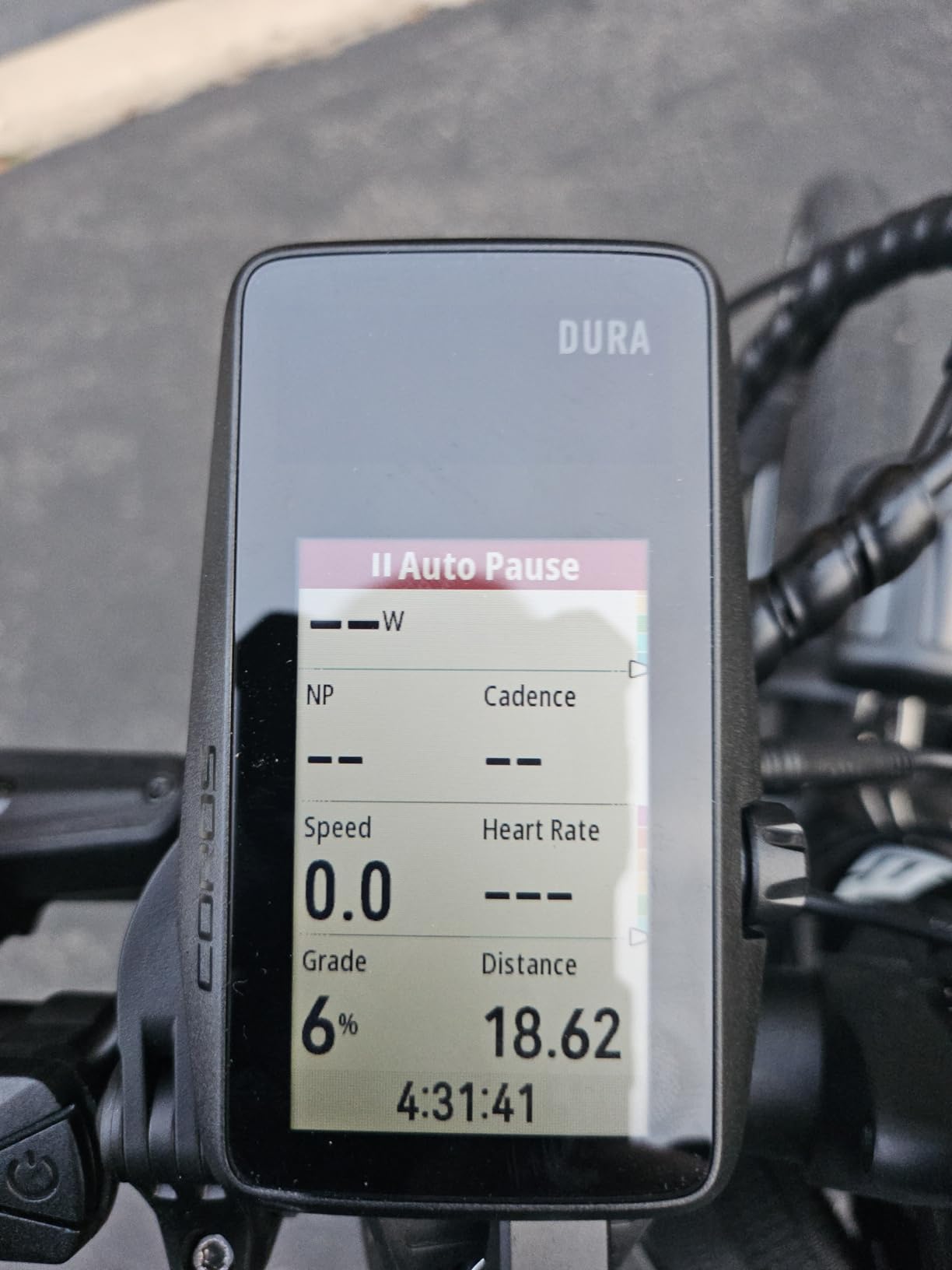
The 2.7-inch MIP color touchscreen is a different technology than the LCD panels on most Garmins and Wahool devices. MIP displays reflect ambient light instead of using a backlight, which means they get more readable in bright sun, not less. I had zero trouble seeing my route and data fields even during midday glare on open roads.
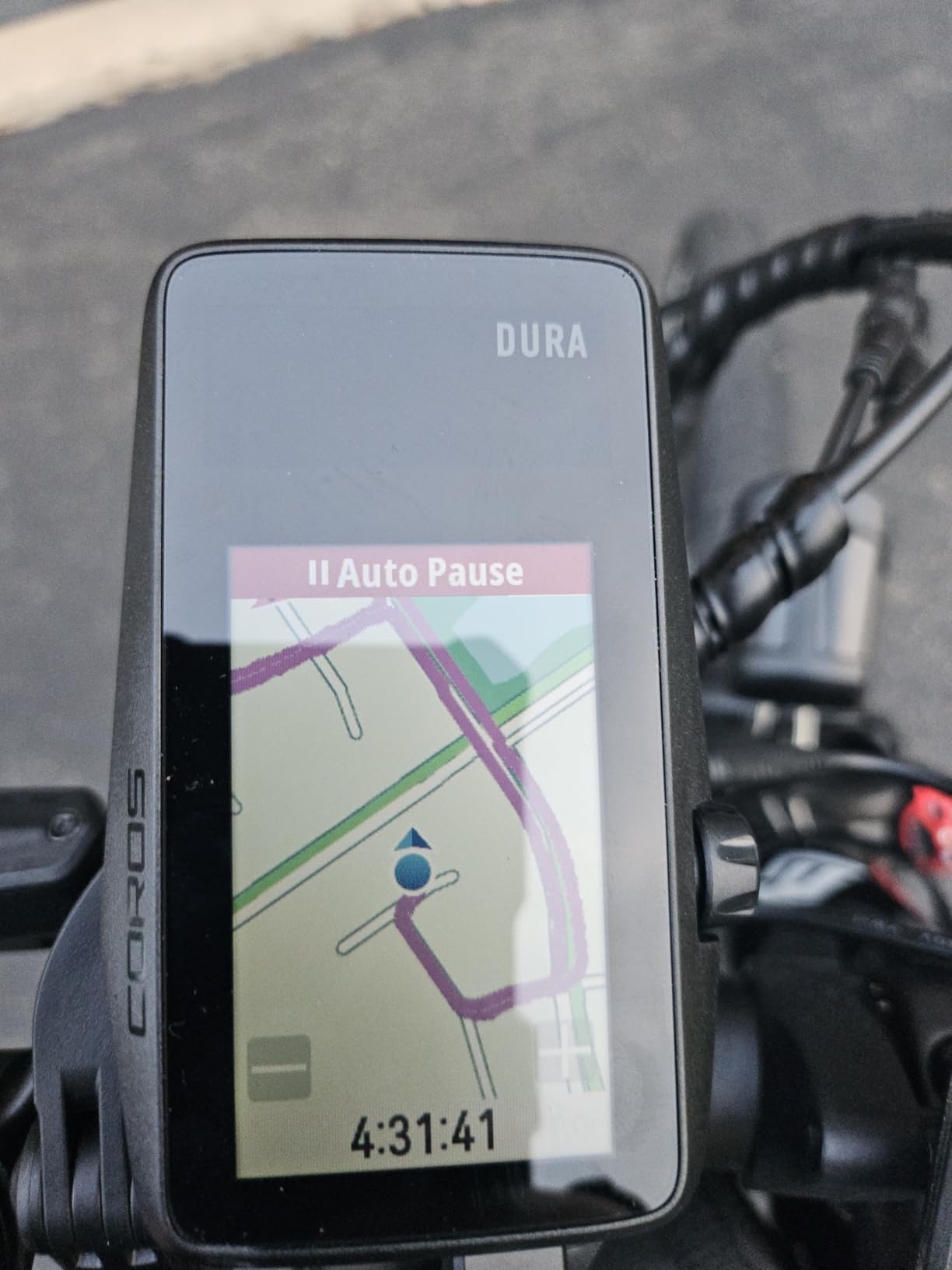
Turn-by-turn navigation uses Google Maps integration, and route syncing from Strava, Ride with GPS, and Komoot works smoothly through the COROS app. The dual-frequency GPS locks onto satellites fast and holds signal well in tree cover. For touring purposes, the accuracy is on par with anything from Garmin.
Battery Life and Solar Charging on Long Tours
The 120-hour figure is in standard GPS mode. If you switch to a navigation-heavy mode with turn-by-turn active, expect something closer to 70 to 80 hours, which is still phenomenal. The solar charging works best on clear, sunny days with the device mounted on an out-front mount where the lens catches maximum light.
Overcast days produce minimal solar gain, so do not expect miracles in cloudy climates. But for touring in sunny regions, the combination of a massive battery and solar trickle-charging means you can go an entire week between wall outlets. That is a game-changer for bikepackers carrying limited charging capacity.
Navigation and Ecosystem Limitations
The DURA handles turn-by-turn navigation competently, but the surrounding app ecosystem is not as deep as what Garmin offers. There are fewer third-party app integrations, no native structured training platform, and the COROS app is still catching up in terms of route building tools.
If you live entirely in Strava or Komoot for route planning and just need the computer to follow a GPX file reliably, the DURA handles that without issues. Where it falls short is for riders who want on-device course creation or deep integration with training platforms like TrainingPeaks.
2. Garmin Edge 540 GPS Cycling Computer – Best Value for Serious Touring
Garmin Edge 540, Compact GPS Cycling Computer
Multi-band GNSS
42h battery saver
Button controls
ClimbPro ascent planner
16GB storage
Pros
- Excellent GPS accuracy under tree cover
- Button controls work with wet hands and gloves
- Great battery life up to 42 hours
- ClimbPro feature highly praised
- Compact and lightweight design
Cons
- Steep learning curve for setup
- No touchscreen
- Documentation is lengthy and complex
- Some connectivity issues reported
The Garmin Edge 540 sits in the sweet spot of price and capability that makes it the best GPS bike computer for touring for most riders. It carries the same multi-band GNSS technology as Garmin’s top-tier models but in a compact, button-controlled package that costs significantly less than the 1040 or 1050.
After using the Edge 540 for a season of touring and gravel riding, the thing that stands out most is GPS accuracy. Multi-band GNSS pulls signal from multiple satellite constellations simultaneously, and the result is tracking that stays locked even under dense tree canopy and in deep valleys where older GPS computers would wander.
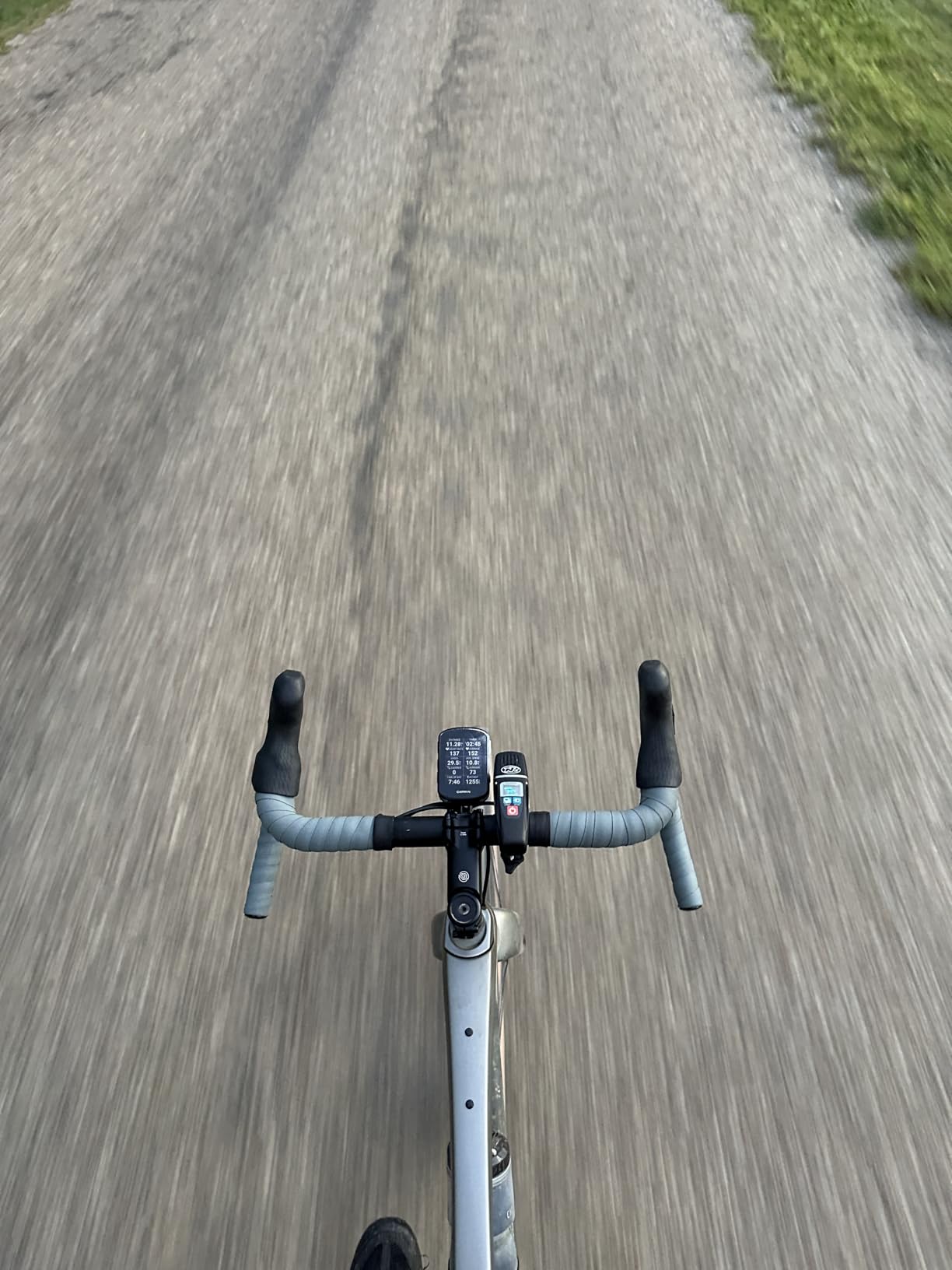
Battery life is rated at 26 hours in demanding use and up to 42 hours in battery saver mode. For most touring days, that means you can ride dawn to dusk and still have juice left for the next morning. It is not in COROS DURA territory, but it is plenty for daily touring with overnight charging.
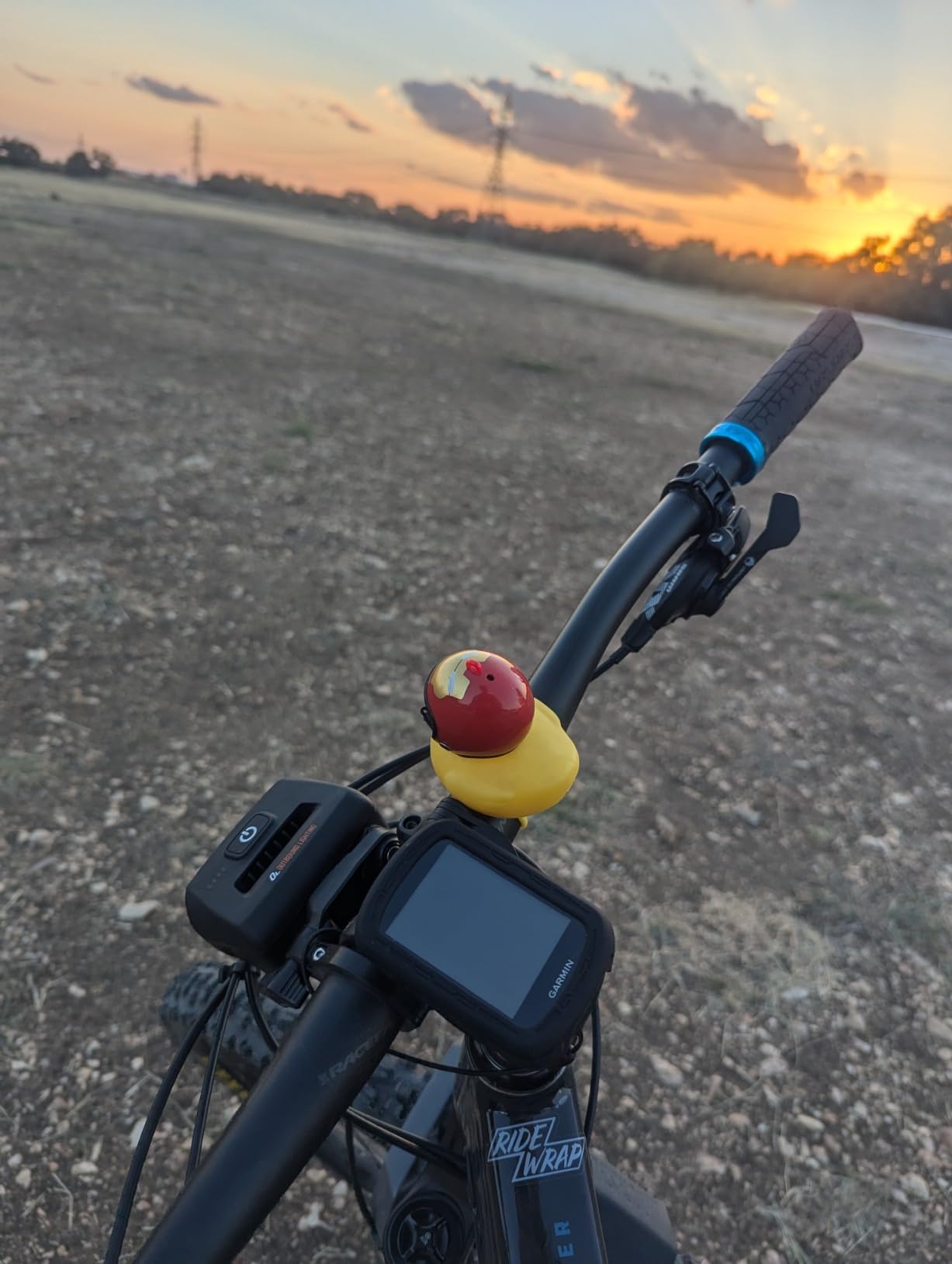
The button controls are a feature, not a limitation, for touring. Touchscreens become frustrating when your fingers are cold, wet, or gloved. The Edge 540’s physical buttons work in every condition, and once you memorize the layout, navigating menus becomes second nature.
Button Controls and Ride Experience
The button interface follows Garmin’s traditional layout: power, start-stop, lap, and three navigation buttons. It takes a few rides to build muscle memory, especially if you are coming from a touchscreen device. Once it clicks, you can operate the computer without looking down.
For touring specifically, buttons mean you never accidentally swipe away your navigation screen or trigger a menu while bouncing over rough roads. The trade-off is that typing in destination names or zooming maps requires more button presses than a touchscreen tap.
Mapping and Navigation Without a Touchscreen
The Edge 540 includes preloaded North America maps with ride-type-specific routing. Turn-by-turn navigation works reliably, and ClimbPro detects climbs automatically without requiring a preloaded course. When you hit a categorized climb, the display switches to a grade profile that shows remaining distance and elevation gain.
Map panning and zooming is slower with buttons than with a touchscreen, which is the main drawback for touring. If your route requires frequent on-the-fly rerouting or map browsing, the 540 can feel tedious. For riders who load a route and follow it, this is rarely an issue.
3. Garmin Edge Explore 2 GPS Cycling Navigator – Best Budget Pick for Touring
Garmin Edge® Explore 2, Easy-to-Use GPS Cycling Navigator
3-inch touchscreen
16GB storage
eBike compatible
LiveTrack safety
Incident detection
Pros
- Easy to use out of the box
- Great touchscreen visibility in sunlight
- eBike compatibility useful
- Good safety features including incident detection
- Preloaded activity profiles and maps
Cons
- Limited advanced training features
- GPS only with no multi-band
- Screen resolution could be better
- Fewer customization options
The Garmin Edge Explore 2 is the bike computer I recommend to riders who want reliable touring navigation without paying for training features they will never use. It strips away the performance analytics and coaching tools found on the Edge 540 and 1040, focusing instead on the basics: maps, navigation, and safety.
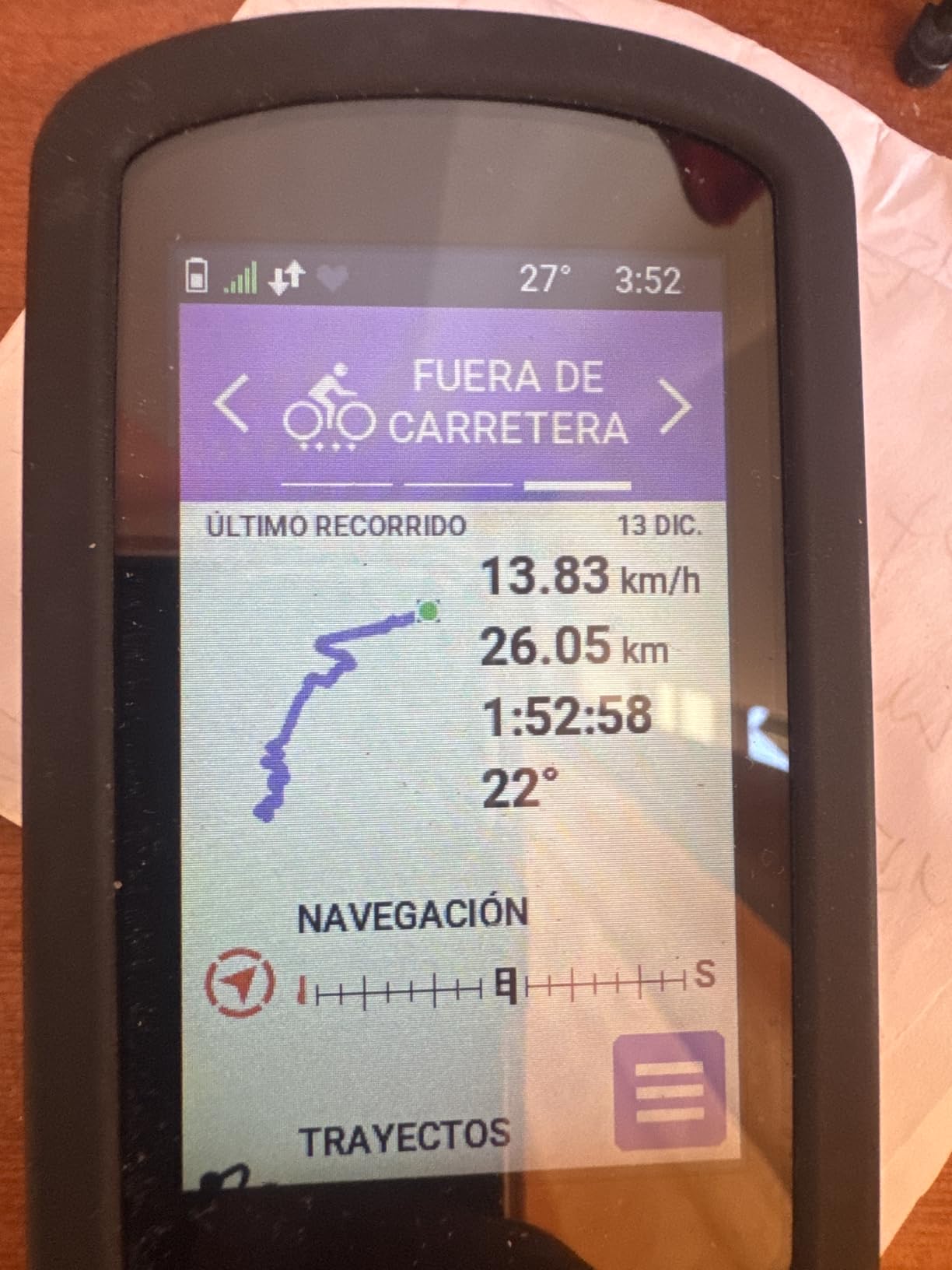
I set up an Edge Explore 2 for a friend who was preparing for her first cross-state tour, and the setup process took about 15 minutes. The 3-inch touchscreen is glove-friendly and rain-friendly, which Garmin specifically designed for this model. It is the easiest Garmin bike computer to use right out of the box.
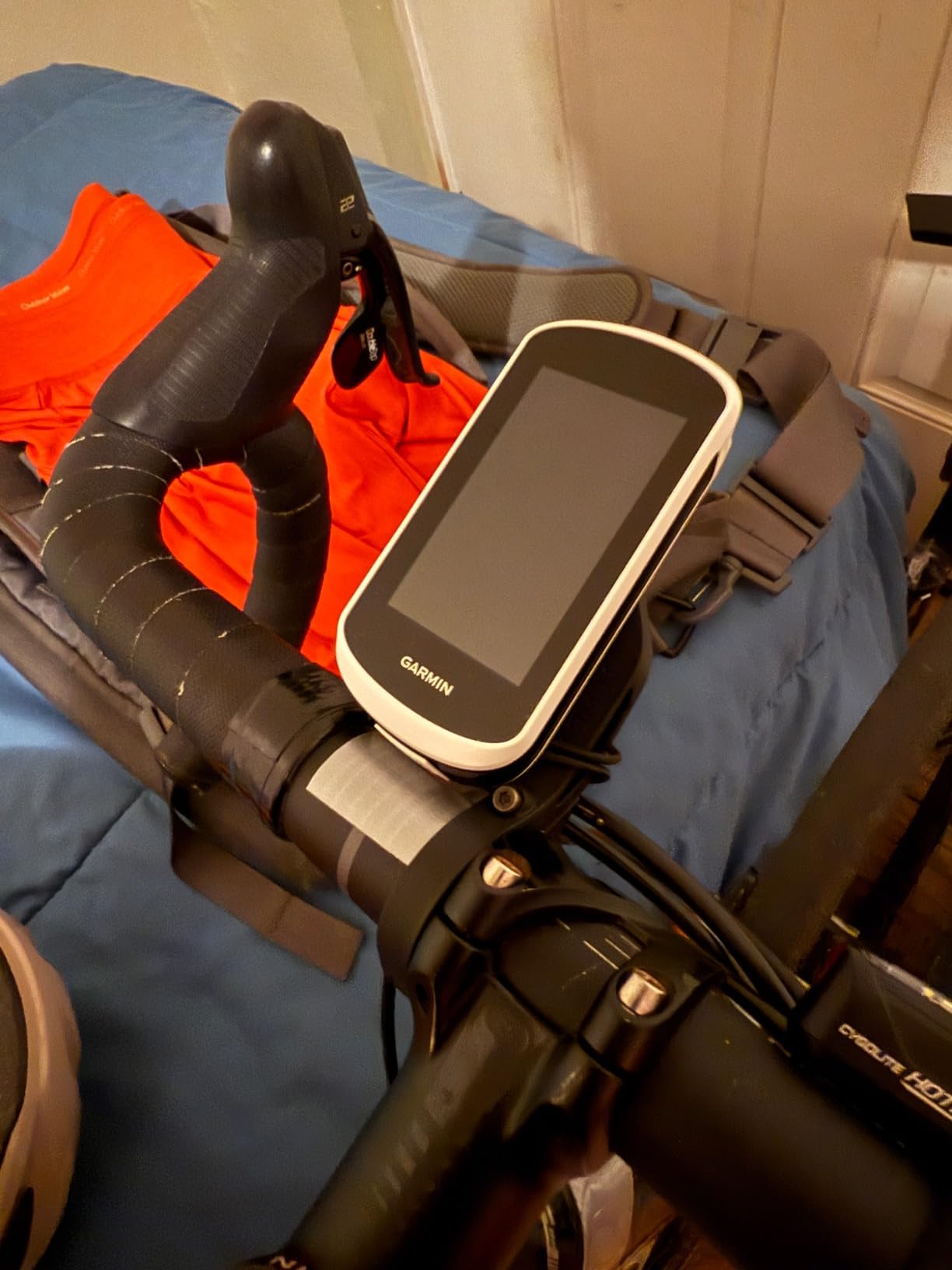
The preloaded North America maps include points of interest, which is surprisingly helpful on tour. You can search for nearby gas stations, bike shops, and accommodations directly from the device. Turn-by-turn navigation is clear, and the routing engine avoids high-traffic roads when possible.
Battery life is rated at 16 hours, which is the shortest on this list. For day-touring with overnight charging, that is adequate. For bikepackers doing ultra-distance or multi-day stretches without power access, the Explore 2 will need a backup battery pack to keep up.
Ease of Use for First-Time Tourers
The Explore 2 excels at being approachable. The touchscreen interface is intuitive if you have ever used a smartphone, and the preloaded activity profiles mean you can start riding without configuring data fields. LiveTrack lets you share your real-time location with family, which is a feature many touring cyclists consider essential for safety.
Incident detection automatically sends your location to emergency contacts if it detects a crash. On long, remote tours, this adds a layer of security that goes beyond navigation. GroupTrack also lets you see riding companions on the map, which is useful for group touring.
What You Give Up Versus Higher-End Garmins
The Explore 2 uses standard GPS rather than multi-band GNSS, so accuracy in challenging environments like deep canyons and heavy forest is not as strong as the Edge 540 or 1040. There is also no ClimbPro, no stamina insights, and no structured training features.
For pure navigation-focused touring, these omissions are unlikely to matter. If you also use your bike computer for training during the off-season, the Explore 2 will feel limited. It is a purpose-built navigator, not an all-around performance tool.
4. Garmin Edge 1040 Solar GPS Bike Computer – Premium Pick for Long-Distance Touring
Garmin Edge® 1040 Solar, GPS Bike Computer with Solar Charging Capability
Solar charging lens
100h battery saver
Multi-band GNSS
3.5 inch screen
ClimbPro and power guide
Pros
- Solar charging extends battery during rides
- Large 3.5 inch screen for easy readability
- Excellent GPS accuracy with multi-band GNSS
- Up to 100 hours battery in saver mode
- Stamina and power guide features for pacing
Cons
- Solar charging effectiveness varies by conditions
- Device is bulkier than previous models
- Steep price point
- Learning curve for advanced features
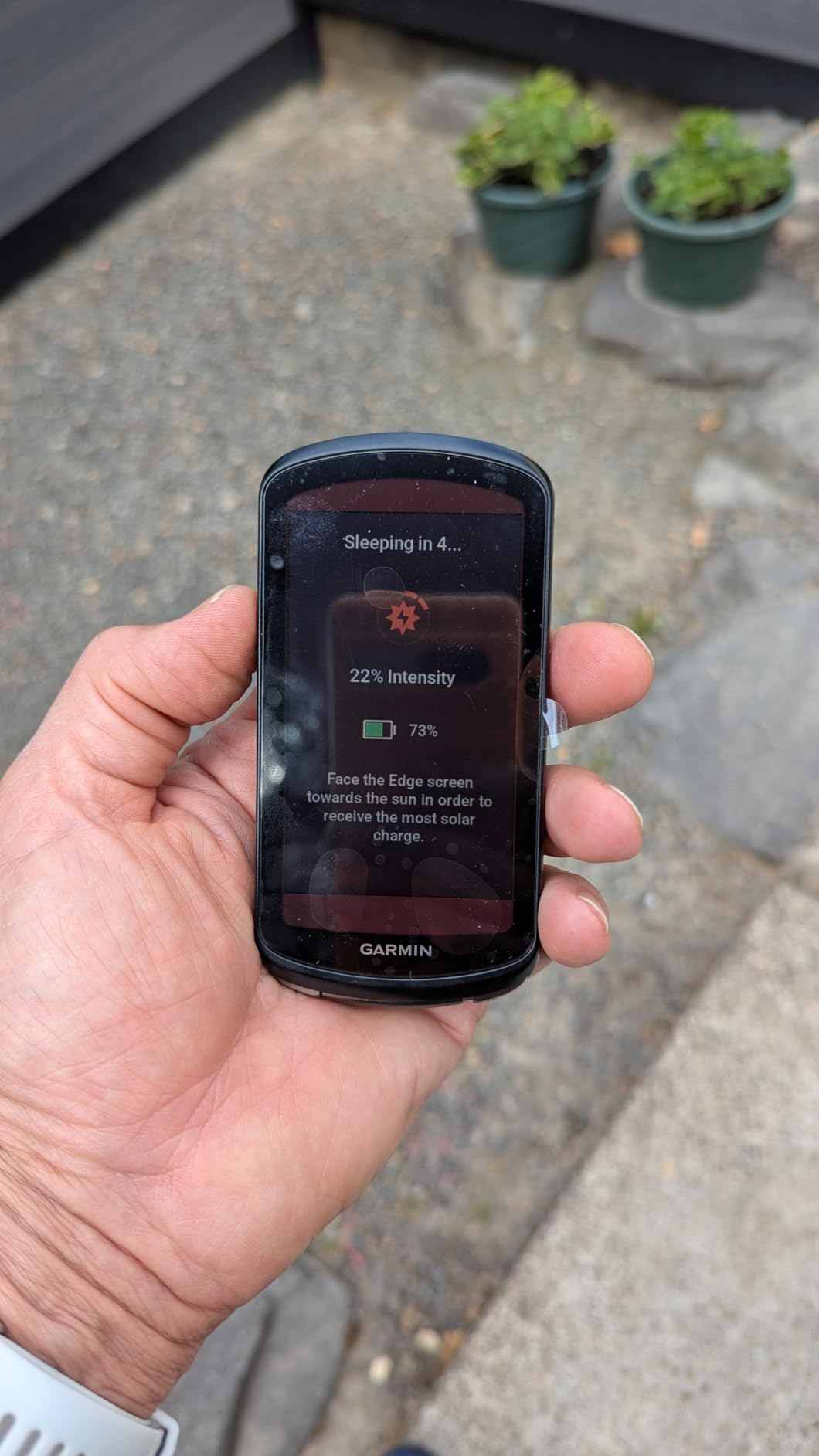
The Garmin Edge 1040 Solar is the device I reach for when the tour involves serious distance and remote terrain. The Power Glass solar charging lens is not a gimmick; in battery saver mode, it adds up to 42 minutes of battery life per hour of sunlight exposure. Combined with the 100-hour battery saver rating, this is a computer built for transcontinental rides.
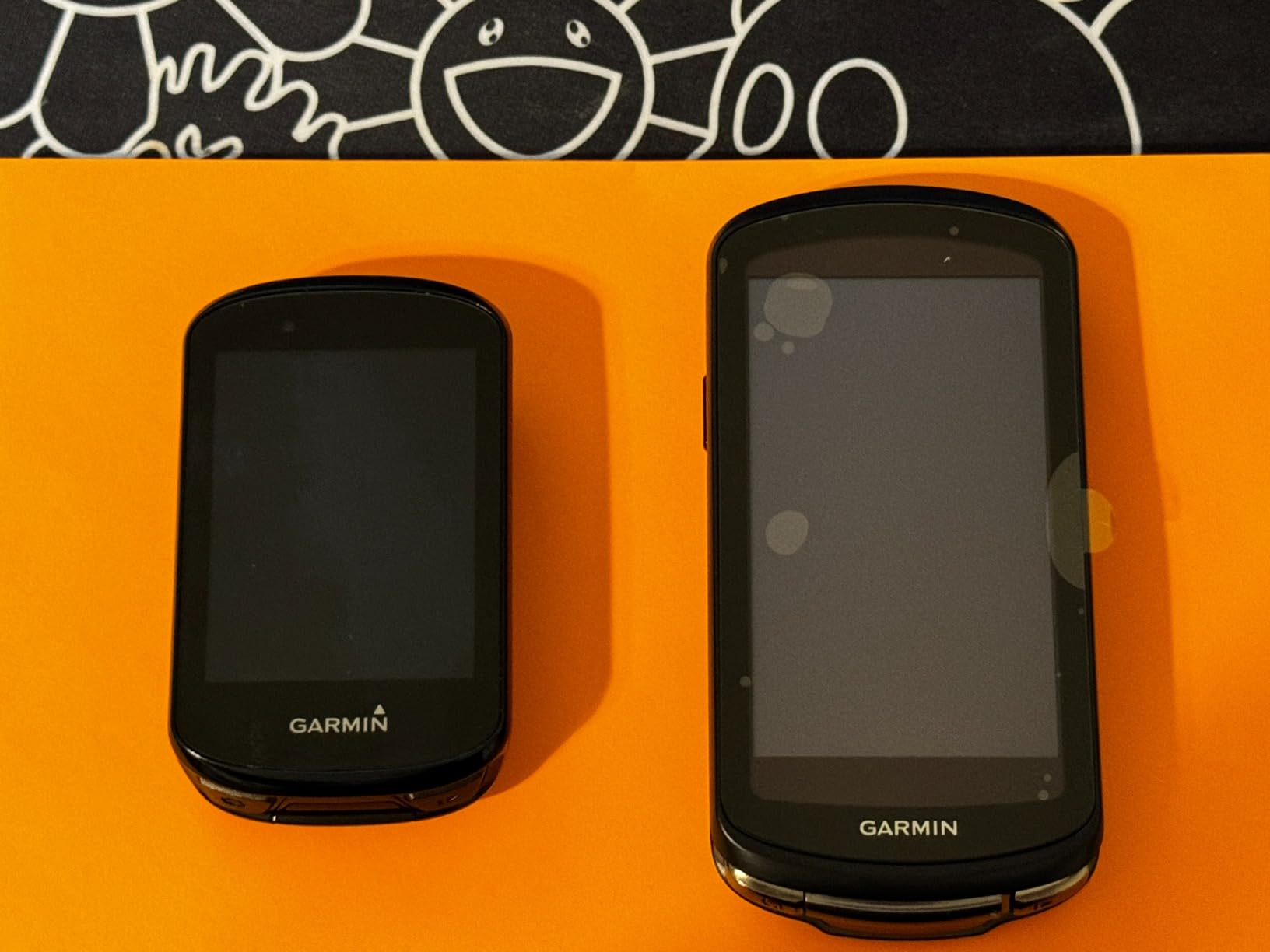
The 3.5-inch screen is the largest display among the Garmin Edge lineup, and it makes a real difference on tour. Reading map details at a glance while riding is easier, and the additional screen real estate means you can display more data fields without cluttering the view.
Multi-band GNSS delivers the same GPS accuracy as the Edge 540, which is to say excellent. On a tour through mountainous terrain with switchbacks and tree cover, the 1040 tracked my position with precision that older GPS computers simply could not match.
The stamina insights feature analyzes your fitness data and estimates how much energy you have left, which is genuinely useful on multi-day tours where pacing matters. The power guide feature helps you manage effort on long climbs by suggesting target power outputs based on the route profile.
Solar Charging Performance in Real Conditions
The solar lens works best in battery saver mode, where the screen is dimmer and power draw is lower. In standard mode with full brightness and active navigation, the solar contribution is more modest. On clear days, I saw the battery percentage hold steady or even increase during long, exposed climbs.
Cloudy and overcast days produce minimal solar gain. Riders in sunny climates like the American Southwest or Mediterranean Europe will see the most benefit. In cloudy regions, the solar lens is a nice bonus but not a primary battery strategy.
Advanced Training Tools for Touring Cyclists
ClimbPro automatically detects climbs on your route and displays grade, distance remaining, and elevation gain. This is invaluable for touring in mountainous regions where knowing what is ahead helps you pace your effort. The feature works without a preloaded course, using topographic data to identify climbs in real time.
The training load and recovery monitoring tools are aimed more at performance cyclists than tourers, but they provide useful data on how your body is handling consecutive riding days. For long tours, this feedback can help you avoid overtraining and plan rest days strategically.
5. Hammerhead Karoo GPS Bike Computer – Best Display and Mapping Experience
Hammerhead Karoo Bike Computer Wireless GPS ANT+/BLE/GPS/GNSS
3.2 inch touchscreen
64GB storage
Multi-band GNSS
Free global maps
Surface-specific routing
Pros
- Large vibrant smartphone-like display
- 64GB storage for extensive maps
- Fast processor and responsive touchscreen
- Multi-band GPS accuracy
- Free global maps included
Cons
- Battery life only 15 hours
- Limited warranty
- USB only connectivity
- Shorter battery than competitors
The Hammerhead Karoo has the best display of any bike computer I have used, period. The 3.2-inch touchscreen feels like a smartphone, with vibrant colors, deep contrast, and the kind of responsiveness that makes panning and zooming maps effortless. If you prioritize screen quality for navigation, this is the device.
With 64GB of internal storage, the Karoo can hold detailed maps for multiple continents. Free global maps come preloaded, which means no additional purchases for map regions. The multi-band GNSS technology provides GPS accuracy that matches the best Garmin models.
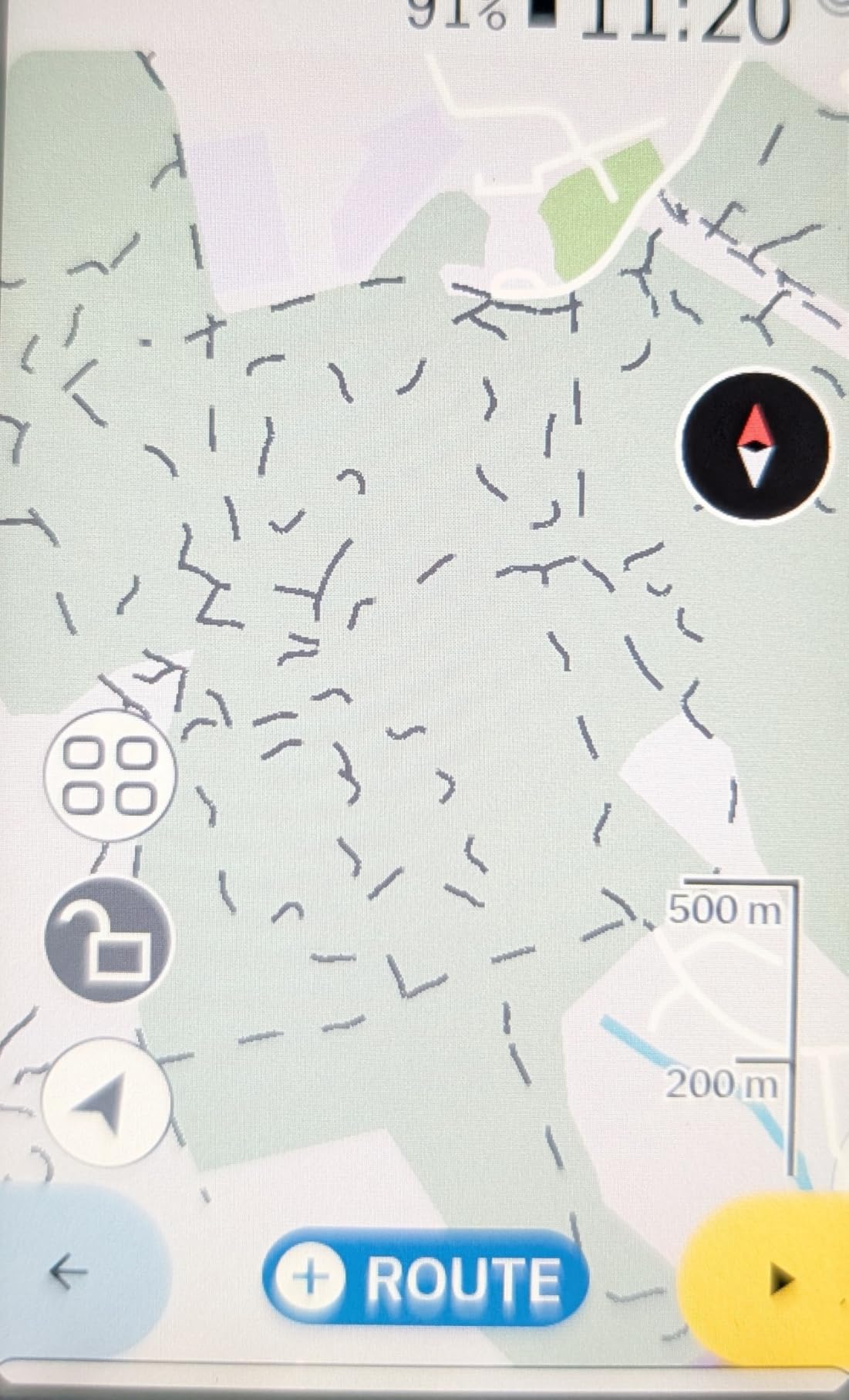
Surface-specific routing is a standout feature for touring. The Karoo can generate routes optimized for road, gravel, or mountain bike surfaces, and it does this on the device itself. This is particularly useful for bikepackers who switch between paved and unpaved sections on the same tour.
The Android-based operating system runs smoothly with 4GB of RAM, and route syncing from Strava, Ride with GPS, and Komoot is nearly instant. The catch is battery life: 15 hours is the shortest on this list, which means the Karoo requires daily charging or an external battery pack for touring.
Display Quality and Map Storage
The Karoo’s display is a transflective LCD that combines backlight brightness with sunlight reflection. It is the most readable screen in direct sun among the devices tested, with crisp text and vivid map colors. Panning maps is smooth, with no lag even when zoomed into detailed topographic layers.
The 64GB of storage means you can download topo maps for entire countries without worrying about space. For international touring, this eliminates the need to swap map regions on and off the device. Free global maps are a significant cost saving compared to Garmin’s paid map regions.
Battery Management Strategies
At 15 hours, the Karoo’s battery requires active management on tour. Screen brightness is the biggest drain, so dimming the backlight when riding in overcast conditions extends life significantly. Turning off the display between navigation cues also helps on long, straightforward route sections.
Most Karoo-touring riders carry a USB power bank and charge the device while riding. A 10,000mAh power bank can fully recharge the Karoo roughly three times, which covers most touring scenarios. It adds weight, but for riders who prioritize the Karoo’s display and mapping experience, the trade-off is worth it.
6. Wahoo ELEMNT Bolt V3 GPS Cycling Computer – Best for Set-and-Forget Touring
Wahoo ELEMNT Bolt V3 GPS Cycling/Bike Computer,Black
Turn-by-turn navigation
20-hour battery
IPX7 water resistance
LED turn cues
Automatic route sync
Pros
- Compact and aerodynamic design
- Automatic route downloads from Strava and Komoot
- Turn-by-turn navigation works well
- LED indicators useful for cues
- IPX7 water resistance
Cons
- Smaller 2.3 inch screen
- Button controls only with no touchscreen
- Battery life could be longer at 20 hours
- Some setup complexity
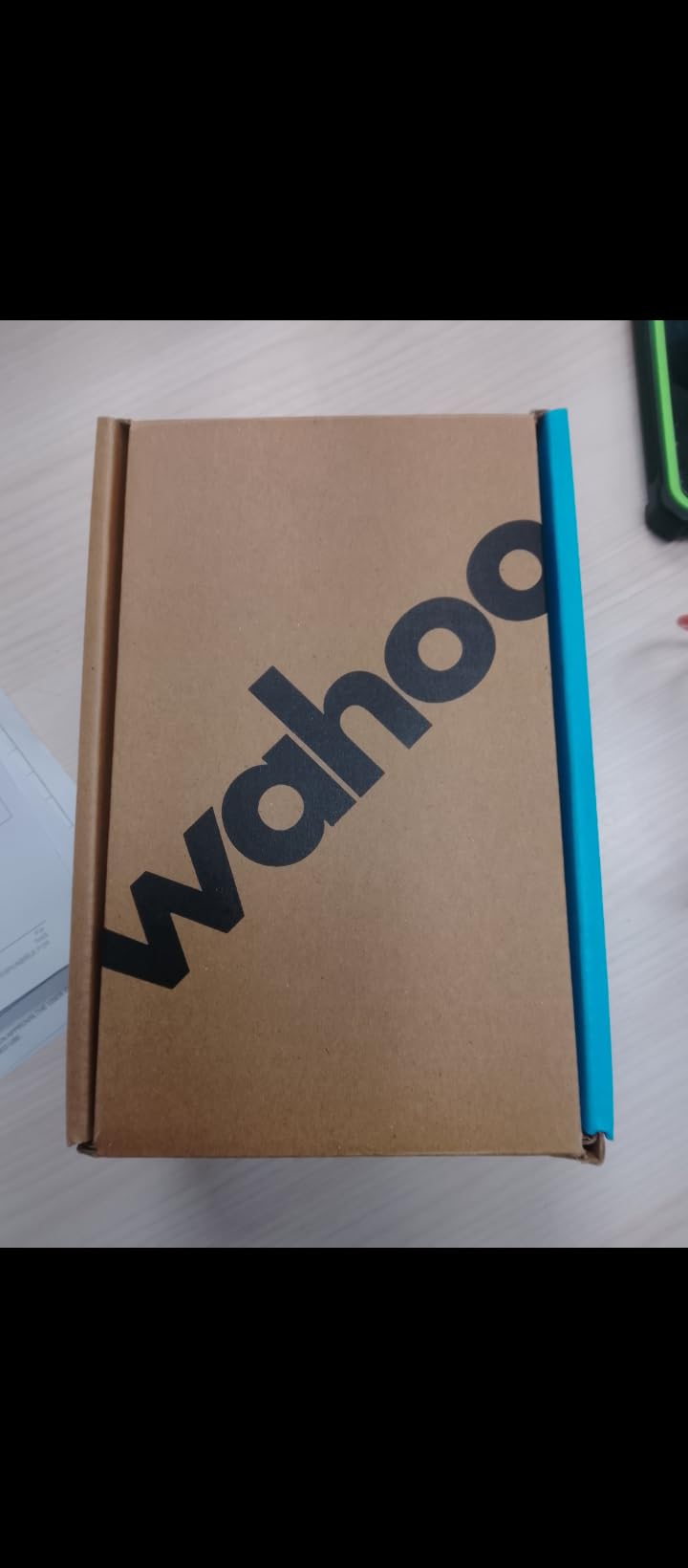
The Wahoo ELEMNT Bolt V3 is the touring computer for riders who want to set up their routes and forget about the device until the ride is over. The automatic route syncing is the best implementation I have seen: build a route in Strava, Ride with GPS, or Komoot, and it appears on the Bolt without any manual transfer.
The 2.3-inch display is on the smaller side, but the top-mounted LED indicators provide turn cues without requiring you to stare at the screen. On long touring days, these simple light cues reduce the cognitive load of navigation, especially on familiar route types.
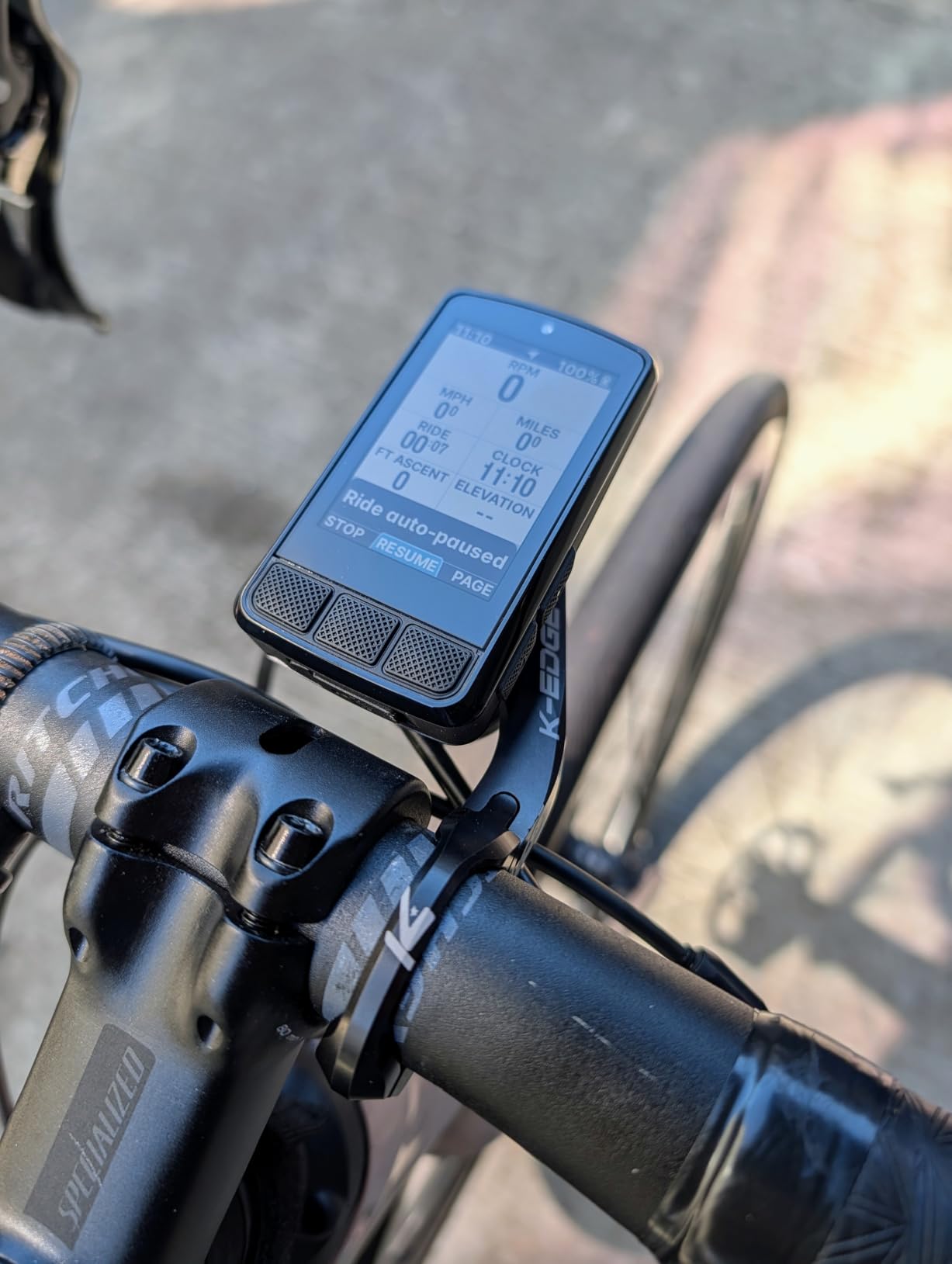
IPX7 water resistance means the Bolt survives immersion in up to one meter of water for 30 minutes. For touring, this translates to confidence in heavy rain. I have ridden the Bolt through sustained downpours with zero issues, which is not something I can say about every bike computer.
The integrated out-front mount is included, which saves you from buying a separate mount. The mount is clean, aerodynamic, and positions the screen at an ideal viewing angle. Battery life is rated at 20 hours, which covers most touring days but requires nightly charging.
Automatic Route Syncing for Touring
The Bolt V3 syncs routes automatically whenever your phone is nearby and the Wahoo app is running. For touring, this means you can adjust tomorrow’s route in your tent using your phone, and the updated course appears on the Bolt instantly. No cables, no manual uploads, no friction.
The Take Me To feature generates on-demand routes to specific addresses or points of interest. It is not as sophisticated as the Hammerhead Karoo’s surface-specific routing, but for finding the nearest bike shop or campground, it works well and has saved me on more than one tour.
Screen Size Limitations for Navigation
The 2.3-inch screen shows fewer map details than the larger displays on the Karoo or Edge 1040. At typical touring zoom levels, you see the immediate road ahead and a few turns in advance, but not the broader route context. This is fine for following a known route but less ideal for on-the-fly exploration.
If your touring style involves following pre-planned routes and you do not need to browse maps frequently, the Bolt V3 is more than adequate. Riders who want to study terrain and alternate routes mid-ride will find the screen constraining.
7. Bryton Rider S810 GPS Bike Computer – Best Value Large-Screen Option
Bryton Rider S810 3.5 Inch Color Touchscreen GPS Bike/Cycling Computer, 50H Battery Life, Offline Maps & Navigation, Advanced Climb Challenge 2.0, Live Tracking (Rider S810E (Device Only))
3.5 inch touchscreen
50-hour battery
Offline maps
Climb Challenge 2.0
ANT+ support
Pros
- Large 3.5 inch touchscreen very readable
- Excellent 50-hour battery life
- Offline maps work well
- Good smart trainer compatibility
- Strava integration seamless
Cons
- App could use improvement
- Setup can be confusing
- Some sync issues reported
- Brand recognition lower than Garmin or Wahoo
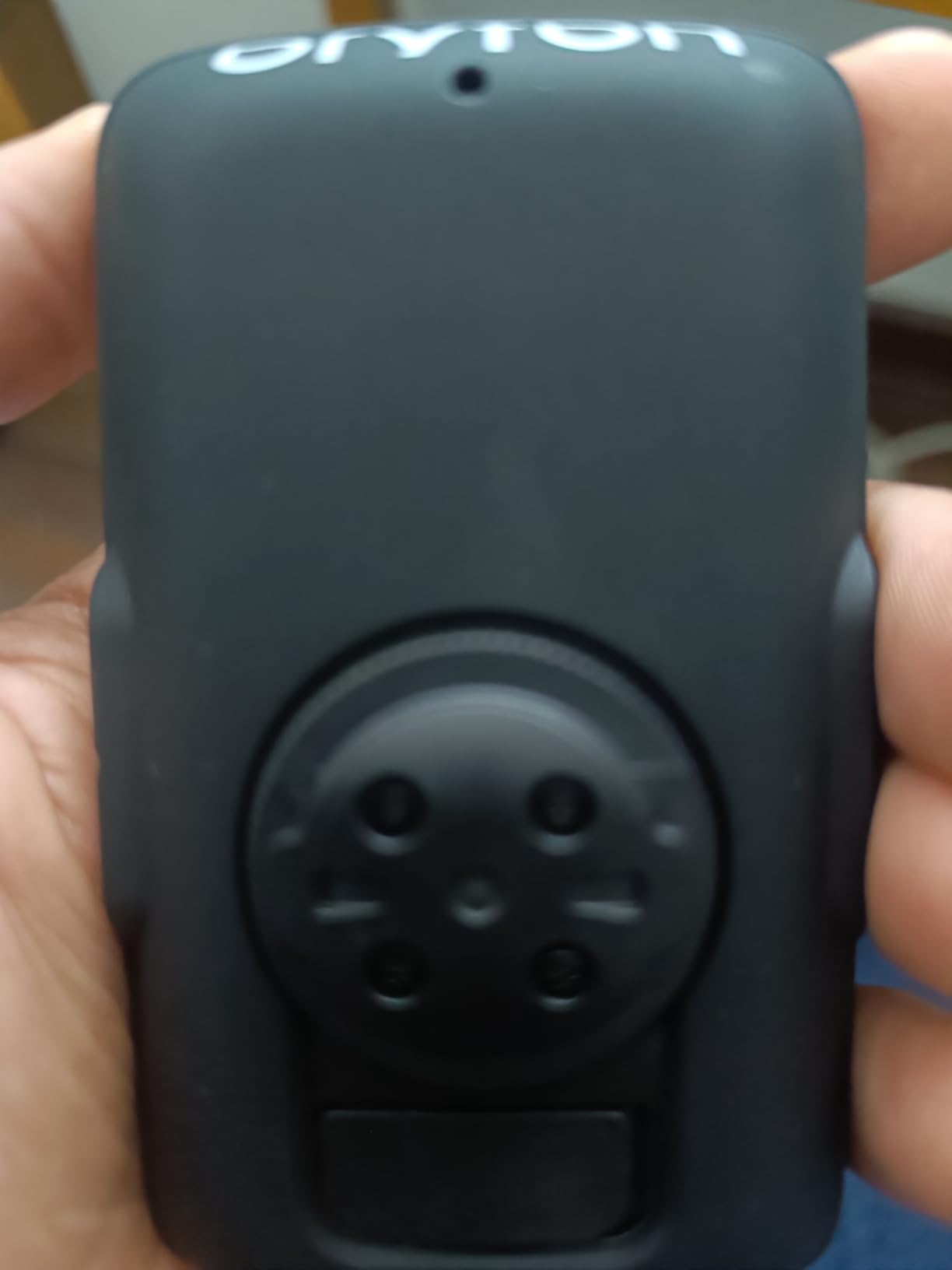
The Bryton Rider S810 is the surprise of this lineup. It offers a 3.5-inch touchscreen and 50-hour battery life at a price that undercuts comparable Garmin models significantly. For touring cyclists who want a large display and long battery without the premium price tag, the S810 is worth serious consideration.
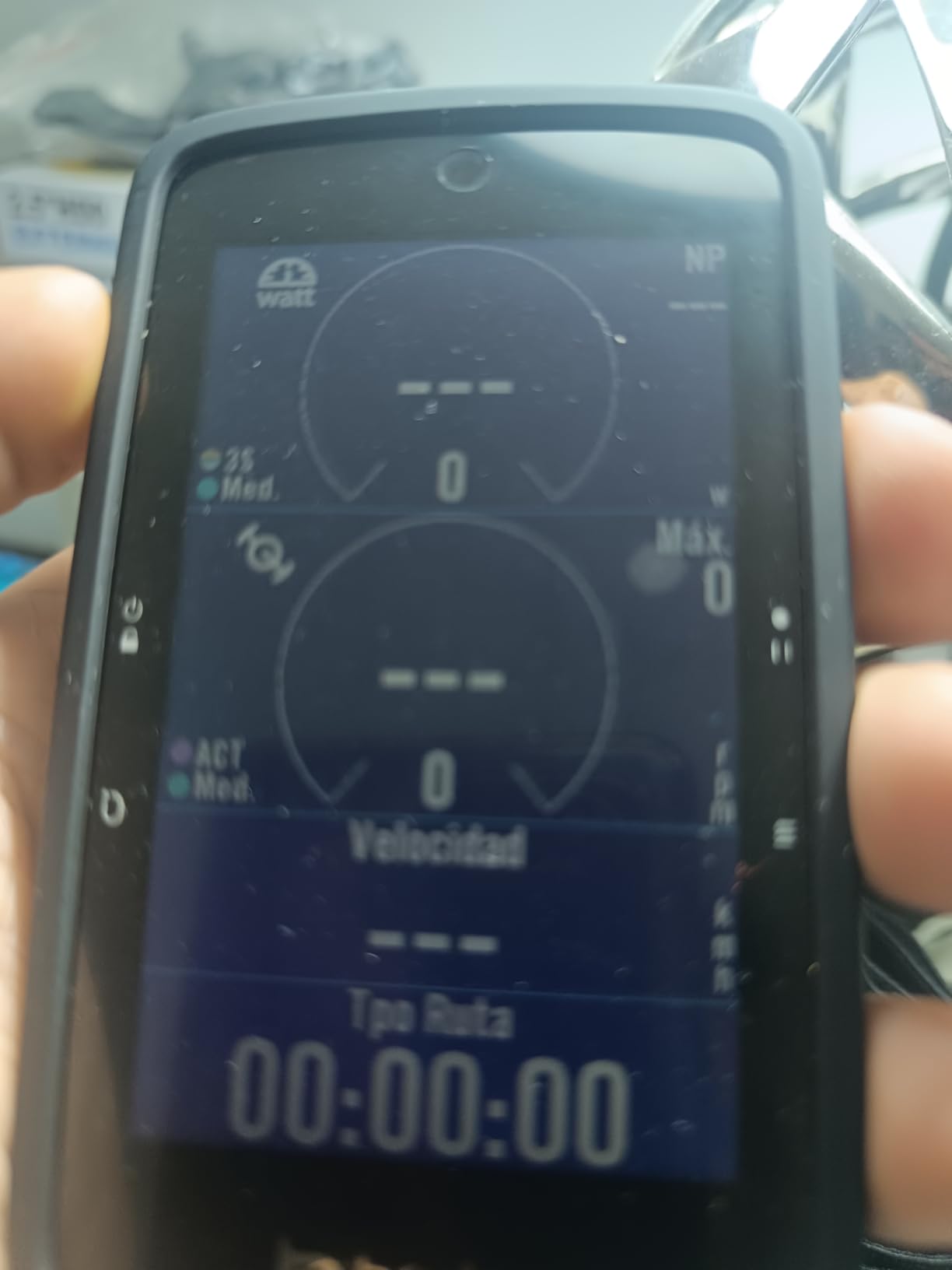
I tested the S810 on a three-day gravel tour, and the large touchscreen was immediately impressive. The adaptive light sensor adjusts brightness based on ambient conditions, which helps conserve battery during long days. Map detail is clear, and the screen responds well to touch input even with light gloves.
Offline maps are preloaded and cover worldwide regions, which is exceptional at this price point. Turn-by-turn navigation works without cell service, and the routing engine handles both road and gravel surfaces. Strava Live Segments add a competitive element if you enjoy timing yourself on familiar climbs.
The Advanced Climb Challenge 2.0 feature provides real-time climb data including gradient, distance remaining, and elevation profile. For touring in hilly or mountainous regions, this information helps you pace effort over long ascents and anticipate what is coming.
Offline Maps and Navigation Performance
The S810 ships with worldwide offline maps, which means no additional purchases regardless of where your tour takes you. Map rendering is smooth on the 3.5-inch display, and zooming into detailed topographic layers works without noticeable lag.
Turn-by-turn cues are clear and timely, with audio alerts available if you connect a Bluetooth earbud. Route recalculation when you deviate from the planned course is reasonably fast, though not as instant as the Hammerhead Karoo’s processor-driven performance.
App Experience and Brand Considerations
The Bryton Active App is functional but not as polished as Garmin Connect or the Wahoo app. Some users report sync issues when transferring large route files, and the app’s route planning tools are basic. For most touring use cases, you will plan routes in Strava or Komoot and sync them to the device.
Bryton’s lower brand recognition means fewer third-party tutorials and community resources compared to Garmin. However, the S810 supports ANT+ and Bluetooth sensors, heart rate monitors, power meters, and rear-view radar, so accessory compatibility is not an issue.
8. Wahoo ELEMNT ACE Cycling Computer – Premium Display with Aerodynamics Data
Wahoo ELEMNT ACE Cycling Computer
3.8 inch display
Pressure sensor
30-hour battery
IPX7 water resistance
Wind dynamics
Pros
- Large 3.8 inch display
- Pressure sensor for aerodynamics data
- Good 30-hour battery life
- Easy setup with Wahoo app
- IPX7 water resistance
Cons
- Premium price point
- Some features overkill for casual riders
- Learning curve for advanced metrics
- Limited customer reviews so far
The Wahoo ELEMNT ACE is the newest and most feature-packed computer in the Wahoo lineup, and it brings something genuinely new to the table: a built-in pressure sensor that tracks aerodynamic drag in real time. For performance-focused touring cyclists who care about wind resistance and efficiency, this data is unlike anything else on the market.
The 3.8-inch display is the largest screen on this list, and it provides the most map real estate of any computer reviewed here. Reading detailed route information and viewing complex data fields is effortless. The Ready-To-Ride Dashboard shows your planned route, weather, and ride stats in a clean overview screen.
Setup is handled entirely through the Wahoo app, and the process is the simplest of any computer in this guide. Scan a QR code, follow the prompts, and the ACE configures your data fields, connects to sensors, and downloads your routes automatically. It took me under 10 minutes from unboxing to first ride.
The 30-hour battery life is solid for a large-screen device, though not class-leading. The ACE supports USB charging while riding, so you can connect a power bank for multi-day tours. IPX7 water resistance provides the same rain protection as the Bolt V3.
Aerodynamics Data for Performance Touring
The pressure sensor measures air resistance and provides real-time AirBoost and AirDrag metrics. The Wahoo Wind Dynamics feature analyzes this data post-ride to show how wind affected your performance on different sections of the route. For touring cyclists riding into headwinds, this data helps explain effort versus speed discrepancies.
This feature is most valuable for riders who treat touring as a performance pursuit, tracking their aerodynamic efficiency over long days. For casual tourers focused on scenery and experience, the aerodynamics data may be interesting but not essential.
Price and Value Assessment
The ELEMNT ACE commands a premium price that puts it in the same range as the Garmin Edge 1040 Solar. The aerodynamics features are unique and genuinely useful for the right rider, but they add cost that many touring cyclists may not need.
If you are already invested in the Wahoo ecosystem and want the largest, most feature-rich display available, the ACE delivers. Riders who prioritize battery life or budget should look elsewhere in this lineup. The ACE is a specialized tool for data-driven touring cyclists.
Buying Guide: How to Choose the Best GPS Bike Computer for Touring?
Choosing the right GPS bike computer for touring comes down to understanding which features matter most for your specific riding style. After testing all eight devices in this guide, here is what I consider most important for touring cyclists.
Battery Life for Multi-Day Tours
Battery life is the single most important factor for touring. A computer that dies mid-ride leaves you navigating by paper map or smartphone, which defeats the purpose of carrying a dedicated device. Look for a minimum of 20 hours of battery life for touring, with 40-plus hours being ideal for bikepacking.
The COROS DURA Solar leads this field at 120 hours, followed by the Garmin Edge 1040 Solar at up to 100 hours in saver mode and the Bryton S810 at 50 hours. Devices with shorter battery life like the Hammerhead Karoo at 15 hours require daily charging or an external power bank.
Navigation and Mapping Capabilities
Turn-by-turn navigation is essential for touring in unfamiliar areas. All eight computers in this guide support it, but the quality of routing varies. Look for devices with preloaded or downloadable offline maps, since cell service is unreliable on many touring routes.
The Hammerhead Karoo offers the best mapping experience with its smartphone-like display and 64GB of storage. The Bryton S810 ships with worldwide offline maps at no extra cost. Garmin devices include regional maps and offer additional regions for purchase.
Screen Size and Sunlight Visibility
Larger screens display more map context and data fields, which reduces the need to zoom and pan while riding. The Wahoo ELEMNT ACE has the largest display at 3.8 inches, followed by the Garmin Edge 1040 and Bryton S810 at 3.5 inches each.
For sunlight readability, MIP displays like the COROS DURA’s perform best because they reflect ambient light. Transflective LCDs on the Hammerhead Karoo and Garmin devices also work well in bright conditions. Standard LCD screens without transflective technology can wash out in direct sun.
Connectivity: ANT+ and Bluetooth
Sensor connectivity matters if you use heart rate monitors, cadence sensors, power meters, or radar devices. ANT+ is the cycling industry standard and offers reliable, low-power connections. Bluetooth Smart is increasingly common and works well for phone integration and data transfer.
Most devices in this guide support both ANT+ and Bluetooth. The COROS DURA is Bluetooth-only, which limits compatibility with some older ANT+ sensors. The Bryton S810, Garmin models, and Wahoo models all support dual connectivity.
Is Solar Charging Worth It?
Solar charging adds real value for touring cyclists who ride in sunny conditions for multiple consecutive days. The Garmin Edge 1040 Solar and COROS DURA Solar both demonstrate that solar technology can meaningfully extend battery life on tour.
The benefit depends heavily on climate and riding conditions. In sunny regions, solar charging can add hours of ride time per day. In overcast or forested environments, the contribution is minimal. Consider your typical touring destinations when deciding whether solar is worth the price premium.
Durability and Water Resistance
Touring subjects bike computers to rain, vibration, dust, and temperature extremes. Look for devices with at least IPX7 water resistance, which protects against immersion and heavy rain. The Wahoo models and COROS DURA all carry IPX7 or IP67 ratings.
Mounting stability also matters for durability. Out-front mounts provide better vibration isolation than stem mounts. Most computers in this guide include or offer compatible out-front mounts, which keep the screen visible and reduce stress on the mount connection over rough roads.
FAQs
What is the best bike computer for bike touring?
The COROS DURA Solar is the best bike computer for bike touring thanks to its class-leading 120-hour battery life, effective solar charging, and reliable turn-by-turn navigation. For riders who prefer the Garmin ecosystem, the Edge 540 offers the best balance of price and capability.
Should I get a Garmin or Wahoo bike computer?
Garmin offers deeper training features and multi-band GPS accuracy across more models. Wahoo provides simpler setup, automatic route syncing, and a more intuitive app experience. For touring, Garmin edges ahead due to better battery life options and mapping depth, but Wahoo is preferred by riders who want a frictionless setup process.
What is the best GPS bike computer?
The best GPS bike computer overall depends on your needs. For battery life, the COROS DURA Solar leads at 120 hours. For display quality, the Hammerhead Karoo is unmatched. For value, the Garmin Edge 540 delivers flagship features at a mid-range price. For pure navigation simplicity, the Garmin Edge Explore 2 is excellent.
Is a bike computer worth it for touring?
Yes, a dedicated bike computer is worth it for touring. Unlike a smartphone, a bike computer provides reliable GPS navigation in remote areas without cell service, all-day battery life measured in tens of hours, and durability for rain and vibration. Smartphone batteries drain quickly with GPS navigation active, making them unreliable for multi-day touring.
How long does battery last on bike GPS computers?
Battery life on GPS bike computers ranges from 15 hours on the Hammerhead Karoo to 120 hours on the COROS DURA Solar. Most mid-range models like the Garmin Edge 540 and Wahoo Bolt V3 deliver 20 to 42 hours. Battery saver modes and solar charging can extend these times significantly. For multi-day touring, look for devices with at least 30 hours of rated battery life.
Final Thoughts on the Best GPS Bike Computers for Touring in 2026
After testing all eight devices, the COROS DURA Solar stands out as the best GPS bike computer for touring in 2026 because of its unmatched 120-hour battery and genuinely useful solar charging. The Garmin Edge 540 remains the best value pick for riders who want multi-band accuracy and training features without paying premium prices.
For budget-conscious tourers, the Garmin Edge Explore 2 delivers reliable navigation and safety features at an accessible price. And for riders who prioritize display quality, the Hammerhead Karoo offers a smartphone-like experience that no other computer matches. Whatever your touring style, one of these eight computers will keep you confidently on route from start to finish.