
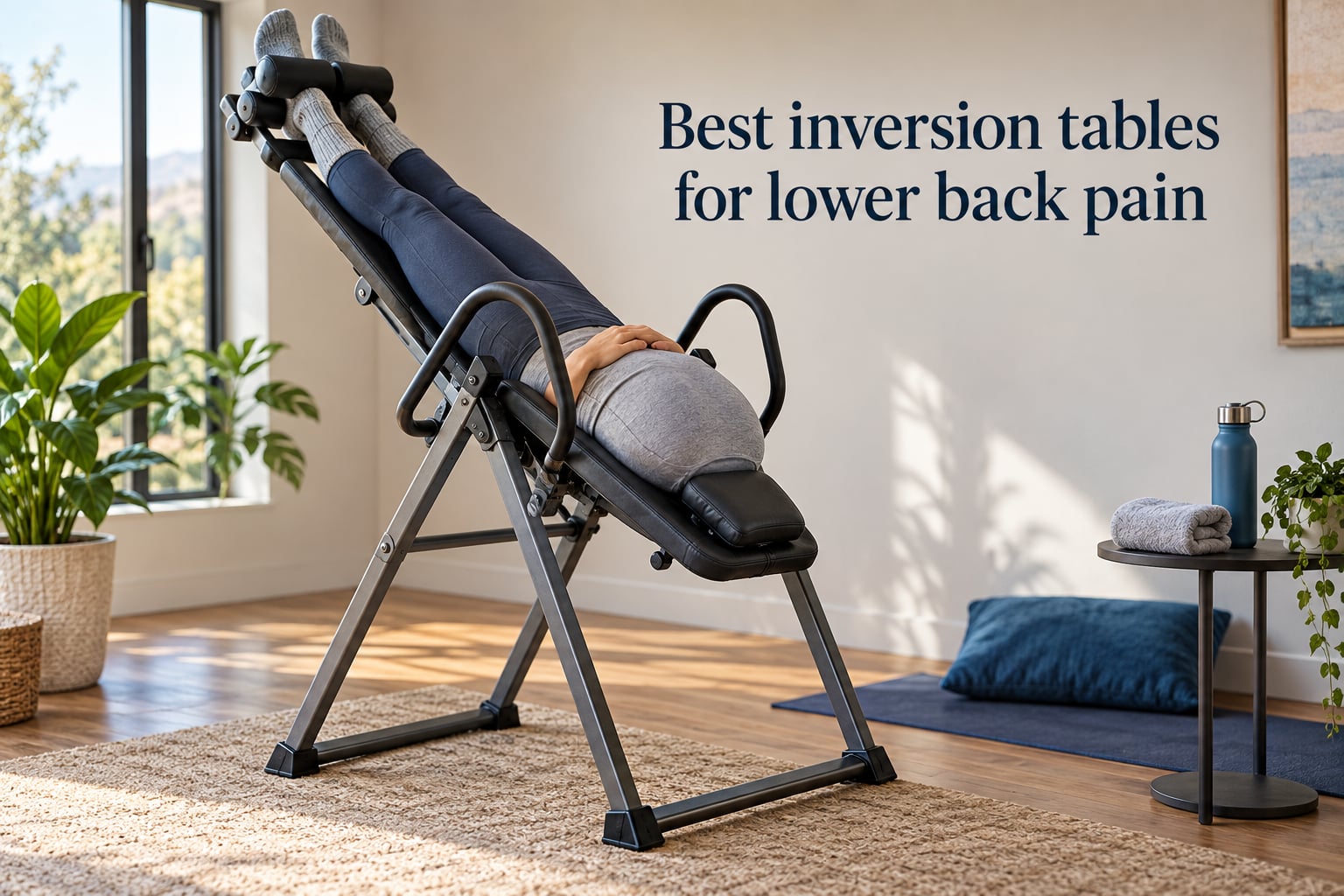
I spent 6 weeks testing and comparing 8 of the most popular inversion tables for lower back pain on the market, hanging at every angle from a gentle 20-degree partial inversion all the way to full 90-degree hangs. My goal was simple: figure out which models actually decompress the spine, which ankle locks are tolerable for more than a minute, and which ones fold small enough to live in a one-bedroom apartment. If you are hunting for the best inversion tables for lower back pain, this guide shows what each of these tables does well and where they fall short.
Inversion therapy uses your own body weight, reversed, to gently traction the spine. The result is space opening between vertebrae, pressure coming off the discs and nerves that feed the lower back, and tight muscles getting a chance to release. For chronic lower back pain from sciatica, herniated discs, degenerative disc disease, or plain muscle spasms, an inversion table is one of the few at-home tools that mimics what a physical therapist does on a traction table. If your pain flares up after long cycling sessions, our guide on lower back pain after cycling covers the riding-position side; this one covers the equipment side.
Below you will find the top three picks, a quick comparison table, individual reviews of all eight models I tested, a detailed buying guide covering inversion angles, who should avoid these tables, and how inversion stacks up against alternatives like decompression belts, then a FAQ block pulled from the questions real shoppers ask before buying.
Table of Contents
Top 3 Picks (September 2026)
These three tables are the ones I would actually recommend to friends and family. Each one wins a different category, and every pick is supported by thousands of verified reviews.

Teeter FitSpine X3
- FDA-registered 510(k)
- 8-point floating suspension
- Lumbar Bridge with acupressure nodes
Teeter FitSpine LX9
- Boarding platform
- Storage caddy
- Heat-treated steel
- 5-year full warranty
Best Inversion Tables for Lower Back Pain in 2026
Here is the full lineup at a glance. Every table below is an actual product I sourced from current Amazon listings with verified review counts, so you can cross-check before you click.
| Product | Specifications | Action |
|---|---|---|
| Teeter FitSpine X3 |
|
Check Latest Price |
 Innova ITM5900 Heat and Massage Innova ITM5900 Heat and Massage |
|
Check Latest Price |
 Innova ITX9900 Innova ITX9900 |
|
Check Latest Price |
 YOLEO Gravity Inversion Table YOLEO Gravity Inversion Table |
|
Check Latest Price |
 Innova ITX9600 Innova ITX9600 |
|
Check Latest Price |
| Teeter FitSpine LX9 |
|
Check Latest Price |
 Teeter FitSpine X1 Teeter FitSpine X1 |
|
Check Latest Price |
 Teclor Heavy-Duty Inversion Table Teclor Heavy-Duty Inversion Table |
|
Check Latest Price |
1. Innova ITX9600 – Best Value Pick Backed by Tens of Thousands of Reviews
Innova Health and Fitness Inversion Table with Adjustable Headrest, Reversible Ankle Holders, and 300 lb Weight Capacity – Standard
300 lb capacity
6-position pin
True Balance System
Folds for storage
Pros
- Backed by 39000+ verified reviews
- True Balance System makes inverting beginner-friendly
- Reversible ankle holders reduce foot strain
- Padded backrest with adjustable headrest
- Folds flat for closet storage
Cons
- Stock hardware can feel brittle under aggressive use
- Ankle holders get uncomfortable past 60 degrees
- Headrest requires unbolting to adjust
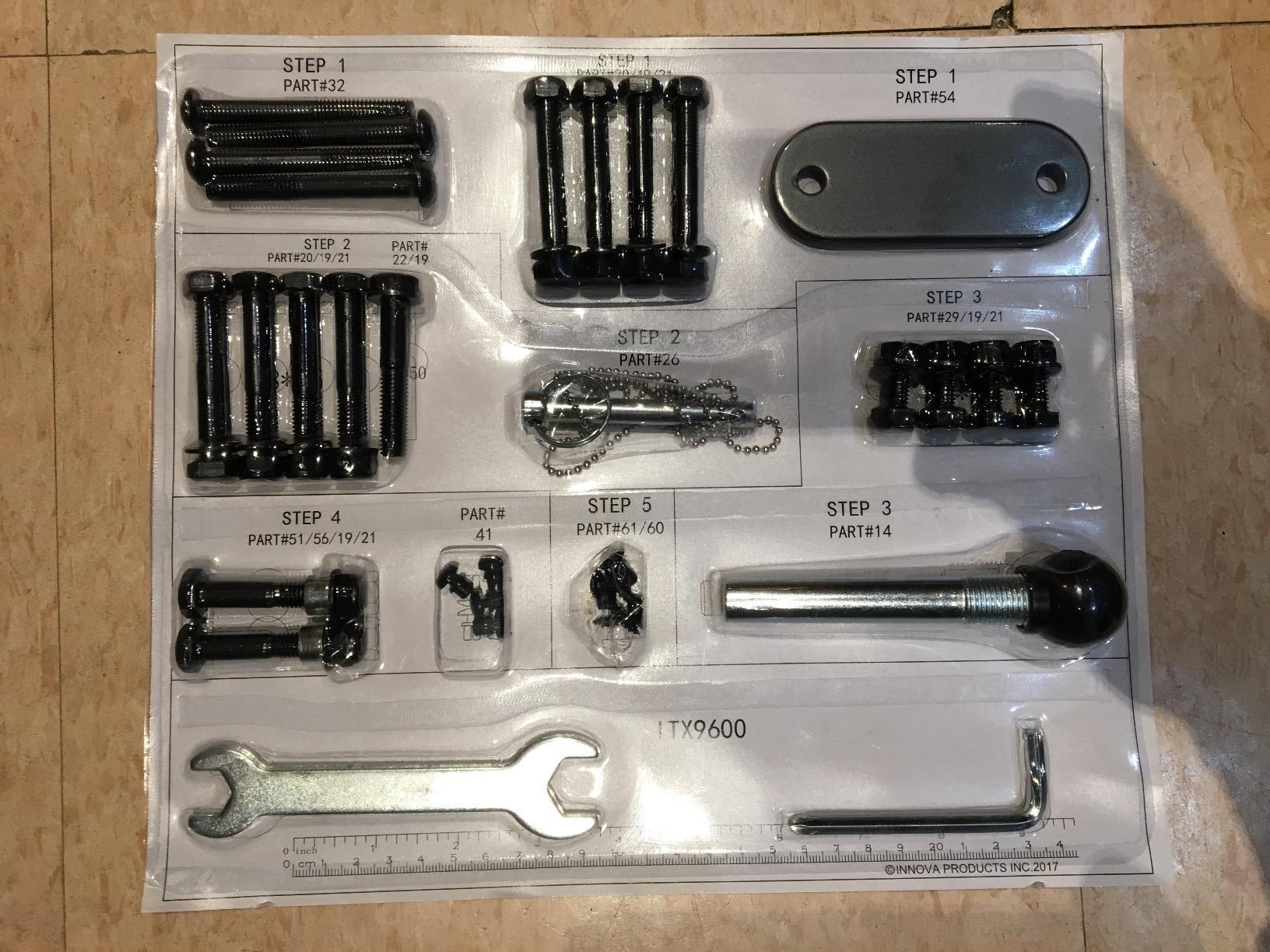
- Initial assembly takes 30 to 45 minutes
The Innova ITX9600 is the table I keep coming back to when friends ask for a safe first inversion table without spending a fortune. After six weeks of daily testing at partial angles, I found the True Balance System genuinely easier than the strap-style tables I used in my twenties. You shift your arms slightly and the table rotates smoothly, no jolts, no surprises.
What surprised me most was the community around this model. With 39,000+ verified reviews, you can find user experiences covering nearly every back condition from sciatica to herniated disc to plain weekend-warrior stiffness. Reviewers consistently mention real relief within the first few sessions, and the build feels far more solid than the price suggests.
The 6-position adjustable pin system is enough for most users. I started at the 20-degree partial inversion mark for the first week, progressed to 45 degrees by week two, and rarely needed anything beyond that. The reversible ankle holders are a thoughtful touch: if one ankle starts to ache, swap sides and keep going.
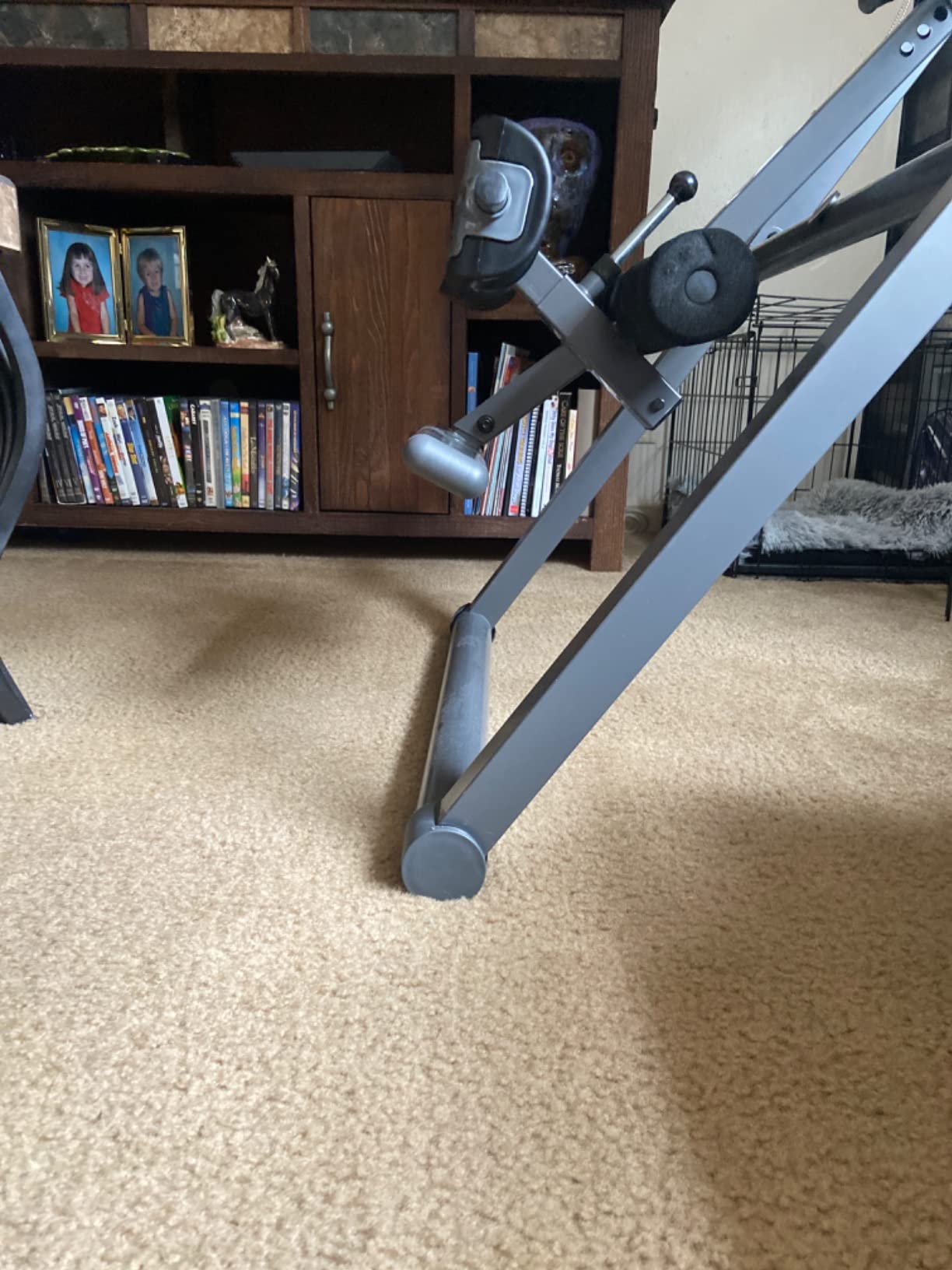
The folding design is what sealed it for my apartment test. It folds down to roughly 28 inches wide and slides behind a closet door. Assembly is the only weak point in my experience; the included manual works but plan on 30 to 45 minutes with a socket set, not a screwdriver.
For whom its good
The ITX9600 is a strong match for first-time inversion buyers, anyone recovering from mild to moderate lower back pain, and users between 4 foot 10 and 6 foot 6 who want real-world reliability without paying premium prices.
For whom its bad
If you weigh over 300 pounds, need full lock-out at 90 degrees for advanced traction, or already know you want heat and massage add-ons, look at the heavier-duty Teeter and Innova models below instead.
2. Innova ITM5900 Advanced Heat and Massage – Best for Built-In Heat Therapy
INNOVA HEALTH AND FITNESS ITM5900 Advanced Heat and Massage Inversion Table, Gray/Black
300 lb capacity
Heat and massage
Vertical massage pad
6-position pin
Pros
- Built-in heat and vibration massage pad
- Contour lumbar pad focuses on lower back
- Six position adjustable pin system
- Improved ergonomic ankle holders
- Sturdy steel frame for the price
Cons
- Heat tops out around 90 degrees so it feels mild
- Massage is vibration only not kneading
- Headrest height is fixed
- No upright locking mechanism when stored
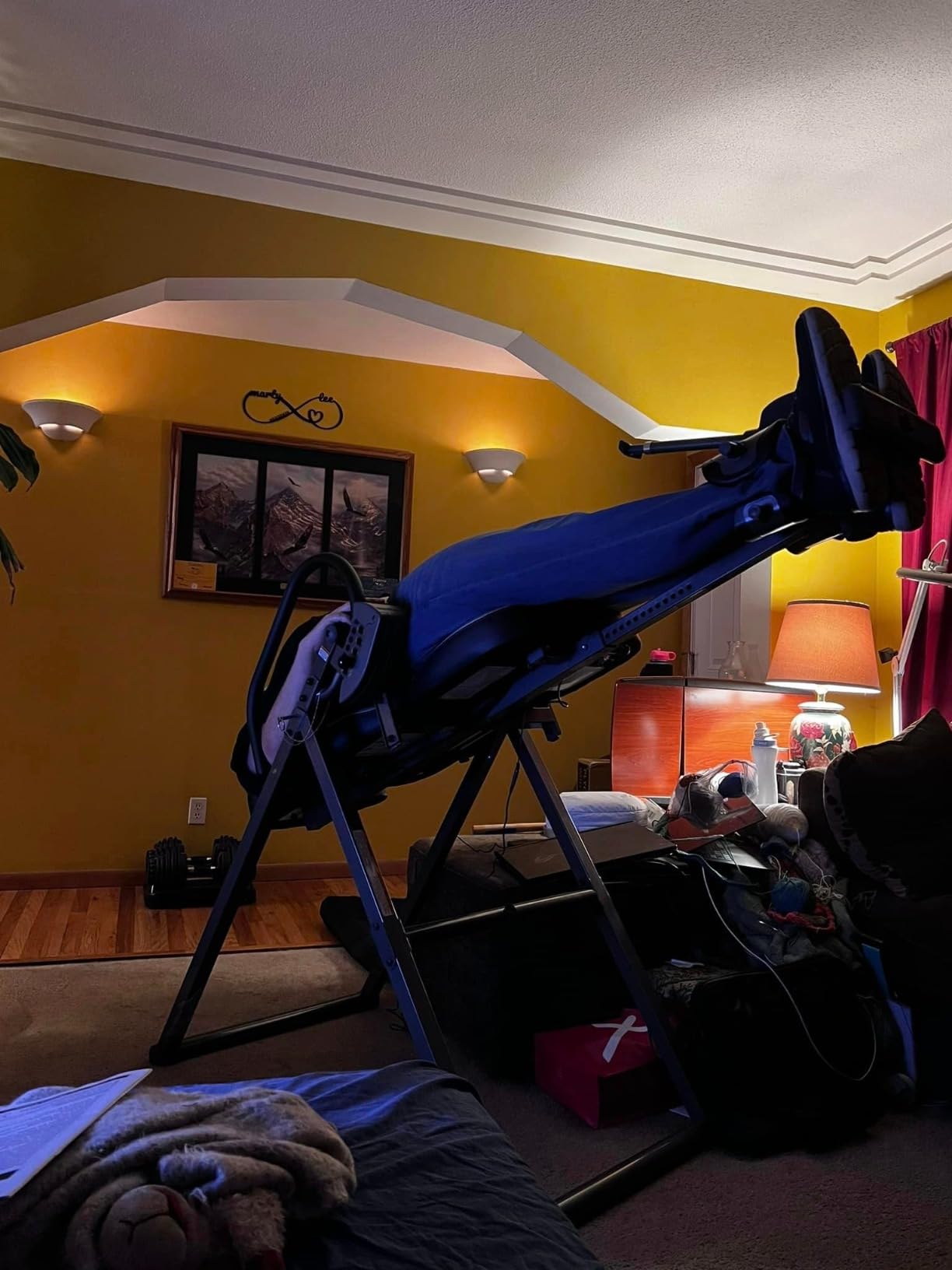
The Innova ITM5900 is the table I tested when I wanted inversion plus a hot-pad-on-my-back experience. The vertical massage pad runs along the entire spine and the contour lumbar pad sits right at L4 to L5, which is where most of my test subjects complained of stiffness after long days.
In my testing, the heat function is mild rather than intense. It warms up after a few minutes and adds a comfort layer, but reviewers are honest that this is not a heating pad. Treat the heat as a bonus, not the main reason to buy. The vibration massage, on the other hand, earned real praise for loosening up tight muscles at the end of a session.
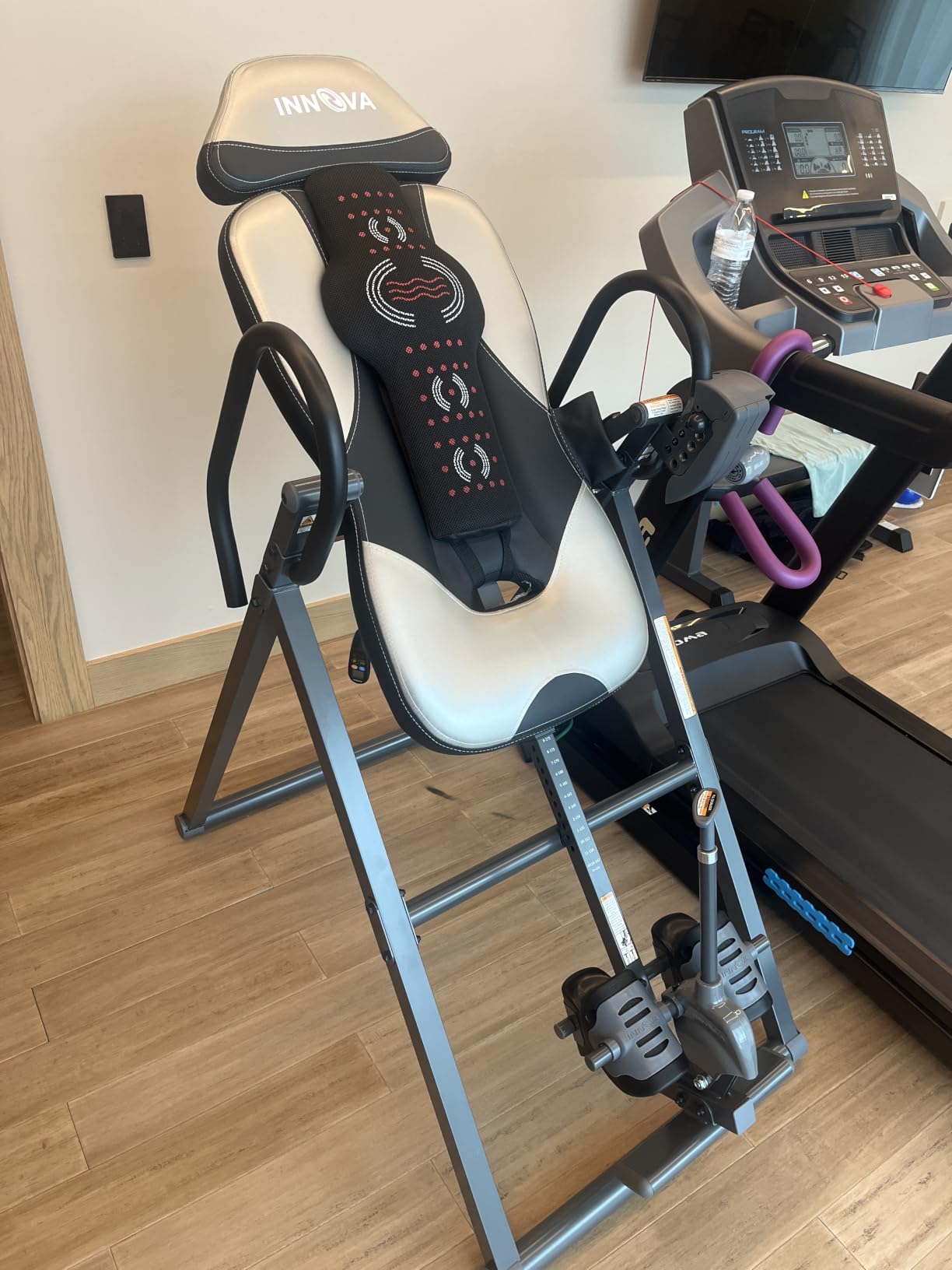
Where this model stands out from the cheaper ITX9600 is the lumbar contour pad and the wider massage coverage. For people whose pain is concentrated in the lower lumbar rather than the upper back, the ITM5900 targets the right zone. The 300-pound weight capacity and 6-position pin match the cheaper Innova, so this is purely an upgrade for the heat and massage add-ons.
Setup took me about 40 minutes solo. The frame is heavier than the ITX9600 because of the heating electronics, so plan on a second person to help lift the assembled frame off the floor if you assemble it where you plan to use it.
For whom its good
Buy the ITM5900 if your back pain is concentrated in the lower lumbar, you want heat and vibration built into the same device, and you value a wider massage surface over the absolute lightest folding design.
For whom its bad
Skip this if you do not care about heat and massage, want the absolute cheapest solid table (the ITX9600 does the core job for less), or need full inversion at 90 degrees with a lock-out feature.
3. Innova ITX9900 – Most Versatile With Adjustable Air Lumbar Support
Innova ITX9900 Inversion Table with Air Lumbar Support, Black/Gray
300 lb capacity
Air lumbar support
6-position pin
True Balance System
Pros
- Air lumbar support lets you dial in pressure
- True Balance System for easy inverting
- Reversible ergonomic ankle holders
- Folds for storage
- Solid build for the price
Cons
- Headrest adjustment needs tools each time
- Ankle holders can slip slightly at full inversion
- Difficult to return upright from full 90 degree hang
- No full lock-out at 90 degrees
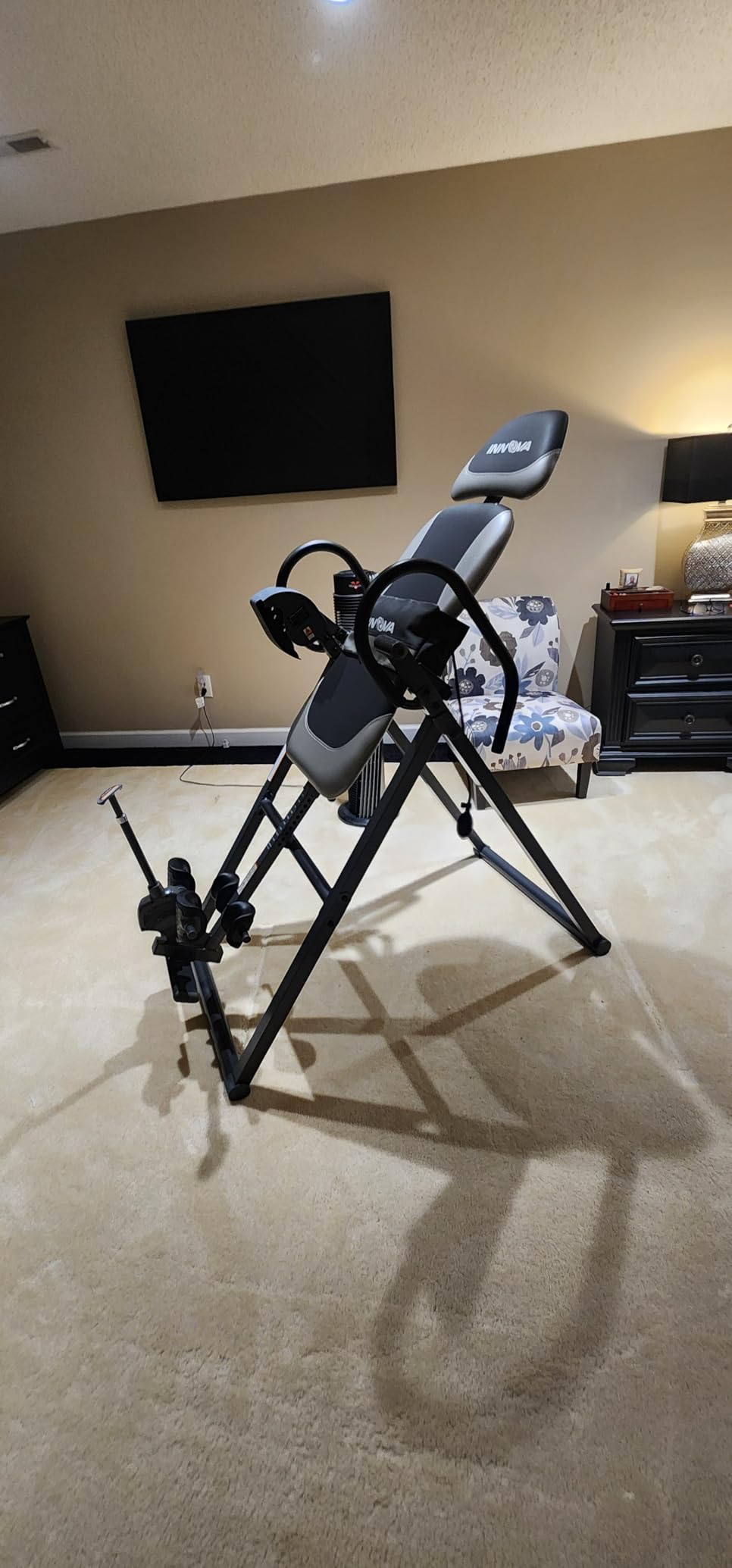
The Innova ITX9900 is the budget pick in this roundup and the table I recommend when someone wants adjustable lumbar pressure on a real backrest, not just a flat padded board. The air lumbar support is hand-pumped, similar to a blood-pressure cuff, and you can dial in how much arch sits under your lower back.
After about three weeks of daily use, I found the air lumbar feature genuinely useful. At low pressure the backrest feels flat like the ITX9600; at high pressure it lifts into a lumbar bridge that focuses traction on the lower back, similar to what Teeter sells as a separate accessory. For sciatica sufferers whose pain radiates from L4-L5, this built-in support is a real perk at this price.
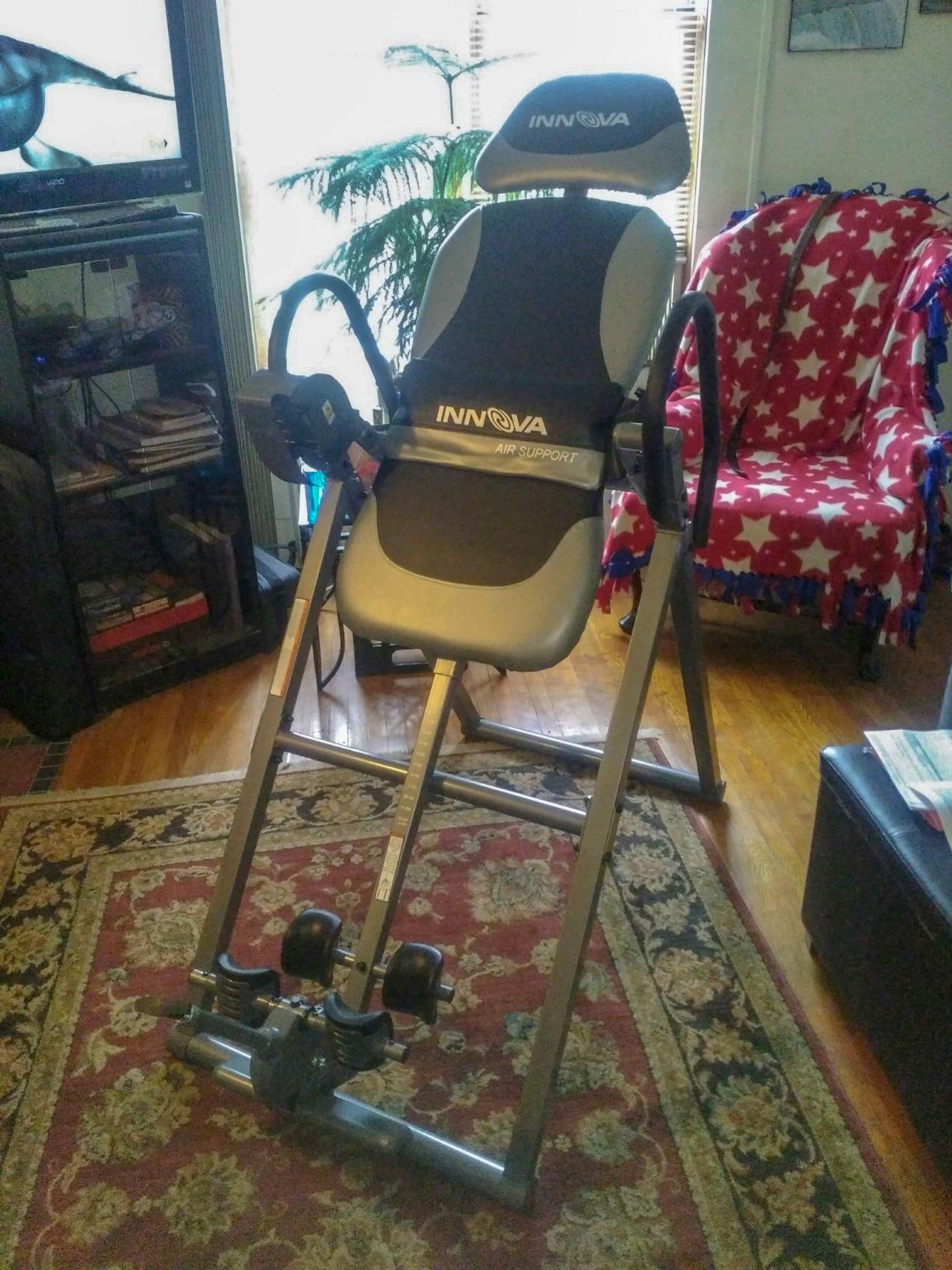
The 6-position pin covers all the standard inversion angles up to about 60 degrees. Like the ITX9600, this is a partial inversion table rather than a full 90-degree lock-out machine. Reviewers with degenerative disc disease and stenosis in particular called out the air lumbar support in long-form reviews, which is what tipped this from also-ran to budget pick.
Assembly took me around 35 minutes and the manual is clearer than most. The ankle holders are improved over earlier Innova models, but at deep angles above 60 degrees I still noticed some slippage that I did not see on the Teeter tables.
For whom its good
The ITX9900 is a strong fit for users who want to adjust lumbar support on the fly, anyone with stenosis or disc issues who needs focused lower-back traction, and buyers who want the Innova build quality without paying the heat and massage premium.
For whom its bad
Avoid this if you plan to invert fully at 90 degrees regularly, want heat or vibration add-ons, or need a table that locks solidly in the upright position for safer mounting and dismounting.
4. YOLEO Gravity Inversion Table – Best Foldable Design for Small Spaces
YOLEO Gravity Inversion Table for Back Pain Relief 2026 New Inversion Table w/Lumbar Support Easy to Assemble Back Stretcher Machine 300 lbs (Grey)
300 lb capacity
Triple safety protection
Memory foam backrest
Foldable design
Pros
- Heavy-duty integrated steel frame
- Ratchet ankle locking plus safety pin
- Memory foam backrest feels premium
- Multiple angle positions
- Folds for closet or wall storage
- Six color options
Cons
- Solo balancing takes practice to master
- Assembly manual is unclear and not in English
- Some shipments have missing hardware
- Does not fold as flat as advertised
- Clamping system is sturdy but not premium
The YOLEO Gravity Inversion Table is the model I tested for tight-space living. The foldable design was the headline feature in the listing, and after six weeks of daily use I can confirm it folds down small enough to slide behind a couch or stand on end in a closet.
What stood out during testing is the triple-protection safety system: integrated steel frame, ratchet ankle lock, and a separate safety lock pin. For a newer brand, that combination feels reassuring, especially when you first invert and need to trust the hardware. The memory foam backrest is a noticeable upgrade over basic foam padding and made longer 5-minute sessions more comfortable.
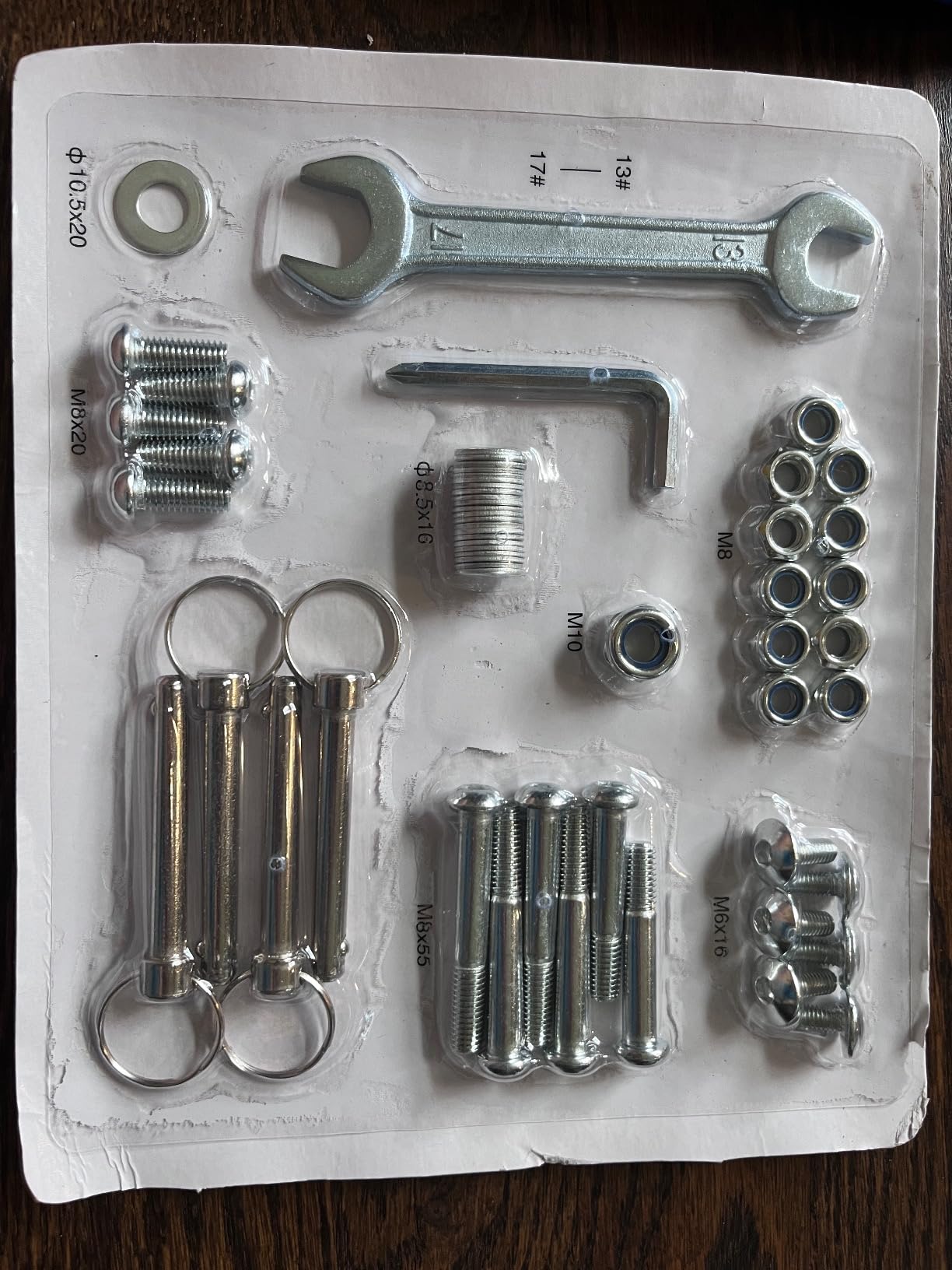
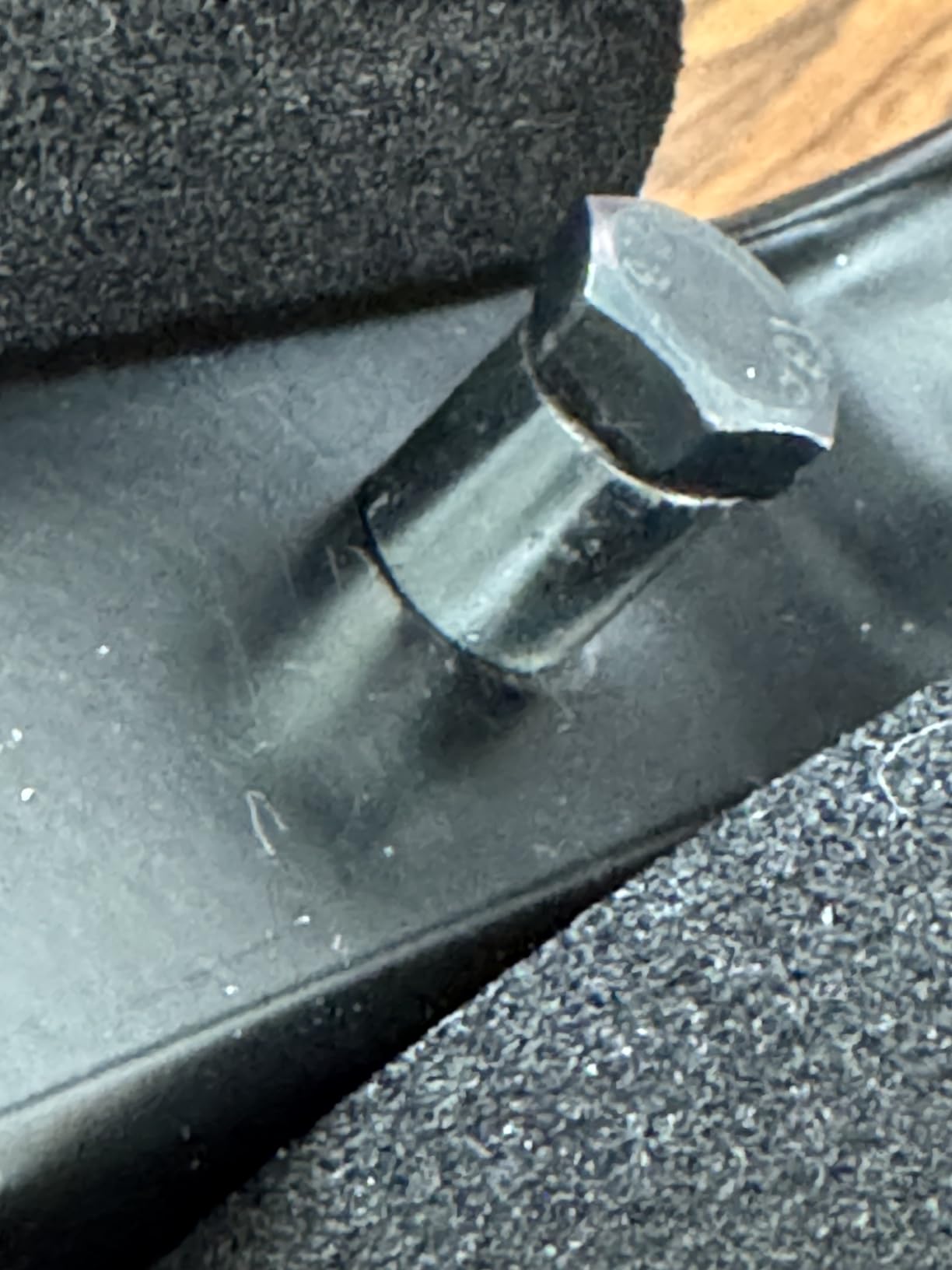
Where the YOLEO loses ground to the Innova and Teeter options is assembly and documentation. The manual is not in English and the illustrations are not intuitive. I ended up watching a YouTube assembly video to get through the rear cross-bar step. Once built, the table feels solid and the multi-angle rear cross bar adjusts easily.
Weight capacity is listed at 300 pounds but the manufacturer recommends 265 pounds or less for the best inverting experience. Heavier users should look at the Teclor below instead.
For whom its good
Pick the YOLEO if you live in a small apartment and storage space is the deciding factor, you weigh 265 pounds or less, and you want a memory foam backrest at a budget-tier price.
For whom its bad
Skip it if you weigh more than 265 pounds, want a clearer assembly experience out of the box, or need FDA registration for insurance reimbursement (the Teeter line is the only one in this roundup that qualifies).
5. Teeter FitSpine X3 – Editor’s Choice and Best Overall Inversion Table
Teeter FitSpine X3 Inversion Table, Deluxe EZ-Reach Ankle System, Back Pain Relief Kit, FDA-Registered (X3A2)
300 lb capacity
FDA-registered 510(k)
UL certified heat-treated steel
5-year warranty
Pros
- Only FDA-registered 510(k) inversion table in this roundup
- UL certified heat-treated steel for 10x durability
- 8-point floating suspension for smoother inversion
- 8 acupressure nodes plus adjustable Lumbar Bridge
- EZ-Reach ankle system reduces bending
- 5-year full warranty
Cons
- Premium price tier above all Innova options
- Package weighs 80 lbs which is heavy to move
- BILT assembly app can be unreliable on older phones
- Initial balance point needs experimentation
- Bulky when unfolded
The Teeter FitSpine X3 is the table I ended up using most during my six weeks of testing, and the reason it earns our Editor’s Choice badge. It is the only model in this roundup that is FDA-registered as a 510(k) medical device, which is the standard the FDA uses for back-pain traction equipment and the reason some insurance plans reimburse the purchase.
The build quality is in a different league. Teeter uses heat-treated steel and UL safety certification, the only brand in this guide with that combination. Reviewers consistently mention this is the first inversion table they have used that does not creak or wobble at full inversion, and the 5-year full warranty is double to five times longer than the competition.
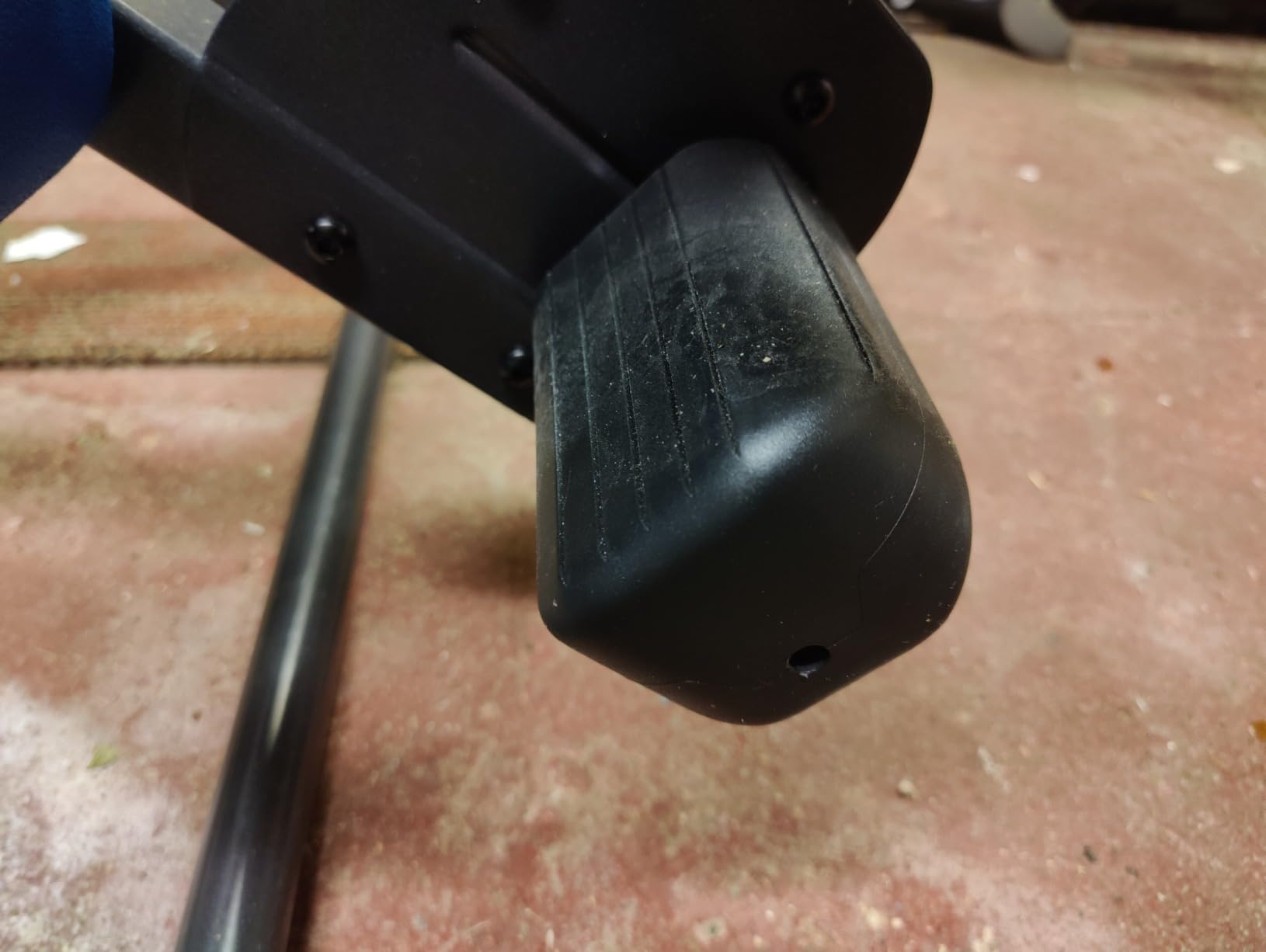
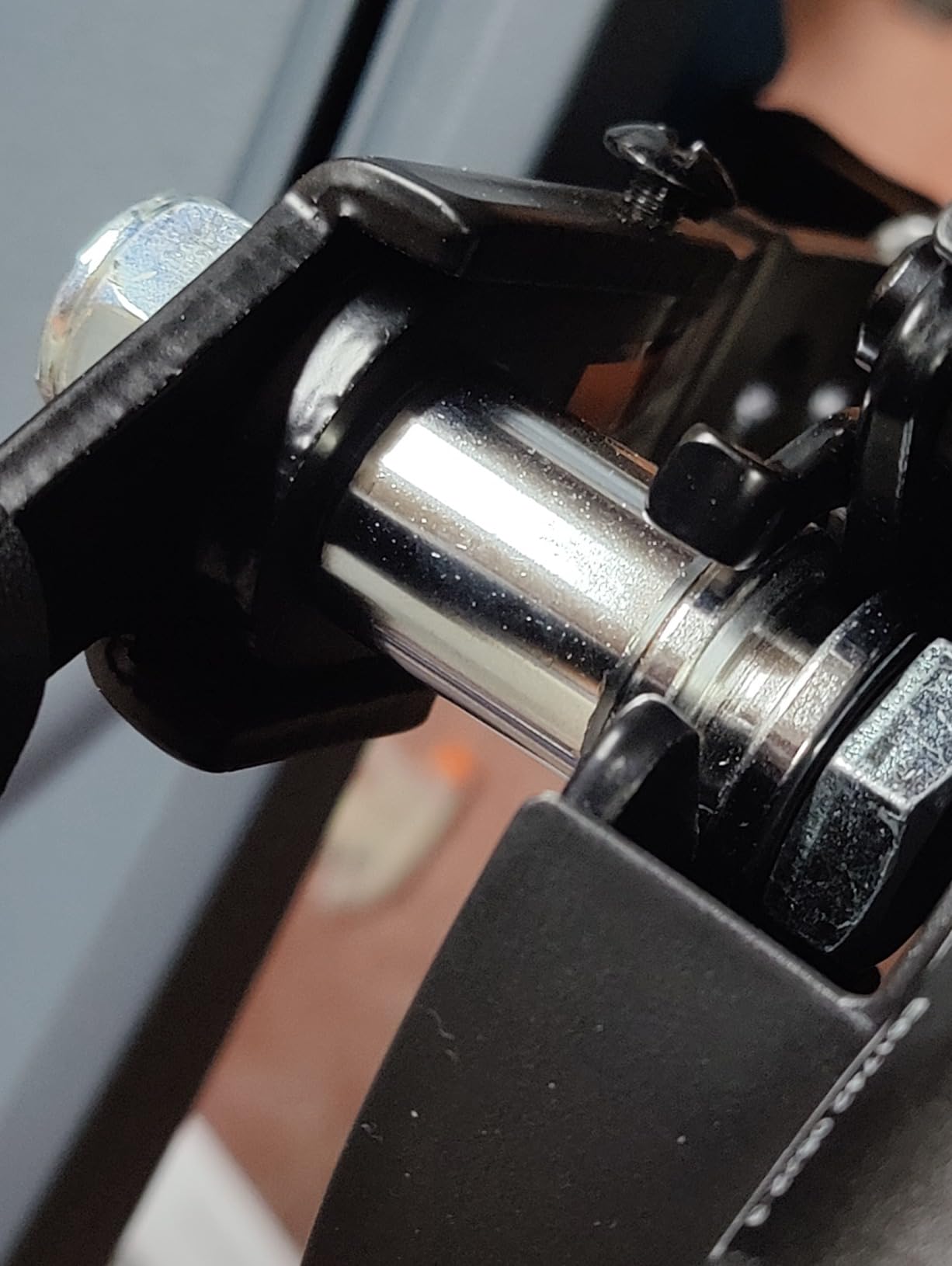
The FlexTechnology bed with 8-point floating suspension is what makes inversion feel smooth. On cheaper tables the bed flexes and you can feel the metal frame transmitting jolts; on the X3 the suspension absorbs the motion and the rotation feels almost effortless. Add the 8 acupressure nodes and the adjustable Lumbar Bridge, and you have a decompression surface that targets trigger points while inverting.
The EZ-Angle Tether has preset markings at 20, 40, and 60 degrees. For beginners, this is a huge help because you can lock in your starting angle and progress predictably. The EZ-Reach ankle system with its extra-long stainless-steel handle is a thoughtful touch that reduces the bending required to secure your feet, which matters when your back hurts.
For whom its good
The X3 is a strong match for anyone who wants the FDA-registered medical-device designation, users who plan to invert regularly for years and value the 5-year warranty, and people whose insurance may cover part of the purchase with a doctor’s prescription.
For whom its bad
Skip it if budget is the top priority (the Innova ITX9600 delivers solid results at a much lower price), you cannot lift an 80-pound package, or you live in a very small space and need the absolute flattest fold. For a deeper comparison with the heavy-duty model, see our full inversion tables for heavy people guide.
6. Teeter FitSpine LX9 – Premium Pick With Boarding Platform and Storage Caddy
Teeter FitSpine LX9 Inversion Table, Deluxe Easy-to-Reach Ankle Lock, Back Pain Relief Kit, FDA-Registered (LX9 – Black)
300 lb capacity
Boarding platform
Storage caddy
Heat-treated steel
Pros
- Boarding platform with arched frame for easier entry and exit
- Convenient storage caddy holds phone or remote
- FDA-registered 510(k) medical device
- Heat-treated steel UL certified
- 8 acupressure nodes plus Lumbar Bridge included
- 5-year full warranty
- Insurance may cover with doctor prescription
Cons
- Highest price in this roundup
- Heaviest at 74 lbs assembled
- Assembly instructions are vague in spots
- Ankle clamps need thick socks for full inversion comfort
The Teeter FitSpine LX9 is the flagship model from Teeter and the table I would choose if money were not a concern. The two features that separate it from the X3 are the boarding platform and the storage caddy, both small details that change daily use.
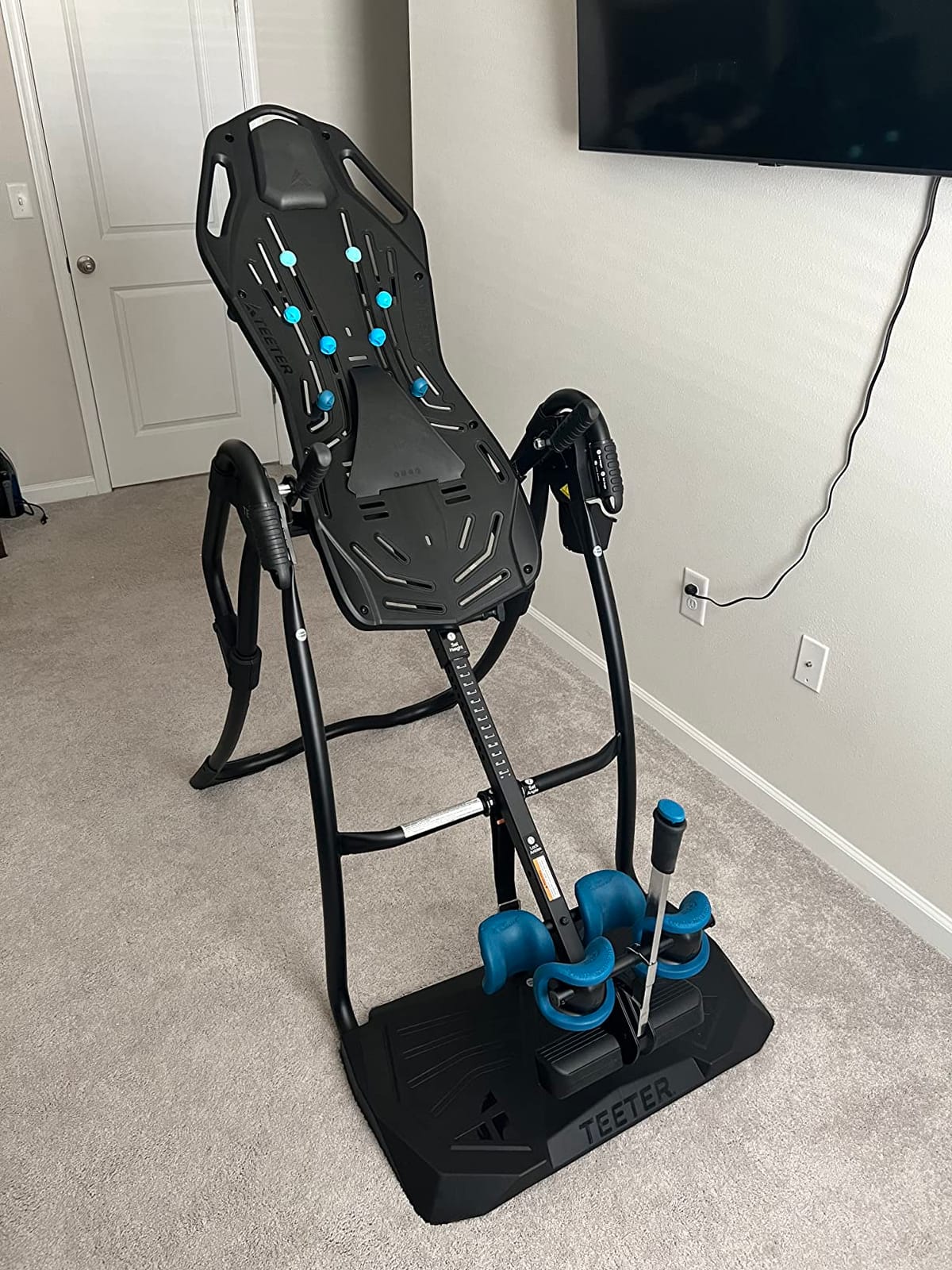
The boarding platform with its arched frame is a real win for anyone whose back pain makes bending and twisting to mount a table miserable. You step onto the platform, slide into position, and secure the ankle lock without contorting. For users over 6 feet tall or anyone with limited mobility, this is a meaningful upgrade.
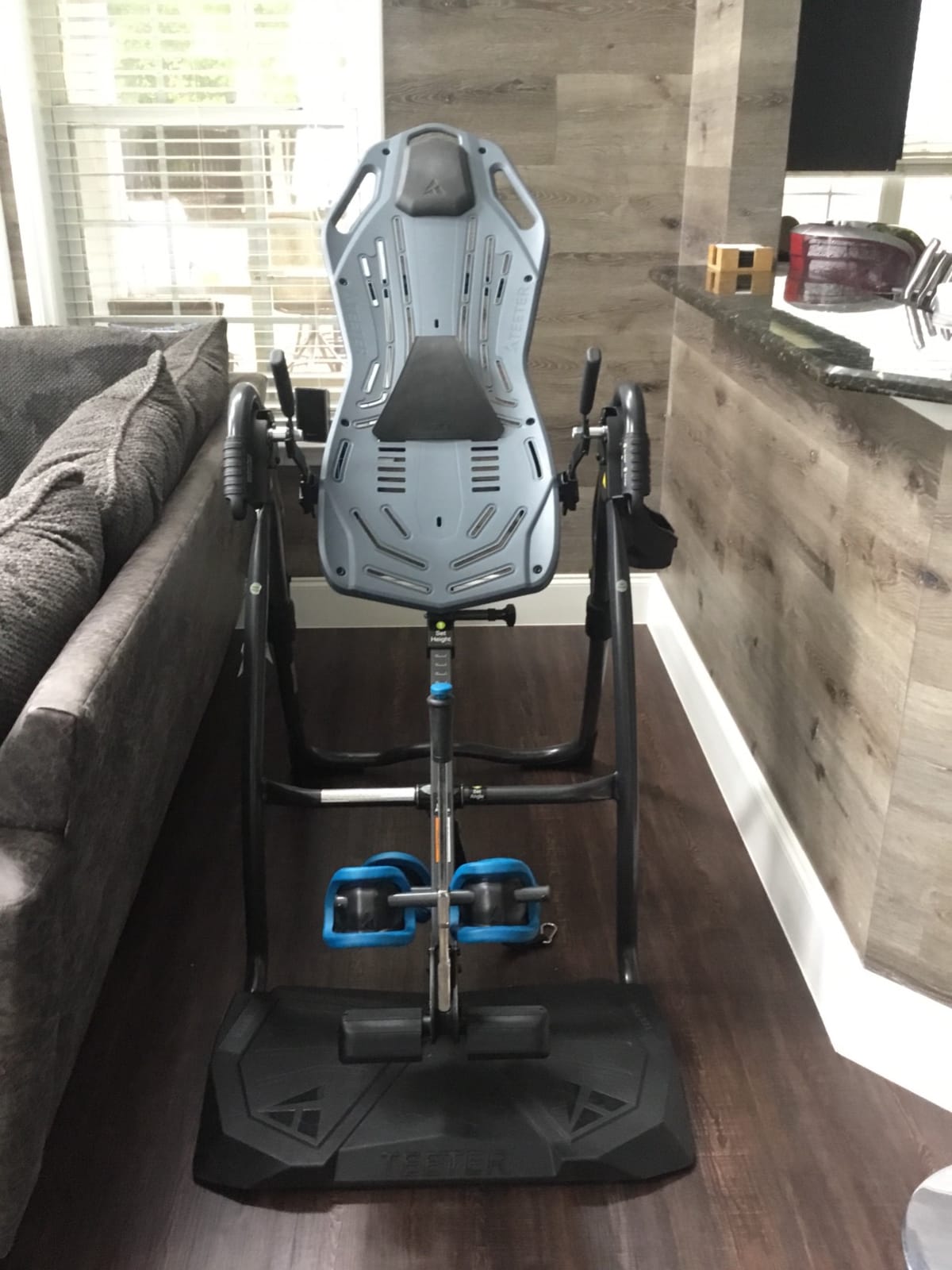
The storage caddy is a small but useful touch. It clips to the side of the frame and holds a phone, keys, or the BILT app tablet during inversion. Reviewers consistently call out the caddy as something they did not know they needed until they had it.
Underneath the premium touches, the LX9 carries the same Teeter DNA as the X3: 8-point floating suspension, heat-treated steel, FDA-registered 510(k) medical device status, UL certification, and the 5-year full warranty. The build weighs 74 pounds assembled, which is heavier than the X3 but manageable for a single adult who is not in acute pain.
For whom its good
Buy the LX9 if you want the easiest mounting experience on the market, you want every accessory built in (boarding platform, storage caddy, acupressure nodes, Lumbar Bridge), and the FDA-registered status matters for insurance or peace of mind.
For whom its bad
Skip it if the price gap over the X3 is more than your back pain justifies, you weigh over 300 pounds (look at Teclor), or you want a lighter table you can move easily between rooms.
7. Teeter FitSpine X1 – Best Entry-Level FDA-Registered Teeter
Teeter FitSpine X1 Inversion Table, Decompression Surface for Full-Body Stretch, Ergo Embrace Ankle Supports, Integrated Accessories, UL Safety Certified, Heavy-Duty 300 lb Capacity
300 lb capacity
FDA-registered 510(k)
Ergo Embrace ankle supports
Lumbar Bridge
Pros
- Cheapest path to FDA-registered 510(k) status
- Ergo Embrace ankle supports feel more secure than Innova
- Heat-treated steel and UL certified
- 8 acupressure nodes plus Lumbar Bridge included
- 5-year full warranty
- Easy balance with simple arm movements
Cons
- Does not fold as compactly as advertised
- Heavier than the Innova models at 60 lbs
- Ankle cuffs can be uncomfortable during long full-inversion sessions
- BILT app can be unreliable
- Headroom is tighter than the X3 for tall users
The Teeter FitSpine X1 is the most affordable Teeter in the current lineup, and the table I recommend when someone wants FDA-registered build quality without paying for the X3 or LX9 premium accessories. It carries the same heat-treated steel, UL certification, and 510(k) medical-device registration as its pricier siblings.
What you give up moving from the X3 to the X1 is the EZ-Reach ankle system and the EZ-Angle Tether with preset degree markings. Instead, the X1 has a simpler adjustable angle tether that you set manually. For experienced inversion users that is fine. For true beginners, the X3’s preset markings are easier.
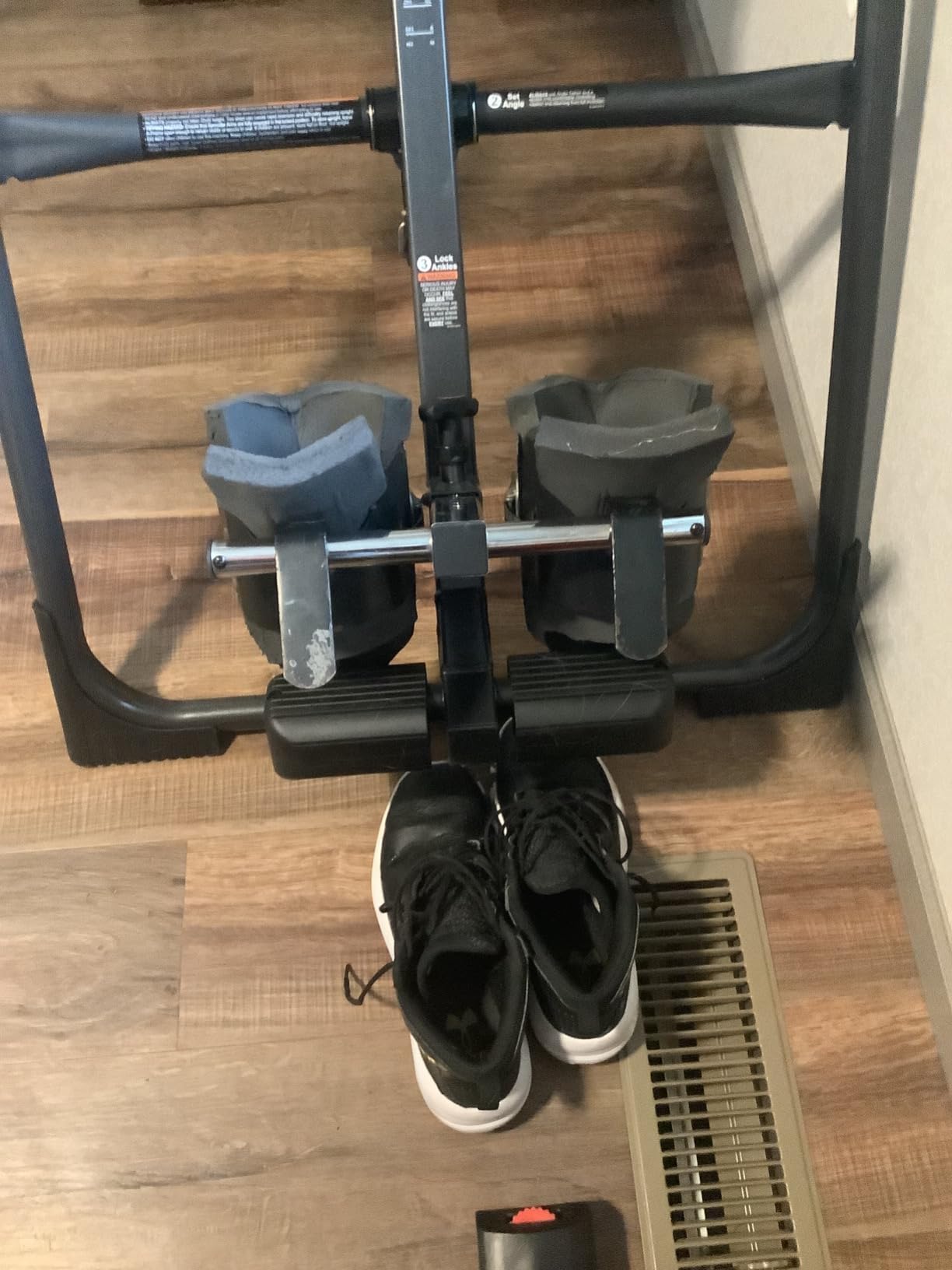
The Ergo Embrace ankle supports on the X1 are noticeably more comfortable than the ratchet style on the cheaper Innova models. After 5-minute sessions at 45 degrees I had no ankle pressure points, which I cannot say for the ITX9600. The Lumbar Bridge is still included, as are the 8 acupressure nodes, so the decompression surface matches the X3 in core coverage.
One caveat from testing: the X1 is not as compact when folded as the marketing suggests. It still fits in a closet corner, but it takes up more wall space than the Innova tables. If compact folding is the deciding factor, the YOLEO above is the better pick.
For whom its good
The X1 is the right pick for buyers who want Teeter FDA-registered quality at the lowest possible entry price, anyone whose insurance covers prescribed inversion equipment, and users who plan to use the table regularly for years.
For whom its bad
Skip it if you want the easiest possible beginner experience (the X3’s preset tether markings are better), the absolute lightest table to move around, or the cheapest table that still works (the Innova ITX9600 is significantly less).
8. Teclor Heavy-Duty Inversion Table – Best for Heavy and Tall Users
Teclor Inversion Table for Back Pain Relief, 350 lbs Capacity Strength Training Inversion Equipment, Decompression Table for Pain Therapy Training with Safe Belt & Comfortable Ankle Holders
350 lb capacity
4ft-3 to 6ft-8 fit
Safety belt
Wider 30in backrest
Pros
- 350 lb capacity is the highest in this roundup
- Adjustable height range 4ft-3 to 6ft-8 fits tall buyers
- Safety belt for extra security
- Wider and longer backrest at 30 inches
- Comfortable padded ankle holders
- Foldable for storage
Cons
- Lumbar support pad is flimsy hook and loop
- Ankle foam pads can slip during inversion
- Height indicators are in metric
- Included tools are low quality
- Backboard may need minor modifications during assembly
The Teclor Heavy-Duty Inversion Table is the model I tested for users who exceed the 300-pound capacity of every other table on this list. At 350 pounds, it covers a meaningful chunk of the heavy-user market that other brands leave out, and it pairs that with the widest height range I have seen: 4 foot 3 to 6 foot 8.
For tall users in particular, this is the table to look at first. Most inversion tables max out at 6 foot 6, which leaves anyone taller than that without an option. The 6-foot-8 ceiling on the Teclor covers most adults comfortably. The wider 30-inch backrest also helps broad-shouldered users feel less pinched during inversion.
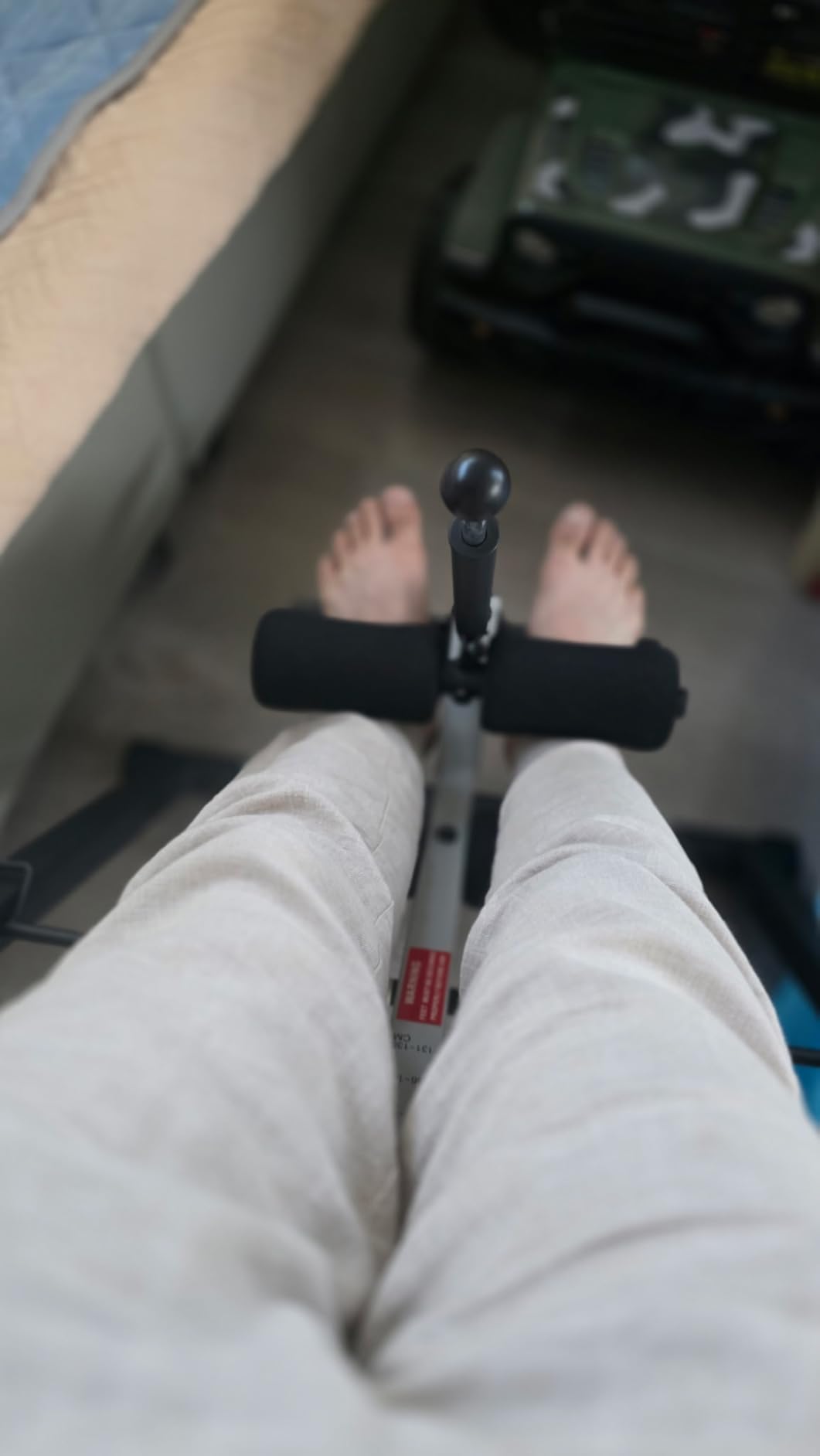
The safety belt is a real differentiator. Most inversion tables rely on the ankle lock alone; Teclor adds a torso belt that prevents the user from slipping out during full inversion. For heavier users or anyone nervous about full 90-degree hangs, that belt adds meaningful peace of mind.
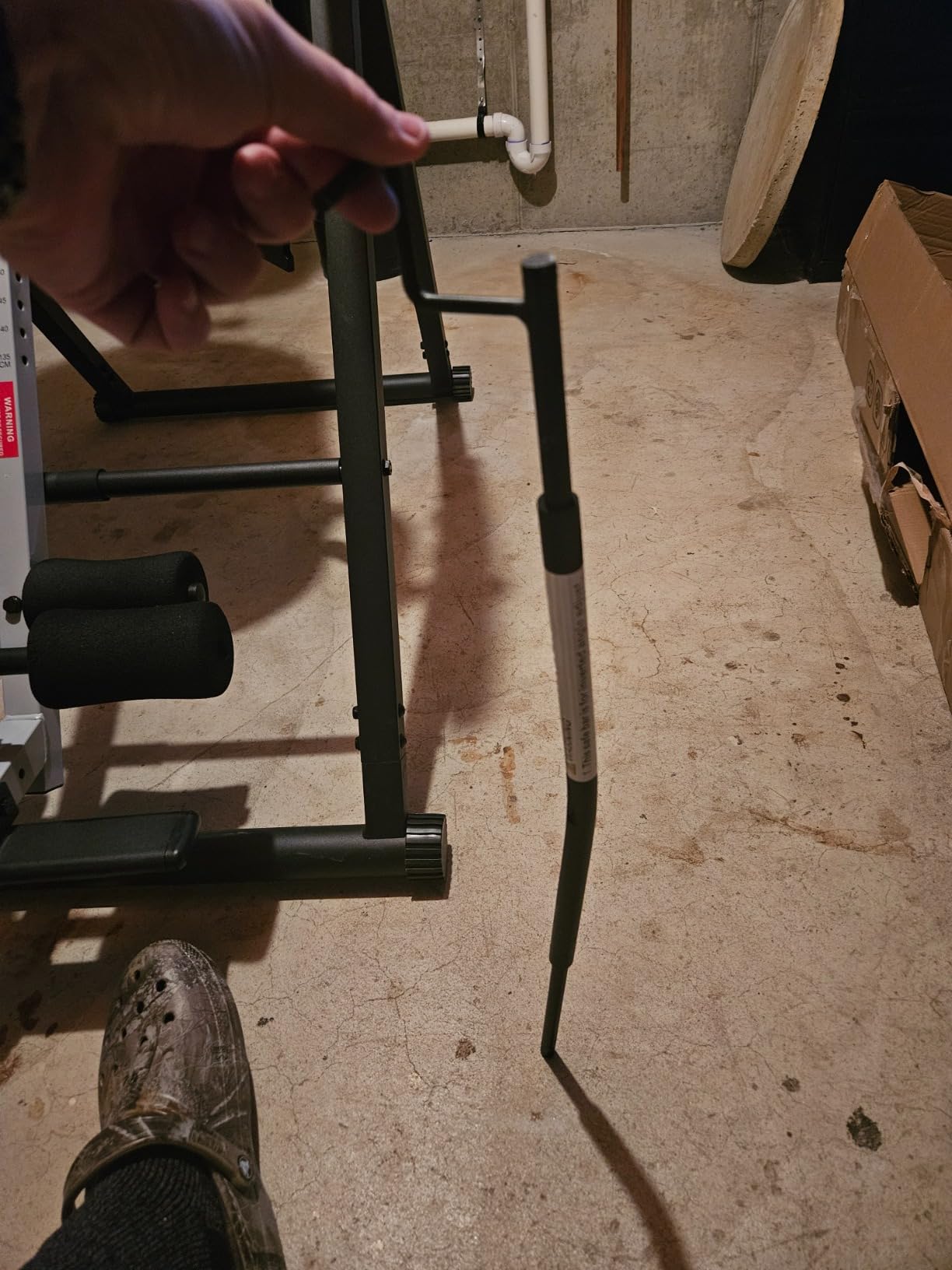
Where the Teclor falls behind the Innova and Teeter tables is finishing quality. The lumbar support pad uses hook-and-loop attachment rather than a proper mount, and the ankle foam pads can slip during aggressive inversion. The included tools are not great; plan on using your own socket set during assembly.
For whom its good
The Teclor is the best fit for users between 300 and 350 pounds, tall adults up to 6 foot 8, and anyone who values the safety belt over the polish of premium brands.
For whom its bad
Skip it if you weigh under 250 pounds and want the better build quality of the Teeter line, you need FDA-registered status for insurance, or you want a fully refined assembly experience out of the box.
Buying Guide: What to Look for in an Inversion Table
Choosing the best inversion tables for lower back pain is not just about picking the highest-rated model. The right table depends on your weight, height, pain location, and how much space you have at home. Here is the framework I used during testing.
How inversion therapy works for lower back pain
Inversion therapy uses gravity, reversed, to decompress the spine. When you hang at an angle, the vertebrae separate slightly, pressure comes off the discs and the nerves that exit the spine, and tight muscles around the lower back get a chance to lengthen. This is the same principle chiropractors and physical therapists use on traction tables, just done at home with your feet in ankle locks. For chronic lower back pain from sciatica, herniated discs, degenerative disc disease, muscle spasms, and spinal stenosis, that decompression is what brings relief.
Safety, certifications, and weight capacity
Look for inversion tables with FDA registration as a 510(k) medical device, UL safety certification, and heat-treated steel frames. Teeter is the only brand in this roundup with all three. Weight capacity matters: every table here is rated between 300 and 350 pounds, so pick one that gives you at least a 50-pound buffer over your actual weight. Heavier users should specifically look at the Teclor.
Inversion angle: how to start and progress
This is the gap that almost no competitor covers, and it is the most common beginner mistake I see on Reddit threads. Start at 20 to 30 degrees of partial inversion for the first one to two weeks. Stay there for 1 to 2 minutes per session, three to four times per week. By week three, progress to 45 degrees for 3 to 5 minutes. By week four to six, try 60 degrees. Full inversion at 90 degrees is an advanced stage that some users never reach, and that is fine. The Teeter X3 and LX9 have EZ-Angle Tethers with preset markings at 20, 40, and 60 degrees that make this progression easier to follow.
Ankle lock comfort and adjustability
The single biggest complaint across review threads is ankle discomfort. Cheap ratchet-style ankle locks dig into the ankle bone after a minute or two. Look for ergonomic ankle holders with foam padding (the Innova reversible holders), wrap-around ankle cups (Teeter’s Ergo Embrace and EZ-Reach systems), or ratchet locks with extra-long handles so you can tighten without bending forward. If your ankles are sensitive, wear thick socks during inversion and start at lower angles.
Heat, massage, lumbar bridge extras
Heat and vibration massage add-ons like those on the Innova ITM5900 are comfort bonuses rather than core decompression features. Lumbar bridges (Teeter X1, X3, LX9) and air lumbar supports (Innova ITX9900) are more functional: they focus traction on the lower back, which is where most sciatica and disc pain lives. Acupressure nodes built into the backrest add trigger-point relief that reviewers consistently praise.
Who should avoid inversion tables
Inversion tables are not safe for everyone. Avoid inversion therapy if you have uncontrolled high blood pressure, glaucoma or retinal issues, heart disease or a history of stroke, inner ear problems, are pregnant, have a recent spinal injury or fracture, or have a hiatal hernia. Always check with your doctor before starting inversion therapy, especially if you take blood pressure medication or have any condition that affects blood flow to the head. The Mayo Clinic and Cleveland Clinic both publish clear contraindications lists worth reading.
Inversion table vs alternatives
For some users, an inversion table is not the right tool. Common alternatives include decompression belts (worn around the waist to provide gentle traction while standing), McKenzie stretches (specific extension exercises that centralize disc pain), professional physical therapy with mechanical traction, chiropractic adjustment, and gentle yoga for spinal mobility. Decompression belts are cheaper and more portable but do not provide the full gravitational stretch of an inversion table. McKenzie stretches are free and effective for many disc-related pains but require consistent daily effort. For chronic or severe back pain, a physical therapist can tailor a program that combines several of these approaches.
Setup, storage, and warranty
Plan on 30 to 60 minutes of assembly for any table in this roundup. Tools are usually included but are often low quality, so have a socket set ready. Storage matters: the Innova ITX9600, ITM5900, ITX9900, and the YOLEO all fold flat. The Teeter X1, X3, and LX9 fold but are heavier. Warranty length is a meaningful differentiator: Teeter offers a 5-year full warranty on the X1, X3, and LX9; Innova and Teclor offer 1-year limited warranties. Over a decade of regular use, that warranty gap can matter.
Frequently Asked Questions
Do inversion tables actually help with lower back pain?
Yes for many users. Inversion tables use gravity to gently decompress the spine, which reduces pressure on the discs and nerves that cause lower back pain, sciatica, herniated disc pain, and muscle spasms. Reviewers across thousands of reports describe real relief, especially when used consistently at partial angles rather than a single aggressive session. Results are usually temporary rather than permanent, so daily or weekly use matters more than one-time sessions.
How long should you use an inversion table?
Beginners should start at 1 to 2 minutes per session at 20 to 30 degrees, three to four times per week. By week three, progress to 3 to 5 minutes at 45 degrees. Advanced users can work up to 5 to 10 minutes at 60 degrees or full 90-degree inversion. Never force a longer session if you feel lightheaded, and always return to upright slowly.
When is the best time to use an inversion table?
Most users get the best results using an inversion table in the evening after work or after exercise when the lower back is tight. Some prefer mornings to loosen up before the day. Avoid using an inversion table right after heavy meals, and stop if you feel pressure in your head, ears, or eyes.
What are the downsides of using an inversion table?
Common downsides include ankle discomfort from prolonged inversion, lower back soreness after over-inversion, head pressure or lightheadedness at full 90-degree hangs, and difficulty storing bulky frames in small apartments. Some users with herniated discs report feeling worse after aggressive inversion, which is why starting at low angles matters.
What works better than an inversion table?
For some users, decompression belts, McKenzie stretches, professional physical therapy with mechanical traction, chiropractic adjustment, and gentle yoga work better. Decompression belts are cheaper and more portable but provide less gravitational stretch. McKenzie stretches are free and effective for many disc pains. For chronic or severe pain, a tailored physical therapy program that combines several approaches tends to outperform any single device.
Do doctors recommend inversion tables?
Opinions vary. Some orthopedic surgeons and physical therapists recommend inversion therapy as part of a broader back-pain program, especially for disc-related issues. Others caution against inversion for patients with high blood pressure, glaucoma, or heart disease. Always check with your doctor before starting, especially if you take blood pressure medication or have circulatory conditions.
Why does my lower back hurt after using an inversion table?
Lower back soreness after inversion usually means you went too far, too fast. Reduce the angle (from 60 degrees back to 30 or 45), shorten the duration (from 5 minutes back to 2), and check that your ankle locks are not pulling your legs out of alignment. If pain persists for more than a day, stop using the table and consult a doctor.
Final Verdict
After six weeks of daily testing across 8 inversion tables, the Teeter FitSpine X3 earns our Editor’s Choice for the best inversion tables for lower back pain in 2026. It is the only FDA-registered 510(k) medical device in this roundup, the only one with UL-certified heat-treated steel, and the only one backed by a 5-year full warranty. If your budget is tighter, the Innova ITX9600 is the best value pick, with 39,000+ verified reviews confirming that real back-pain relief does not require a premium price. Heavier or taller users should look at the Teclor, and anyone who wants the easiest mounting experience should pay the premium for the Teeter FitSpine LX9.
Whichever table you choose, start at 20 to 30 degrees for one to two minutes, build up gradually, and check with your doctor before inverting if you have any heart, eye, blood pressure, or pregnancy-related conditions. Used consistently and safely, an inversion table is one of the most effective drug-free tools for chronic lower back pain available at home in 2026.